
Docsy – Document Scanner
Scan, Organize & Print Docs
Entwickelt für iPhone, iPad
Kostenlos
- Altersfreigabe4+
- KategorieProduktivität
- EntwicklerThiem Nguyen
- SprachenEnglisch
- Größe66,3 MB
Verlinkt auf die offizielle App Store-Seite
Download.org hostet keine Datei von Docsy – Document Scanner. Die Schaltfläche öffnet die App-Seite bei App Store, wo Thiem Nguyen die App veröffentlicht. Eintrag zuletzt geprüft am 18.11.2026.
Screenshots


Info
Der Entwickler hat diesen Text nicht in Ihrer Sprache bereitgestellt.
Docsy — Simple, fast document scanning and management.
KEY FEATURES
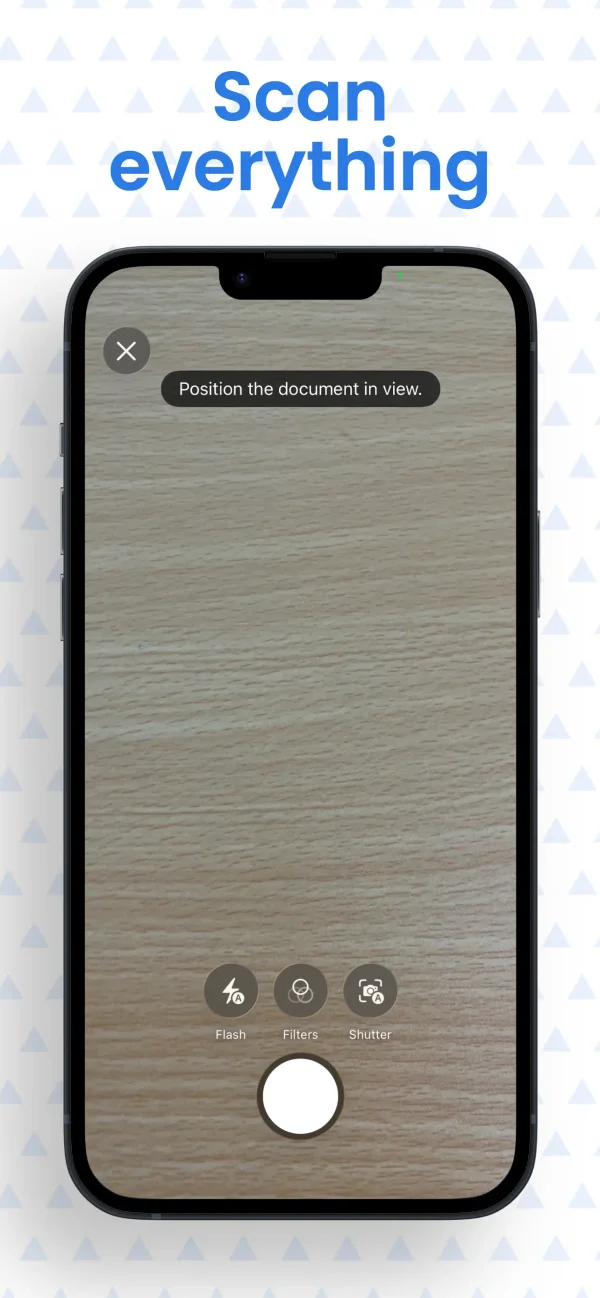
Document Scanning
• Auto-detect edges and crop documents
• Multi-page continuous scanning
• Preview and reorder before saving
Smart Organization
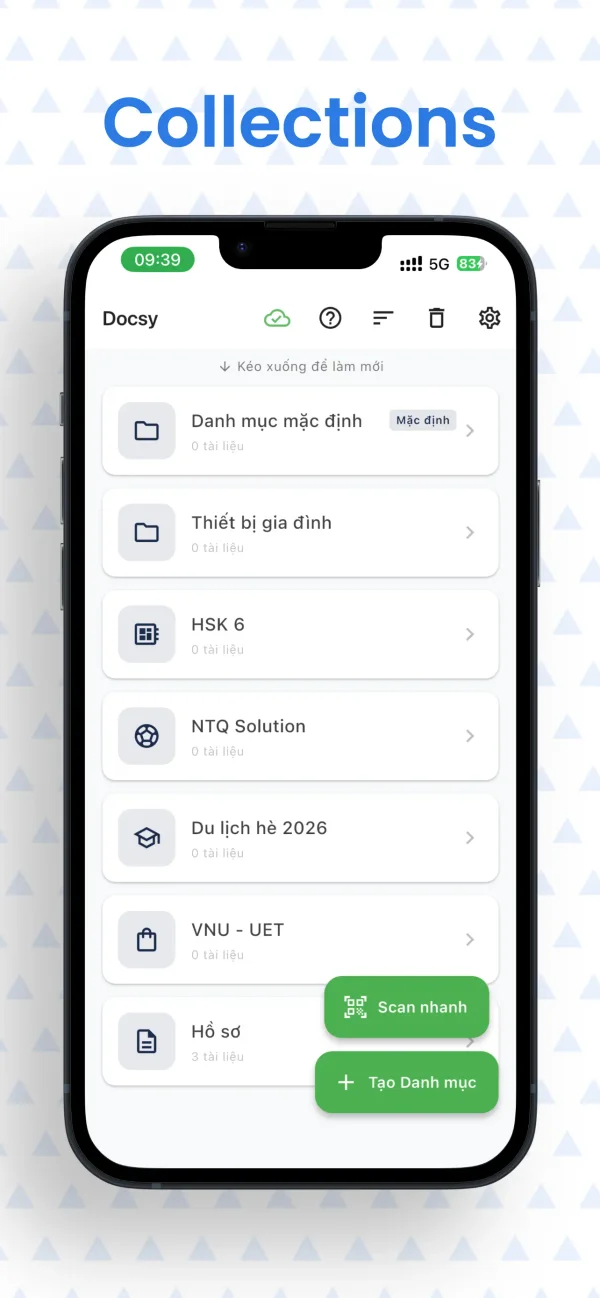
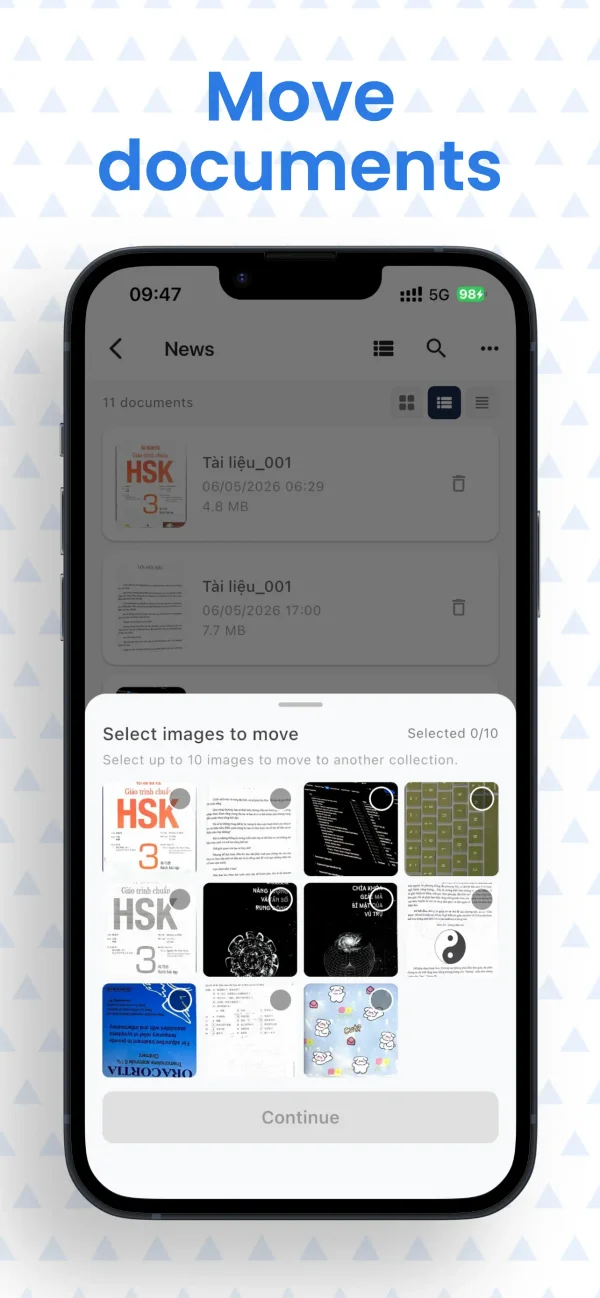
• Organize scans into Collections (like folders)
• Auto-naming with customizable Naming Patterns
• Quick search and flexible sorting
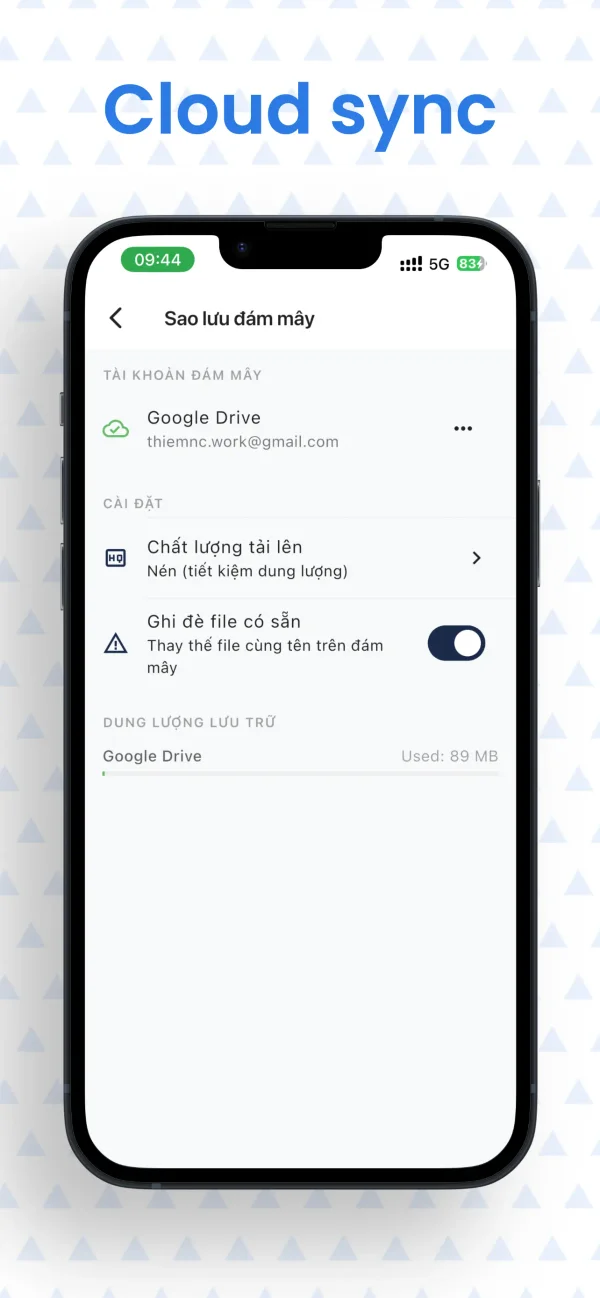
Google Drive Backup
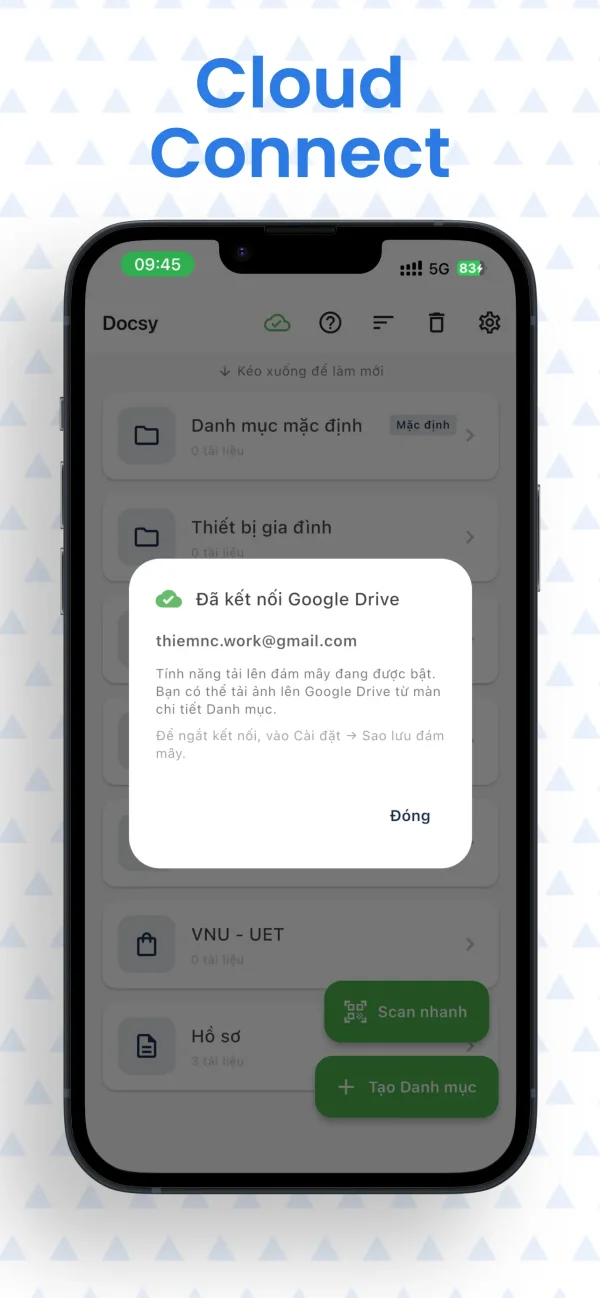
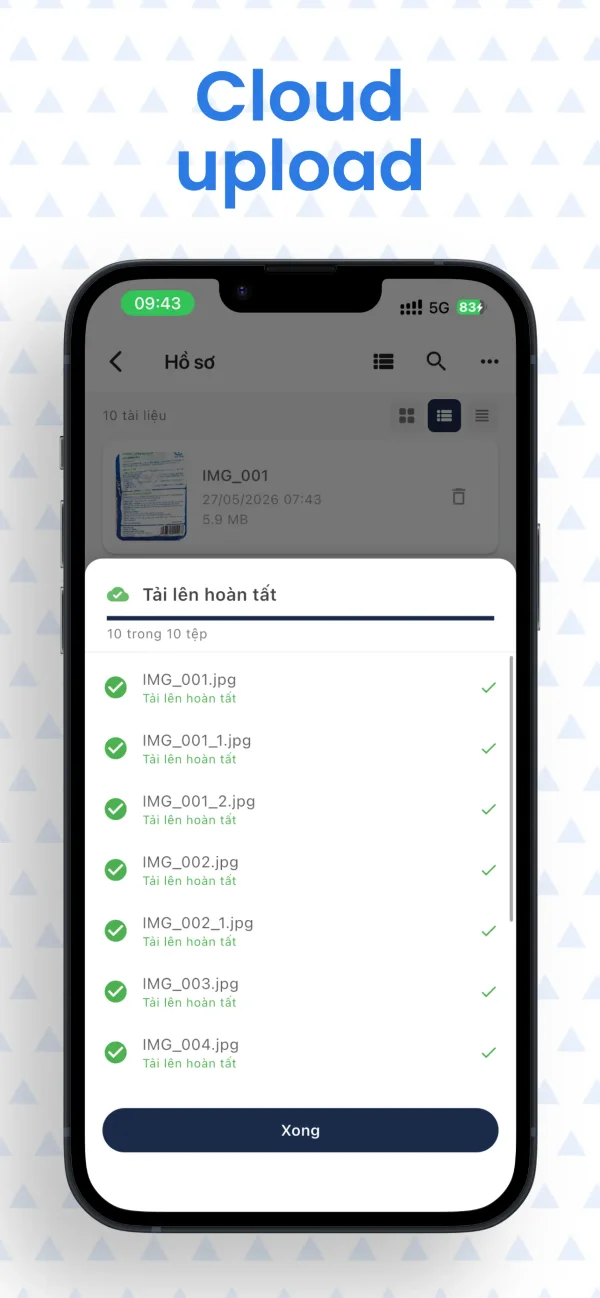
• Connect Google Drive and upload photos to the cloud
• Optional image compression for faster uploads
• Concurrent multi-file upload
Digital Signatures
• Draw and save signatures
• Insert signatures into documents
Share & Export
• Share via email, messaging apps
• Export multiple images as PDF
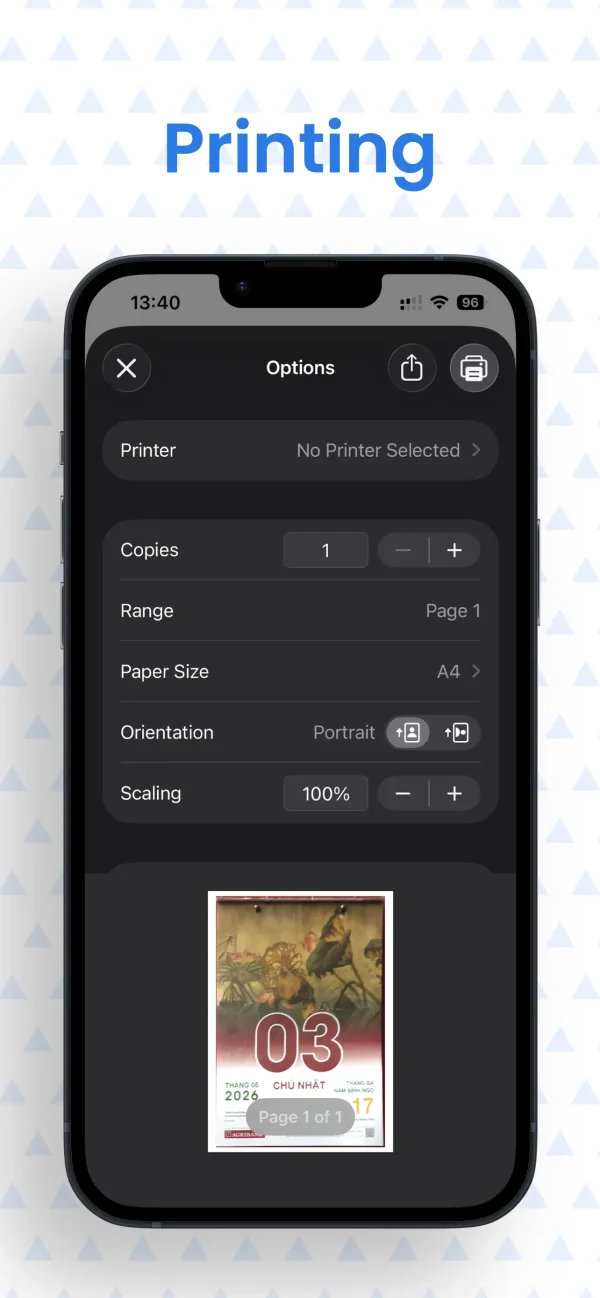
• Print directly from the app
• Save to photo library
Private & Secure
• Data stored locally on your device
• No personal data collection
• No ads, no tracking
Docsy is perfect for individuals and small teams who need to quickly scan, organize, and retrieve documents on mobile.
Neue Funktionen
Version 3.5 · 27.05.2026
New features:
• Google Drive backup — connect your Google account and upload photos to the cloud
• Optional image compression for faster uploads and storage savings
• Concurrent multi-file upload for significantly faster speed
• Google Drive connection status displayed on home screen
Bug fixes:
• Fixed database migration issue when updating from older versions
• Improved Google token handling on session loss
App-Datenschutz
Was Thiem Nguyen im App Store zum Umgang dieser App mit Daten angibt.
-
Mit Ihnen verknüpfte Daten
Können erfasst und mit Ihrer Identität verknüpft werden.
- Benutzerinhalte
Die Datenschutzpraktiken können variieren, zum Beispiel je nach den von Ihnen verwendeten Funktionen oder Ihrem Alter.
Informationen
- Anbieter
- Thiem Nguyen
- Kategorie
- Produktivität
- Version
- 3.5
- Aktualisiert
- 27.05.2026
- Veröffentlicht
- 01.05.2026
- Größe
- 66,3 MB
- Erfordert
- iOS 16.0 oder neuer
- Altersfreigabe
- 4+
- Preis
- Kostenlos
- Sprachen
- Englisch
- Copyright
- © 2026. ThiemJason
Das könnte Ihnen auch gefallen
-
 Scan Photos to PDF: DocsyProduktivität
-
 FinanyAusgaben per Chat notieren
-
 MyTinyProduktivität
-
 TroveAI: Speichern & FragenVideos, Artikel & Orte merken
-
 KeptIt: Save Links & IdeasProduktivität
-
 PDF Scanner: Scan Sign OCRProduktivität
-
 Daily Habit Tracker - HabicallProduktivität
-
 Note-ify: Notes, Lists & TasksProduktivität
-
 Studio: Creator StudioProduktivität
-
 E-NSUREProduktivität