Dot Lab - Perler beads pattern
Unleash your creativity!
Entwickelt für iPhone, iPad, iPod touch
Kostenlos · In-App-Käufe
- Altersfreigabe4+
- KategorieGrafik und Design
- Entwickler桂华 冉
- SprachenEnglisch+ 2 weitere
- Größe80,4 MB
Verlinkt auf die offizielle App Store-Seite
Download.org hostet keine Datei von Dot Lab - Perler beads pattern. Die Schaltfläche öffnet die App-Seite bei App Store, wo 桂华 冉 die App veröffentlicht. Eintrag zuletzt geprüft am 15.11.2026.
Screenshots
Info
Der Entwickler hat diesen Text nicht in Ihrer Sprache bereitgestellt.
Welcome to "Dot Lab"!
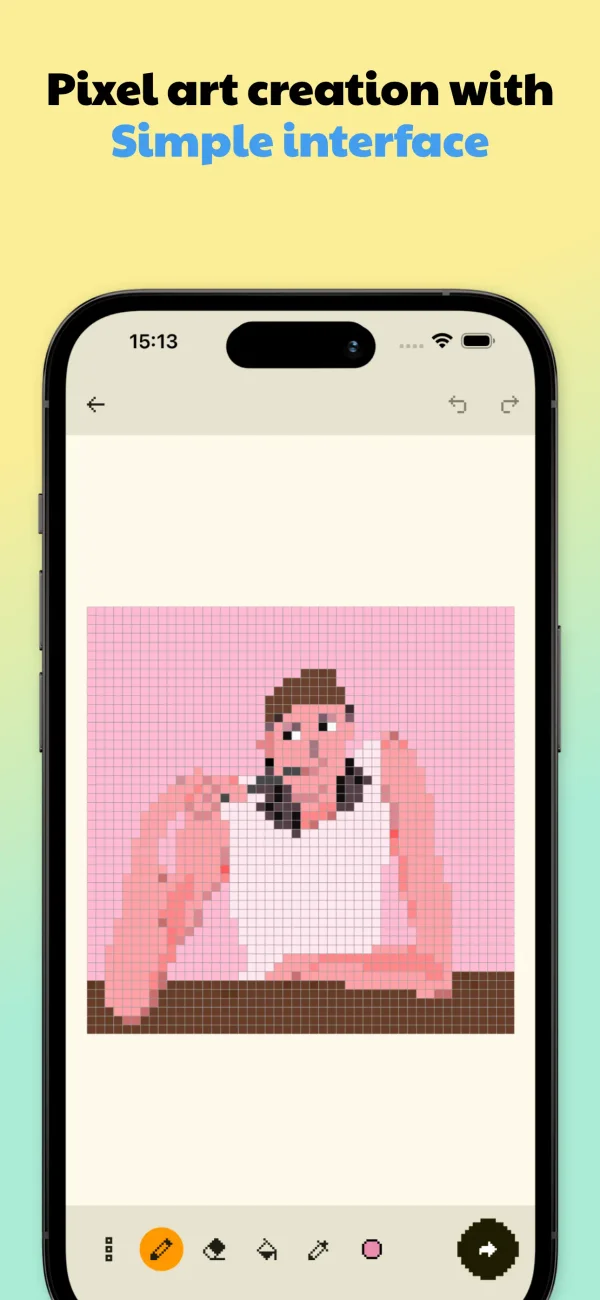
"Dot Lab" is a simple and user-friendly pixel art creation app, designed for both beginners and experienced artists. With our app, you can effortlessly create stunning works of art. It's the perfect tool for creating NFTs, pixel avatars, and fuse bead patterns.
Key Features:
- Efficient Drawing Tools: Includes bucket fill, continuous drawing, selection, move, mirror, and reference (guidelines) tools to help you create efficiently.
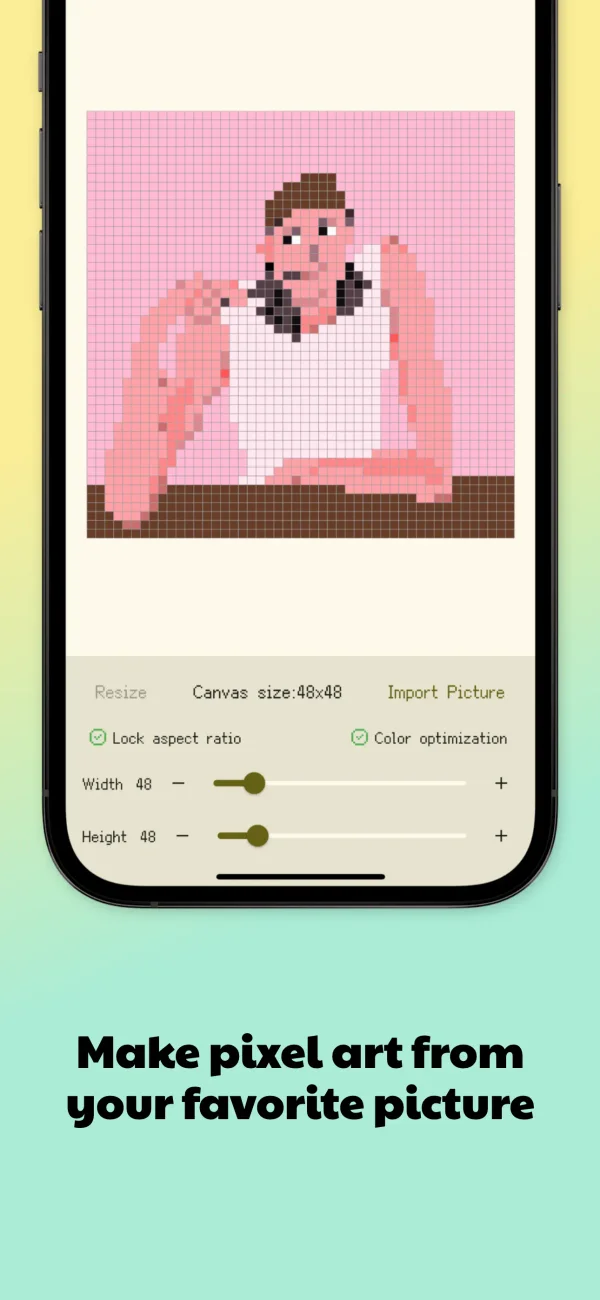
- Multiple Canvas Sizes: Choose from various canvas sizes to suit different creative needs.
- Canvas Zoom and Drag: Pinch to zoom or drag the canvas, allowing precise edits and easy drawing on mobile devices.
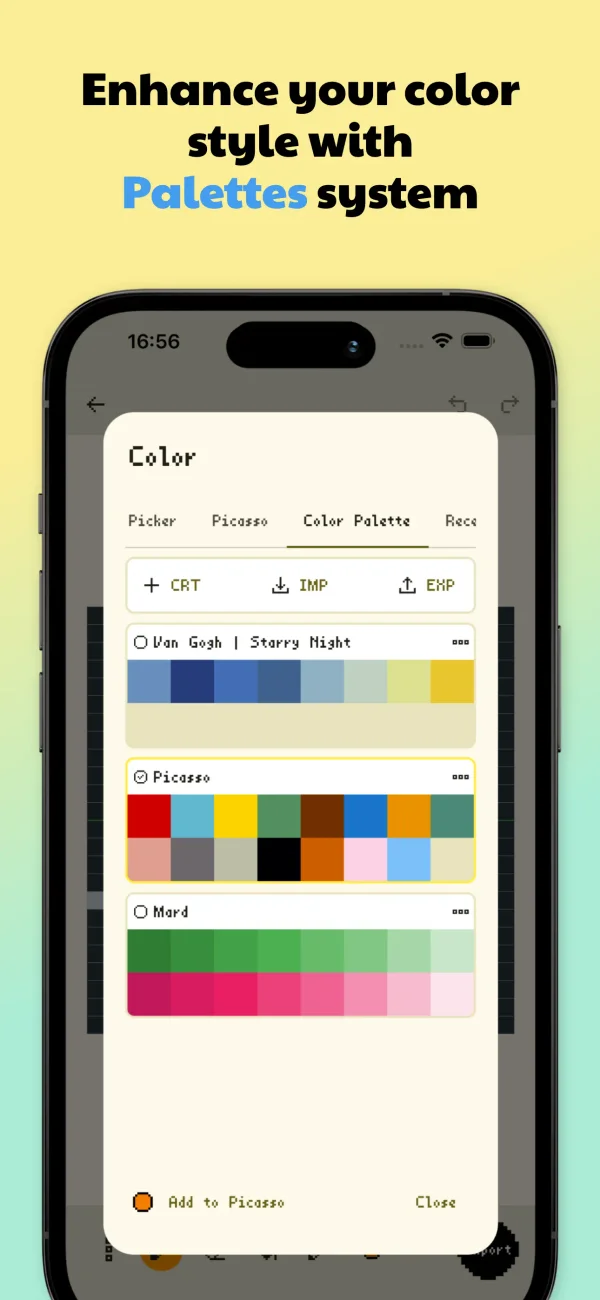
- Rich Color Options: Access a wide range of built-in colors or customize your palette by selecting any color or inputting a Hex code.
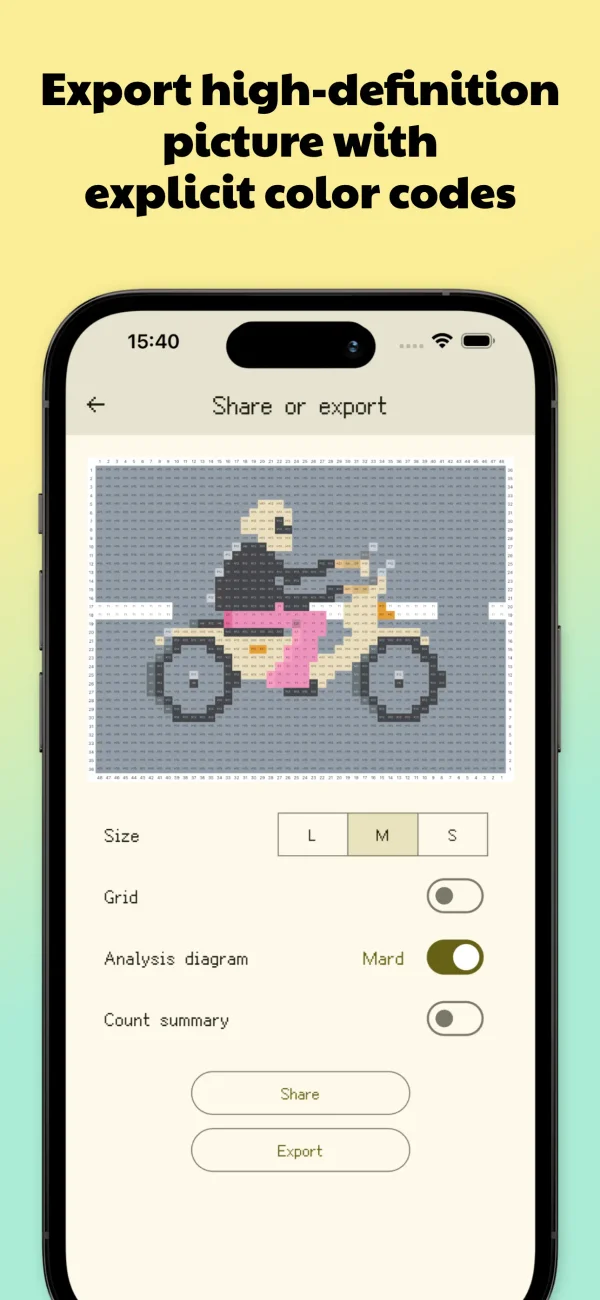
- Palette Management: Create or import palettes and quickly switch colors within a palette. When exporting, you can generate diagrams with corresponding color codes.
- Share and Save: Share your artwork with one tap or save it directly to your gallery.
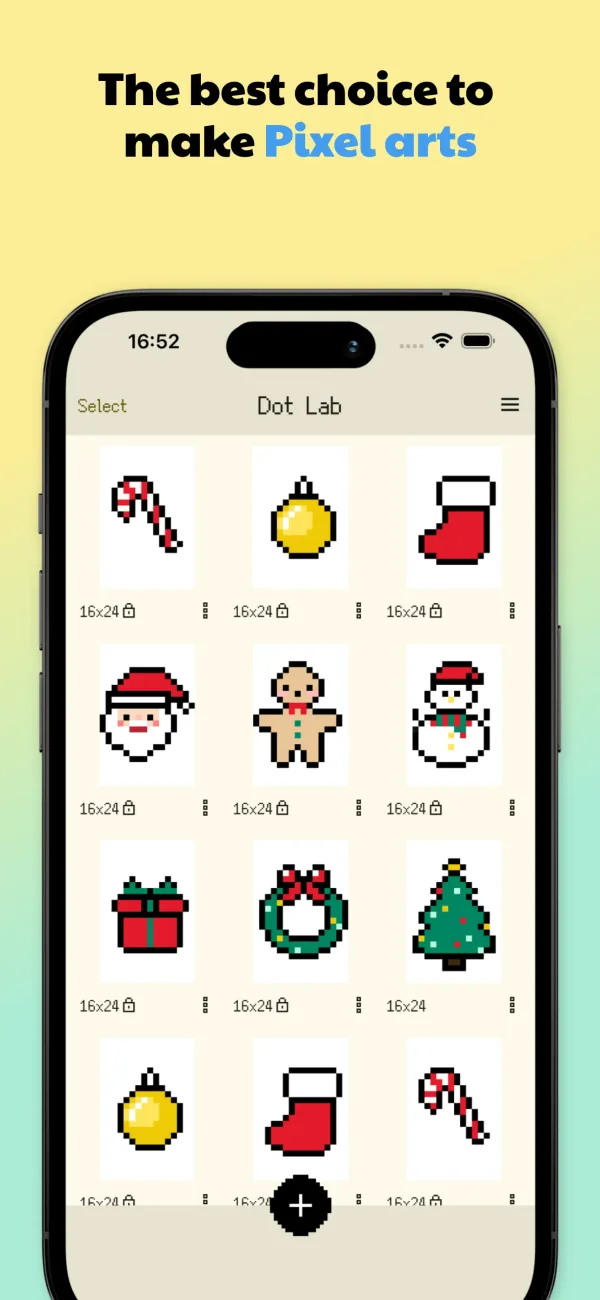
- Batch Operations: Easily manage your creations by copying or deleting multiple works at once.
- Share Source File: You can quickly share your pixel art work source files with friends or other devices. The source files can be opened directly with the Dot Lab app.
- Data Backup: You can backup your data regularly to ensure data security.
- Canvas Lock: Lock your canvas once a project is complete to prevent accidental edits.
Premium Features:
- Pattern Generation: Automatically generate patterns with grid numbers, color codes, and more—perfect for teaching pixel art or secondary creations like fuse beads, crochet, and cross-stitch. Also provides multiple options such as material count statistics, shadow, watermark, palette name, etc., allowing users to create personalized artwork customization.
- Work Station
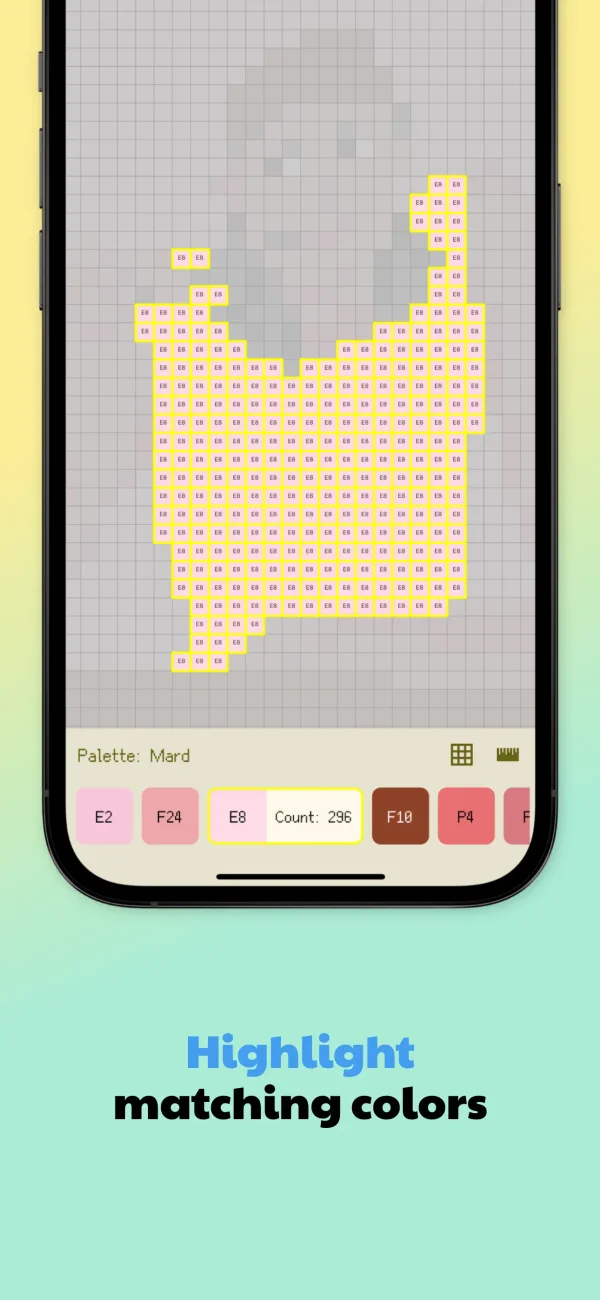
The work station is designed to assist you in efficiently completing secondary creations after drawing, such as perler beads, crochet, beading, cross-stitch, and more.
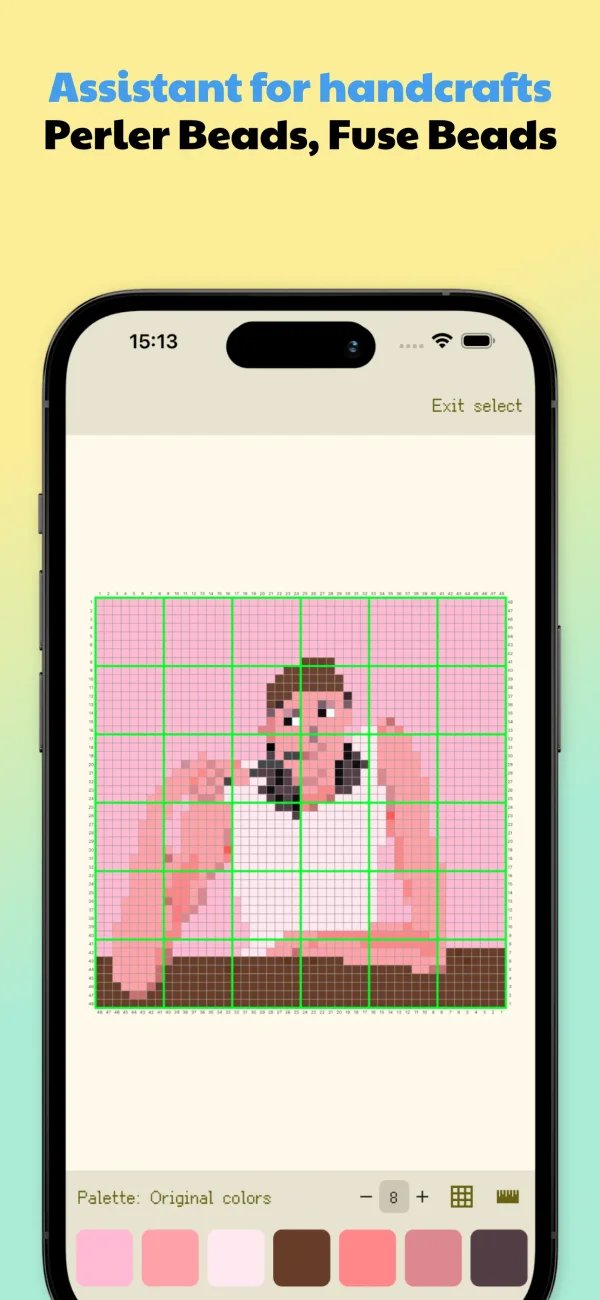
·Highlight Same Colors: Quickly highlight areas with the same color to improve crafting efficiency.
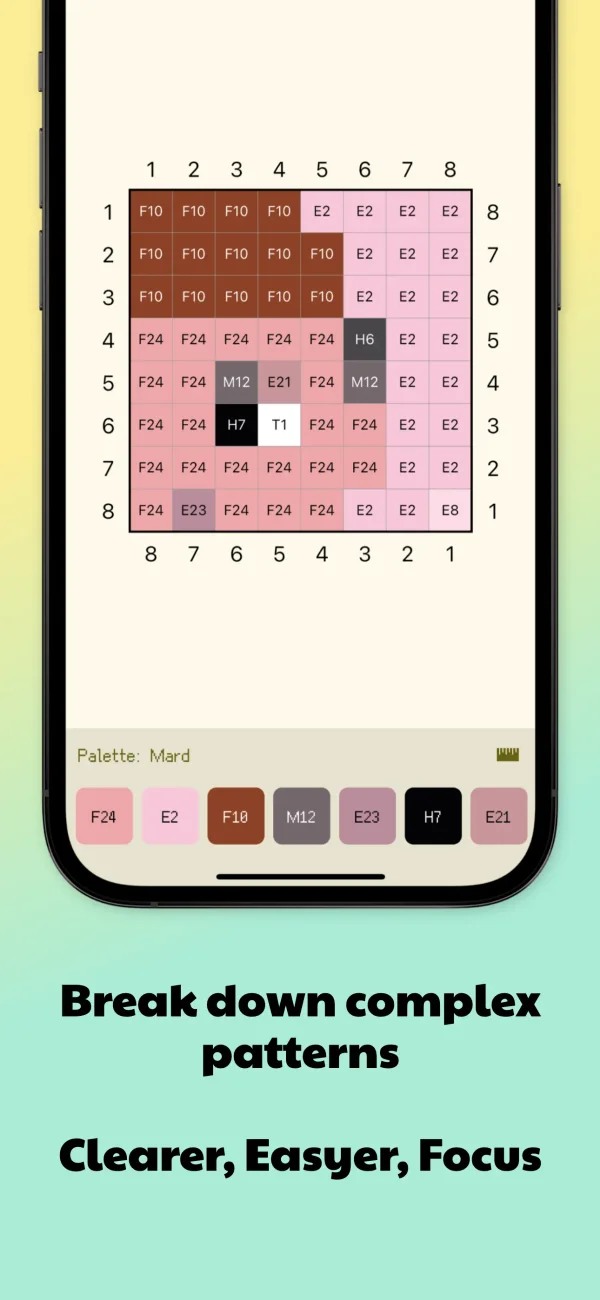
·Get Pixel Position: Tap on a pixel to view its position, helping with precise alignment.
·Segmented Work: Break down a large canvas into smaller sections for easier handling, especially useful for perler beads, crochet, and beading projects.
- Custom Canvas Sizes: Choose from popular aspect ratios like 1:1, 2:3, 3:4, 3:5, 4:5, and 9:16, or set a custom ratio to create canvases freely.
- Advanced Drawing Tools (Symmetry, Move, Mirror, etc.): Powerful tools to help you complete or refine your creations efficiently.
- Unlimited Palettes: Free users can create or import up to 3 palettes, while premium users can create or import an unlimited number.
- Additional Premium Features in Development
Join the "Dot Lab" community and unleash your creativity!
As an independent developer, your support means the world to us. If you have any questions or suggestions, please contact us at dotlab.app@gmail.com.
Terms of Service: https://www.apple.com/legal/internet-services/itunes/dev/stdeula/
Neue Funktionen
Version 2.3.6 · 18.09.2026
[Optimized] Export page now supports multiple custom presets—add them as needed and export styled patterns with a single tap.
App-Datenschutz
Was 桂华 冉 im App Store zum Umgang dieser App mit Daten angibt.
-
Keine Daten erfasst
Der Entwickler erfasst keine Daten von dieser App.
Die Datenschutzpraktiken können variieren, zum Beispiel je nach den von Ihnen verwendeten Funktionen oder Ihrem Alter.
Informationen
- Anbieter
- 桂华 冉
- Kategorie
- Grafik und Design
- Version
- 2.3.6
- Aktualisiert
- 18.09.2026
- Veröffentlicht
- 27.06.2024
- Größe
- 80,4 MB
- Erfordert
- iOS 13.0 oder neuer
- Altersfreigabe
- 4+
- Preis
- Kostenlos
- In-App-Käufe
- Ja
- Sprachen
- Englisch, Vereinf. Chinesisch, Tradit. Chinesisch
- Copyright
- © 2024 Cassie.Ran Inc
Das könnte Ihnen auch gefallen
-
 iBeadsGrafik und Design
-
 拼豆画-拼豆图纸生成器Grafik und Design
-
 拼豆图纸生成器-拼豆助手Grafik und Design
-
 我嘞个豆-海量拼豆图纸与设计助手Grafik und Design
-
 DIY MARDBilder in Perlen gestalten
-
 拼豆画坊Grafik und Design
-
 Perler Moo - Pixel Arts MakerGrafik und Design
-
 KI Pixelart Umwandler: PixelMeRetro Game Bearbeitung Creator
-
 BeadsMasterGrafik und Design
-
 BeadsDesignGrafik und Design