Drawboard PDF Annotate, Markup
Write & Type on PDFs and Notes
Entwickelt für iPhone, iPad, Mac
Kostenlos · In-App-Käufe
- Altersfreigabe4+
- KategorieProduktivität
- EntwicklerDrawboard Pty Ltd
- SprachenEnglisch+ 3 weitere
- Größe102,4 MB
Verlinkt auf die offizielle App Store-Seite
Download.org hostet keine Datei von Drawboard PDF Annotate, Markup. Die Schaltfläche öffnet die App-Seite bei App Store, wo Drawboard Pty Ltd die App veröffentlicht. Eintrag zuletzt geprüft am 26.11.2026.
Screenshots

Info
Der Entwickler hat diesen Text nicht in Ihrer Sprache bereitgestellt.
Powerful PDF tools at your fingertips. The latest PDF technology and software for a better experience. With an intuitive UI designed for delight – there’s a better way to PDF!
Do your best work with Drawboard.
- Dynamic PDF tools that feel good to use
- Multi-platform access and storage. Where you are, your work is.
- Paperless. A way of working for a sustainable future
TOOLS FOR EVERY JOB
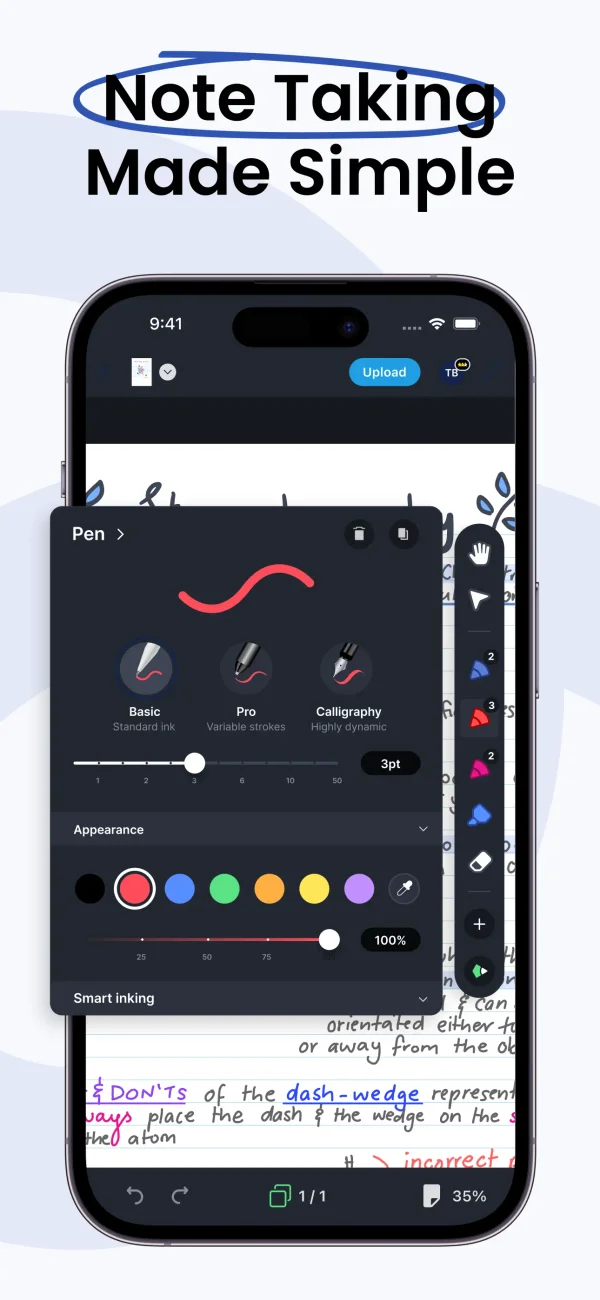
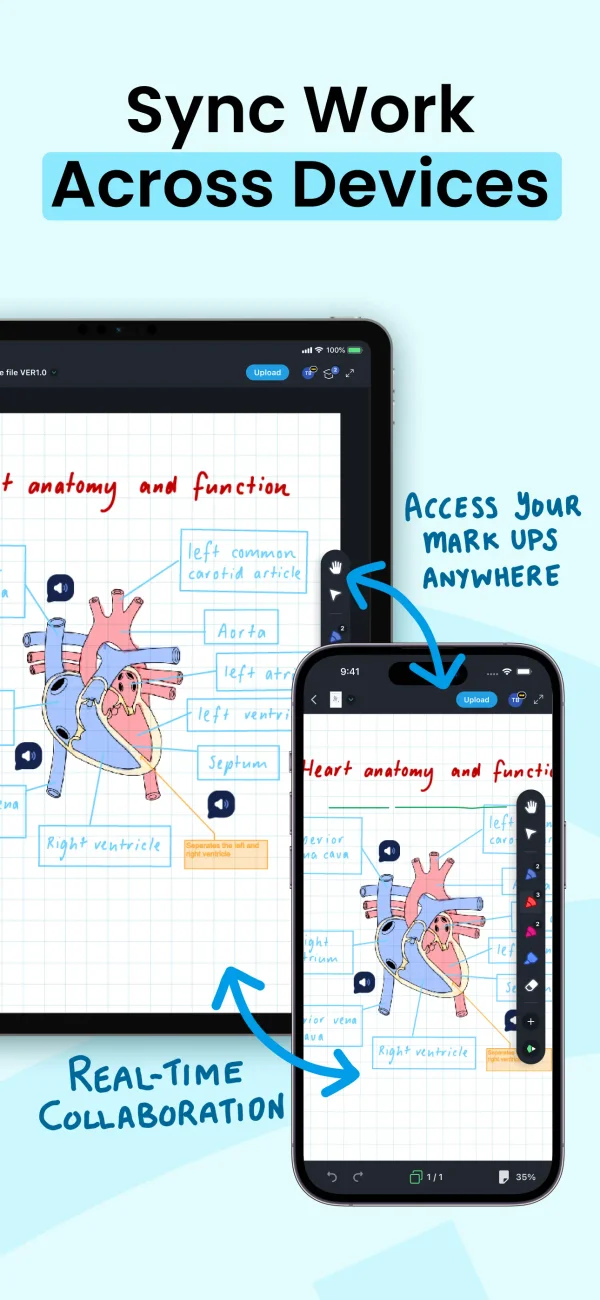
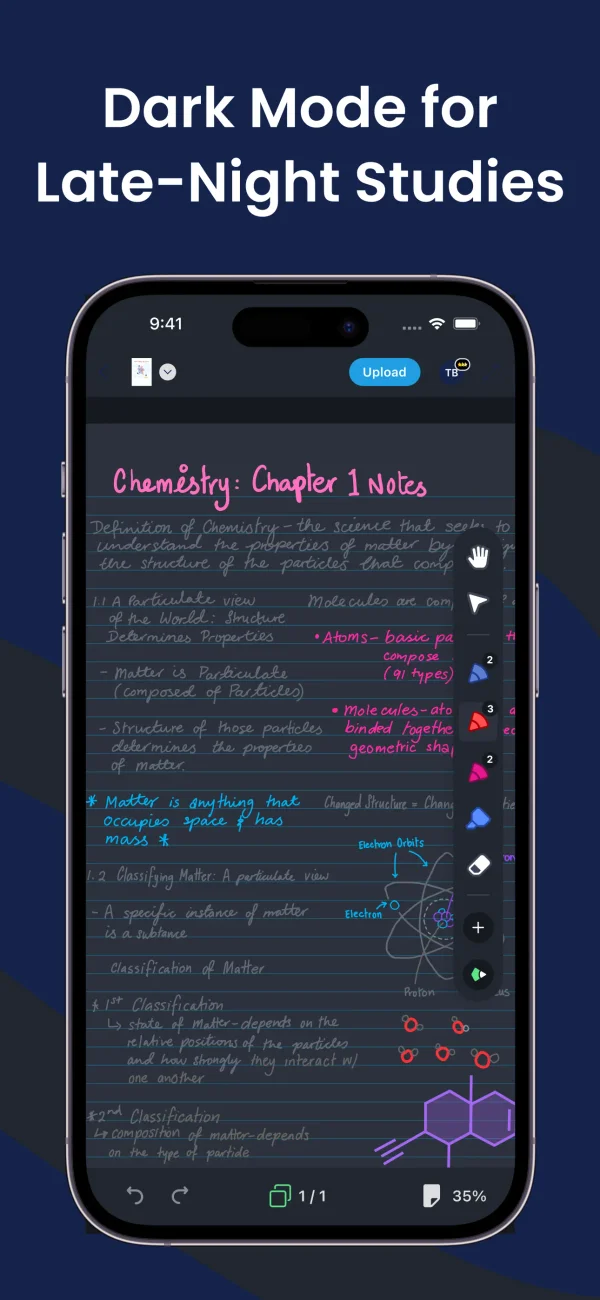
Fast, responsive, and accurate markup tools. Draw with best-in-class ink for flawless Apple Pencil hand-feel and finally replace pen and paper.
CROSS-PLATFORM ACCESS ON ANY DEVICE
Upload your annotated PDFs to the cloud and mark up with others in real time with instant sync. Go Pro in-app for additional storage capacity and advanced features.
WORK YOUR WAY
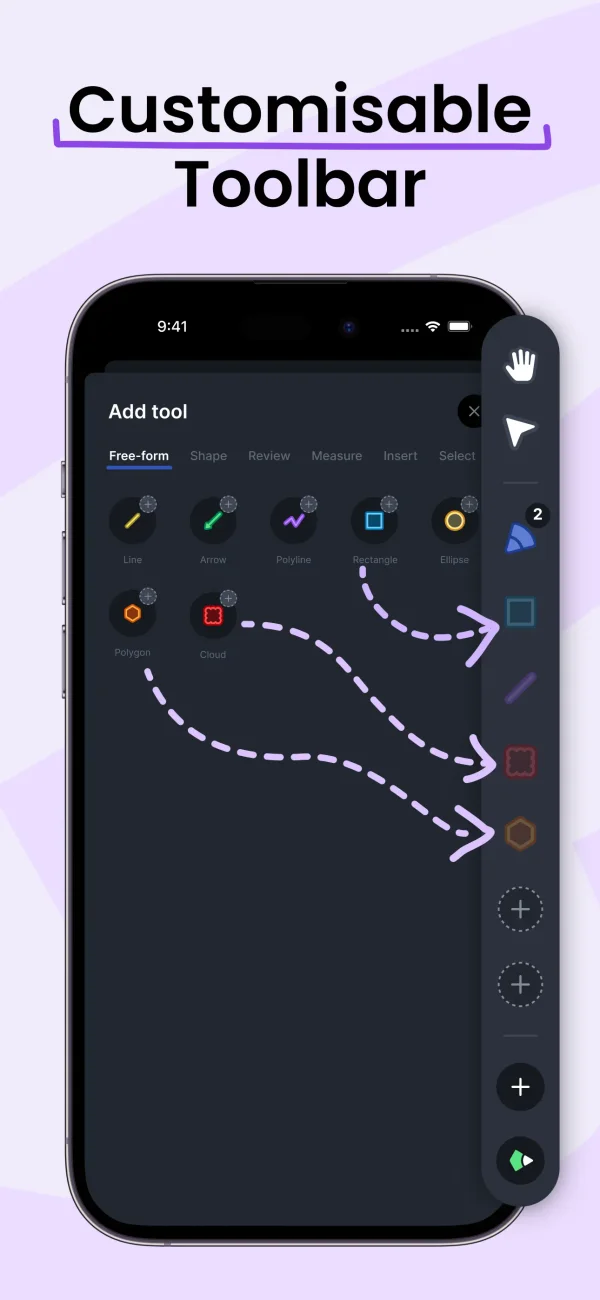
Customize your workspace by docking your favorite tools and build a toolbar that works for you!
MORE
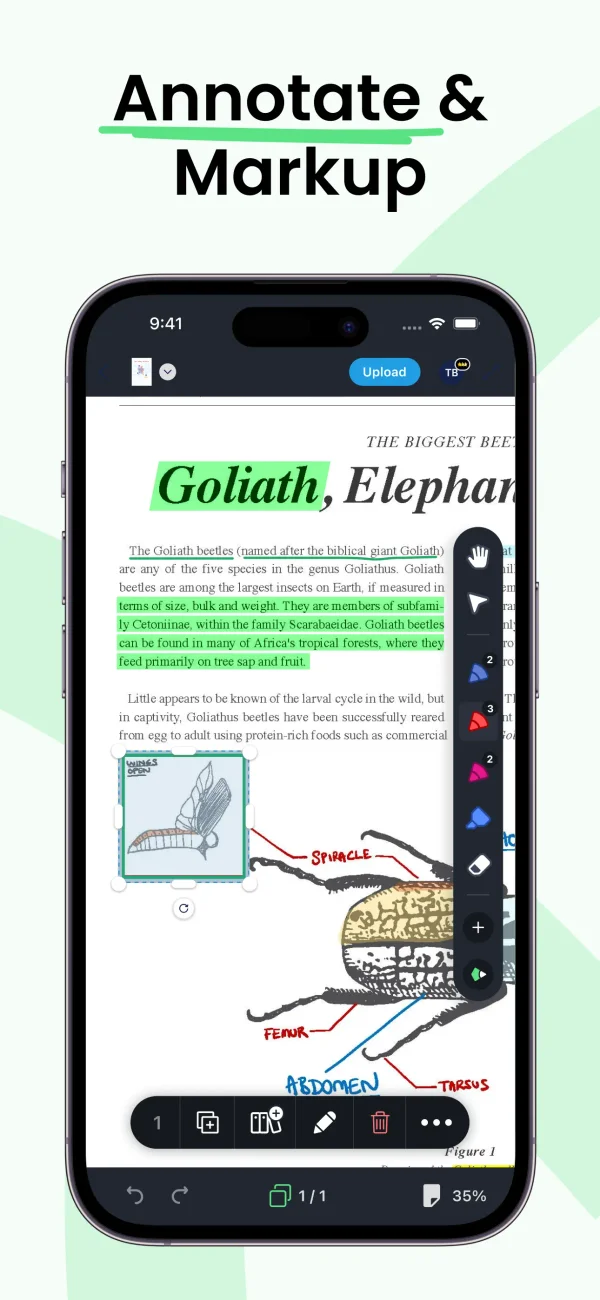
- Text review markup - freehand highlighter, text highlighter, underline, strikeout, squiggly on PDF.
- Insert lines and shapes - cloud tool, rectangle, ellipse, line, arrow, polygon and polyline on PDF.
- Add text with a range of fonts and text styling options
- Insert images and camera photos onto PDFs.
- Convert JPG and PNG image files to PDF.
- Write, annotate, ink and draw on PDFs.
- Customize and edit annotation colors, stroke widths, and opacities.
- Create new blank PDF documents of different size, color, orientation and page count.
- Insert, rotate and delete PDF pages.
- Open, read, mark up and save large and complex PDF documents.
GET MORE WITH PRO
- Redact text and sections of your PDF documents
- Measure elements on your page with length and area measurement tools and smart page calibration
- Add callouts, hyperlinks and audio notes to your documents
- On-page ruler - measure objects on your page with the ease of using a tape measure
Neue Funktionen
Version 5.14.1 · 25.11.2026
New features:
• "Counts and sequences" tool joins the powerful set of "Measure" tools
• Documents from Autodesk Forma can be published back to Forma
Improvements:
• Cloud document will close automatically when unshared or deleted from another client
App-Datenschutz
Was Drawboard Pty Ltd im App Store zum Umgang dieser App mit Daten angibt.
-
Nicht mit Ihnen verknüpfte Daten
Können erfasst werden, sind aber nicht mit Ihrer Identität verknüpft.
- Kontaktinformationen
- Benutzerinhalte
- Kennungen
- Nutzungsdaten
- Diagnose
Die Datenschutzpraktiken können variieren, zum Beispiel je nach den von Ihnen verwendeten Funktionen oder Ihrem Alter.
Informationen
- Anbieter
- Drawboard Pty Ltd
- Kategorie
- Produktivität
- Version
- 5.14.1
- Aktualisiert
- 25.11.2026
- Veröffentlicht
- 06.12.2021
- Größe
- 102,4 MB
- Erfordert
- iOS 17.0 oder neuer
- Altersfreigabe
- 4+
- Preis
- Kostenlos
- In-App-Käufe
- Ja
- Sprachen
- Englisch, Französisch, Deutsch, Japanisch
- Copyright
- © Copyright 2026 Drawboard Pty Ltd
Das könnte Ihnen auch gefallen
-
 LiquidTextProduktivität
-
 BluebeamPDF-Abläufe auf der Baustelle
-
 Flexcil Note & Good PDF ReaderNotizen, Tagebuch, Bearbeiten
-
 Highlights: PDF Reader & NotesProduktivität
-
 PDF Viewer by NutrientEditor: ausfüllen & signieren
-
 Notewise - KI-Notizen, PDFSchreiben. Aufnehmen. Behalten
-
 Notes Writer: PDF, Quiz, DocsLernkarten, Diktiergerät, KI
-
 Foxit PDF EditorProduktivität
-
 UPDF - PDF Editor mit KIKI-Chat,konvertieren,signieren
-
 QuickNotes XNote-Taking, Made Easy.