
Drawlio - AR Draw & Trace
Sketchbook, Paint & Learn Art
Entwickelt für iPhone
Kostenlos · In-App-Käufe
- Altersfreigabe4+
- KategorieGrafik und Design
- EntwicklerJayod Kavinda Jayasekara Kankanam Arachchige
- SprachenEnglisch
- Größe83,3 MB
Verlinkt auf die offizielle App Store-Seite
Download.org hostet keine Datei von Drawlio - AR Draw & Trace. Die Schaltfläche öffnet die App-Seite bei App Store, wo Jayod Kavinda Jayasekara Kankanam Arachchige die App veröffentlicht. Eintrag zuletzt geprüft am 17.11.2026.
Screenshots

Info
Der Entwickler hat diesen Text nicht in Ihrer Sprache bereitgestellt.
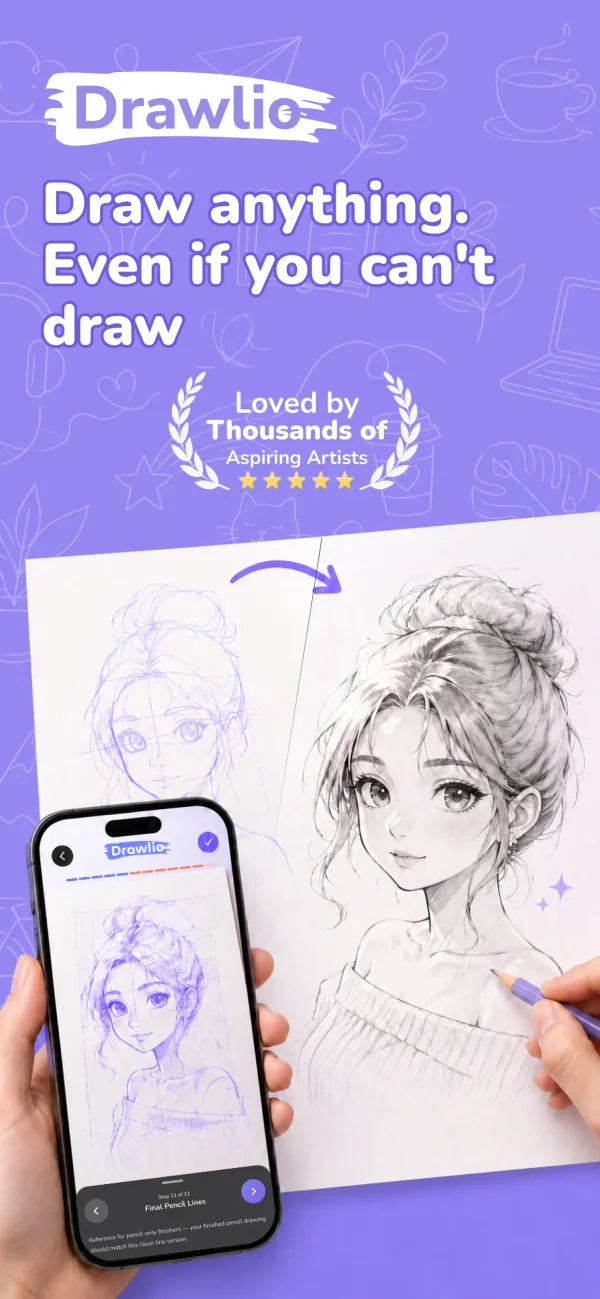
Turn any photo into a step-by-step drawing guide, right on your paper. Drawlio uses AR to project outlines onto real paper — or onto your phone screen — so beginners create stunning artwork from day one.
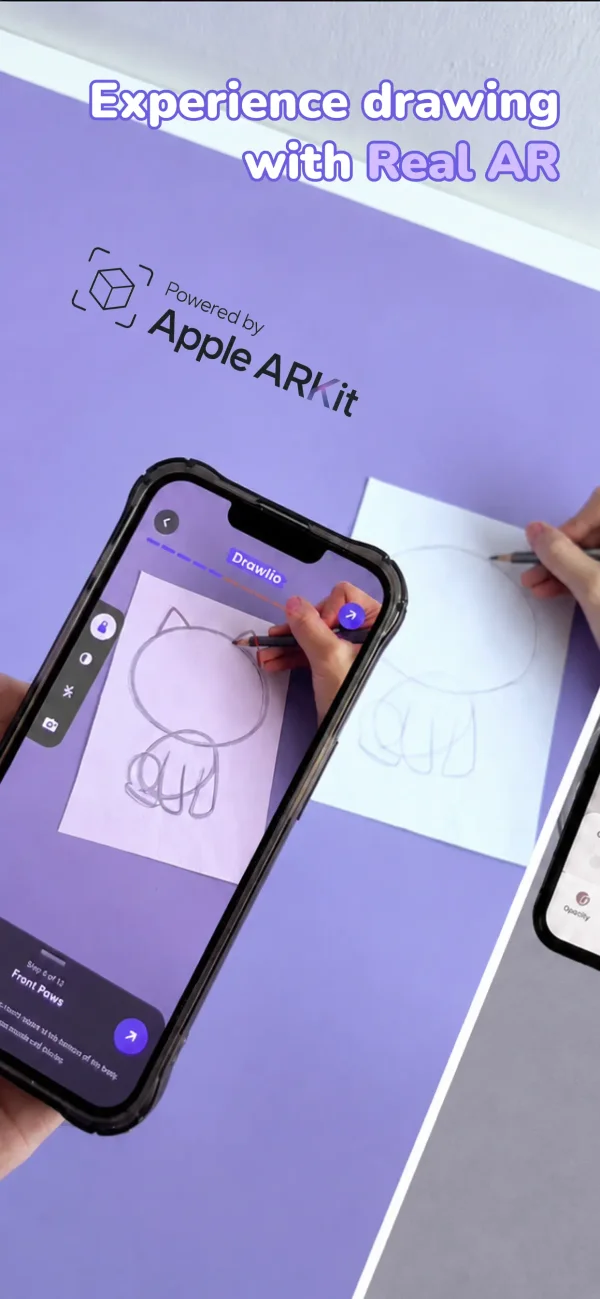
MAGIC AR MODE (Advance AR technology)
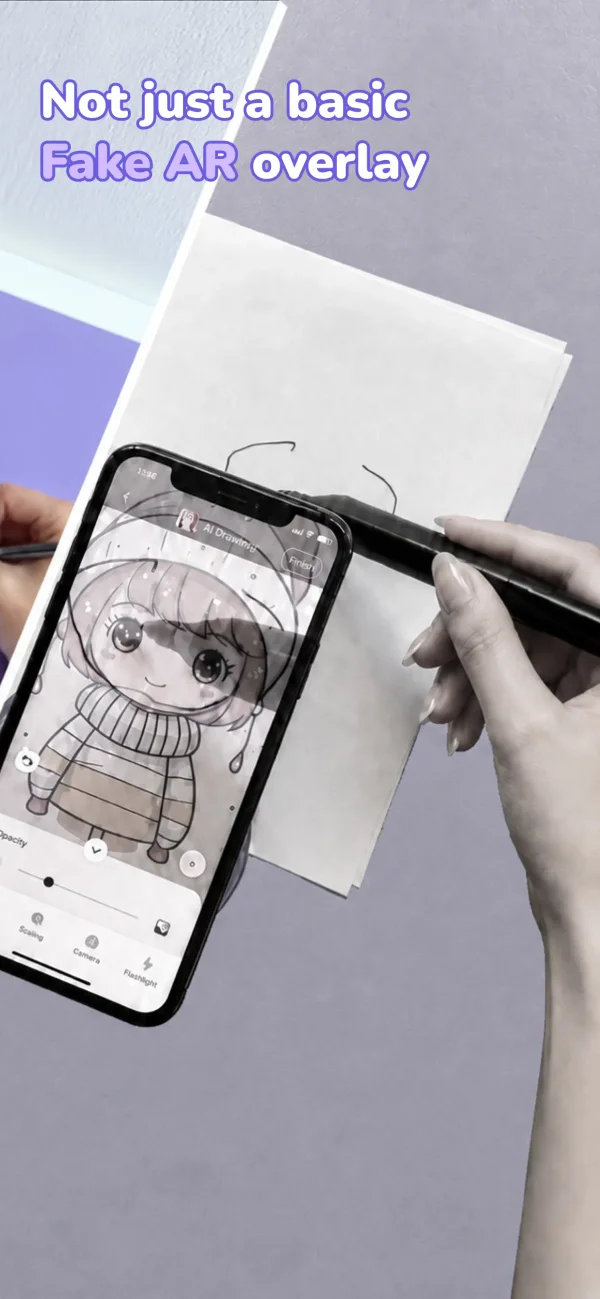
Point your camera at your paper and the artwork locks in place on it. Move your phone freely — the image stays perfectly aligned on the page. No more printouts, no more light tables, no grid paper.
CANVAS MODE
Place your phone over paper (use a stand, glass, or holder) and trace directly from the screen. Works in any room, any lighting.
STEP-BY-STEP LESSONS
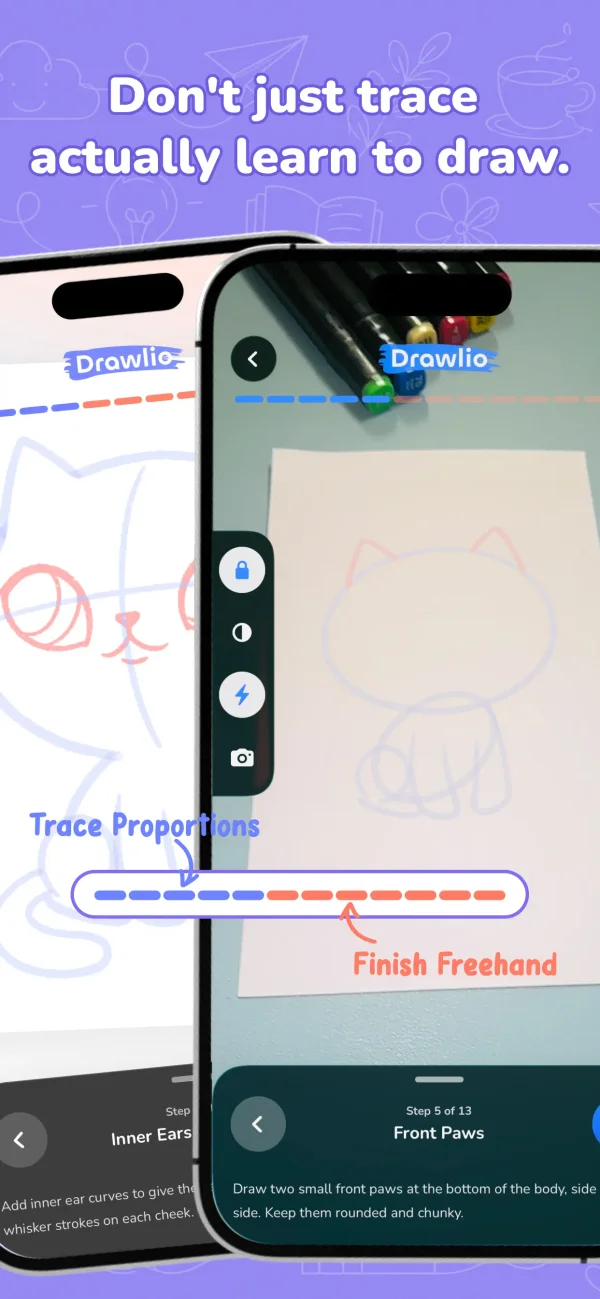
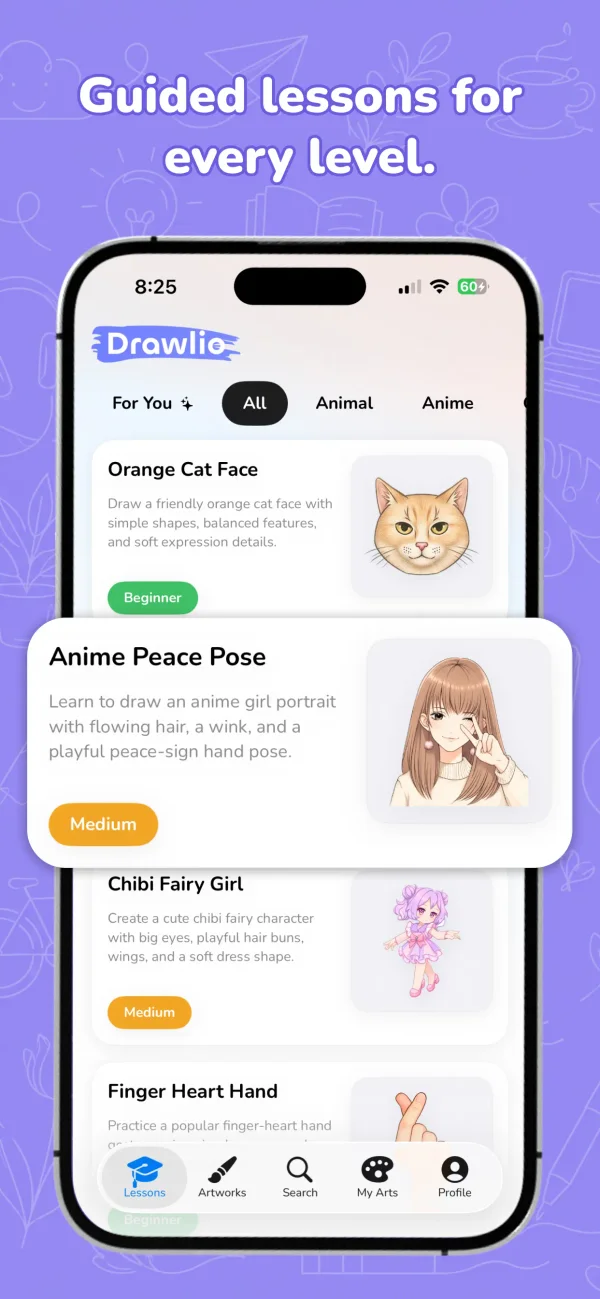
Learn to draw from the very first stroke. Each lesson breaks a finished artwork into clear, manageable steps — from proportion guides to refined lines to a colored reference at the end. Pick how much help you want at any time:
* Guided — every step is traced for you
* Balanced — start traced, finish freehand
* Challenge — minimal guides, maximum confidence
Use AR Trace to project the lesson onto real paper, or Canvas Trace to follow it on the screen. When you're done, snap a photo of your drawing and watch your gallery of completed lessons grow.
Curated across Animals, Anime, Cute, Anatomy, People, and Kids — with new lessons added regularly.
100+ READY-TO-TRACE ARTWORKS
Cute animals, anime characters, food, vehicles, portraits, and more. Hand-picked across difficulty levels so there's always something next to draw.
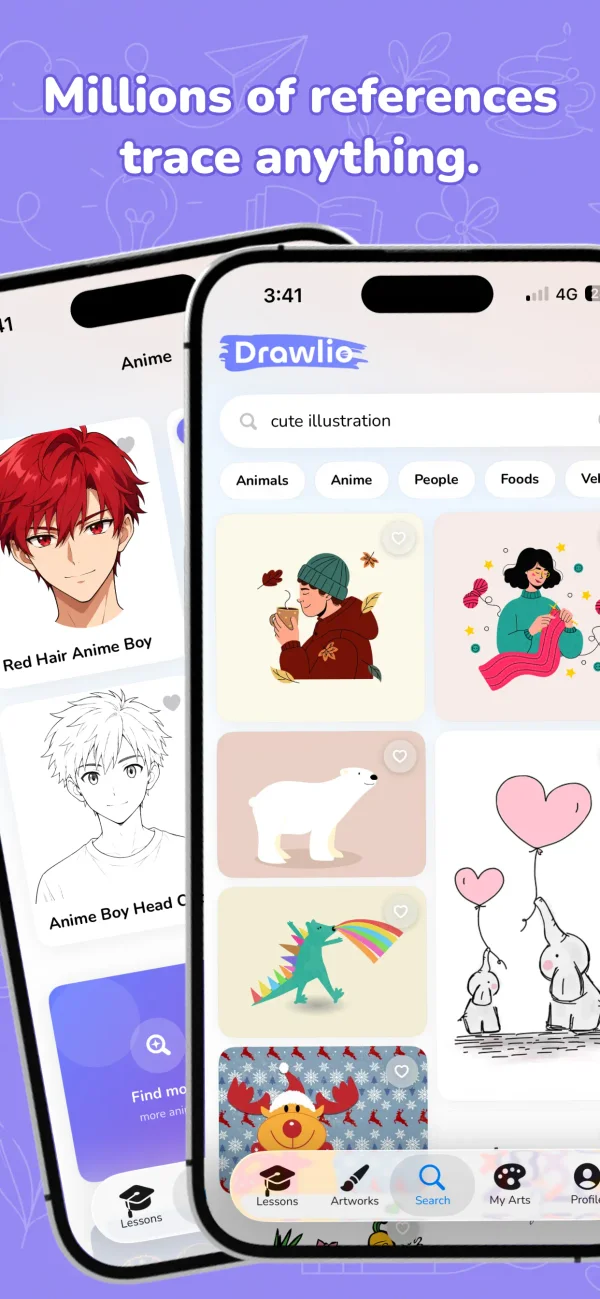
SEARCH MILLIONS OF ARTWORKS
Looking for something specific? Search millions of free images directly inside Drawlio and instantly turn them into traceable artwork. From anime and animals to vehicles, landscapes, and more, you'll never run out of ideas.
SHARE ANY IMAGE INTO DRAWLIO
Found an image you love on Pinterest, Safari, Photos, or another app? Simply tap Share and open it in Drawlio to instantly convert it into a traceable drawing guide.
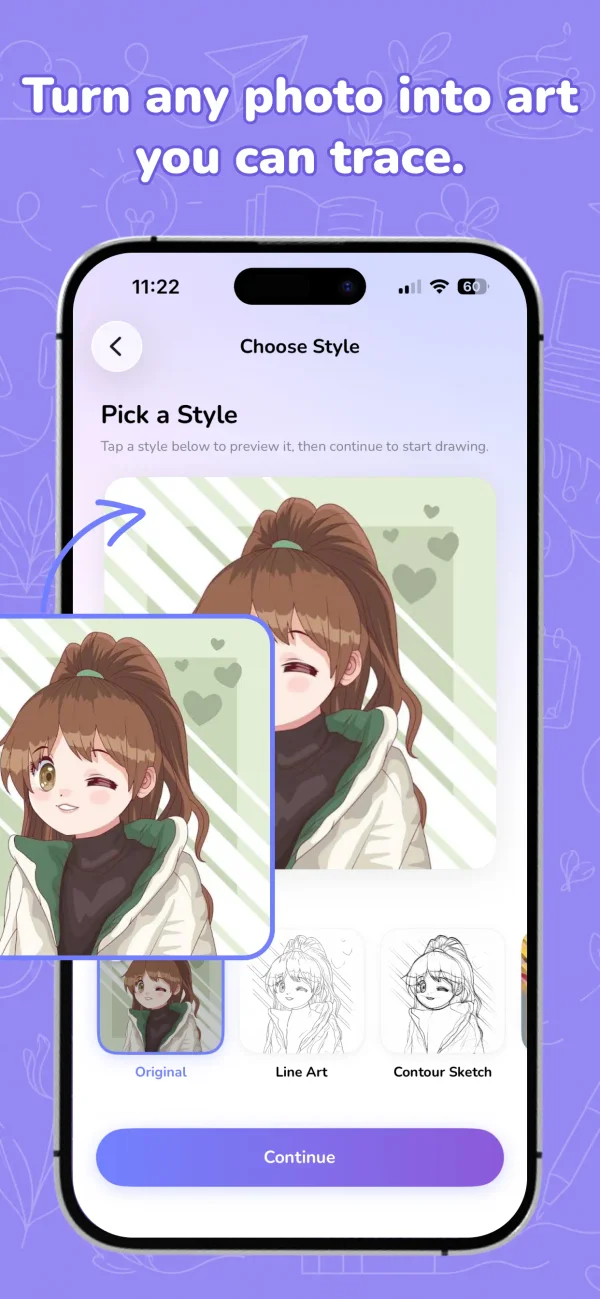
TURN YOUR PHOTOS INTO LINE ART
Upload any photo and Drawlio's on-device AI converts it into a traceable sketch. Choose from anime, contour, cartoon, line art, and more styles.
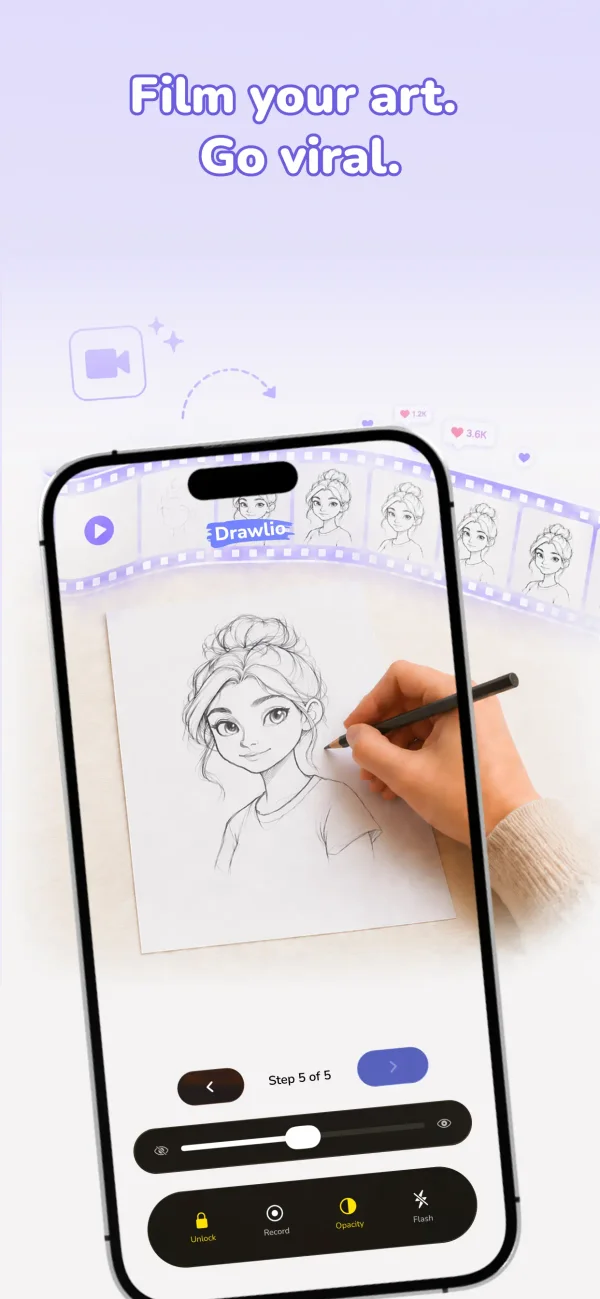
TIME-LAPSE RECORDINGS
Capture your whole drawing session and share the finished video. Screen or camera mode, your choice.
STEP-BY-STEP LESSONS
Learn to draw - one stroke at a time, with the image guiding every line.
WHO DRAWLIO IS FOR
• Beginners learning to draw
• Kids and parents drawing together
• Artists who need a reference
• Anyone who wants to create something beautiful without the intimidation
FREE VS DRAWLIO PRO
Drawlio is free to start with 40+ artworks, 3 photo uploads, and more. Upgrade to Drawlio Pro to unlock:
• All 100+ artworks (more added regularly)
• Unlimited photo uploads
• All AI styles including Starry Night, Anime Hayao, Candy Art
• Unlimited HD time-lapse recordings
• No watermarks
• Step-by-step lessons
SUBSCRIPTION DETAILS
• Weekly (3-Day Free Trial): free for 3 days, then $7.99/week
• Weekly (Intro Offer): $0.99 first week, then $7.99/week
• Lifetime Pro: $39.99 one-time, no recurring charges
Payment is charged to your Apple ID on confirmation. Subscriptions auto-renew unless cancelled at least 24 hours before the current period ends. Manage or cancel anytime in your Apple ID settings.
PRIVACY & TERMS
Privacy Policy: https://www.drawlio.app/privacy
Terms of Service: https://www.drawlio.app/terms
Email us: ebitsapps@gmail.com
Neue Funktionen
Version 3.3 · 26.10.2026
10 new step-by-step lessons
New free lessons : Blueberry Cupcake
Performance and stability improvements
App-Datenschutz
Was Jayod Kavinda Jayasekara Kankanam Arachchige im App Store zum Umgang dieser App mit Daten angibt.
-
Nicht mit Ihnen verknüpfte Daten
Können erfasst werden, sind aber nicht mit Ihrer Identität verknüpft.
- Nutzungsdaten
- Diagnose
Die Datenschutzpraktiken können variieren, zum Beispiel je nach den von Ihnen verwendeten Funktionen oder Ihrem Alter.
Informationen
- Anbieter
- Jayod Kavinda Jayasekara Kankanam Arachchige
- Kategorie
- Grafik und Design
- Version
- 3.3
- Aktualisiert
- 26.10.2026
- Veröffentlicht
- 04.05.2026
- Größe
- 83,3 MB
- Erfordert
- iOS 26.0 oder neuer
- Altersfreigabe
- 4+
- Preis
- Kostenlos
- In-App-Käufe
- Ja
- Sprachen
- Englisch
- Copyright
- © 2026 Drawlio App
Das könnte Ihnen auch gefallen
-
 SketchLab: Zeichnen lernenZeichnen Schritt für Schritt
-
 Foto zu Skizze: KI ZeichnenZeichnen App: AR, Skizzenbuch
-
 Tracer: Trace Drawing CameraZeichnen mit AR & Projektor
-
 Sketch Steps: AI Loomis DrawLearn Drawing AI & Tracing
-
 AR Drawing: Easy Sketch & DrawMit AR zeichnen und abpausen
-
 Zeichnen lernen: AR DrawingZeichen App für Skizzen
-
 AR Sketch Art: Camera DrawingPause & zeichne by WhatSticker
-
 AR Skizze & NachzeichnenAR Nachzeichnen: Zeichnen
-
 Sketchar: AR-Zeichen-AppMit AR zeichnen lernen
-
 AR Projector Tracing & DrawingBild Projektor & Zeichnung