
DropBrain
take notes like you think
Entwickelt für iPhone
Kostenlos · In-App-Käufe
- Altersfreigabe4+
- KategorieProduktivität
- EntwicklerAlexander Brandstedt
- SprachenEnglisch+ 6 weitere
- Größe54,3 MB
Verlinkt auf die offizielle App Store-Seite
Download.org hostet keine Datei von DropBrain. Die Schaltfläche öffnet die App-Seite bei App Store, wo Alexander Brandstedt die App veröffentlicht. Eintrag zuletzt geprüft am 20.11.2026.
Screenshots

Info
Der Entwickler hat diesen Text nicht in Ihrer Sprache bereitgestellt.
DropBrain: Journal Your Thoughts Instantly, Organize Later
Your brain doesn't think in folders. It just thinks. Ideas pop up. Feelings happen. You need to capture them now before they vanish.
DropBrain solves the problem every journaling app has: "Where should I save this?" By the time you decide, the thought is gone.
--- TIMELINE THINKING ---
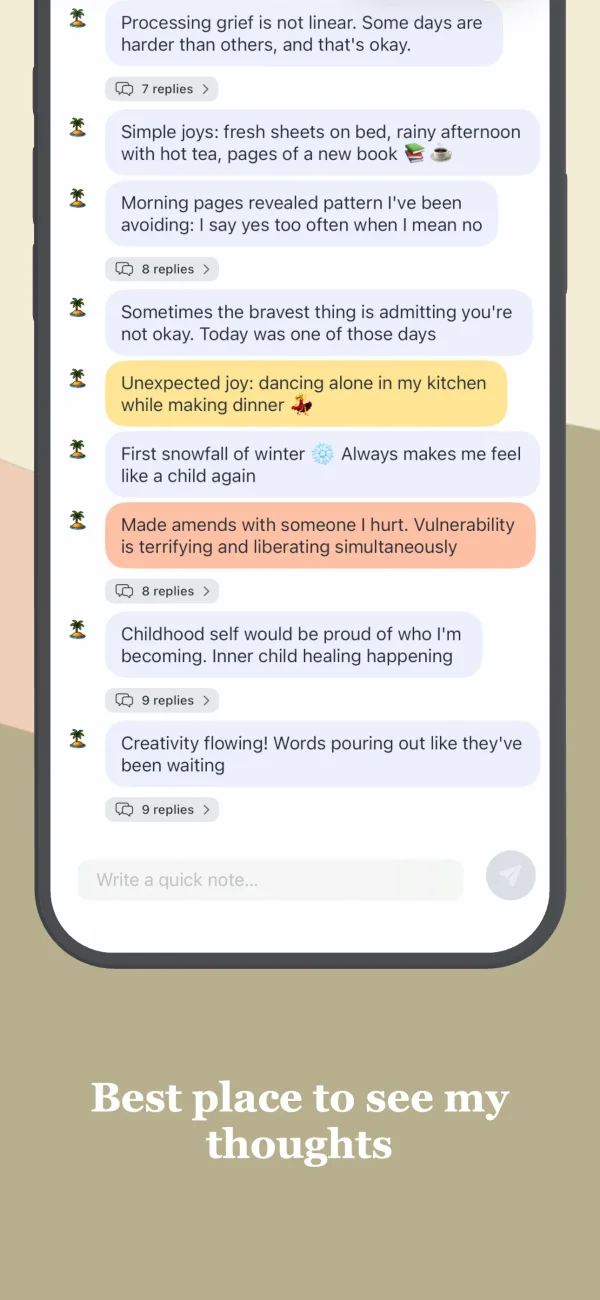
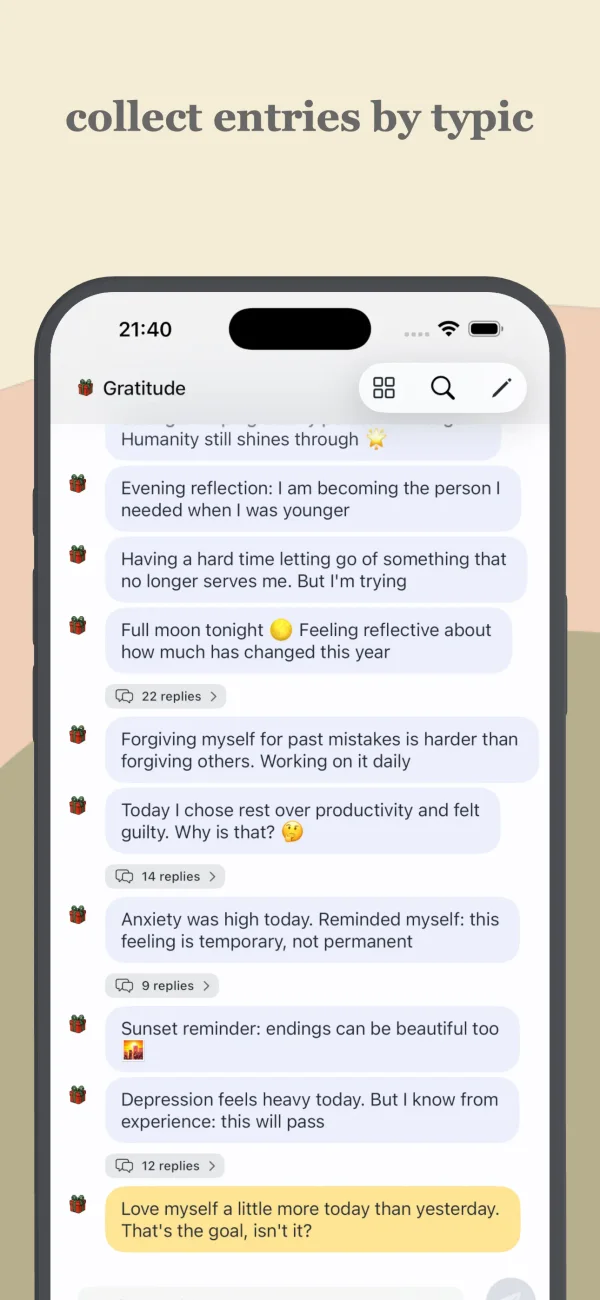
Your newest thoughts are always at the bottom of the screen. No navigation. No folders required. Just open, type, done.
• Reverse chronological timeline (newest always accessible)
• Bottom input bar for instant capture
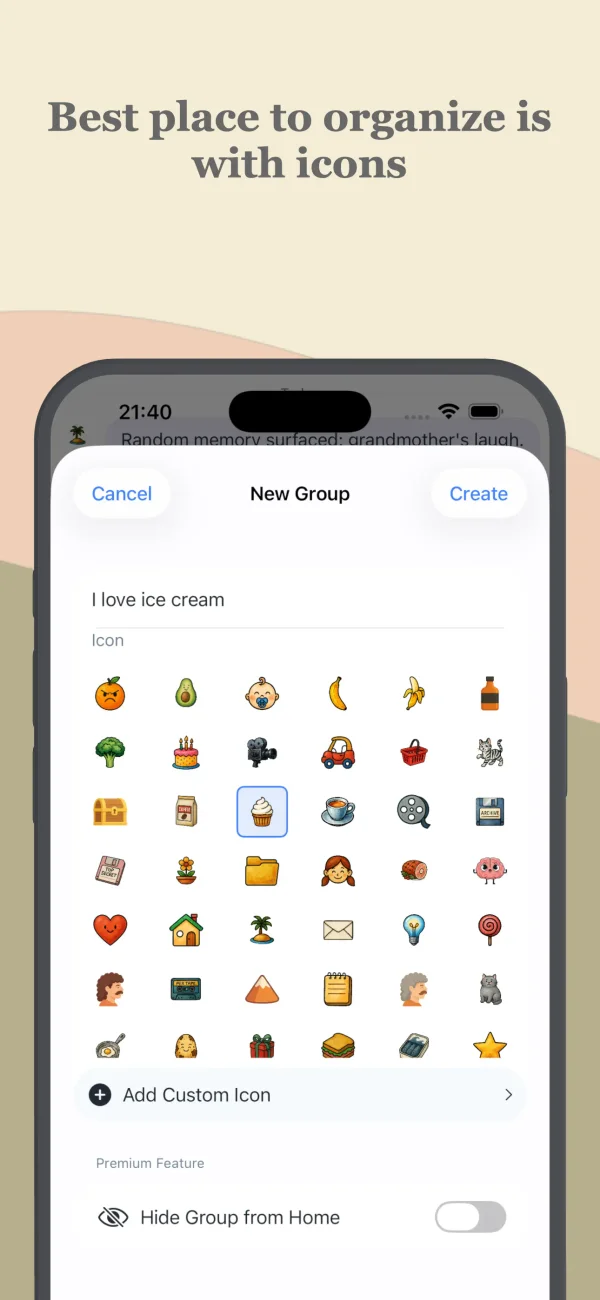
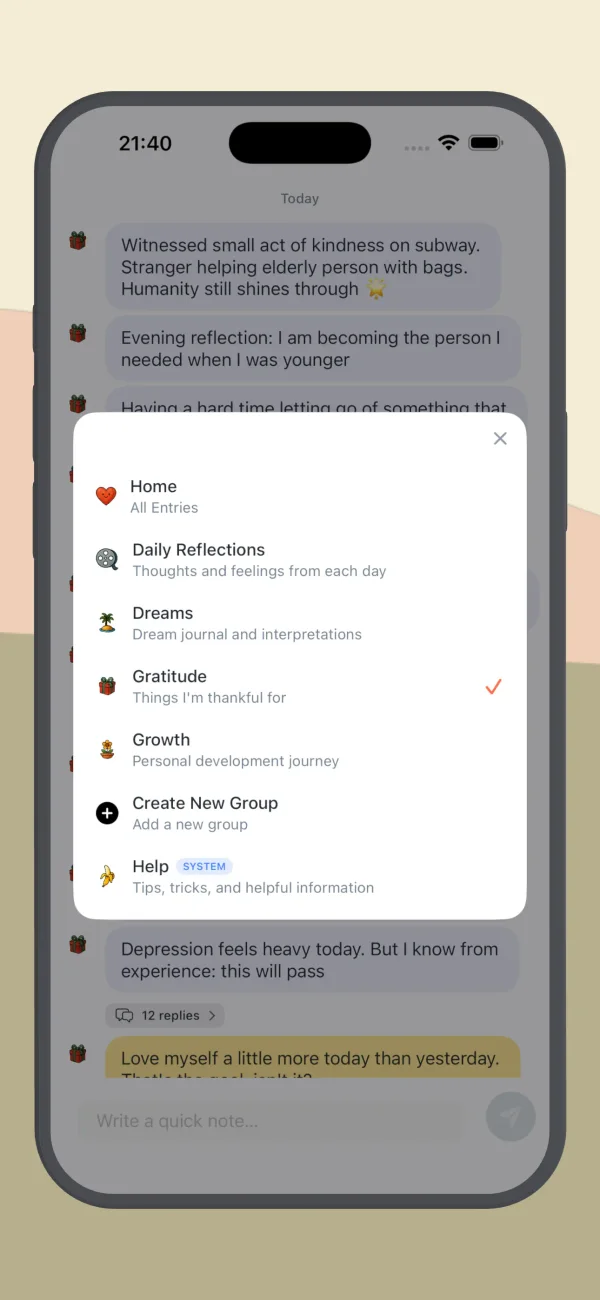
• Groups to organize when you're ready (or never)
• Threads to expand on ideas
• Scroll through your stream of consciousness
• Mark messages as Done, Favorite, or Important
• Strikethrough completed thoughts
Think of it like a feed for your mind. Capture everything. Sort nothing unless you want to. Your timeline becomes your external brain.
--- BUILT FOR QUICK JOURNALING ---
Students capturing ideas between classes. Creatives collecting thoughts throughout the day. Anyone with ADHD who thinks faster than they organize. People writing about their feelings and daily life.
If you've ever lost a thought because you couldn't pick a folder, DropBrain is for you.
• Designed for iPhone (pocket-first, not desktop-first)
• Quick journal entries about thoughts and feelings
• Bottom-up scrolling keeps recent entries at hand
• No "where does this go?" friction
• iCloud sync across all your Apple devices
--- AI-POWERED WRITING SUPPORT ---
Write confidently with on-device Apple Intelligence (iOS 26+):
• Tap to correct spelling, grammar, and punctuation
• 100% on-device processing (no cloud, no servers)
• Fixes phonetic errors (becuz → because)
• Preserves your natural voice
• 25 corrections free/month, unlimited with Premium
--- ACCESSIBILITY FIRST ---
Built by someone with dyslexia who understands different minds:
• OpenDyslexic font for dyslexic readers
• Adjustable line spacing and contrast
• Flexible message padding and visual density
• Timeline layout for non-linear thinking
• Full Dynamic Type support with VoiceOver labels throughout
• No forced organization (works with your brain, not against it)
--- CUSTOMIZATION AT THE CENTER ---
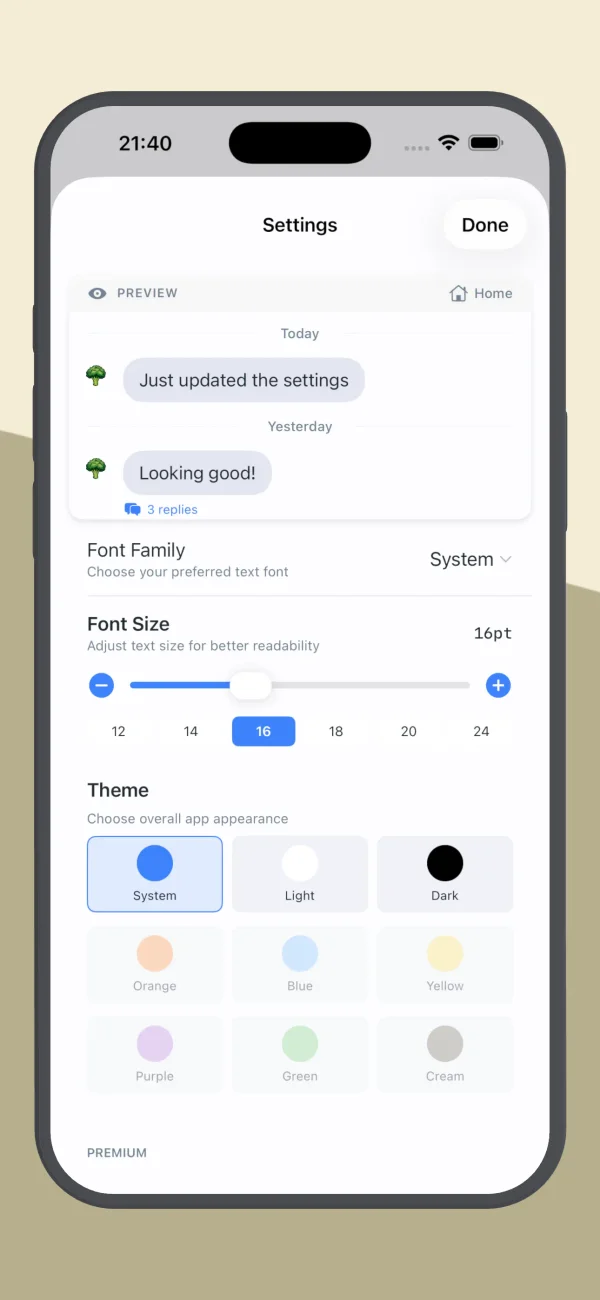
Every brain processes differently. Customize everything:
Fonts: System, OpenDyslexic, Fira Code, JetBrains Mono, Lexend
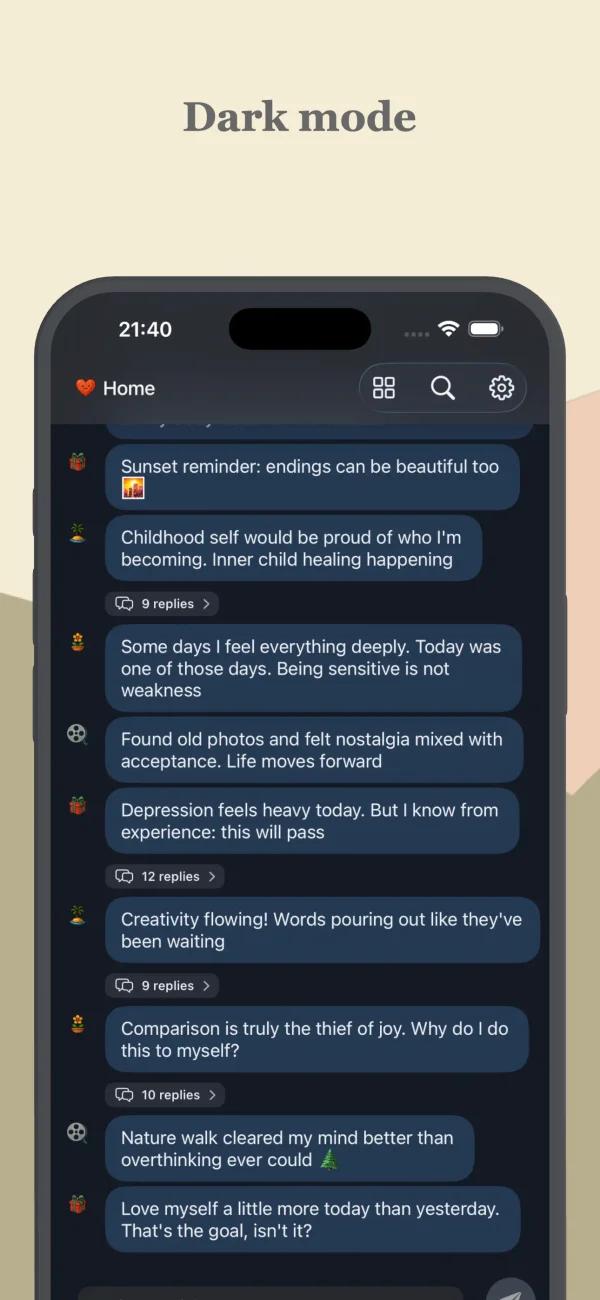
Themes: 9 total (3 free + 6 premium pastels)
Styles: Bubble, card, minimal, compact, spacious
Spacing: Line height, padding, margins
Visual Density: Headers, timestamps, dividers
--- SECURITY & PRIVACY ---
Your thoughts, feelings, and ideas deserve complete privacy and protection.
• Face ID & Pincode lock — secure your journal with biometric or code authentication
• Everything stored in YOUR private iCloud (not our servers)
• Only you can read your journal entries - we have zero access
• AI corrections happen on-device (nothing sent to external servers)
• No company databases, no analytics, no tracking
• GDPR data export & purge — download or delete all your data anytime
• Ad-free forever
Your most personal thoughts stay personal. No exceptions.
--- PREMIUM ($2.99/month) ---
- Unlimited AI corrections (free: 25/month)
- 6 additional pastel themes
- 4 premium fonts (OpenDyslexic, Fira Code, JetBrains Mono, Lexend)
- Custom app icons
- Hide groups from Home
- Mark as Done, Favorite, Important (message markers)
- Strikethrough messages
- Face ID / Pincode lock
Cancel anytime in App Store settings. Free version includes core features.
--- DESIGNED FOR ---
- People with dyslexia or ADHD
- Visual thinkers and creative minds
- Students seeking accessible journaling
- Anyone preferring flexible organization
--- SYSTEM REQUIREMENTS ---
iOS 26.0 or later
iCloud account for sync
AI correction requires Apple Intelligence enabled
Free version includes core features
Terms of Use: https://www.apple.com/legal/internet-services/itunes/dev/stdeula/
Neue Funktionen
Version 1.0.26 · 02.11.2026
Updated for iOS 27. Toolbar buttons now carry icons so they fit the latest system toolbars.
App-Datenschutz
Was Alexander Brandstedt im App Store zum Umgang dieser App mit Daten angibt.
-
Keine Daten erfasst
Der Entwickler erfasst keine Daten von dieser App.
Die Datenschutzpraktiken können variieren, zum Beispiel je nach den von Ihnen verwendeten Funktionen oder Ihrem Alter.
Informationen
- Anbieter
- Alexander Brandstedt
- Kategorie
- Produktivität
- Version
- 1.0.26
- Aktualisiert
- 02.11.2026
- Veröffentlicht
- 08.10.2025
- Größe
- 54,3 MB
- Erfordert
- iOS 26.0 oder neuer
- Altersfreigabe
- 4+
- Preis
- Kostenlos
- In-App-Käufe
- Ja
- Sprachen
- Englisch, Dänisch, Deutsch, Norwegisch (Bokmål), Portugiesisch, Spanisch, Schwedisch
- Copyright
- © 2026 infralium ab
Das könnte Ihnen auch gefallen
-
 Buddle PlatformProduktivität
-
 Catnip - A Habit Tracking AppProduktivität
-
 Benchpad — Scratchpad NotesProduktivität
-
 Paaz: Bildschirmzeit & FokusApps sperren, Sucht beenden
-
 DNS Chat: AI AssistantProduktivität
-
 Carousel Post: KI KarussellSocial Media Posts erstellen
-
 Kinty: Stay in TouchProduktivität
-
 Voice Post - LinkedIn postsProduktivität
-
 Brain Dump To Do Liste DumpzenADHS Aufgaben-App, Besorgungen
-
 Asim: Salah CompanionProduktivität