- Altersfreigabe4+
- KategorieLifestyle
- EntwicklerBigear Company Co., Ltd.
- SprachenEnglisch+ 3 weitere
- Größe322,1 MB
Verlinkt auf die offizielle App Store-Seite
Download.org hostet keine Datei von DuoFridge. Die Schaltfläche öffnet die App-Seite bei App Store, wo Bigear Company Co., Ltd. die App veröffentlicht. Eintrag zuletzt geprüft am 25.11.2026.
Screenshots



Info
Der Entwickler hat diesen Text nicht in Ihrer Sprache bereitgestellt.
DuoFridge — Create Your Own Lock Screen
Make your iPhone Lock Screen truly yours!
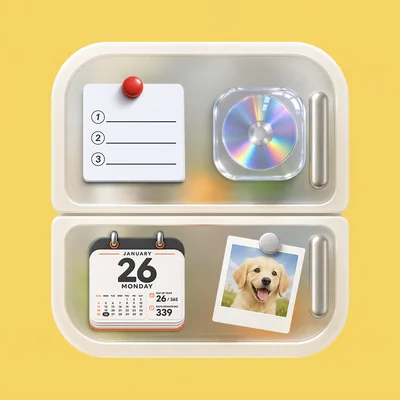
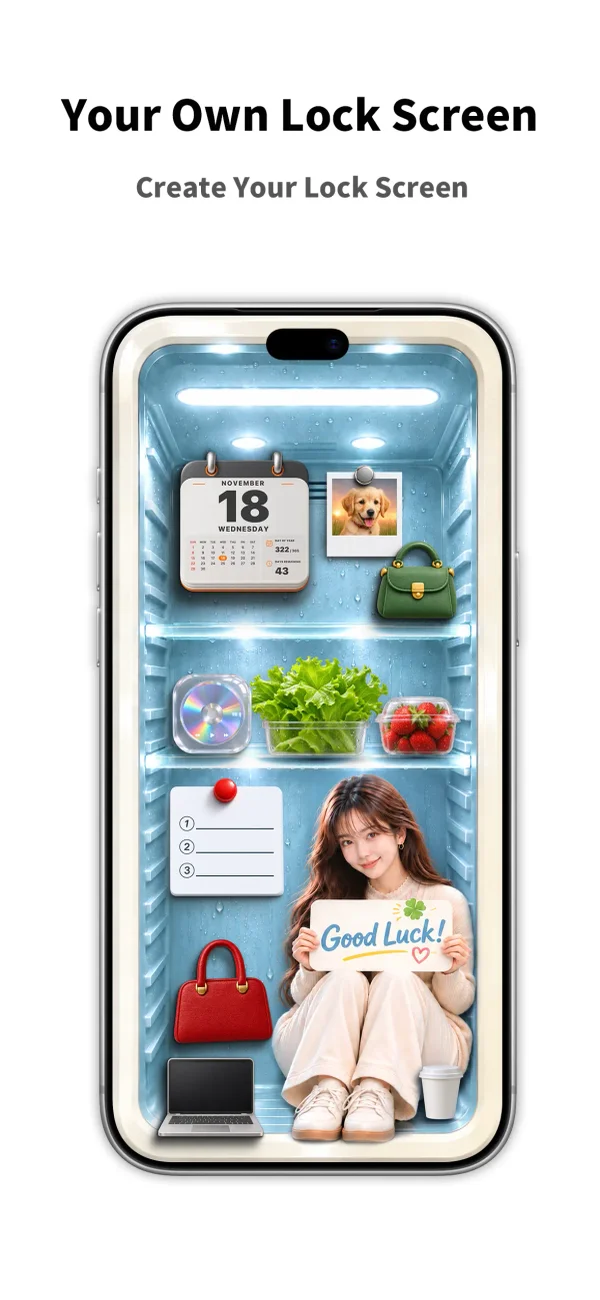
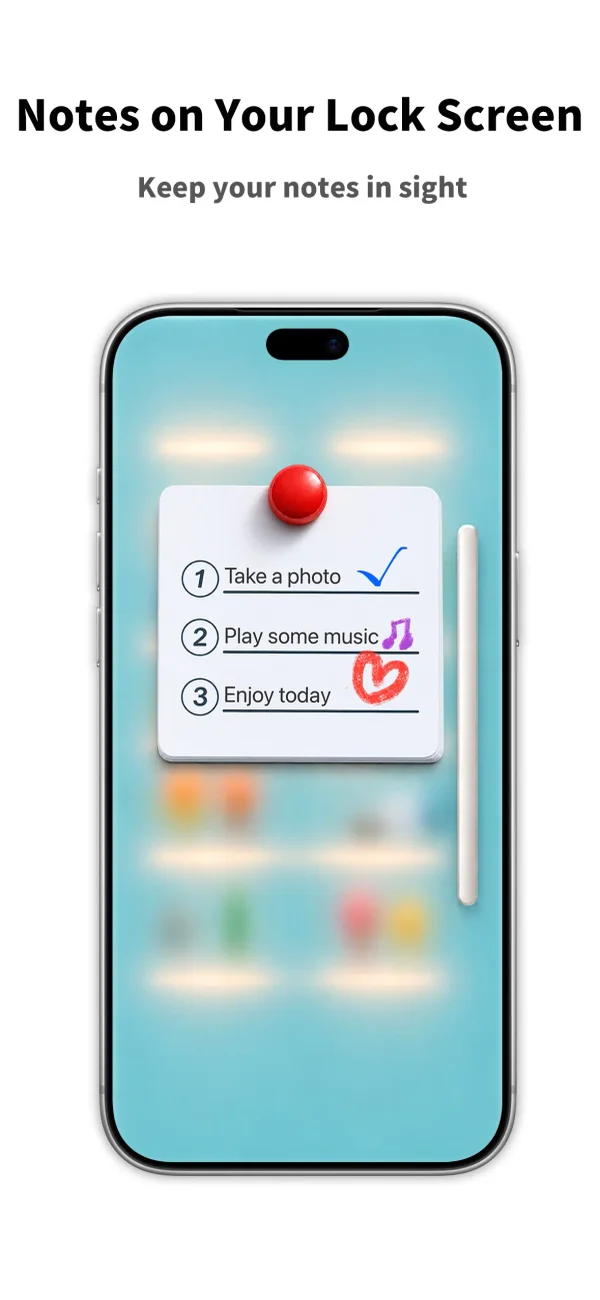
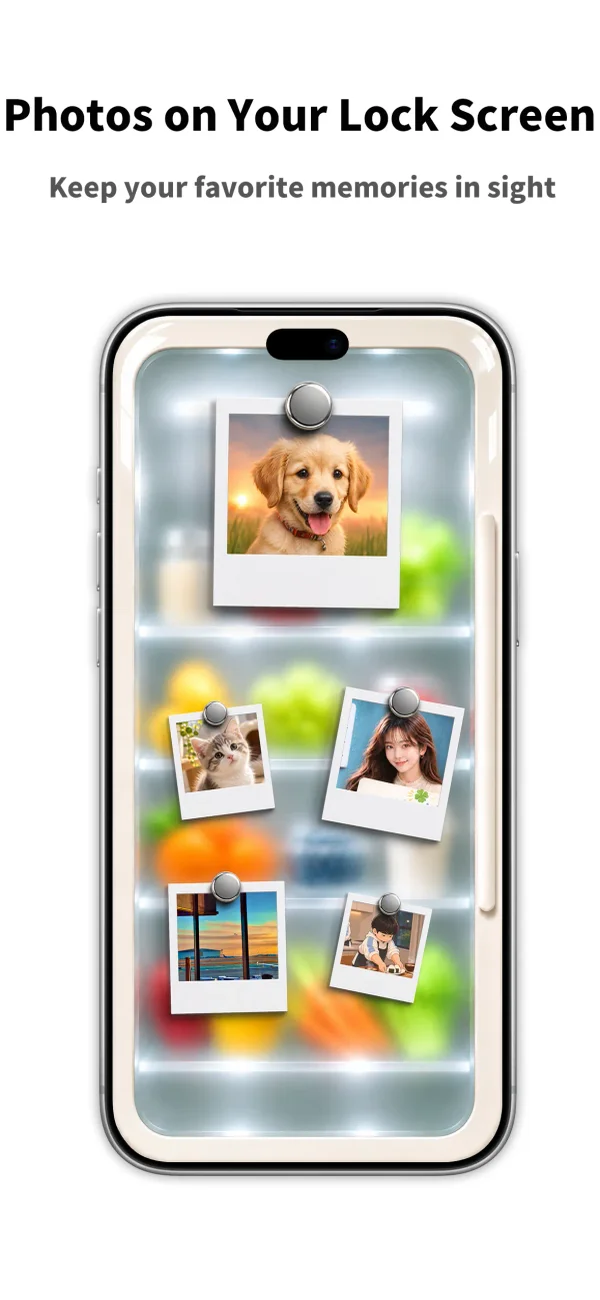
DuoFridge lets you decorate beautifully designed fridges with photos, calendars, notes, and magnets to create your own unique Lock Screen wallpaper.
15 Beautiful Fridge Styles
- Choose from 15 designs, including Retro, Modern Metallic, and Matte finishes.
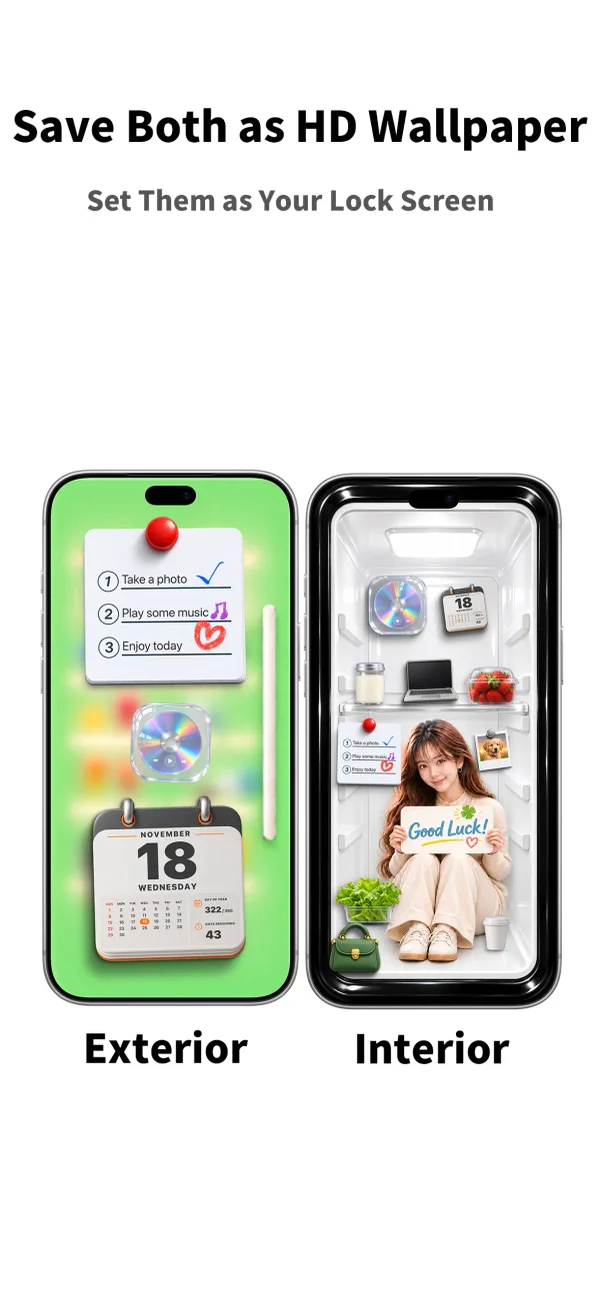
- Each fridge includes a matching interior. Customize both sides your way.
Make It Your Own
- Photos: Add your favorite people, pets, and memories.
- Magnets: Add, move, resize, and arrange freely.
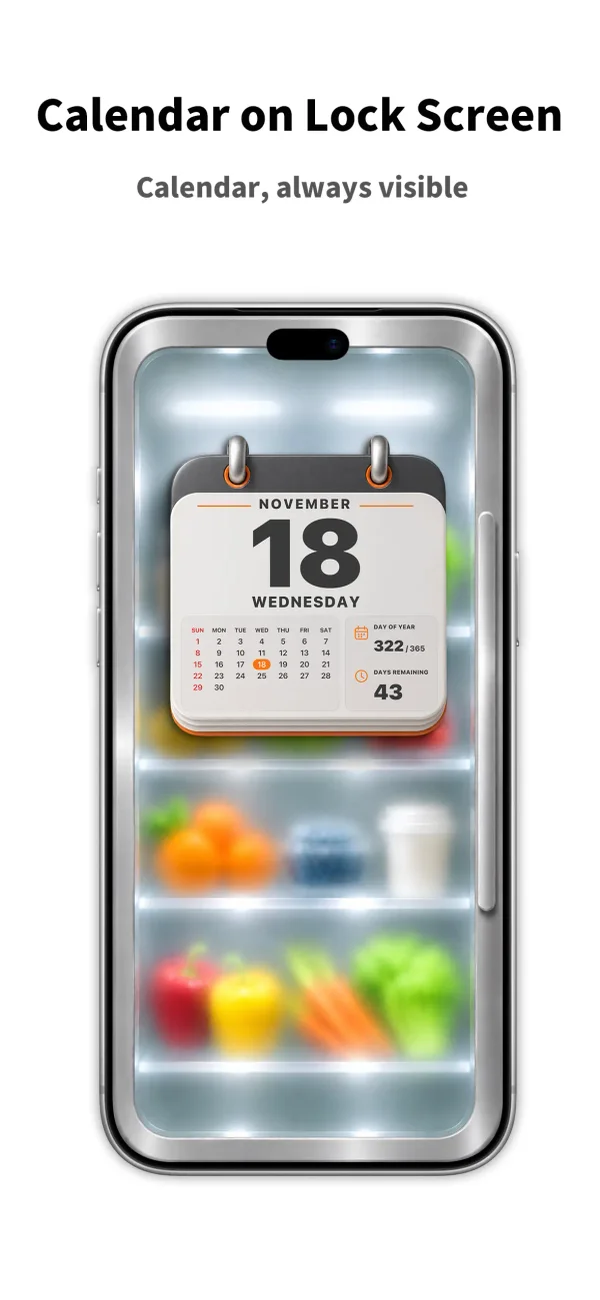
- Calendars: Add dates, monthly calendars, and yearly progress to your wallpaper.
- Notes: Write to-do lists, reminders, and personal goals.
- Free Editing: Adjust the position and size of every element.
Two Sides. Two Wallpapers.
- Design the fridge exterior and interior separately, then save each as a high-resolution image.
- Set your creations as your iPhone Lock Screen wallpaper.
Spatial Lock Screen Effects
- Supports iPhone's Spatial Scene feature, adding greater depth and dimension to your Lock Screen.
- Spatial Scene requires iPhone 12 or later running iOS 26 or later. Actual visual effects may vary depending on the image.
Exclusive Original Music
- Enjoy DuoFridge's original music while creating your wallpaper, even offline.
From photos to magnets, every detail is yours to customize.
Start creating your own iPhone Lock Screen with DuoFridge!
Neue Funktionen
Version 2.0 · 22.11.2026
What's New in Version 2.0
• Added Modern and Matte fridge collections, refreshed Retro interiors, and introduced more colors and unique layouts.
• Added a dynamic calendar that automatically displays the local date, monthly calendar, and yearly progress. Add it to your fridge design and save it as part of your Lock Screen wallpaper. No calendar permission required.
• Added a CD music magnet featuring three original DuoFridge tracks, with background playback and playback controls on the Lock Screen and in Control Center.
• Added Open Fridge and Close Fridge features for standard iPhones.
• Introduced Kim, a virtual assistant available across Retro, Modern, and Matte fridges. Turn Kim on or off anytime from the interior menu.
• Customize the fridge interior and exterior independently, with separate options to save, clear, or restore default layouts.
• Added and updated magnets and decorative items for more personalization options.
• Improved high-resolution wallpaper saving.
• Improved menu interactions.
• Added a Quick Guide in four languages.
• Bug fixes and performance improvements.
App-Datenschutz
Was Bigear Company Co., Ltd. im App Store zum Umgang dieser App mit Daten angibt.
-
Keine Daten erfasst
Der Entwickler erfasst keine Daten von dieser App.
Die Datenschutzpraktiken können variieren, zum Beispiel je nach den von Ihnen verwendeten Funktionen oder Ihrem Alter.
Informationen
- Anbieter
- bigearcompany
- Kategorie
- Lifestyle
- Version
- 2.0
- Aktualisiert
- 22.11.2026
- Veröffentlicht
- 08.11.2026
- Größe
- 322,1 MB
- Erfordert
- iOS 16.4 oder neuer
- Altersfreigabe
- 4+
- Preis
- 2,99 €
- Sprachen
- Englisch, Koreanisch, Vereinf. Chinesisch, Tradit. Chinesisch
- Copyright
- © 2026 Bigear Company Co., Ltd.