
- Altersfreigabe4+
- KategorieGrafik und Design
- EntwicklerFaisal Alrajhi
- SprachenEnglisch+ 1 weitere
- Größe32,9 MB
Verlinkt auf die offizielle App Store-Seite
Download.org hostet keine Datei von DuoWall. Die Schaltfläche öffnet die App-Seite bei App Store, wo Faisal Alrajhi die App veröffentlicht. Eintrag zuletzt geprüft am 17.11.2026.
Screenshots


Info
Der Entwickler hat diesen Text nicht in Ihrer Sprache bereitgestellt.
DuoWall brings wallpaper design and device mockups together. Make a wallpaper, place it in a device frame, and save the editable project for later.
CREATE A WALLPAPER
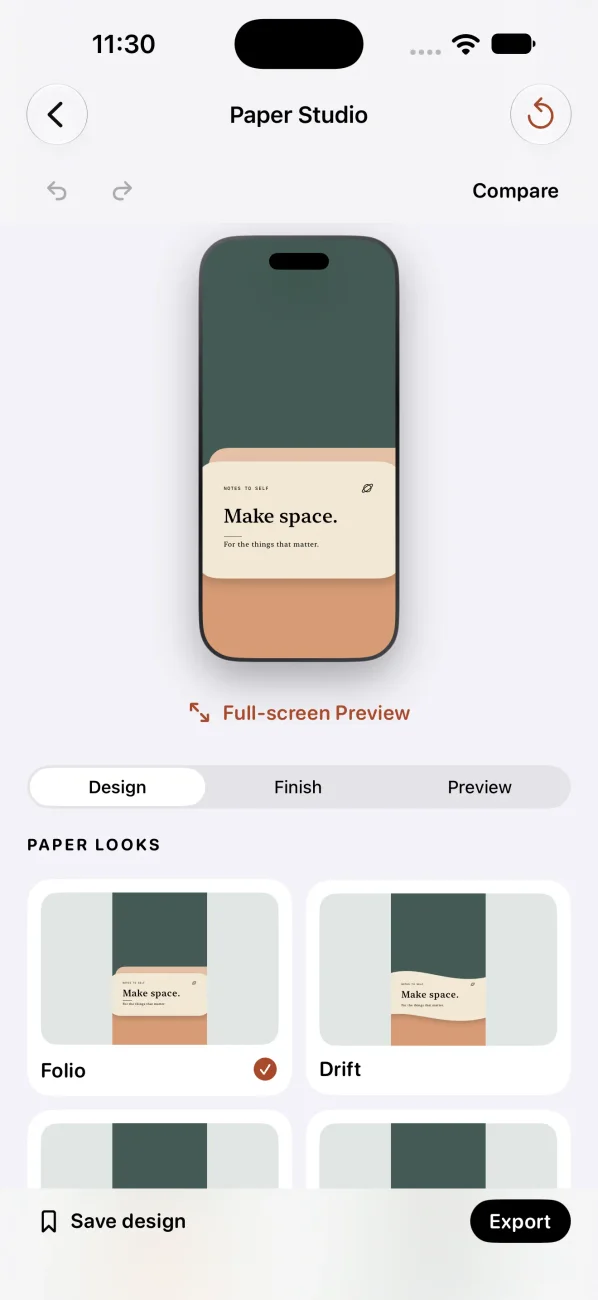
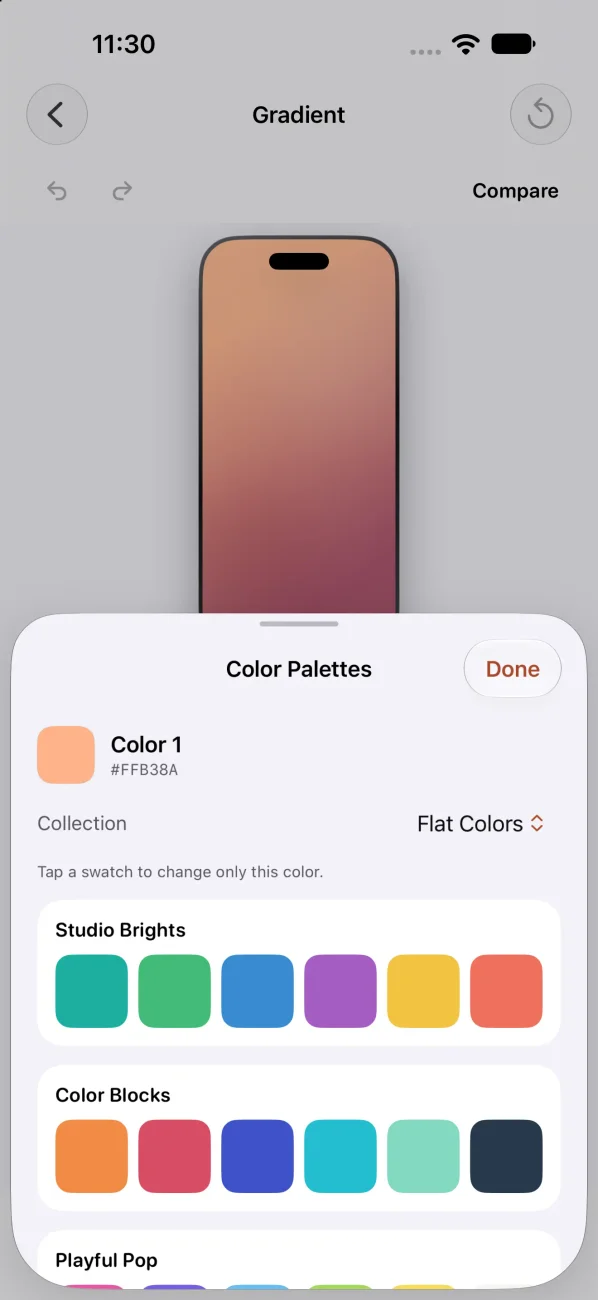
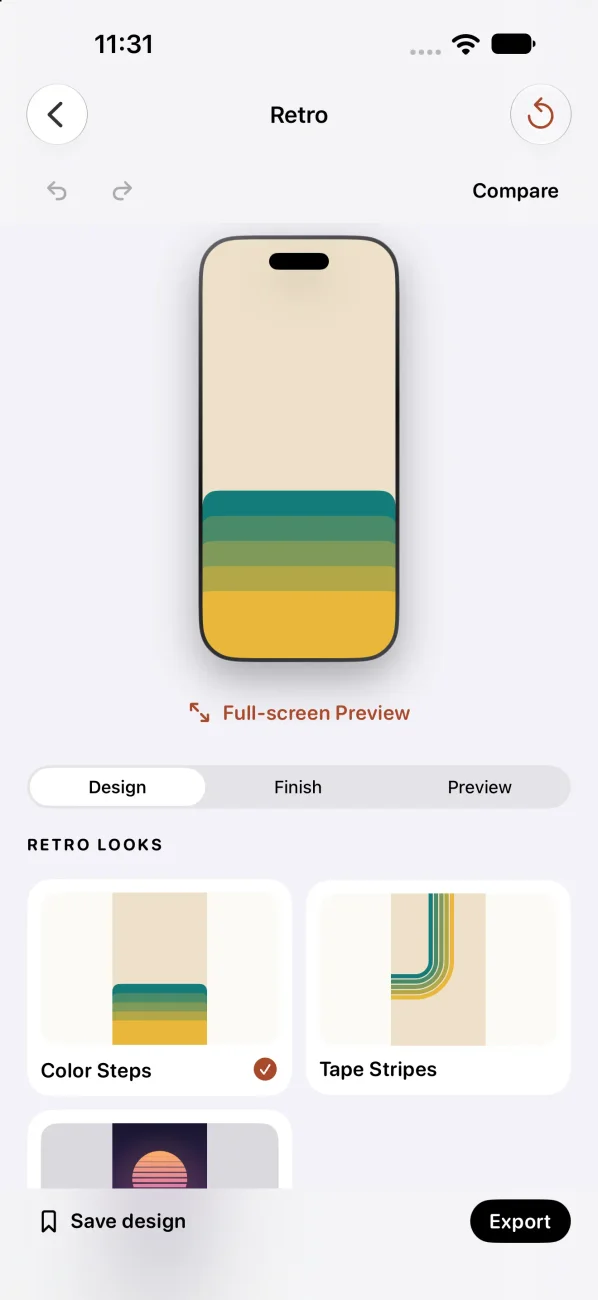
Explore 87 customizable looks in Wallpaper Studio, including pixel art, Sadu-inspired patterns, flat landscapes, reeded glass, gradients and paper. Change individual colors, take a palette from a photo, adjust texture and composition, or add your own words. DuoWall creates the artwork on your device.
MAKE A MOCKUP
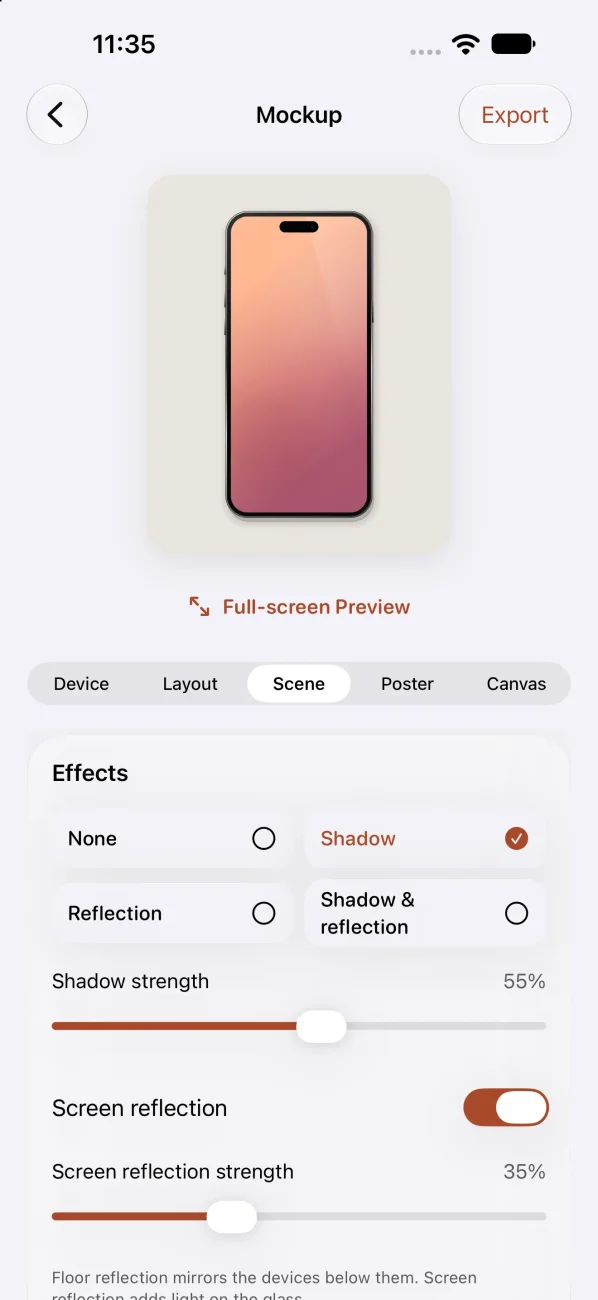
Send your design directly to Mockup Studio or bring in an image from Photos or Files. Choose iPhone, iPad and iPhone Duo frames, arrange devices, and adjust the scene, background and lighting. Try detailed frames for iPhone 16, iPhone 18 Pro and iPhone Duo. Save your mockup as a PNG, including with a transparent background.
DESIGN FOR YOUR SCREEN
Pick from phone, tablet, watch and desktop wallpaper sizes. Preview your iPhone Duo wallpaper folded or unfolded and save a matched pair for the cover and inside screens. Save still artwork or explore video and Live Photo formats where supported. Apply wallpapers through your device settings.
PICK UP WHERE YOU LEFT OFF
My Projects brings saved wallpapers and mockups into one place. Search, rename, duplicate and reopen editable projects. Drafts and image processing stay on your device.
No account, ads or subscription. Available in English and Arabic. The new Wallpaper Studio requires iOS 26 or later. The previous editor remains available on earlier supported versions of iOS.
DuoWall is independent of device manufacturers. Device frames are artistic representations.
Questions or feedback? Contact hi@duowall.app.
Neue Funktionen
Version 1.5.1 · 06.11.2026
• Explore the new Wallpaper Studio with 87 customizable looks, including pixel art, Sadu-inspired patterns, landscapes, glass and paper. Adjust colors, composition and lettering directly on the canvas.
• Send your wallpaper straight into a device frame with Use in Mockup. Find, rename, duplicate and reopen wallpapers and mockups in My Projects.
• Try more detailed frames for iPhone 16, iPhone 18 Pro and iPhone Duo. Device cards use the same sample wallpaper, fitted inside each screen.
• Preview iPhone Duo folded or unfolded, save matching cover and inside wallpapers, and choose whether to show the hinge in unfolded mockups.
• Find Export more easily, with larger previews on wide screens and smoother navigation and image imports.
The new Wallpaper Studio requires iOS 26 or later. The previous editor remains available on earlier supported versions of iOS, and existing DuoWall projects stay on your device.
App-Datenschutz
Was Faisal Alrajhi im App Store zum Umgang dieser App mit Daten angibt.
-
Keine Daten erfasst
Der Entwickler erfasst keine Daten von dieser App.
Die Datenschutzpraktiken können variieren, zum Beispiel je nach den von Ihnen verwendeten Funktionen oder Ihrem Alter.
Informationen
- Anbieter
- Faisal Alrajhi
- Kategorie
- Grafik und Design
- Version
- 1.5.1
- Aktualisiert
- 06.11.2026
- Veröffentlicht
- 19.10.2026
- Größe
- 32,9 MB
- Erfordert
- iOS 17.0 oder neuer
- Altersfreigabe
- 4+
- Preis
- Kostenlos
- Sprachen
- Englisch, Arabisch
- Copyright
- © 2026 DuoWall
Das könnte Ihnen auch gefallen
-
 Photo Collage StudioGrafik und Design
-
 Artino: Foto-Zine MakerFotos als Magazin gestalten
-
 Charcoal StudioGrafik und Design
-
 Duo Hintergrundbilder FoldableSperrbildschirm & Homescreen
-
 Pixel Art Photo Editor: DoticaGrafik und Design
-
 Duo Wallpapers: 4K HintergrundHintergrundbilder mit KI
-
 AI Background Remover- RetouchGrafik und Design
-
 PapelleGrafik und Design
-
 PhotoFramify: Photo BorderGrafik und Design
-
 Sticker Maker KeyboardGrafik und Design