DVA Developer Associate Prep
DVA-C02 and DVA-C03
Entwickelt für iPhone, iPad, iPod touch
Kostenlos · In-App-Käufe
- Altersfreigabe4+
- KategorieBildung
- EntwicklerCHOI SEONGMIN
- SprachenEnglisch+ 4 weitere
- Größe577,3 MB
Verlinkt auf die offizielle App Store-Seite
Download.org hostet keine Datei von DVA Developer Associate Prep. Die Schaltfläche öffnet die App-Seite bei App Store, wo CHOI SEONGMIN die App veröffentlicht. Eintrag zuletzt geprüft am 25.11.2026.
Screenshots
Info
Der Entwickler hat diesen Text nicht in Ihrer Sprache bereitgestellt.
Across the editions offered in English, there are 908 practice questions in total.
Choose Old or New in study selection.
New — Developer - Associate (DVA-C03): 400 practice questions and 160 terms. Scope: development with cloud services, security, testing and deployment, troubleshooting and optimization. Content languages: English, Korean, Japanese, Spanish, Brazilian Portuguese.
Your existing purchase for the exam covers both editions. Progress is kept separately for each edition. Sign in to StudyCert to sync supported study records.
Old (DVA-C02) and other included exams — retained content and features:
Keep studying across your phone, tablet and desktop.
Use your phone on the move and a tablet or desktop when you want more room to study. Sign in with the same StudyCert account to sync supported study records between the app and the web.
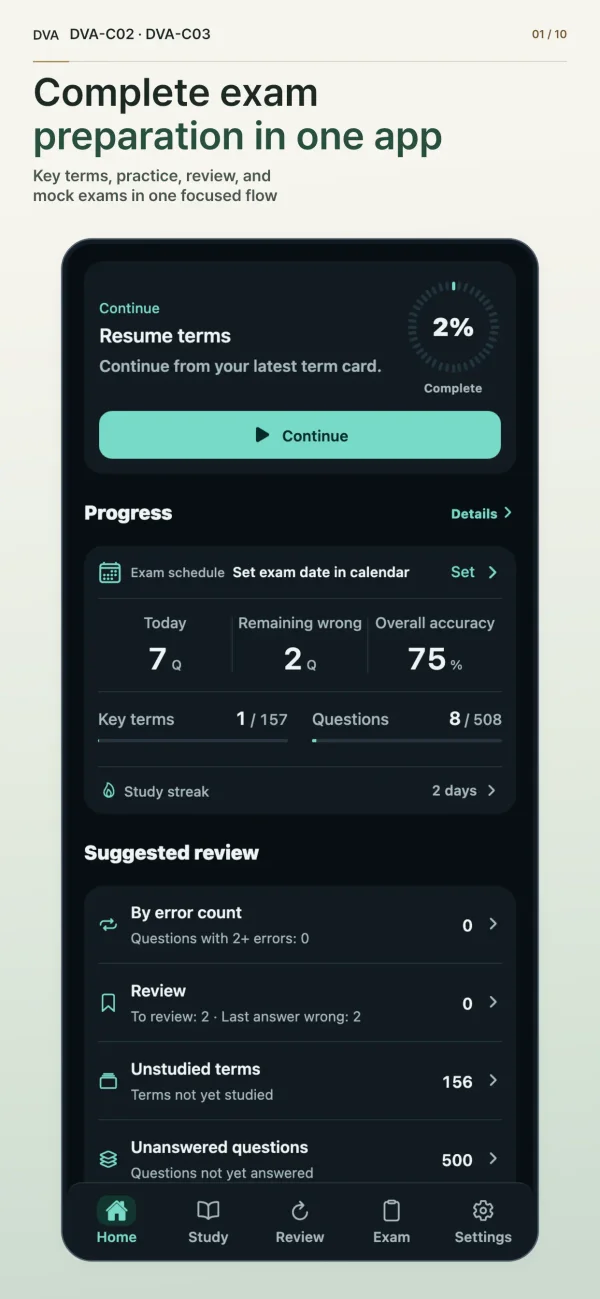
Prepare for AWS Certified Developer - Associate (DVA-C02) with 508 practice questions and 157 key terms.
Study coverage · 4 areas
• Development with AWS Services
• Security
• Deployment
• Troubleshooting and Optimization
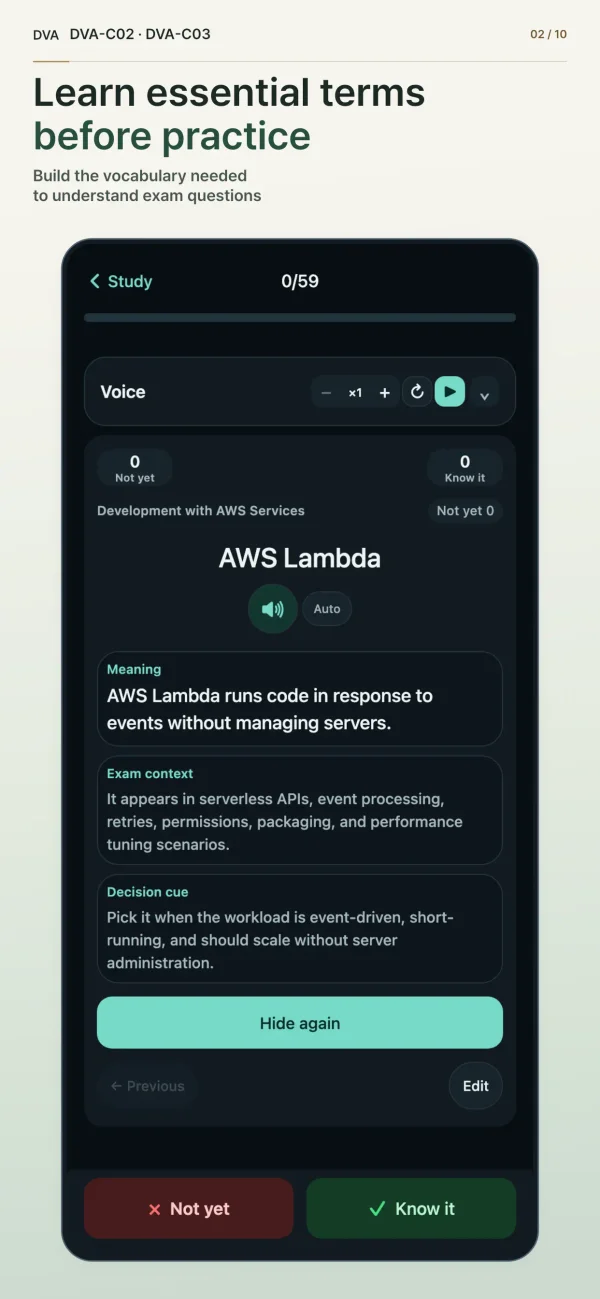
1. Build your foundation with key terms
Use flashcards to learn meanings, exam context and selection cues. Mark terms as known or not yet known, then revisit unstudied or unfamiliar cards. Edit card content to suit your learning and restore the original when needed.
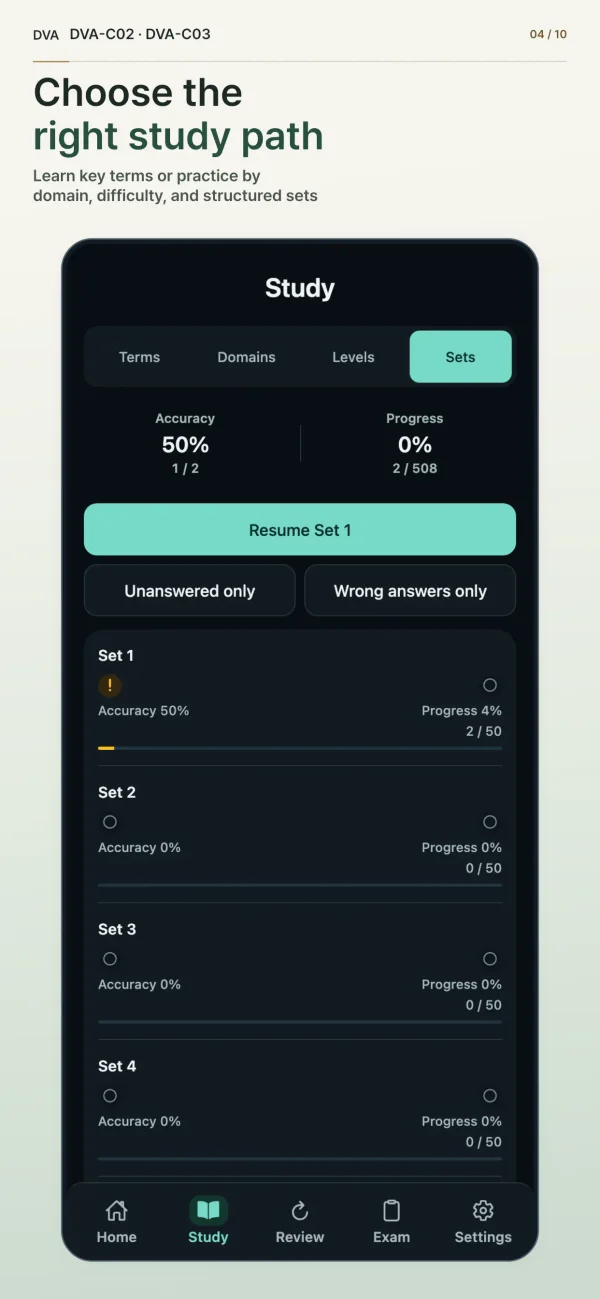
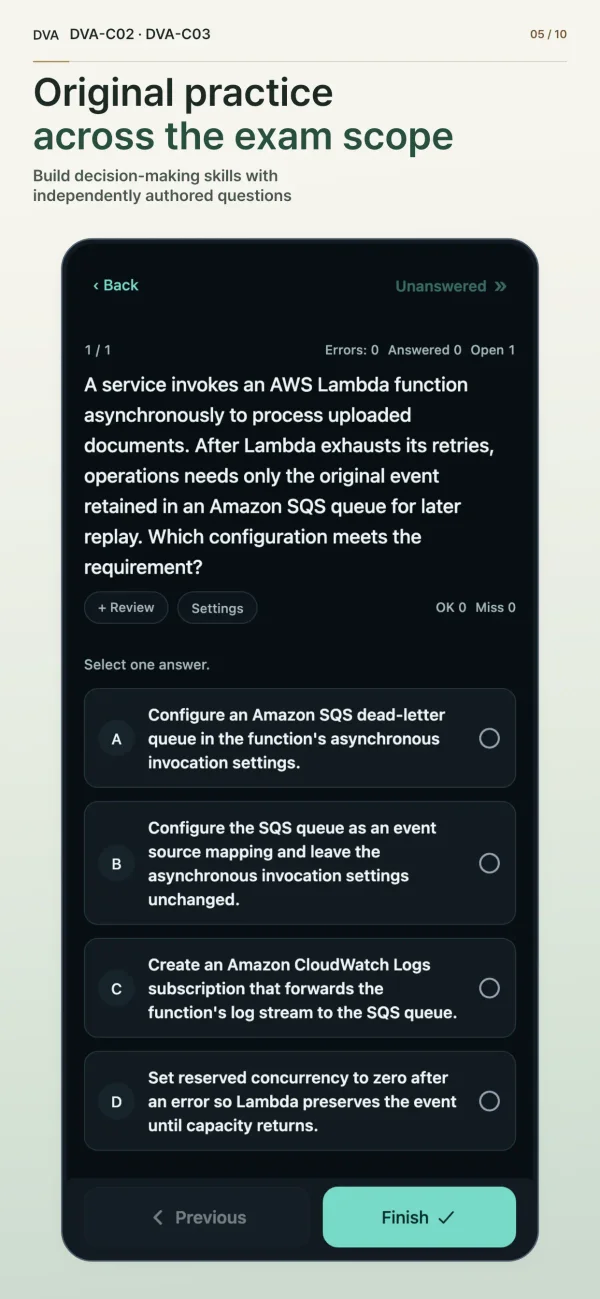
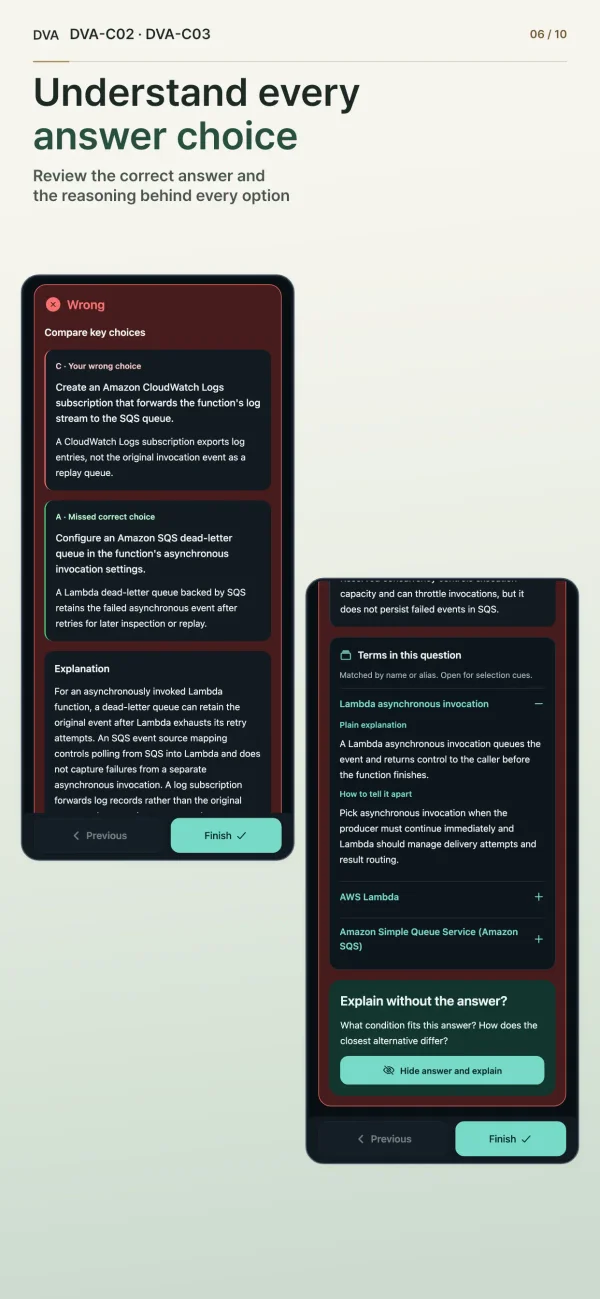
2. Practice and understand each answer
Study in 50-question sets, by domain or by difficulty. Work through single- and multiple-choice questions, then read the explanation for the answer and each option. Choose all, unfinished or wrong questions; shuffle questions and choices; use a study timer; and resume where you left off.
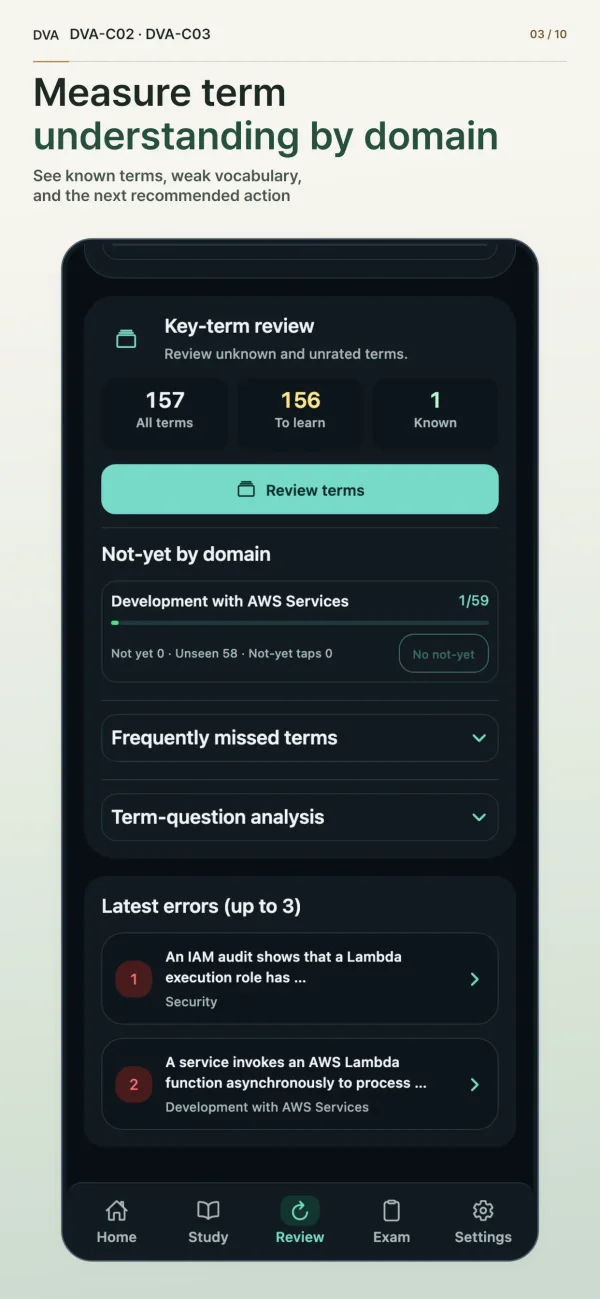
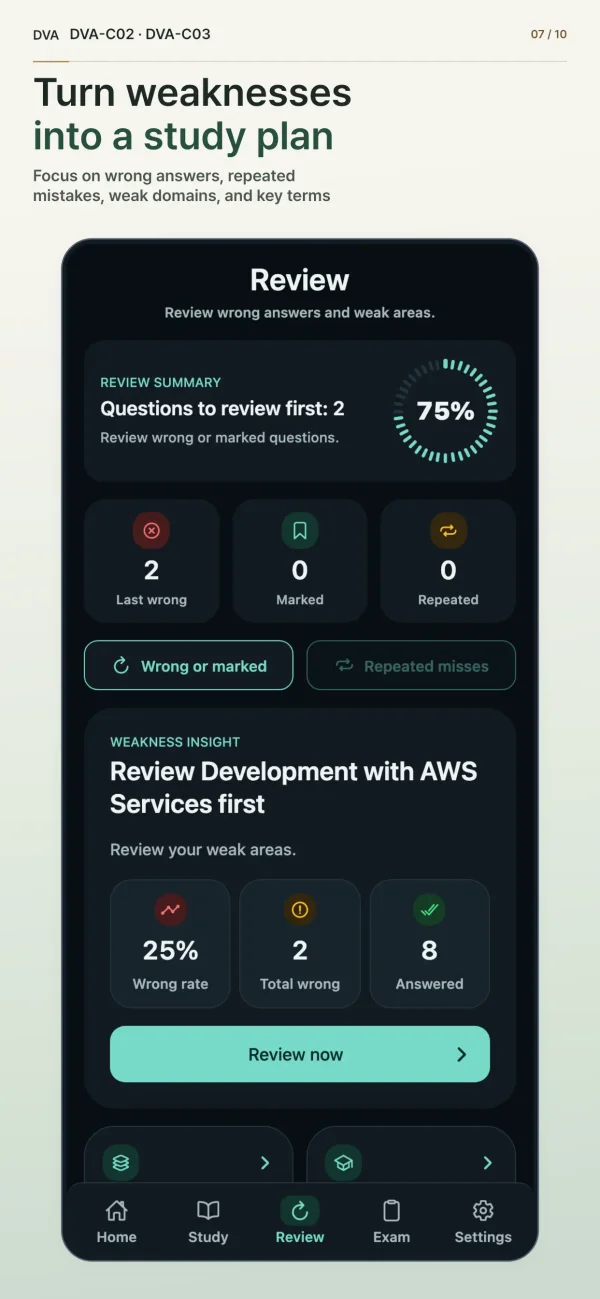
3. Review mistakes and uncertain concepts
Collect questions marked for review, recent errors and repeated mistakes. Filter by cumulative wrong-answer count and focus on weaker domains or difficulty levels. The glossary report connects your known/not-yet records with accuracy on related questions.
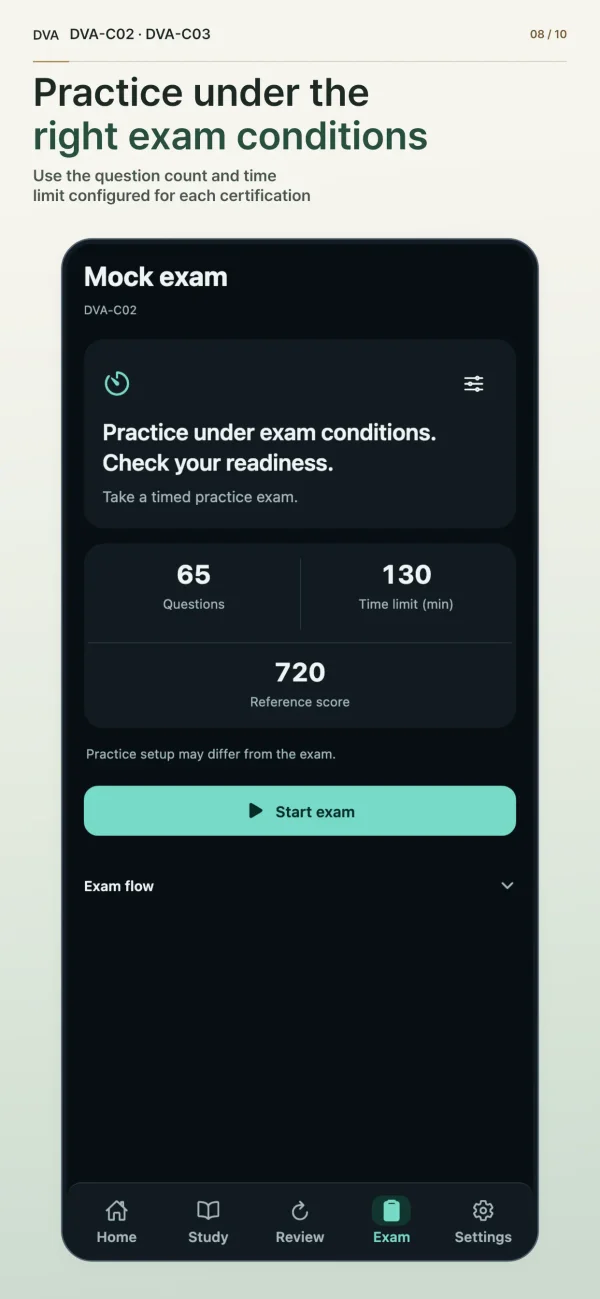
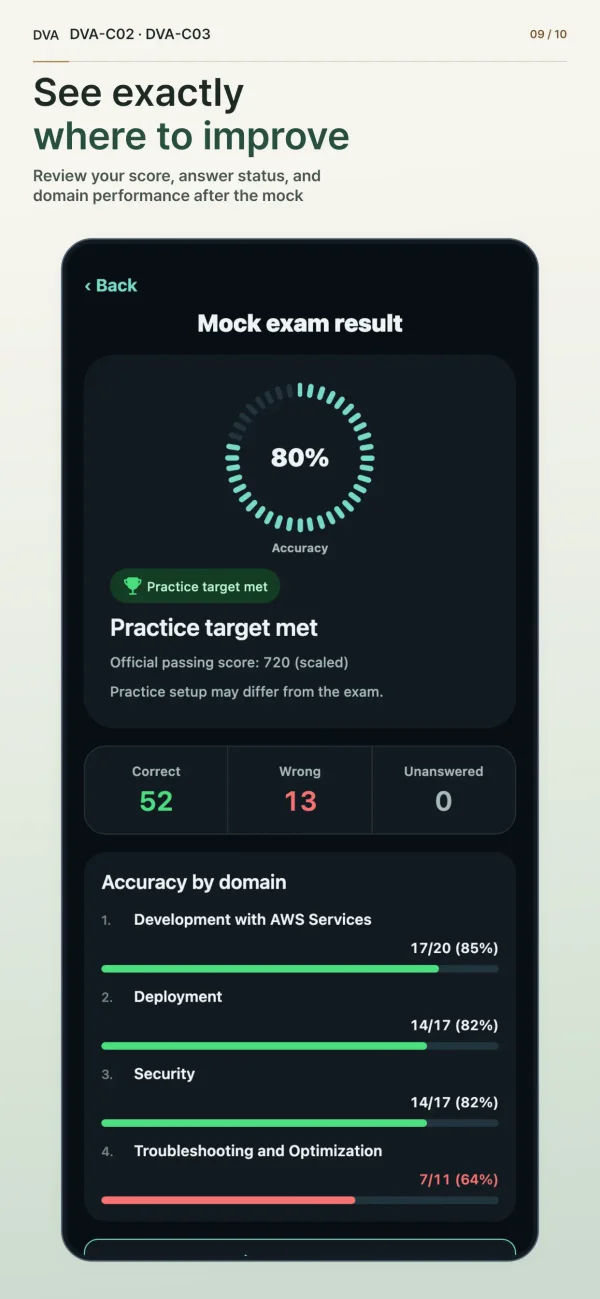
4. Check your preparation with a mock exam
Practice time management with 65 questions in 130 minutes. Change answers before submission, resume a saved exam and receive grading when time expires. Afterwards, see correct, wrong and unanswered counts, your score and domain results, then revisit mistakes.
Tools that fit your study routine
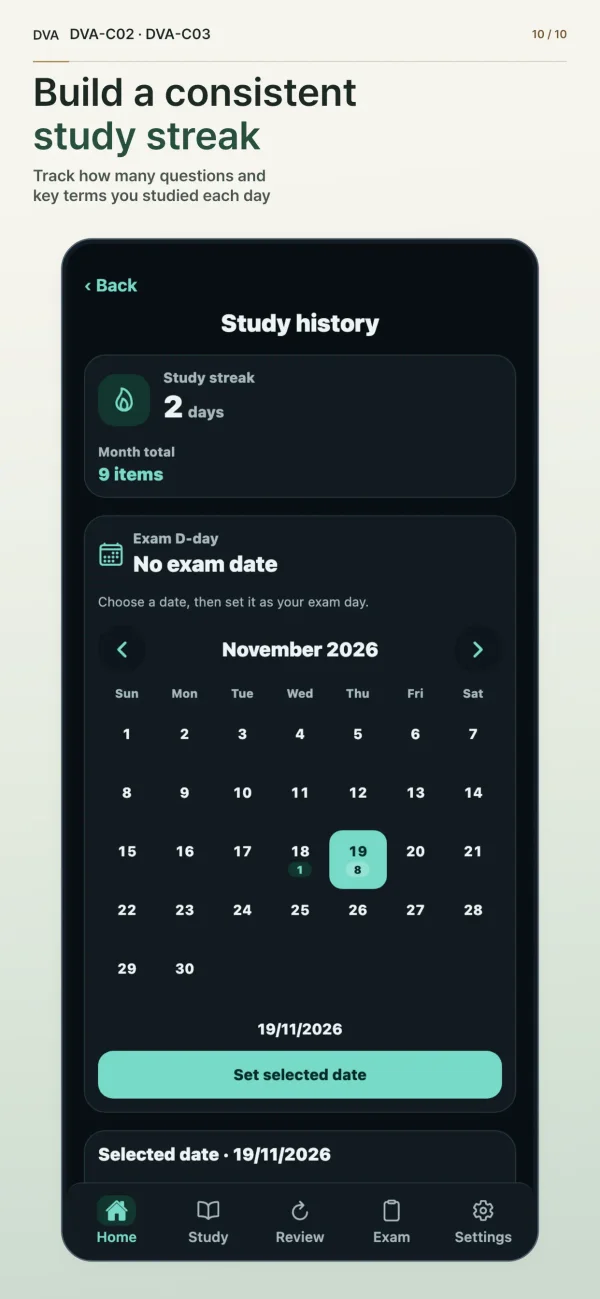
Optional audio study reads terms and meanings aloud. Choose whether to include exam context and selection cues, set repeats and pauses, and control playback with the mini player. In the mobile app, audio can continue in the background and with the screen locked. A study calendar, learning streaks, weekly goals, reminders for unmet goals and light, dark or system themes support your routine. Learning records are managed for each supported language.
Some features require paid access. Check the included features and price on the purchase screen. Purchase restoration is supported.
This is an independent study aid, not an official, affiliated or endorsed app of any exam administrator or certification body. Exam names and trademarks belong to their respective owners.
Neue Funktionen
Version 1.0.19 · 23.11.2026
The launch screen now shows “DVA Developer Associate Prep” when English is selected as the app language.
App-Datenschutz
Was CHOI SEONGMIN im App Store zum Umgang dieser App mit Daten angibt.
-
Nicht mit Ihnen verknüpfte Daten
Können erfasst werden, sind aber nicht mit Ihrer Identität verknüpft.
- Käufe
- Nutzungsdaten
Die Datenschutzpraktiken können variieren, zum Beispiel je nach den von Ihnen verwendeten Funktionen oder Ihrem Alter.
Informationen
- Anbieter
- CHOI SEONGMIN
- Kategorie
- Bildung
- Version
- 1.0.19
- Aktualisiert
- 23.11.2026
- Veröffentlicht
- 23.06.2026
- Größe
- 577,3 MB
- Erfordert
- iOS 15.1 oder neuer
- Altersfreigabe
- 4+
- Preis
- Kostenlos
- In-App-Käufe
- Ja
- Sprachen
- Englisch, Japanisch, Koreanisch, Portugiesisch, Spanisch
- Copyright
- © 2026 Choiseongmin Choi