ES file explorer
MyFiles is file management app
Entwickelt für iPhone, iPad, iPod touch
Kostenlos · In-App-Käufe
- Altersfreigabe17+
- KategorieDienstprogramme
- Entwickleralkesh dudhat
- SprachenEnglisch+ 14 weitere
- Größe43,7 MB
Verlinkt auf die offizielle App Store-Seite
Download.org hostet keine Datei von ES file explorer. Die Schaltfläche öffnet die App-Seite bei App Store, wo alkesh dudhat die App veröffentlicht. Eintrag zuletzt geprüft am 17.11.2026.
Screenshots
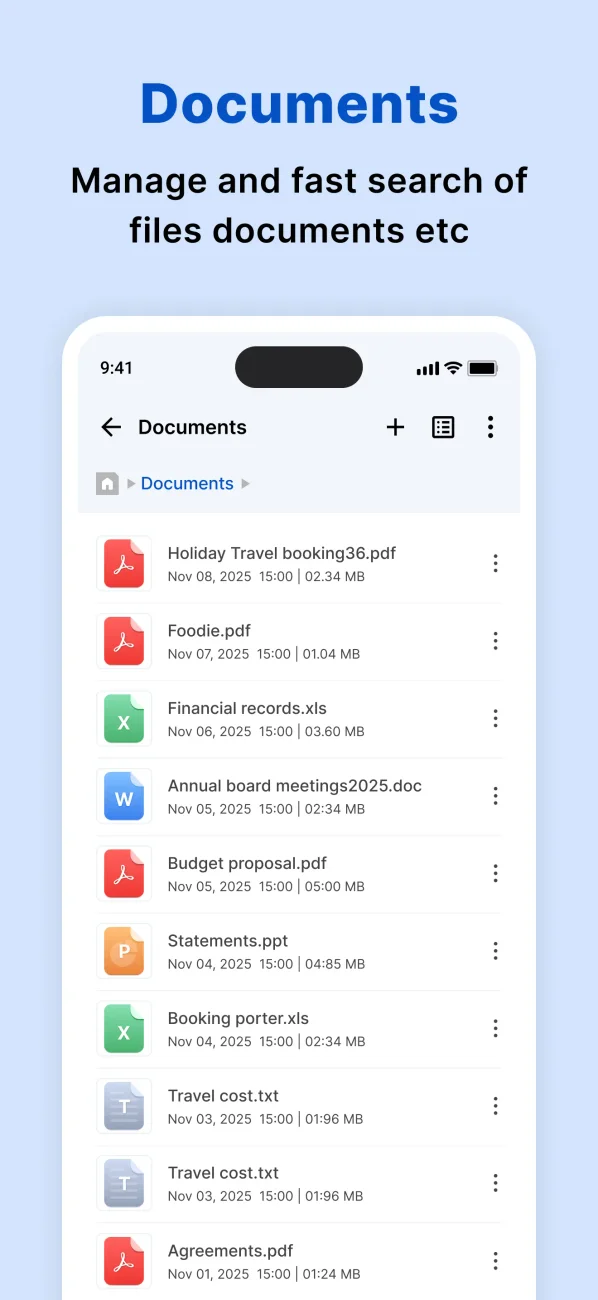
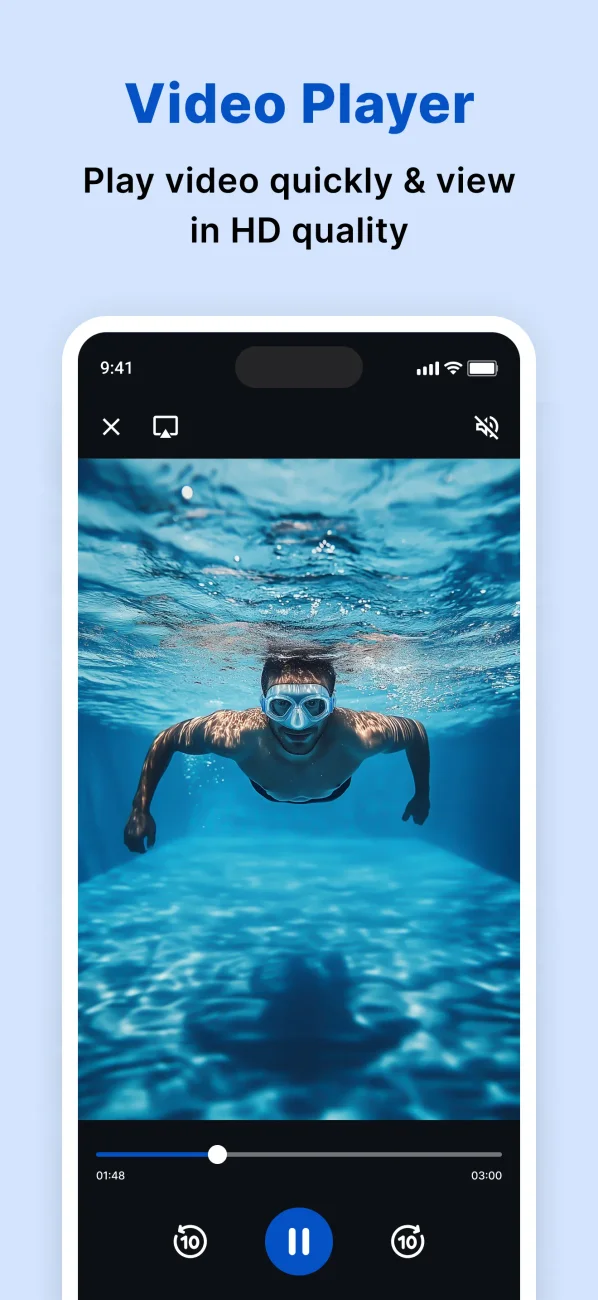
Info
Der Entwickler hat diesen Text nicht in Ihrer Sprache bereitgestellt.
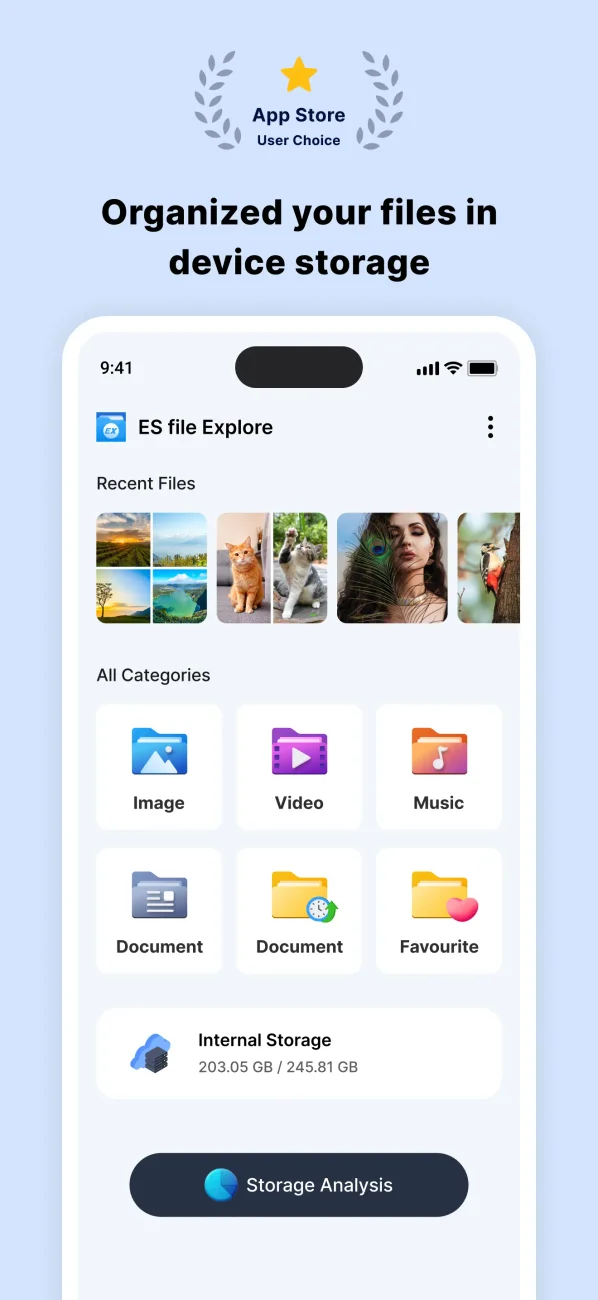
My Files helps you manage and organise any file stored on your device.
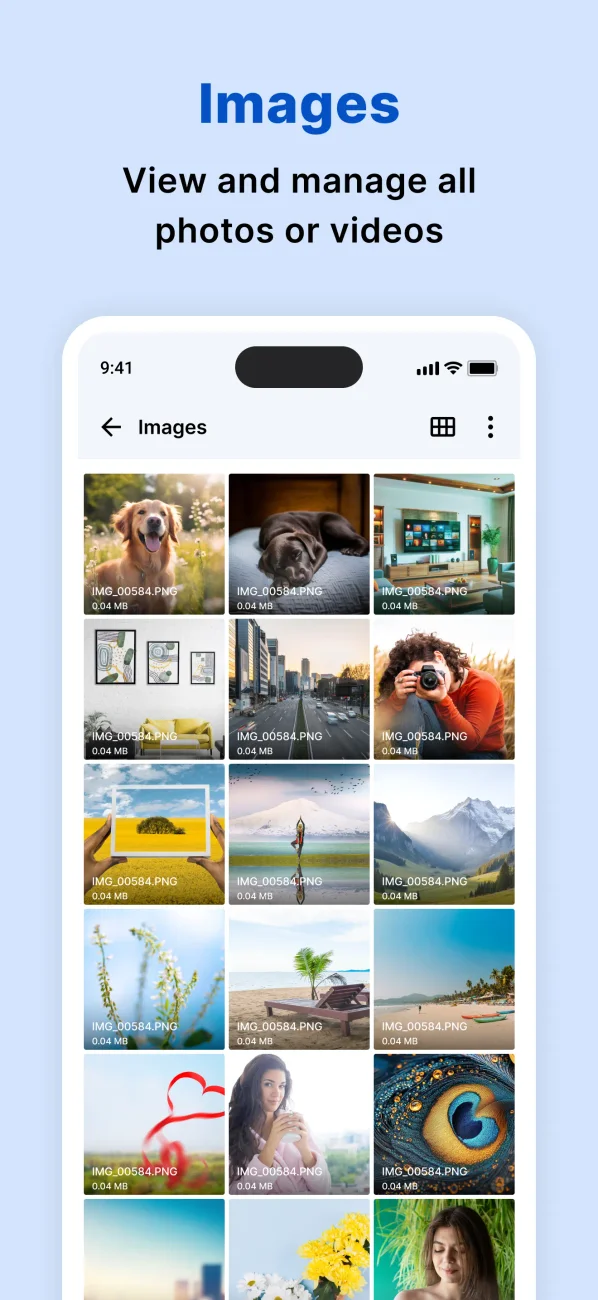
Using My Files, you can view your images, videos, audio files and documents,To find the My Files folder, search using the app search or in the default iPhone folder on your apps screen.
My Files sorts your files into categories, such as Images, Videos, Audio and documents. If you have recently opened a file and are trying to locate it, tap “recents” to access or delete the file.
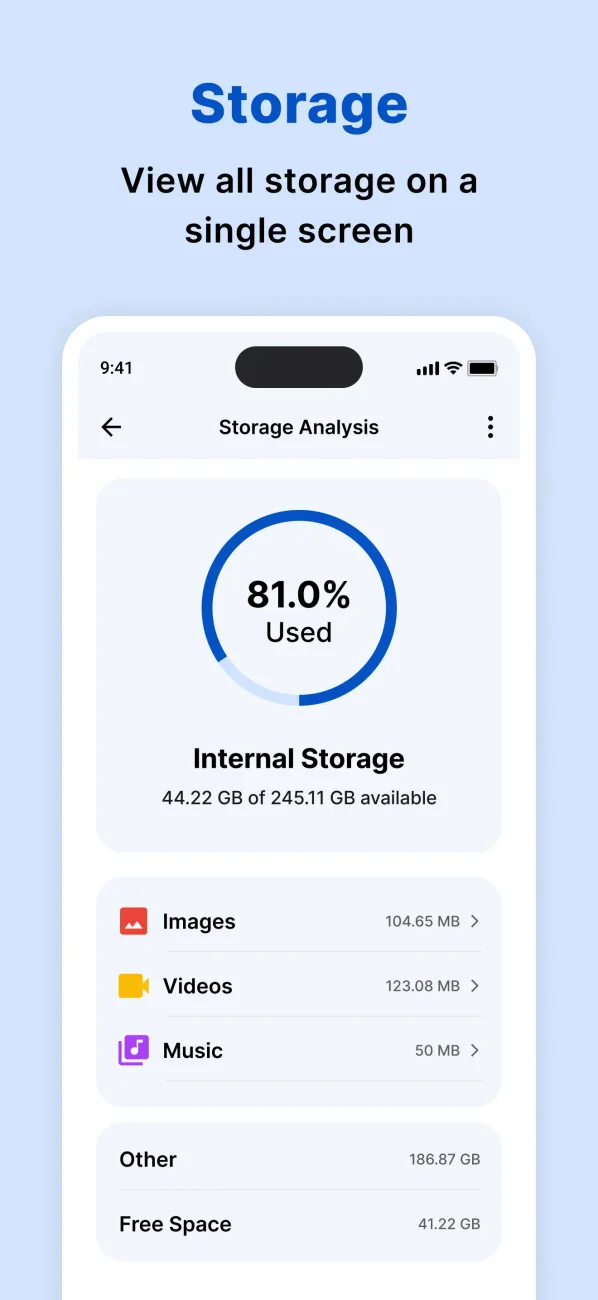
My Files can perform an analysis of the storage usage of the files stored on your device.
How to manage files on your iPhone?
iPhone devices have a My Files app to access and manage files such as documents, pictures, videos, audio files, and documents.One of the strengths of My Files app is that the manager has a very simple interface. This simplicity turns out to be highly useful to help you find any element you're looking for in seconds. Another interesting aspect is that it displays the files you've modified recently to access them more quickly.
features:
• Built-in viewers and players for various file types: click to play music/videos, check image(s) and document(s)
• Quick browsing through categories like: file type, downloads, recent files, and large files.
• Check available storage with just a glance on a simple dashboard.
• Search your photos by date, size, date created, date opened.
• Multiple selection and various sorting support.
My Files helps you manage and organise any file stored on your device.
Using My Files, you can view your images, videos, audio files and documents,To find the My Files folder, search using the app search or in the default iPhone folder on your apps screen.
My Files sorts your files into categories, such as Images, Videos, Audio and documents. If you have recently opened a file and are trying to locate it, tap “recents” to access or delete the file.
My Files can perform an analysis of the storage usage of the files stored on your device.
How to manage files on your iPhone?
iPhone devices have a My Files app to access and manage files such as documents, pictures, videos, audio files, and documents.One of the strengths of My Files app is that the manager has a very simple interface. This simplicity turns out to be highly useful to help you find any element you're looking for in seconds. Another interesting aspect is that it displays the files you've modified recently to access them more quickly.
festures:
• Built-in viewers and players for various file types: click to play music/videos, check image(s) and document(s)
• Quick browsing through categories like: file type, downloads, recent files, and large files.
• Check available storage with just a glance on a simple dashboard.
• Search your photos by date, size, date created, date opened.
• Multiple selection and various sorting support.
Subscription Details:
Payment will be charged to iTunes Account at confirmation of purchase
Subscription automatically renews unless auto-renew is turned off at least 24-hours before the end of the current period
Account will be charged for renewal within 24-hours prior to the end of the current period, and identify the cost of the renewal
No cancellation of the current subscription is allowed during active subscription period
Any unused portion of a free trial period, if offered, will be forfeited when the user purchases a subscription to that publication, where applicable
Note:-
Privacy Policy: https://www.privacypolicycenter.com/alkesh_dudhat_ios/privacy.html
Terms of use: https://www.privacypolicycenter.com/view_custom.php?v=TXlabGhTL1NMSU14Q0Z1Rk1oS2NVZz09&n=Terms-Of-Use
Neue Funktionen
Version 2.1 · 19.02.2025
- Performance improvement.
- Bug Fixing.
App-Datenschutz
Was alkesh dudhat im App Store zum Umgang dieser App mit Daten angibt.
-
Daten, die zum Tracking Ihrer Person verwendet werden
Können verwendet werden, um Sie über Apps und Websites anderer Unternehmen hinweg zu verfolgen.
- Nutzungsdaten
-
Nicht mit Ihnen verknüpfte Daten
Können erfasst werden, sind aber nicht mit Ihrer Identität verknüpft.
- Benutzerinhalte
- Kennungen
- Nutzungsdaten
- Diagnose
Die Datenschutzpraktiken können variieren, zum Beispiel je nach den von Ihnen verwendeten Funktionen oder Ihrem Alter.
Informationen
- Anbieter
- alkesh dudhat
- Kategorie
- Dienstprogramme
- Version
- 2.1
- Aktualisiert
- 19.02.2025
- Veröffentlicht
- 21.04.2022
- Größe
- 43,7 MB
- Erfordert
- iOS 15.6 oder neuer
- Altersfreigabe
- 17+
- Preis
- Kostenlos
- In-App-Käufe
- Ja
- Sprachen
- Englisch, Arabisch, Bengalisch, Französisch, Deutsch, Hindi, Italienisch, Japanisch, Malaiisch, Persisch, Portugiesisch, Russisch + 3 weitere
- Copyright
- © Alkesh@2025
Das könnte Ihnen auch gefallen
-
 datei explorerdokuments - file organizer
-
 Dateimanager & Dokumentes Prodocuments dateien - my media
-
 Datei Manager: Files OrganizerDokumente Explorer: Dateilen
-
 File Explorer-File Manager ZipDienstprogramme
-
 MT Browser - File Manager, IDMDienstprogramme
-
 ZIP Extractor - Unzip, UnrarDienstprogramme
-
 MyFiles: Dateimanager & PlayerEntpacken, SMB NAS, MKV & IPTV
-
 DokumanagerDienstprogramme
-
 Zip & Unzip - rar unrar datei7zip 7z Archiv Öffner PDF Foto
-
 File Explorer & PlayerDienstprogramme