Excel formulas: Learn & Try
Practice, charts & daily goals
Entwickelt für iPhone, iPad, iPod touch
Kostenlos
- Altersfreigabe4+
- KategorieBildung
- EntwicklerMerbin Joe
- SprachenEnglisch
- Größe26,2 MB
Verlinkt auf die offizielle App Store-Seite
Download.org hostet keine Datei von Excel formulas: Learn & Try. Die Schaltfläche öffnet die App-Seite bei App Store, wo Merbin Joe die App veröffentlicht. Eintrag zuletzt geprüft am 13.11.2026.
Screenshots
Info
Der Entwickler hat diesen Text nicht in Ihrer Sprache bereitgestellt.
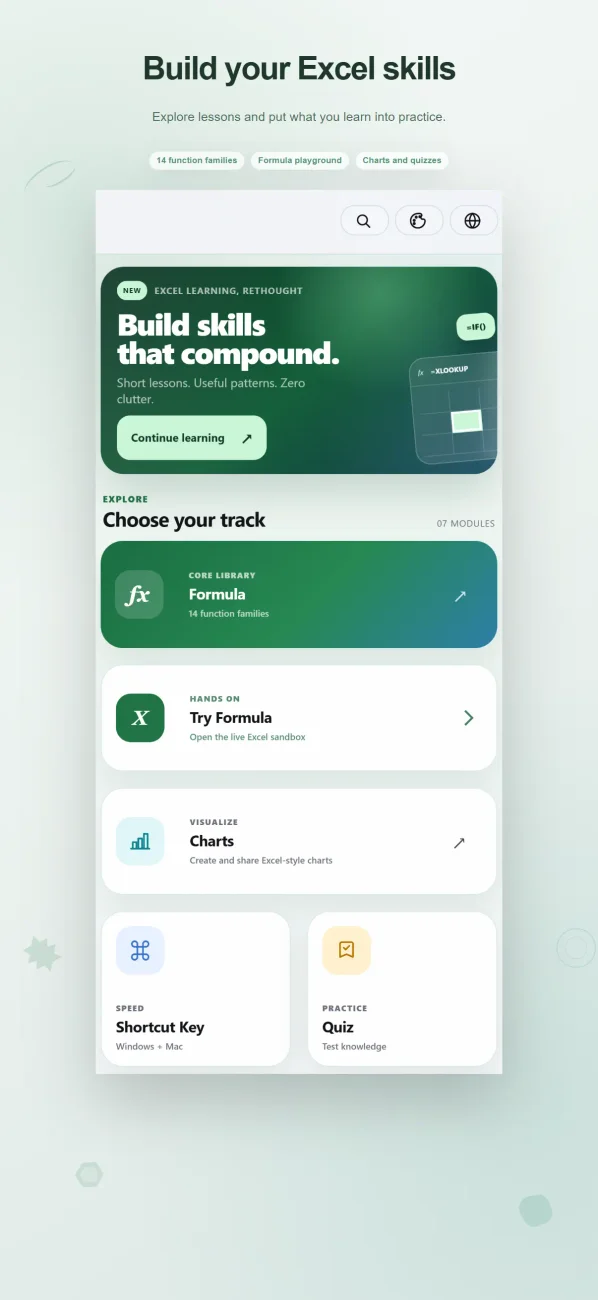
Move from reading a function to understanding how its inputs affect a result. Excel formulas combines illustrated spreadsheet lessons, an editable formula playground and a chart workspace with tools that help you return to your studies.
A reference you can explore at your own pace
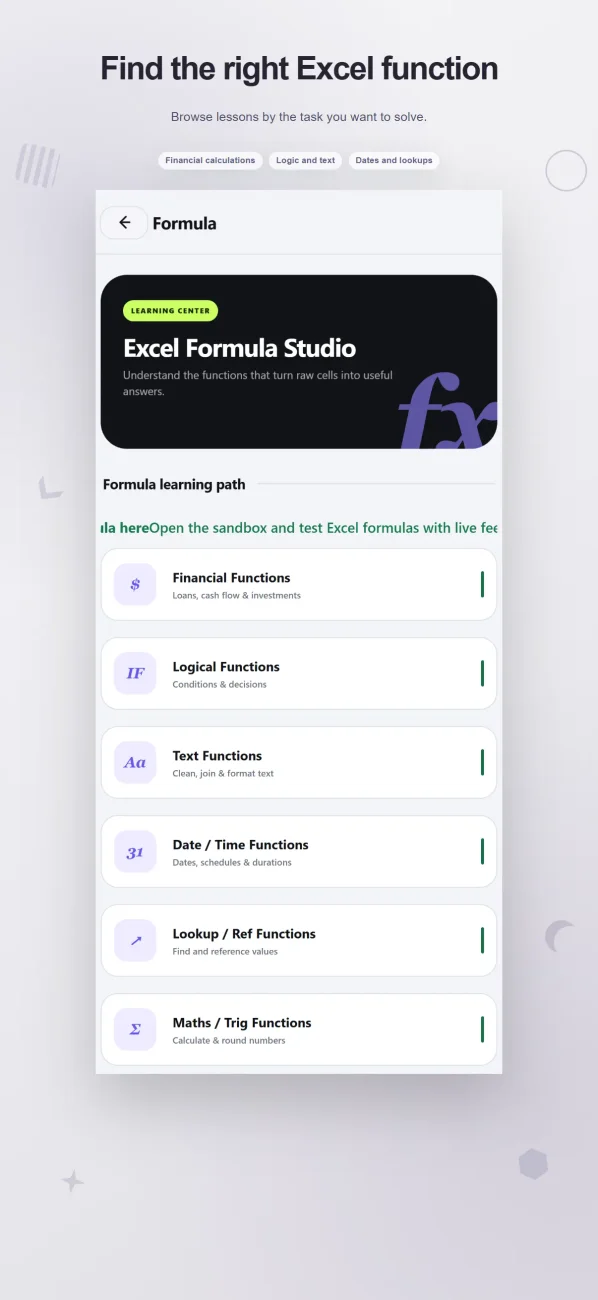
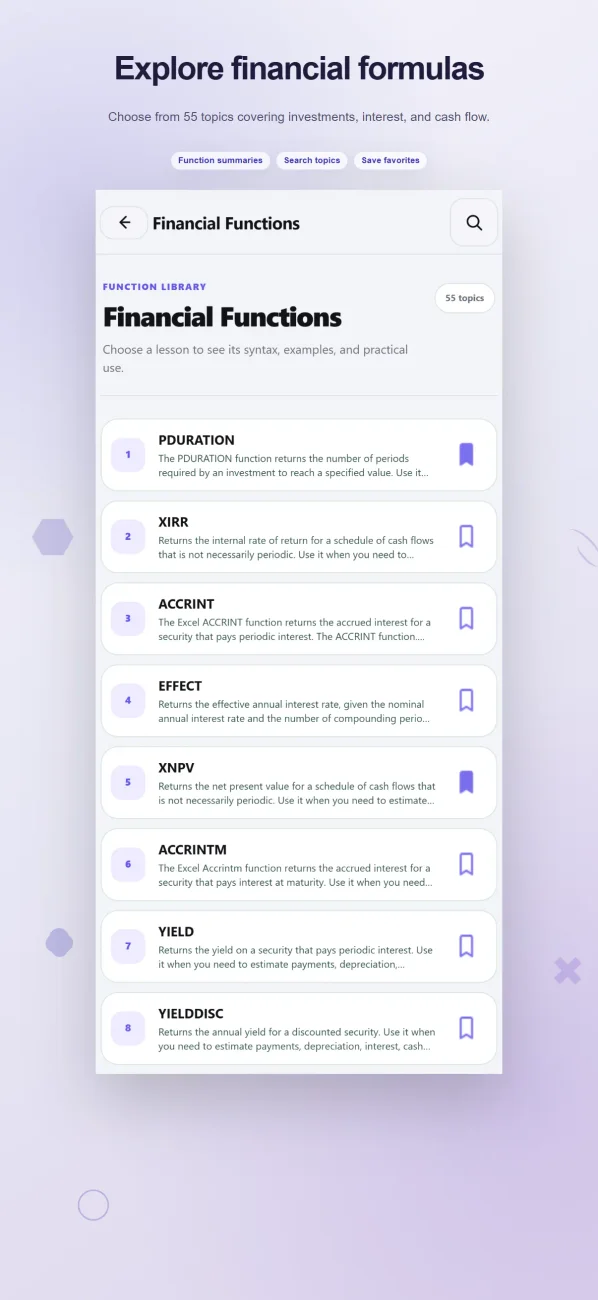
Start with logical, text or mathematical functions, or follow topics such as dates, lookups and statistical summaries. Fourteen function families also include financial, database, engineering, information, compatibility, cube, web and add-in lessons. Browse a category or search by a function name, a use case or an interview question.
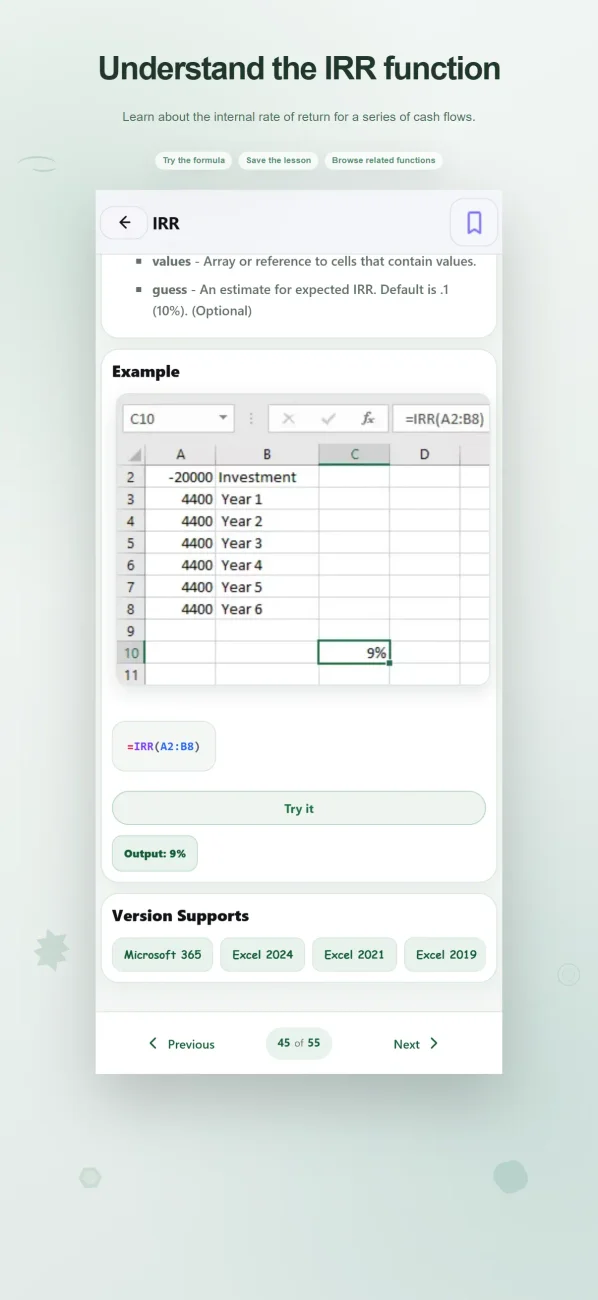
Each formula lesson presents an explanation and syntax with examples. Previous and Next controls let you move through a topic without returning to the list. Save a formula for later and mark a lesson complete when you have reviewed it. The reference topics explain spreadsheet functionality; they do not imply that every function can run inside the practice grid.
Learn by changing the inputs
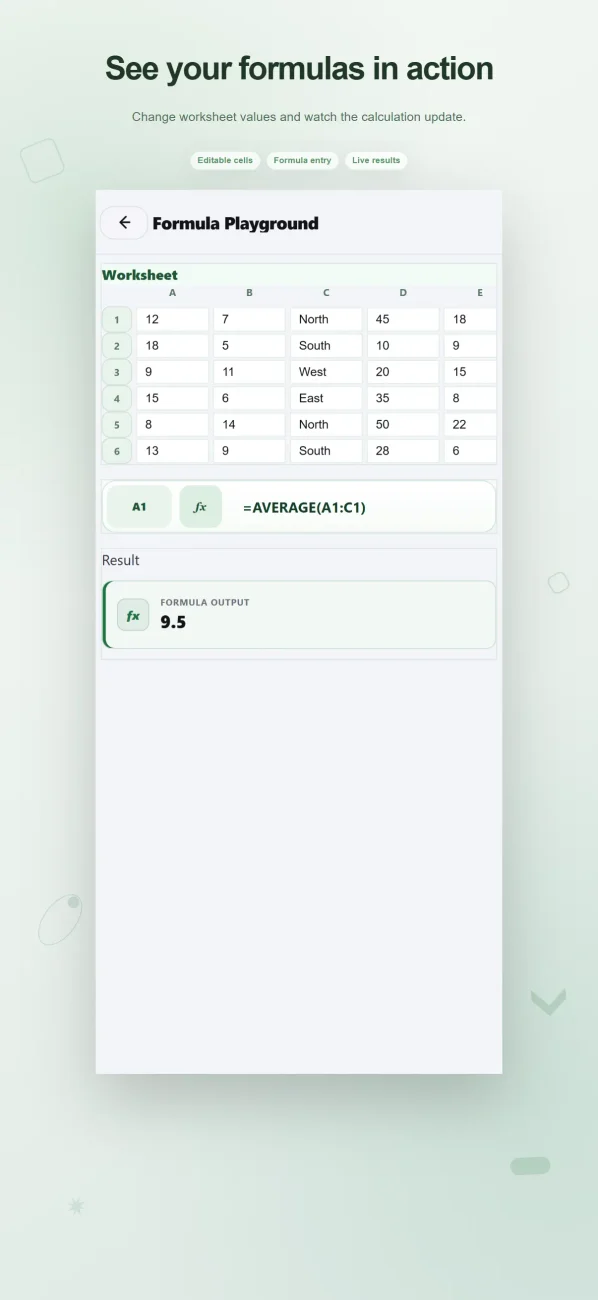
Use Formula Playground to edit values in a small worksheet and enter a supported expression. Its result display responds as the formula or grid changes, making it easier to compare the calculation with the example you are reading. Where a lesson offers Try It, open the selected example with its formula and sample data already prepared.
The quick input toolbar provides formula symbols for mobile typing. Practice with conditions, totals, averages and cell ranges, then use the lesson to check what each argument means. The playground implements a selection of functions and serves as a focused learning workspace.
Create a visual from your data
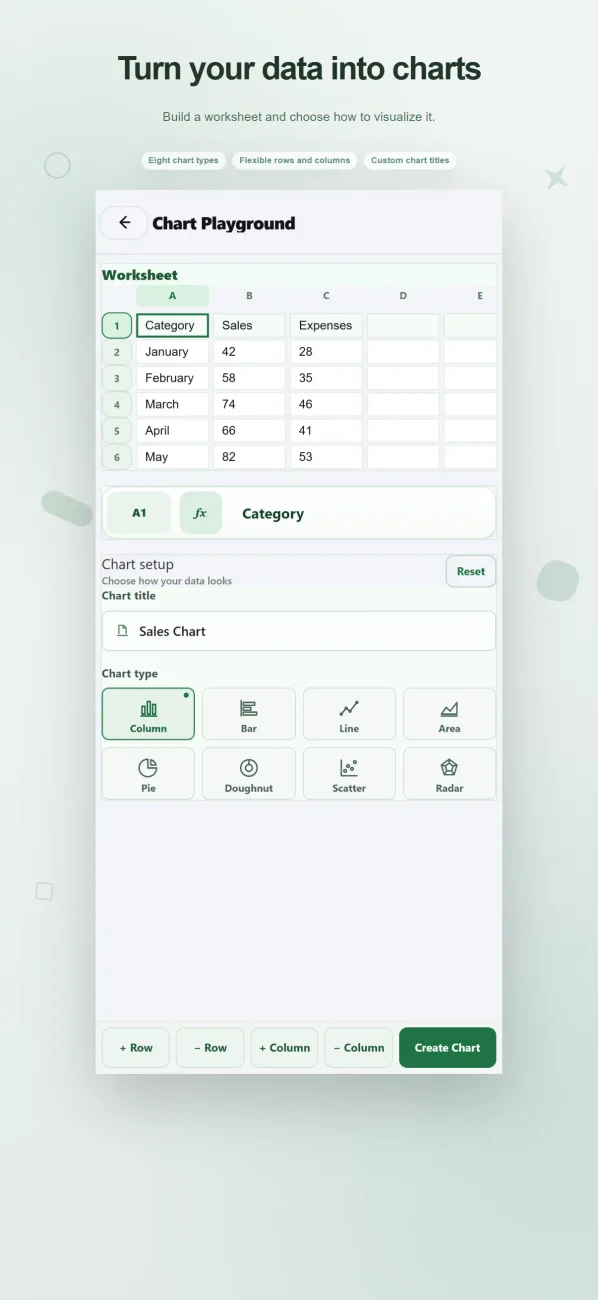
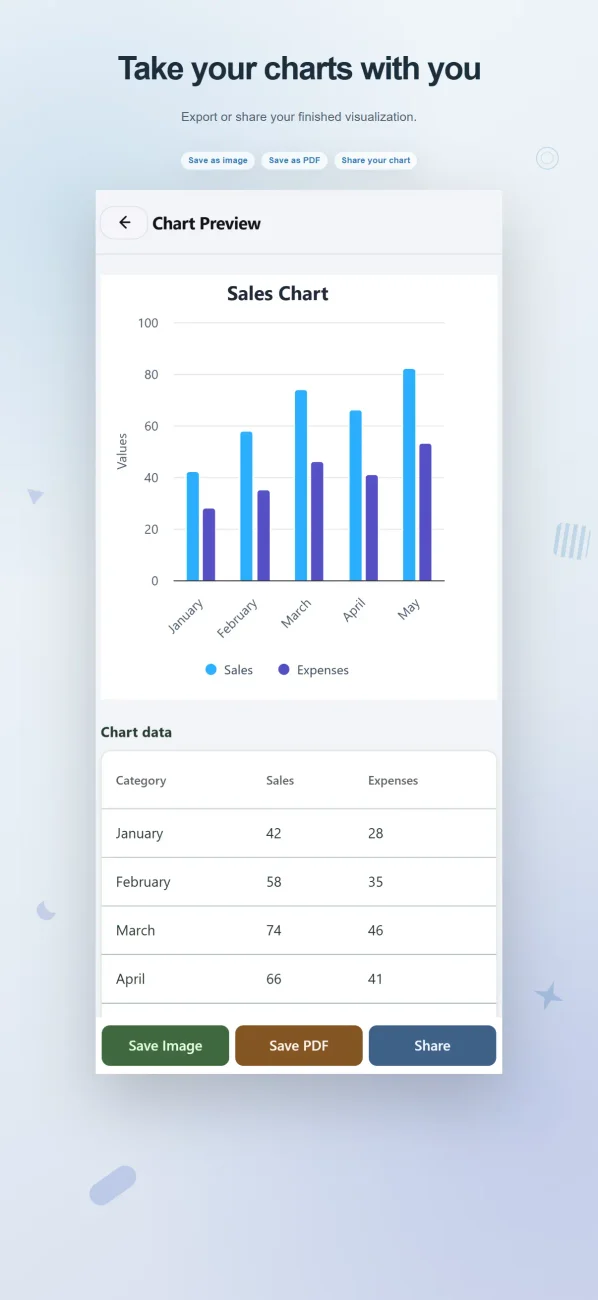
Enter labels and numeric series in the chart worksheet, adjust its rows and columns and give the chart a title. Select from column, bar, line, area, pie, doughnut, scatter and radar styles. The preview shows both the chart and the source data table, so you can review what you entered before exporting.
Save the chart as a PNG image, create a PDF or share an image using your device's sharing options. Keep an illustration from a study exercise or share a comparison with another learner.
Keep track of what you study
Home brings together a daily formula, saved lessons and recently viewed items. Continue learning returns you to the formula you were studying. Marking lessons complete updates category progress and the beginner, intermediate and advanced paths in the Learning Hub. The daily formula also contributes to a learning streak and a 30-day challenge.
Enable the optional daily reminder if you would like a prompt to study, subject to notification permission. Favorites and progress are kept locally on your device, letting the app remember your learning activity between sessions.
More ways to review
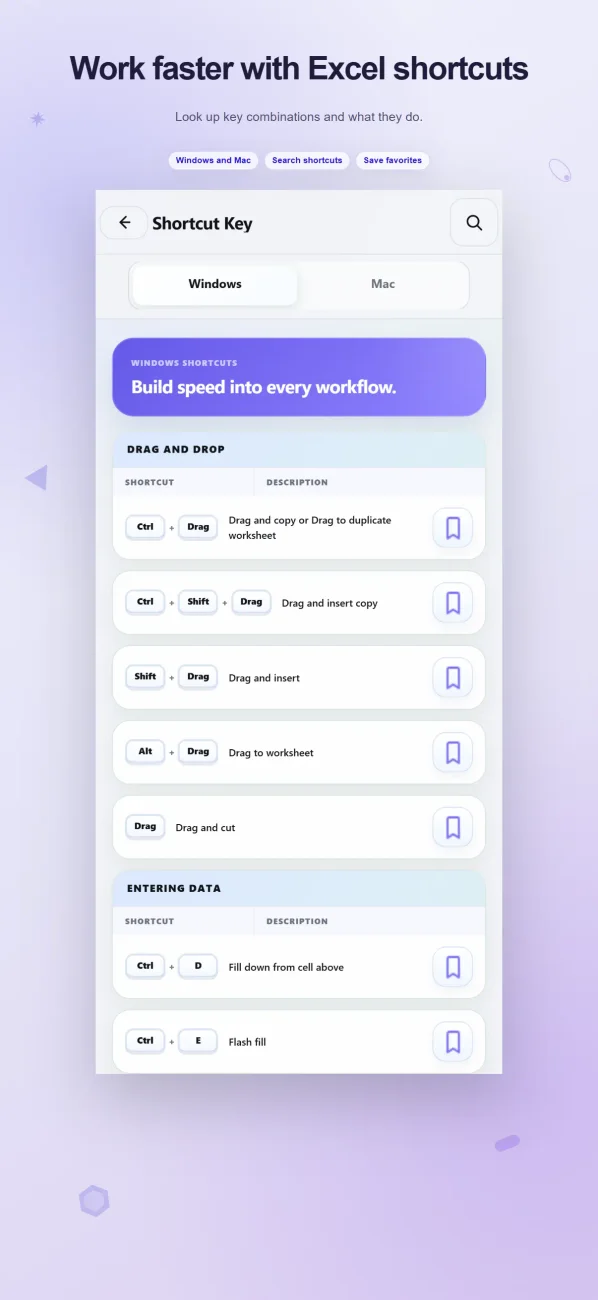
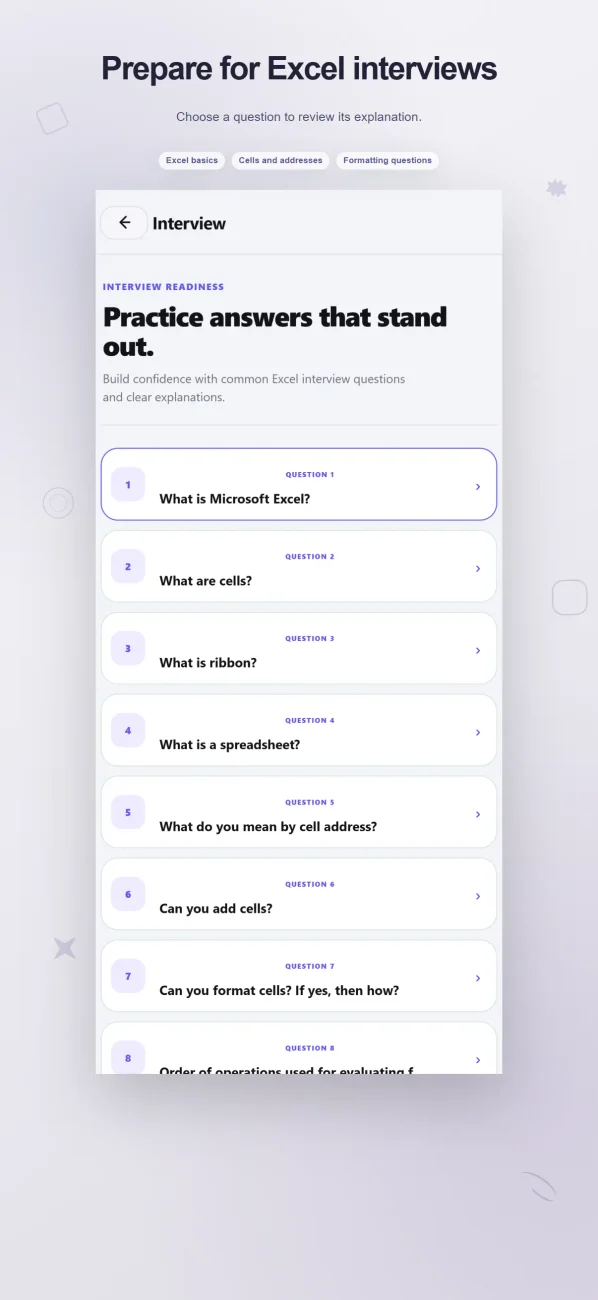
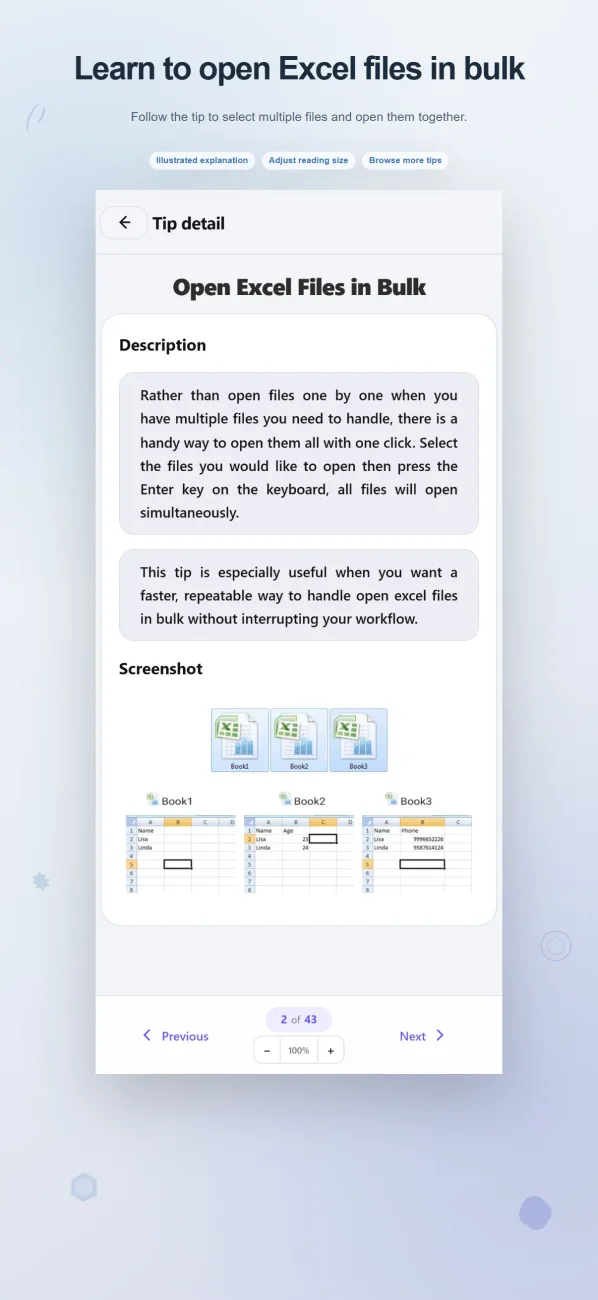
Use keyboard shortcut references, practical tips and interview questions with answers to support your preparation. Timed quizzes offer Bronze, Silver, Gold and Diamond levels, results and attempt history. Reach the required score for a level to unlock an in-app certificate that can be saved or shared. These certificates record app practice and are not professional accreditation.
Choose a light, dark or system theme. Designed for students, independent learners and people revising spreadsheet skills for work, the app supports both quick reference visits and longer practice sessions. It contains advertising. Excel formulas is independently developed and is not affiliated with or endorsed by Microsoft.
Neue Funktionen
Version 4.1 · 20.10.2026
Fixed bugs for a smoother experience.
Completely redesigned the app.
Added an Excel compiler.
Added new examples and updated existing ones.
Create your own charts.
Practice with a real-time Excel simulator.
Explore many new features and improvements.
App-Datenschutz
Was Merbin Joe im App Store zum Umgang dieser App mit Daten angibt.
-
Daten, die zum Tracking Ihrer Person verwendet werden
Können verwendet werden, um Sie über Apps und Websites anderer Unternehmen hinweg zu verfolgen.
- Nutzungsdaten
-
Nicht mit Ihnen verknüpfte Daten
Können erfasst werden, sind aber nicht mit Ihrer Identität verknüpft.
- Nutzungsdaten
Die Datenschutzpraktiken können variieren, zum Beispiel je nach den von Ihnen verwendeten Funktionen oder Ihrem Alter.
Informationen
- Anbieter
- Merbin Joe
- Kategorie
- Bildung
- Version
- 4.1
- Aktualisiert
- 20.10.2026
- Veröffentlicht
- 21.01.2020
- Größe
- 26,2 MB
- Erfordert
- iOS 15.0 oder neuer
- Altersfreigabe
- 4+
- Preis
- Kostenlos
- Sprachen
- Englisch
- Copyright
- © Codeplay
Das könnte Ihnen auch gefallen
-
 Tutorial for MS ExcelBildung
-
 Learn Word Processing CourseBildung
-
 Tutoriel interactif ExcelApprendre Excel à la main
-
 Course to Learn Excel FormulasBildung
-
 Desk Dojo: Interview PrepBildung
-
 Excel Mastery: Beginner to ProLearn Formulas, Pivots & VBA
-
 Learn SQL For Beginners 2024Bildung
-
 Power BI PL-300 Practice TestNachschlagewerke
-
 Learn Web DevelopmentBildung
-
 Accounting FlashcardsBildung