- Altersfreigabe4+
- KategorieBildung
- EntwicklerAubrey Goodman
- SprachenEnglisch
- Größe83,9 MB
Verlinkt auf die offizielle App Store-Seite
Download.org hostet keine Datei von Ferrion. Die Schaltfläche öffnet die App-Seite bei App Store, wo Aubrey Goodman die App veröffentlicht. Eintrag zuletzt geprüft am 17.11.2026.
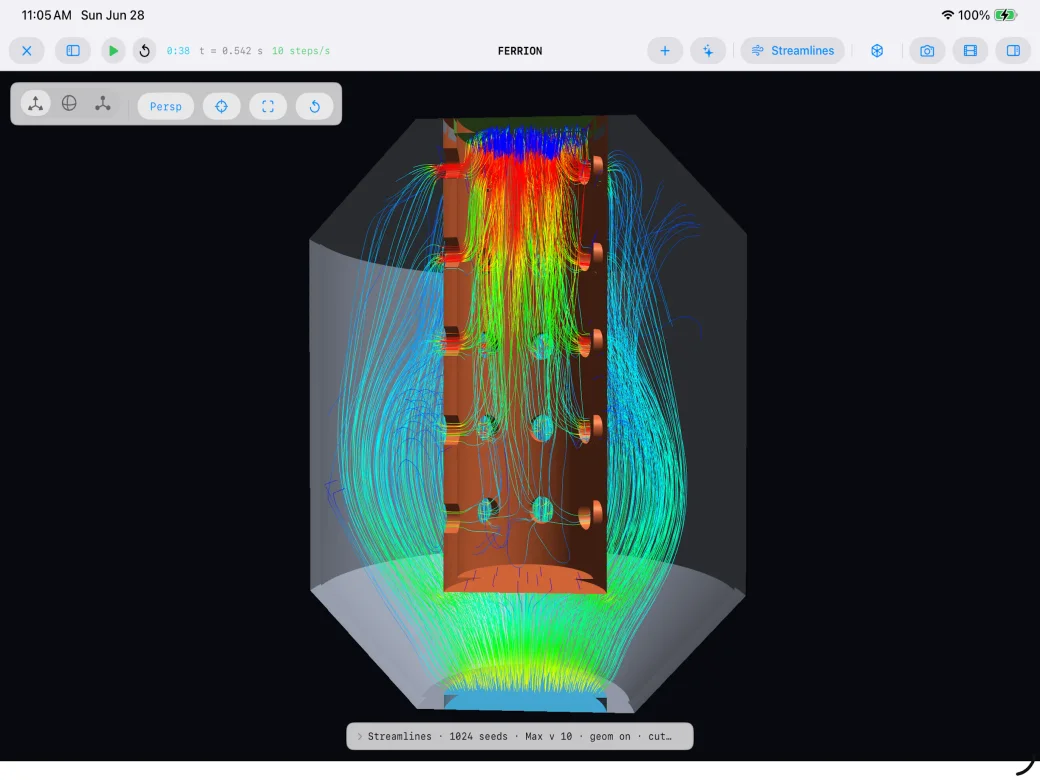
Screenshots
Info
Der Entwickler hat diesen Text nicht in Ihrer Sprache bereitgestellt.
Engineering simulation that runs on your own Mac or iPad.
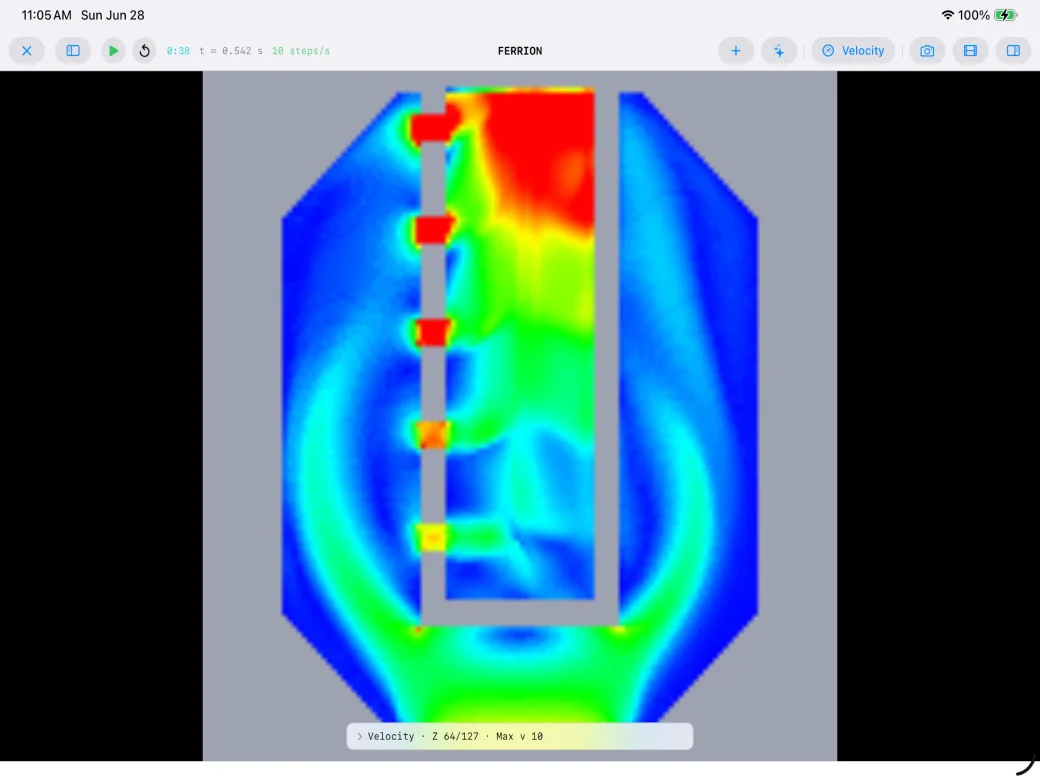
Ferrion answers the questions you would otherwise guess at. Pick a workspace, start with an example, run it, then read the numbers. The solvers run on the device in front of you, several of them on its GPU. No account, no upload, no cloud queue, and nothing to wait on but the machine you already own.
New to Ferrion? The Tutorial is a guided tour of the controls every workspace shares.
SIXTEEN WORKSPACES
Each one asks a different question, and shows only the controls that question needs.
• Studio - the full toolset: every solver, view and control
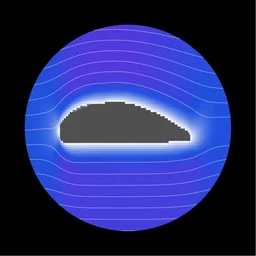
• Hobby - wings and bodies: lift and drag at a glance
• Pipe - internal flow in a round pipe: developed velocity profiles
• Network - enclosures and manifolds: ports, flow split, balance
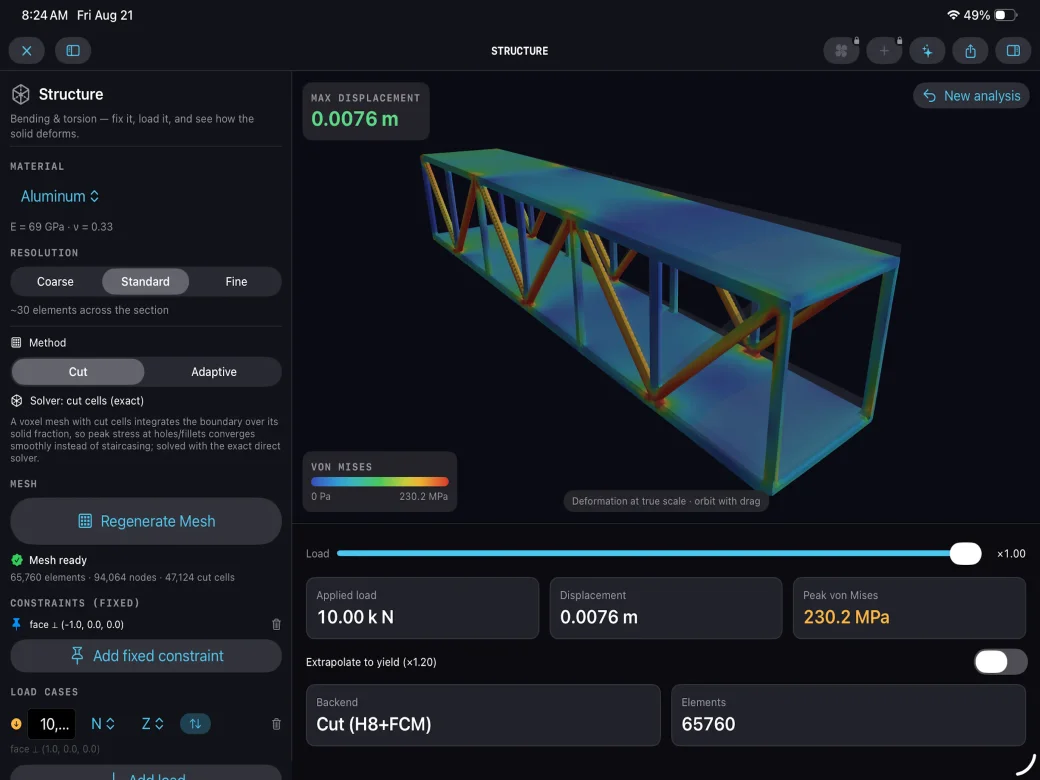
• Structure - bending and torsion: fix it, load it, and see how the solid deforms
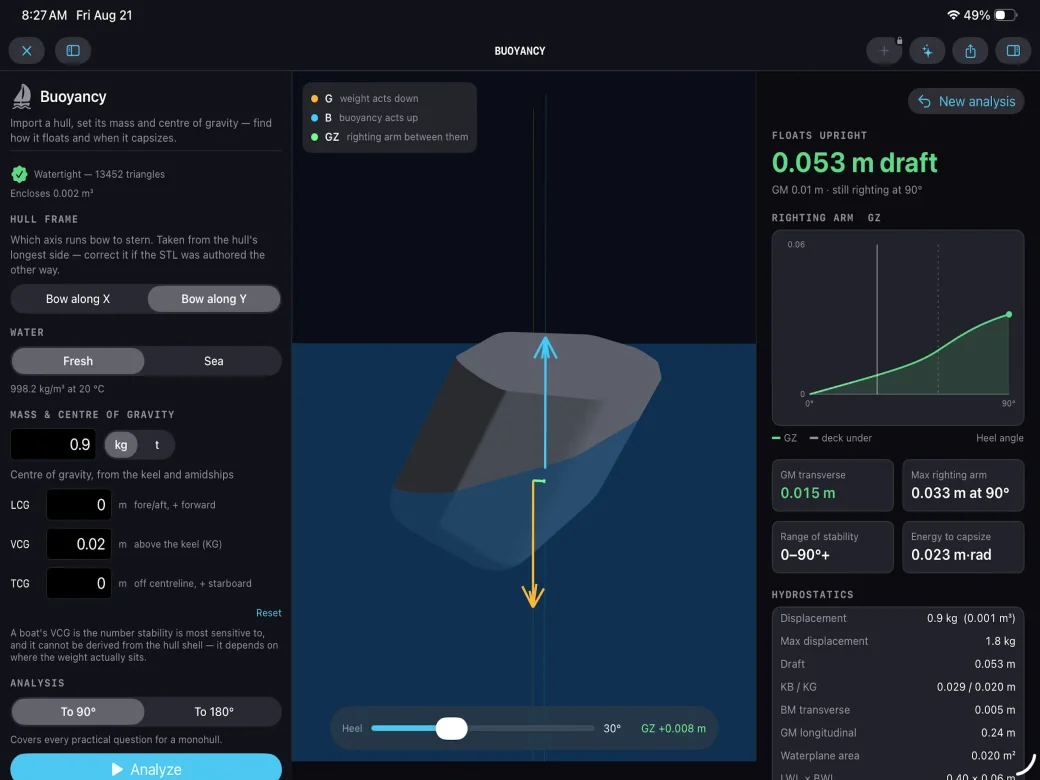
• Buoyancy - import a hull, set its mass and centre of gravity: find how it floats, and when it capsizes
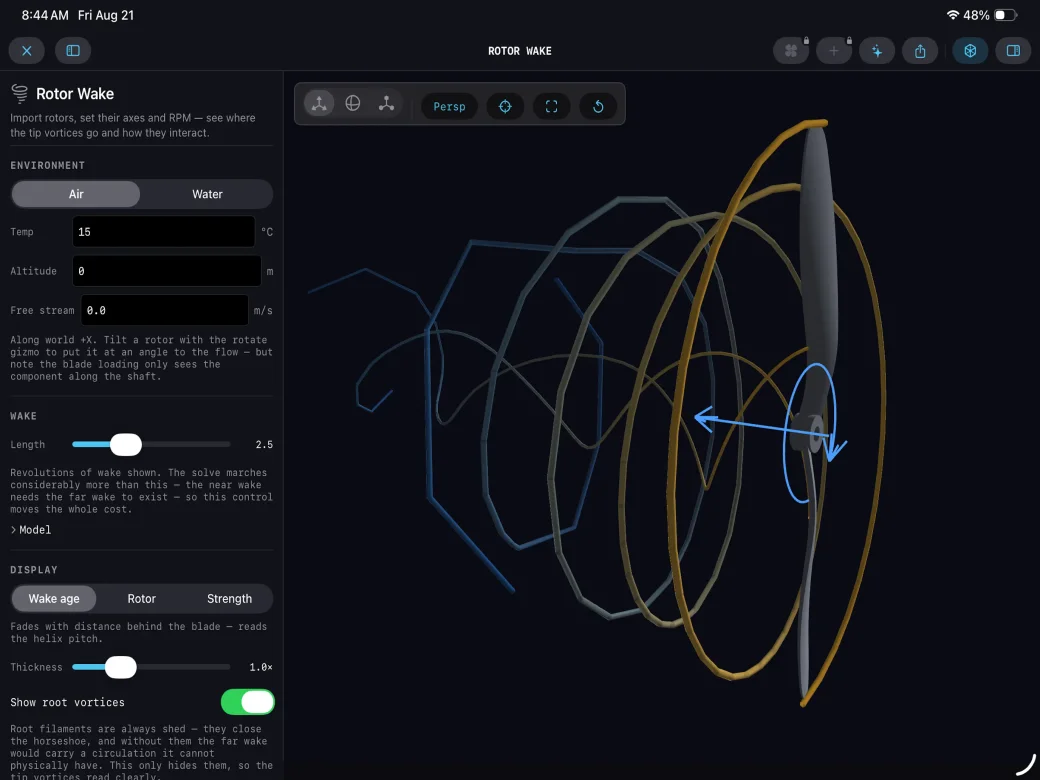
• Rotor Wake - set rotor axes and RPM: see where the tip vortices go and how they interact
• Rotor Loading - spin a rotor and watch the blades bend: how much of your design pitch survives the load
Eight more are marked Experimental in the app. Useful today, still being validated, and these results may change between releases:
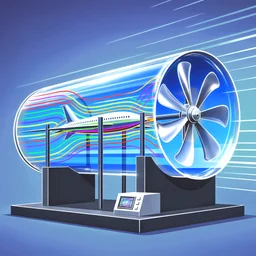
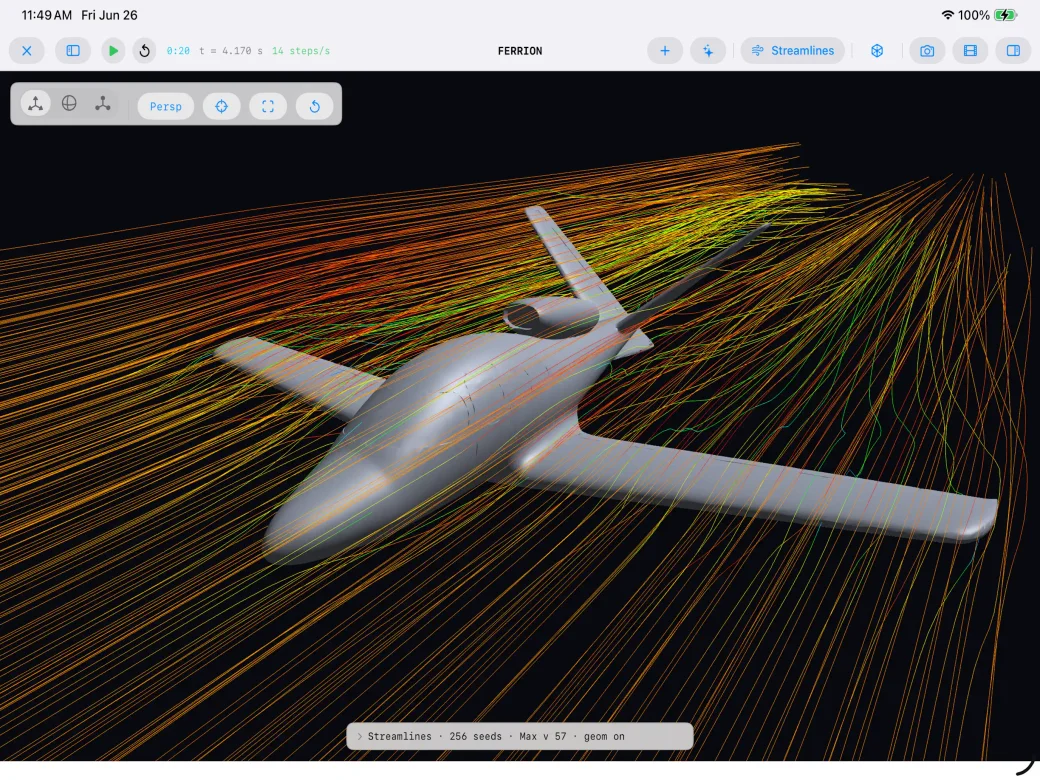
• Wind Tunnel - import a wing or a whole model: lift, drag and surface pressure from a body-fitted solver
• Oscillating Fin - design flapping-fin propulsion, one fin or two in tandem: the most thrust per watt
• Lattice Boltzmann - Hobby's wings and bodies on a second solver: compare lift, drag and settle time
• Plasma - ionic wind and EHD: electrodes, charge and electric fields
• Heat Exchanger - two fluid circuits trading heat through solid walls
• Cavitation - find the RPM where a propeller starts to cavitate, and where on the blade
• Propeller - thrust, torque and power against RPM, in air or water
• Surface Duct - compare NACA submerged-inlet designs: ramp angle, size, and how much air they flow
IS IT RIGHT?
The question worth asking of any simulation. Here is what we can defend:
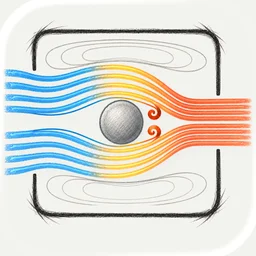
• Sphere drag lands within 0-3% of the Schiller-Naumann correlation, which itself sits within about 2% of experiment across that range.
• Structure's cut-cell stress is gated against the analytic Kirsch factor, Kt = 3.3.
• Rotor wake geometry is gated against Landgrebe and Caradonna-Tung to 0.013 rotor radii.
• Buoyancy clips the hull against the waterplane exactly, with no grid and no cells. Given a watertight mesh there is no discretisation error in the answer at all.
• Wind Tunnel lift lands within 10% of reference data on wings at Reynolds numbers of 50,000 to 100,000, and drag within 20%. Outside that range it says so rather than guess.
• Propeller shaft power lands within about 3% of published data. Thrust currently reads 20-25% low, which is a leading-edge resolution limit rather than a physics one. Use it for trends and for comparing two props, not as an absolute design number. It is marked Experimental for exactly that reason.
We would rather tell you than have you find out.
FREE, AND FREE IS NOT A DEMO
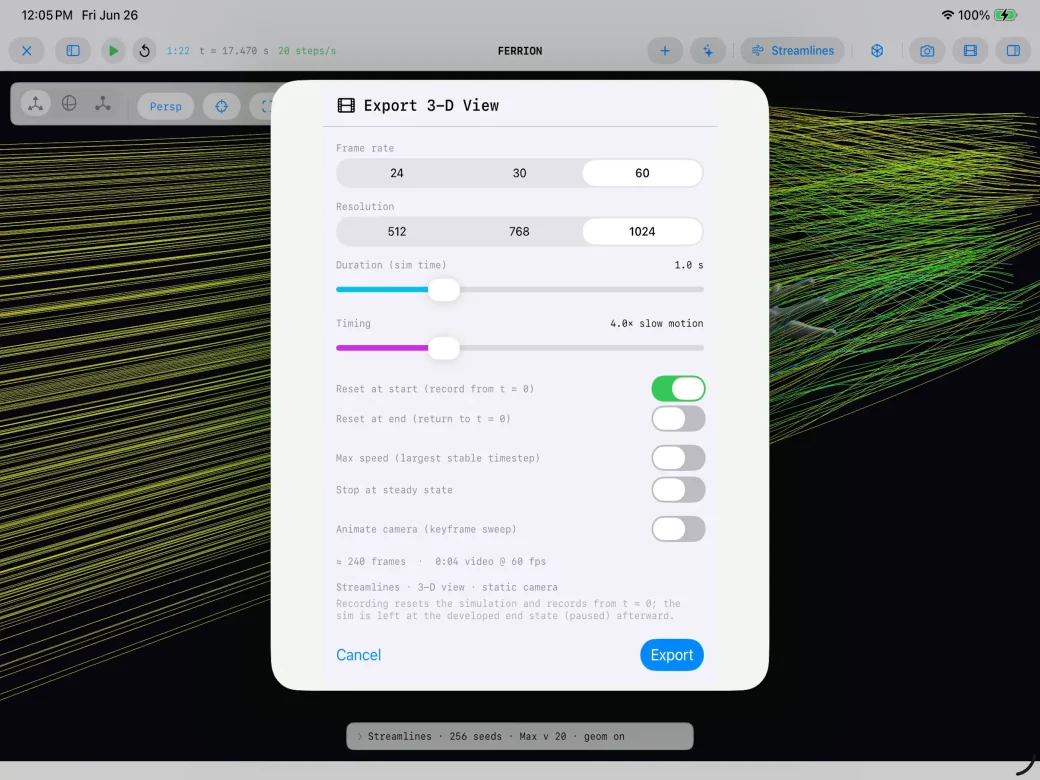
Every workspace runs at full fidelity on its bundled examples. Nothing is resolution-capped, time-limited or watermarked, so a free user's numbers are the same numbers. Every export is unrestricted: CSV data, Markdown reports, photos and video. The one exception is Wind Tunnel: it has no examples yet, so it needs your own geometry.
USE YOUR OWN GEOMETRY
One optional in-app purchase adds the one thing held back - your own geometry:
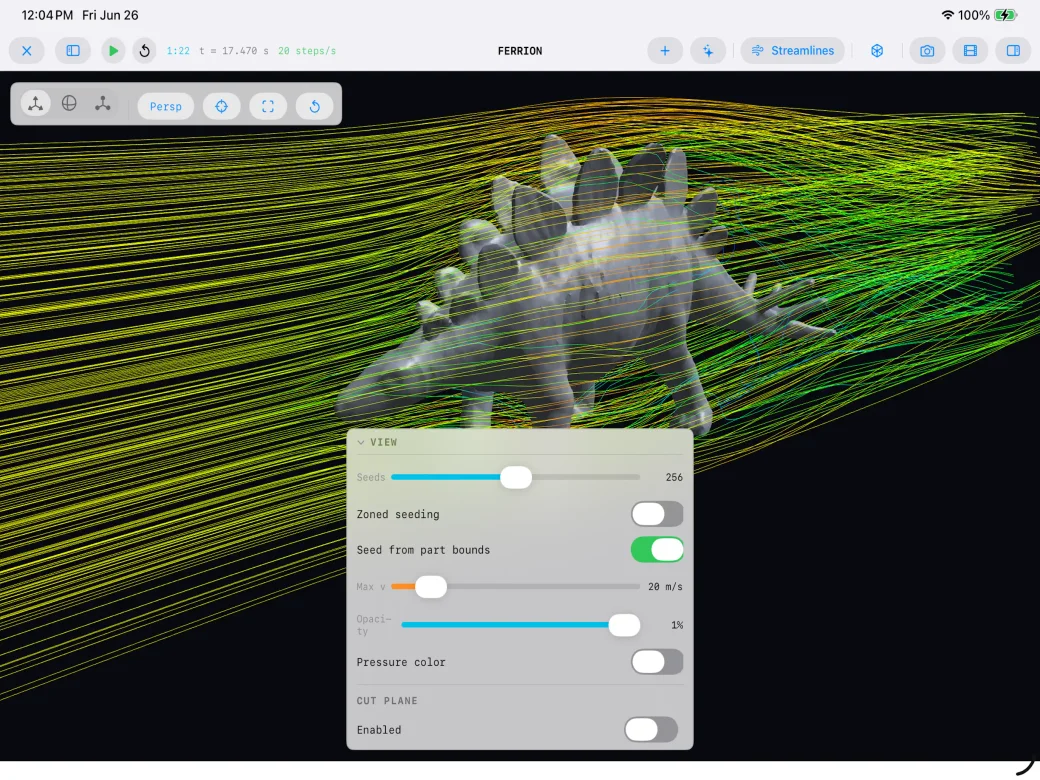
• Import your own STL, binary or ASCII, into any workspace
• Synthesize parametric rotors from a section, blade count, radii, taper and twist
One purchase, no subscription, and it works in every workspace. Family Sharing supported. If you bought Ferrion before it became free, it is already yours.
REQUIREMENTS
macOS 14 or later, or an iPad running iPadOS 17 or later. There is no iPhone version.
Neue Funktionen
Version 1.2 · 12.11.2026
What's New in Ferrion 1.2
New: Tutorial
A guided tour of the controls every workspace shares. It's the first item in the gallery for new users.
New: Wind Tunnel (Experimental)
Import your own wing or model as an STL and get lift, drag and surface pressure from a solver that wraps a detailed grid around each wing. Tuned for hobby wings at Reynolds numbers of 50,000 to 100,000, and it tells you plainly when a case is outside that range.
- Half-span models on a symmetry plane, for models built as one side of the wing
- A grid inspector to see the grid it built around your part
- Re-run at a new airspeed without starting over
- Charts of lift and drag as the solve settles, how long each stage took, and an exportable report
New: Oscillating Fin (Experimental)
Design flapping-fin propulsion. Set the stroke, frequency and fin shape, then see thrust, power and efficiency.
- One fin, or two fins in tandem
- Optimize searches for the best thrust per watt, with an optional minimum thrust; for tandem fins it also searches the phase offset and separation
- Thrust from a standing start, swept up to cruise speed
- Flow views of vorticity, pressure, velocity or eddy viscosity, with streamlines and streaklines
- Play back the stroke, show the moving grid, and export the vorticity view as a video
New: Lattice Boltzmann (Experimental)
Run Hobby's wings and bodies on a second solver and compare lift, drag and settle time side by side. It has the same dashboard, examples and import as Hobby. If the grid can't reach the Reynolds number you set, it shows the value it actually ran at.
Accuracy and reliability
- More accurate lift and drag on thin wings and airfoils in Hobby and Studio, with a warning when a body is too thin for the grid
- Faster, more accurate fine-grid refinement around bodies
- High accuracy mode now ramps the inlet speed up gradually instead of starting at full speed
- Fixes for compressible-flow stability and the outflow boundary
- Rotating a part now turns it about its own center
- Many smaller fixes and speed improvements
App-Datenschutz
Was Aubrey Goodman im App Store zum Umgang dieser App mit Daten angibt.
-
Keine Daten erfasst
Der Entwickler erfasst keine Daten von dieser App.
Die Datenschutzpraktiken können variieren, zum Beispiel je nach den von Ihnen verwendeten Funktionen oder Ihrem Alter.
Informationen
- Anbieter
- Aubrey Goodman
- Kategorie
- Bildung
- Version
- 1.2
- Aktualisiert
- 12.11.2026
- Veröffentlicht
- 27.07.2026
- Größe
- 83,9 MB
- Erfordert
- iOS 17.0 oder neuer
- Altersfreigabe
- 4+
- Preis
- Kostenlos
- In-App-Käufe
- Ja
- Sprachen
- Englisch
- Copyright
- © 2026 Aubrey Goodman