
FileNook
Private Local File Workspace
Entwickelt für iPhone, iPad
Kostenlos · In-App-Käufe
- Altersfreigabe4+
- KategorieDienstprogramme
- Entwickler荣 周
- SprachenEnglisch+ 19 weitere
- Größe65,4 MB
Verlinkt auf die offizielle App Store-Seite
Download.org hostet keine Datei von FileNook. Die Schaltfläche öffnet die App-Seite bei App Store, wo 荣 周 die App veröffentlicht. Eintrag zuletzt geprüft am 23.11.2026.
Screenshots

Info
Der Entwickler hat diesen Text nicht in Ihrer Sprache bereitgestellt.
FileNook is a private local file workspace for iPhone and iPad. Organize files, read documents and prepare materials without a cloud-drive account. Files and document processing stay on your device unless you choose to share them.
FILE WORKSPACE
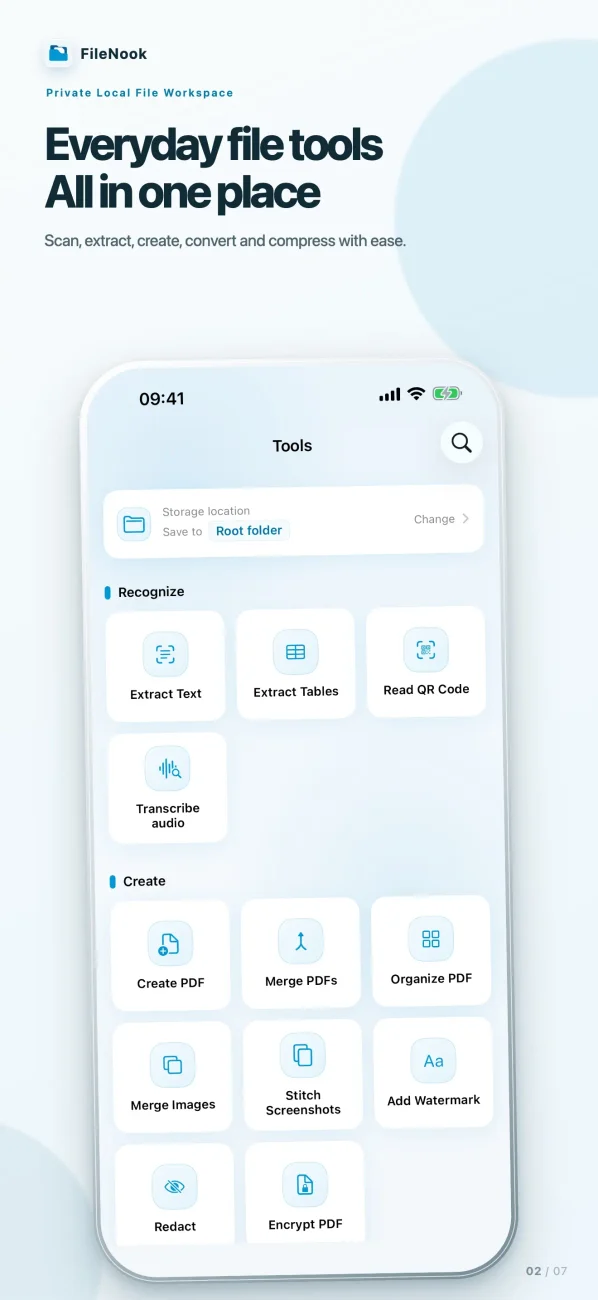
• Create folders; browse, rename, move, duplicate, sort and search files.
• Use favorites, recent files and a recoverable trash.
• Import from Files, Photos, AirDrop and the share sheet.
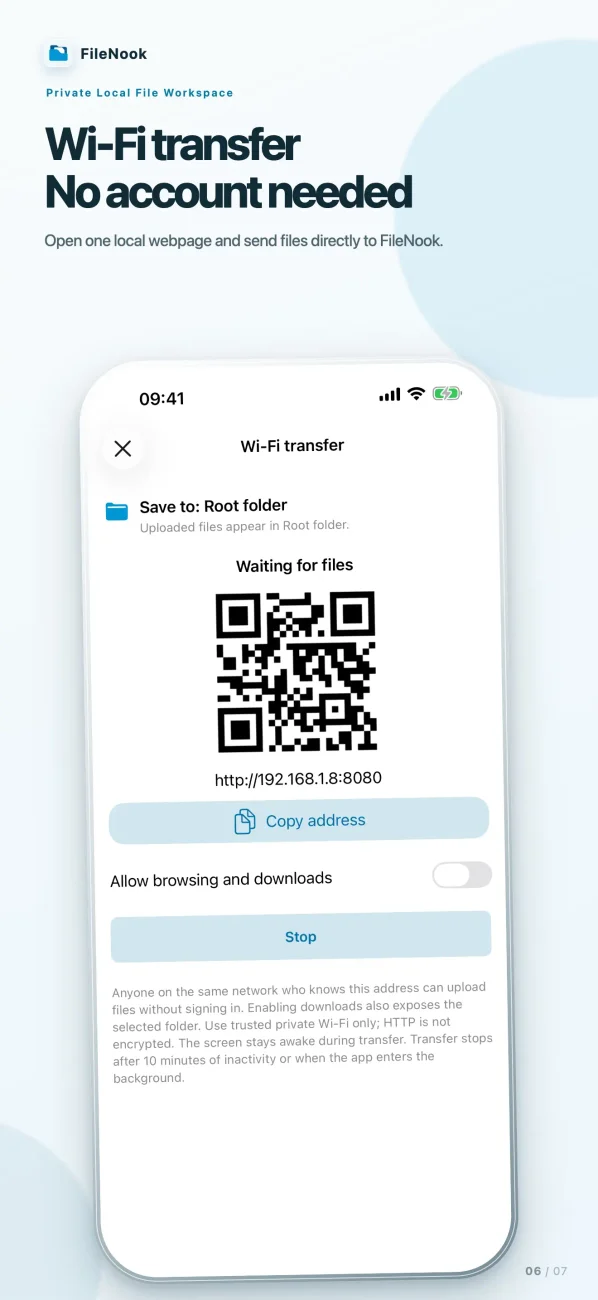
• Transfer files from a computer over local Wi-Fi—no account or upload to a cloud service.
• Search supported document content and inspect detailed file information.
SCAN & RECOGNIZE
• Scan ID cards with optional purpose watermarks and image enhancement.
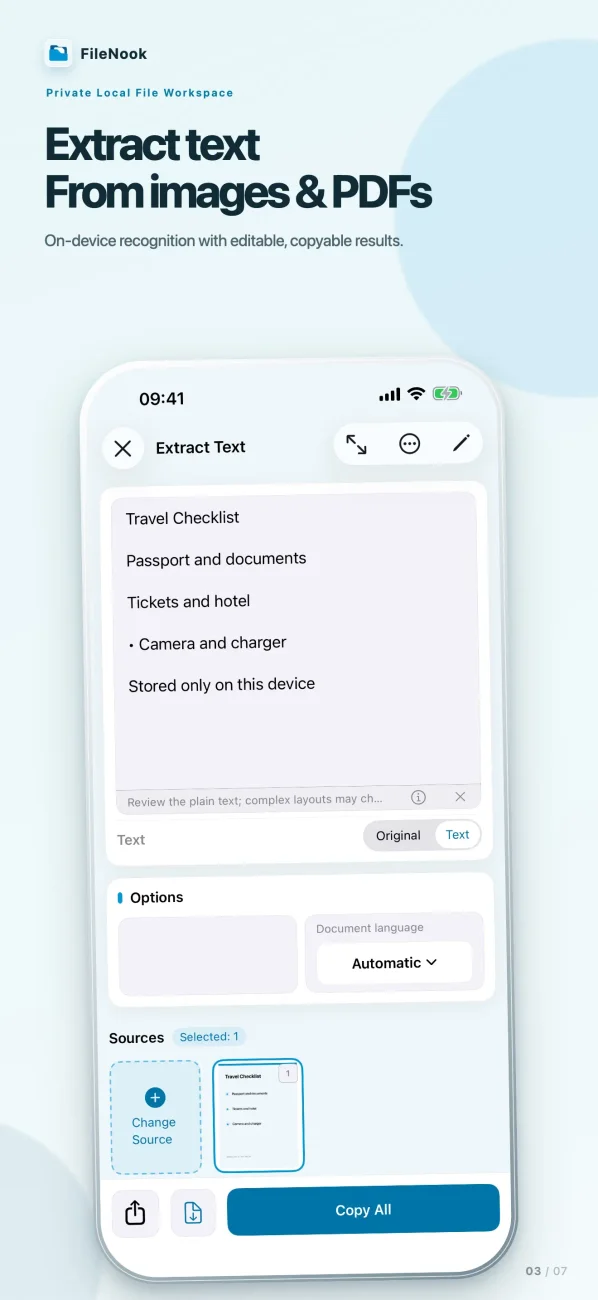
• Extract editable text from photos and PDFs.
• Extract tables with cell review and export to Excel.
• Recognize QR codes without automatically opening links.
• Transcribe local audio with selectable ranges and TXT or SRT export.
PDF TOOLS
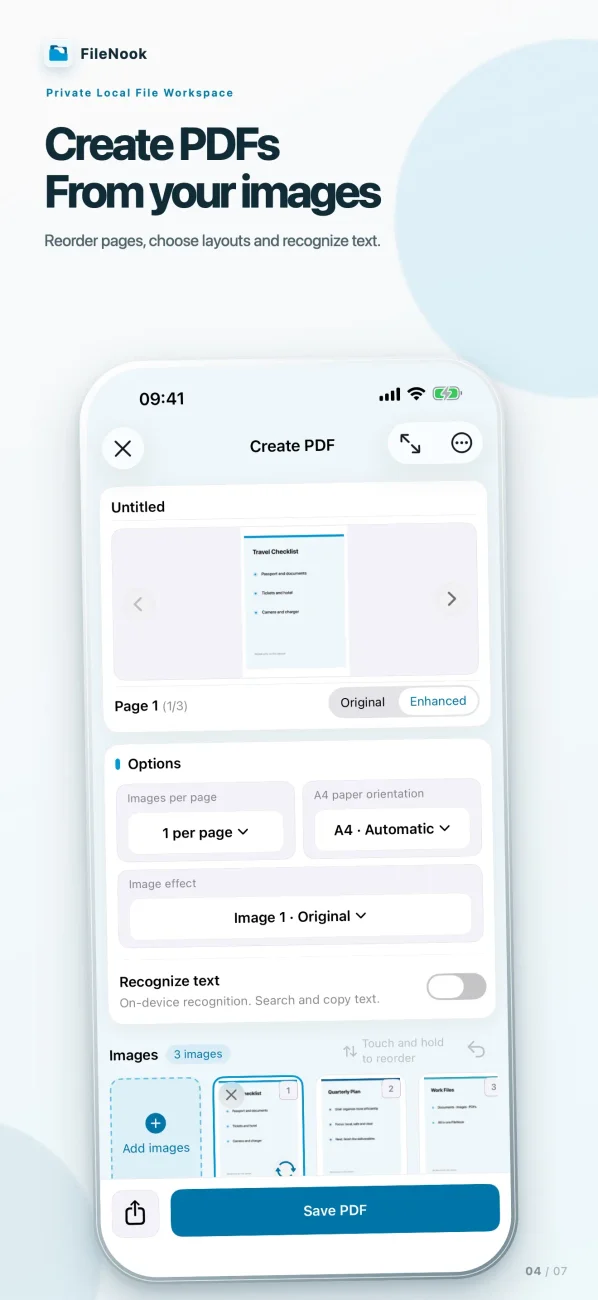
• Create searchable or standard PDFs from photos and document scans.
• Merge PDFs; organize, reorder, rotate, insert, remove and extract pages.
• Split PDFs by page, fixed groups or custom groups.
• Crop page margins, compress PDFs and password-protect PDF copies.
• Convert PDFs to images or editable Word documents.
• Export TXT and Markdown to PDF; add optional covers, contents and page numbers.
• Combine photos, scans and selected PDF pages; set a consistent A4 or Letter page size.
PHOTO & PRIVACY TOOLS
• Convert image formats, crop or resize to exact dimensions, and save reusable material presets.
• Compress photos, combine images and stitch long screenshots.
• Add text watermarks to images or PDFs.
• Permanently redact selected areas of images and PDFs before sharing.
VIDEO & AUDIO TOOLS
• Compress compatible videos and preview the result before saving.
• Extract an audio track or selected time range from a video.
READ & PLAY
• Read PDF, EPUB, DRM-free MOBI, TXT and Markdown files.
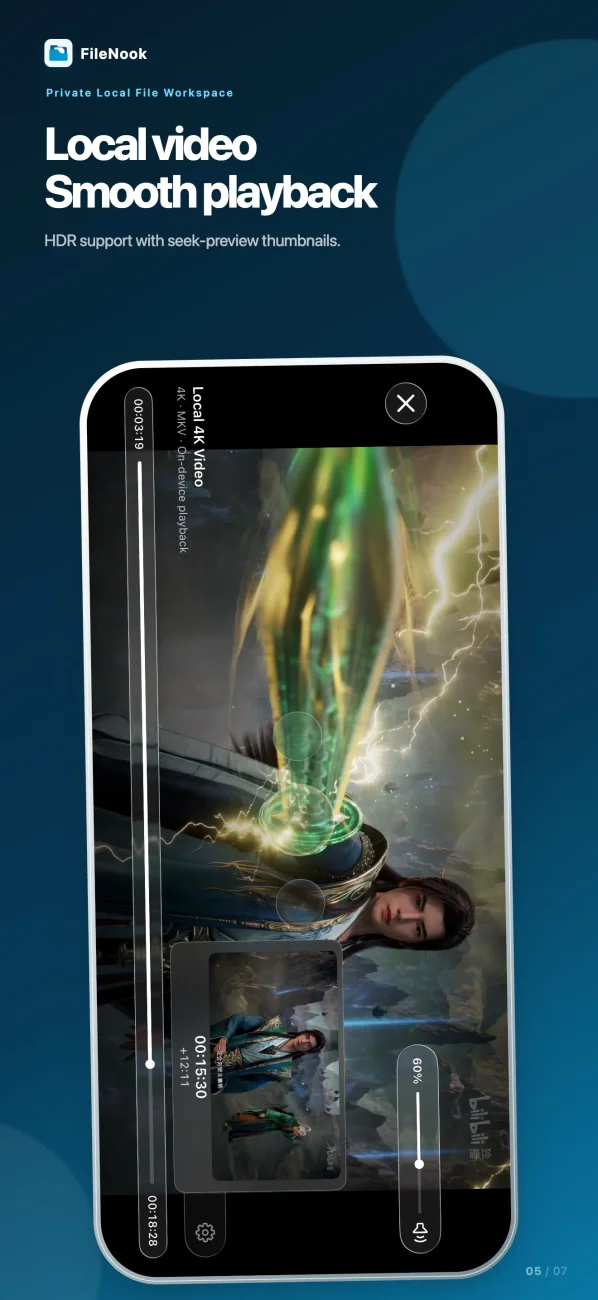
• Play local video and audio, including supported HDR video, subtitles, picture in picture and seek-preview thumbnails.
LOCAL PROTECTION
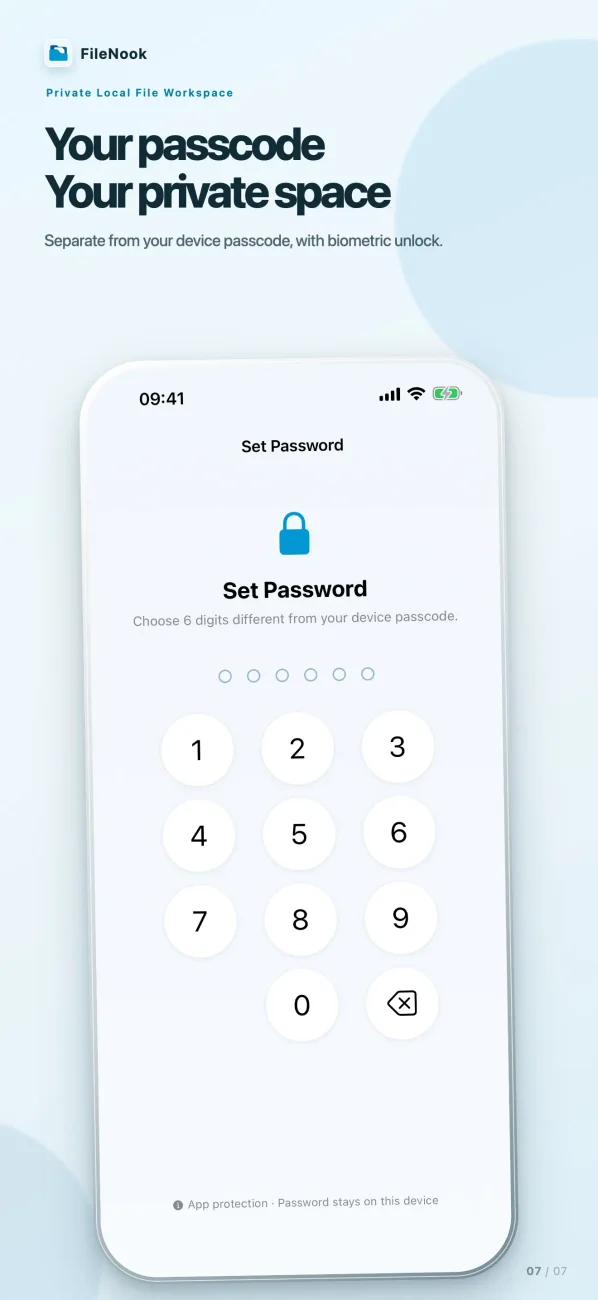
• Protect app access with an independent passcode and optional biometrics.
• Create password-encrypted backups and password-protected ZIP archives.
• App Lock protects access to the app; it cannot protect copies after you export or share them.
Basic file operations, reading, audio and videos up to 30 minutes are free. Selected recognition, conversion and batch tools share 3 trial uses in total, with no daily refill. Each optional tool reward ad adds 2 uses, up to 2 ads per day. Videos longer than 30 minutes: unlock 3 different videos free each day, then watch an optional reward ad for 1 additional unlock. Reopening the same unchanged video that day does not use another unlock. Tool and video rewards are separate and unspent rewards do not expire. Pro is a one-time purchase that removes all ads and tool/video usage limits. File-size, page-count and batch safety limits still apply. No new monthly or annual subscription is offered.
Privacy Policy: https://apps.vanto.space/en/app/folder/privacy/
Terms of Use: https://apps.vanto.space/en/app/folder/terms/
Neue Funktionen
Version 3.1.2 · 21.11.2026
• Improved the timing of rating requests to avoid interrupting playback or file tasks.
App-Datenschutz
Was 荣 周 im App Store zum Umgang dieser App mit Daten angibt.
-
Daten, die zum Tracking Ihrer Person verwendet werden
Können verwendet werden, um Sie über Apps und Websites anderer Unternehmen hinweg zu verfolgen.
- Kennungen
-
Mit Ihnen verknüpfte Daten
Können erfasst und mit Ihrer Identität verknüpft werden.
- Standort
- Kennungen
- Nutzungsdaten
-
Nicht mit Ihnen verknüpfte Daten
Können erfasst werden, sind aber nicht mit Ihrer Identität verknüpft.
- Diagnose
Die Datenschutzpraktiken können variieren, zum Beispiel je nach den von Ihnen verwendeten Funktionen oder Ihrem Alter.
Informationen
- Anbieter
- 荣 周
- Kategorie
- Dienstprogramme
- Version
- 3.1.2
- Aktualisiert
- 21.11.2026
- Veröffentlicht
- 13.08.2021
- Größe
- 65,4 MB
- Erfordert
- iOS 26.0 oder neuer
- Altersfreigabe
- 4+
- Preis
- Kostenlos
- In-App-Käufe
- Ja
- Sprachen
- Englisch, Arabisch, Niederländisch, Französisch, Deutsch, Hindi, Indonesisch, Italienisch, Japanisch, Koreanisch, Polnisch, Portugiesisch + 8 weitere
- Copyright
- © 2021 Mac Zhou
Das könnte Ihnen auch gefallen
-
 FileBox - Mobile File ManagerVerwalten Sie Ihre Dateien
-
 FileHub: DateimanagerSync, Transfer & Wiedergabe
-
 File Manager - Files ExplorerDienstprogramme
-
 File Manager: Vault & ExplorerDienstprogramme
-
 AirBox-Your File ManagerDienstprogramme
-
 File Explorer-File Manager ZipDienstprogramme
-
 File Manager: File Finder ProDienstprogramme
-
 MyFiles: DateimanagerVideoplayer, ZIP & PDF
-
 Geheimsache-Dateien versteckenVerschlüsseln·Tarnen·Sperren
-
 Files ProtectionDienstprogramme