- Altersfreigabe4+
- KategorieNavigation
- EntwicklerFINEDIGITAL INC.
- SprachenEnglisch+ 16 weitere
- Größe146,6 MB
Verlinkt auf die offizielle App Store-Seite
Download.org hostet keine Datei von FineVu Cloud & Wi-Fi. Die Schaltfläche öffnet die App-Seite bei App Store, wo FINEDIGITAL INC. die App veröffentlicht. Eintrag zuletzt geprüft am 25.11.2026.
Screenshots



Info
Der Entwickler hat diesen Text nicht in Ihrer Sprache bereitgestellt.
Support iOS Version 13.0 or above.
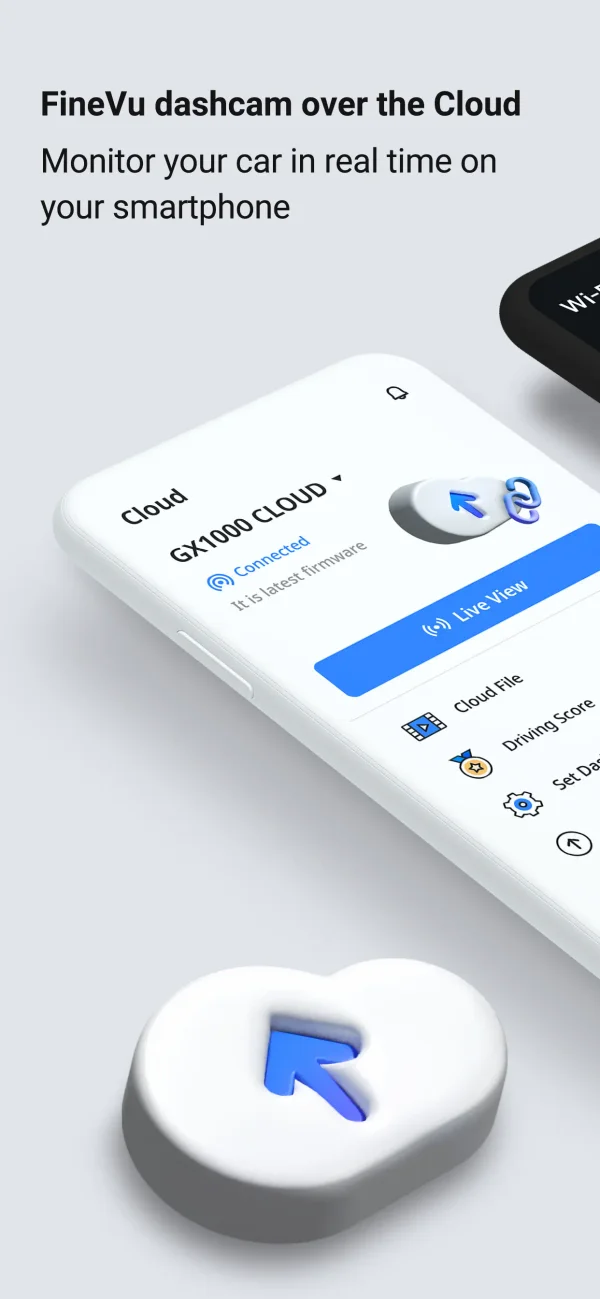
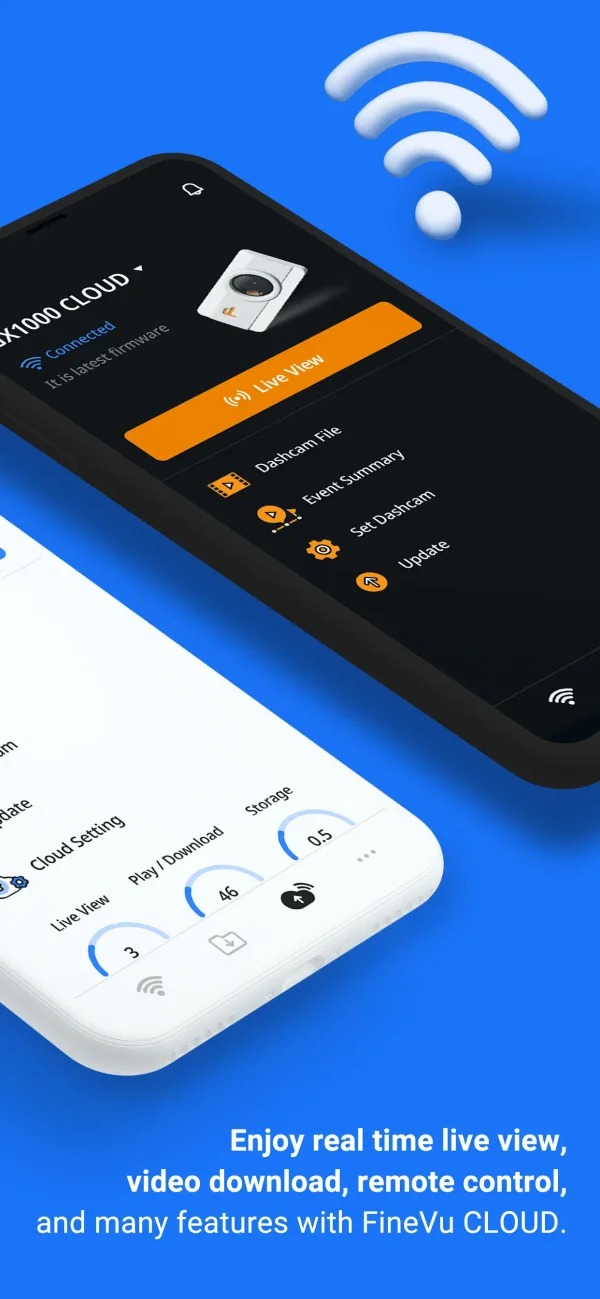
FineVu CLOUD & Wi-Fi app supports Live View, recorded video playback, event summary, dash cam settings, and updates by connecting the dash cam to your smartphone over the Cloud and Wi-Fi.
[Features shared between Wi-Fi and Cloud]
- Dash cam connection:
Activate Wi-Fi by tapping the Wi-Fi button on the dash cam, and connect to your smartphone.
- Dash cam Setting:
Set and control your dash cam with the app.
- Storage:
Set aside videos downloaded from the dash cam. The stored videos can be played, regardless of the connection with the app.
[Cloud Features]
- Live View:
Connect the dash cam to the Cloud, and play the Live video in real time with the app.
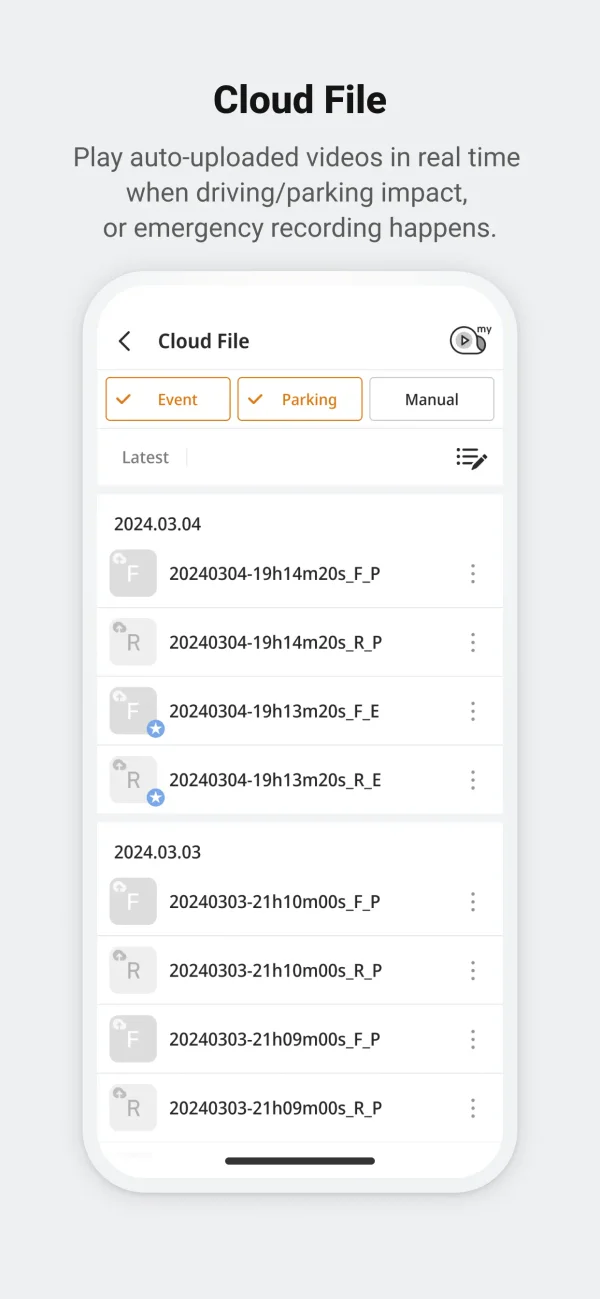
- Cloud File:
Play videos automatically uploaded to the Cloud when driving events, parking events, or manual recordings occur.
- Driving Score:
Analyze your driving style by the last and monthly driving scores we provide.
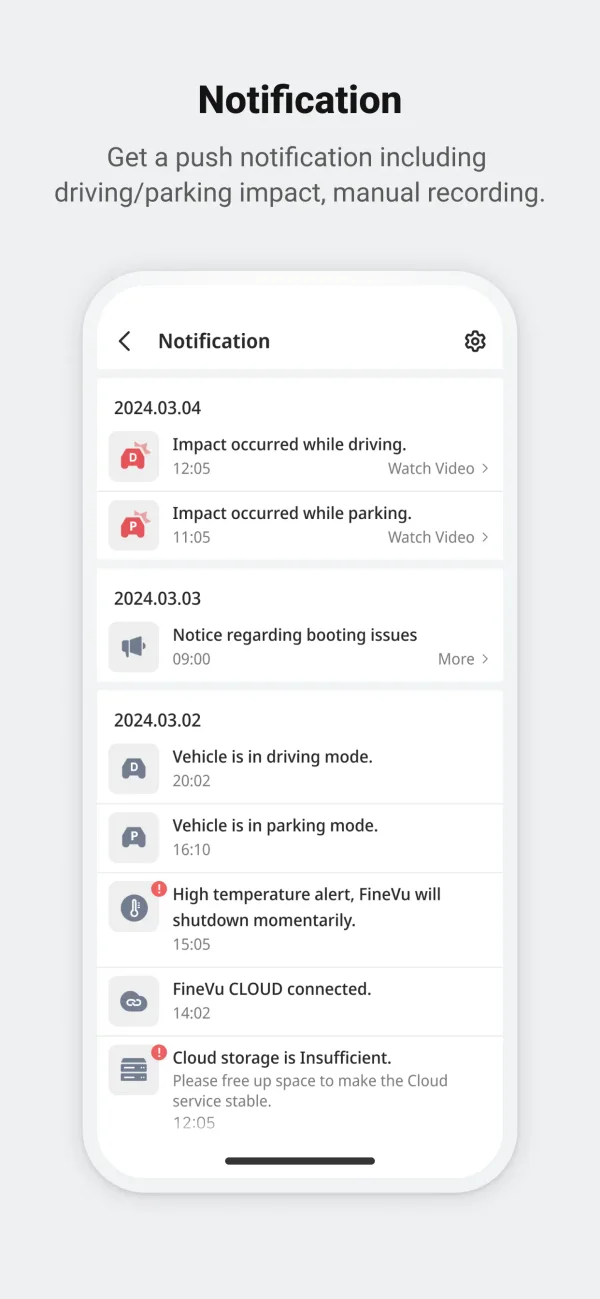
- Push Notification:
Get a push notification in real time, including switching to driving/parking mode, and detecting impacts.
- Update:
Update the dash cam firmware and speed camera data over the Cloud.
- Cloud Setting:
Check the Cloud connection status, Cloud plan, and usage report in real time.
[Wi-Fi Features]
- Dash cam File:
Play and download videos recorded in the driving and parking mode.
- Event Summary:
Check whether the dash cam is turned off, high temperature or low voltage is blocked, as well as driving records, and history of impacts while parking.
- Update:
Update the dash cam’s latest firmware and speed camera data (once a month) over the Wi-Fi.
[Applied Model]
Domestic: X3500 POWER / LXQ600 POWER / X3300 NEW / X7700 POWER / LXQ3300 POWER / SF5000 / X550 CLOUD / X7700 CLOUD / LXQ3300 CLOUD / LXQ3300 3CH / X7700 PRO / X600 / X600 4K / X3600 POWER / LXQ700 POWER / X4K / X3700
Overseas: GX1000 CLOUD / GX35 CLOUD / GX1100 / GX1100 4K / GX1600 / GX9000 / LX4K
[Caution]
※ If you connect to Bluetooth or Wi-Fi via the smartphone’s system settings, an operation may be restricted. Try connecting only with the app.
※ Some smartphones may not work depending on the device specifications, such as OS version, and supported resolution.
※ If you switch to parking mode while the dash cam is connecting to Wi-Fi, your smartphone may be disconnected.
※ If you connect to the Cloud via 'Personal Hotspot' while the ‘Maximize Compatibility’ function is on, the connection between the dash cam and Cloud may be restricted. Please turn off the function.
※ If you use the VPN, it may cause Wi-Fi connection issues. Please pause the VPN, and use the app.
----------------------------------------------------------------------------------------------------------------------
[Access Permission]
- Location: Dash cam Wi-Fi search and connection
- Photo: Driving/Parking Screenshots save
- Bluetooth: Dash cam model search
- Camera: User’s profile photoshoot
[Developer Contact]
8th Floor, Fine Venture Bldg., 41, Seongnam-dearo 925beon-gil, Bundang-gu, Seongnam-si, Gyeonggi-do, 463-828 KOREA (+82 31 788 8800)
A/S contact: 1588-4458
---------------------------------------------------------------------------------------------------------------------
Please email us For the app troubleshooting. (finevu-cs@finedigital.com)
Terms of Use: https://www.apple.com/legal/internet-services/itunes/dev/stdeula/
Neue Funktionen
Version 1.1.38 · 24.11.2026
- Bug fixes and stability improvements.
App-Datenschutz
Was FINEDIGITAL INC. im App Store zum Umgang dieser App mit Daten angibt.
-
Nicht mit Ihnen verknüpfte Daten
Können erfasst werden, sind aber nicht mit Ihrer Identität verknüpft.
- Kontaktinformationen
- Nutzungsdaten
- Diagnose
Die Datenschutzpraktiken können variieren, zum Beispiel je nach den von Ihnen verwendeten Funktionen oder Ihrem Alter.
Informationen
- Anbieter
- FINEDIGITAL INC.
- Kategorie
- Navigation
- Version
- 1.1.38
- Aktualisiert
- 24.11.2026
- Veröffentlicht
- 29.05.2024
- Größe
- 146,6 MB
- Erfordert
- iOS 15.0 oder neuer
- Altersfreigabe
- 4+
- Preis
- Kostenlos
- Sprachen
- Englisch, Arabisch, Französisch, Deutsch, Hebräisch, Italienisch, Japanisch, Koreanisch, Malaiisch, Polnisch, Russisch, Vereinf. Chinesisch + 5 weitere
- Copyright
- © Finedigital Inc