
flomoplus - Clip & Note Sync
Read later, notes & sync
Entwickelt für iPhone, iPad
Kostenlos · In-App-Käufe
- Altersfreigabe4+
- KategorieProduktivität
- Entwickler金苹 卢
- SprachenEnglisch+ 2 weitere
- Größe22,0 MB
Verlinkt auf die offizielle App Store-Seite
Download.org hostet keine Datei von flomoplus - Clip & Note Sync. Die Schaltfläche öffnet die App-Seite bei App Store, wo 金苹 卢 die App veröffentlicht. Eintrag zuletzt geprüft am 08.11.2026.
Screenshots

Info
Der Entwickler hat diesen Text nicht in Ihrer Sprache bereitgestellt.
Collect every spark of inspiration, wherever it appears.
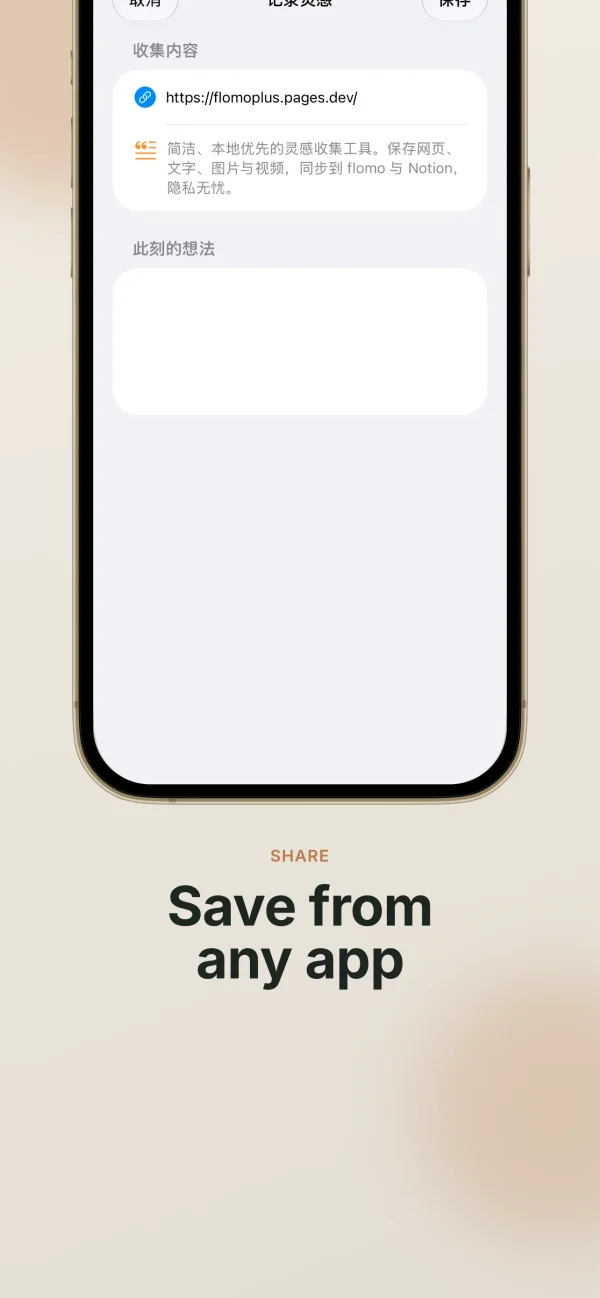
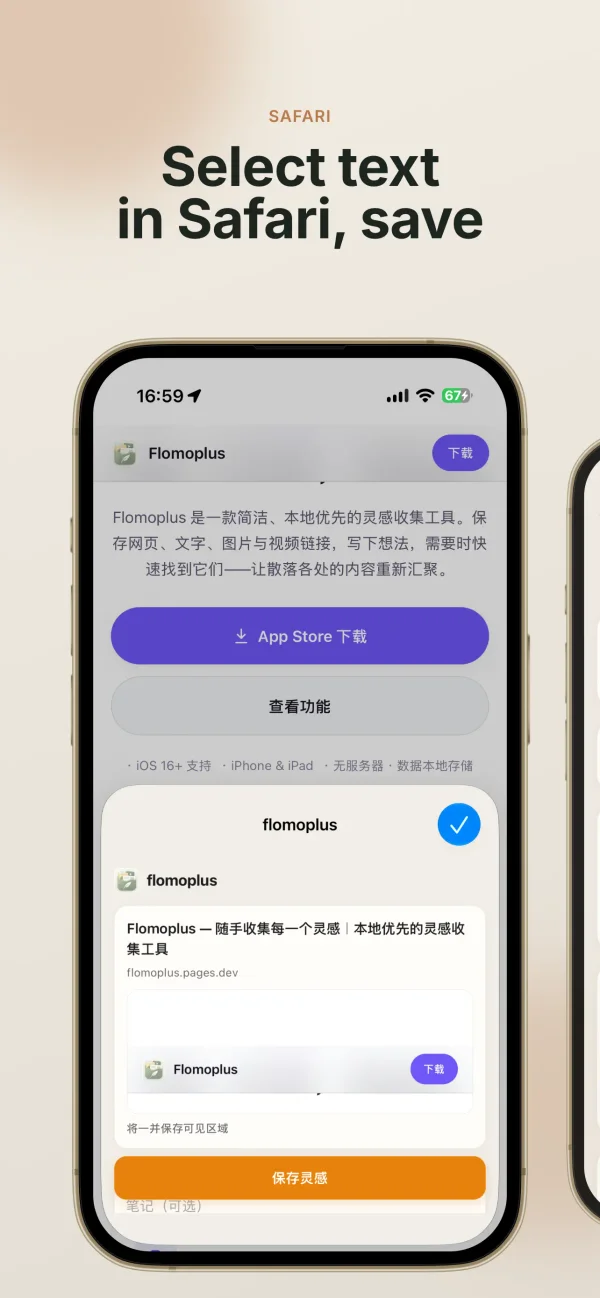
flomoplus is a clean, local-first clipper for web pages, text, images, and video links. Save from Safari, Xiaoyuzhou podcast, Weibo, X, Threads, YouTube, Jike, and more via Share Sheet, then add your thoughts and revisit them anytime.
Key features:
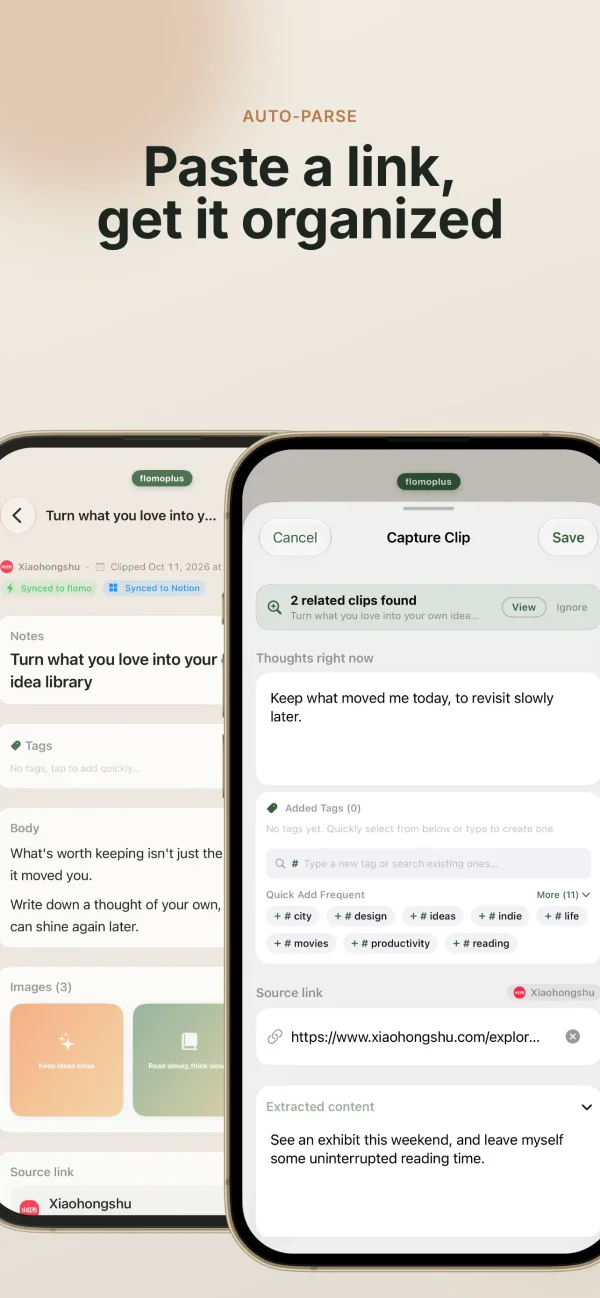
• Share Extension clipper and smart link parsing
• Timeline layout with sticky monthly sections and continuous axis
• iOS Spotlight system search with instant deep linking
• Extra-large portrait widgets for iOS 27
• Xiaoyuzhou podcast clipping and continuous background audio player
• Edge-docked floating mini player with one-tap clip detail navigation
• Multi-select batch export to A4 PDF, long image, and Word (.doc)
• Automatic clipboard link detection for quick capture
• Web to structured Markdown extraction
• Multi-select batch editing and merging
• Quick tags and frequent tag auto-pinning
• Notes, excerpts, images, and source links
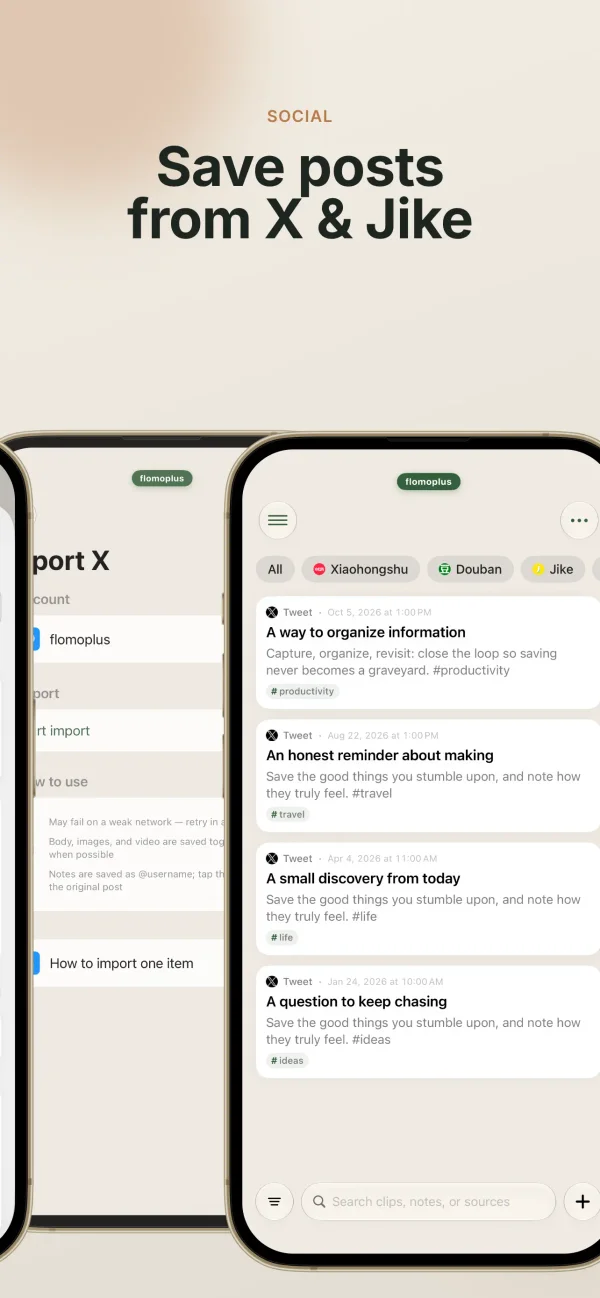
• List, timeline, grid, and Gallery layouts
• Search, untagged filter, and sync status filters
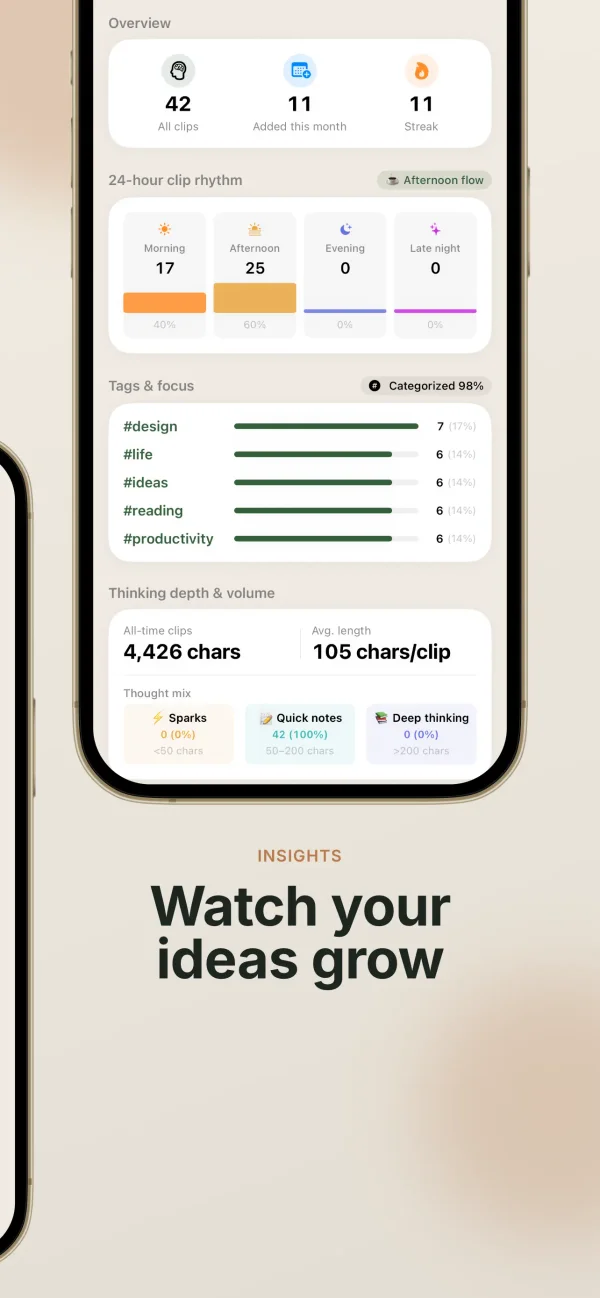
• Heatmap stats and privacy lock with app switcher cover
• 5 share card templates with persistent theme memory
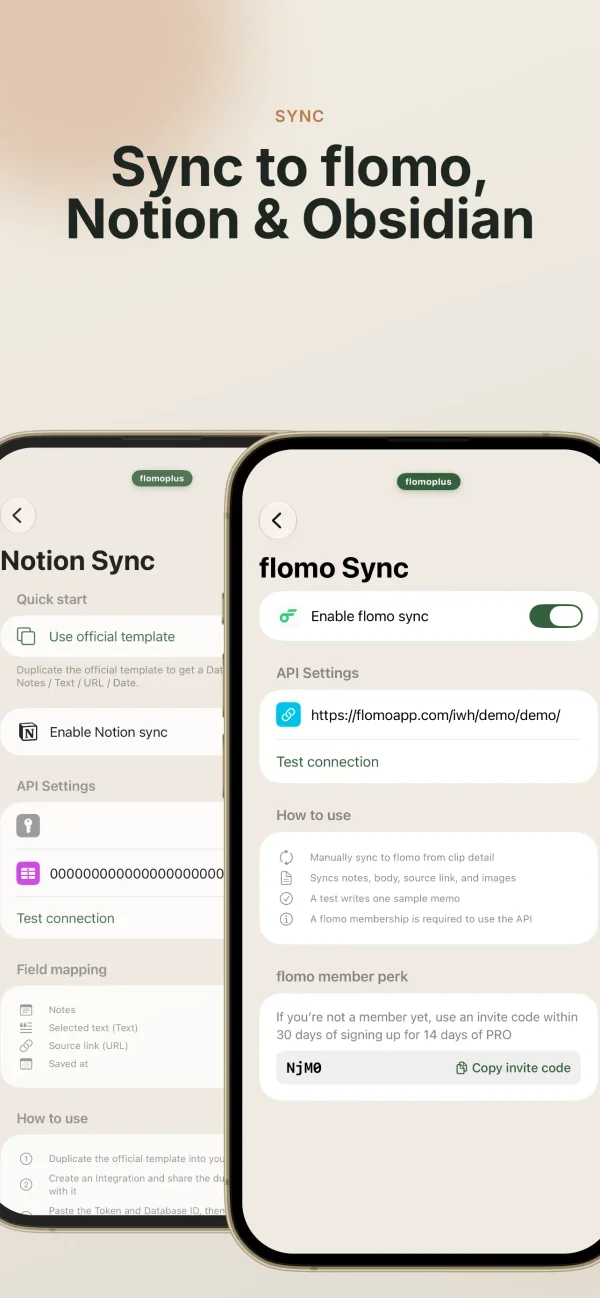
• Optional sync to flomo, Notion, and Obsidian (Premium)
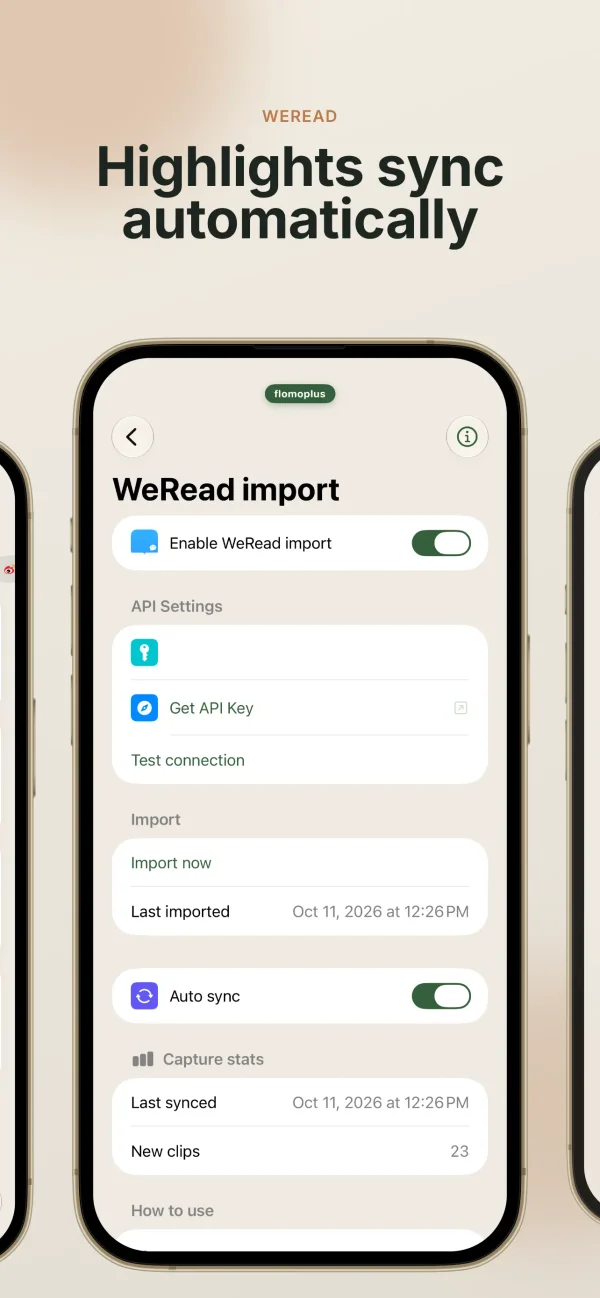
• WeRead highlights and thoughts import (Free)
• Import public posts from X and Jike (Free)
• Encrypted backup export and restore (Free)
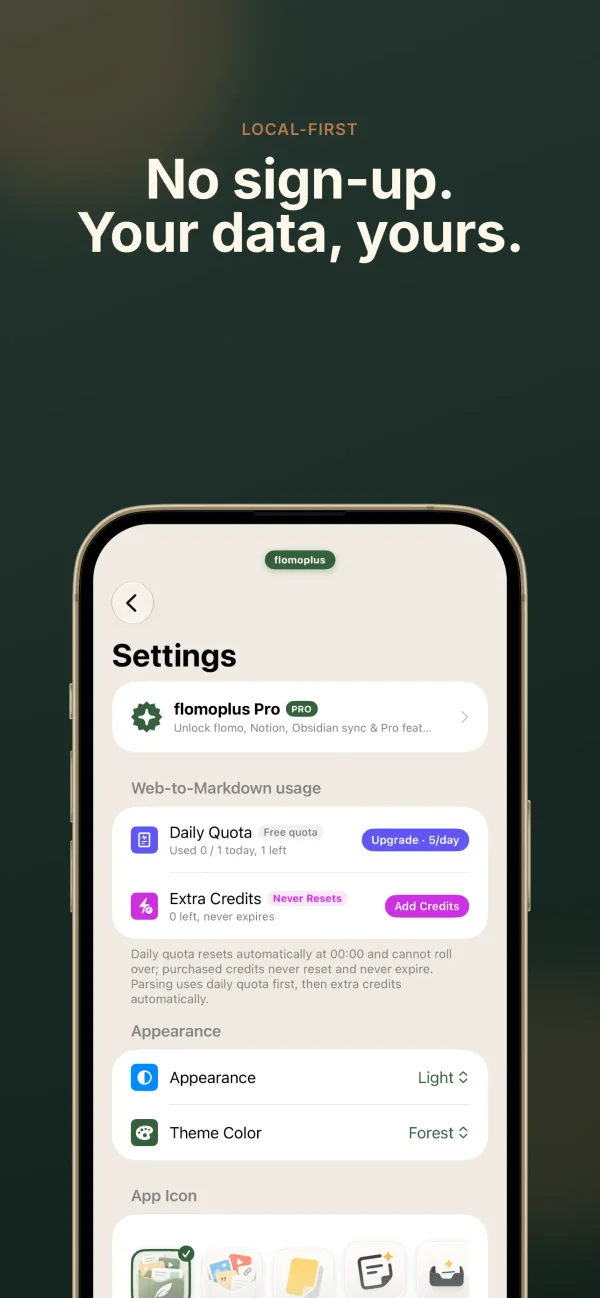
Your data stays on device by default, with optional iCloud sync. No account required.
Terms: https://www.apple.com/legal/internet-services/itunes/dev/stdeula/
Privacy: https://flomoplus.pages.dev/privacy.html
Neue Funktionen
Version 1.2.9 · 11.10.2026
"Let your device do the tidying." — Version 1.2.9 lets you edit images right in the preview, and suggests tags and a summary on-device as you save — everything runs on your phone.
New
• Edit images in the preview: tap the edit button in full-screen preview to rotate, flip, crop (free or fixed ratios) and doodle on the image. Only the current image is replaced, and thumbnails in the list and detail update too;
• Smart Suggestions (requires Apple Intelligence): when adding a clip, an on-device model suggests tags and a one-line summary you can adopt with a tap. Your content never leaves your phone. Turn it on in Settings › Apple Intelligence — off by default, shown only on supported devices;
• My Other Apps: a new entry under Help in Settings lets you browse the developer's other apps and jump to the App Store.
App-Datenschutz
Was 金苹 卢 im App Store zum Umgang dieser App mit Daten angibt.
-
Keine Daten erfasst
Der Entwickler erfasst keine Daten von dieser App.
Die Datenschutzpraktiken können variieren, zum Beispiel je nach den von Ihnen verwendeten Funktionen oder Ihrem Alter.
Informationen
- Anbieter
- 金苹 卢
- Kategorie
- Produktivität
- Version
- 1.2.9
- Aktualisiert
- 11.10.2026
- Veröffentlicht
- 22.07.2026
- Größe
- 22,0 MB
- Erfordert
- iOS 26.0 oder neuer
- Altersfreigabe
- 4+
- Preis
- Kostenlos
- In-App-Käufe
- Ja
- Sprachen
- Englisch, Japanisch, Vereinf. Chinesisch
- Copyright
- © 2026 lujinping
Das könnte Ihnen auch gefallen
-
 Nostos - 溯见Produktivität
-
 Lumipath 明路 - Knowledge NotesProduktivität
-
 点刻 - 把计划落到每个时刻Produktivität
-
 insighto 洞见笔记-闪念·回顾·待办·洞察Produktivität
-
 回头看看Produktivität
-
 已读未完 - 读书笔记小助手Produktivität
-
 Aimward: Ziel- & FokusplanungGantt, Aufgaben, Fokus, Bilanz
-
 Dayleaf - Minimalist bujoProduktivität
-
 Skiii NoteProduktivität
-
 微书笔记-微信读书笔记管理Produktivität