
Flows - Planner & Notes
Daily To-Dos & Pomodoro Timer
Entwickelt für iPhone, Mac
Kostenlos · In-App-Käufe
- Altersfreigabe9+
- KategorieProduktivität
- EntwicklerHUNTER WESTLEY BOLTON
- SprachenEnglisch
- Größe48,5 MB
Verlinkt auf die offizielle App Store-Seite
Download.org hostet keine Datei von Flows - Planner & Notes. Die Schaltfläche öffnet die App-Seite bei App Store, wo HUNTER WESTLEY BOLTON die App veröffentlicht. Eintrag zuletzt geprüft am 14.11.2026.
Screenshots
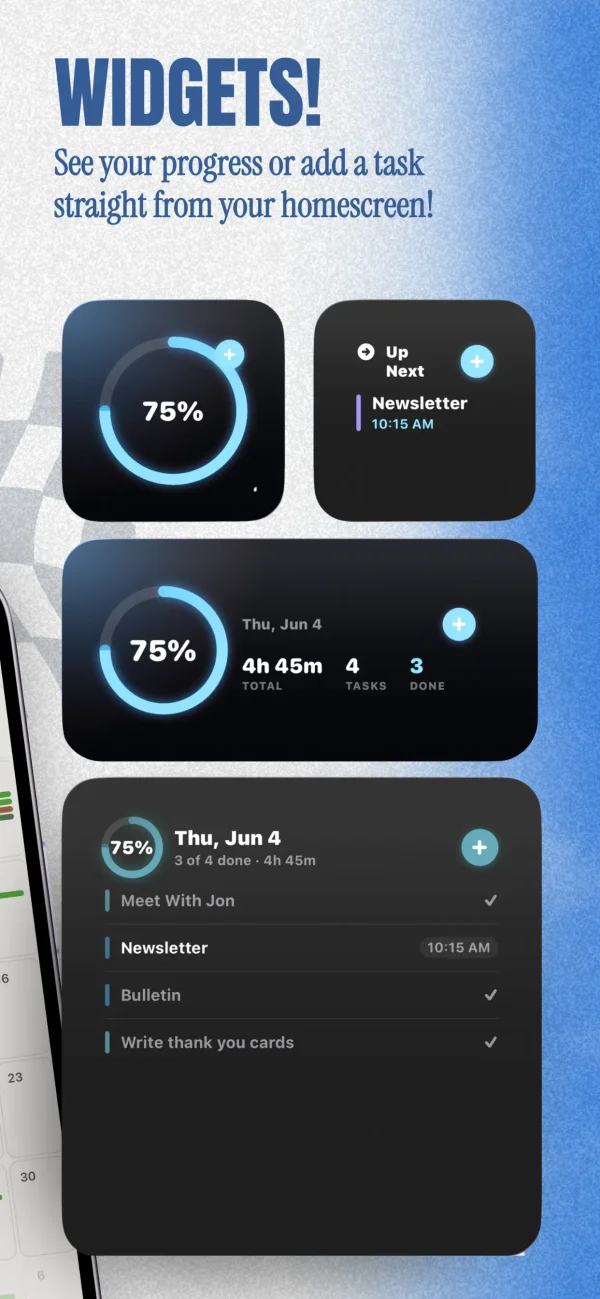
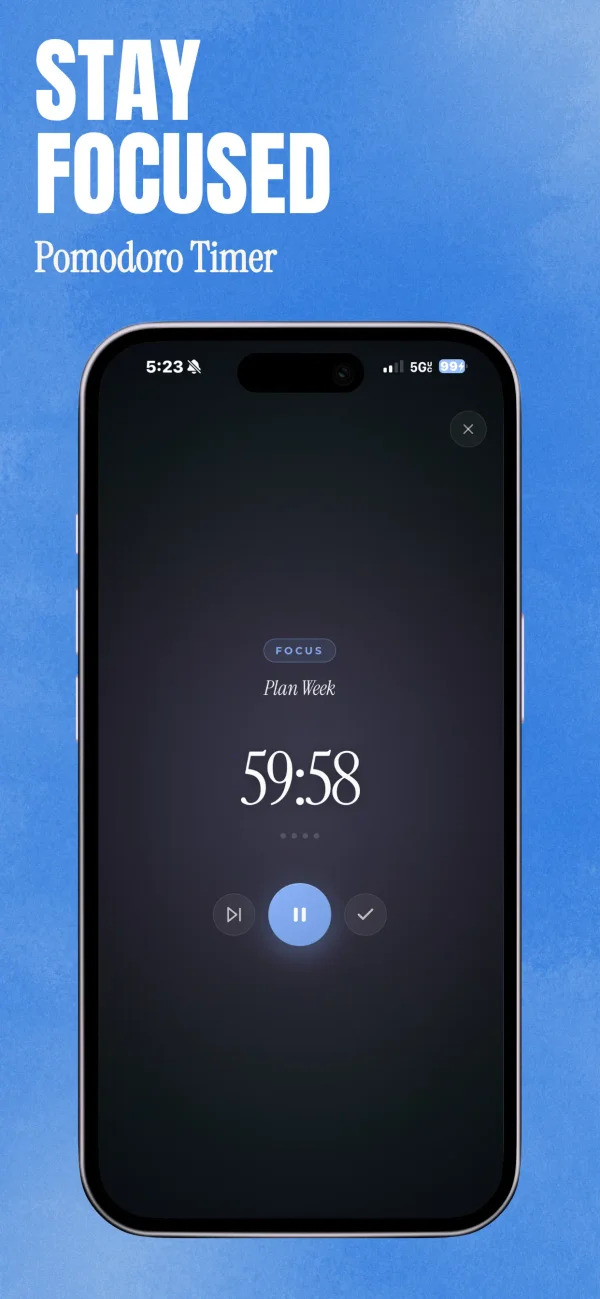
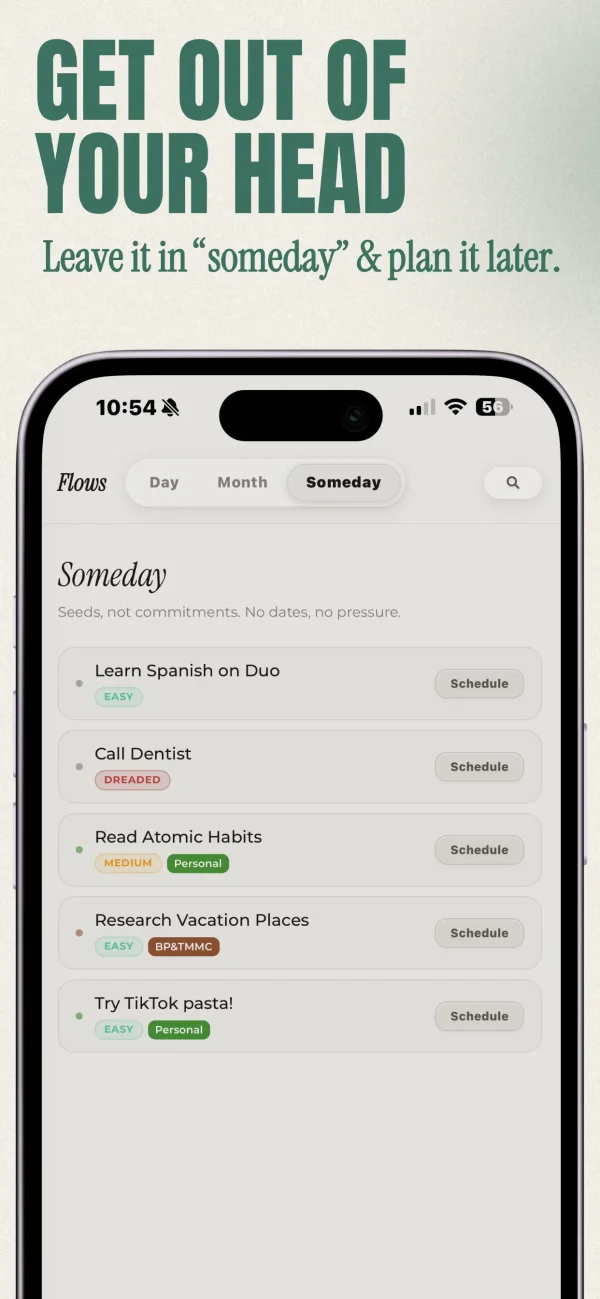
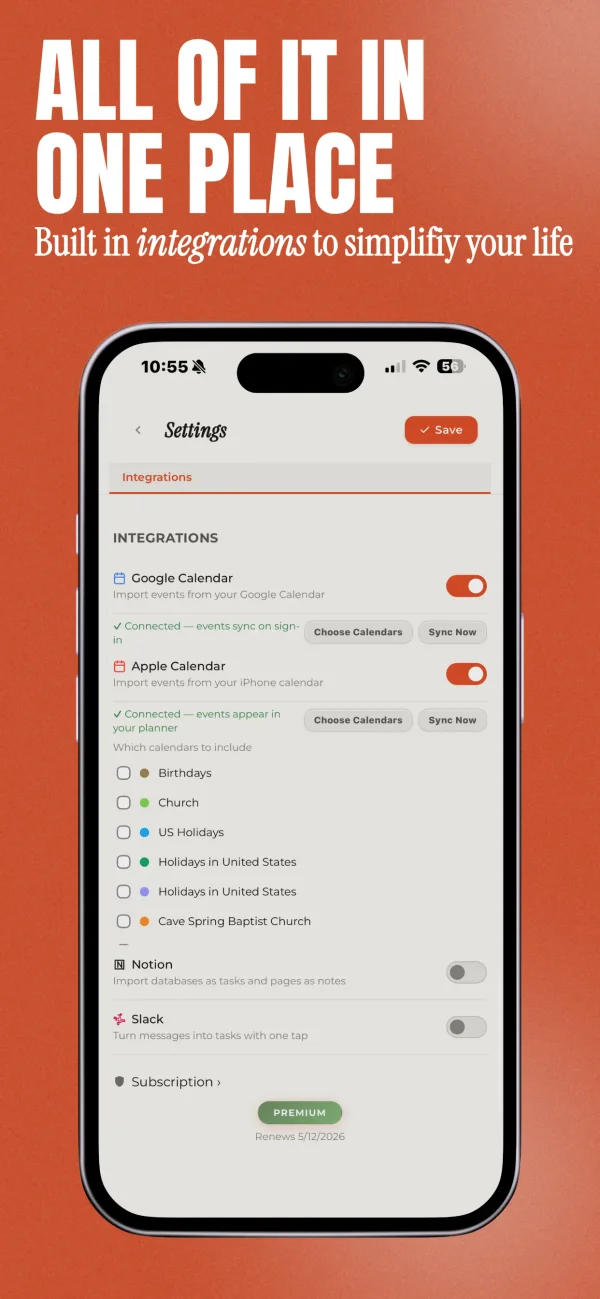

Info
Der Entwickler hat diesen Text nicht in Ihrer Sprache bereitgestellt.
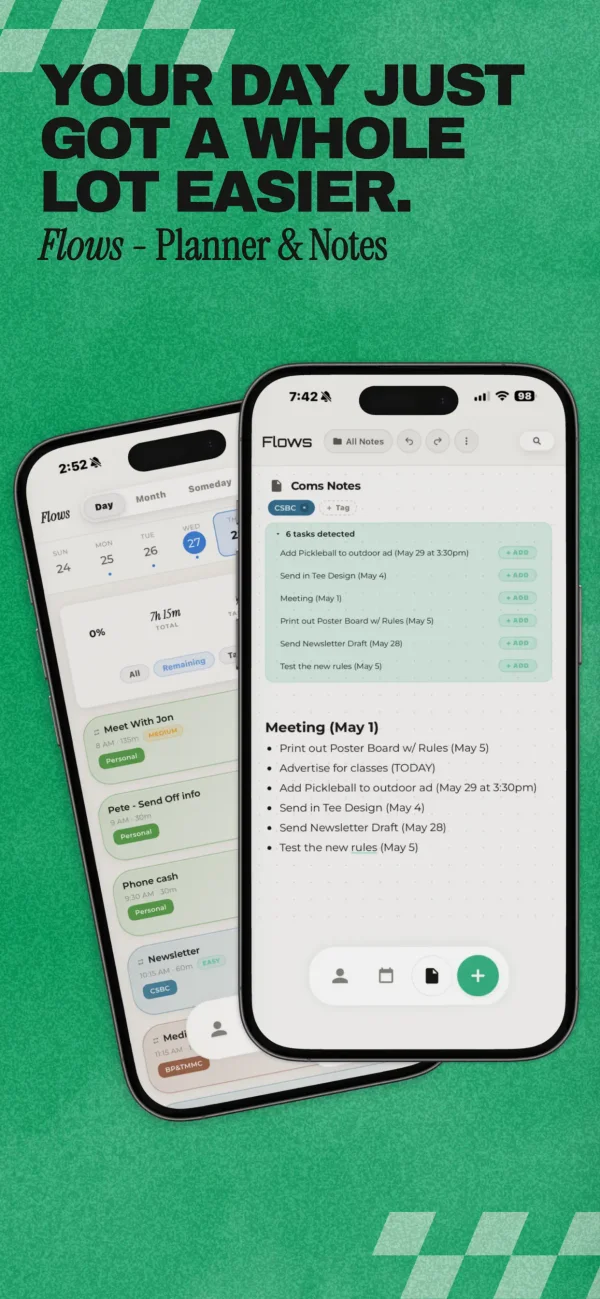
PLAN YOUR DAY IN MINUTES
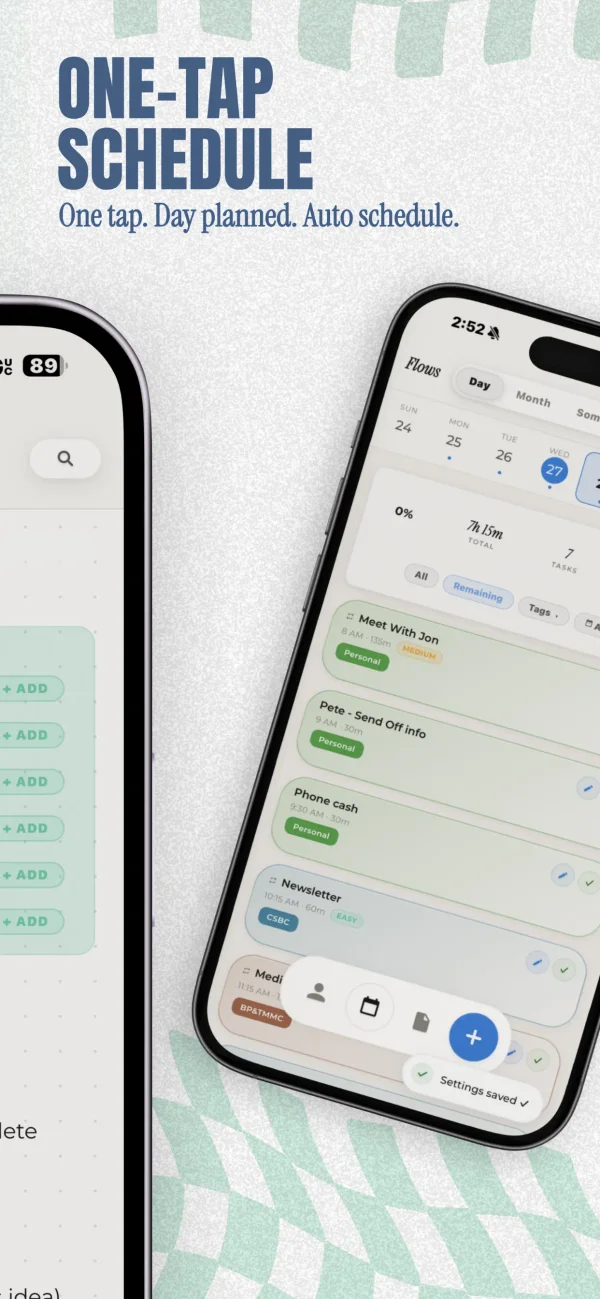
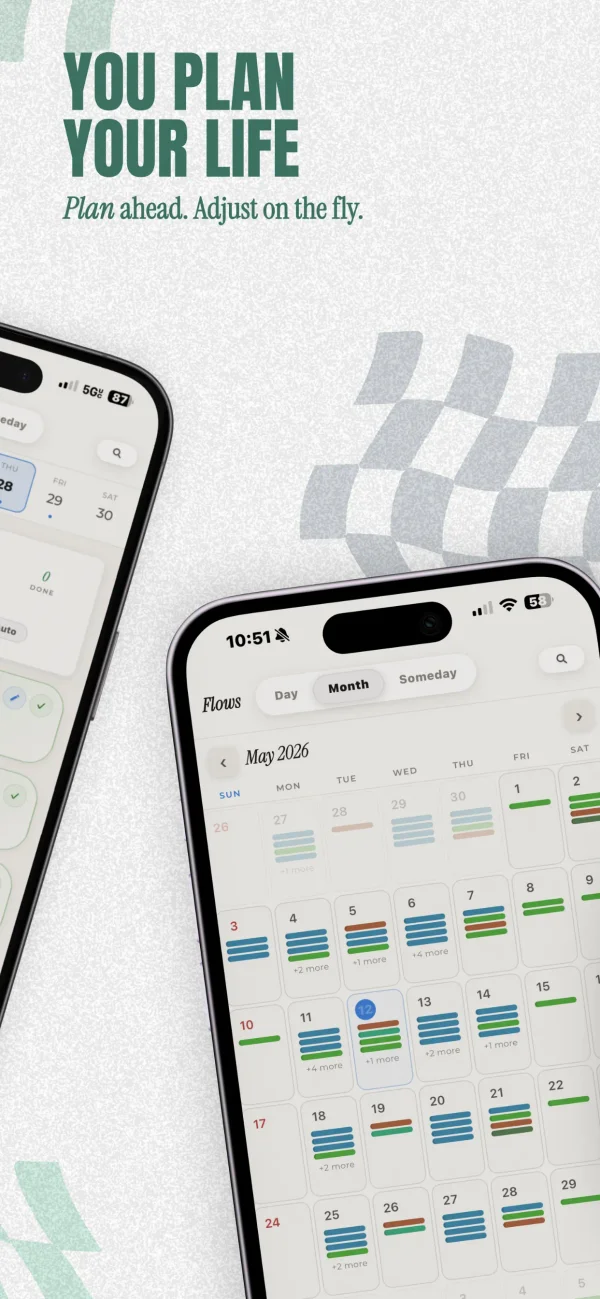
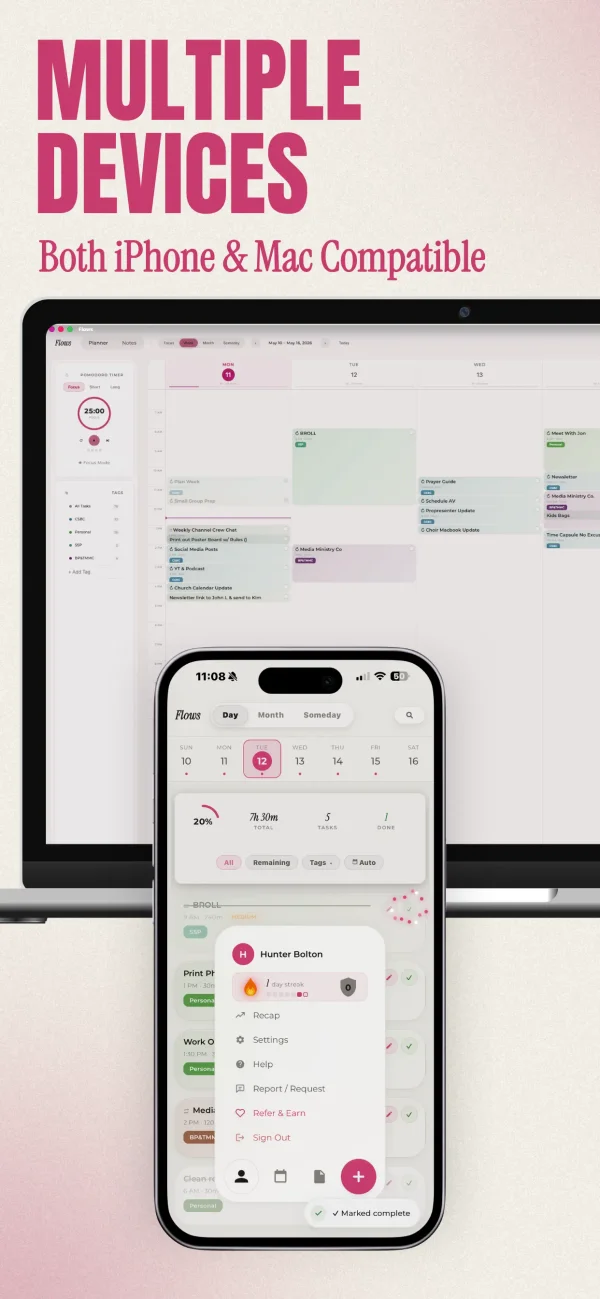
Add tasks, set time estimates and difficulty levels, then let Flows arrange your schedule. Let Auto-Schedule place them intelligently; hard tasks go in the morning, easy ones fill the gaps. View your day, week, or month at a glance.
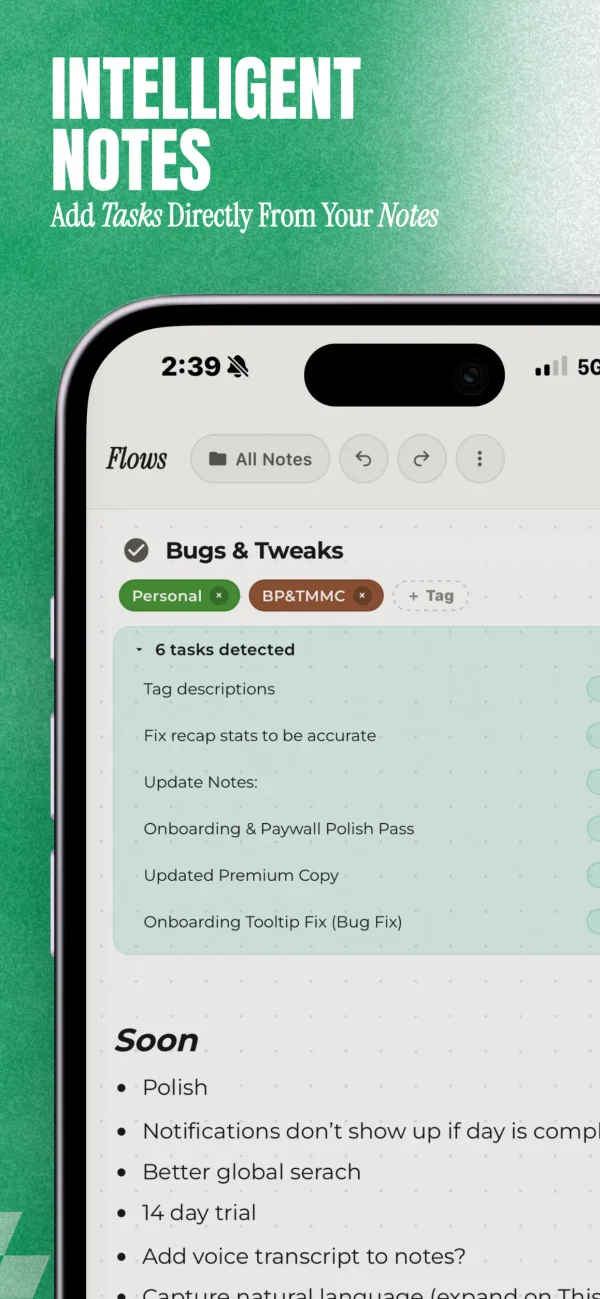
NOTES THAT WORK WITH YOUR TASKS
Capture ideas, meeting notes, and to-dos with a rich-text editor organized into folders. Flows can detect tasks hiding in your notes and turn them into real, schedulable items, no copy-pasting required.
SMART TAGS & AUTO-TAGGING
Create tags with descriptions and keywords, and Flows will suggest them automatically as you add tasks. Organize your work by project, priority, or whatever makes sense for your life.
STAY IN THE ZONE
Start a Pomodoro timer for any task with customizable work and break intervals (5–90 minutes). Pick from ambient sounds like rain, lo-fi beats, or white noise. When the timer ends, your progress is logged automatically.
BUILD A STREAK YOU'RE PROUD OF
Complete your daily plan to keep your streak alive. Flows understands that rest days happen; your streak won't break over a weekend. Check your weekly recap to see how your focus time, completion rate, and productivity are trending.
SEARCH EVERYTHING
Find any task or note instantly with global search. Filter by type, date range, or completion status. Sort by relevance, date, or name.
MAKE IT YOURS
Choose from 16+ handcrafted color themes, switch between dark and light mode, and pick a display font. Five notification personalities, from gentle encouragement to delightfully unhinged commentary, keep things interesting.
FLOWS PRO (30-Day Free Trial)
Unlock the full experience:
• Auto-Schedule — Intelligently fills your timeline based on difficulty, priority, and your available hours. Hard tasks land in the morning. Dreaded ones go first.
• Focus Forecast — See how your focus time trends across days and weeks. Get a Monday morning preview of what's ahead.
• Calendar Sync — Pull events from Google Calendar or Apple Calendar so your schedule and your plan live side by side.
• Notion Sync — Connect your Notion workspace and keep everything in one place.
• Slack Integration — Share your focus status with your team automatically.
• Cloud Sync — Your tasks, notes, and streaks stay in sync across all your devices.
• Unlimited Tags — Create as many tags as you need.
• All Themes — Access every color theme and future additions.
Terms & Conditions:
https://flowspomo.com/terms.html
Privacy Policy:
https://flowspomo.com/privacy.html
Neue Funktionen
Version 1.5.9 · 29.08.2026
Glass Effects are now yours to choose. If you love the frosted look, nothing
changes; it is right where you left it. If you would rather have something flatter
and calmer, there is a new matte option in Appearance, and it runs especially
smooth on older devices.
The rest of this one is about feeling steadier. Scheduled tasks now stay exactly
where you put them, and your tasks, notes, and tags merge properly across your
devices, so what you do on your phone is waiting for you on your desktop. Thank
you to the person who wrote in about tasks not sticking around after closing the
app.
The week is clearer too: hour lines across the grid, today highlighted, past
hours softened, and anything overdue gently marked. Desktop has more room to
breathe. And there is plenty of small polish throughout.
Thanks for using Flows.
— Hunter
App-Datenschutz
Was HUNTER WESTLEY BOLTON im App Store zum Umgang dieser App mit Daten angibt.
-
Keine Daten erfasst
Der Entwickler erfasst keine Daten von dieser App.
Die Datenschutzpraktiken können variieren, zum Beispiel je nach den von Ihnen verwendeten Funktionen oder Ihrem Alter.
Informationen
- Anbieter
- HUNTER WESTLEY BOLTON
- Kategorie
- Produktivität
- Version
- 1.5.9
- Aktualisiert
- 29.08.2026
- Veröffentlicht
- 06.05.2026
- Größe
- 48,5 MB
- Erfordert
- iOS 16.6 oder neuer
- Altersfreigabe
- 9+
- Preis
- Kostenlos
- In-App-Käufe
- Ja
- Sprachen
- Englisch
- Copyright
- © 2026 Hunter Bolton
Das könnte Ihnen auch gefallen
-
 DayDo CalendarProduktivität
-
 Pala: ADHS Planer & KalenderKI Tagesroutine & Fokus Timer
-
 StrideFlow AI: WochenplanZiele passend zum Alltag
-
 Together: Organize LifeProduktivität
-
 Actimate: ADHD PlannerProduktivität
-
 PersonAI: To-Do & Life PlannerProduktivität
-
 Beck: AI Assistant for WorkProduktivität
-
 Anchor: Tagesplaner & KalenderTime Blocking, To-Do & Fokus
-
 Kora - Family AI AssistantProduktivität
-
 Plnnr AI: Daily PlannerProduktivität