
FullForms: Abbreviations
Abbreviation search & glossary
Entwickelt für iPhone, iPod touch
Kostenlos
- Altersfreigabe4+
- KategorieNachschlagewerke
- EntwicklerFullForms
- SprachenEnglisch
- Größe34,6 MB
Verlinkt auf die offizielle App Store-Seite
Download.org hostet keine Datei von FullForms: Abbreviations. Die Schaltfläche öffnet die App-Seite bei App Store, wo FullForms die App veröffentlicht. Eintrag zuletzt geprüft am 10.11.2026.
Screenshots
Info
Der Entwickler hat diesen Text nicht in Ihrer Sprache bereitgestellt.
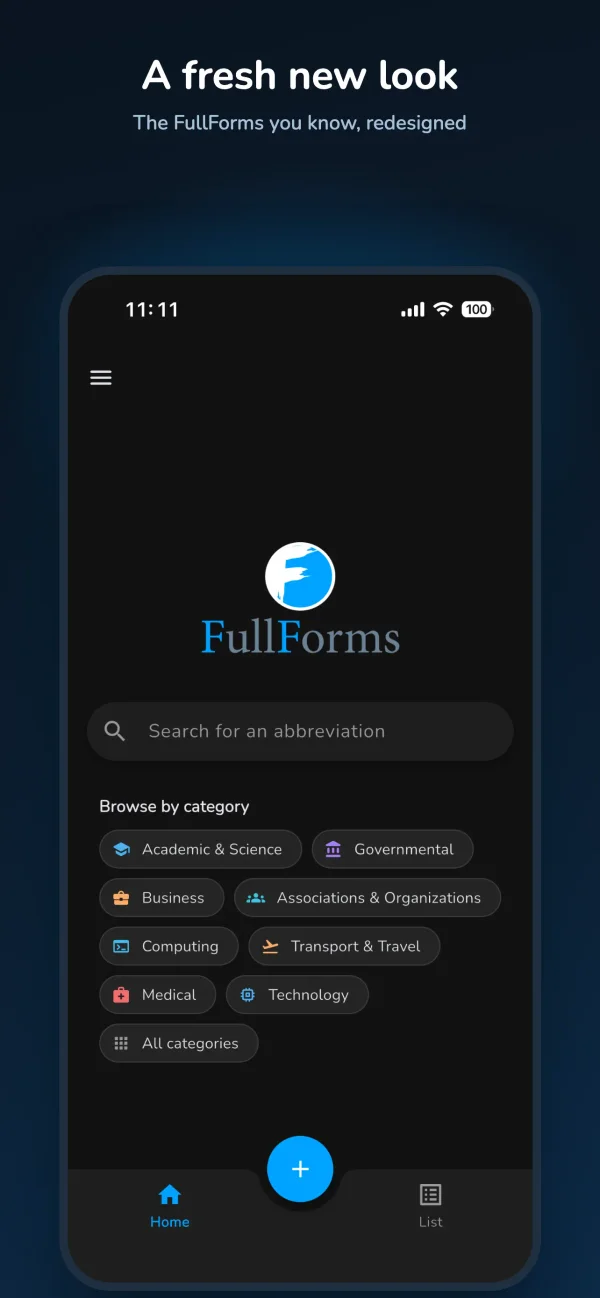
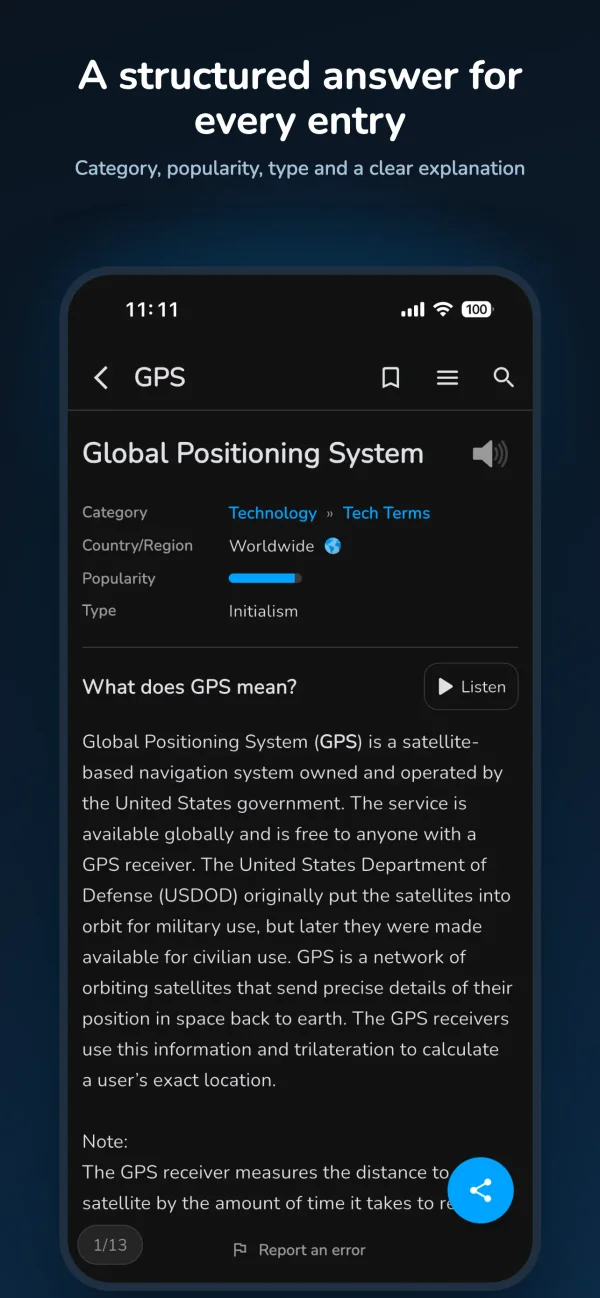
FullForms is a fast, free abbreviation dictionary. Search any abbreviation and get the full form, along with its category, region, type and a clear explanation of what it actually means.
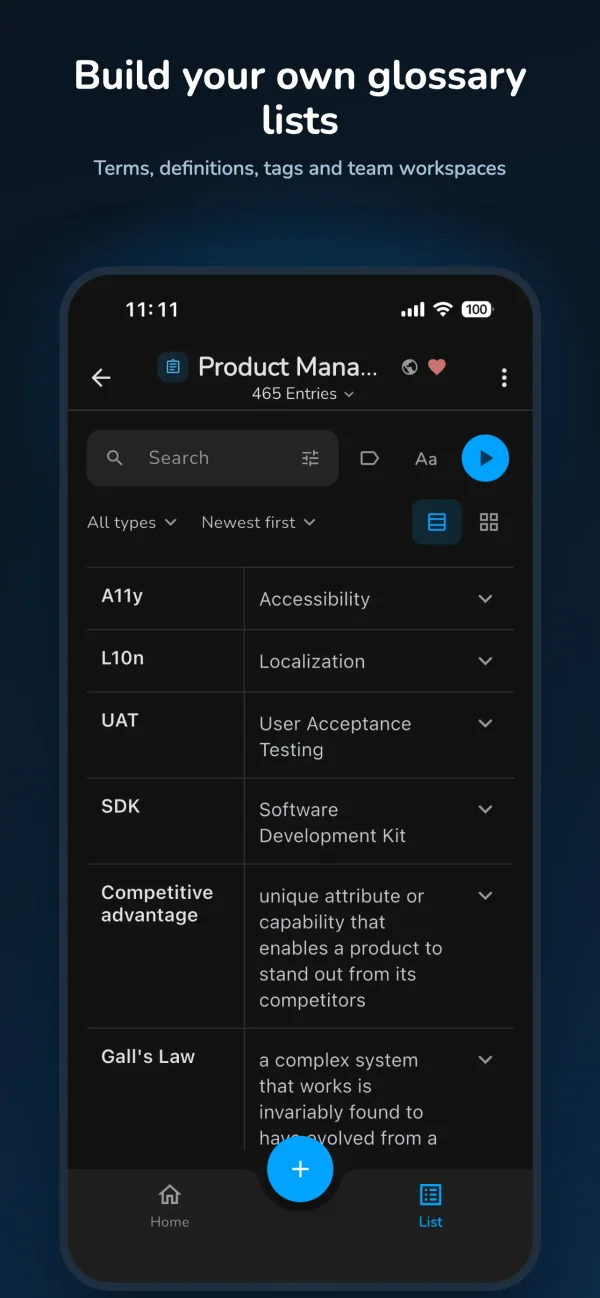
And when you want a home for your own terminology, FullForms List lets you build glossaries from scratch: your terms, your definitions, your lists.
FIND ANY ABBREVIATION
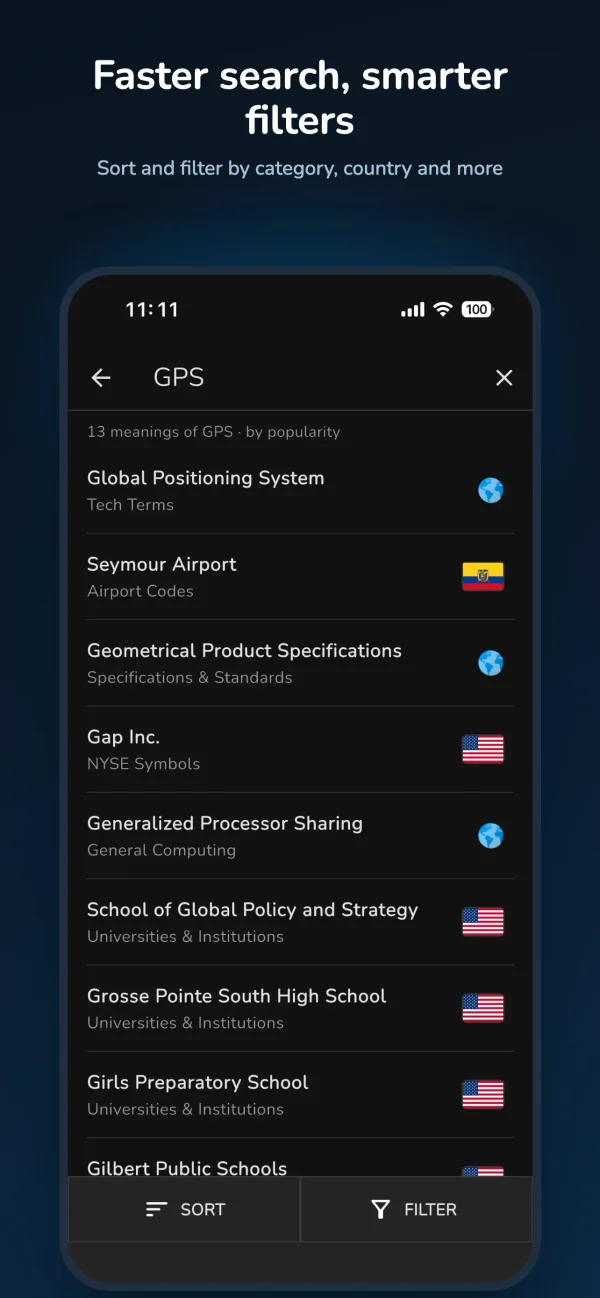
• Instant search with type-ahead
• Every meaning, ranked by popularity, so the one you want is first
• Filter by category and by country or region
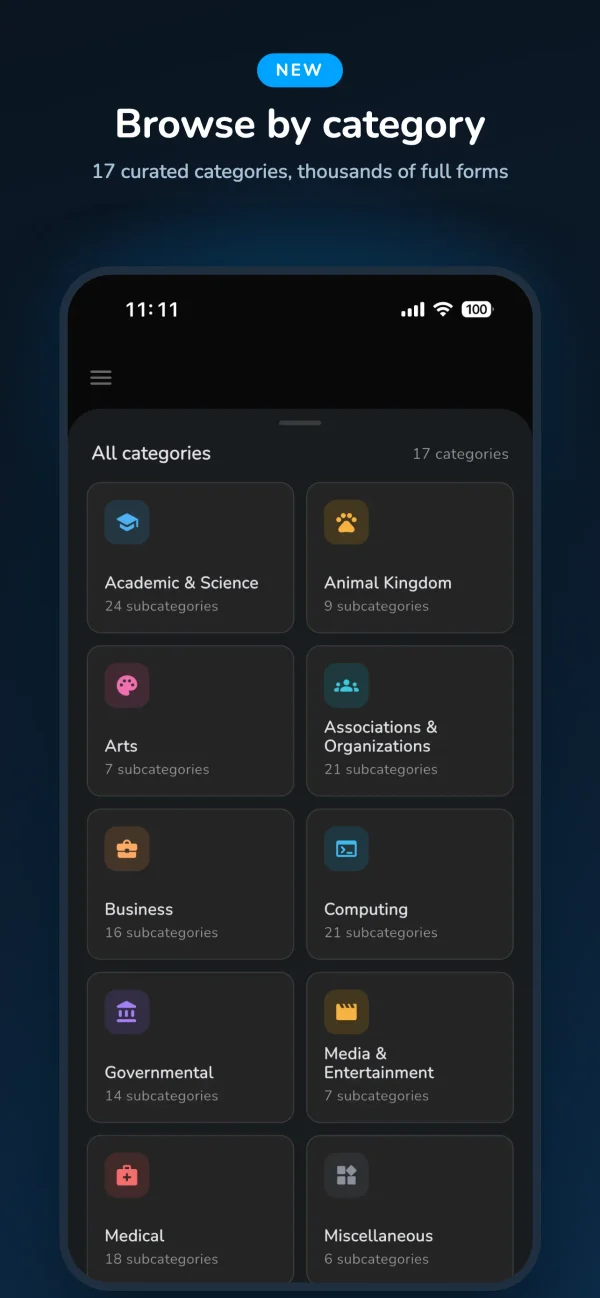
• Browse 17 curated categories, from Medical and Computing to Airport Codes
• A plain-English explanation for every entry, not just the expansion
• Hear how a term is pronounced, or have the whole entry read aloud
• Bookmark anything to come back to later
BUILD YOUR OWN GLOSSARIES
• Create lists of terms and definitions for your job, your course or your team
• Rich descriptions with links between related entries, images and private notes
• Tag, filter and search across every list you have
• Lists are private by default; make one public when you want to share it
• Team workspaces with roles, for glossaries a whole team maintains
• Suggestions and reports, so a public list can be improved by its readers
STUDY UNTIL IT STICKS
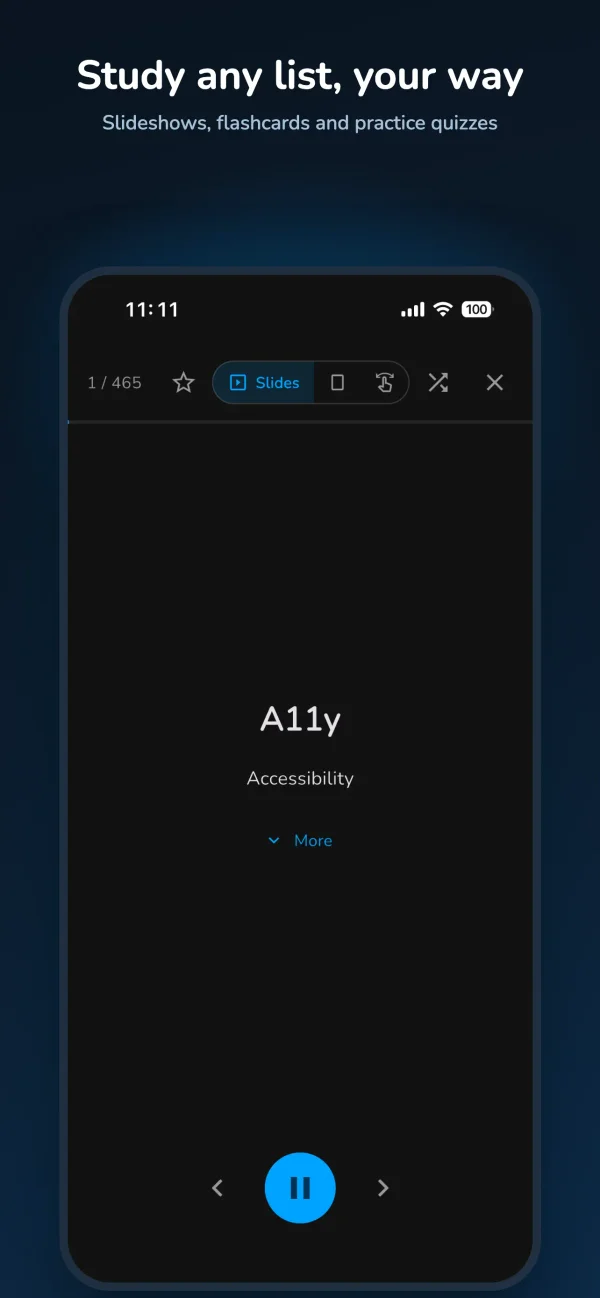
• Slideshows to review a list hands-free
• Flashcards to test yourself
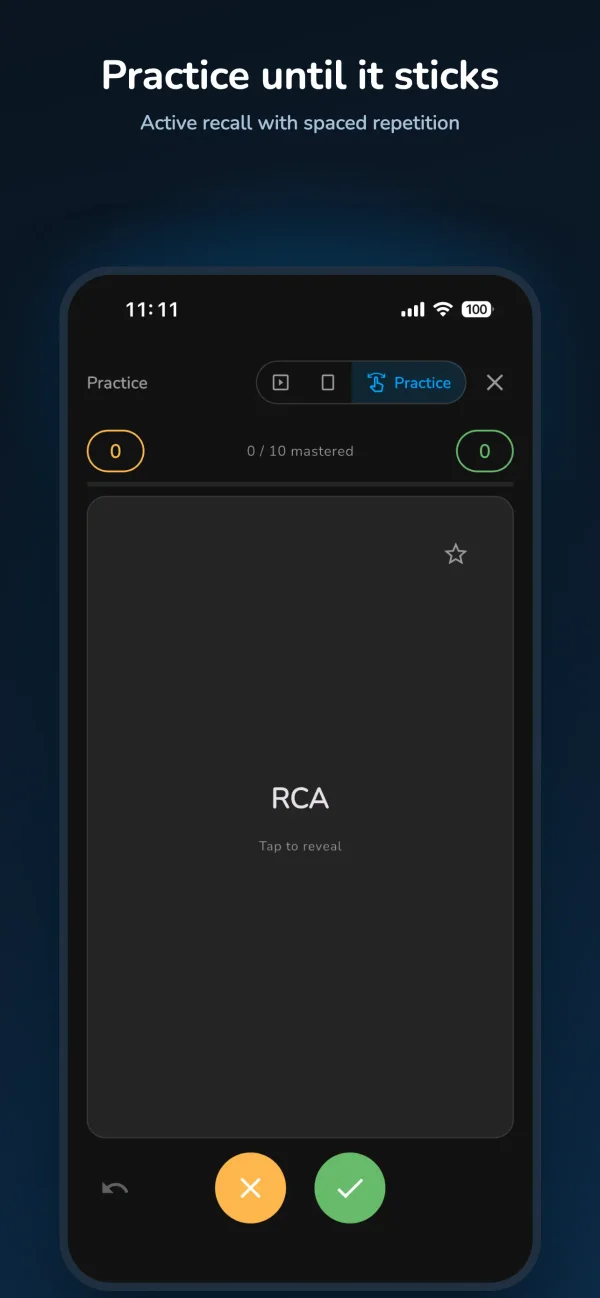
• Practice mode with spaced repetition, so the ones you keep forgetting come round more often
ANYWHERE ON YOUR IPHONE
• Select text in any app, tap Share, and pick FullForms: "Search in FullForms" looks it up, "Add to FullForms List" starts a new entry with it
• Ask Siri: say "Search FullForms" or "Add to FullForms"
• Both actions also appear in the Shortcuts app and in Spotlight
• Home Screen widgets for your lists: an entry of the day, quick Study and Practice, and your latest entries
BUILT FOR REAL USE
• Your lists work offline, and changes sync when you are back online
• Light and dark themes, with adjustable text size
• Sign in with Apple or Google
• Free, and no ads
Search works without an account. Sign in only when you want to bookmark results or build lists of your own.
Neue Funktionen
Version 1.1.1229 · 05.09.2026
An accessibility and polish release. Nothing new to learn, just a lot of small things working the way they should.• Easier to read: secondary text in light mode is darker, and wording is now consistent from screen to screen.
• Easier to tap: controls that were too small to hit comfortably are now full size.
• Better with VoiceOver: icon-only buttons, images and country flags are announced properly instead of being skipped or read out as file names.
• Fewer accidents: destructive actions now ask before they act, and more actions offer Undo.
• Swipe in from the left edge to close an entry, the way going back works everywhere else in iOS.
• Honest empty states: a list no longer says it is empty when it could not load or you are offline.
• Tapping the arrow beside a search suggestion now fills it into the search box instead of removing it.
Thanks for using FullForms. Questions or ideas? Write to us at apps@fullforms.com.
App-Datenschutz
Was FullForms im App Store zum Umgang dieser App mit Daten angibt.
-
Mit Ihnen verknüpfte Daten
Können erfasst und mit Ihrer Identität verknüpft werden.
- Kontaktinformationen
- Benutzerinhalte
- Kennungen
- Diagnose
-
Nicht mit Ihnen verknüpfte Daten
Können erfasst werden, sind aber nicht mit Ihrer Identität verknüpft.
- Standort
- Kontaktinformationen
- Suchverlauf
- Kennungen
- Nutzungsdaten
Die Datenschutzpraktiken können variieren, zum Beispiel je nach den von Ihnen verwendeten Funktionen oder Ihrem Alter.
Informationen
- Anbieter
- FullForms Infosolutions Private Limited
- Kategorie
- Nachschlagewerke
- Version
- 1.1.1229
- Aktualisiert
- 05.09.2026
- Veröffentlicht
- 17.08.2026
- Größe
- 34,6 MB
- Erfordert
- iOS 15.0 oder neuer
- Altersfreigabe
- 4+
- Preis
- Kostenlos
- Sprachen
- Englisch
- Copyright
- © 2026 FullForms
Das könnte Ihnen auch gefallen
-
 Vokabeltrainer: EnglischTäglich Wortschatz üben: Quiz
-
 Power ElectronicsBildung
-
 Hindi to English Translator +Bildung
-
 Medical Terms | AbbreviationsNachschlagewerke
-
 English Turkmen TranslatorBildung
-
 Acronyms and AbbreviationsNachschlagewerke
-
 English To Turkmen TranslatorBildung
-
 Edapt LearnBildung
-
 Russian-English DictionaryNachschlagewerke
-
 TypeScript Recipes: Code & SQLTS + SQL, direkt ausführbar