FutureState Mobile Access
Access your Campus or Office.
Entwickelt für iPhone, iPad
Kostenlos
- Altersfreigabe4+
- KategorieProduktivität
- EntwicklerFutureState, Inc.
- SprachenEnglisch
- Größe45,3 MB
Verlinkt auf die offizielle App Store-Seite
Download.org hostet keine Datei von FutureState Mobile Access. Die Schaltfläche öffnet die App-Seite bei App Store, wo FutureState, Inc. die App veröffentlicht. Eintrag zuletzt geprüft am 20.11.2026.
Screenshots
Info
Der Entwickler hat diesen Text nicht in Ihrer Sprache bereitgestellt.
Your campus or workplace credential, right on your iPhone and Apple Watch.
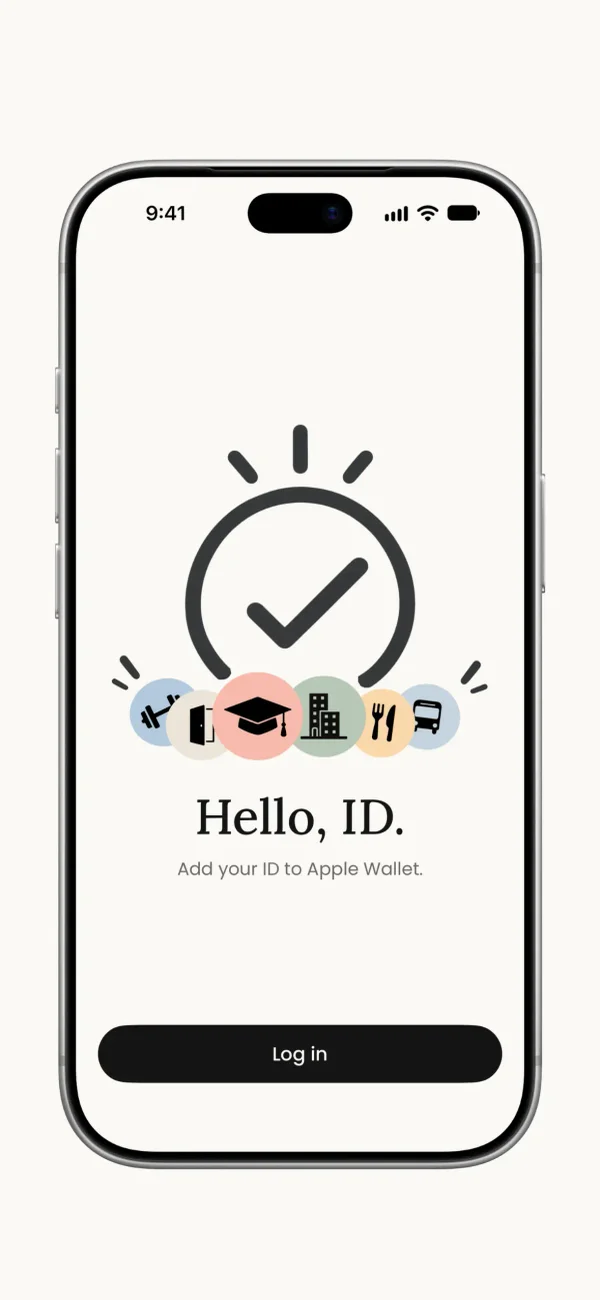
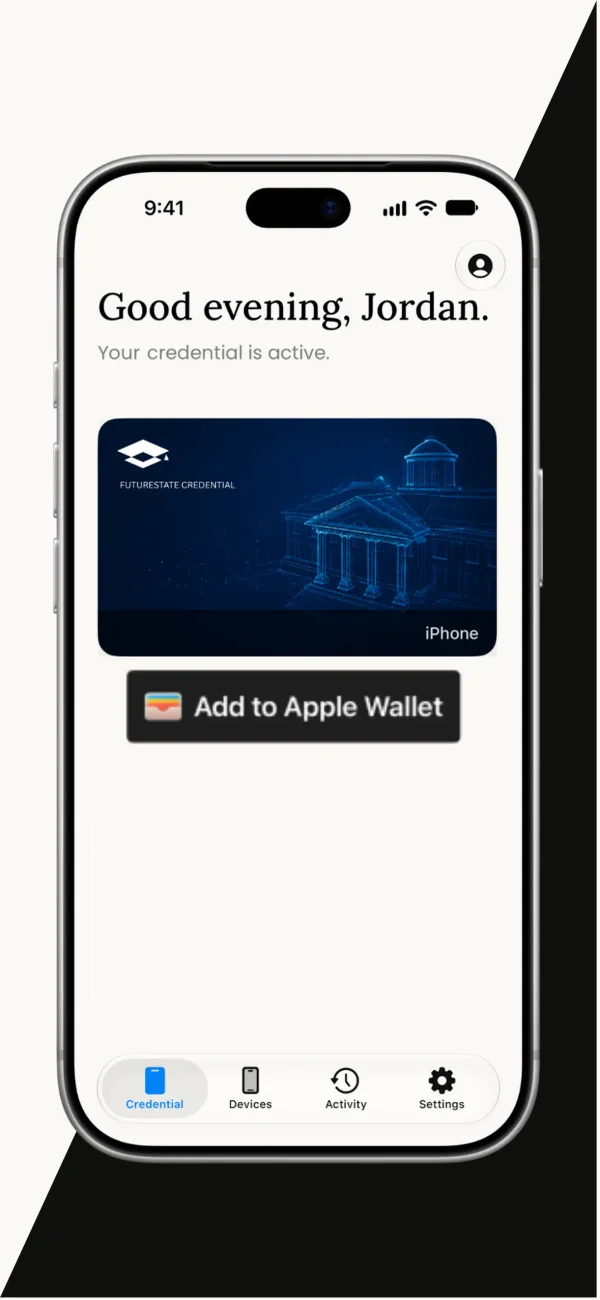
FutureState Mobile Access Pass adds your Student ID or Employee Badge to Apple Wallet, so the card you used to dig out of a bag or clip to a lanyard is always with you. Tap to get where you're going. Leave the plastic at home.
BEFORE YOU DOWNLOAD
This app works only if your school or employer offers mobile credentials through FutureState. If they don't, you won't be able to sign in. Check with your campus card office, ID office, or IT help desk if you're not sure.
HOW IT WORKS
- Sign in with the same account you use for school or work.
- Confirm the credential you've been issued.
- Add it to Apple Wallet.
- That's it. Your pass is live the moment it lands in Wallet, with no activation step, no waiting for an overnight sync, and no help desk ticket to get started.
WITH YOUR STUDENT ID
Open residence hall doors, gates, and elevators. Get into the rec center, the library, labs, and events. Release print and copy jobs at campus printers. Pay at dining halls, cafés, vending machines, and campus stores using the accounts already attached to your card. Clock in and out of your campus job.
WITH YOUR EMPLOYEE BADGE
Open building entrances, secure floors, turnstiles, elevators, and parking garages. Release print and copy jobs at the office. Clock in and out and verify your shift where your employer uses time and attendance.
Available features depend on what your school or employer has turned on.
TAP WITHOUT UNLOCKING
Your pass supports Express Mode, so you can hold your iPhone or Apple Watch near a reader and go. There's no need to wake the screen, unlock, or authenticate with Face ID, Touch ID, or a passcode. It works the way your plastic card did, only faster.
WORKS WHEN YOUR BATTERY DOESN'T
With Power Reserve, your pass keeps working for up to five hours after your iPhone shows a low battery warning and turns itself off. A dead phone doesn't mean you're locked out of your building or your room.
ON YOUR WRIST
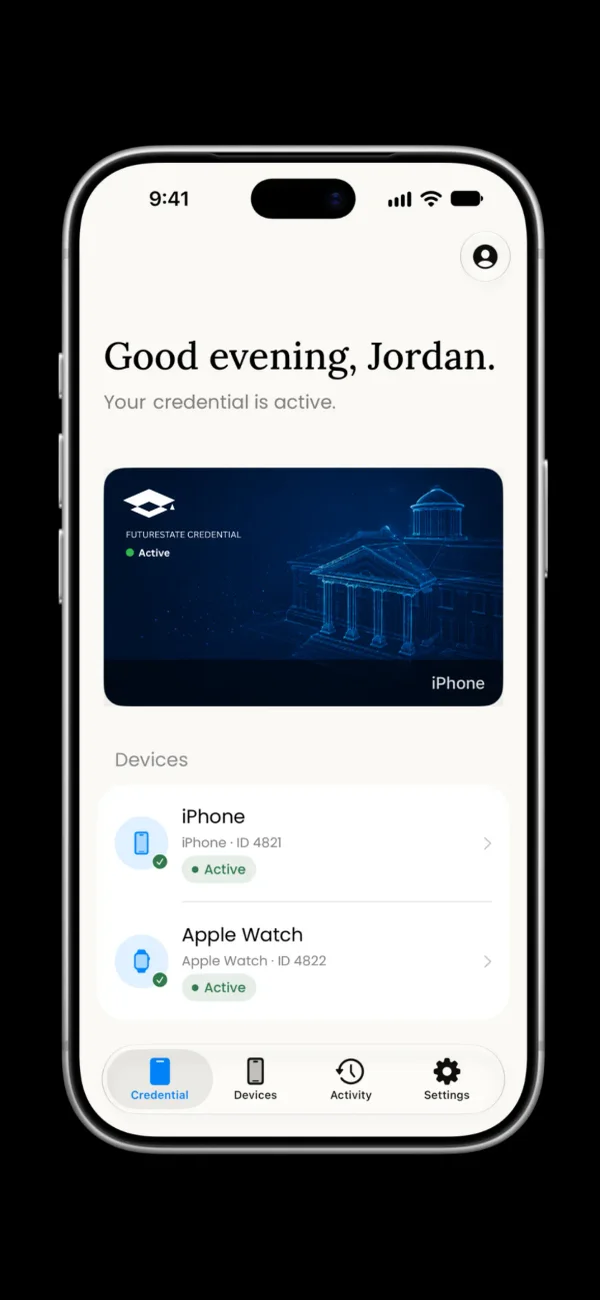
Add your credential to Apple Watch and tap through with your wrist alone. Useful at the gym, on a run between buildings, on a loading dock, or anywhere you'd rather not pull out your phone.
PRIVATE AND SECURE
Your credential is stored in Apple Wallet using the same secure hardware that protects Apple Pay. It's never shared with FutureState in a form we can read, and readers you tap only receive what they need to verify your access.
Every credential is tied to your device and your account. If your iPhone or Apple Watch is lost or stolen, your school or employer can turn off your pass remotely, the same way they'd deactivate a lost plastic card. You can also use Find My to mark your device as lost, which suspends your credential until you get it back.
Lost devices, replacement credentials, and access changes all follow your organization's existing policies, so there's nothing new to learn.
IF YOU GET A NEW DEVICE
Move your credential to a new iPhone or Apple Watch by signing in again and adding it to Wallet. Your old device's pass is retired automatically.
REQUIREMENTS
- An active affiliation with a school or employer that offers mobile credentials through FutureState.
- An account in good standing with that organization
- iPhone or Apple Watch with Apple Wallet
- Apple Watch features require a paired iPhone
NEED HELP?
For anything about your credential itself, including eligibility, access rights, account balances, and lost devices, contact your school or employer directly. They manage what your credential can do. For trouble with the app, reach out to us and we'll help you get sorted.
Neue Funktionen
Version 2.1 · 30.10.2026
A new look and support for iPhone Duo.
• Redesigned throughout, with clearer type and full light and dark mode.
• Built for iPhone Duo: controls move to the side, and when it’s open your credential and devices sit side by side.
• Manage a device straight from the list.
• A refreshed sign-in.
• Dynamic card art for campuses and employers
App-Datenschutz
Was FutureState, Inc. im App Store zum Umgang dieser App mit Daten angibt.
-
Mit Ihnen verknüpfte Daten
Können erfasst und mit Ihrer Identität verknüpft werden.
- Kontaktinformationen
- Kennungen
-
Nicht mit Ihnen verknüpfte Daten
Können erfasst werden, sind aber nicht mit Ihrer Identität verknüpft.
- Nutzungsdaten
- Diagnose
Die Datenschutzpraktiken können variieren, zum Beispiel je nach den von Ihnen verwendeten Funktionen oder Ihrem Alter.
Informationen
- Anbieter
- FutureState, Inc.
- Kategorie
- Produktivität
- Version
- 2.1
- Aktualisiert
- 30.10.2026
- Veröffentlicht
- 29.08.2026
- Größe
- 45,3 MB
- Erfordert
- iOS 18.0 oder neuer
- Altersfreigabe
- 4+
- Preis
- Kostenlos
- Sprachen
- Englisch
- Copyright
- © 2026 FutureState, Inc. All rights reserved.
Das könnte Ihnen auch gefallen
-
 Perimeter: App BlockerProduktivität
-
 DSX Mobile CommandProduktivität
-
 Smart ID VerifierProduktivität
-
 DocumentHub: DateimanagerPDF, Video Player & Downloads
-
 MobileSafe: Malware ProtectionProduktivität
-
 PureFlowProduktivität
-
 Schlage Mobile AccessProduktivität
-
 Audio Maker - MP3 ConverterProduktivität
-
 Word Editor: DOCX, Office, PDFProduktivität
-
 Allegion ENGAGEProduktivität