- Altersfreigabe4+
- KategorieSport
- Entwicklermimble, inc
- SprachenEnglisch
- Größe22,9 MB
GameClip AI ist bei App Store derzeit möglicherweise nicht verfügbar
Bei unserer letzten Prüfung war der Store-Eintrag nicht erreichbar. Der Link führt weiterhin zur offiziellen App Store-Seite.
Screenshots


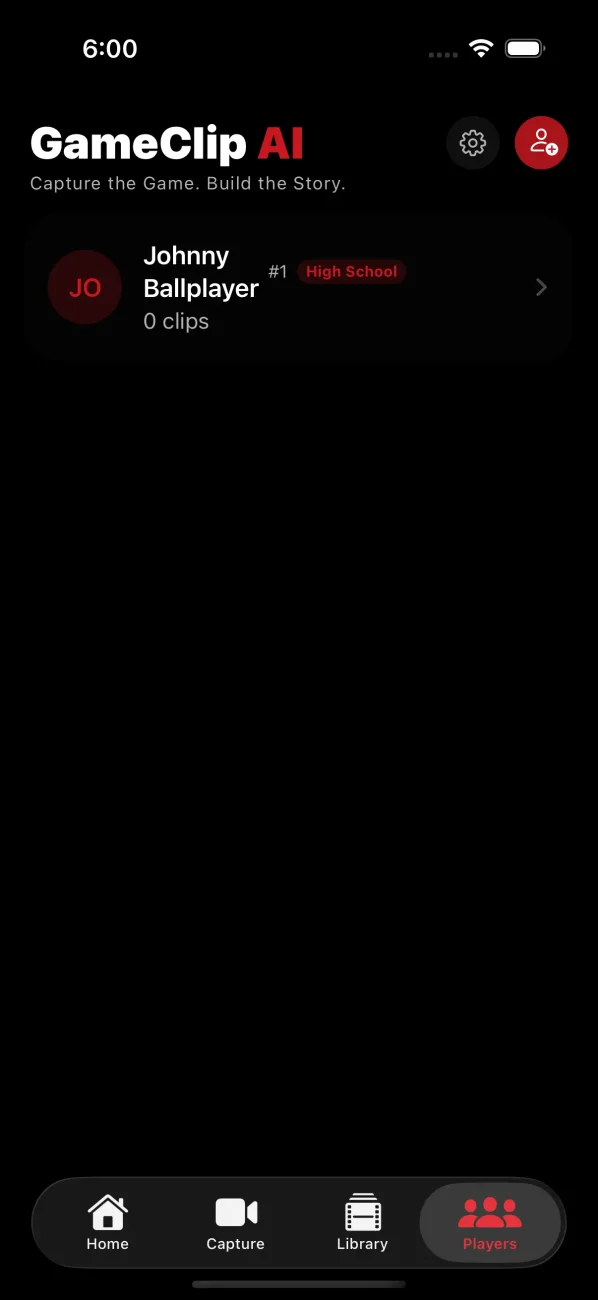

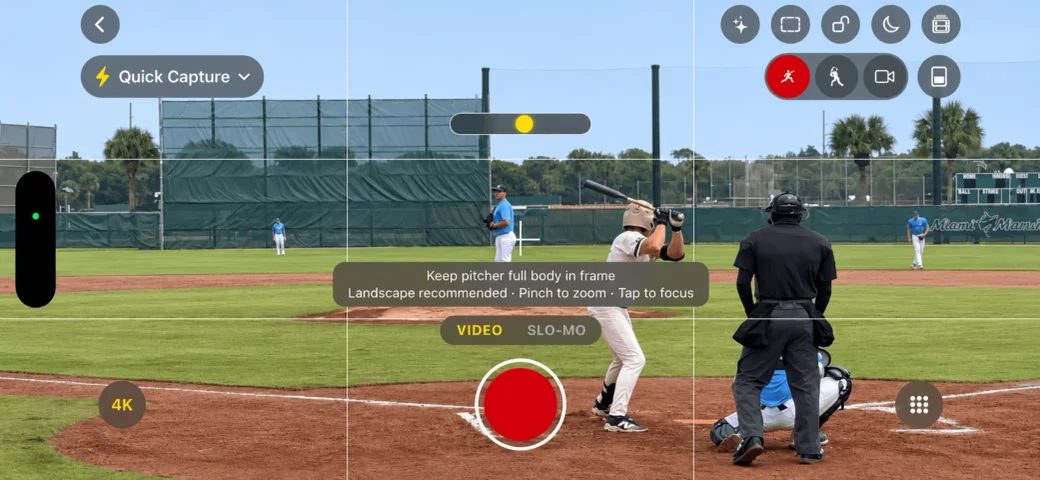
Info
Der Entwickler hat diesen Text nicht in Ihrer Sprache bereitgestellt.
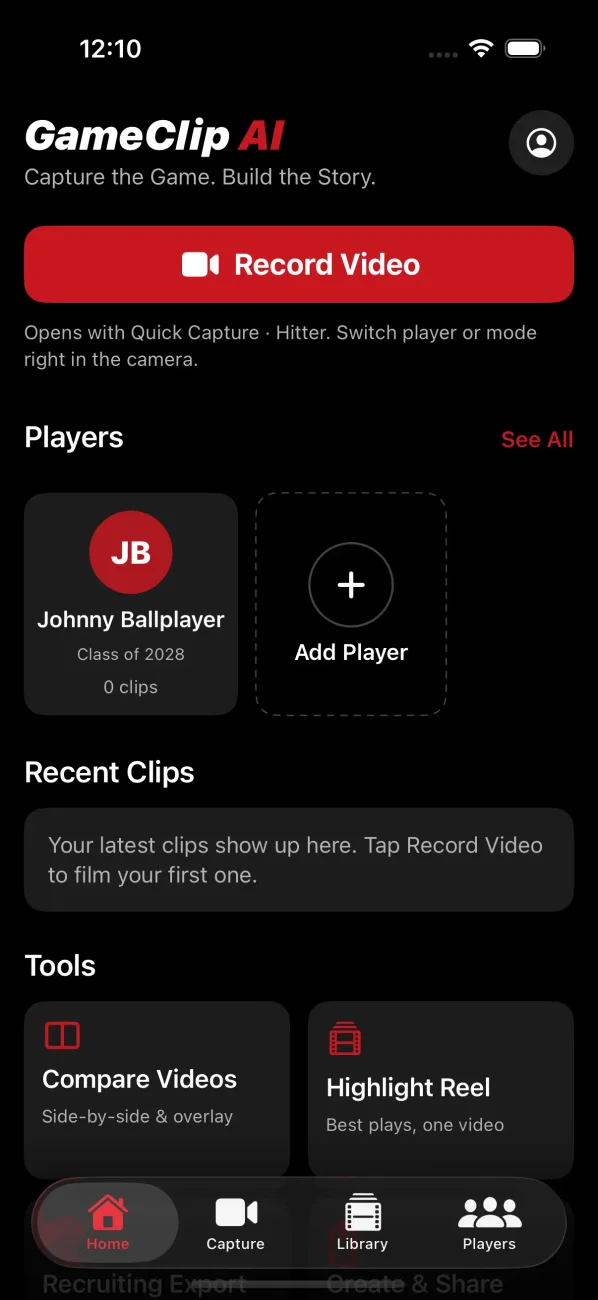
GameClip AI is the smarter way to capture, organize, understand and share baseball and softball video.
Built for players, parents, coaches and instructors, GameClip AI turns practices, bullpens, at-bats and full games into organized clips you can review, compare, analyze and share.
THREE WAYS TO RECORD
• Manual Capture: start and stop each clip yourself.
• Live Auto Capture: mount the phone, set the detection zone, and clips are saved around each pitch or swing while you watch.
• Game Recording: one continuous recording of the whole game, built for long games with heat, battery and storage safeguards. It recovers if the app is interrupted.
FIND MY PITCHES
After the game, GameClip AI suggests where each pitch happened. Review them, adjust the start or end, add any it missed, and save each one as its own clip. The full game recording is always kept.
MECHANICS
Select the player and GameClip AI draws a colored skeleton on the video, marks key checkpoints such as leg lift, foot landing and release, or load and swing start, and shows the timing between them. It supports baseball pitching, hitting and softball windmill pitching. Mechanics analysis runs on your iPhone.
Step frame by frame, move a checkpoint if it's off, and turn on motion trails to see the path of the hands and feet. Results are estimates from video and depend on camera angle, frame rate and lighting.
COMPARE
Put two clips side by side or overlaid, and line them up at the same checkpoint. Synchronized playback, frame stepping, slow motion and zoom.
IMPORT
Bring in video from Photos or Files. Long videos can be split into plays.
PLAYER LIBRARIES
Every clip belongs to a player and a session. Browse by player, game or session, search by player, event or tag, and filter by pitching, hitting or manual.
EDIT, CROP AND SHARE
Trim without losing quality, crop for Reels, TikTok, Shorts and YouTube, and share clean clips or annotated videos with the skeleton and checkpoints. Build highlight reels and recruiting summaries.
AI COACHING NOTES
Get a key strength, a focus area, a drill and a next-session goal for a clip.
RECRUIT PRO
Our most advanced tools: unlimited players, mechanics trends over time, annotated exports, pitch and hit metrics with overlays, recruiting profiles and the Best Recruit Reel.
ALSO
• Bluetooth camera remote and volume-button recording
• Private iCloud backup of clips
• Field Mode and auto-dim to help keep the phone cool
PLANS
GameClip AI is free to download. The Free plan records and organizes clips for up to three players and includes a one-time try of Import and Mechanics. Pro adds Live Auto Capture, Game Recording, Find My Pitches, Mechanics, Compare, Import and AI coaching for up to three players. Recruit Pro adds everything above.
Pro and Recruit Pro are available monthly or annually. Eligible new subscribers can try either free for one week. Prices are shown in the app before you subscribe and may vary by country or region.
Payment is charged to your Apple Account at confirmation of purchase. Subscriptions renew automatically unless canceled at least 24 hours before the end of the current period, including any free trial. Manage or cancel anytime in your Apple Account settings.
Terms of Use (EULA):
https://www.apple.com/legal/internet-services/itunes/dev/stdeula/
GameClip AI Terms:
https://gameclipapp.com/terms-of-use/
Privacy Policy:
https://gameclipapp.com/privacy-policy/
Neue Funktionen
Version 2.0 · 17.11.2026
GameClip AI 2.0 is our biggest update yet.
NEW: GAME RECORDING
• Record the whole game in one continuous take
• Inning and moment markers, pause and resume
• Heat, battery and storage safeguards, auto-dim, and a movable control column
• Recovers the game if the app is interrupted
NEW: FIND MY PITCHES
• After the game, review the suggested pitches, adjust or add any, and save each as its own clip
• The full game recording is always kept
NEW: MECHANICS
• Select the player and see a colored skeleton on the video
• Checkpoints for pitching, hitting and softball windmill pitching, with timing between them
• Frame-by-frame stepping, motion trails and Analysis mode
• Move a checkpoint if it's off; your correction is kept
• Analysis runs on your iPhone
COMPARE AT A CHECKPOINT
• Line up two clips at the same moment, like foot landing, and step through them together
• A timing comparison for each interval
IMPORT
• Bring in videos from Photos or Files
• Long videos can be split into plays
RECRUIT PRO
• Mechanics Trends: track averages and consistency over time
• Annotated exports: share clips with the skeleton, checkpoints and timing
NEW CAPTURE SETUP
• The Capture tab asks what you're recording: Manual, Live Auto Capture or Game Recording
• Choose the player, or use Quick Capture and assign clips later
TRY IT FREE
• Pro and Recruit Pro come with a one-week free trial for eligible new subscribers
• The Free plan includes a one-time try of Import and Mechanics
ALSO IMPROVED
• Plans screen that explains which plan fits you
• Performance, heat handling and stability improvements
All of your clips, players, tags, AI analyses and subscriptions carry over automatically.
App-Datenschutz
Was mimble, inc im App Store zum Umgang dieser App mit Daten angibt.
-
Mit Ihnen verknüpfte Daten
Können erfasst und mit Ihrer Identität verknüpft werden.
- Kontaktinformationen
-
Nicht mit Ihnen verknüpfte Daten
Können erfasst werden, sind aber nicht mit Ihrer Identität verknüpft.
- Standort
- Kennungen
- Diagnose
Die Datenschutzpraktiken können variieren, zum Beispiel je nach den von Ihnen verwendeten Funktionen oder Ihrem Alter.
Informationen
- Anbieter
- mimble, inc
- Kategorie
- Sport
- Version
- 2.0
- Aktualisiert
- 17.11.2026
- Veröffentlicht
- 23.10.2026
- Größe
- 22,9 MB
- Erfordert
- iOS 18.6 oder neuer
- Altersfreigabe
- 4+
- In-App-Käufe
- Ja
- Sprachen
- Englisch
- Copyright
- © 2026 Mimble, Inc.