
Git Blog
Markdown blogging via GitHub
Entwickelt für iPhone, iPad
Kostenlos · In-App-Käufe
- Altersfreigabe4+
- KategorieProduktivität
- EntwicklerMatt Davey
- SprachenEnglisch
- Größe14,5 MB
Verlinkt auf die offizielle App Store-Seite
Download.org hostet keine Datei von Git Blog. Die Schaltfläche öffnet die App-Seite bei App Store, wo Matt Davey die App veröffentlicht. Eintrag zuletzt geprüft am 16.11.2026.
Screenshots

Info
Der Entwickler hat diesen Text nicht in Ihrer Sprache bereitgestellt.
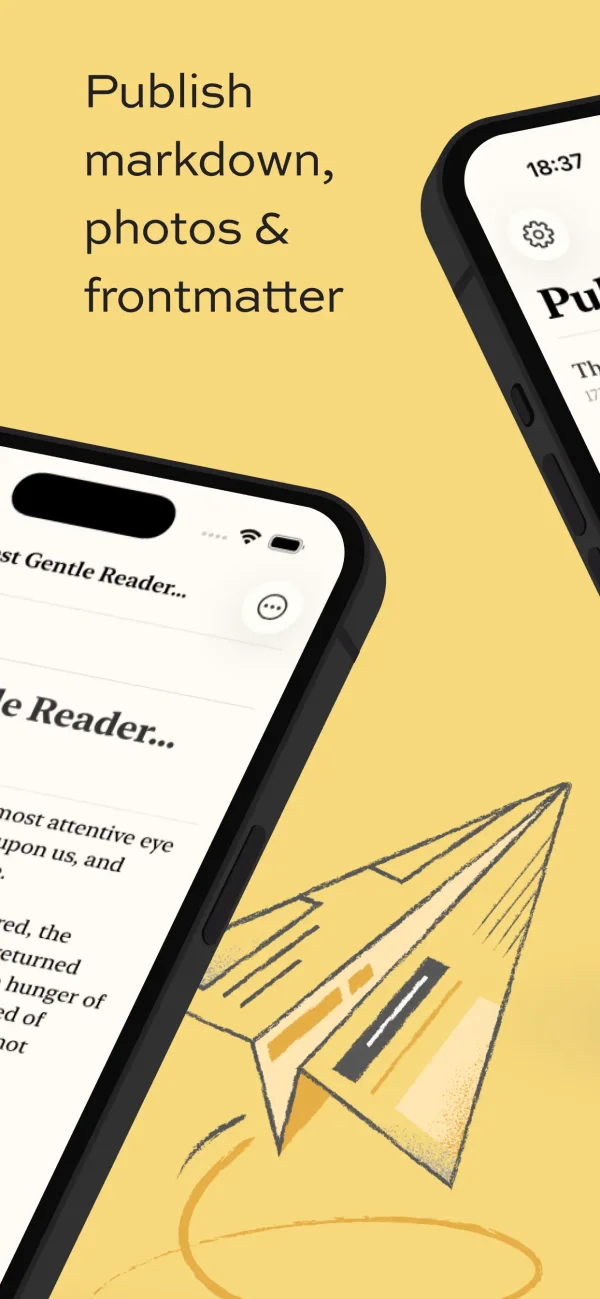
Git Blog turns your iPhone or iPad into a powerful blogging tool — draft, edit, and publish markdown posts directly to your GitHub repository, all from one beautifully simple app.
Whether you use Jekyll, Hugo, Astro, or any static site generator, Git Blog connects to your repo and lets you create content on the go. No laptop required.
DRAFT WITH EASE
Write posts using a block-based markdown editor that makes formatting effortless. Add headings, lists, quotes, code blocks, and more with a tap. Drag and drop blocks to reorder your content exactly the way you want.
ADD IMAGES NATURALLY
Snap a photo or choose from your library. Git Blog processes and uploads your images alongside your post. Choose from layout options like full-width, half, side-by-side, and more to get the look you're after.
FLEXIBLE FRONTMATTER
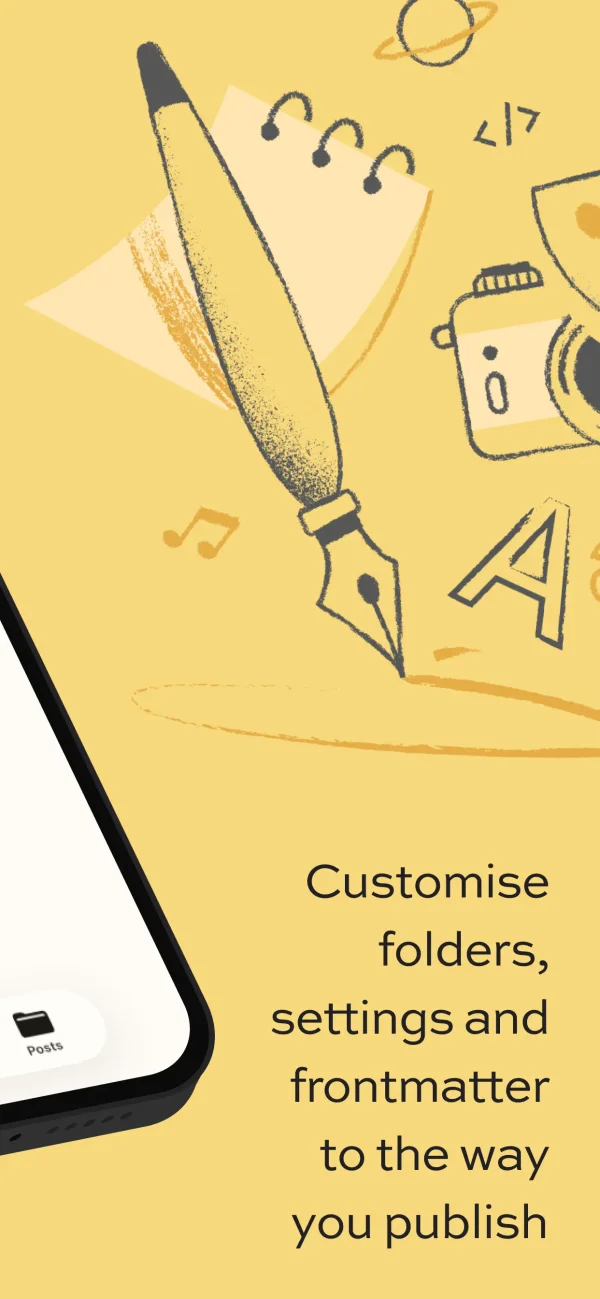
Create reusable frontmatter templates for your site's content types. Define custom fields — text, dropdowns, even image pickers — so every post starts with the right structure. Or import frontmatter from an existing post in your repo.
PUBLISH YOUR WAY
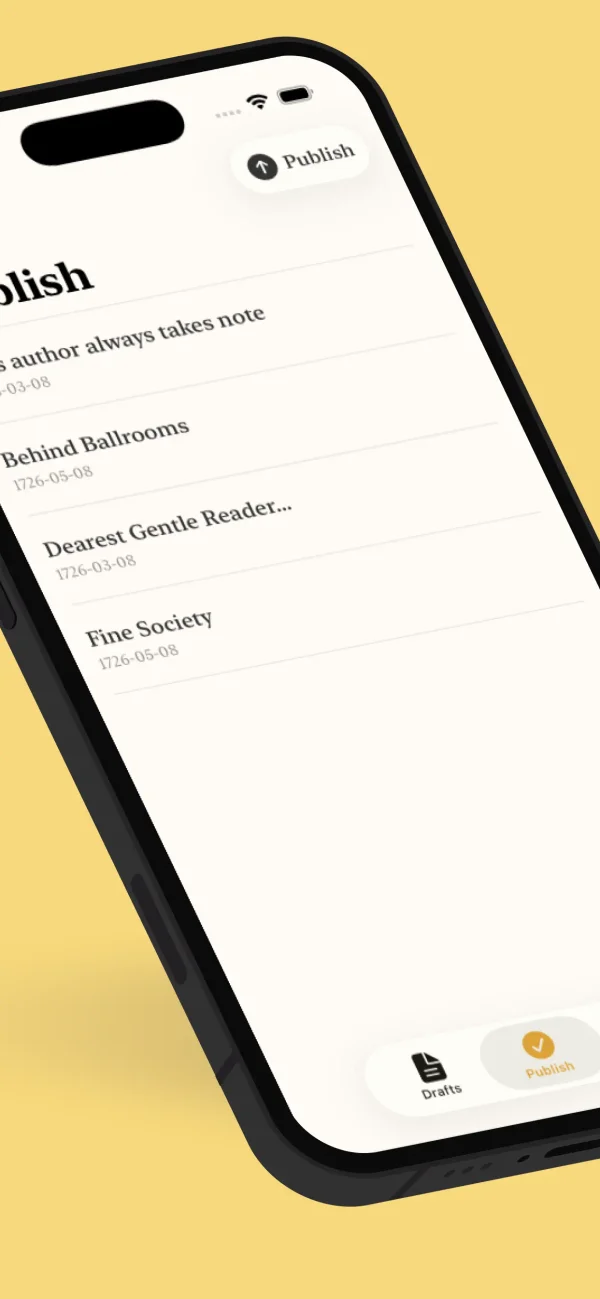
Push directly to your main branch, create a new branch, or open a pull request — whatever fits your workflow. Git Blog handles the commit, including all your images, in one clean push.
BROWSE YOUR SITE
Explore your repository's file structure right from the app. Open any existing markdown file, make edits, and republish. Your entire site is at your fingertips.
FEATURES:
- Block-based markdown editor with drag-to-reorder
- Camera and photo library integration
- Image layout classes (full, half, side, main, third)
- Reusable frontmatter templates with custom fields
- Multiple publish modes (push, branch, pull request)
- Repository browser for editing existing content
- Light, dark, and system appearance modes
- Secure token storage in your device's keychain
- Works with any GitHub-hosted static site
Git Blog is built for bloggers who love the control of GitHub but want the convenience of mobile. Write anywhere. Publish everywhere.
Neue Funktionen
Version 1.2 · 25.07.2026
• Added a flexible chip-based subfolder URL builder for posts and images.
• Subfolder paths can now combine custom text, post title, year, month, and day in any order.
• Improved frontmatter template image handling so image fields respect the configured images folder.
App-Datenschutz
Was Matt Davey im App Store zum Umgang dieser App mit Daten angibt.
-
Keine Daten erfasst
Der Entwickler erfasst keine Daten von dieser App.
Die Datenschutzpraktiken können variieren, zum Beispiel je nach den von Ihnen verwendeten Funktionen oder Ihrem Alter.
Informationen
- Anbieter
- Nimble Studio Ltd.
- Kategorie
- Produktivität
- Version
- 1.2
- Aktualisiert
- 25.07.2026
- Veröffentlicht
- 29.03.2026
- Größe
- 14,5 MB
- Erfordert
- iOS 17.0 oder neuer
- Altersfreigabe
- 4+
- Preis
- Kostenlos
- In-App-Käufe
- Ja
- Sprachen
- Englisch
- Copyright
- © Nimble Studio Ltd.
Das könnte Ihnen auch gefallen
-
 Maxwell PSACCProduktivität
-
 Git-Integrated Markdown EditorProduktivität
-
 ChatThread: KI-Chat & WorkflowAutomatisiere Aufgaben mit KI
-
 Driftto: Schnelle NotizenDirekt in die richtige App
-
 Requote: Zitate neu entdeckenDeine Highlights, jeden Tag
-
 QuickDock: Shortcuts & ActionsProduktivität
-
 Maxwell EVProduktivität
-
 Chore ClockCountdown & Erinnerungen
-
 Xarra: Lesen, Hören, FokusDokumente, Artikel, Notizen
-
 Cache - Markdown NotesProduktivität