Go Button
Professional audio playback
Entwickelt für iPhone, iPad, iPod touch
Kostenlos · In-App-Käufe
- Altersfreigabe4+
- KategorieMusik
- EntwicklerFigure 53
- SprachenEnglisch
- Größe14,8 MB
Verlinkt auf die offizielle App Store-Seite
Download.org hostet keine Datei von Go Button. Die Schaltfläche öffnet die App-Seite bei App Store, wo Figure 53 die App veröffentlicht. Eintrag zuletzt geprüft am 16.11.2026.
Screenshots
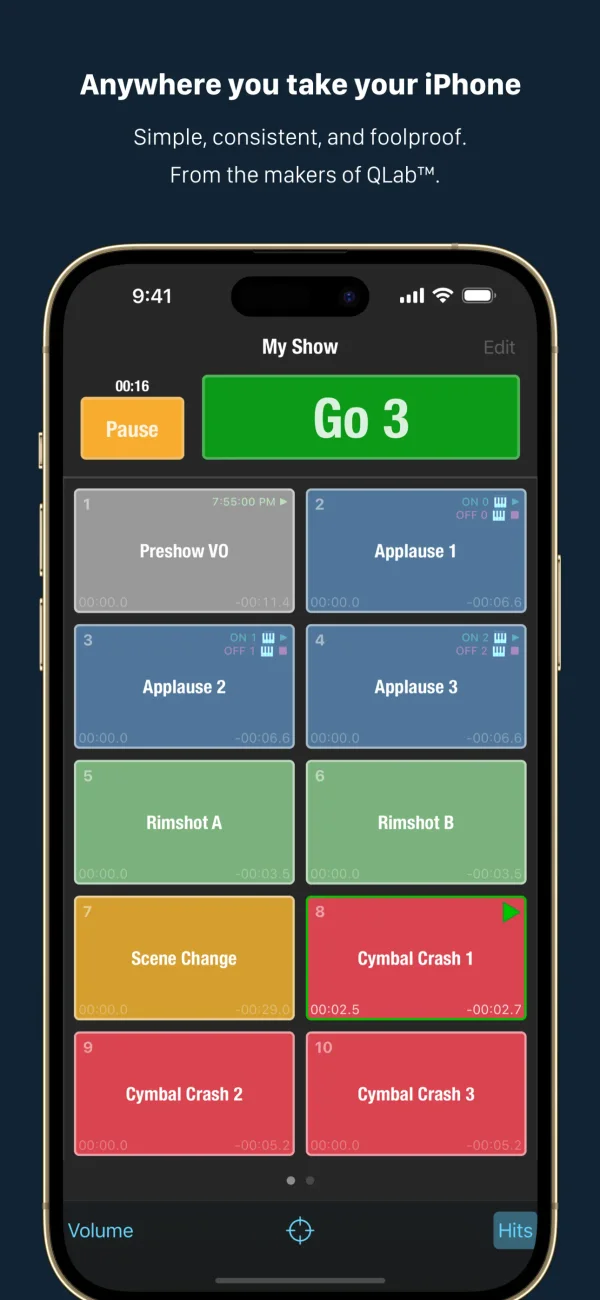
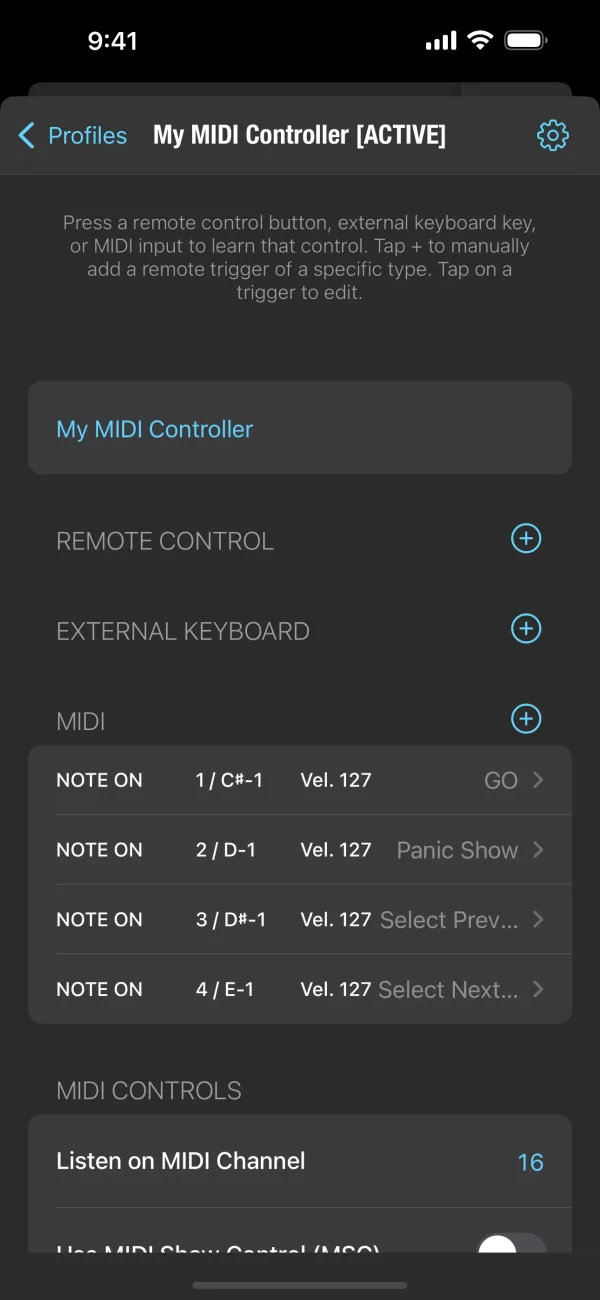


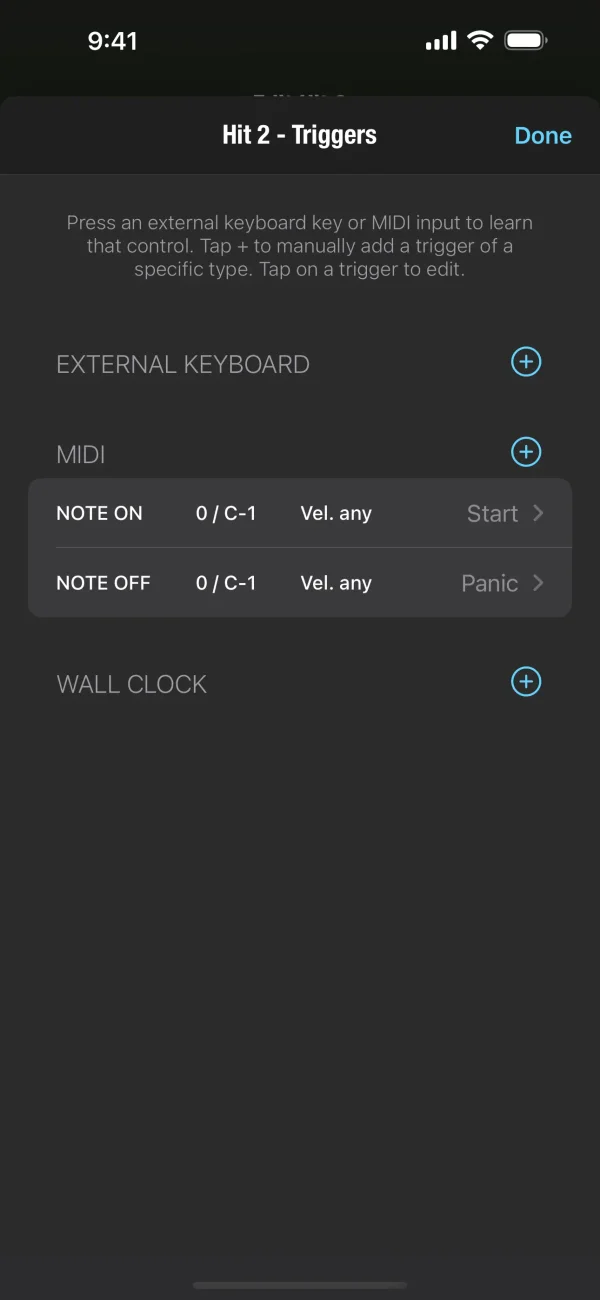
Info
Der Entwickler hat diesen Text nicht in Ihrer Sprache bereitgestellt.
Easy sound playback for your live show! From the makers of QLab™.
SIMPLE AND CONSISTENT
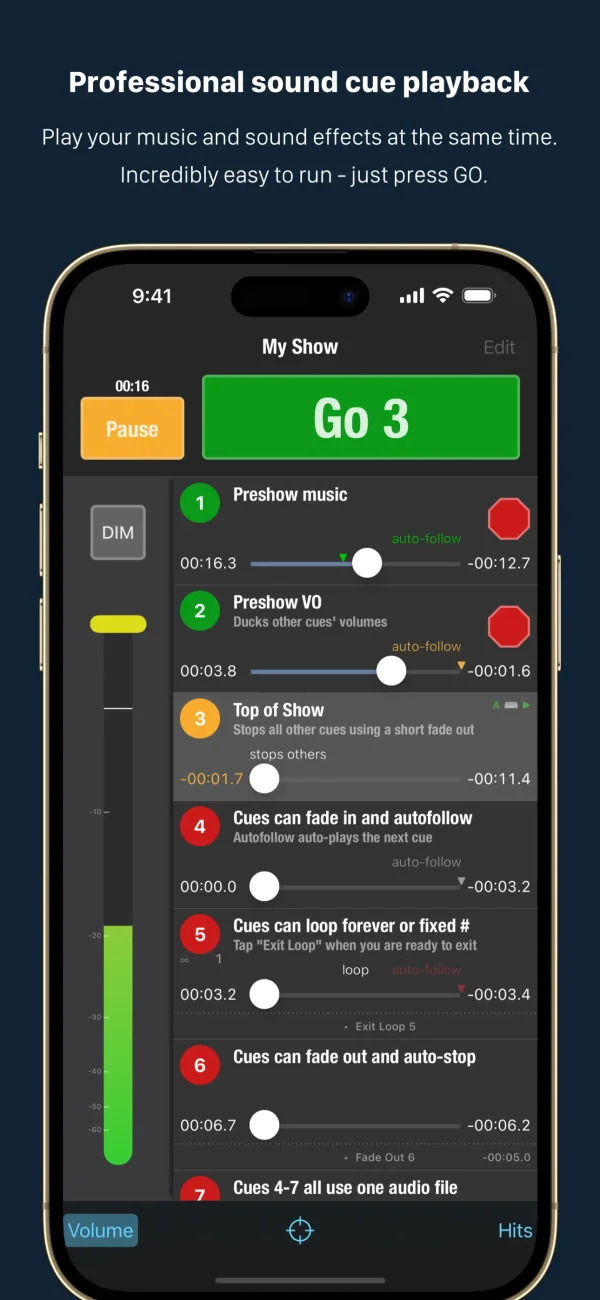
- Incredibly easy to run your show - just press GO.
- Play your music and sound effects at the same time.
- Take your show anywhere! Runs on iPad, iPhone, and iPod touch.
- Free to build 1 show. Unlock unlimited shows with a one-time In-App Purchase.
USE IT FOR
- Theater
- Dance Recitals
- Weddings
- Church Services
- Puppetry
- Magic Shows
SUPPORT
- Friendly help when you need it!
- Contact Support from the in-app sidebar, or email support@figure53.com.
- Complete documentation online at gobutton.app/docs.
NEWS AND UPDATES
- groups.google.com/g/gobutton
FEATURES
• Play multiple sounds at the same time.
• Play a list of sounds in sequence by tapping the "GO" button.
• Play ad-libbed sounds with always-ready "Hit" buttons.
• Auto-stop, fade in, fade out, loop, duck, and more.
• Adjust volume, pan, speed, and pitch independently for every cue.
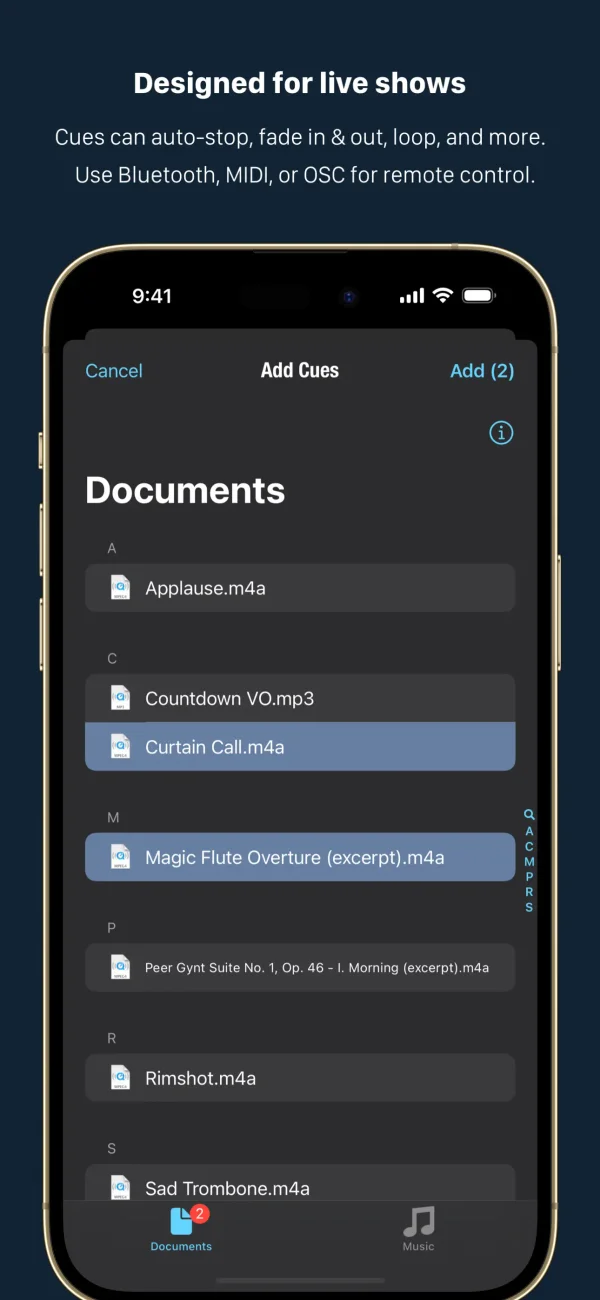
• Import your audio files and share shows via AirDrop or the iOS Files app.
• Remote control with Bluetooth and MIDI.
• OSC control API for remote triggering from QLab or other OSC sources.
• Passcode lock your shows to prevent unauthorized edits.
• Ultra-efficient & low latency playback built on core iOS technologies.
• Supports DRM-free WAV, AIFF, M4A, AAC, MP3, MOV, 3GP, CAF, and FLAC.
• Requires iOS 15 or later.
Produced by Figure 53.
Neue Funktionen
Version 3.3.11 · 02.11.2026
- Go Button now tries to recover more gracefully in cases where the Shows list temporarily cannot be loaded.
- The Shows screen "+" menu "Browse..." item is renamed "Import Files..." for clarity.
- Opening the .gobutton file for a show from the Autosaves folder now restores it under its original show name if possible, instead of always adding a number suffix.
- Attempting to import the .gobutton file for an existing show (same name and unique ID) no longer creates a duplicate.
- Fixes a bug that delayed restoring in-app purchases on devices with network access but no internet.
- Fixes a rare crash when an in-app purchase fails.
- Fixes a crash that could occur when dragging cues or files to the Hits panel.
- Swipe-to-delete is now disabled in the Documents tab of the media picker while any files are selected to avoid an accidental swipe clearing the selection.
- Fixes a crash that could occur when changing the media file of a cue or hit.
- Fixes a crash that could occur when displaying the waveform in the cue and hit edit screens.
- Fixes a bug where a wall clock trigger set to "no action" prevented all wall clock triggers after it on the same cue from firing.
App-Datenschutz
Was Figure 53 im App Store zum Umgang dieser App mit Daten angibt.
-
Keine Daten erfasst
Der Entwickler erfasst keine Daten von dieser App.
Die Datenschutzpraktiken können variieren, zum Beispiel je nach den von Ihnen verwendeten Funktionen oder Ihrem Alter.
Informationen
- Anbieter
- Figure 53, LLC
- Kategorie
- Musik
- Version
- 3.3.11
- Aktualisiert
- 02.11.2026
- Veröffentlicht
- 31.12.2011
- Größe
- 14,8 MB
- Erfordert
- iOS 15.0 oder neuer
- Altersfreigabe
- 4+
- Preis
- Kostenlos
- In-App-Käufe
- Ja
- Sprachen
- Englisch
- Copyright
- © 2011-2026 Figure 53, LLC