
GoCoEdit - Code & Text Editor
Dropbox client & SSH shell
Entwickelt für iPhone, iPad, iPod touch
9,99 €
- Altersfreigabe4+
- KategorieProduktivität
- EntwicklerChristoph Gogolin
- SprachenEnglisch
- Größe46,3 MB
Verlinkt auf die offizielle App Store-Seite
Download.org hostet keine Datei von GoCoEdit - Code & Text Editor. Die Schaltfläche öffnet die App-Seite bei App Store, wo Christoph Gogolin die App veröffentlicht. Eintrag zuletzt geprüft am 12.11.2026.
Screenshots

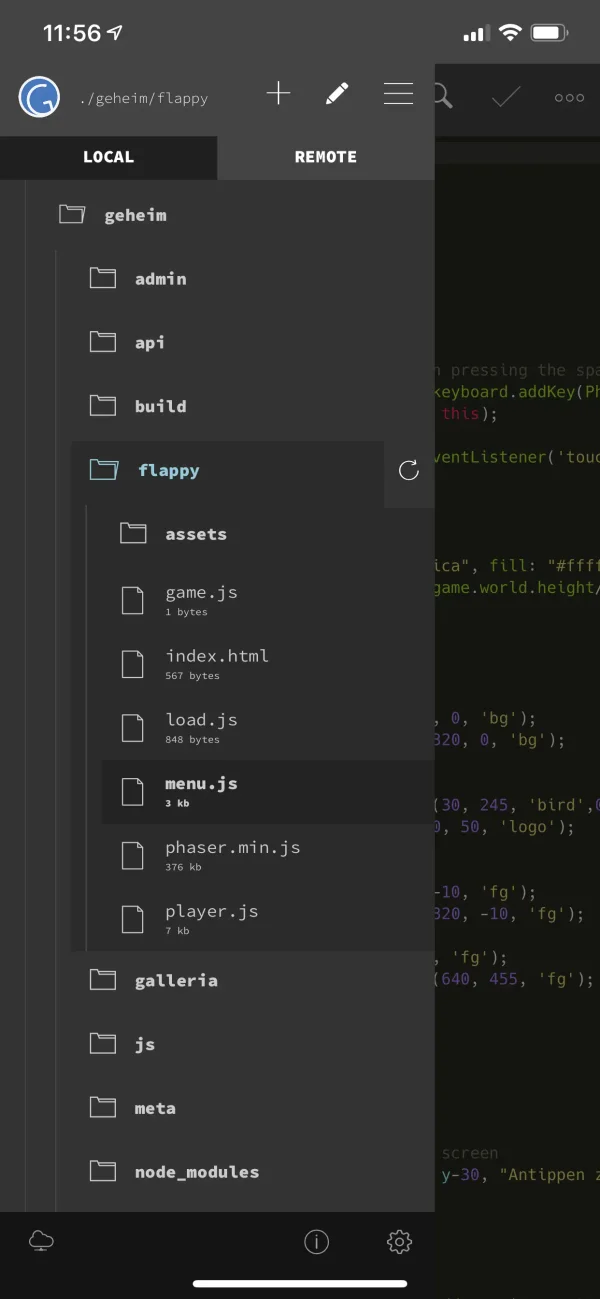

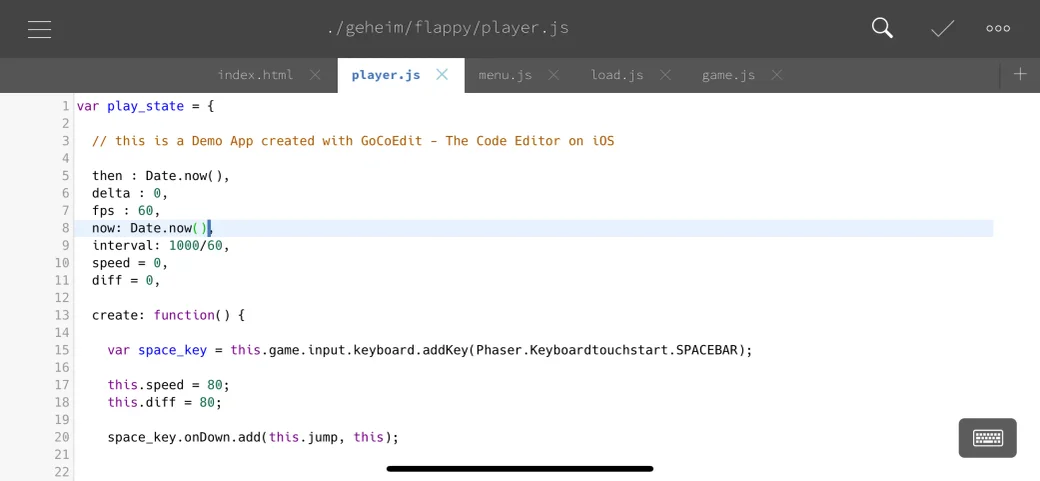
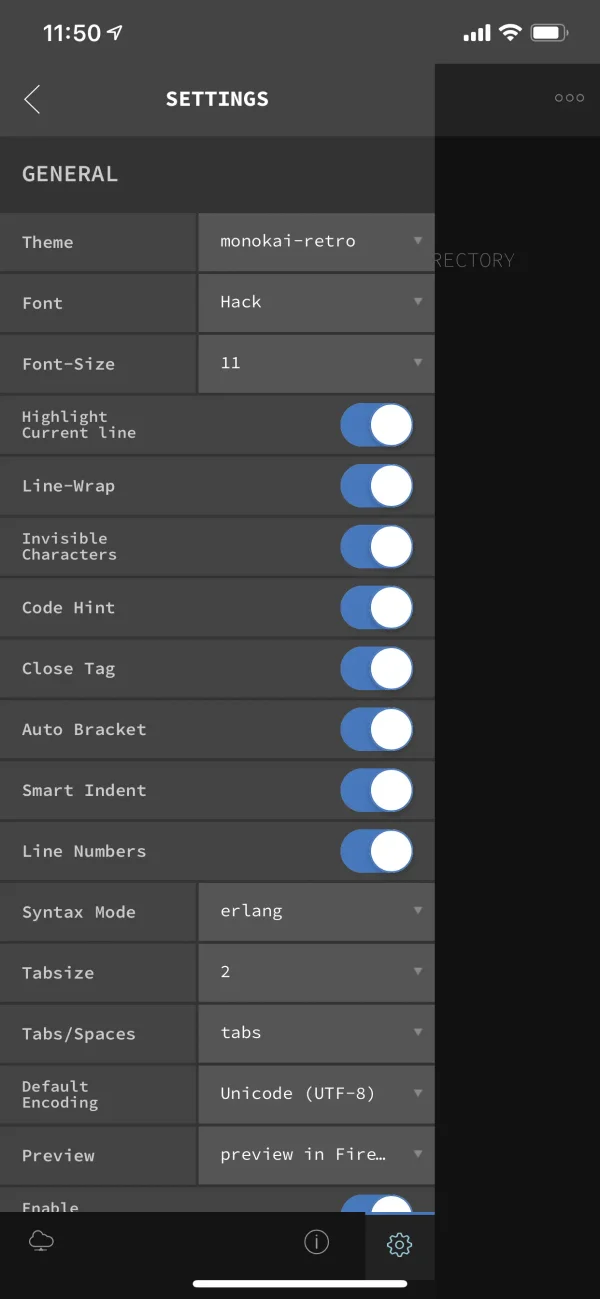
Info
Der Entwickler hat diesen Text nicht in Ihrer Sprache bereitgestellt.
GoCodeEditor is a Code Editor optimized for fast opening and editing local and remote files (Dropbox, OneDrive, Google Drive, FTP, SFTP/SSH) on your iOS Device.
FEATURES:
------------------------------
• Sublime like Code-Editor!
• Universal App (use it on your iPad, iPhone & iPod Touch)
• iPhone X (s/s Max) support
• Full iPad Pro support (including smart keyboard support, shortcuts, split-screen multitasking)
• iPadOS Mouse & Trackpad
• NEW! Multi-caret Editing
• NEW! Siri Shortcuts
- create newfile / start shell / connect to shell / preview
- more soon...
• Drag & Drop Support
- Support for Drag & Drop files from the Files App
- Support for Drag & Drop files / repos and folders from Working Copy App
- Support for Dragging local files from GoCoEdit to other Apps
• Compatible with Apple Watch
Start a ssh-shell from your wrist right now!
Run your self defined scripts with one tap.
• Extra keybar with swipe functions and trackball to precisely move the cursor and select text
• Syntax highlighting
for many coding languages like:
(apache, arduino, asp/vb.net, c, c#, c++, ceylon, clojure, coffeescript, css, dart, dockerfile, elixir, erlang, fortran, go, handlebars, haskel, html, jade, java, javascript (es6 support), jsx, kotlin, latex/stex, less, lisp, livescript, lua, markdown, mathematica, nginx, objective-c, pascal, perl, php, plist, powershell, pug, puppet, python, r, rss, ruby, rust, sass, scala, shader, shell, sql, squirrel, stylus, svelte, swift, typescript, verilog, vue(js), xml, yaml)
• Some comfort features: code folding, code hinting, auto indent, auto close brackets, line wrapping, smart indent, tag and bracket matching, find by regular expression, replace, replace all, symbolic/function search for many syntax modes
• Quick CMD-mode (keep your hands on the On-Screen-Keyboard)
- p.e. press cmd+c, cmd+v to copy and paste selected text
- over 15 shortcuts supported
• Different themes ( include solarized, monokai and many more ) and font-sizes
• Import / export / open files from icloud drive and other file providers
• Open entire folders or repositories from the Git client Working Copy or the Files App using the iOS document picker
• Extendable
- Custom Syntax Modes -- create your own Syntax highlighting modes
now you can write own modes and use it for your own file types
- Custom Themes -- create your own editor themes
- Snippets -- use short fragments of text again and again
( with filed and placeholders support )
• Preview Browser with Javascript console
( in iPad version resizeable for preview iPad or iPhone layouts )
• Markdown Preview & HTML Export
• Connect to your servers via SFTP, FTP, DRIVE, G-DRIVE, ONEDRIVE or DROPBOX
NEW! with OneDrive 365 and OneDrive for Business support
• NEW! File has changed detection
( GCE is now able to detect external file changes on local and remote files )
• Upload and Download files/folders or edit files directly on your server/dropbox/drive/onedrive without download
• Very fast reconnect and recover of open files after restart
• Edit your files directly on your server without download.
• Integrated Shell (ssh) to perform background tasks like a Grunt, Gulp, npm or another shell job
( type direct or define scripts and run it with a single tap )
• Supporting advanced features like textselection by cursor, Splitview, Slide-Over and Drag & Drop
• 3D Touch support
- Show/move cursor by 3D touch the keyboard
- Quick Actions (new file, start shell, connect shell to last server, show preview of last file)
• External/Bluetooth keyboard support
( all iOS shot-cut keys are supported + lots of shortcuts available )
------------------------------
If you want to support the project and increase the development speed become a patreon.
------------------------------
Neue Funktionen
Version 25.0 · 24.09.2026
- updated for iOS27
App-Datenschutz
Was Christoph Gogolin im App Store zum Umgang dieser App mit Daten angibt.
-
Keine Daten erfasst
Der Entwickler erfasst keine Daten von dieser App.
Die Datenschutzpraktiken können variieren, zum Beispiel je nach den von Ihnen verwendeten Funktionen oder Ihrem Alter.
Informationen
- Anbieter
- Christoph Gogolin
- Kategorie
- Produktivität
- Version
- 25.0
- Aktualisiert
- 24.09.2026
- Veröffentlicht
- 01.05.2014
- Größe
- 46,3 MB
- Erfordert
- iOS 15.0 oder neuer
- Altersfreigabe
- 4+
- Preis
- 9,99 €
- Sprachen
- Englisch
- Copyright
- © Christoph Gogolin
Das könnte Ihnen auch gefallen
-
 iA WriterDie Schreibmaschine
-
 iEditor – Text Code EditorProduktivität
-
 One MarkdownProduktivität
-
 NoMachineProduktivität
-
 LogseqProduktivität
-
 Pikaslice - 3D Print SlicerProduktivität
-
 Obsidian Web ClipperProduktivität
-
 ScrivenerProduktivität
-
 LaTeX Editor Tex ProProduktivität
-
 Enclave – Lokaler KI-AssistentSicher, offline, anonymer KI