
HD Screen Recorder
Easy Screen Recorder
Entwickelt für iPhone, iPad
Kostenlos · In-App-Käufe
- Altersfreigabe4+
- KategorieFoto und Video
- EntwicklerAtul Patil
- SprachenEnglisch
- Größe5,6 MB
Verlinkt auf die offizielle App Store-Seite
Download.org hostet keine Datei von HD Screen Recorder. Die Schaltfläche öffnet die App-Seite bei App Store, wo Atul Patil die App veröffentlicht. Eintrag zuletzt geprüft am 12.11.2026.
Screenshots

Info
Der Entwickler hat diesen Text nicht in Ihrer Sprache bereitgestellt.
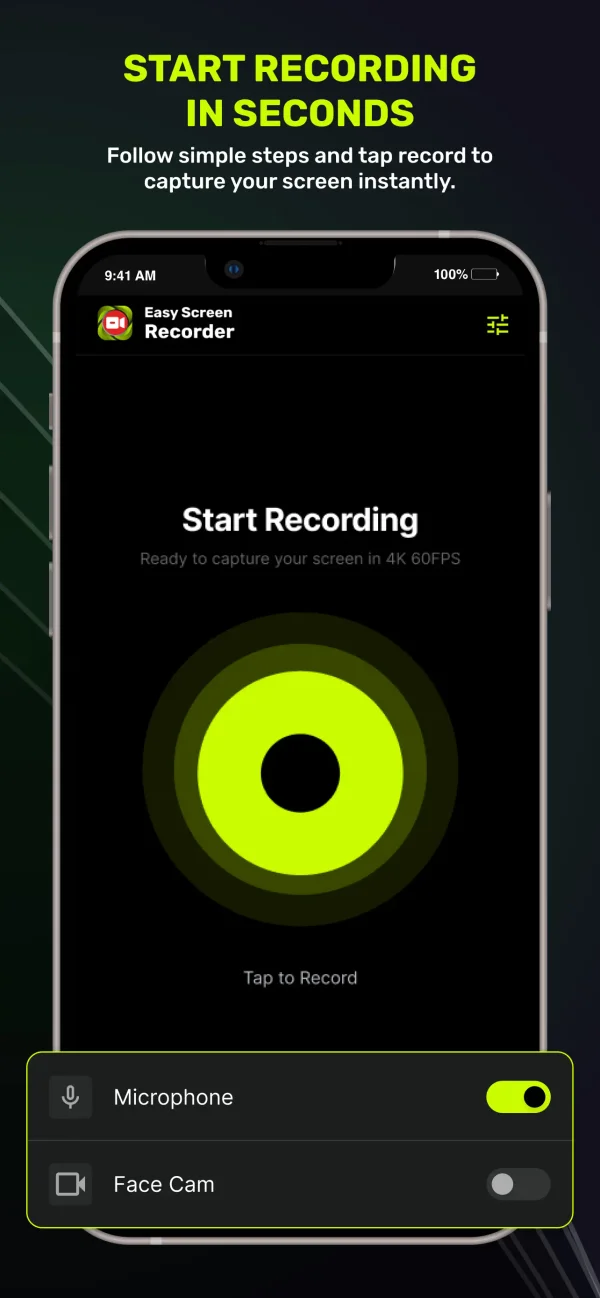
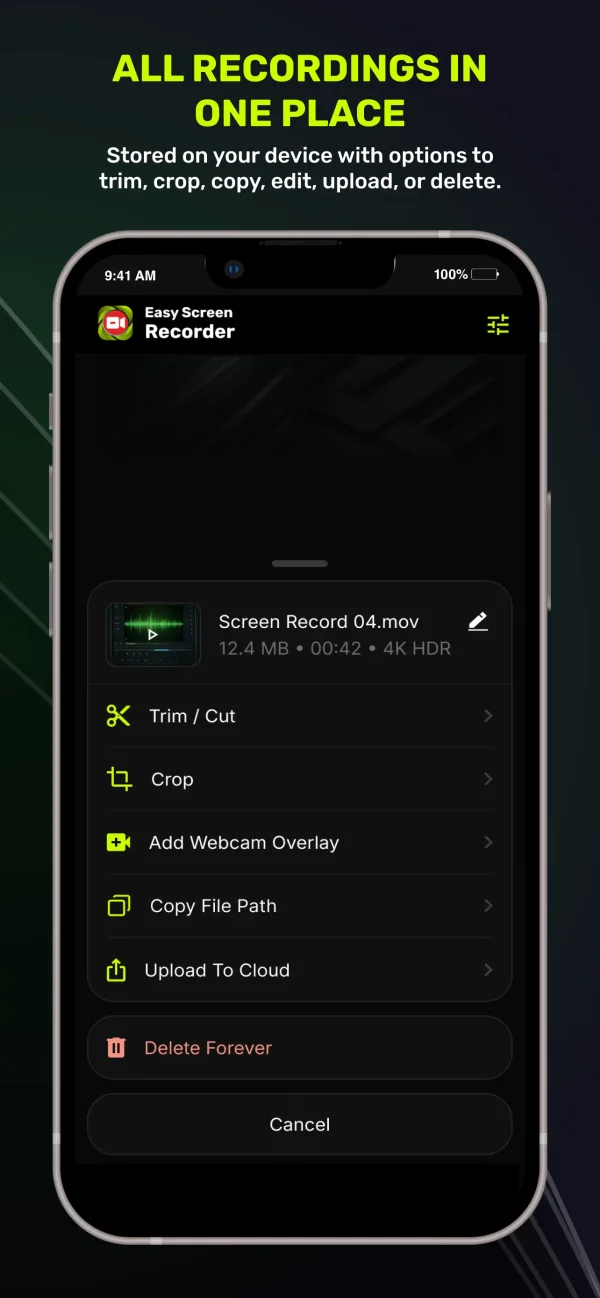
Easy Screen Recorder is a practical and lightweight screen recording app designed for creators, students, professionals, and anyone who wants to capture what is happening on their iPhone screen with minimal effort. The app focuses on clarity, speed, and reliability, so you can record, review, edit, and share your videos in one smooth workflow.
With Easy Screen Recorder, you can capture screen activity for app demos, tutorials, bug reports, how-to guides, learning sessions, social content, and team walkthroughs. Whether you are explaining a feature, showing a process, or documenting an issue, the app helps you produce clean recordings quickly.
Key features include:
Screen recording support through the iOS screen recording flow
Optional microphone audio capture for voice explanation
Optional facecam/webcam overlay for personal walkthrough videos
Adjustable facecam position and size before final save
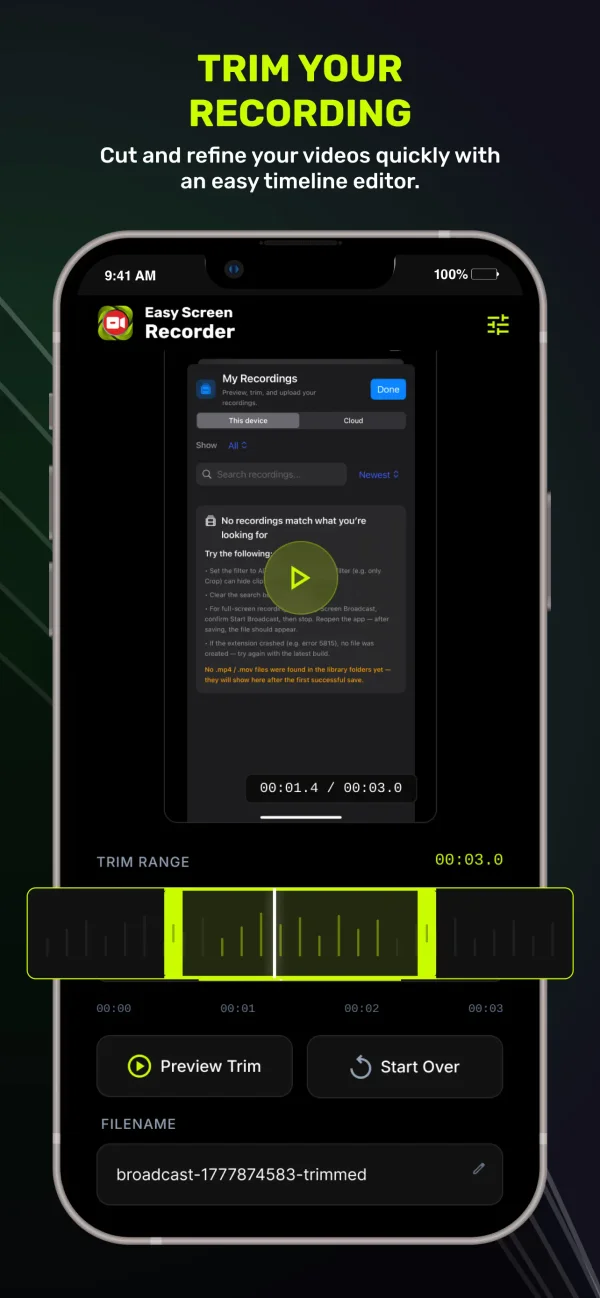
Trim tool to cut unnecessary beginning or ending parts
Crop tool to focus only on the important visual area
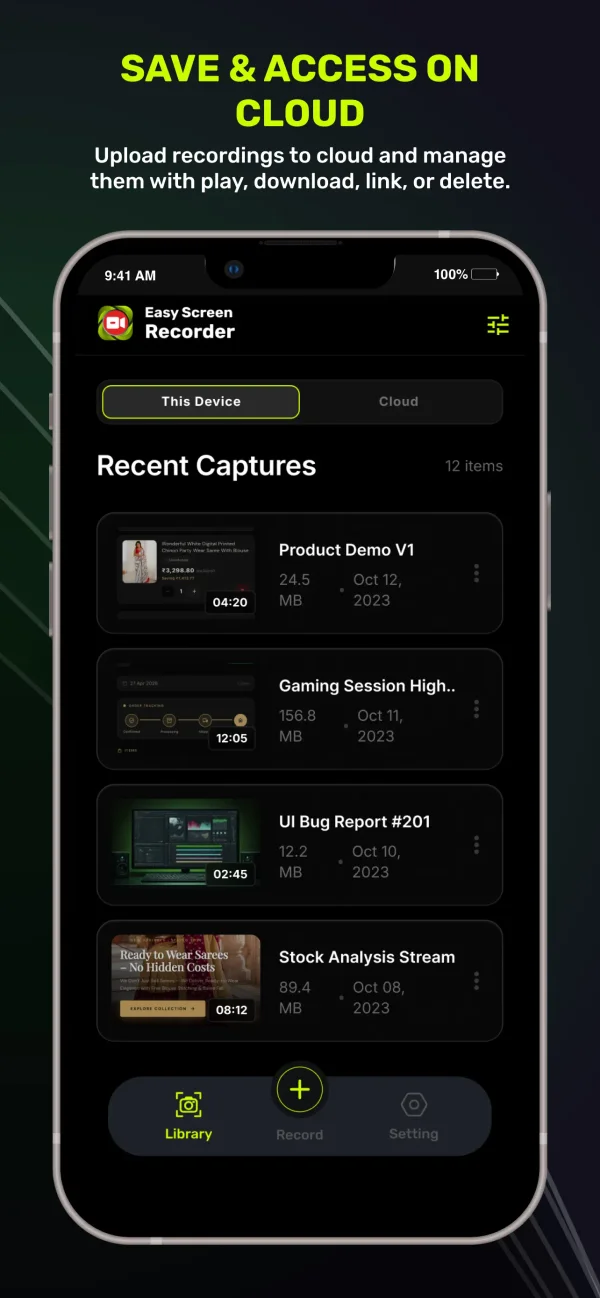
In-app library to manage and preview your saved recordings
Quick export and sharing support for faster delivery
The recording experience is intentionally simple. Start recording, perform your on-screen steps, stop, and review the result. If needed, edit with trim and crop tools, then save and share. For walkthrough-style content, you can add a webcam/facecam overlay to personalize the recording and improve communication.
Easy Screen Recorder is useful in many real scenarios:
Product demos for clients and stakeholders
QA and bug reporting for development teams
Classroom or study explanations for students
Customer support troubleshooting videos
Internal team training and onboarding clips
Short educational or social media tutorial content
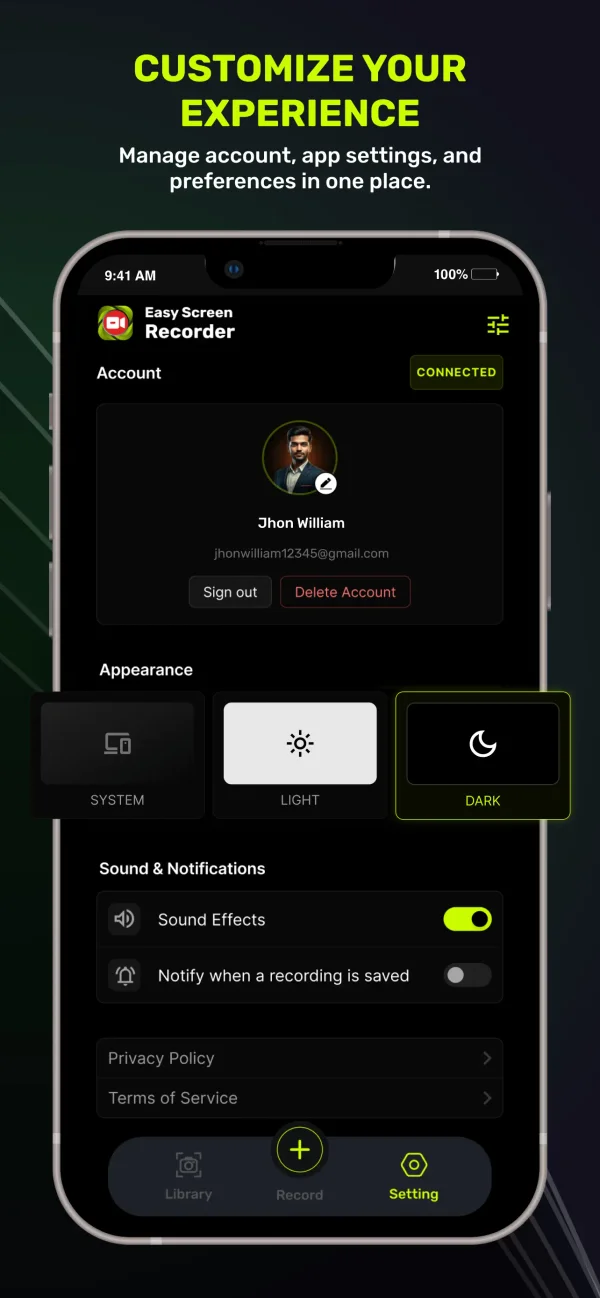
Privacy and control are important. The app only uses camera and microphone features when you enable them and grant permission. You remain in control of what you record and what you save.
Our goal is to keep screen recording efficient without adding unnecessary complexity. Easy Screen Recorder provides a clean interface, useful editing tools, and a predictable workflow so that you can focus on your content, not on setup.
Terms of Use: https://easyscreenrecorder.com/terms-and-conditions
If you need a straightforward screen recorder with practical editing and optional facecam support, Easy Screen Recorder is built for everyday use.
Neue Funktionen
Version 1.0.4 · 25.05.2026
What's New in 1.0.4
LIBRARY & SEARCH
• Tap anywhere on the list or controls to close the keyboard
• Back control above the keyboard while searching
• Removed extra blank area above the keyboard
PLAYBACK & EDITING
• Play button restarts video from the beginning when finished
• Fixed end time showing one second too long (e.g. 13s vs 14s)
• Trim editor: white time overlay on video in light mode
RECORDING
• Select Mode: improved sheet height and on-screen mode details
• Start Recording stays visible at the bottom of the sheet
• Clearer menu icon (no longer looks like a filter)
UI & RELIABILITY
• Header and bottom tab bar aligned with search and lists
• In-app purchase verification and restore improvements
• App icon updated for store requirements
App-Datenschutz
Was Atul Patil im App Store zum Umgang dieser App mit Daten angibt.
-
Keine Daten erfasst
Der Entwickler erfasst keine Daten von dieser App.
Die Datenschutzpraktiken können variieren, zum Beispiel je nach den von Ihnen verwendeten Funktionen oder Ihrem Alter.
Informationen
- Anbieter
- Atul Patil
- Kategorie
- Foto und Video
- Version
- 1.0.4
- Aktualisiert
- 25.05.2026
- Veröffentlicht
- 24.04.2026
- Größe
- 5,6 MB
- Erfordert
- iOS 16.0 oder neuer
- Altersfreigabe
- 4+
- Preis
- Kostenlos
- In-App-Käufe
- Ja
- Sprachen
- Englisch
- Copyright
- © 2026 Narayan. All rights reserved.
Das könnte Ihnen auch gefallen
-
 Record it - Screen Recorder HDFoto und Video
-
 ZD Screen Recorder & EditorFoto und Video
-
 Bildschirmrecorder: Video4K, Facecam & Videoaufnahme
-
 HypeRecord Screen Recorder ProFoto und Video
-
 Bildschirmaufnahme: ClipCastVideo für Mobilgeräte
-
 Face Cam Bildschirmaufnahme HDVideo aufnehmen mit Facecam
-
 Screen Recorder : FaceCam Live4K Gaming Schnitt Klangspur
-
 Screen Recording App ◉Foto und Video
-
 iRecordScreen: 4K & FaceCamBildschirmaufnahme mit App-Ton
-
 Screen Recorder & Record VideoFoto und Video