
HTMLens: HTML Viewer & PDF
Open PDF, Markdown, MHT & More
Entwickelt für iPhone, iPad
Kostenlos · In-App-Käufe
- Altersfreigabe4+
- KategorieProduktivität
- EntwicklerGGAMISTUDIO
- SprachenEnglisch+ 1 weitere
- Größe12,0 MB
Verlinkt auf die offizielle App Store-Seite
Download.org hostet keine Datei von HTMLens: HTML Viewer & PDF. Die Schaltfläche öffnet die App-Seite bei App Store, wo GGAMISTUDIO die App veröffentlicht. Eintrag zuletzt geprüft am 08.11.2026.
Screenshots
Info
Der Entwickler hat diesen Text nicht in Ihrer Sprache bereitgestellt.
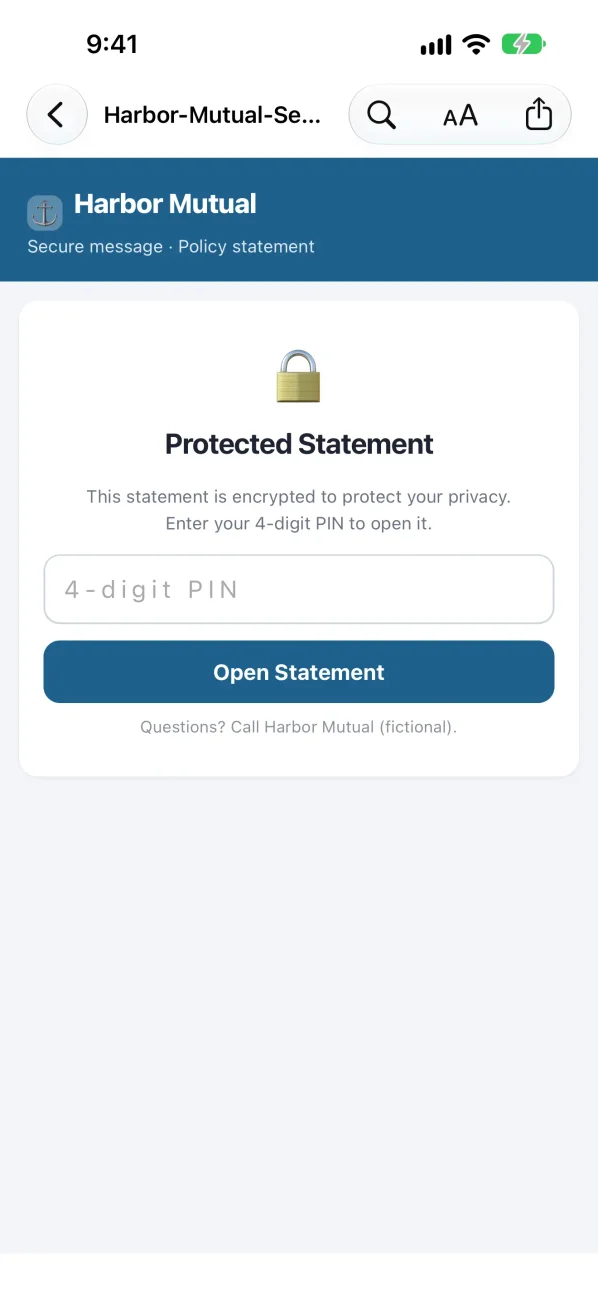
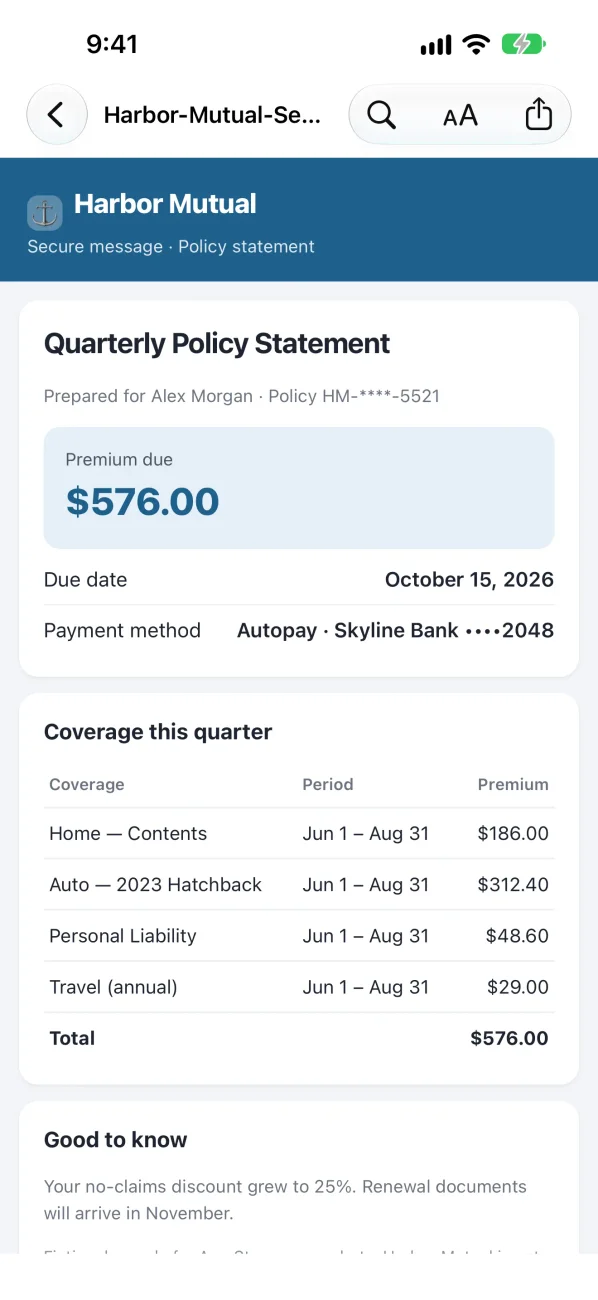
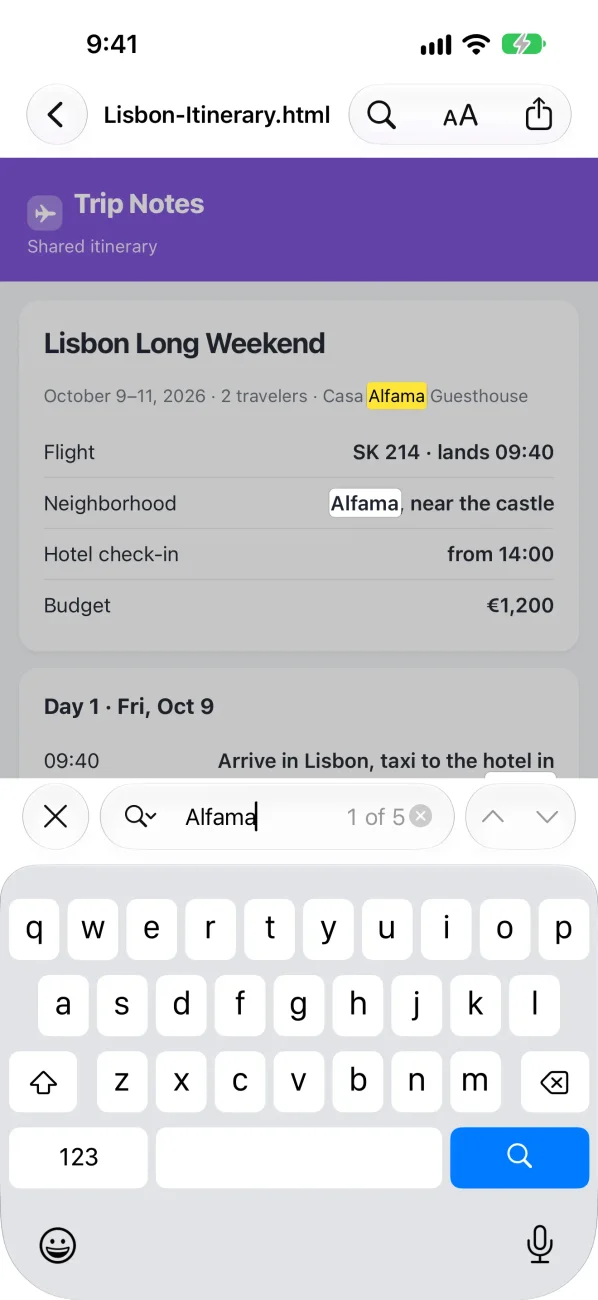
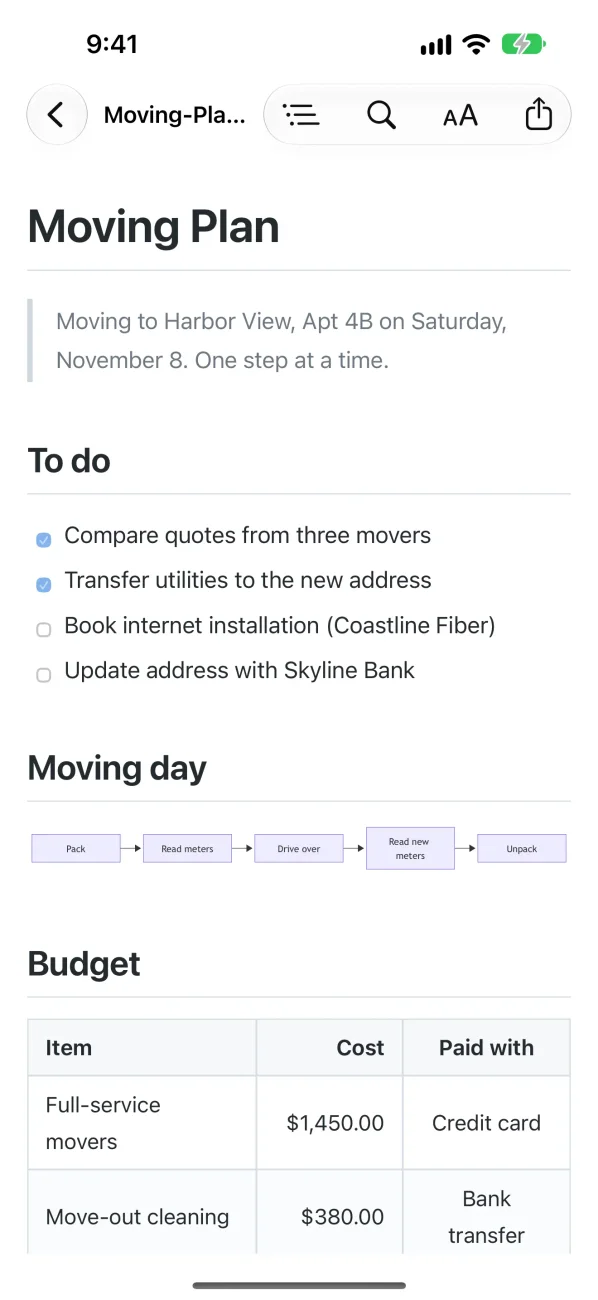
Quick Look shows many HTML files as a blank or broken page. HTMLens opens them much as a desktop browser would — password-protected statements, pages that need JavaScript, web archives, and documents in legacy encodings — right on your iPhone and iPad.
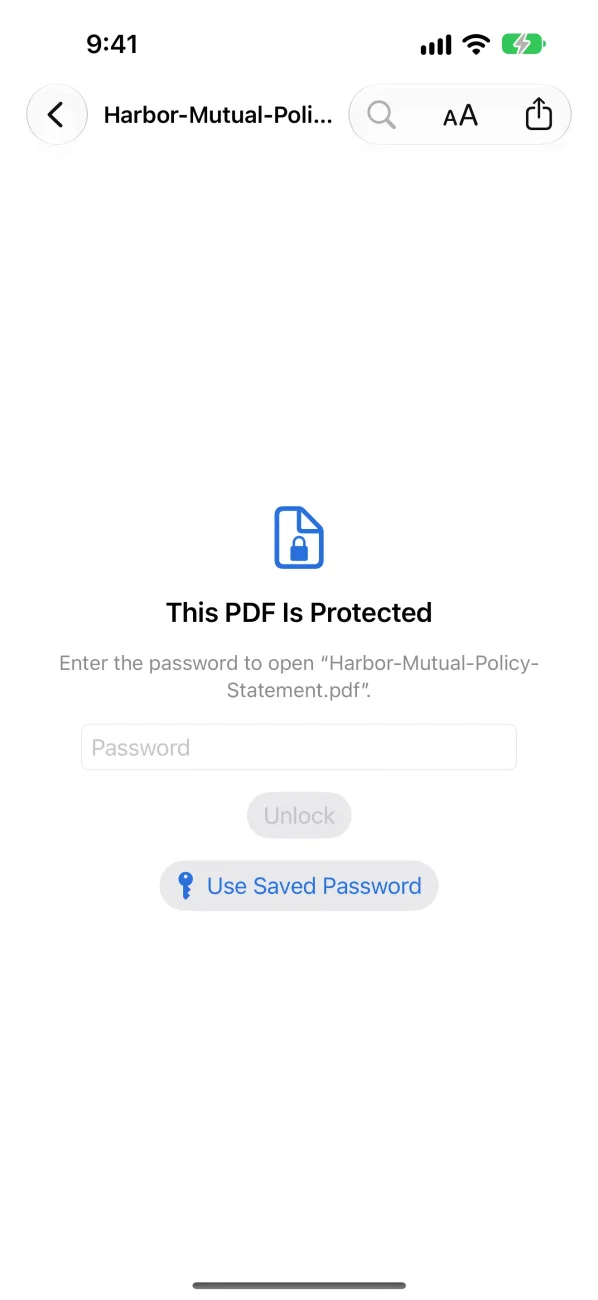
UNLOCK PROTECTED HTML
• Type the password into the page and it opens, just like on a computer
• Save passwords in the keychain behind Face ID or Touch ID and fill them in with one tap
• Request Desktop Site for documents that refuse to open on mobile
• Pop-up windows and print buttons work as the page expects
PDF STATEMENTS
• Open password-protected PDFs with your saved passwords and one Face ID or Touch ID check
• See the amount due and due date on Korean PDF statements and add them to your calendar
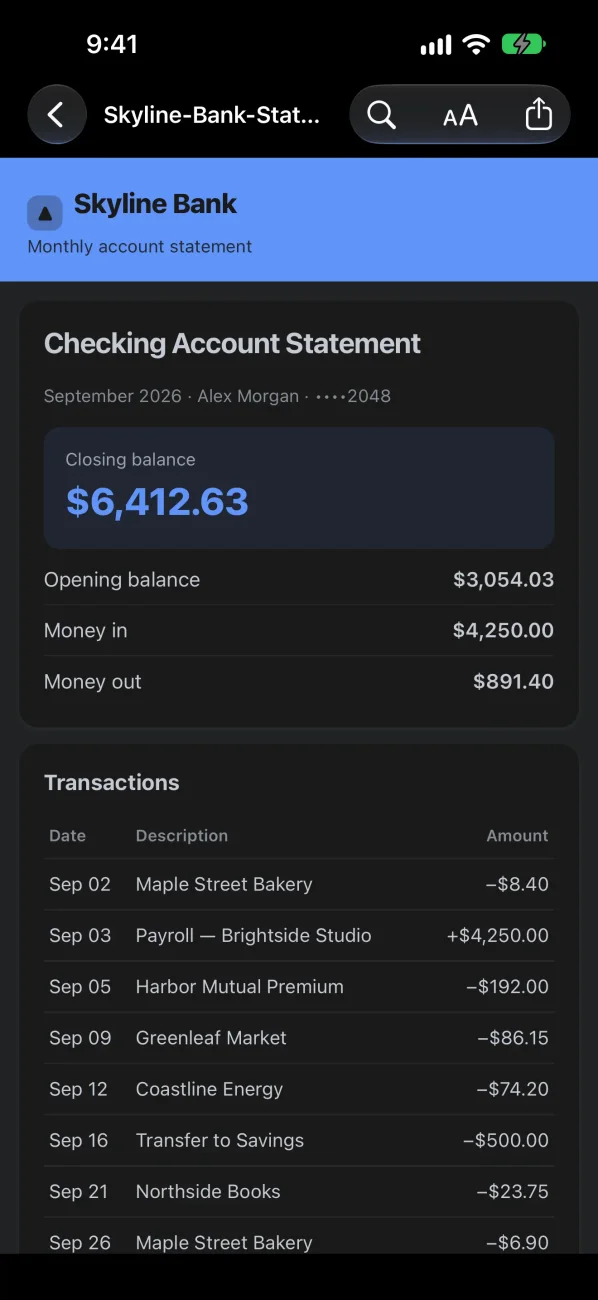
• Find in page, page thumbnails, and dark mode
BEAUTIFUL MARKDOWN
• Tables, task lists, syntax highlighting, math, and Mermaid diagrams
• Jump to any heading from the table of contents
• Tap an image to see it full screen
MANY FORMATS
• Runs the page's JavaScript with WebKit, the engine behind Safari
• HTML, XHTML, SVG, Safari web archives, and MHT/MHTML from Chrome, Edge, and Word
• Detects legacy encodings such as EUC-KR and Shift_JIS, with a manual override
• Loads images and styles from the file's folder
PDF, PRINT, AND SHARE
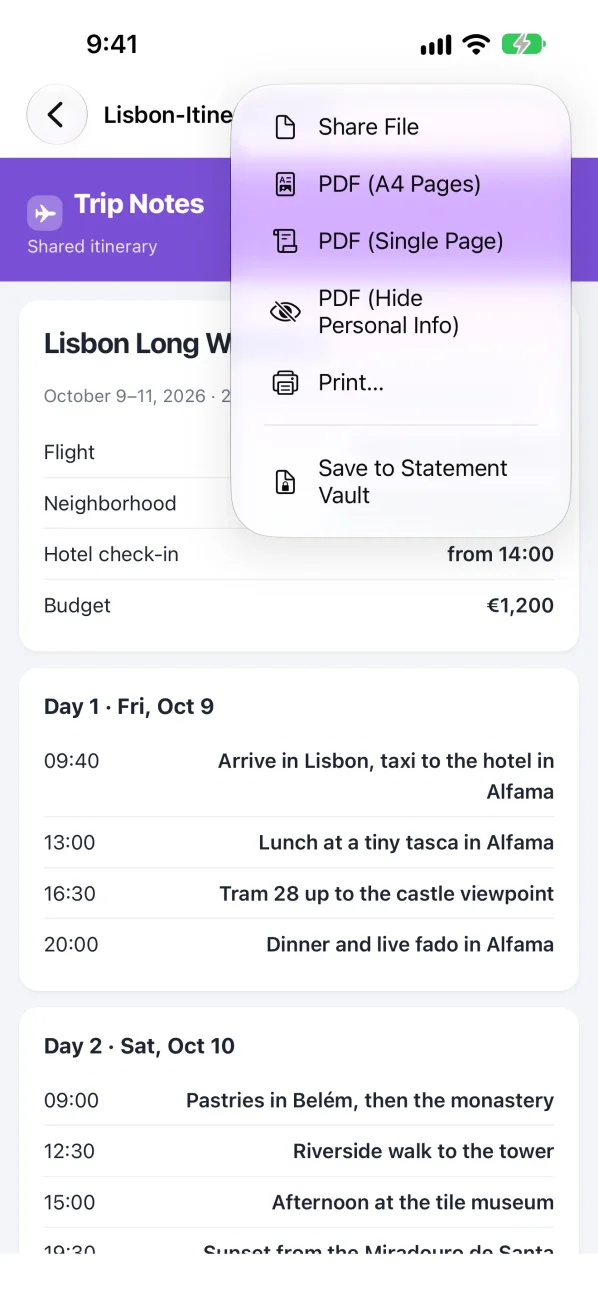
• Save as A4 pages or as one long page, or print
• Make a PDF that hides the card, account, phone, and ID numbers and email addresses it finds in the page text, then checks the page text again and won't share if a number is left
• Text inside images isn't checked, so review the whole PDF before sharing
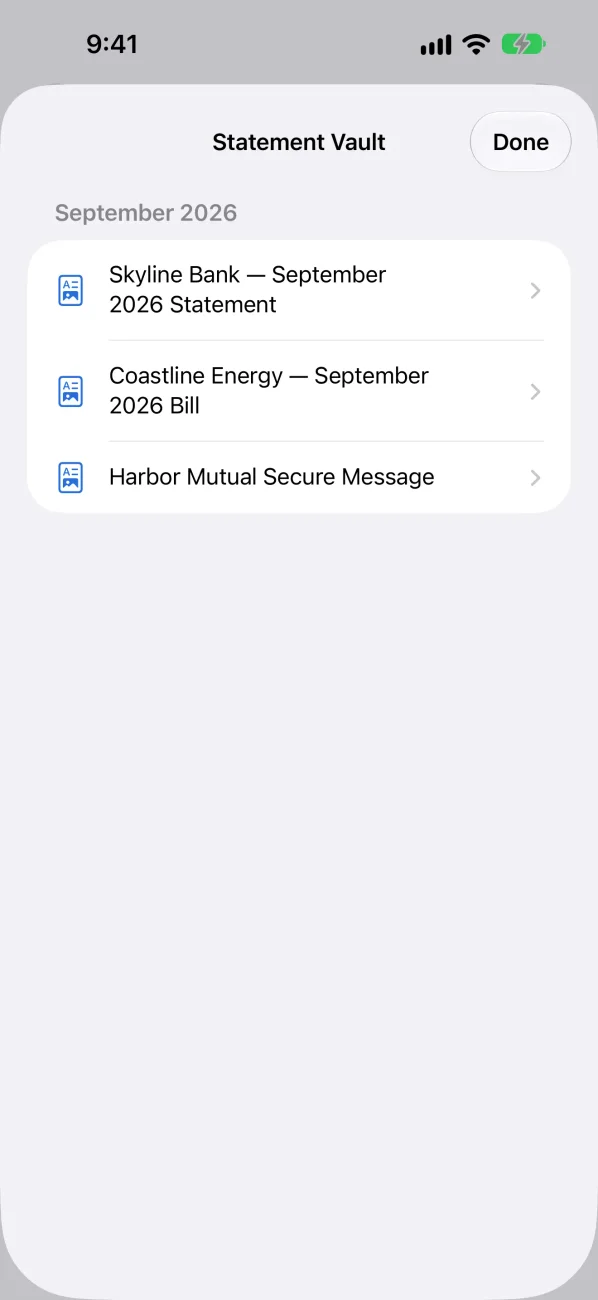
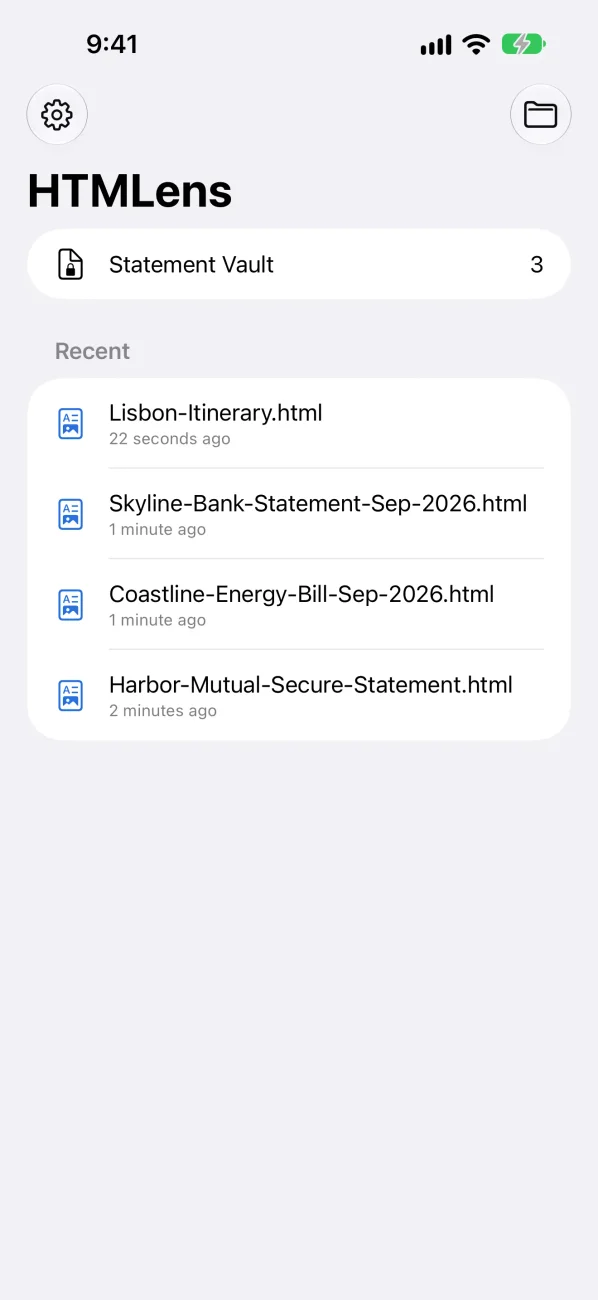
STATEMENT VAULT
• Keep unlocked statements and reopen them without the password
• Locked with Face ID or Touch ID, encrypted, and stored only on this device
• For Korean billing statements it recognizes, shows the amount due and due date and opens a prefilled calendar event
COMFORTABLE READING
• Dark mode for documents, plus an app theme setting
• Find in page and adjustable text size
• Recent documents and favorites
• iPad split view and drag and drop
PRIVATE BY DESIGN
No account, and HTMLens doesn't send your documents or passwords to any server. Vault statements open with internet access turned off.
REMOVE ADS
Remove the banner ad for good with a one-time purchase.
Support: ggamistudio@gmail.com
Neue Funktionen
Version 1.2 · 09.10.2026
Ready for iPhone Duo.
• Open the device to see your library and document side by side; closed, a vertical toolbar leaves more room for the page
• Banner ads now fit the display width, and the Done button on sheets stays put while you scroll
App-Datenschutz
Was GGAMISTUDIO im App Store zum Umgang dieser App mit Daten angibt.
-
Daten, die zum Tracking Ihrer Person verwendet werden
Können verwendet werden, um Sie über Apps und Websites anderer Unternehmen hinweg zu verfolgen.
- Kennungen
-
Mit Ihnen verknüpfte Daten
Können erfasst und mit Ihrer Identität verknüpft werden.
- Standort
- Kennungen
- Nutzungsdaten
-
Nicht mit Ihnen verknüpfte Daten
Können erfasst werden, sind aber nicht mit Ihrer Identität verknüpft.
- Diagnose
Die Datenschutzpraktiken können variieren, zum Beispiel je nach den von Ihnen verwendeten Funktionen oder Ihrem Alter.
Informationen
- Anbieter
- GGAMISTUDIO
- Kategorie
- Produktivität
- Version
- 1.2
- Aktualisiert
- 09.10.2026
- Veröffentlicht
- 20.10.2026
- Größe
- 12,0 MB
- Erfordert
- iOS 17.0 oder neuer
- Altersfreigabe
- 4+
- Preis
- Kostenlos
- In-App-Käufe
- Ja
- Sprachen
- Englisch, Koreanisch
- Copyright
- © 2026 GGAMI Studio
Das könnte Ihnen auch gefallen
-
 Markdown Editor: MD HTML PDFProduktivität
-
 Viewport: HTML ReaderProduktivität
-
 우리동네스카이앱Produktivität
-
 Markmatic - AI to Word & PDFProduktivität
-
 TXToCHART – Text to ChartsProduktivität
-
 xgooseProduktivität
-
 md.tooProduktivität
-
 .html — HTML ReaderProduktivität
-
 Markdot: Markdown MD ViewerMD Editor für AI-Dokumente
-
 MerkdownMarkdown & Mermaid mit KI