- Altersfreigabe4+
- KategorieProduktivität
- EntwicklerAntonio Lagana
- SprachenEnglisch
- Größe124,0 MB
Verlinkt auf die offizielle App Store-Seite
Download.org hostet keine Datei von i41CX+. Die Schaltfläche öffnet die App-Seite bei App Store, wo Antonio Lagana die App veröffentlicht. Eintrag zuletzt geprüft am 25.11.2026.
Screenshots
Info
Der Entwickler hat diesen Text nicht in Ihrer Sprache bereitgestellt.
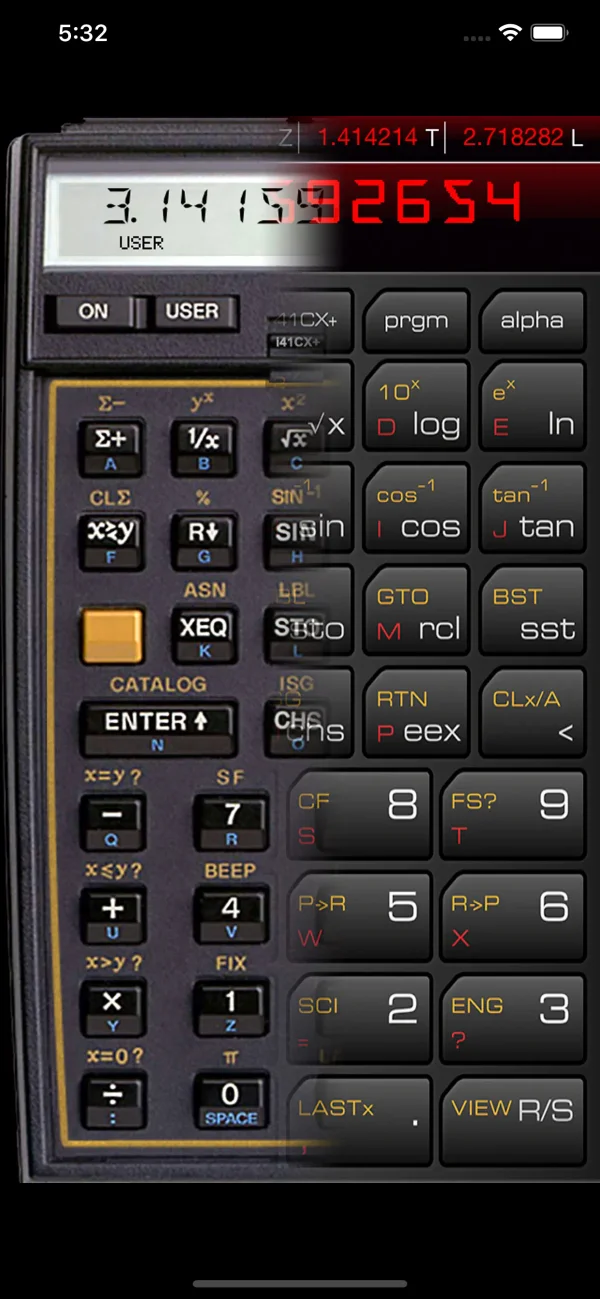
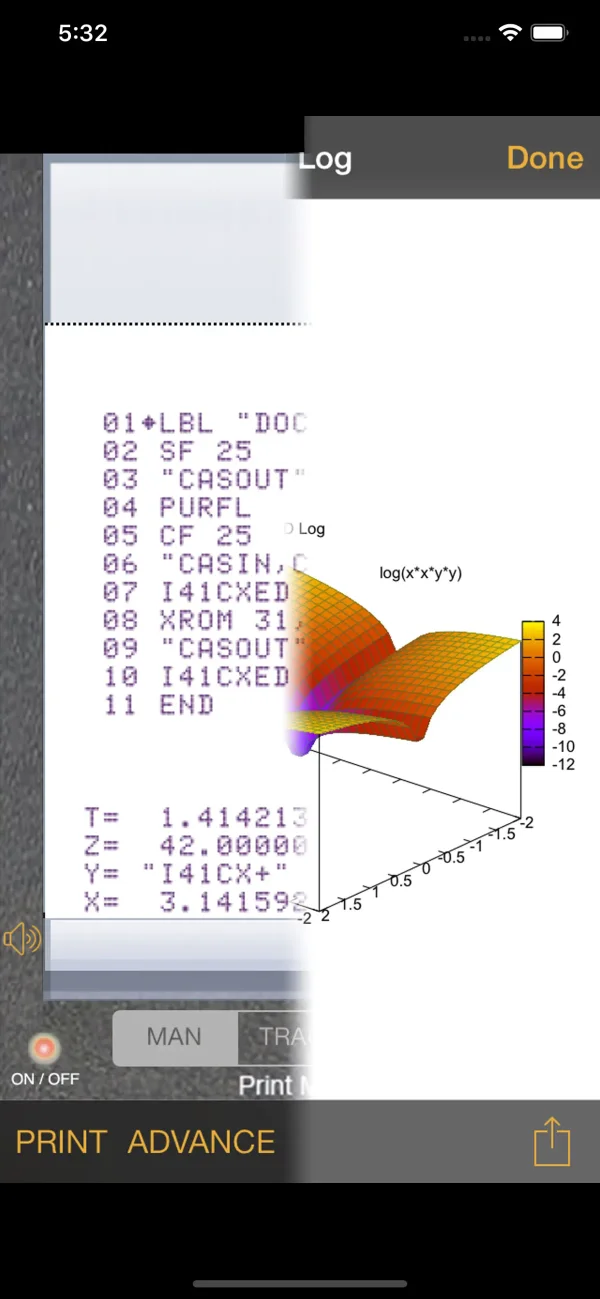
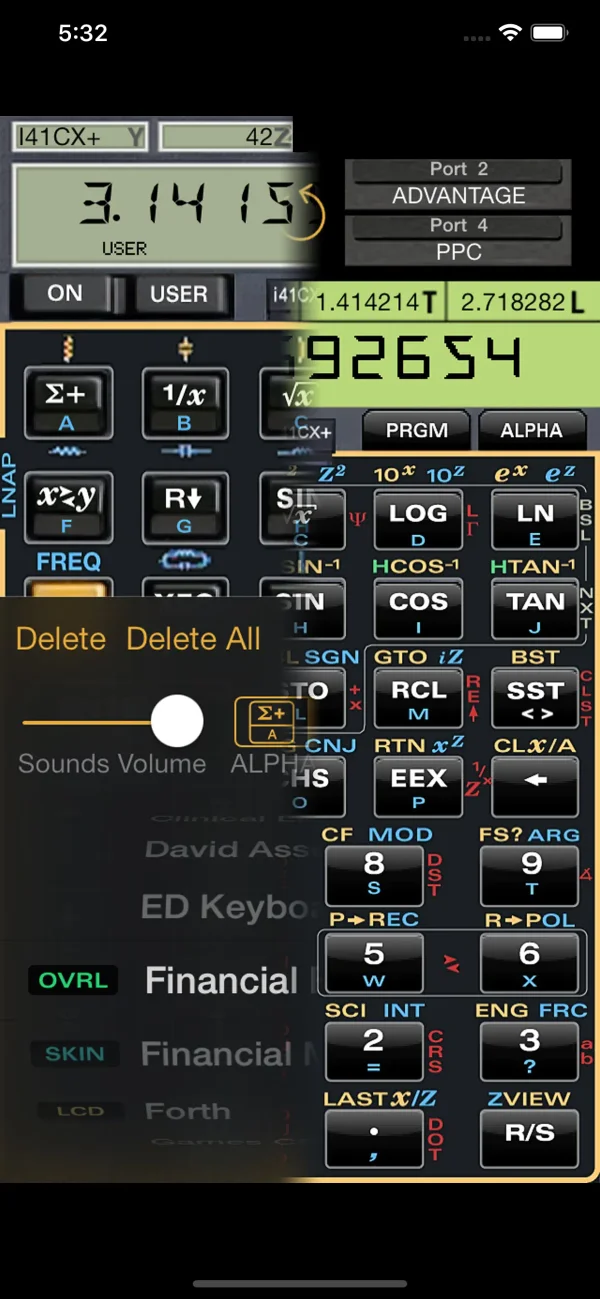
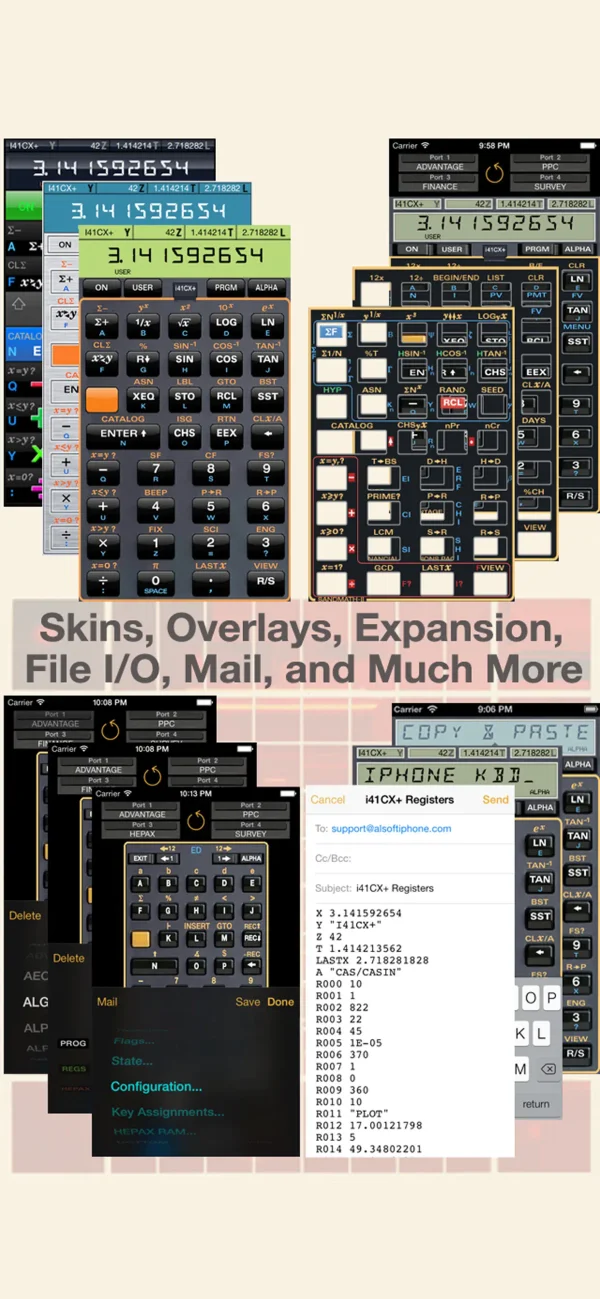
i41CX+ is an advanced programmable and expandable RPN scientific calculator with a virtual thermal printer/plotter and workstation-class CAS capabilities that is far beyond a mere replica of the original. In addition to being functionally equivalent to the world-renowned HP-41CX and providing access to its entire library of modules and programs, i41CX+ is enhanced with iOS and hardware features, keyboard overlays, rich set of import and export capabilities, traditional and upbeat diverse set of skins, complete color control, iCloud support, and much more.
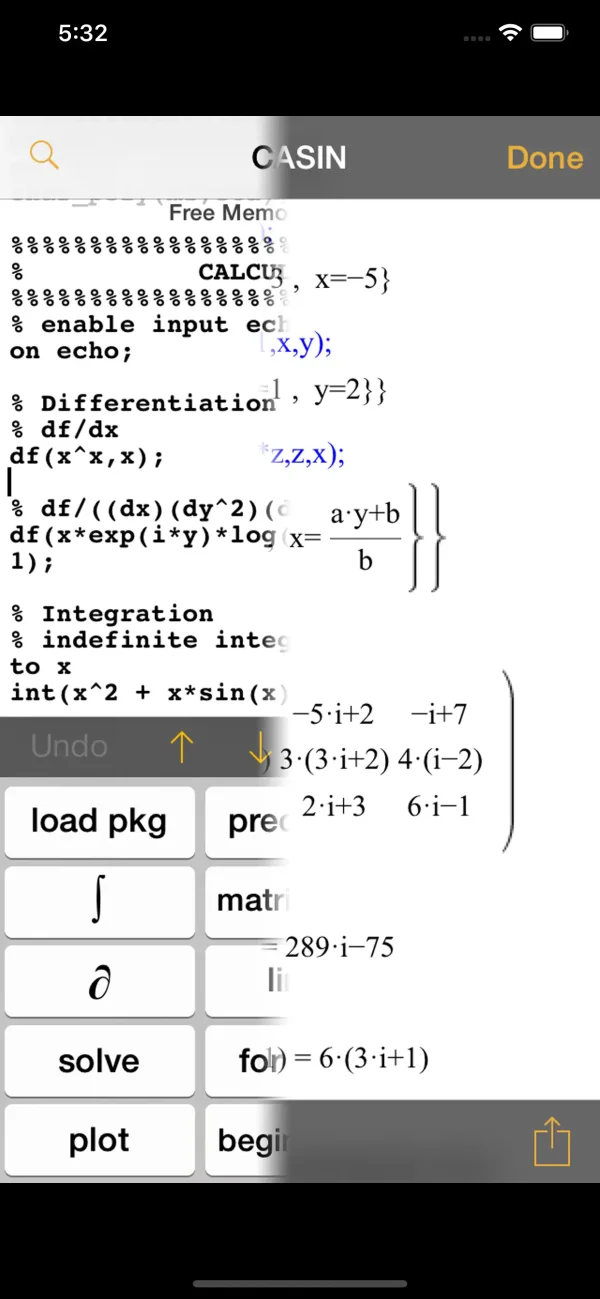
The i41CX+ CAS is a full implementation of REDUCE. It's like having Mathematica or the computational engine of Wolfram Alpha in your pocket and, best of all, it runs natively so no internet connection is required. The CAS is fully programmable and provides the ability to reuse previous results in computations. Moreover, the CAS has full access to the calculator registers so it is possible to combine RPN programs with CAS programs.
This is the finest and most powerful scientific/engineering/financial calculator for iOS devices bar none.
CALCULATOR FEATURES:
• RPN logic with a 4 element deep memory stack
• 319 main and 600 extended memory registers
• Over 400 built-in functions, including over 100 functions created specifically for i41CX+
• Time, calendar, alarm, and stopwatch functions
• Four module ports provide access to HP-41 expansion pacs
• Rich set of functions and algorithms: numerical, mathematical, statistical, complex, matrix, numerical integration, curve fitting, solutions to equations, and much more
• Powerful, flexible, and programmable Computer Algebra System (CAS) supporting symbolic, arbitrary precision, scalar, vector and matrix algebra calculations, 2D/3D plotting, and much more
• Full-screen text editor with configurable font style and size, color scheme, a user configurable macro keyboard, and a numerical keyboard
• Access to the entire HP-41 library of solutions for science, mathematics, statistics, engineering, business, financial, surveying, medicine, real estate, and many other domains
• Programmable - virtually unlimited number of lines
• User definable keyboard
• Ability to operate the calculator using a Bluetooth keyboard
• Device integration: external display mirroring, copy and paste, in-app mail, system keyboard, GPS, accelerometer, digital compass, time and date synchronization, AirPrint, and much more
• Virtually unlimited data and program storage capacity using the device's flash memory for local storage
• Import/export data, programs, overlays, modules, etc. via the web, email, and iTunes file sharing
• iCloud syncing of files and preference settings
• iOS 8 Notification Center widget
• 43 available keyboard overlays and support for user created overlays
• Sound support including synthetic tones and interface sounds
• Support for calculator skins and optional mini stack display
• Adjustable calculator speed, sound volume, and display colors
• Usage & Examples table with usage tips and examples
• Quick Reference Guide of all built-in functions
• CAS Quick Reference with all built-in functions, operators, switches, and packages
• Beautiful and clean user interface
PRINTER FEATURES:
• Support for printing, plotting, graphics, and special characters
• User configurable and programmable print color
• Export printer output via email, clipboard, or AirPrint
• Ability to save a JPEG image of the paper roll to the device's photo album
***********************************************************
A comprehensive FAQ and Mini-Manual are available at http://alsoftiphone.com/i41CXplus. Please don't hesitate to use the "Contact Us" link there if you cannot find the answers or information that you seek. Thank you.
Neue Funktionen
Version 7.8.9 · 24.11.2026
• Added option to select iPhone interface style on iPad as was made available recently on Mac. When this option is selected, the app looks and operates like on iPhone Duo, with the printer next to the calculator in landscape view. When the iPhone interface style is selected, it is possible to enable/disable the stack display and mini controls.
• Implemented ability to show the printer next to the calculator when using the iPhone interface style on Mac. This works exactly like when using the iPad interface style whereby expanding the window horizontally reveals the printer and shrinking it hides it. Swapping the positions of the calculator and the printer in landscape view using a horizontal swipe works just like when using the iPad interface style. In portrait view switching between views works as before. Keyboard shortcuts can also be used to switch between views (see the "Hardware Keyboard" entry in the "Usage & Examples" pane on the back view of the calculator for keyboard mappings).
• Implemented support for the system menu bar shown on iPadOS 26.0 or later and on Mac. This supersedes the menu bar that was shown at the top of the app window on iPad previously.
• Minor interface and visual improvements, bug fixes, and internal optimizations.
App-Datenschutz
Was Antonio Lagana im App Store zum Umgang dieser App mit Daten angibt.
-
Keine Daten erfasst
Der Entwickler erfasst keine Daten von dieser App.
Die Datenschutzpraktiken können variieren, zum Beispiel je nach den von Ihnen verwendeten Funktionen oder Ihrem Alter.
Informationen
- Anbieter
- Antonio Lagana
- Kategorie
- Produktivität
- Version
- 7.8.9
- Aktualisiert
- 24.11.2026
- Veröffentlicht
- 01.02.2019
- Größe
- 124,0 MB
- Erfordert
- iOS 16.0 oder neuer
- Altersfreigabe
- 4+
- Preis
- 29,99 €
- Sprachen
- Englisch
- Copyright
- © 2008-2026 AL Software