iCircuit 3D
3D Electronics Workbench
Entwickelt für iPhone, iPad, Mac, iPod touch
14,99 €
- Altersfreigabe4+
- KategorieBildung
- EntwicklerKrueger Systems, Inc.
- SprachenEnglisch+ 6 weitere
- Größe142,1 MB
Verlinkt auf die offizielle App Store-Seite
Download.org hostet keine Datei von iCircuit 3D. Die Schaltfläche öffnet die App-Seite bei App Store, wo Krueger Systems, Inc. die App veröffentlicht. Eintrag zuletzt geprüft am 22.11.2026.
Screenshots


Info
Der Entwickler hat diesen Text nicht in Ihrer Sprache bereitgestellt.
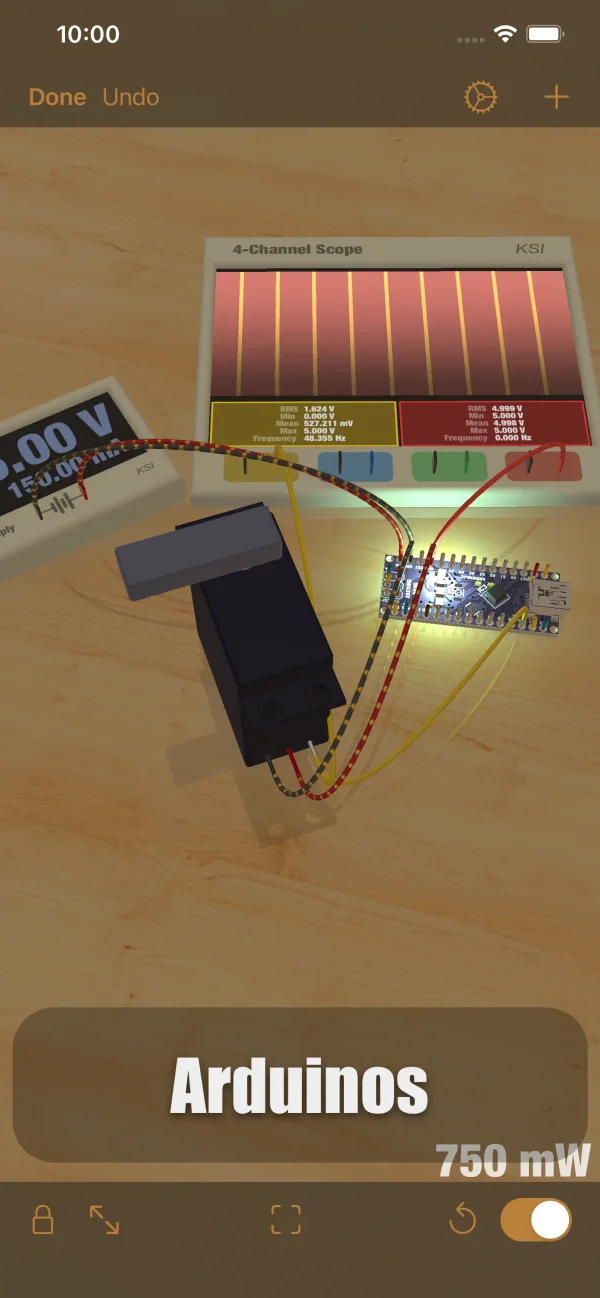
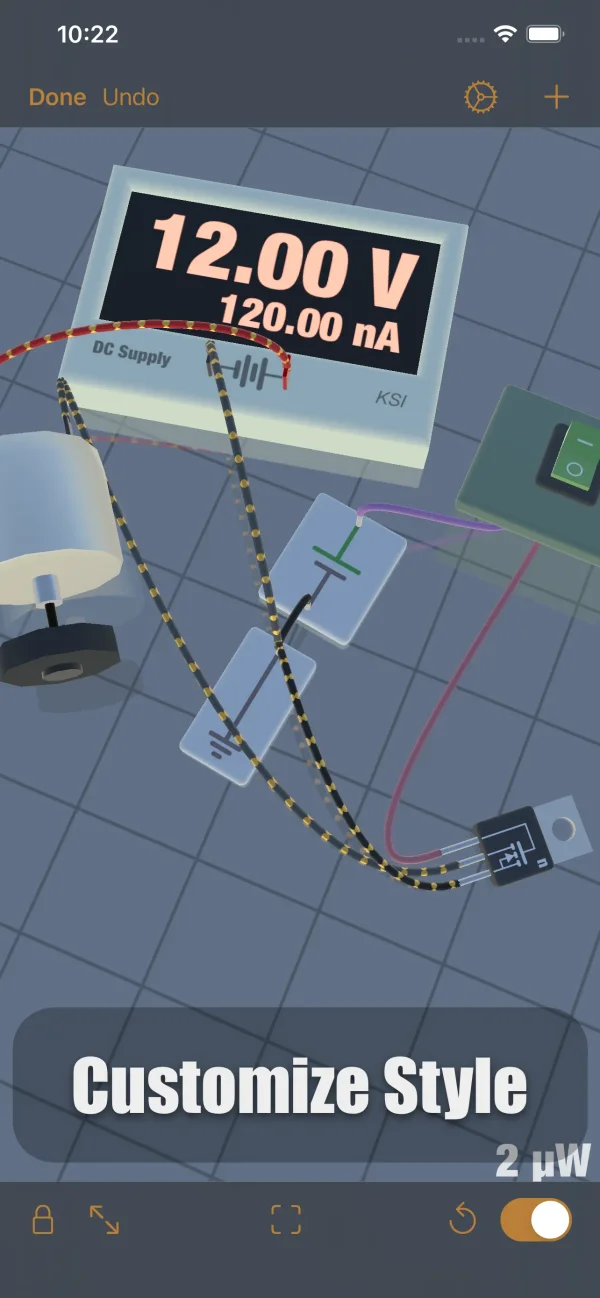
iCircuit 3D gives you an endless virtual workbench to design, build, and test electronics projects in 3D. It combines the robust real-time, always-on simulation engine of iCircuit with modern 3D rendering and physics on iOS and macOS.
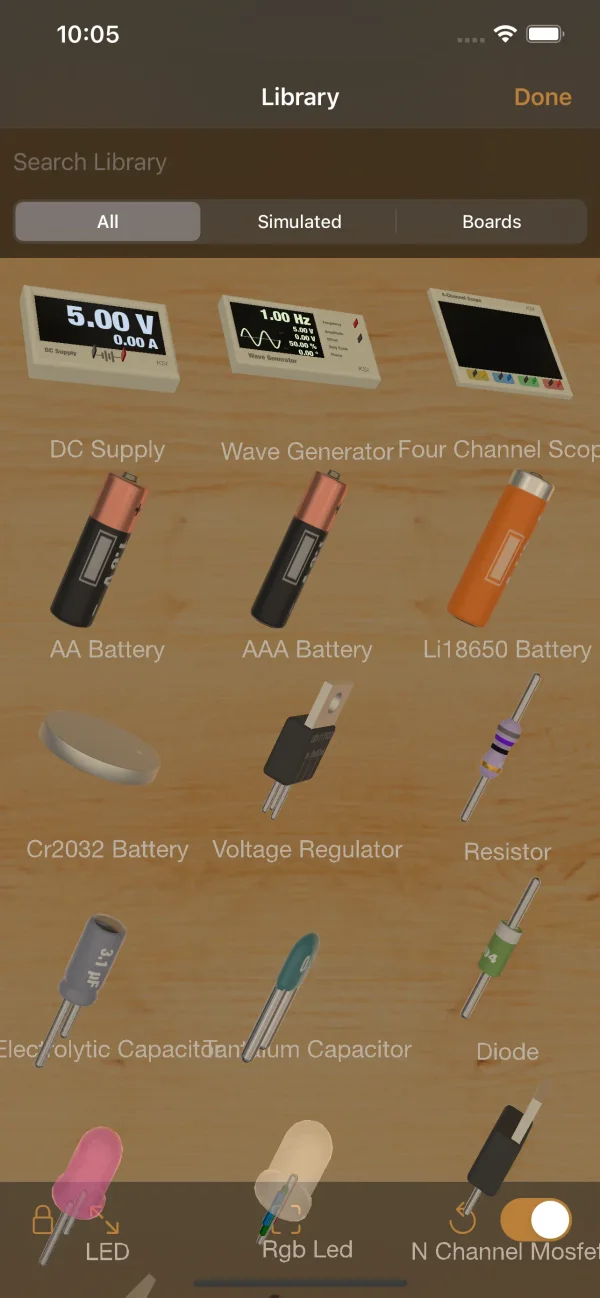
Do not let the availability of physical parts limit your creativity. Choose from an expansive library of 150+ physically and electronically simulated parts and over 1,000 reference boards to plan layouts, wire circuits, test ideas, and iterate fast. It also includes the full standard component library from the original iCircuit, so you can switch between realistic parts and symbolic circuit elements whenever you want.
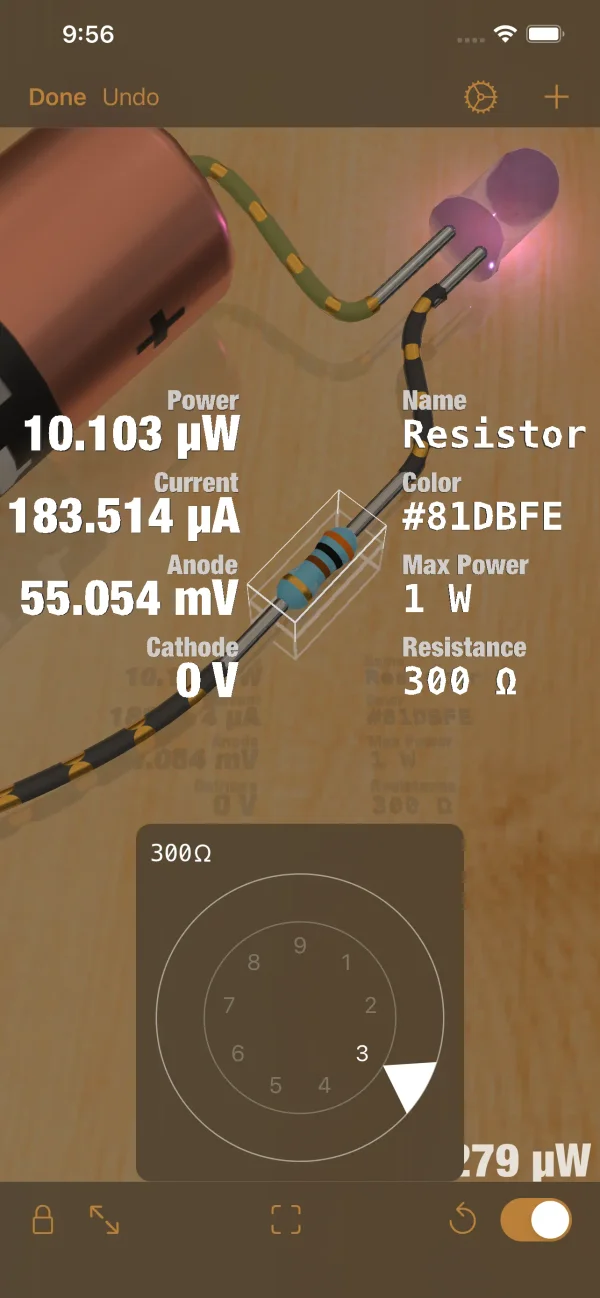
When powered, LEDs light up realistically, DC motors spin, and speakers make noise. Watch current flow along your simulated wires. See pinouts and color codes directly on components. Tap any part to view live values like voltage and current, then change parameters instantly. If you miswire something or overstress a component, magic smoke will billow from the point of failure so you can quickly diagnose and fix the problem.
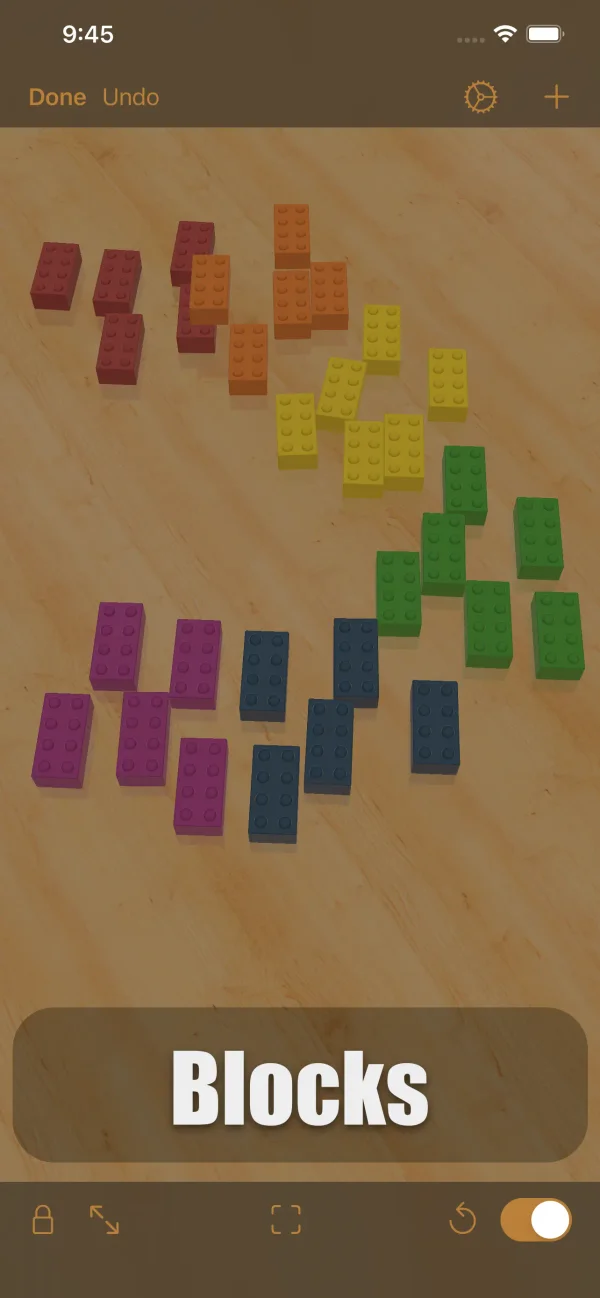
Add reference photos to the environment, import your own 3D models to mount projects onto, or use Blocks to build enclosures, panels, and simple structures.
FEATURES
• Tons of resistors, capacitors, and LEDs
• Multiple breadboards and wiring elements
• Diodes, BJTs, MOSFETs
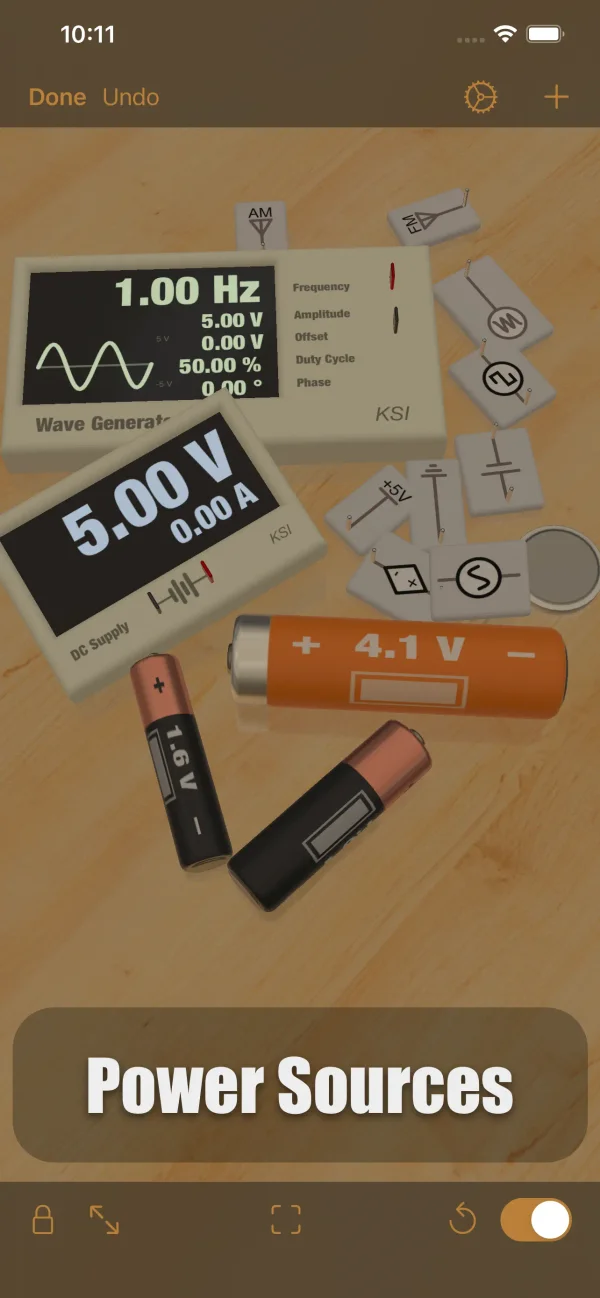
• DC power supplies
• Waveform generators (AC, square, sawtooth)
• Batteries (AA, AAA, 18650, coin cells, and more)
• Switches (SPST, SPDT)
• Buzzers and speakers
• DC motors and servos
• Programmable Arduino elements
• The full symbolic iCircuit library (standard components included)
• 1,000+ reference circuit boards for layout planning (not fully simulated)
• Import board layouts from Eagle (imported layouts are for wiring/layout reference and do not simulate)
• Import custom 3D models to attach your projects to, and simulate their behavior on the workbench
• Import images for reference or documentation and place them as physical photographs
HOW IT WORKS
Add parts to the 3D workbench and they land on the table with gravity. Drag parts around, then draw wires between ports to connect them. When a circuit is completed, it starts simulating immediately. Wires stay connected as you move parts, so you can build tidy panels and enclosures, or leave parts scattered like a real bench.
iCircuit 3D was designed for fun and exploration, with plenty more to discover as you build.
I hope you enjoy this new take on circuit software.
Neue Funktionen
Version 1.16 · 12.10.2026
iCircuit 3D 1.16 brings I2C to your 3D workbench, along with a batch of new parts.
I2C SENSORS AND DISPLAYS
• SSD1306 OLED display: draw text and graphics from your Arduino sketches with the Adafruit_SSD1306 and Adafruit_GFX libraries
• HDC1080 humidity and temperature sensor
• MLX90614 IR thermometer
• DS1307 and DS3231 real-time clocks
• ADS1115 16-bit ADC
NEW PARTS
• On-Off-On switches
• OB2512RN offline PSR power switch
• 74138, 74139, 7483, 74107, and 74245 now in the Standard set
FIXES
• Fixed a crash in net labeling
• Simulation accuracy and stability fixes
App-Datenschutz
Was Krueger Systems, Inc. im App Store zum Umgang dieser App mit Daten angibt.
-
Nicht mit Ihnen verknüpfte Daten
Können erfasst werden, sind aber nicht mit Ihrer Identität verknüpft.
- Nutzungsdaten
- Diagnose
Die Datenschutzpraktiken können variieren, zum Beispiel je nach den von Ihnen verwendeten Funktionen oder Ihrem Alter.
Informationen
- Anbieter
- Krueger Systems, Inc.
- Kategorie
- Bildung
- Version
- 1.16
- Aktualisiert
- 12.10.2026
- Veröffentlicht
- 28.01.2021
- Größe
- 142,1 MB
- Erfordert
- iOS 13.0 oder neuer
- Altersfreigabe
- 4+
- Preis
- 14,99 €
- Sprachen
- Englisch, Französisch, Deutsch, Portugiesisch, Russisch, Vereinf. Chinesisch, Spanisch
- Copyright
- © 2021-2026 Krueger Systems, Inc.
Das könnte Ihnen auch gefallen
-
 Elektronik Tools & Rechner ProSchaltungen berechnen & planen
-
 Arduino Programming ProArduino Schritt für Schritt
-
 CircuitryBildung
-
 CloudLabs Electric CircuitsBildung
-
 CloudLabs Serie CircuitBildung
-
 inspectAR PCB ToolsNachschlagewerke
-
 Workshop for ArduinoBildung
-
 BlueGrays - Arduino & ESP32Raspberry Pi Pico Projekte
-
 Electronic Circuits CalculatorBildung
-
 Arduino Programming TutorialArduino Schritt für Schritt