
iExcel
Offline Excel Learning Hub
Entwickelt für iPhone, iPad
0,99 € · In-App-Käufe
- Altersfreigabe4+
- KategorieNachschlagewerke
- Entwickler天从 何
- SprachenEnglisch+ 2 weitere
- Größe8,0 MB
Verlinkt auf die offizielle App Store-Seite
Download.org hostet keine Datei von iExcel. Die Schaltfläche öffnet die App-Seite bei App Store, wo 天从 何 die App veröffentlicht. Eintrag zuletzt geprüft am 24.11.2026.
Screenshots


Info
Der Entwickler hat diesen Text nicht in Ihrer Sprache bereitgestellt.
iExcel is a fully offline Excel learning app. Look up functions, study tips, follow courses, take quizzes, and browse keyboard shortcuts. Everything is built in. No account. No internet required.
Learn on your commute, while traveling, or between meetings without sign-in delays. iExcel combines a function reference, practical tips, quizzes, and a formula Playground in one app for structured, efficient learning. Ideal for office workers, finance teams, analysts, and anyone who wants Excel knowledge at hand.
1. What you get
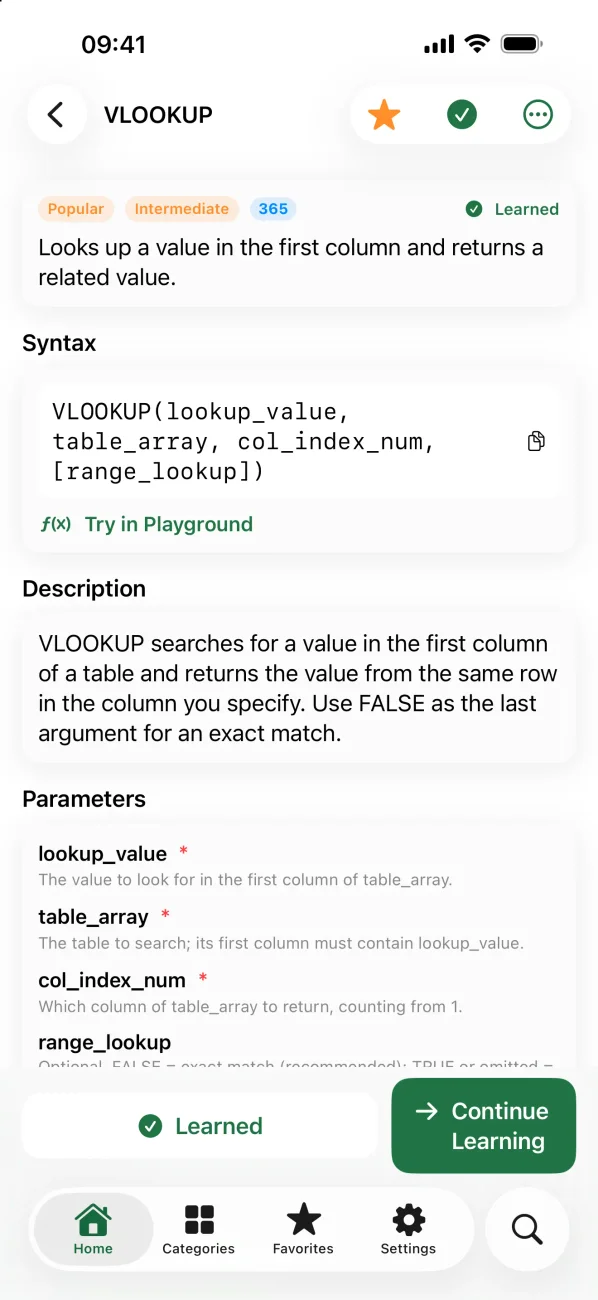
• 265 Excel functions with syntax, parameters, notes, and related functions. Popular ones add clearer explanations and extra examples
• 71 practical tips with step-by-step guidance, plus full English steps and examples
• 44 learning-path lessons from basics to common workflows, with full English text
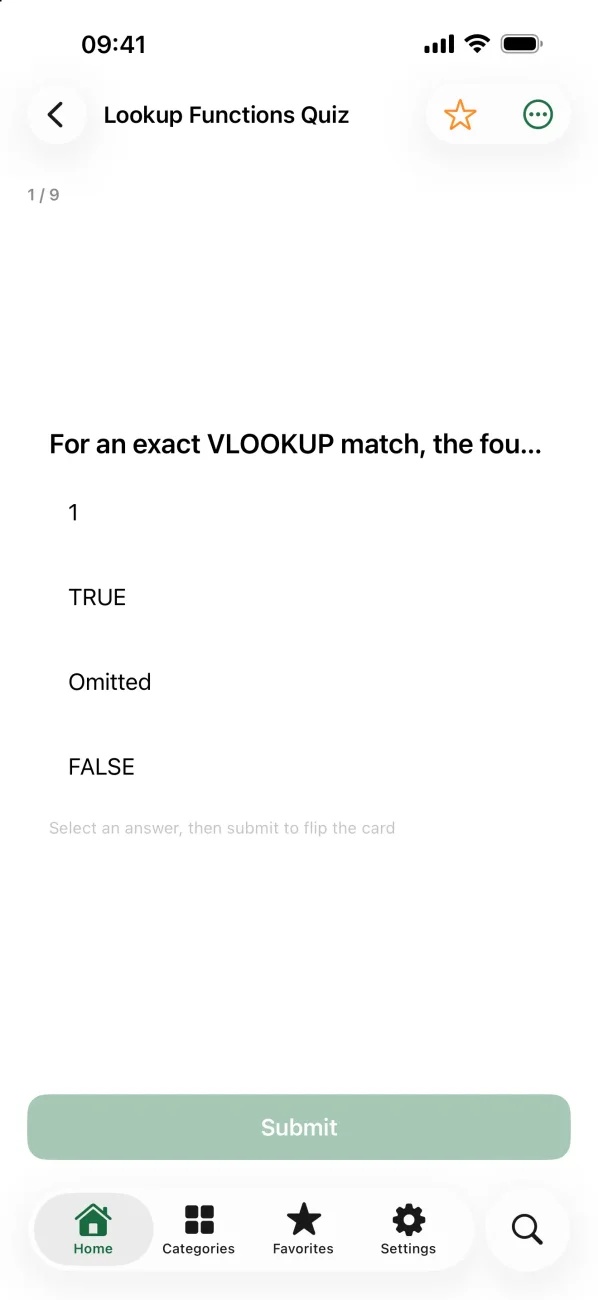
• 22 practice quizzes, 199 questions, with bilingual explanations, best scores, and wrong-answer retry
• 169 Mac and Windows shortcut references shown side by side
• 570+ learning items in Simplified Chinese, Traditional Chinese, and English
2. A clear learning path
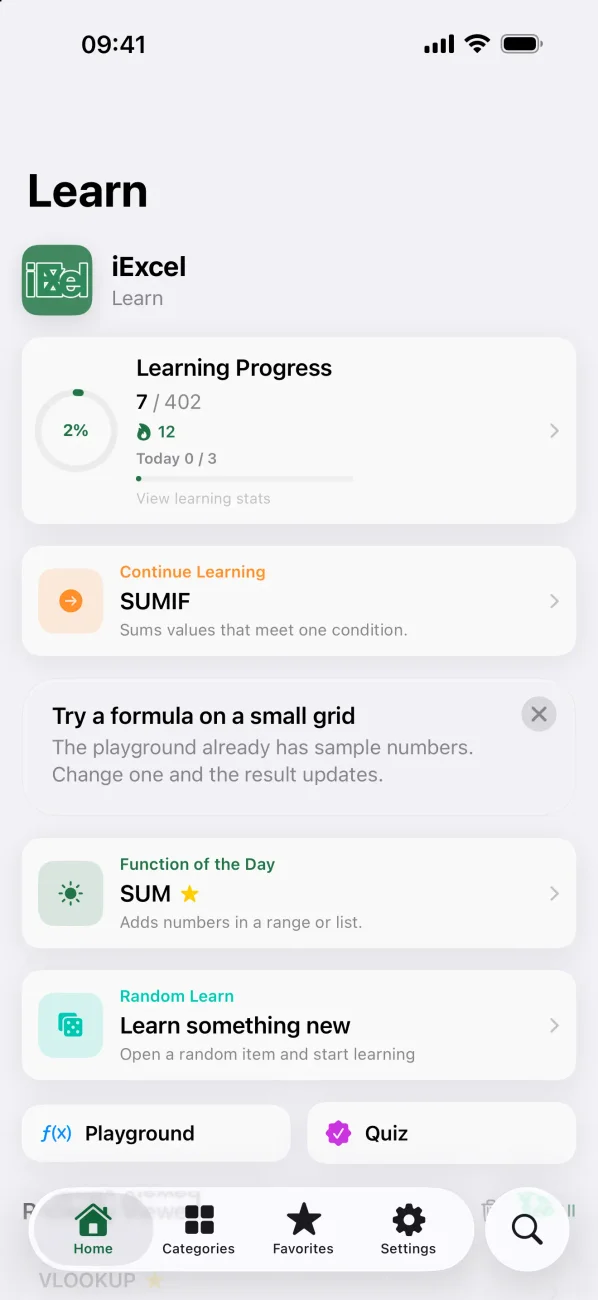
• Home progress ring, streak days, and Learning Stats with category mastery and quiz scores
• Continue Learning, Daily Function, daily goal, and optional reminder help you stay consistent
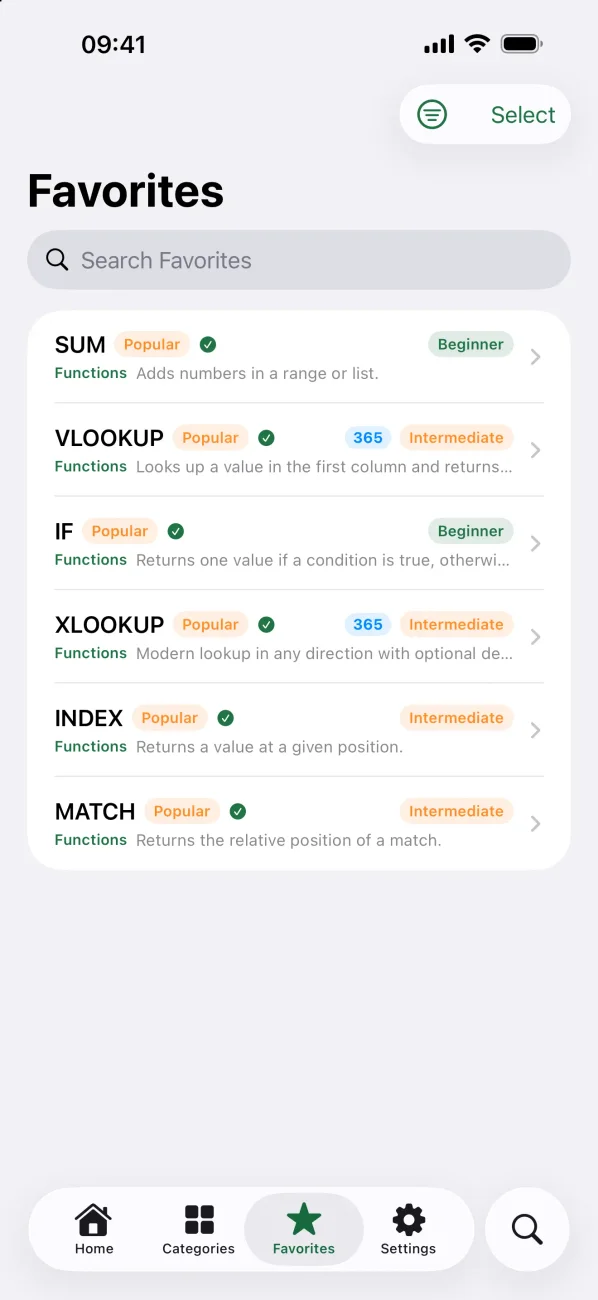
• Manual mastery marks with toggle; Recents and Favorites with filters, layouts, and multi-select
• Customize up to 4 Home shortcuts synced via iCloud: Playground, Quiz, Daily Function, Search, Stats, Favorites
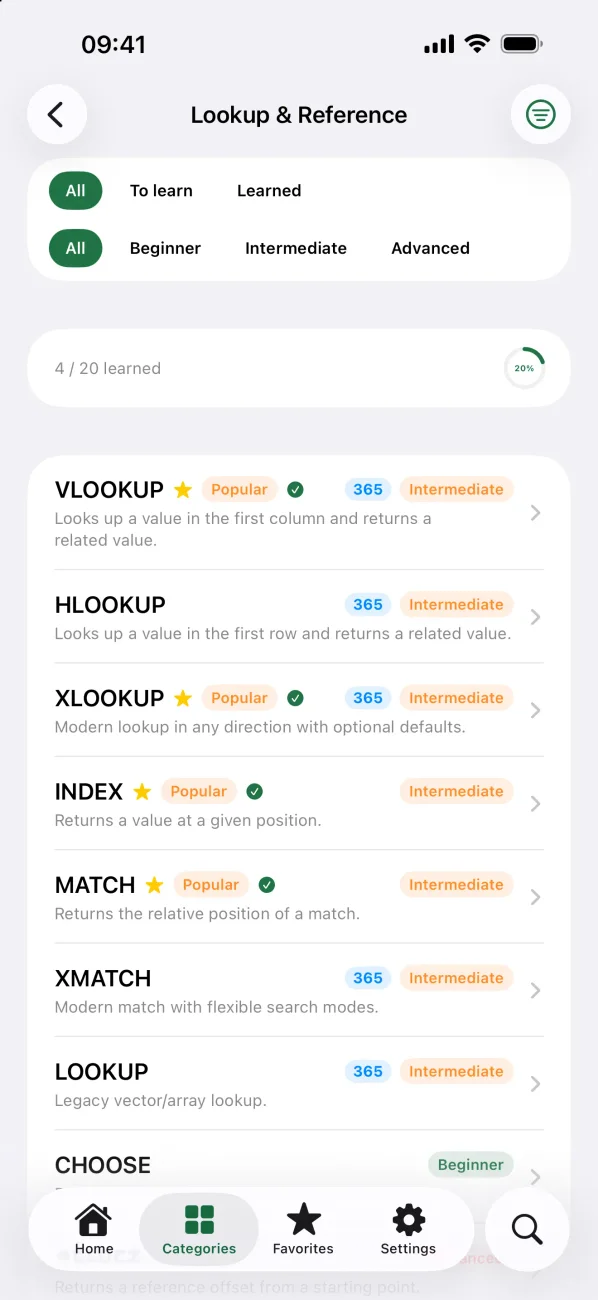
• Browse by category with list, grid, or card layout; sort by order, name, or progress; mark all as learned
• Category and Favorites tabs can be toggled; deep links and Home grid keep content reachable
3. Practice and review
• 3D quiz cards with explanations; 50% or higher marks mastery; Home opens missed questions directly
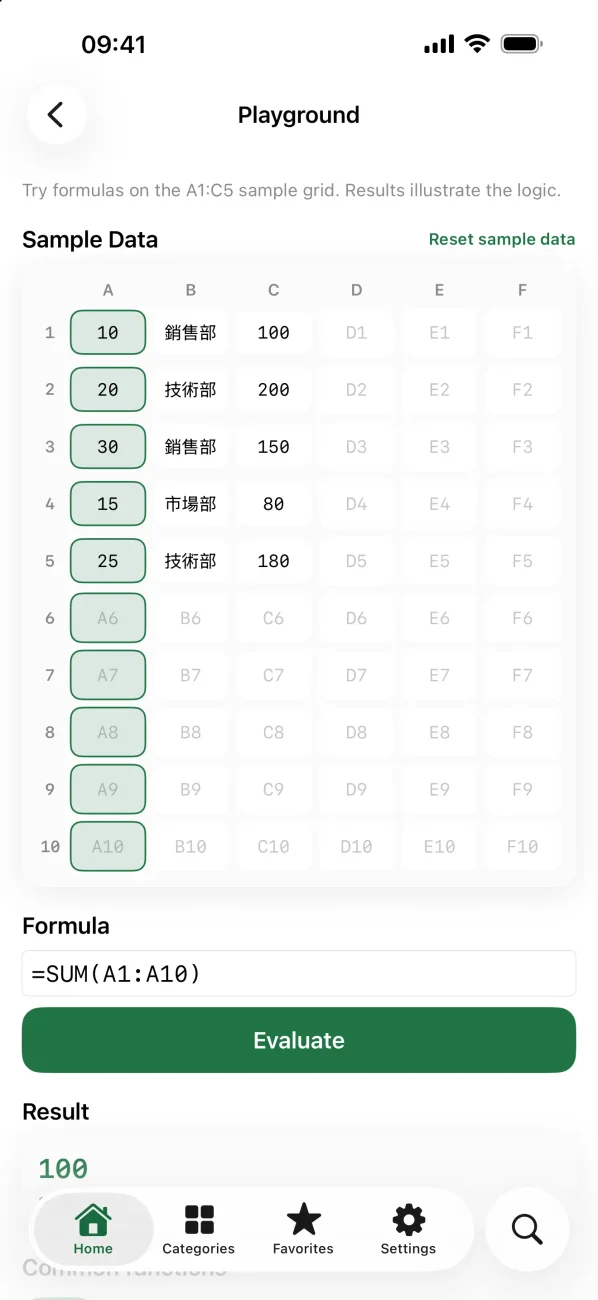
• Formula Playground on a 6 by 10 grid, with sample data, common functions, and cell references
• One-tap try from function details and lessons; your formula and table are saved
• Detail learn bar, Continue Learning, long-press to favorite, mark, copy, or share
4. Search and discovery
• Full-text search across all content types; native Search tab on iOS 18+, sidebar on Mac
• Filter by type, difficulty, or not-yet-learned; clear filters in one tap; recent searches stay
5. System-level shortcuts
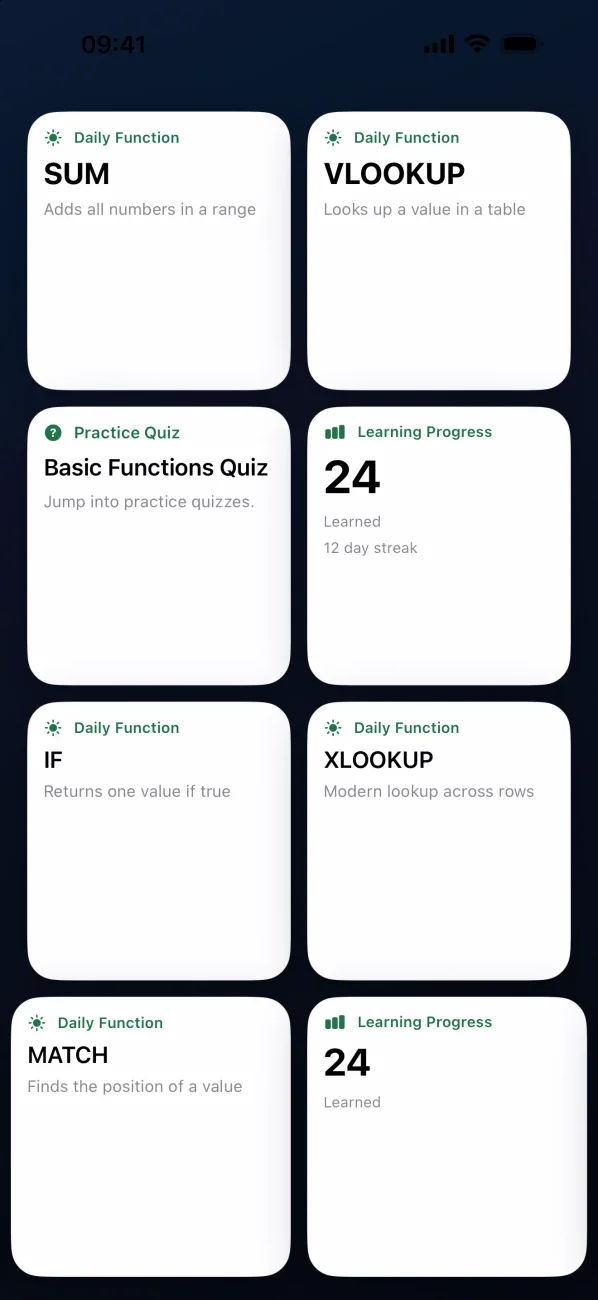
• Home Screen and Lock Screen widgets for daily function, progress, favorites, and quizzes
• Tap progress widget for stats; quiz widget recommends the next unlearned quiz; refresh daily function in widget
• Resume from Control Center on iOS 18, continue the same page with Handoff, or jump in with keyboard shortcuts
• Siri and Shortcuts for Home, Continue Learning, Stats, Playground, Quiz, Favorites, Search, and functions
• Spotlight follows your language and matches English names. Deep links and up to 4 Home Screen quick actions stay separate
6. Built for real use
• All content offline on launch; optional iCloud sync for progress, favorites, and Home shortcuts
• Export and import JSON to restore favorites, progress, quiz scores, wrong answers, searches, and Playground state
• Five alternate app icons on iOS; Light, Dark, or System; widgets can follow the app theme
• Languages: System, Simplified Chinese, Traditional Chinese, English
• iPhone, iPad, and Mac with independent layout columns on larger screens
• Feedback, rating, Share App, and smooth animations and haptics throughout
7. v1.3.0 highlights
• Clearer everyday functions, full English tips and lessons, and 199 quiz questions
• A larger Playground, direct retry for missed questions, and practice straight from a lesson
• Control Center, Handoff, and keyboard shortcuts make a lesson easy to resume
iExcel is an independent study and reference tool, not affiliated with Microsoft. The Playground is a lightweight demo on sample data, not a full spreadsheet engine. Excel is a trademark of Microsoft.
Start today. Build your Excel skills with functions, tips, and quizzes.
Neue Funktionen
Version 1.4.0 · 24.11.2026
iExcel v1.4.0 Major Update
This release is for iPhone Duo. Folded, it is still the Excel handbook in your pocket. Unfold the inner display, and functions, tips, lessons, quizzes, and the formula Playground spread across a much larger page. Look something up, or stay and practice it.
1. The inner display gives the page room to finish: Syntax, parameters, examples, and lesson text can be read through on the larger screen. Categories and Favorites can appear as a list, a grid, or cards. In the grid, add a column or two, and the wide display shows more functions at once.
2. Fold the cover display and keep the same habit: Closed, iExcel is the app you already know. Check a function on the commute, or answer two questions before a meeting. Folded or open, the gestures stay the same.
3. It opens onto your work: When the system creates the window, iExcel keeps the scene configuration the system provided. On iPad, you land on the content. On Duo, unfolding the inner display opens the learning page.
4. Once it makes sense, the formula is ready to try: The Playground stays 6 columns by 10 rows. Sample numbers remain in place. The extra cells are yours. Change one cell and the result updates at once. When a lesson names a related function, one tap tries it in the Playground.
5. Change how you hold it, and your place is still there: Continue Learning returns to the last page. Progress, favorites, and Home shortcuts can stay with you through iCloud. A function, tip, or quiz opened on iPhone can continue on the same page on iPad or Mac with Handoff.
6. The library stays on the device, and the system can still open it: 265 functions, 71 tips, 44 lessons, 22 quizzes, and the shortcut reference are built in. No account. No network. Home Screen widgets, Siri, Shortcuts, and Continue Learning in Control Center on iOS 18 work on Duo too.
We welcome your feedback and App Store ratings. Tell us how iExcel feels on Duo. Every note helps the next version. Reach out anytime from within the app.
App-Datenschutz
Was 天从 何 im App Store zum Umgang dieser App mit Daten angibt.
-
Keine Daten erfasst
Der Entwickler erfasst keine Daten von dieser App.
Die Datenschutzpraktiken können variieren, zum Beispiel je nach den von Ihnen verwendeten Funktionen oder Ihrem Alter.
Informationen
- Anbieter
- 天从 何
- Kategorie
- Nachschlagewerke
- Version
- 1.4.0
- Aktualisiert
- 24.11.2026
- Veröffentlicht
- 06.07.2026
- Größe
- 8,0 MB
- Erfordert
- iOS 17.0 oder neuer
- Altersfreigabe
- 4+
- Preis
- 0,99 €
- In-App-Käufe
- Ja
- Sprachen
- Englisch, Vereinf. Chinesisch, Tradit. Chinesisch
- Copyright
- © @iHTCboy
Das könnte Ihnen auch gefallen
-
 200+ Excel Tutorials & TipsBildung
-
 PP+ RC CircuitsBildung
-
 Dictionary of BusinessNachschlagewerke
-
 DataLeaRnR-Programmierung lernen
-
 帛书道德经Nachschlagewerke
-
 小白学ExcelBildung
-
 Sacra TabulaNachschlagewerke
-
 Learn Excel - Formulas CourseBildung
-
 SQL Recipes ProSQL üben an echter Datenbank
-
 Chemiegleichungen TrainerGleichungen sicher ausgleichen