- Altersfreigabe4+
- KategorieProduktivität
- EntwicklerYogesh Rathod
- SprachenEnglisch
- Größe11,9 MB
Verlinkt auf die offizielle App Store-Seite
Download.org hostet keine Datei von InkStack. Die Schaltfläche öffnet die App-Seite bei App Store, wo Yogesh Rathod die App veröffentlicht. Eintrag zuletzt geprüft am 20.11.2026.
Screenshots

Info
Der Entwickler hat diesen Text nicht in Ihrer Sprache bereitgestellt.
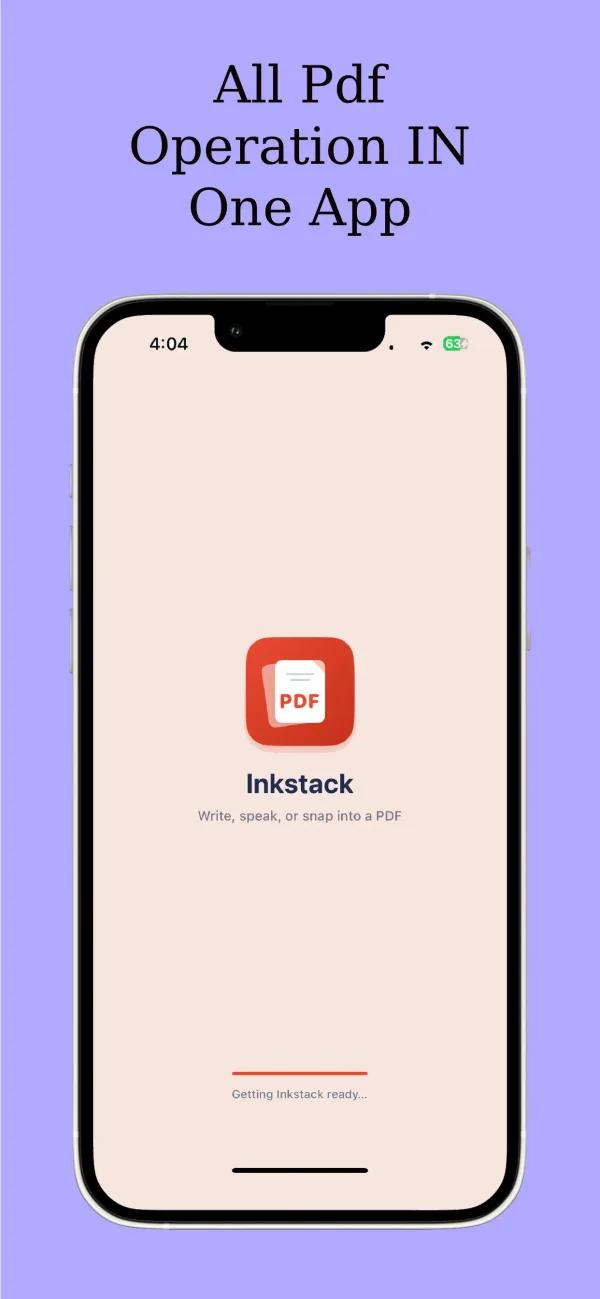
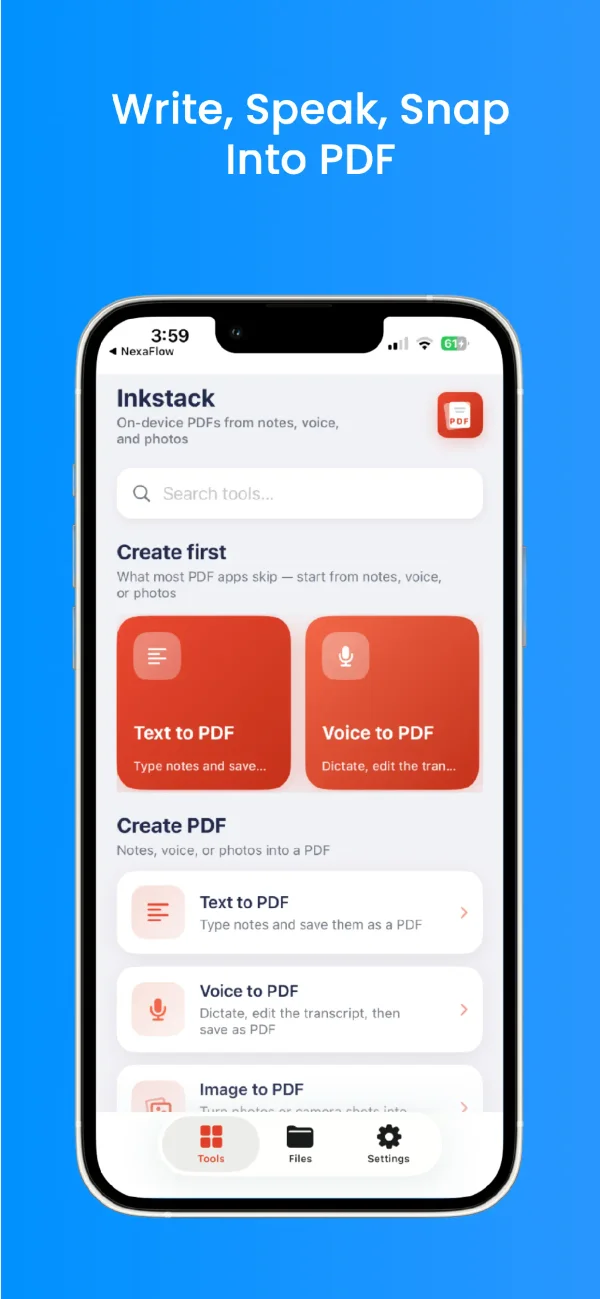
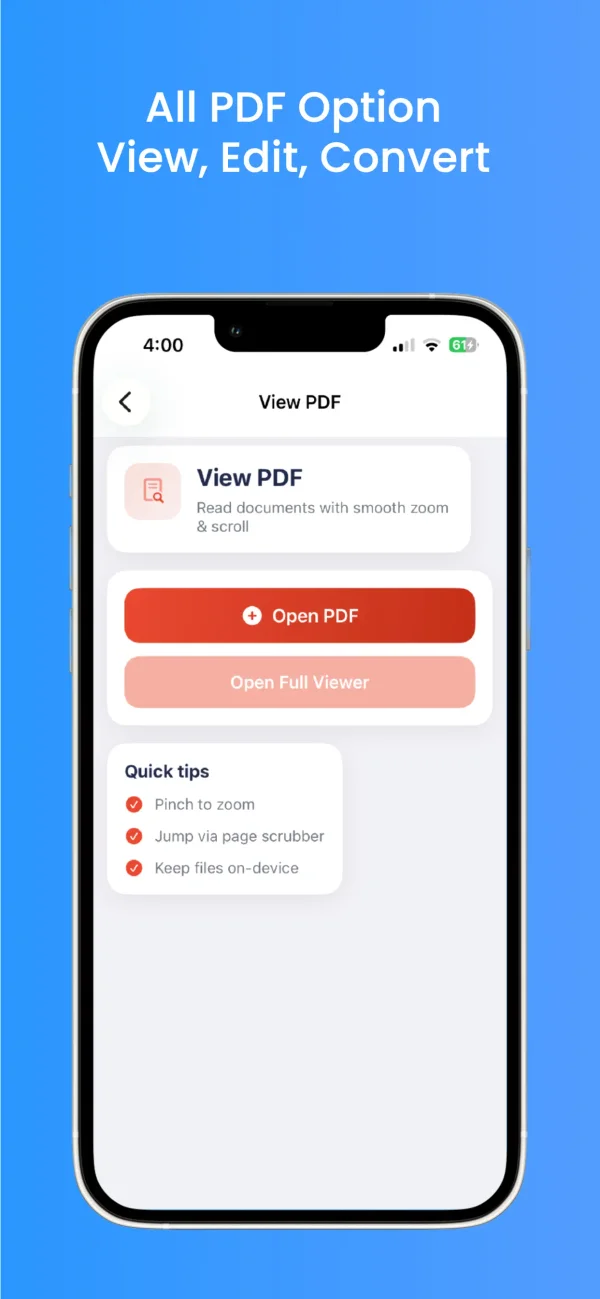
Inkstack is the on-device PDF maker for iPhone: write it, say it, or snap it — then save a PDF without uploading your files.
CREATE A PDF
• Text to PDF — type notes or a letter and export a clean multi-page document
• Voice to PDF — dictate, edit the transcript, then save
• Image to PDF — photos or camera; each picture becomes a page
EDIT WHAT YOU ALREADY HAVE
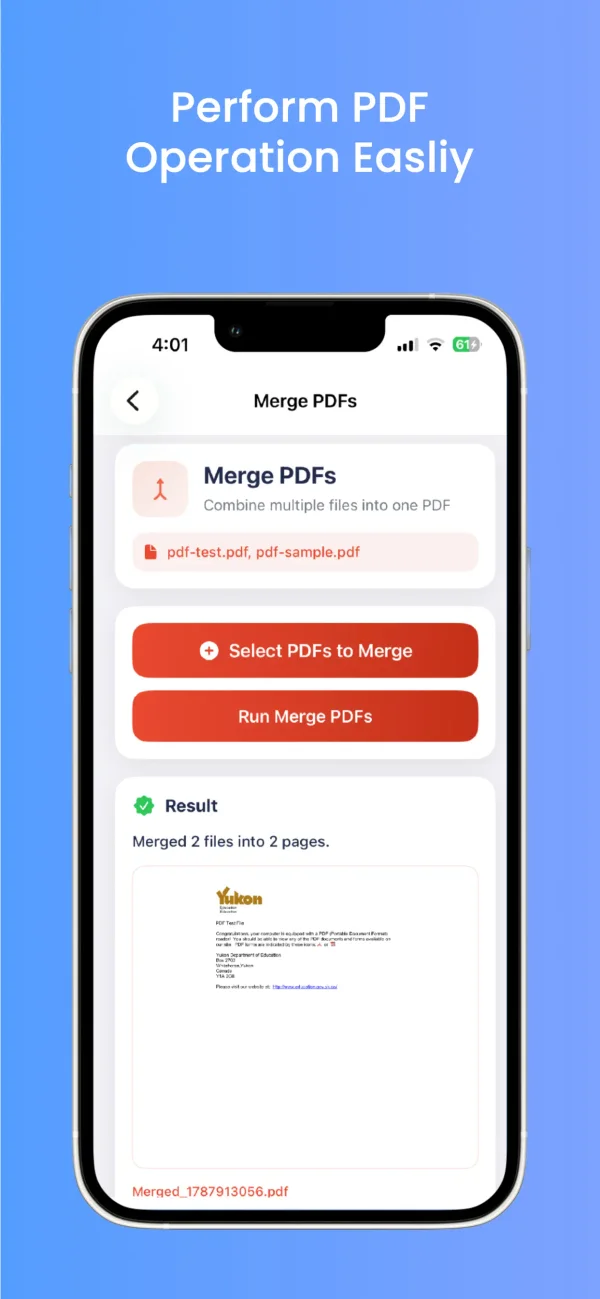
• Merge PDFs into one file
• Split a PDF into single pages
• Rotate, reorder, or delete the pages you tap
• Drag to highlight exact words — not a random box on page one
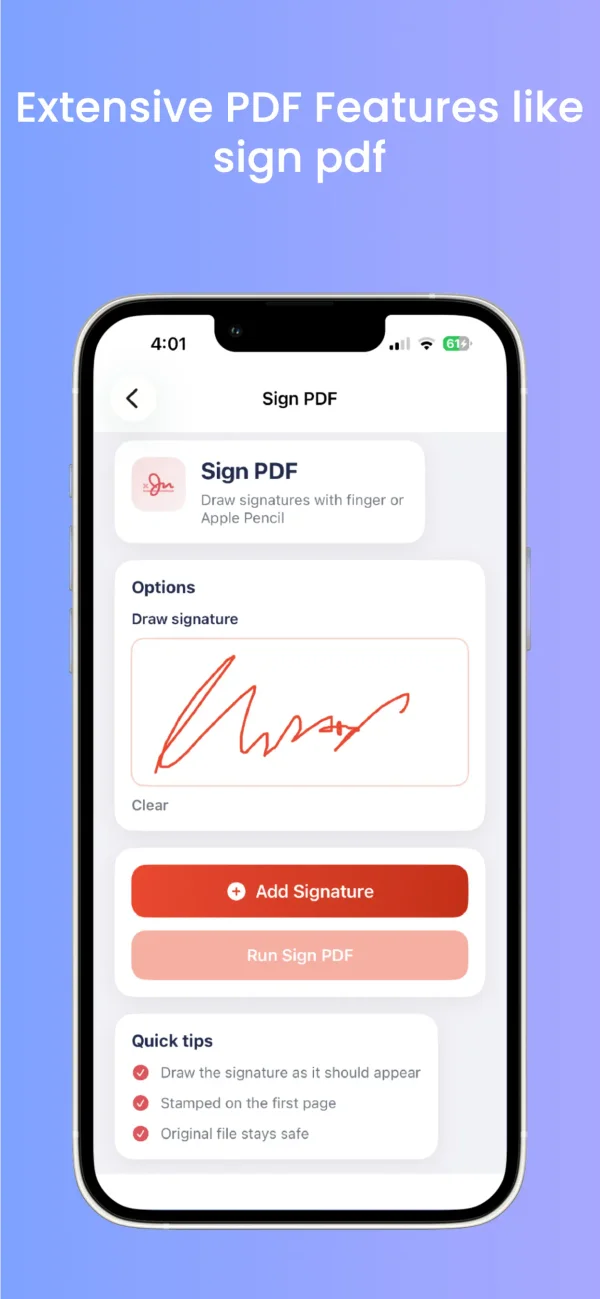
• Sign with your finger
• Fill forms and add a watermark
• Search text in the document
PROTECT & SHARE
• Password-protect before you send
• Compress for email and WhatsApp
• OCR for scans so text is selectable
• Print, share, or export pages as images
• Saved files live in the Files tab on this iPhone
WHY INKSTACK
No account. No cloud for your documents. Create from notes, voice, or photos first — then merge, split, sign, and lock. The app is free and supported by labeled ads. Ads never cover buttons or the keyboard. Tools are not locked behind ads.
Privacy: https://sites.google.com/view/inkstackprivacypolicy
Support: https://sites.google.com/view/instack-sup
Neue Funktionen
Version 1.2 · 13.11.2026
• Performance improvements and stability fixes
• Smoother PDF viewing and zoom experience
• Faster page loading for large documents
• Minor UI refinements across all tools
App-Datenschutz
Was Yogesh Rathod im App Store zum Umgang dieser App mit Daten angibt.
-
Daten, die zum Tracking Ihrer Person verwendet werden
Können verwendet werden, um Sie über Apps und Websites anderer Unternehmen hinweg zu verfolgen.
- Kennungen
-
Nicht mit Ihnen verknüpfte Daten
Können erfasst werden, sind aber nicht mit Ihrer Identität verknüpft.
- Kennungen
Die Datenschutzpraktiken können variieren, zum Beispiel je nach den von Ihnen verwendeten Funktionen oder Ihrem Alter.
Informationen
- Anbieter
- Yogesh Rathod
- Kategorie
- Produktivität
- Version
- 1.2
- Aktualisiert
- 13.11.2026
- Veröffentlicht
- 11.09.2026
- Größe
- 11,9 MB
- Erfordert
- iOS 26.2 oder neuer
- Altersfreigabe
- 4+
- Preis
- Kostenlos
- Sprachen
- Englisch
- Copyright
- © Yogesh Rathod
Das könnte Ihnen auch gefallen
-
 ToDo List: Task PlannerProduktivität
-
 Text zu Sprache: Focal VoicePDFs & Dokumente vorlesen
-
 PDF Translate: In Any LanguageProduktivität
-
 Natural Reader Read Aloud BookAI vorlesen app - Bücher, PDF
-
 BlockerX Pro: InhaltsblockerInhalte und Apps blockieren
-
 ChatPDF - Chat PDF AIProduktivität
-
 PDF Übersetzer: Dokument & OCRWord, Excel & Scans übersetzen
-
 Widget Custom HomeScreenProduktivität
-
 AI Notebook: KI-NotizenKI-Notizen, Aufnahme & Chat
-
 Easy Notes - Notizen, MemoSticky Notes Notizbuch Notepad