InScan - PDF Scanner
AI Scanner App
Entwickelt für iPhone, iPad, iPod touch
Kostenlos · In-App-Käufe
- Altersfreigabe4+
- KategorieDienstprogramme
- Entwickler昱 曹
- SprachenVereinf. Chinesisch
- Größe40,3 MB
Verlinkt auf die offizielle App Store-Seite
Download.org hostet keine Datei von InScan - PDF Scanner. Die Schaltfläche öffnet die App-Seite bei App Store, wo 昱 曹 die App veröffentlicht. Eintrag zuletzt geprüft am 15.11.2026.
Screenshots

Info
Der Entwickler hat diesen Text nicht in Ihrer Sprache bereitgestellt.
InScan is an all-in-one cam scanner and document scanner app for iPhone that turns your camera into a fast, high-quality scanner. Scan paper in seconds and create crisp PDFs or photos—perfect for receipts, invoices, contracts, homework, handouts, passports/IDs, forms, books, whiteboards, and everyday notes.
A CAMERA SCANNER THAT’S ACTUALLY EASY (CAM SCAN / CAMERA SCAN)
InScan is built for one-hand use and quick results:
• Smart auto-capture with edge detection and perspective correction
• Automatic background cleanup for a clear scanner / photocopy look
• Color, grayscale, and high-contrast modes for tricky lighting
• Batch scan multiple pages and save as one file (documents scanner)
• Import from Photos when you already have photo documents
PDF SCANNER + PDF MAKER (SCAN TO PDF)
Create professional files with one tap:
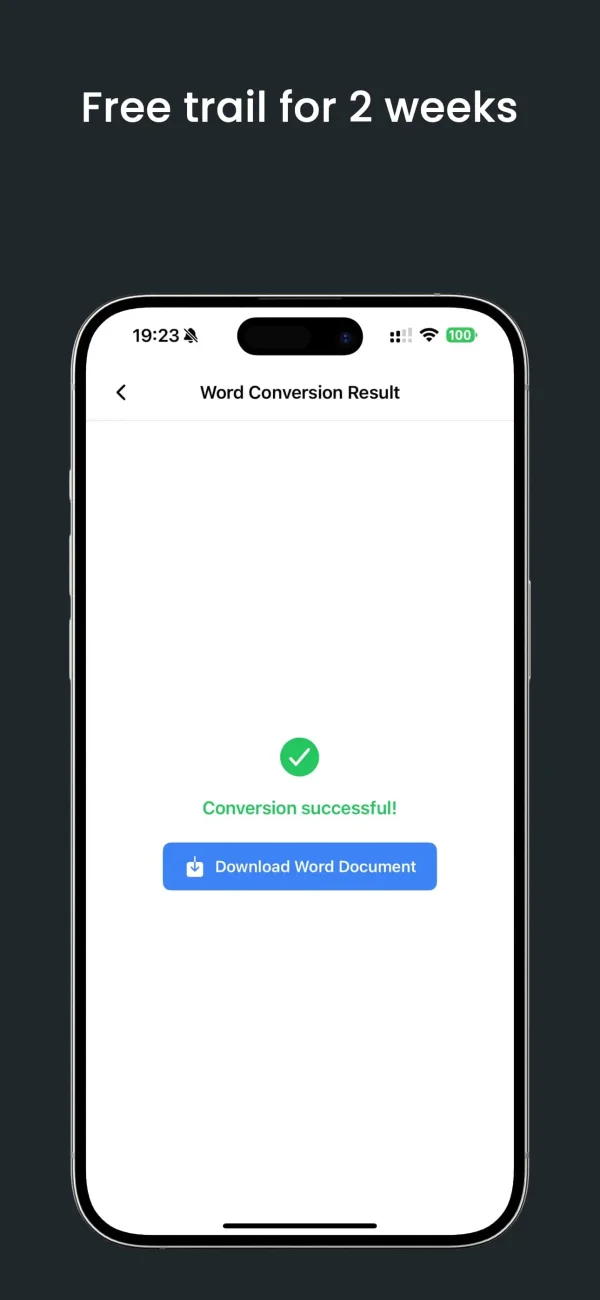
• Scan to PDF, scan pdf, or export JPG/PNG
• Merge, split, reorder, rotate, crop, and rename pages
• Compress to reduce size and free up space on iPhone storage
• Picture to PDF converter for pictures, screenshots, and paperwork
• Fast scanner performance that keeps up with busy days
SCAN NOTES, SCAN WORDS (OCR)
Need editable text? InScan includes OCR so you can copy text, search keywords inside your scanned files, and turn images into usable notes. It’s great for students and work: scan notes, scan docs, scan paper, and even small print.
SCAN & SHARE (SCAN AND EMAIL / SCAN TO EMAIL)
Send documents anywhere, anytime:
• Scan and email directly from the app
• Share to Files, iCloud Drive, Google Drive, Dropbox, OneDrive, WhatsApp, WeChat, Messenger, Slack, and more
• Print, AirDrop, or “scan me” and share in seconds
ORGANIZE YOUR SCANS
Keep everything tidy:
• Folders and tags for doc scanner workflows
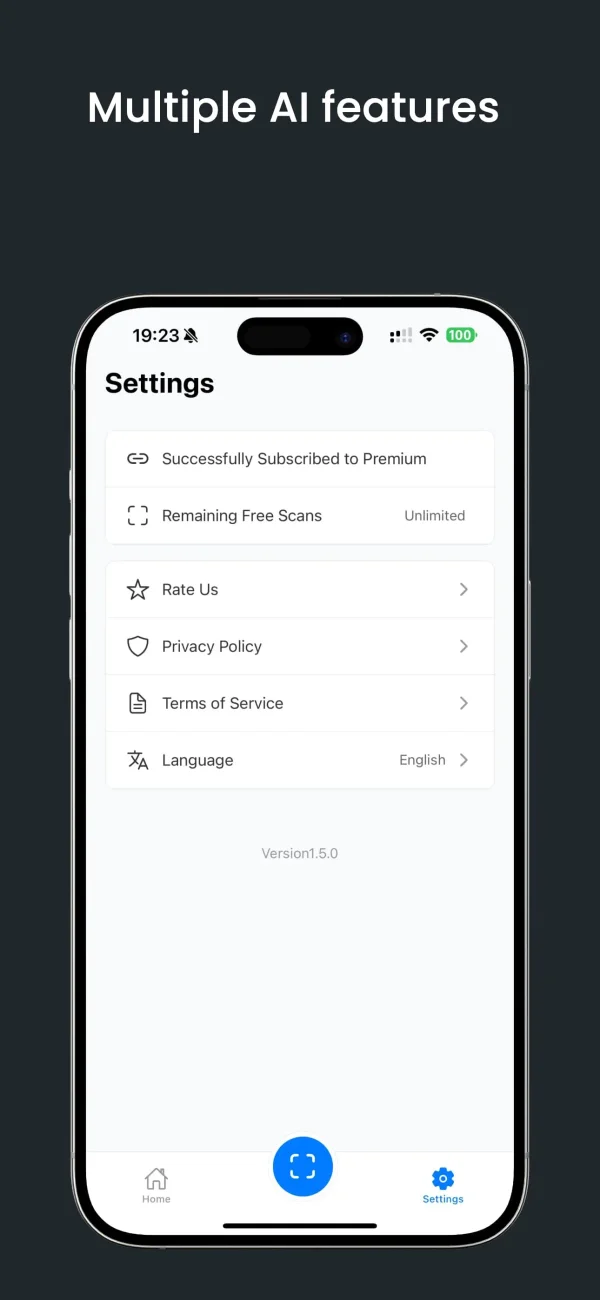
• Smart search by file name (and by text after OCR)
• Favorites and recent lists so you always find what you scanned
• Optional app lock with Face ID / Touch ID on supported devices
USE CASES PEOPLE LOVE
• Work: scan contracts, invoices, forms, and business cards (card scanner)
• School: scan homework, textbooks, lecture slides, and handouts
• Travel: a pocket scanner for tickets, bookings, IDs, and receipts
• Home: paper scanner for letters, bills, warranties, and manuals
FREE SCANNER APP THAT FEELS PRO
If you’re looking for a scanner app free, free document scanner, free pdf scanner app, or a simple scanner that just works, InScan is designed to be fast, clean, and reliable—your everyday iPhone scanner app.
People search in many ways: cam scanner app, camera scanner app, phone scanner, photo scanner, scan app, pdf scanner, pdf scanner free, scan to pdf, scan and email, scan to email, document scanner app, scanned, scanned documents, photocopy, picture to pdf, and more. InScan is made for all of those moments.
Download InScan and start scanning today. Start scanning in seconds—InScan helps you scan, save, and share every document on the go. Scan. Save. Share. That’s InScan Today
Privacy Policy: https://interpreter.youshowedu.com/privacy
User Agreement and Terms of Service: https://interpreter.youshowedu.com/term
Neue Funktionen
Version 2.2.1 · 28.12.2025
1. fix bugs
App-Datenschutz
Was 昱 曹 im App Store zum Umgang dieser App mit Daten angibt.
-
Keine Daten erfasst
Der Entwickler erfasst keine Daten von dieser App.
Die Datenschutzpraktiken können variieren, zum Beispiel je nach den von Ihnen verwendeten Funktionen oder Ihrem Alter.
Informationen
- Anbieter
- 昱 曹
- Kategorie
- Dienstprogramme
- Version
- 2.2.1
- Aktualisiert
- 28.12.2025
- Veröffentlicht
- 20.01.2025
- Größe
- 40,3 MB
- Erfordert
- iOS 15.1 oder neuer
- Altersfreigabe
- 4+
- Preis
- Kostenlos
- In-App-Käufe
- Ja
- Sprachen
- Vereinf. Chinesisch
- Copyright
- © Youshow Education Pty Ltd.
Das könnte Ihnen auch gefallen
-
 iCam-Scanner mit OCR-LesegerätBild zu Text Barcode QR Doku
-
 EinfachCode Scanner:QR&BarcodeStapel-Scan & QR-Generator
-
 闪诉Dienstprogramme
-
 思默业务助手Dienstprogramme
-
 TimesheetDienstprogramme
-
 闪兔扫描王-文件扫描拍照识别文字Dienstprogramme
-
 QR Scanner - InScanDienstprogramme
-
 Lenovo Smart ScannerDienstprogramme
-
 一应未来Dienstprogramme
-
 AI Smart Cleaner-Free up phoneDienstprogramme