
Instructor - Learner Progress
ADI Lesson Diary & Drawing Pad
Entwickelt für iPhone, iPad, Mac
Kostenlos · In-App-Käufe
- Altersfreigabe4+
- KategorieWirtschaft
- EntwicklerAdam Foot
- SprachenEnglisch
- Größe24,5 MB
Verlinkt auf die offizielle App Store-Seite
Download.org hostet keine Datei von Instructor - Learner Progress. Die Schaltfläche öffnet die App-Seite bei App Store, wo Adam Foot die App veröffentlicht. Eintrag zuletzt geprüft am 13.11.2026.
Screenshots



Info
Der Entwickler hat diesen Text nicht in Ihrer Sprache bereitgestellt.
Let Instructor take away the chore of ADI admin and put the focus back on teaching pupils!
Instructor is the perfect companion for driving instructors to track learner progress as they build up to pass their driving test. With a simple and intuitive design, it’s the perfect app for any ADI to use to manage their students.
Instructor contains these great features:
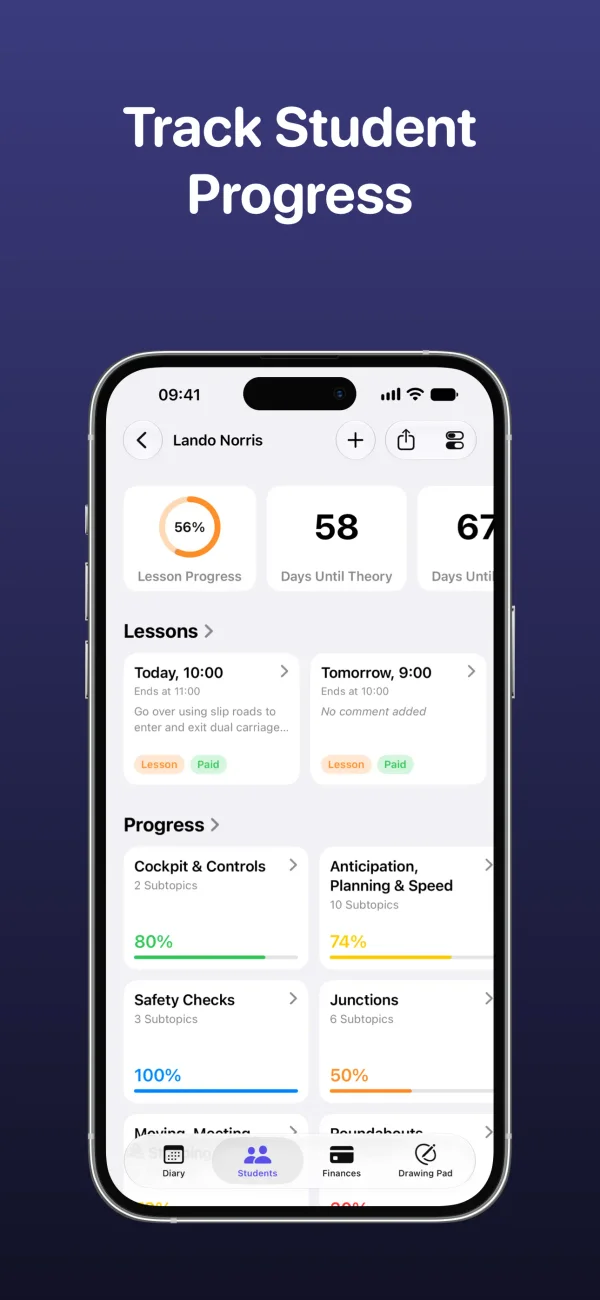
PROGRESS TRACKING
As a driving instructor, knowing how well your students have progressed is crucial. Luckily, Instructor makes that quick & easy! A simple percentage & coloured scale allows you to visually see how well a pupil is doing on a per topic basis. Add comments to point out what they’ve done well and ways in which they could improve.
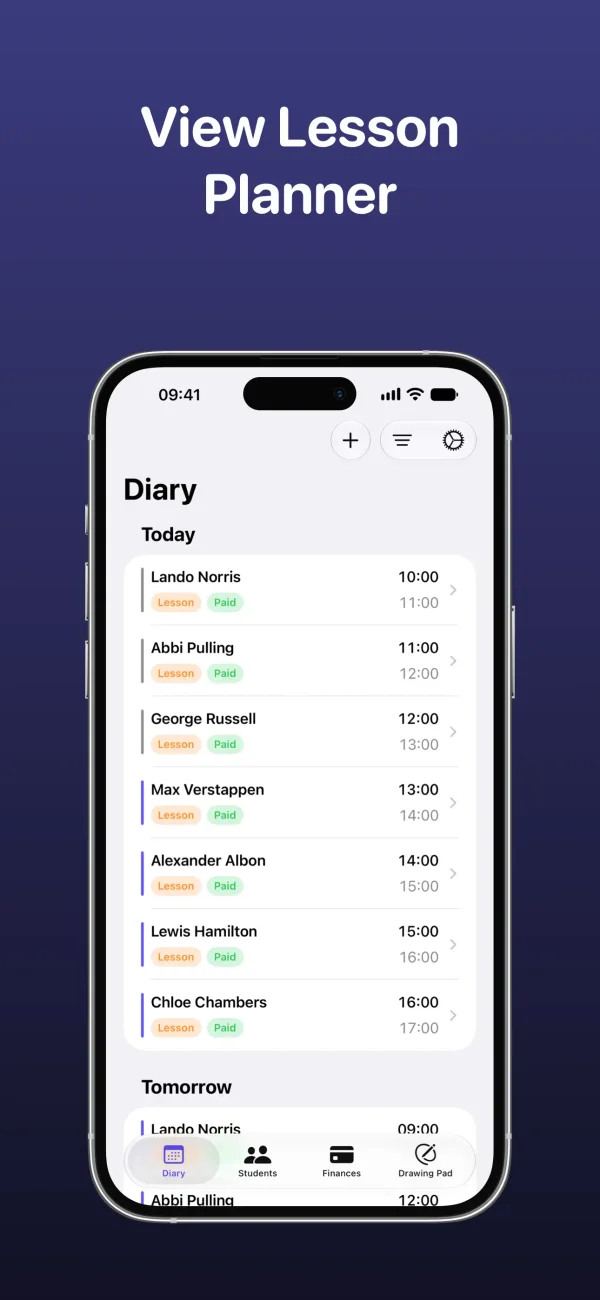
DIARY
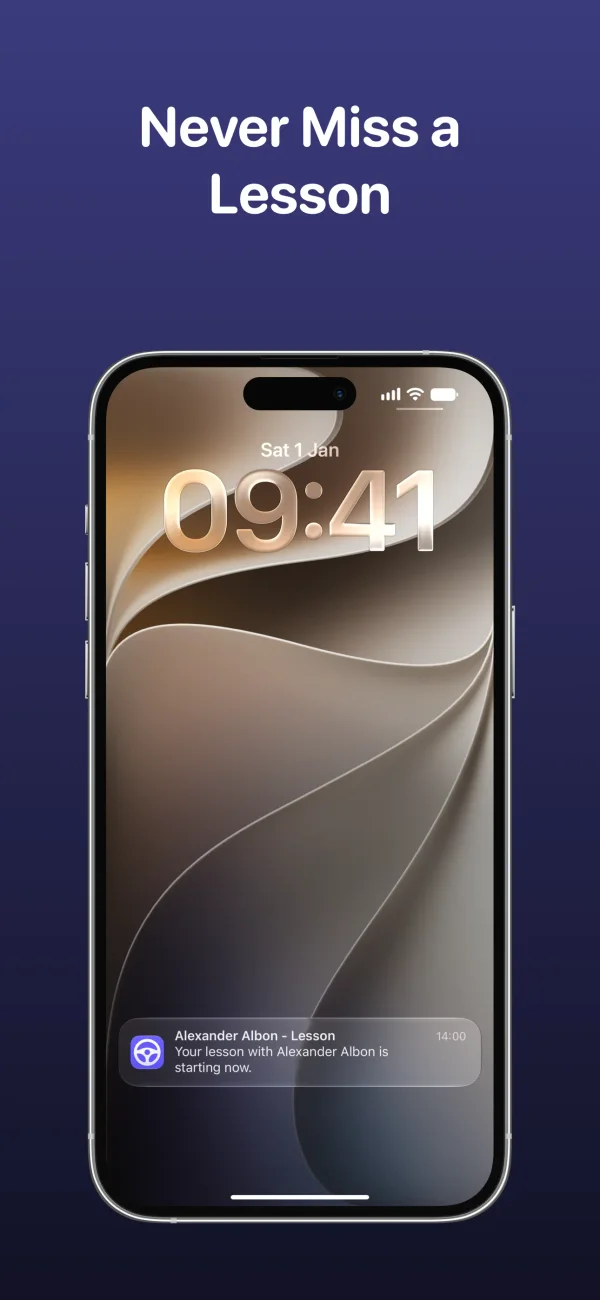
It’s easy to add a new lesson to your diary with the ability to set a duration, type (lesson, test or mock) and whether the student has paid. Reminders can also be set and there is the option for syncing with the Calendar app too.
FINANCES
Manage expenses, log mileage and keep track of your earnings. Lessons can be credit-based or pay-per-lesson (or a combination of both) to support your business model.
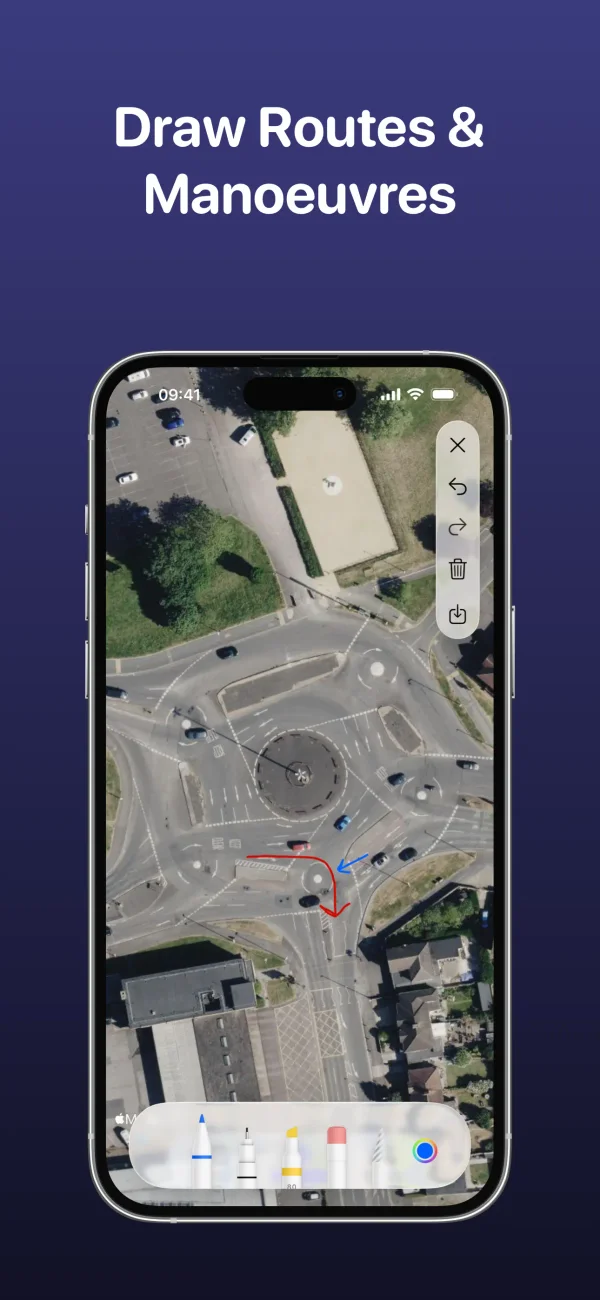
DRAWING PAD
Draw using an Apple Pencil or your finger over a map or plain whiteboard to demonstrate manoeuvres. Snapshots can even be saved for later for you to come back to and show other students.
SYNCING & OFFLINE USE
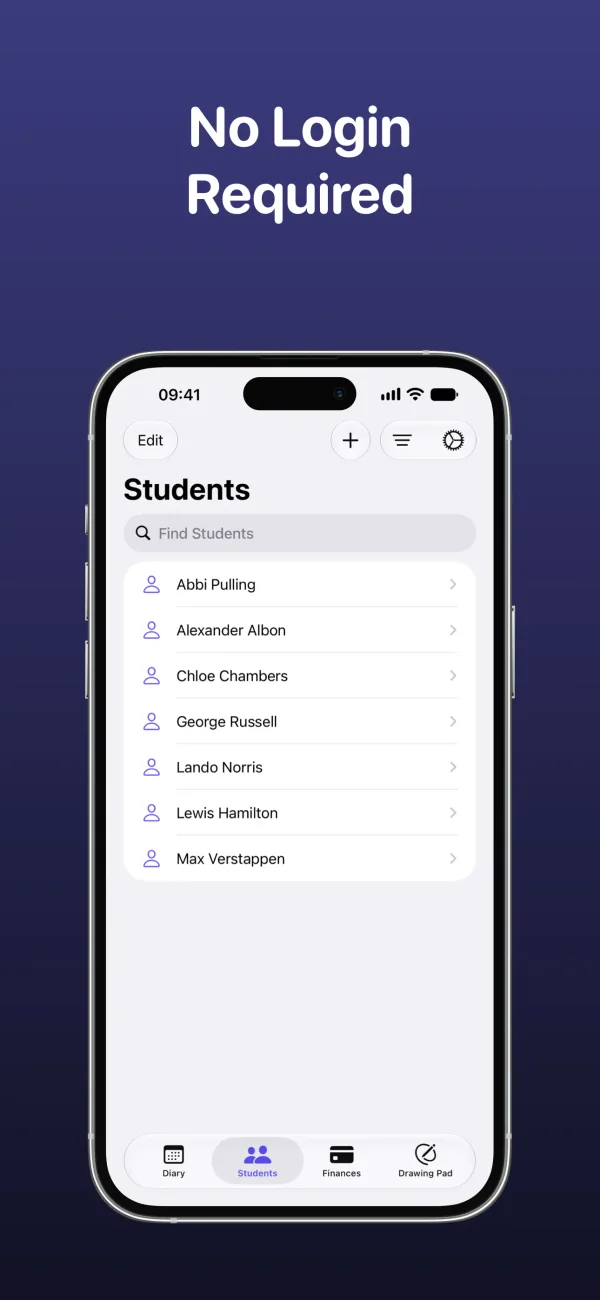
If you’re using more than one device, Instructor automatically syncs all of your learner progress across all iCloud connected devices - no login required! Your data is available offline too.
PRESET TOPICS
As an ADI, time management is critical which is why getting setup with Instructor is quick and simple. There are a number of preset topics that allow you to get started right away! The preset topics included are:
- Cockpit & Controls
- Safety Checks
- Moving, Meeting & Stopping
- Anticipation, Planning & Speed
- Junctions
- Roundabouts
- Dual Carriageways
- Country Roads
- Manoeuvres
- Controlled Stop
- Independent Driving
- Motorways
CUSTOM TOPICS
Whilst a quick setup is useful, those looking for more customisation, can also choose to create their own topics to evaluate a learner against or, remove the existing preset ones. They’re easy to create and can even be assigned on a per student basis too!
DASHBOARD
The studentʼs dashboard is where youʼll find a summary of their progress, upcoming lessons and any notes added. There is also the ability to quickly contact them or navigate to their address. At the top of the screen, summary tiles show a countdown to theory or practical tests, stats such as hours learnt and overall progress.
SHORTCUTS
Manage students, update progress and much more with the power of Siri and the Shortcuts app.
UNIVERSAL PURCHASE
Get this app across multiple Apple platforms with a single purchase. Your Instructor Pro subscription works across devices too.
If you like this app, I’d really appreciate it if you could take the time to leave a positive review! Having issues? Please get in touch:
Email: support@adamfoot.dev
Website: https://adamfoot.dev
Please note some features may require an Instructor Pro subscription which can be purchased in the app. You can cancel at anytime.
Terms: https://adamfoot.dev/terms-of-use
Neue Funktionen
Version 8.1.3 · 11.11.2026
In this update:
- Added full support for iPhone Duo providing you with easier pupil progress adjustments, finance management and lesson bookings. The Drawing Pad also supports Apple Pencil on a larger map for sketching routes and demonstrating manoeuvres. Toolbars and other on-screen elements have also been adjusted throughout the app for the best experience on iPhone Duo.
- When resizing an iPad window or switching between folded & unfolded on iPhone Duo, the map drawing will now be in the correct position.
- Other bug fixes & improvements.
If you like this app, please consider leaving a positive review! Having issues? Please get in touch:
Email: support@adamfoot.dev
Website: https://adamfoot.dev
App-Datenschutz
Was Adam Foot im App Store zum Umgang dieser App mit Daten angibt.
-
Nicht mit Ihnen verknüpfte Daten
Können erfasst werden, sind aber nicht mit Ihrer Identität verknüpft.
- Käufe
Die Datenschutzpraktiken können variieren, zum Beispiel je nach den von Ihnen verwendeten Funktionen oder Ihrem Alter.
Informationen
- Anbieter
- Adam Foot
- Kategorie
- Wirtschaft
- Version
- 8.1.3
- Aktualisiert
- 11.11.2026
- Veröffentlicht
- 20.04.2017
- Größe
- 24,5 MB
- Erfordert
- iOS 18.4 oder neuer
- Altersfreigabe
- 4+
- Preis
- Kostenlos
- In-App-Käufe
- Ja
- Sprachen
- Englisch
- Copyright
- © 2017 Adam Foot
Das könnte Ihnen auch gefallen
-
 Driving Instructor LessonsManage your learner drivers
-
 Acclaim Driving Instructor AppWirtschaft
-
 MyDriveTimeWirtschaft
-
 Total DriveWirtschaft
-
 Fahrtenbuch von DriversnoteDigitales Fahrtenbuch
-
 WorldRemit: GeldüberweisungWeltweit Geld per App senden
-
 Sendwave: Geld schnell sendenGeld nach Afrika überweisen