
iPastels
Paint.Create art.Draw a sketch
Entwickelt für iPhone, iPad, Mac, iPod touch
Kostenlos · In-App-Käufe
- Altersfreigabe4+
- KategorieGrafik und Design
- EntwicklerNorbyte
- SprachenEnglisch
- Größe24,2 MB
Verlinkt auf die offizielle App Store-Seite
Download.org hostet keine Datei von iPastels. Die Schaltfläche öffnet die App-Seite bei App Store, wo Norbyte die App veröffentlicht. Eintrag zuletzt geprüft am 24.11.2026.
Screenshots
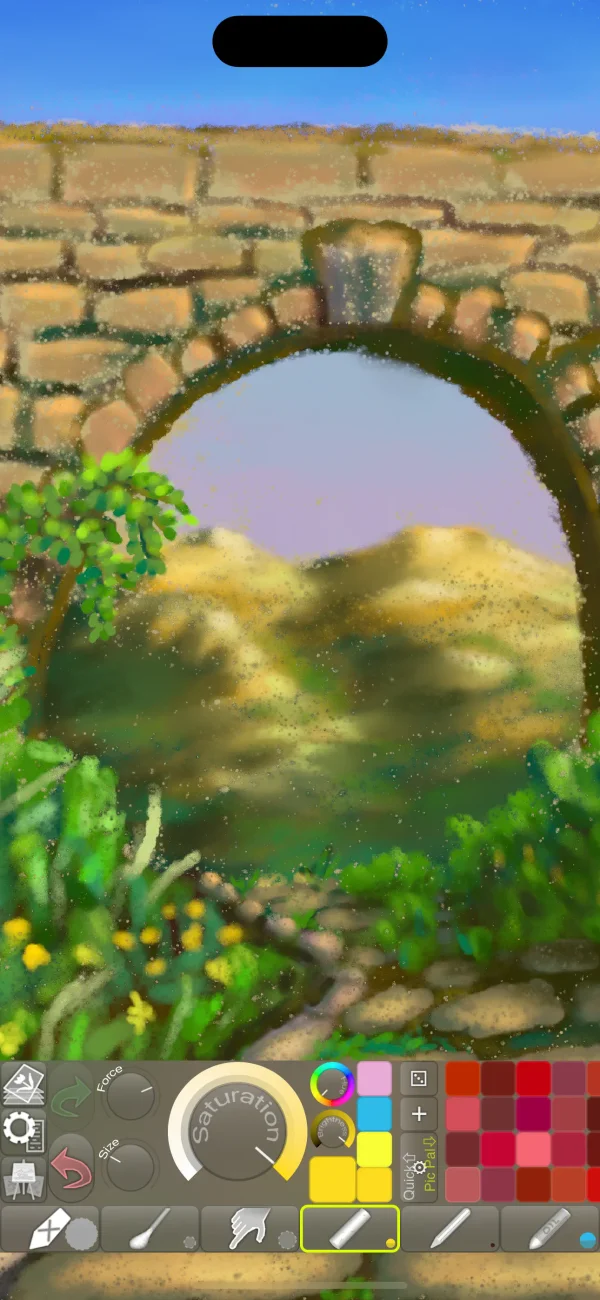
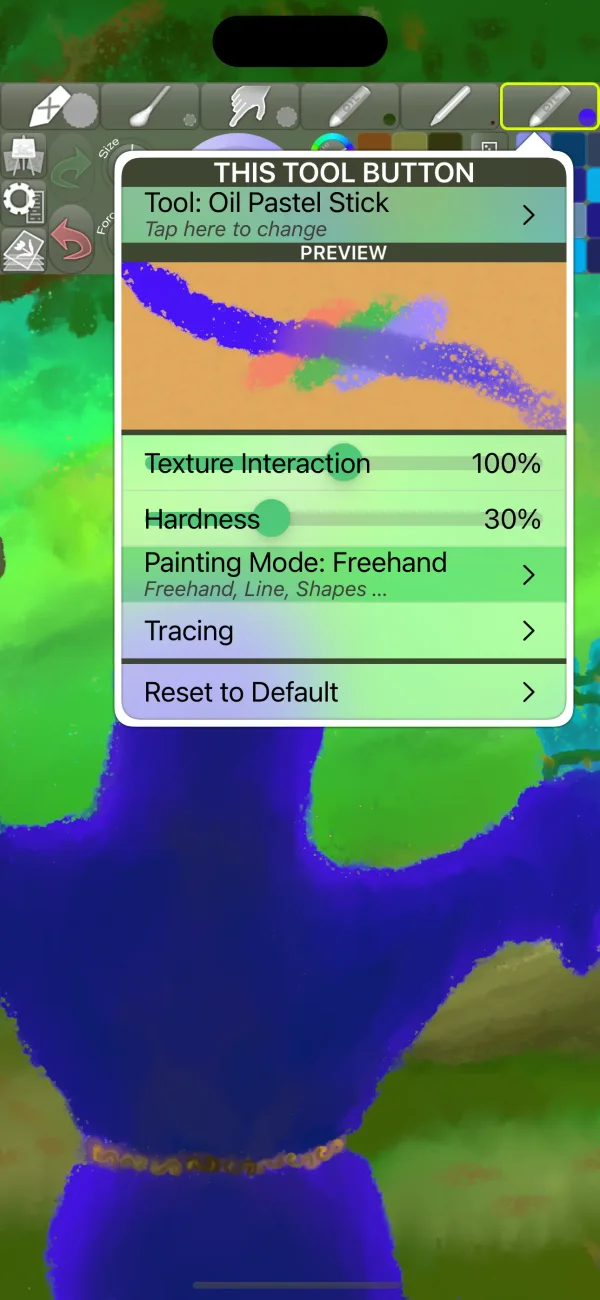
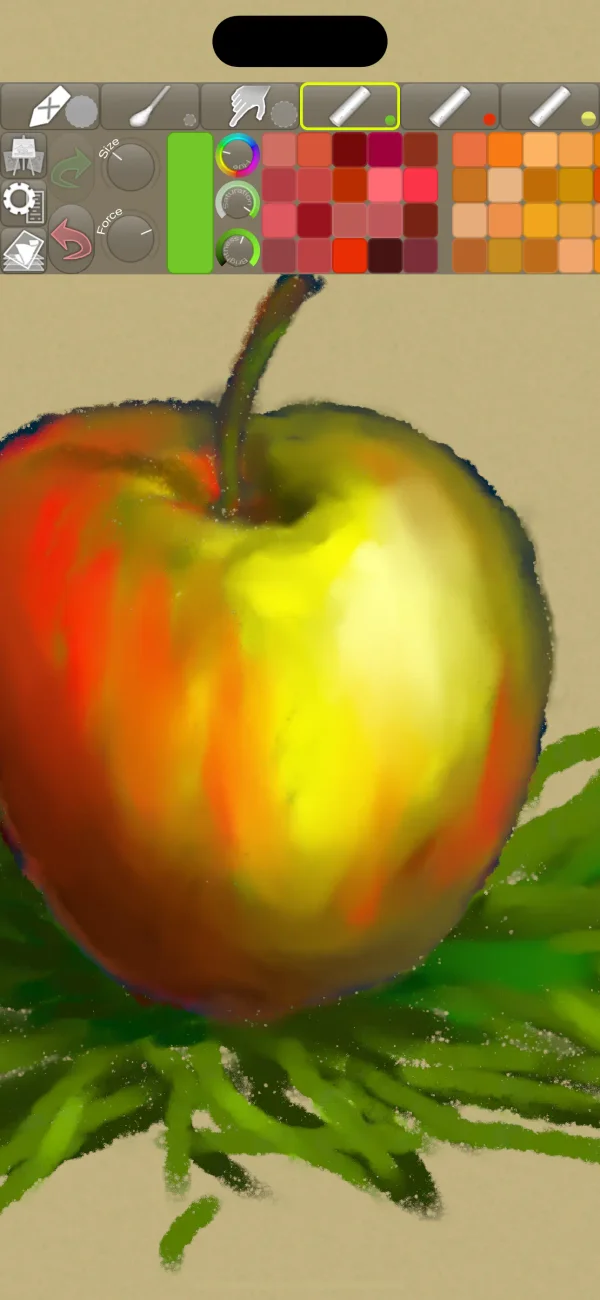
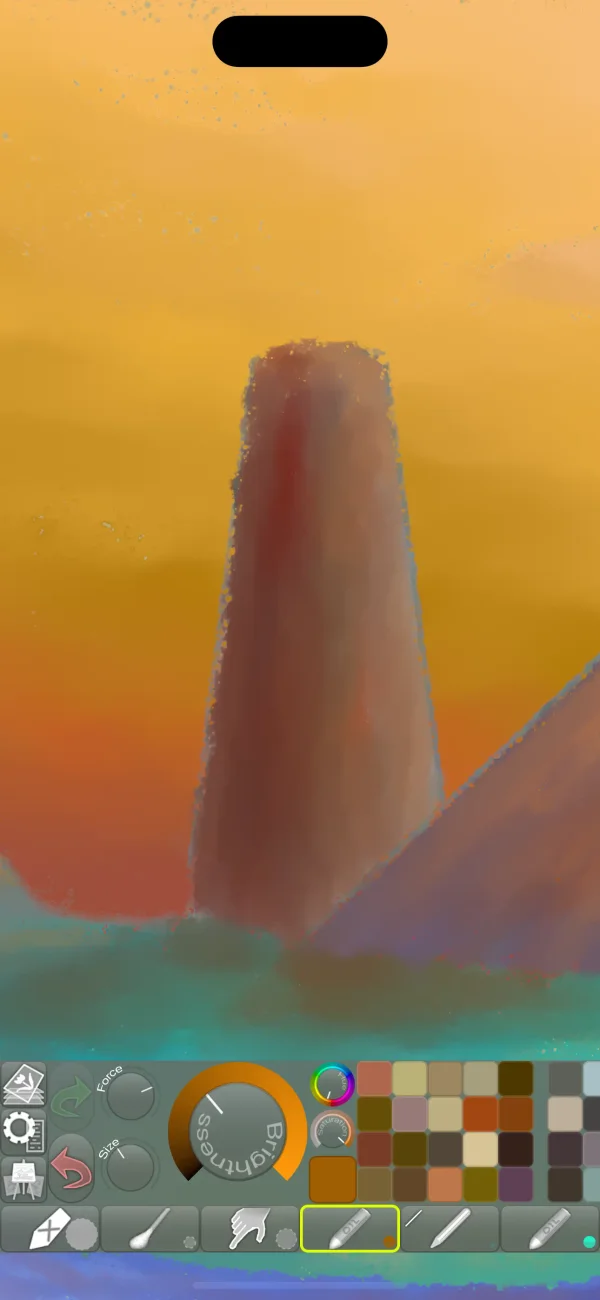
Info
Der Entwickler hat diesen Text nicht in Ihrer Sprache bereitgestellt.
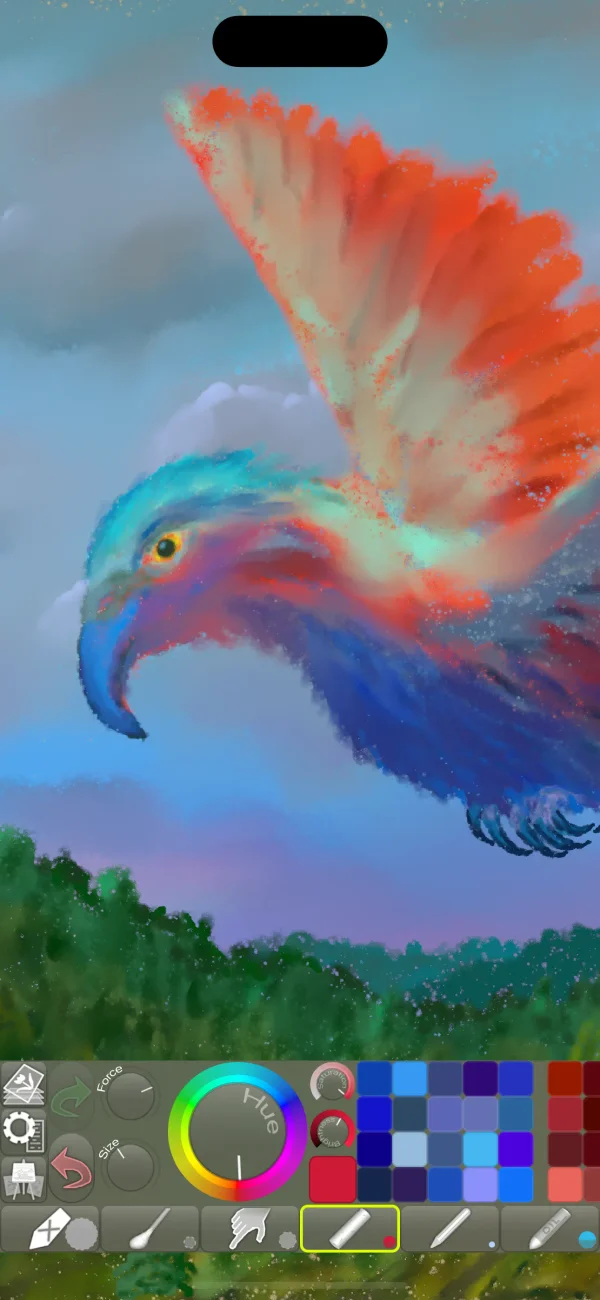
A painting app for all artists, whether you’re experienced or just starting out.
Perfect for creating beautiful works of art or a quick sketch whenever and wherever you have a burst of inspiration.
You can also try out ideas and compositions before starting on a new painting in real life, or practise and refine your skills, all without the added cost of art supplies.
• LIFELIKE PASTEL SIMULATION •
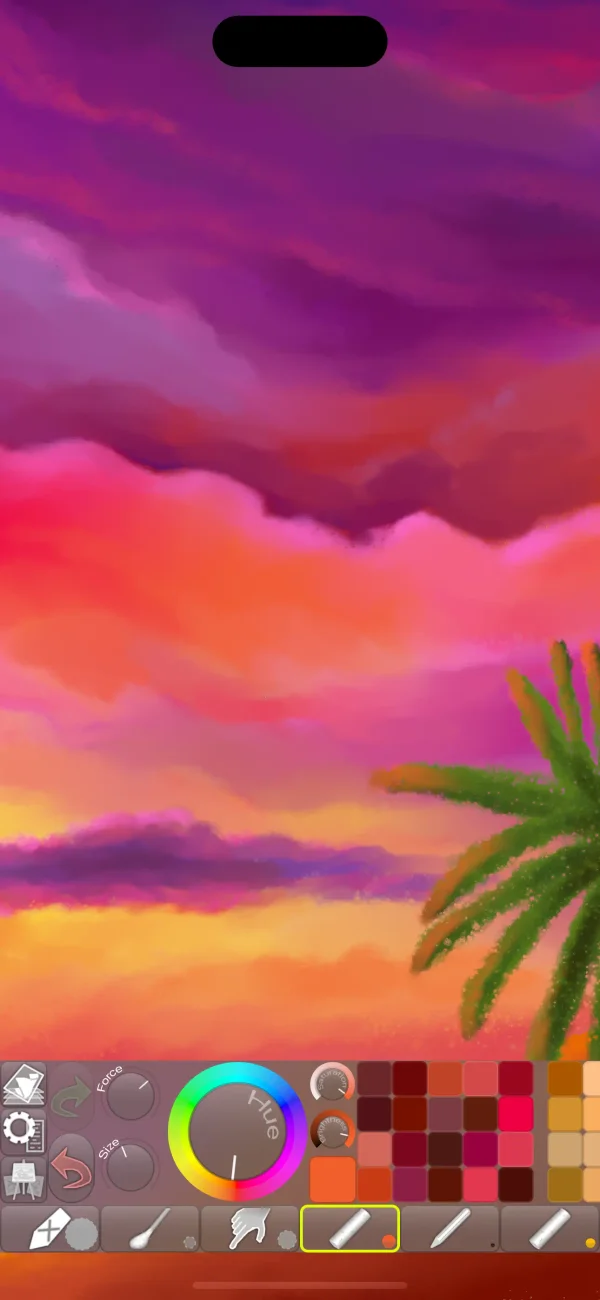
The app features live-calculated brushes and strokes, making a realistic pastel simulation possible.
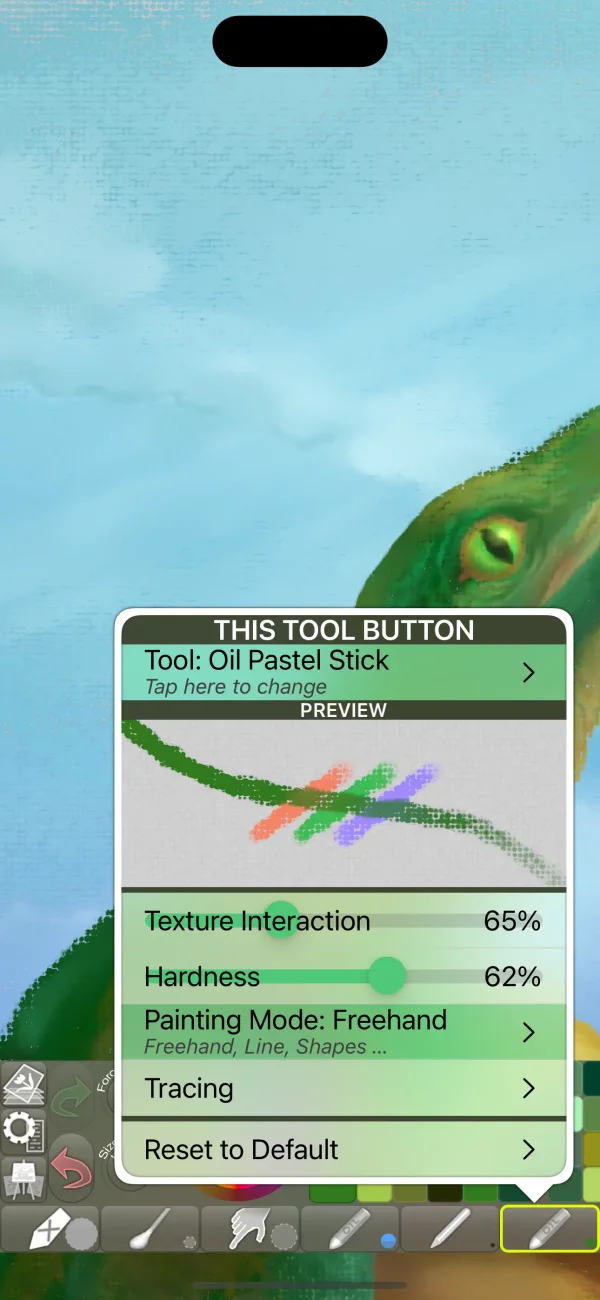
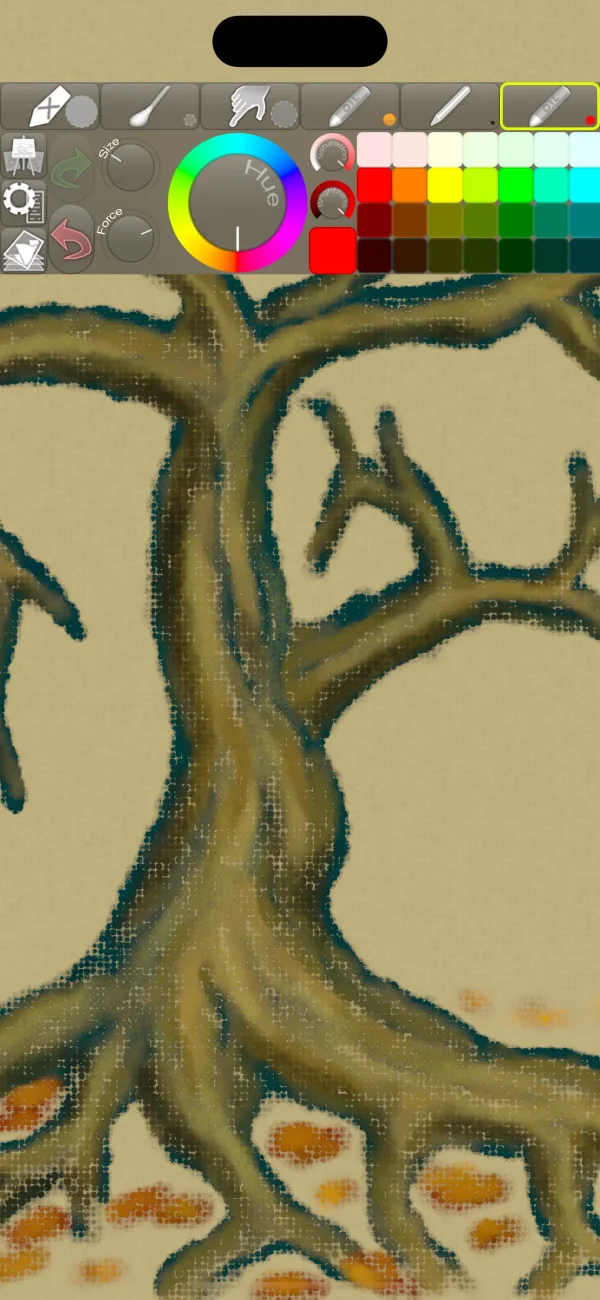
Painting tools include soft pastels, oil pastels, pastel pencils, smudge tool, and more.
• REALISTIC PAPER/CANVAS TEXTURES •
When creating a new picture, a unique, non-repeating paper texture is generated that will interact in real-time with the live-calculated strokes you paint.
You can change the default-generated texture to, for example, canvas, which goes great with oil pastels!
• PRECISE COLOR BLENDING •
When painting, especially with soft pastels, use Smudge or the Cotton Swab to blend and smoothen the colors right on the paper, as you would in real life.
With oil pastels, in addition to smudging, the blending is often done by the pastel sticks themselves (for best results, reduce the force or use a similar or lighter color).
If you use an Apple Pencil, it will feel incredibly realistic if you use the stylus to draw and use your finger to Smudge (assigned as a 2nd tool)!
• FINGERTIP = STROKE SIZE •
When you paint, the app measures how much of your finger is touching the screen and changes the stroke size accordingly.
Apply just the corner of your fingertip for a thin line, or the whole fingerprint area for a broad stroke.
A 2nd tool assigned to your finger will still use this feature, so don’t ignore it just because you have an Apple Pencil!
• LEFT-HANDED? •
Just swipe the toolbar over to the other side!
• PARAMETERS CAN BE CHANGED LIVE •
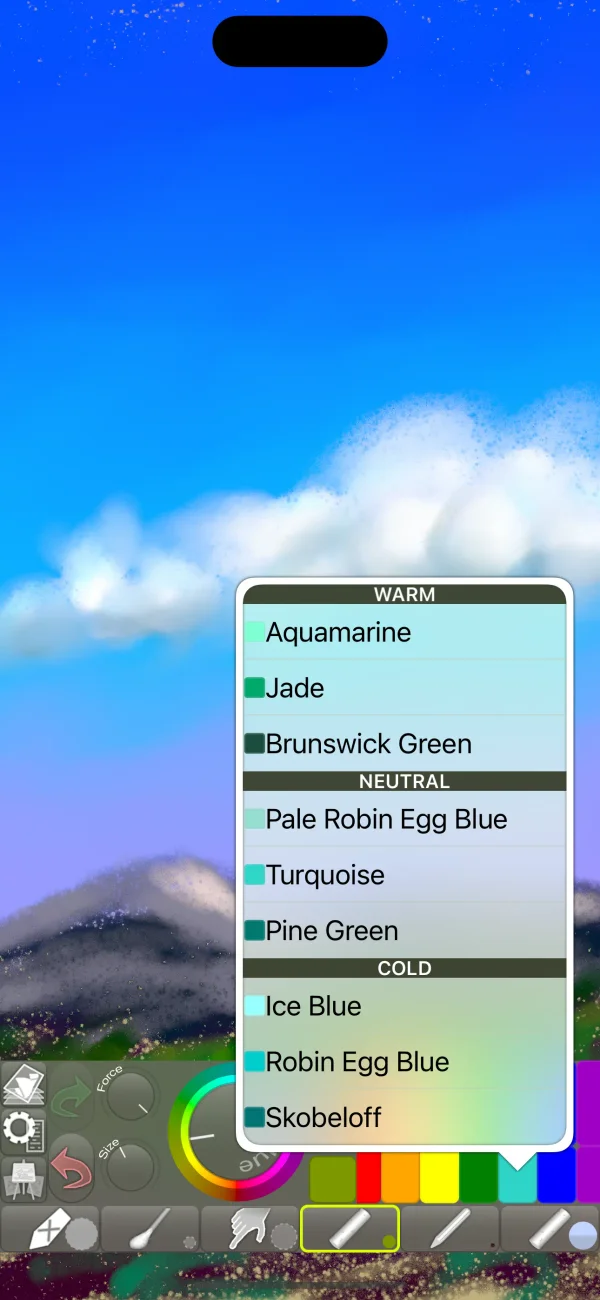
Use any buttons or controls to change/adjust color, size, force, simultaneously while painting.
• UNIVERSAL PURCHASE •
If you choose to buy the Pro upgrade, this one-time in-app purchase will unlock all Pro features in the app on all available platforms (iPad-iPhone-Mac)!
• METAL •
The engine is based on Metal, with 128-bit color and floating-point arithmetic.
• SWIFT •
The app was developed entirely using Swift (earlier versions used C++).
• APPLE PENCIL SUPPORT • FULL SCREEN PAINTING • SEAMLESS PATTERN EDITING MODE •
• DARK MODE • LANDSCAPE • PORTRAIT • WIDE COLOR •
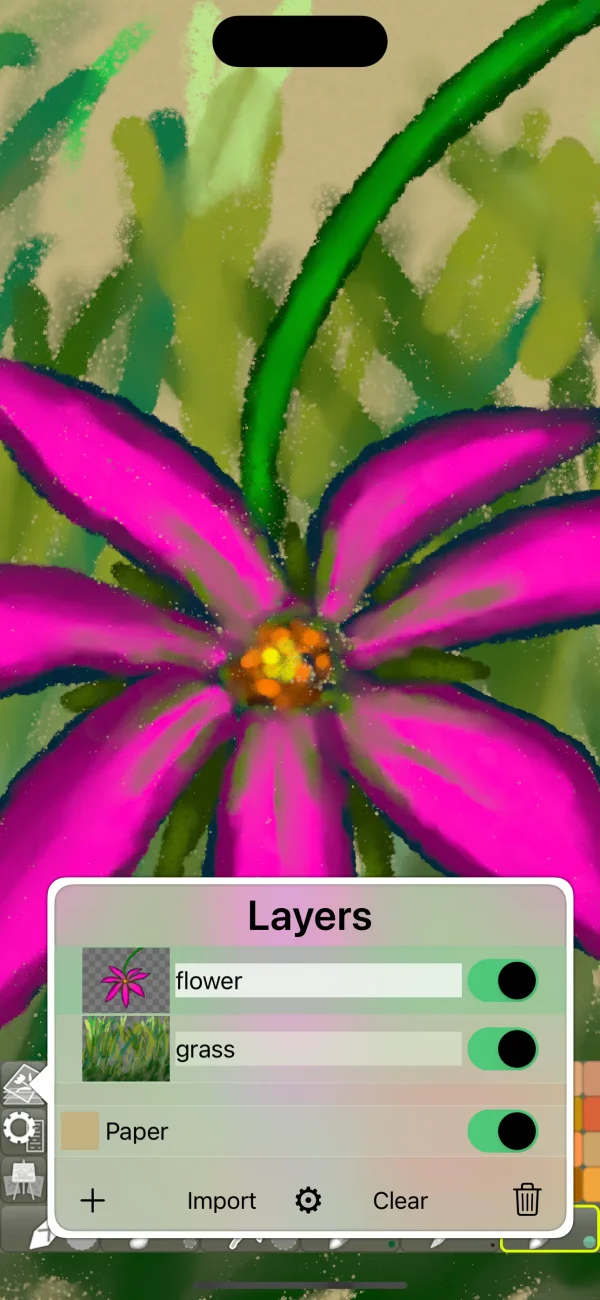
• MULTIPLE LAYERS • PHOTO TRACING MODE (Pro feature) •
Neue Funktionen
Version 5.6.3 · 21.12.2023
[NEW] Added “Reset to Default” button to the Scrollable Palette Area menu (to open that menu, scroll the palette to its beginning and tap the largest of the three buttons that appear).
[FIXED] A couple of rare user interface layout glitches.
[FIXED] Some issues when tapping to add to the selection while dragging the thumbnails in Work in Progress (Gallery).
[FIXED] Pasting multiple files in Work in Progress (Gallery) did not always select all the imported pics.
[IMPROVED] The Apple Pencil menu now has a simplified setting for blocking finger/touch input.
[IMPROVED] Some optimizations.
[IMPROVED] A few minor things.
App-Datenschutz
Was Norbyte im App Store zum Umgang dieser App mit Daten angibt.
-
Keine Daten erfasst
Der Entwickler erfasst keine Daten von dieser App.
Die Datenschutzpraktiken können variieren, zum Beispiel je nach den von Ihnen verwendeten Funktionen oder Ihrem Alter.
Informationen
- Anbieter
- Norbyte
- Kategorie
- Grafik und Design
- Version
- 5.6.3
- Aktualisiert
- 21.12.2023
- Veröffentlicht
- 17.12.2011
- Größe
- 24,2 MB
- Erfordert
- iOS 12.0 oder neuer
- Altersfreigabe
- 4+
- Preis
- Kostenlos
- In-App-Käufe
- Ja
- Sprachen
- Englisch
- Copyright
- © 2011-2023 Norbyte
Das könnte Ihnen auch gefallen
-
 Tayasui Watercolor & PaintingZeichnen, Malen, Aquarell
-
 Artstudio Pro: Draw, PaintGrafik und Design
-
 Palette für Make-up StylistinMädchen schminken mit Kosmetik
-
 Brushes for Procreate ArtGrafik und Design
-
 Sketch Tree - Art Drawing PadGrafik und Design
-
 Infinite PainterMalen und skizzieren
-
 MediBang Paletta:Zeichen-AppSkizzieren, Zeichnen, Malen
-
 Skizzenbuch: Erstellen SieErstellen Sie digitale Kunst
-
 Doodle Magic - Zeichnen, MalenTolles Glow-Doodle-Spiel!
-
 Tayasui SketchesZeichnen, Malen und Skizzen