iTag Graffiti
The World's No.1 Graffiti App
Entwickelt für iPhone, iPad, Mac
Kostenlos · In-App-Käufe
- Altersfreigabe4+
- KategorieUnterhaltung
- EntwicklerAme72
- SprachenEnglisch
- Größe65,6 MB
Verlinkt auf die offizielle App Store-Seite
Download.org hostet keine Datei von iTag Graffiti. Die Schaltfläche öffnet die App-Seite bei App Store, wo Ame72 die App veröffentlicht. Eintrag zuletzt geprüft am 20.11.2026.
Screenshots
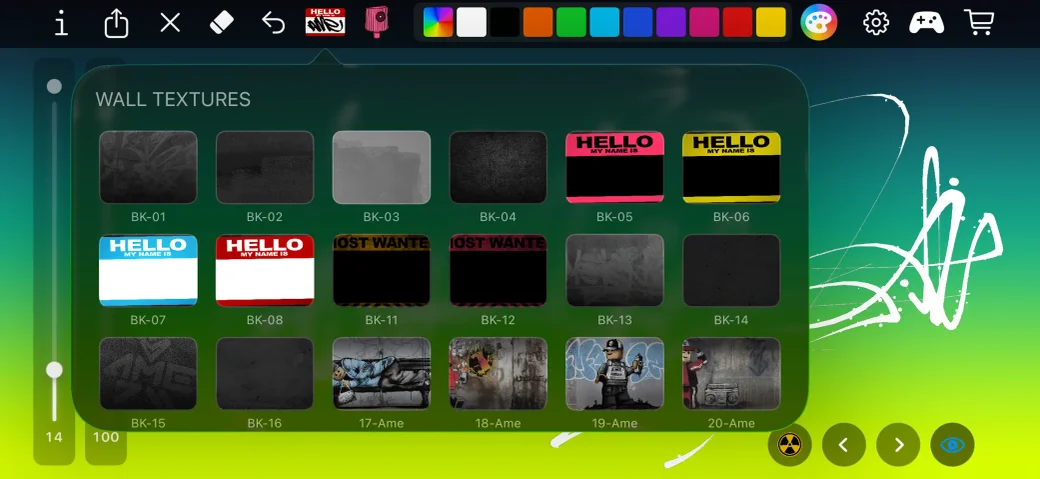
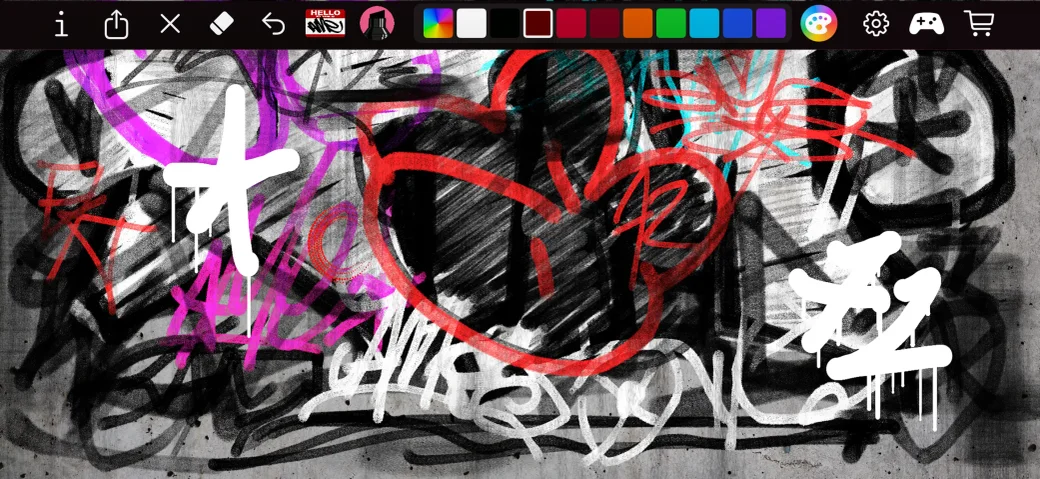

Info
Der Entwickler hat diesen Text nicht in Ihrer Sprache bereitgestellt.
iTAG GRAFFITI
By Graffiti Artist JAMES AME (Ame72)
The iconic digital graffiti app for iPhone and iPad.
Over 2 million downloads worldwide.
Now with a brand new update and redesign!
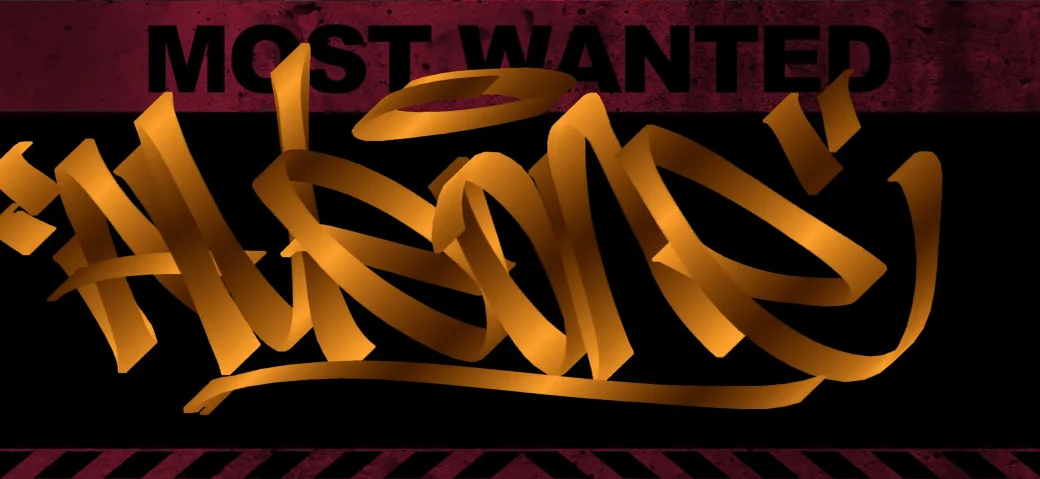
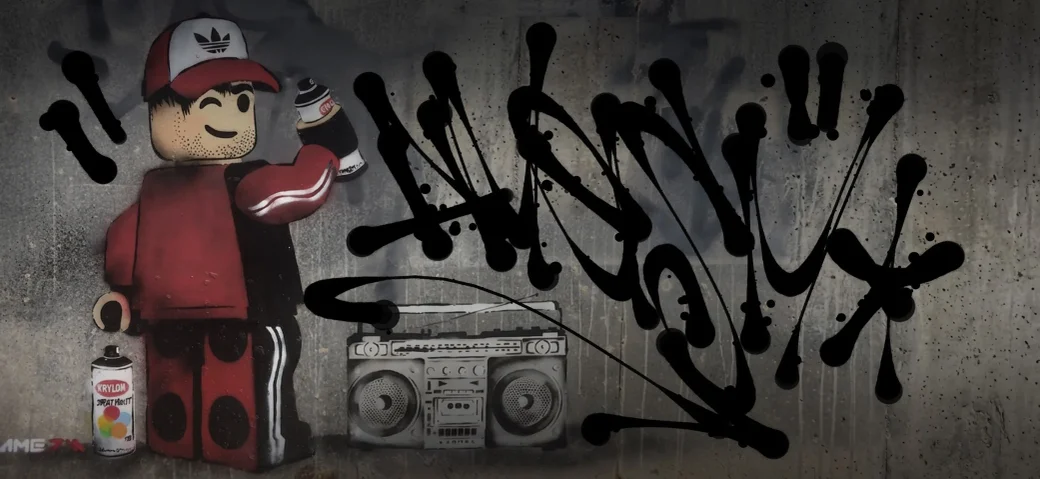
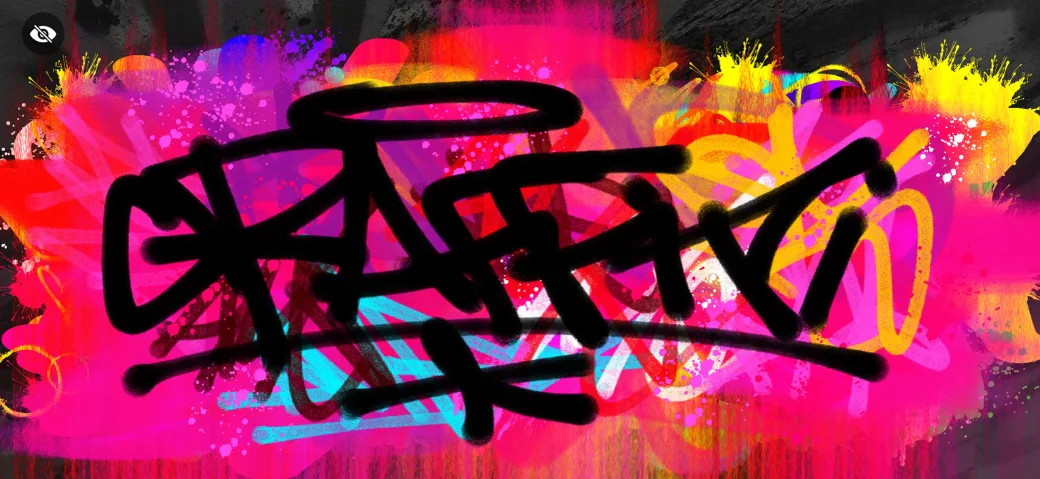
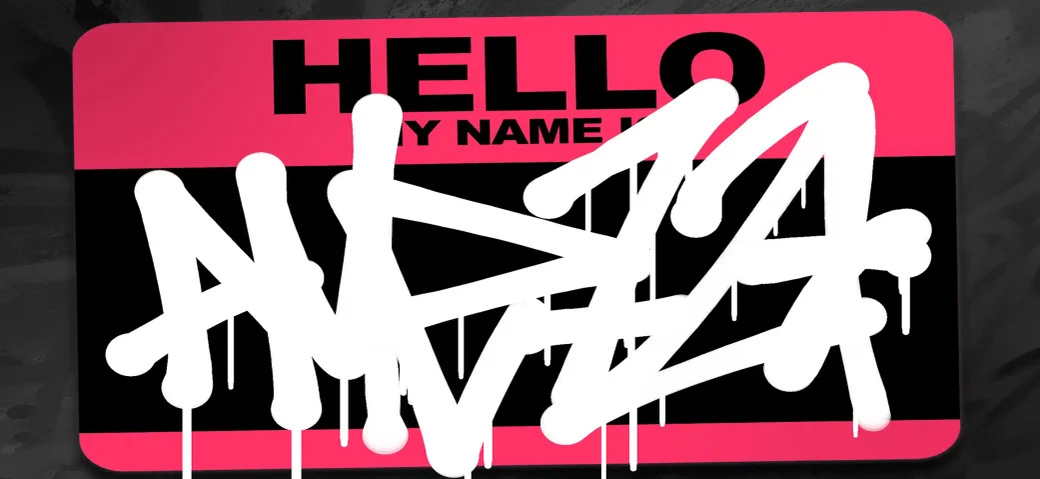
Create digital graffiti art on your screen with dozens of
authentic-feeling spray paint tools, markers, and effects.
No mess, no cleanup, just pure creative expression.
FEATURES
• Proprietary spray paint engine for realistic effects
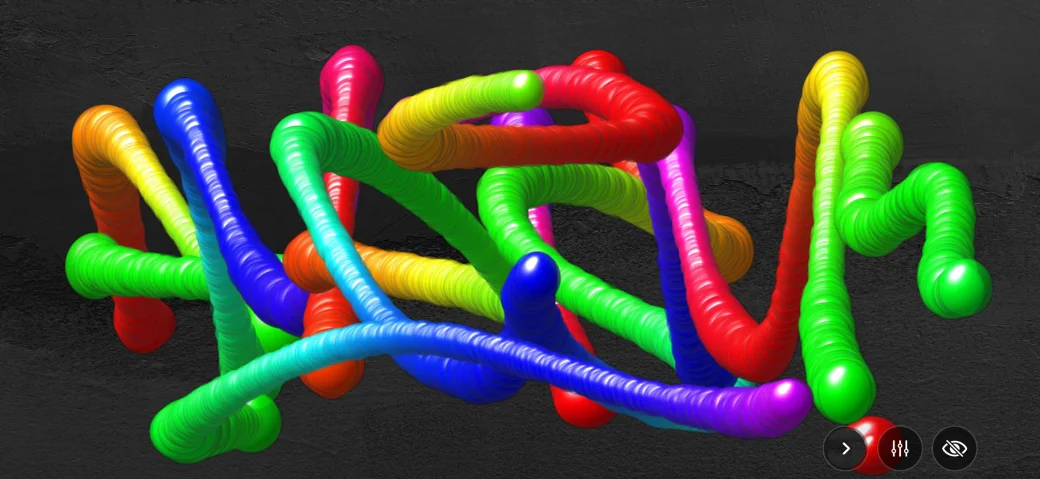
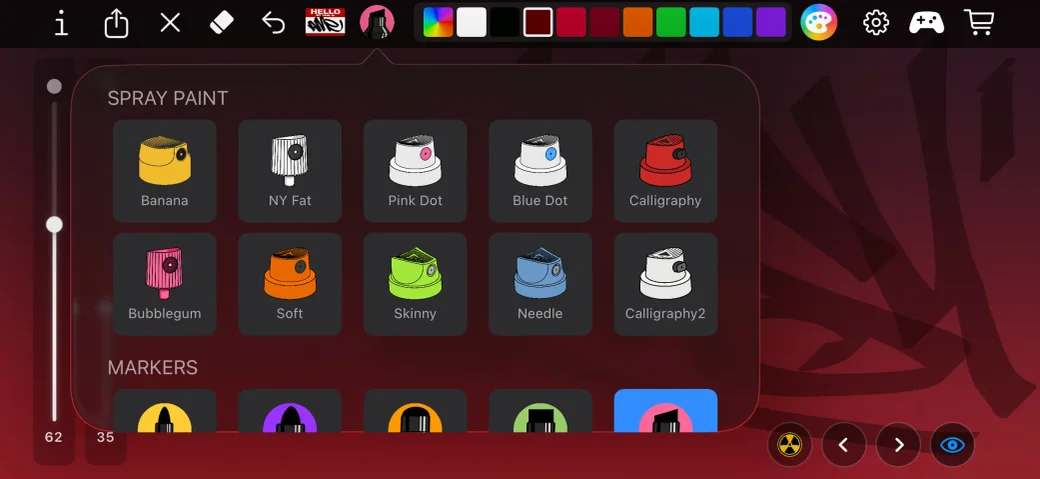
• Over 30 tools: spray paints, markers, special effects & graphics
• Expanded colour palette with hundreds of shades
• Multiple backgrounds and solid colours
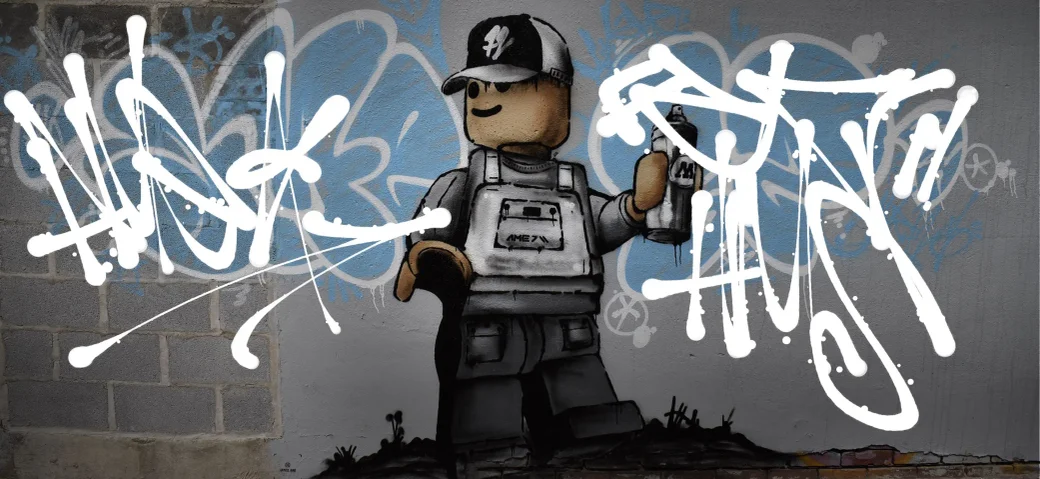
• Draw over any photo from your gallery
• Free mini-games for fun between sessions
• Undo and 3-finger tap to clear
• Hide sliders or all tools while painting
• Info tooltip on every section
• Save your creations to your photo library
• Restore previously purchased content
Practice your art style, develop your letters, and have
fun creating digital graffiti, all in one app!
Neue Funktionen
Version 25.0 · 16.11.2026
Realistic spray paint
All spray caps now have authentic overspray that's heavier near the line, at the start and end of each stroke, and on curves. Hold your finger still to build up paint just like a real can.
Adjust drips and splats with the new overspray slider.
Special Effects
New enhanced effects added to Special Effects tools.
New marker icons.
Fresh look for the markers and the drip markers.
Favourites.
Save up to 10 of your favourite tools and get to them instantly from the toolbar or quick pick.
Just press and hold to wiggle and reorder them, just like your home screen.
Plus:
• Haptic feedback on three-finger clear
• Neater stacked sliders on iPhone
• Light paint timers
• Smaller, tidier toolbar icons
• Performance improvements and bug fixes
App-Datenschutz
Was Ame72 im App Store zum Umgang dieser App mit Daten angibt.
-
Daten, die zum Tracking Ihrer Person verwendet werden
Können verwendet werden, um Sie über Apps und Websites anderer Unternehmen hinweg zu verfolgen.
- Kennungen
- Nutzungsdaten
-
Nicht mit Ihnen verknüpfte Daten
Können erfasst werden, sind aber nicht mit Ihrer Identität verknüpft.
- Käufe
- Kennungen
- Nutzungsdaten
- Diagnose
Die Datenschutzpraktiken können variieren, zum Beispiel je nach den von Ihnen verwendeten Funktionen oder Ihrem Alter.
Informationen
- Anbieter
- James Hallewell
- Kategorie
- Unterhaltung
- Version
- 25.0
- Aktualisiert
- 16.11.2026
- Veröffentlicht
- 24.07.2011
- Größe
- 65,6 MB
- Erfordert
- iOS 17.6 oder neuer
- Altersfreigabe
- 4+
- Preis
- Kostenlos
- In-App-Käufe
- Ja
- Sprachen
- Englisch
- Copyright
- © 2026 James Ame
Das könnte Ihnen auch gefallen
-
 Wie Graffiti zu zeichnenUnterhaltung
-
 Spray cans simulatorUnterhaltung
-
 Skins for FR LegendsUnterhaltung
-
 Meme Instants – SoundboardLustige Prank-Soundeffekte
-
 PotuzhnometrUnterhaltung
-
 Graffiti Wallpapers 4KUnterhaltung
-
 Graffiti Wallpapers 4K | HDUnterhaltung
-
 Skins for FR Legends proUnterhaltung
-
 Mein Skizzenbuch: MalprogrammBilder skizzieren und ausmalen
-
 Jacket's Tape RecorderUnterhaltung