keyboard typing test Practice
Keyboard Trainer WPM Tracker
Entwickelt für iPhone, iPad, iPod touch
Kostenlos · In-App-Käufe
- Altersfreigabe4+
- KategorieProduktivität
- EntwicklerChamishka Dilina
- SprachenEnglisch
- Größe40,2 MB
Verlinkt auf die offizielle App Store-Seite
Download.org hostet keine Datei von keyboard typing test Practice. Die Schaltfläche öffnet die App-Seite bei App Store, wo Chamishka Dilina die App veröffentlicht. Eintrag zuletzt geprüft am 17.11.2026.
Screenshots


Info
Der Entwickler hat diesen Text nicht in Ihrer Sprache bereitgestellt.
Improve Your Typing Speed and Accuracy with TypeFast
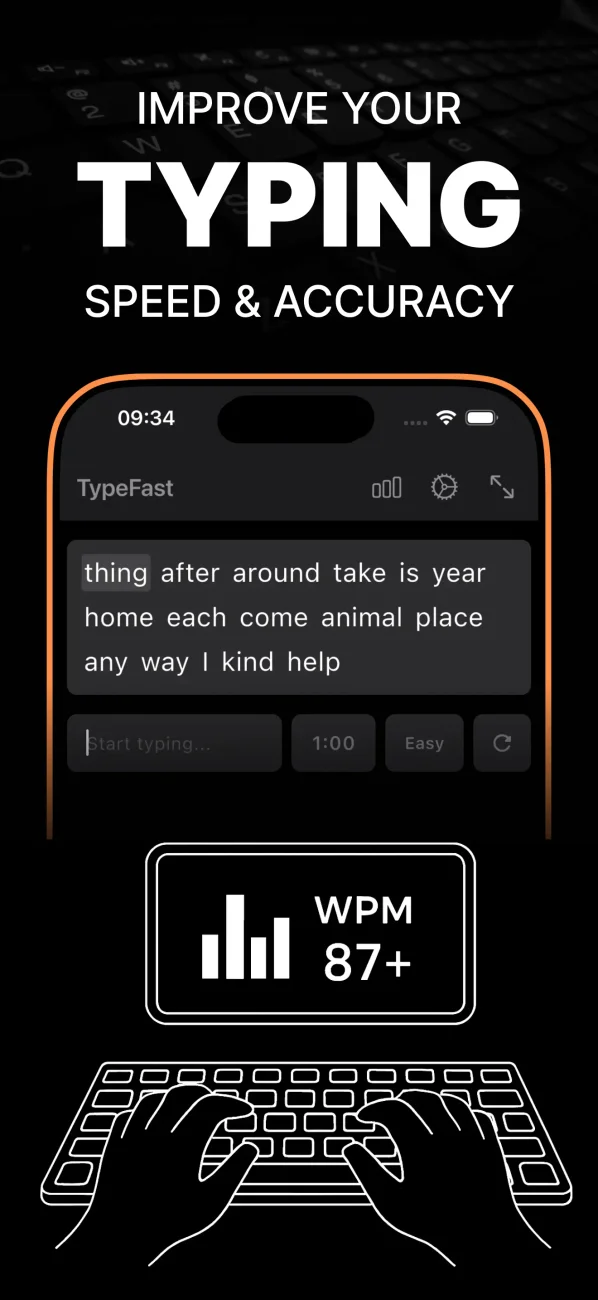
TypeFast is a powerful typing practice, wpm test, and keyboard trainer app designed to help you boost typing speed, accuracy, and efficiency on any keyboard - whether you’re using mobile touch typing, OTG, or Bluetooth keyboards. With research‑based word lists, fullscreen typing mode, detailed progress tracking, and custom training options, TypeFast makes typing practice simple, effective, and fun.
Why TypeFast Is Your Best Typing Trainer & Typing Test App
If you want to improve your typing skills fast, TypeFast gives you the right tools:
• Typing Practice & Typing Test - Train with structured practice and timed speed tests to increase your words per minute ( WPM ) and reduce errors.
• Touch Typing Support - Improve your touch typing technique and type confidently without looking at the keyboard.
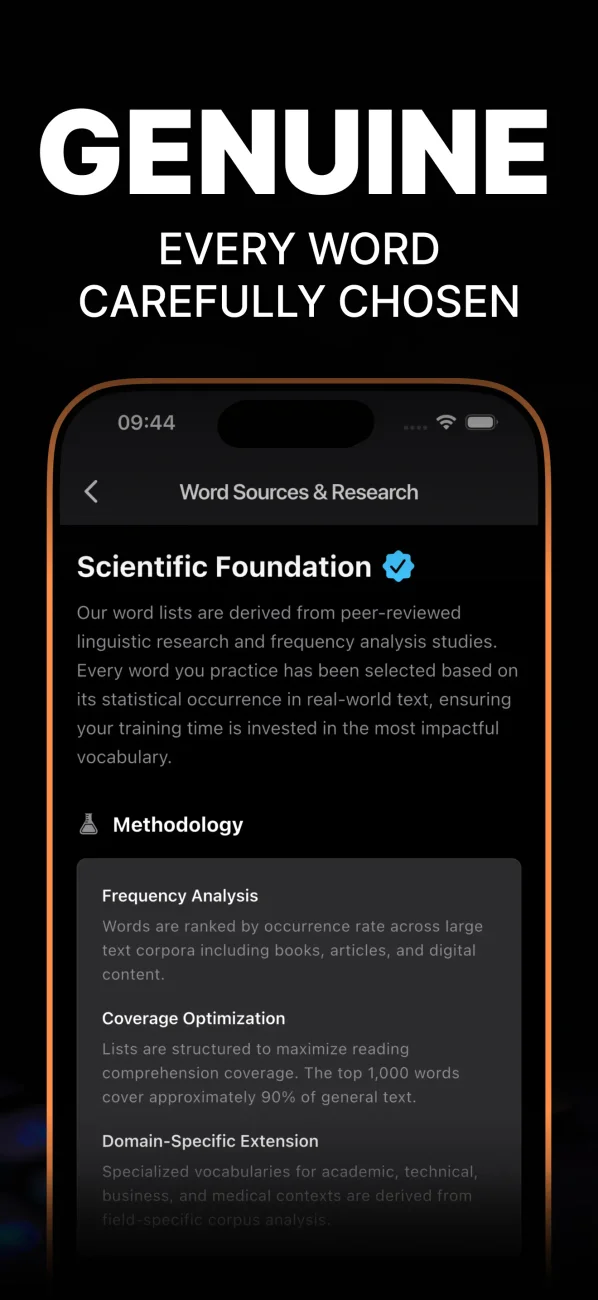
• Real‑World Word Lists - Practice with scientifically validated word sets designed to reflect real typing scenarios.
Powerful Features to Improve Speed & Accuracy
Fullscreen Typing Mode
Focus without distraction - keep your eyes on the words and boost your typing speed.
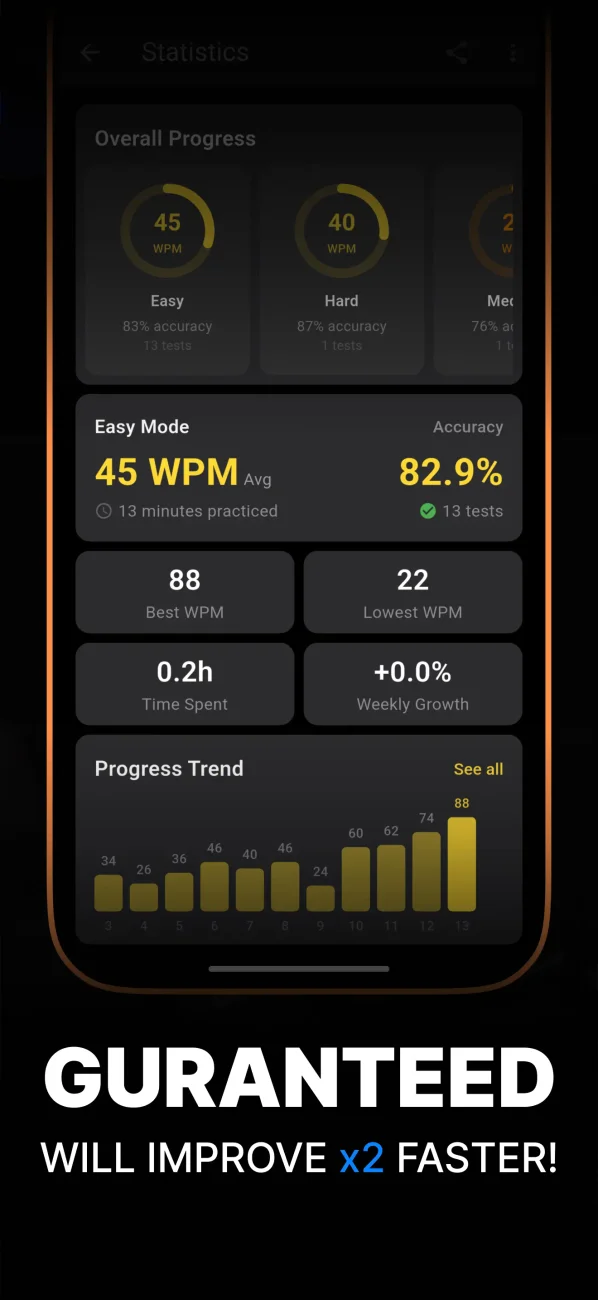
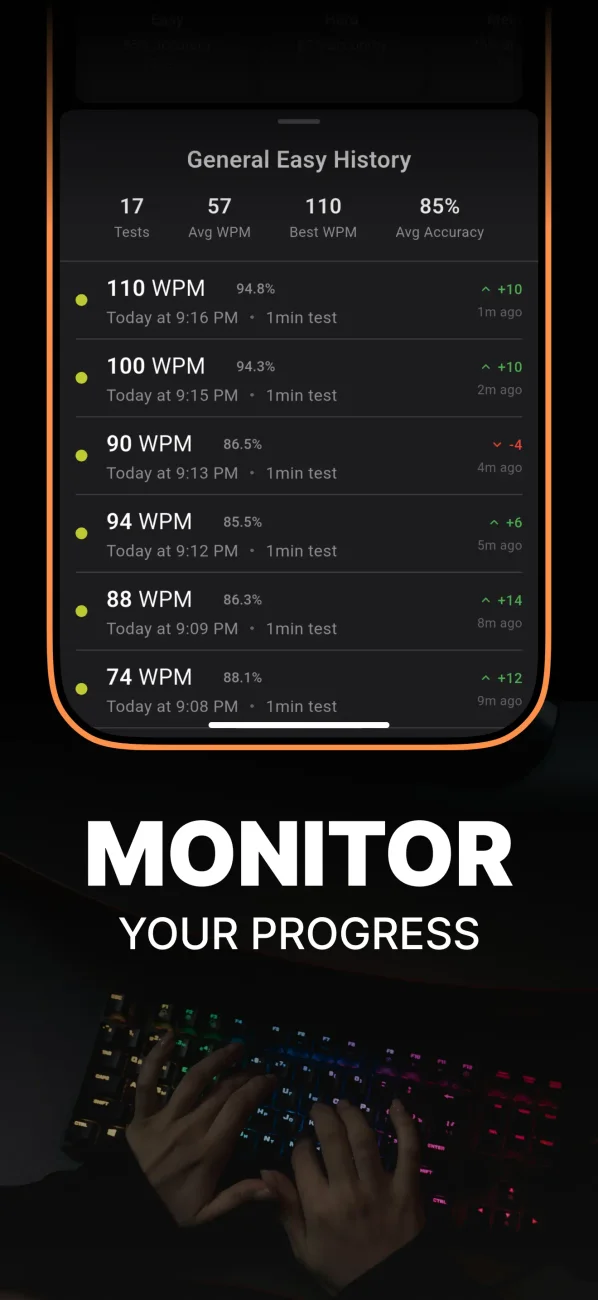
Detailed WPM Test & Progress Tracking
Track your typing speed (WPM), accuracy percentage, and improvement over time with clear graphs and statistics.
Custom Word Lists
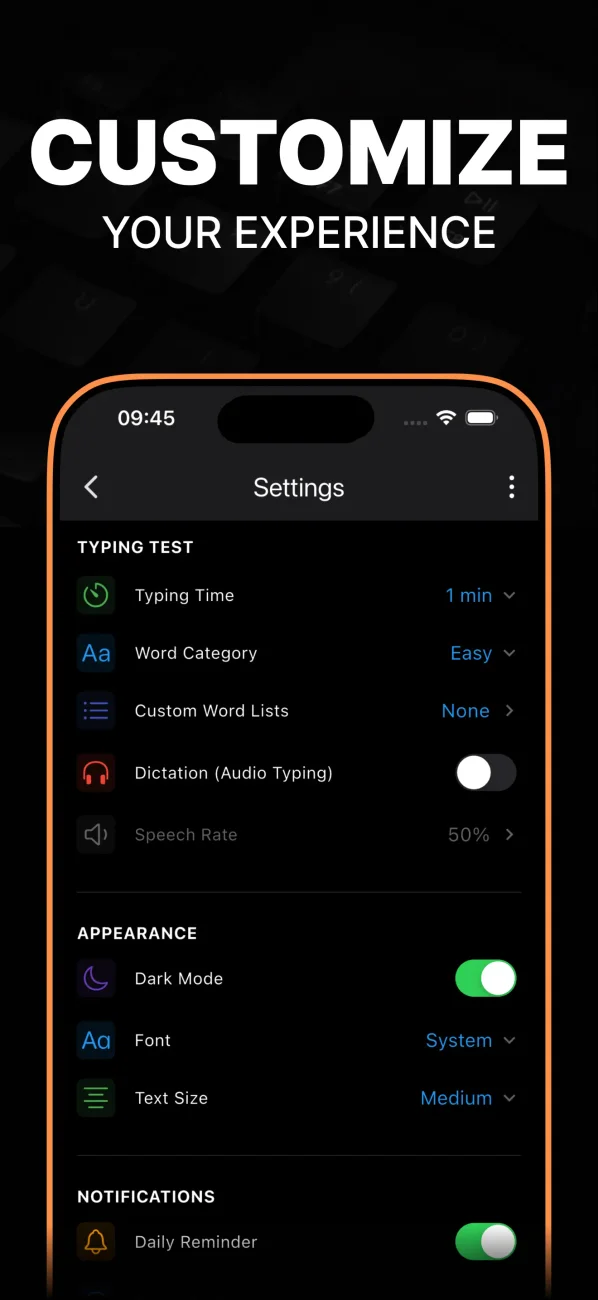
Add your own vocabulary for personalized typing practice. Choose between random order or sequential order to tailor your training.
Audio Typing Mode
Listen and type to train your ears and fingers together - ideal for auditory learners.
Offline Practice
No internet needed - practice typing anywhere, anytime.
Universal Keyboard Support
Works seamlessly with mobile touch keyboards, OTG keyboards, and Bluetooth keyboards for a flexible learning experience.
Built for Every Learner
Whether you are a beginner wanting to build fundamental touch typing skills, a student preparing for typing exams, a programmer aiming for faster coding, or a professional seeking better efficiency, TypeFast helps you reach your goals.
What Makes TypeFast Different?
• Clean, distraction‑free UI designed for typing focus
• Accurate and research‑based typing practice and tests
• Ideal for typing speed improvement, accuracy training, and keyboard mastery
• Perfect for learners of all levels from beginner to expert
Start Improving Today
TypeFast combines typing practice, typing speed tests, and in‑depth keyboard training tools into one easy‑to‑use app. Whether you want to type faster for school, work, exams, or everyday messaging, TypeFast gives you the training you need.
Download TypeFast now and start improving your typing speed, accuracy, and overall keyboard performance!
Terms of Use: https://sites.google.com/view/typefast-terms-of-use/home
Privacy Policy: https://sites.google.com/view/typefast-privacy-policy/home
Neue Funktionen
Version 3.0.0 · 15.01.2026
• New fullscreen typing mode for distraction-free focus
• Refreshed UI with improved word visibility
• Fixed apostrophe typing errors (e.g. It’s, Don’t)
• Updated word database and performance improvements
• Change time & mode directly on the typing screen
• Improved stats UI and custom word lists with random or sequential order
App-Datenschutz
Was Chamishka Dilina im App Store zum Umgang dieser App mit Daten angibt.
-
Mit Ihnen verknüpfte Daten
Können erfasst und mit Ihrer Identität verknüpft werden.
- Benutzerinhalte
- Kennungen
- Nutzungsdaten
-
Nicht mit Ihnen verknüpfte Daten
Können erfasst werden, sind aber nicht mit Ihrer Identität verknüpft.
- Diagnose
Die Datenschutzpraktiken können variieren, zum Beispiel je nach den von Ihnen verwendeten Funktionen oder Ihrem Alter.
Informationen
- Anbieter
- Chamishka Dilina
- Kategorie
- Produktivität
- Version
- 3.0.0
- Aktualisiert
- 15.01.2026
- Veröffentlicht
- 20.08.2025
- Größe
- 40,2 MB
- Erfordert
- iOS 13.0 oder neuer
- Altersfreigabe
- 4+
- Preis
- Kostenlos
- In-App-Käufe
- Ja
- Sprachen
- Englisch
- Copyright
- © 2026 Chamishka Dilina
Das könnte Ihnen auch gefallen
-
 Speed Typing - WPM Typing TestProduktivität
-
 Lekhan: Typing TestProduktivität
-
 Typing Master - Learn To TypeProduktivität
-
 News TypingProduktivität
-
 Paper: Writing App, NotesProduktivität
-
 Notebook – Tagebuch & JournalEine Seite pro Tag, privat
-
 Daily Planner, To-Do ListProduktivität
-
 Notebook – Notizen & To-DoNotizblock, Tagebuch & Memo
-
 Noteshelf 3: KI-Notizen & PDFHandschrift, Planer & Tagebuch
-
 Notability: KI-Notizen, LernenHandschrift, PDF & Audio