KeyFluent
Language Learning Keyboard
Entwickelt für iPhone, iPad
Kostenlos · In-App-Käufe
- Altersfreigabe4+
- KategorieBildung
- EntwicklerStephen Alexander
- SprachenEnglisch
- Größe95,7 MB
Verlinkt auf die offizielle App Store-Seite
Download.org hostet keine Datei von KeyFluent. Die Schaltfläche öffnet die App-Seite bei App Store, wo Stephen Alexander die App veröffentlicht. Eintrag zuletzt geprüft am 20.11.2026.
Screenshots
Info
Der Entwickler hat diesen Text nicht in Ihrer Sprache bereitgestellt.
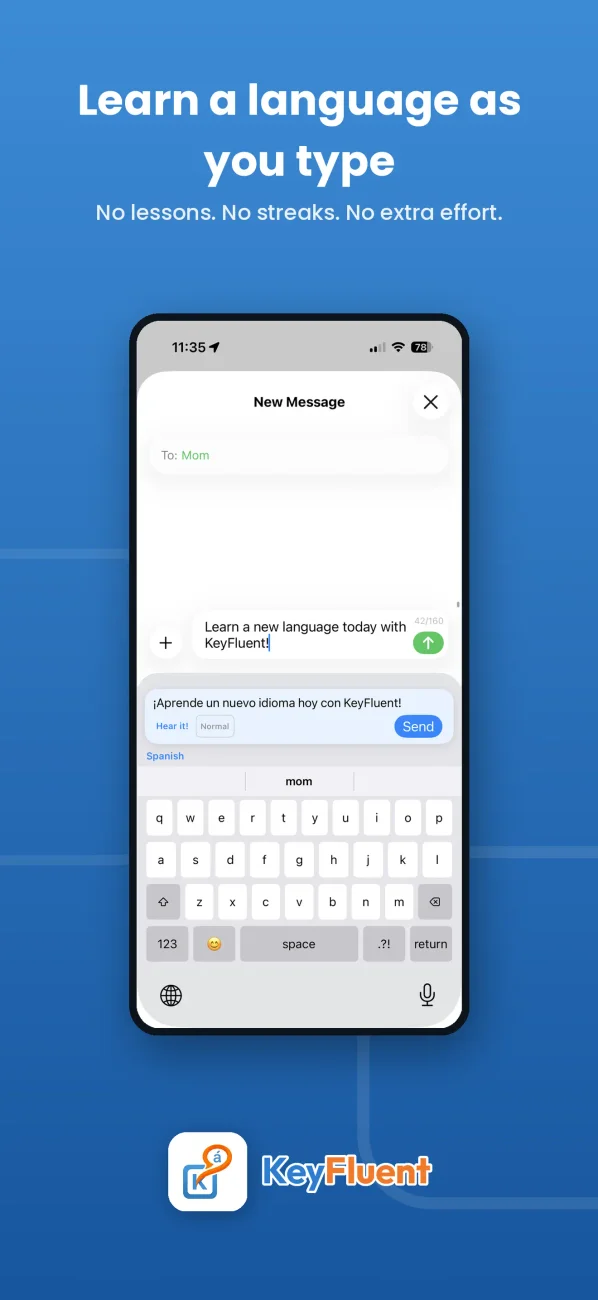
The average person sends close to 100 messages a day. KeyFluent turns every one of them into a chance to learn a new language. No lessons, no streaks, no extra time carved out of your day. Just type the way you always do, and watch a new language come to life right above your keyboard.
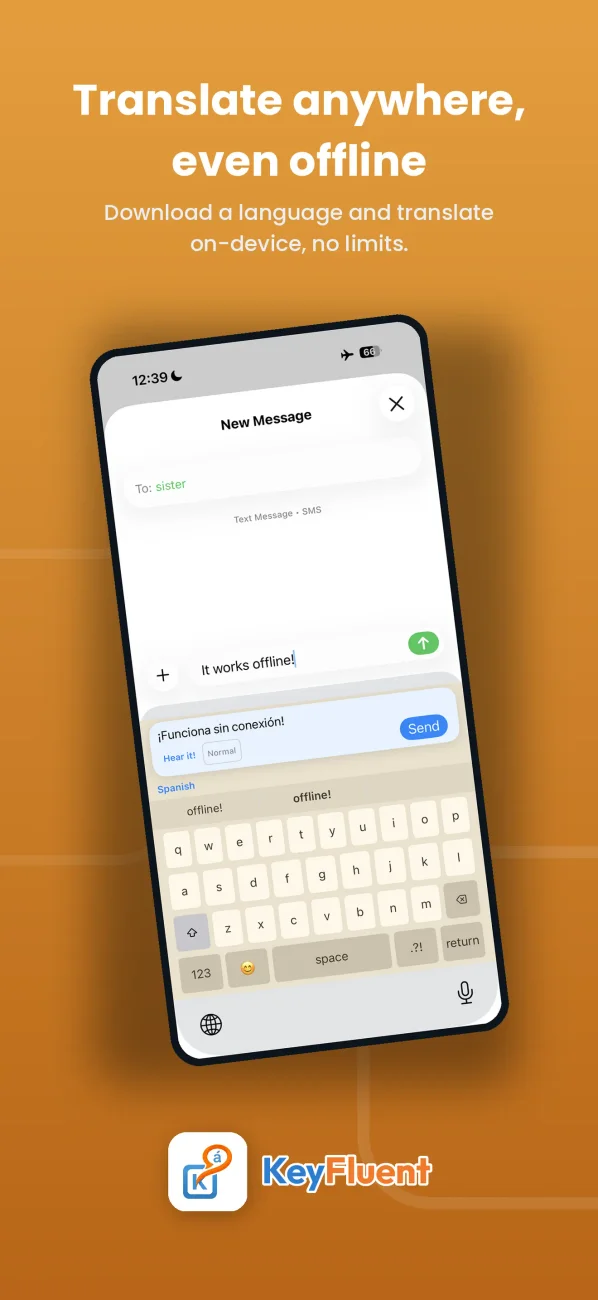
TRANSLATE AS YOU TYPE
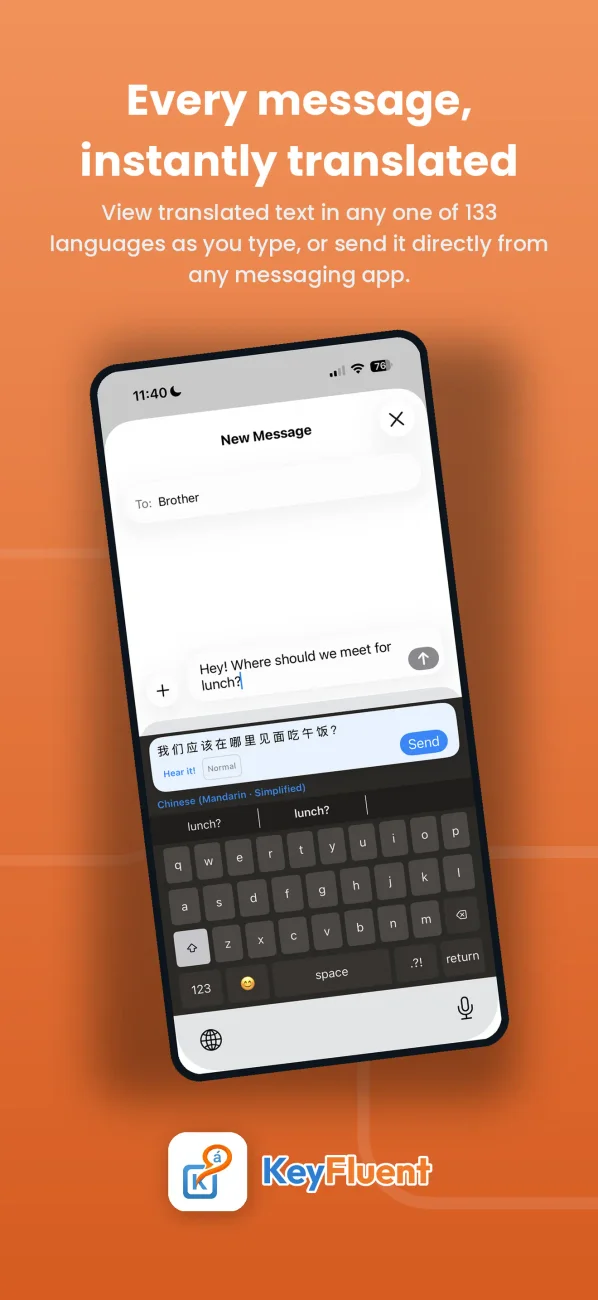
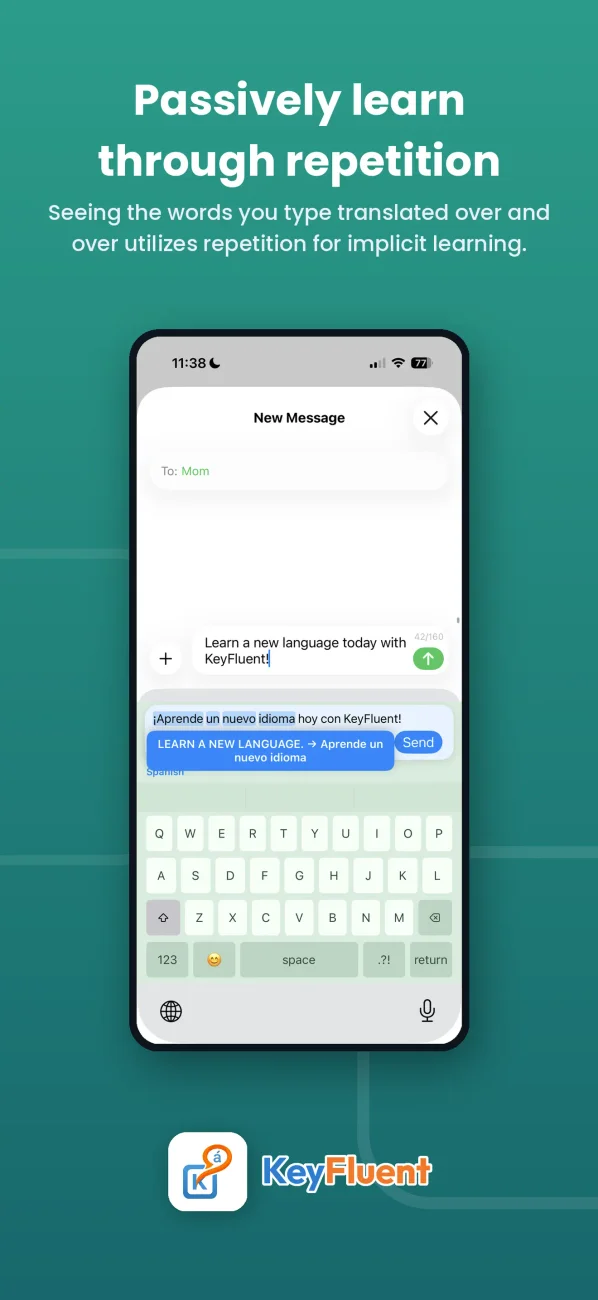
Your message is translated above the keys as you write it, in over 130 languages, from Spanish and French to Japanese, Mandarin, and Hindi. Send it in the new language with one tap, and pick up the words just by seeing them every day.
READ AND REPLY IN THEIR LANGUAGE
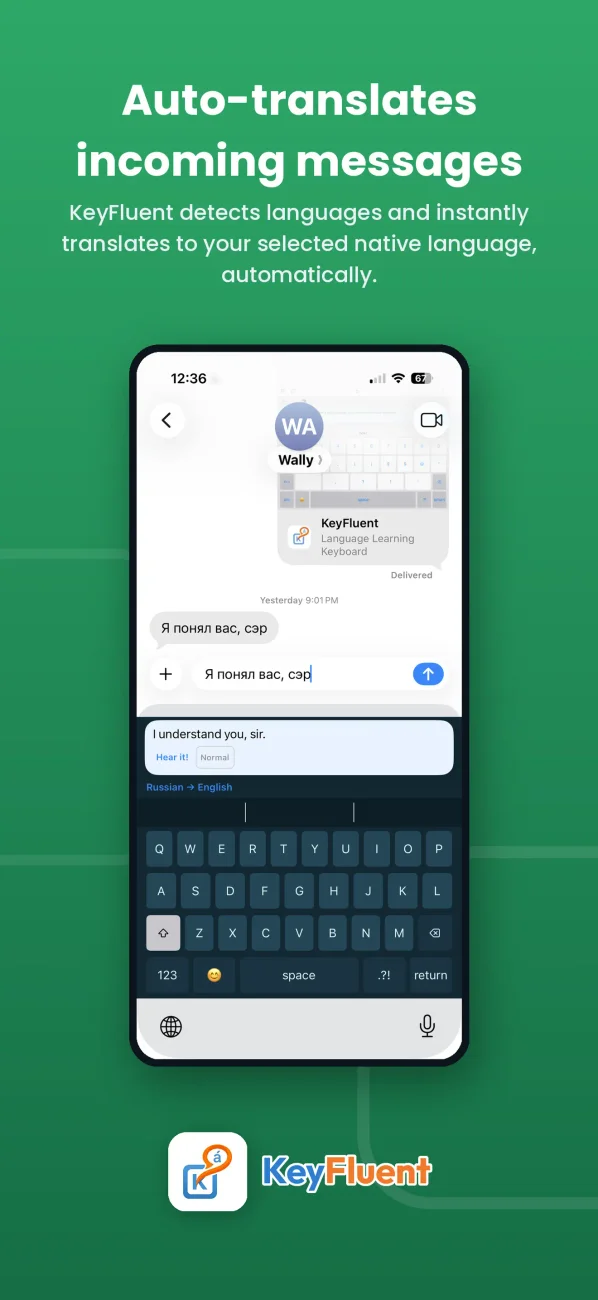
Copy a message you can't read and switch to KeyFluent. The translation is waiting above the keys. Your reply goes out in their language automatically, then the keyboard switches back to your usual language when you're done.
TALK FACE TO FACE
The new Conversation screen turns your phone into a translator between two people. Each of you speaks, and the other hears and reads it in their own language. Scroll back through the chat anytime and save any line as a flashcard.
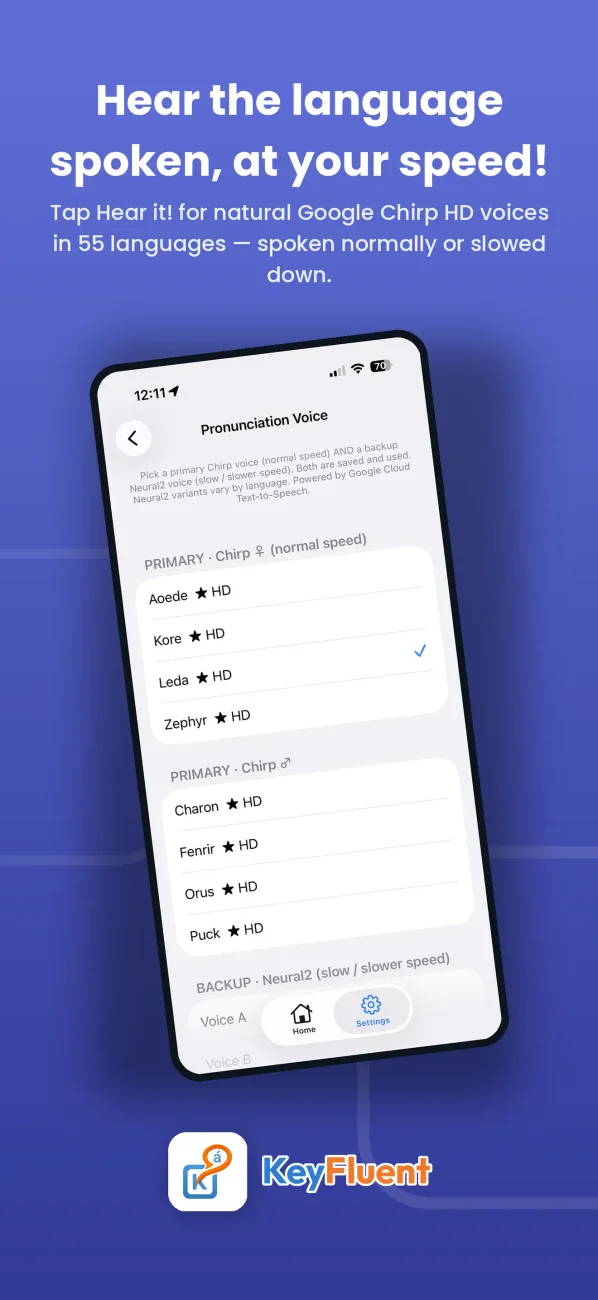
HEAR EVERY WORD
• Play the full translation in natural Google voices
• Touch and hold any word to hear it, or slide across a phrase
• Slow the pace down to catch every syllable
FROM TYPING TO LEARNING
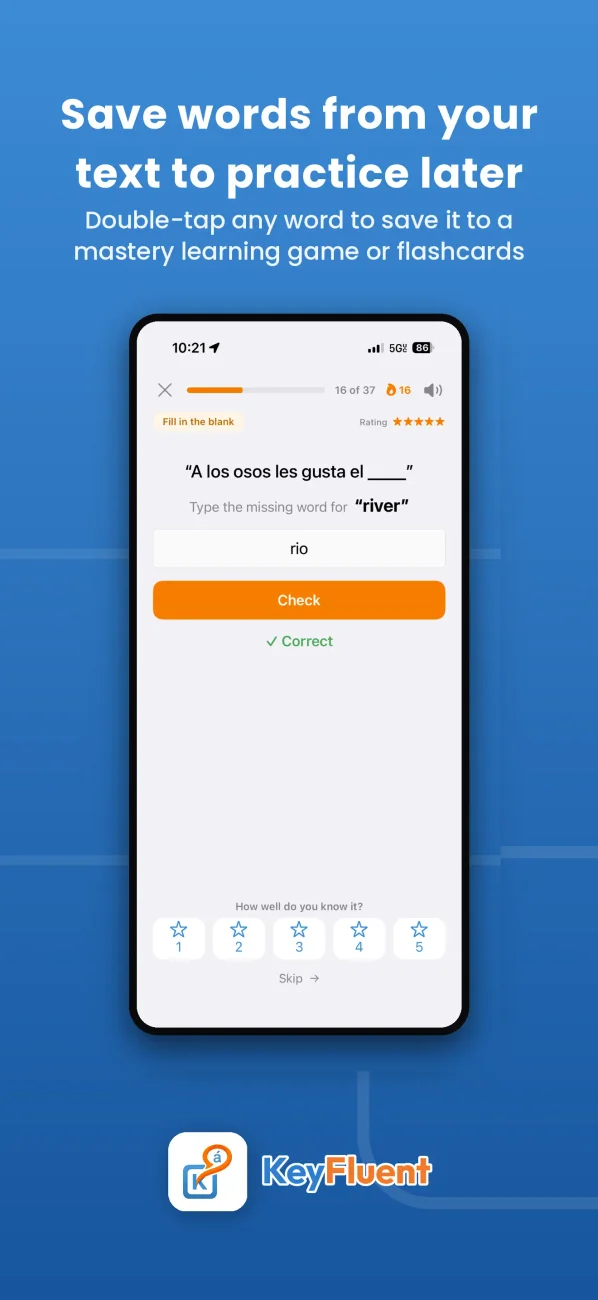
Double-tap any translated word to save it, then open the Learning Center when you have a spare minute.
• Flashcards for the words you've collected
• A Mastery Game that makes practice feel like play
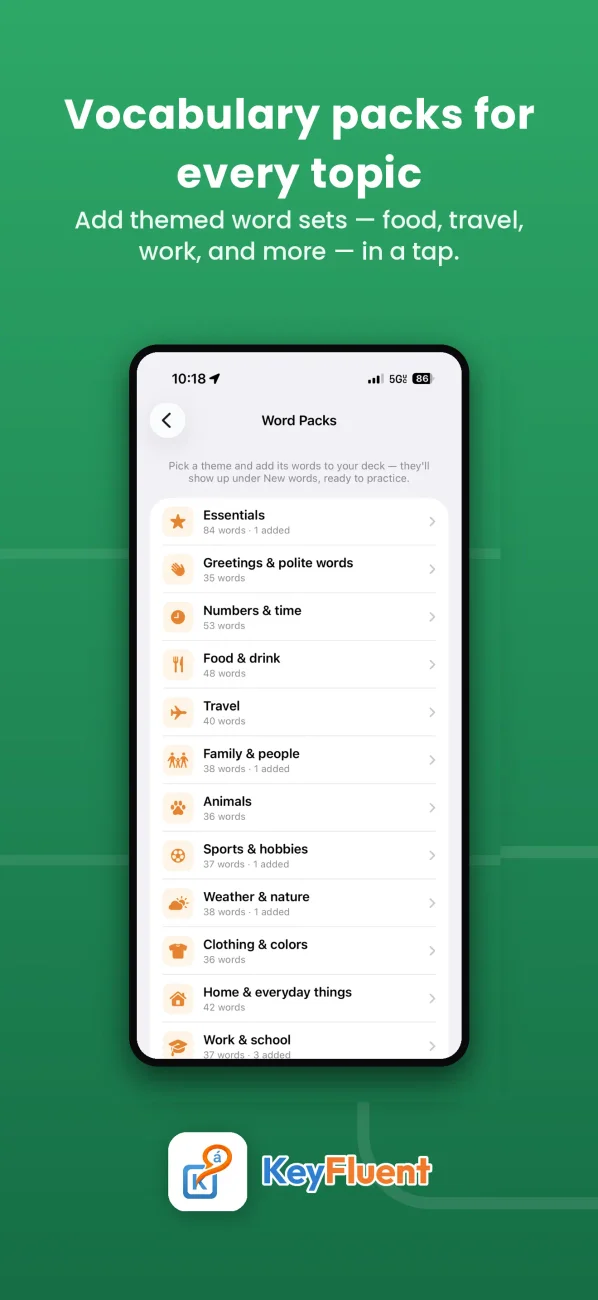
• 15 vocabulary packs on themes like Travel, Food, Family, and everyday verbs
AUTOCORRECT THAT KEEPS UP
• Fixes typos using the words around it, even after you've moved on
• Learns how you type, and gets more accurate the more you use it
• Splits words that ran together and fixes fast-typing slips
• Autocorrect in 17 languages, and it notices which one you're typing
• One backspace after a correction brings back exactly what you typed
MAKE IT YOURS
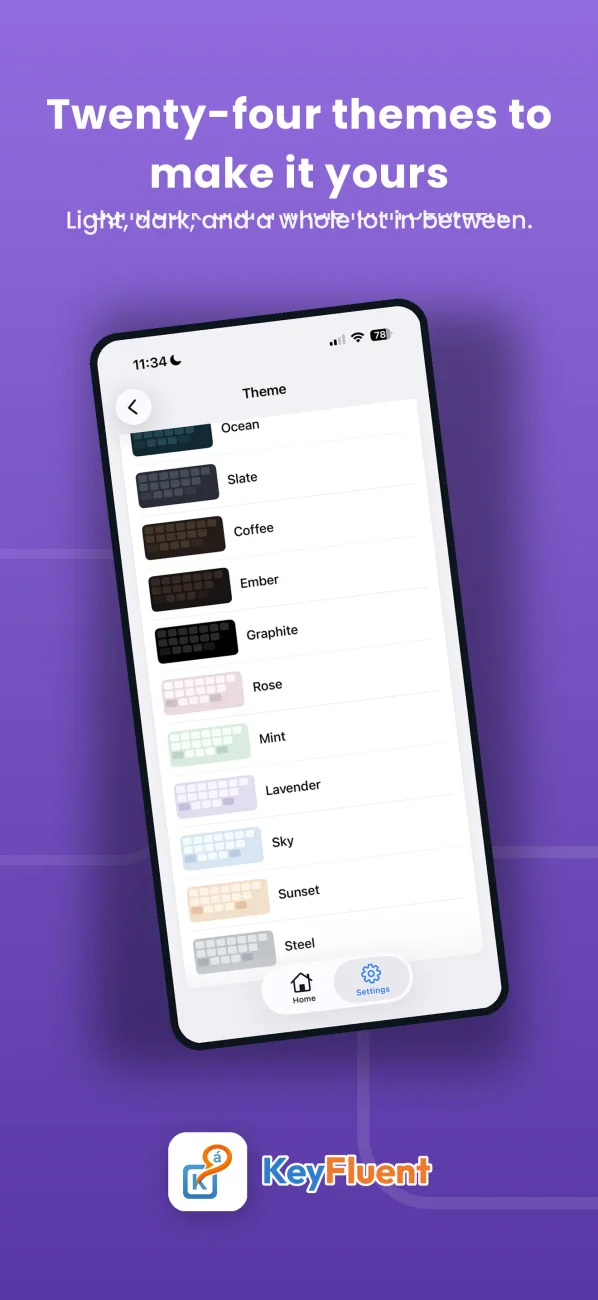
• 24 themes, plus your own colors for the translation bubble
• QWERTY, AZERTY, and QWERTZ layouts
• Text shortcuts: type omw and get "on my way," or make your own
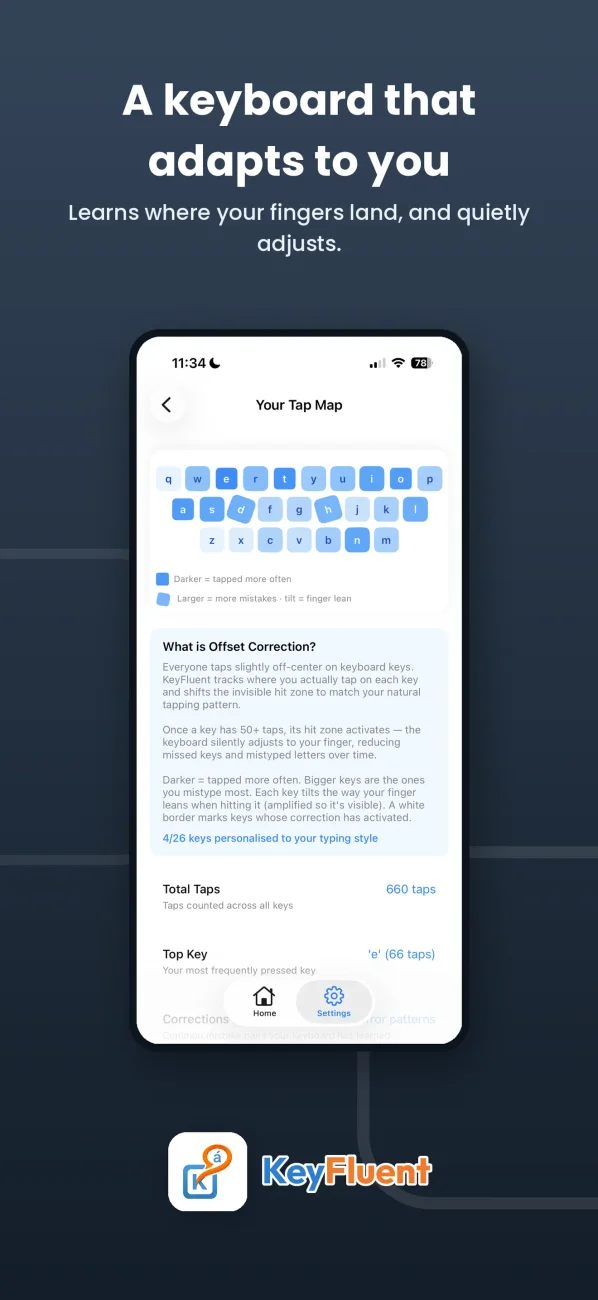
• A Tap Map that learns where your fingers land and shifts the keys to match
YOUR PRIVACY
Your typing stays on your device. Autocorrect, predictions, your personal dictionary, and your Tap Map are built and stored on your phone. KeyFluent never logs or sells your keystrokes. Only the text you translate or play is sent to translation and voice services, and it's never used for advertising or tracking. Full Access lets the keyboard reach those services and use haptics. Details are in our Privacy Policy.
SUBSCRIPTION
Typing and autocorrect are free for everyone. Everything else is free for 7 days, then $3.99 a month, or $39.99 a year with the annual plan.
• Payment is charged to your Apple ID when you confirm the purchase.
• Your subscription renews automatically unless auto renew is turned off at least 24 hours before the period ends.
• Your account is charged within 24 hours before the period ends.
• If you start a paid subscription, any unused part of the trial is forfeited.
• Manage or cancel anytime in your App Store account settings.
Terms of Use (EULA): https://www.apple.com/legal/internet-services/itunes/dev/stdeula/
Privacy Policy: https://sites.google.com/view/keyfluent/home
Neue Funktionen
Version 3.0 · 03.10.2026
KeyFluent 3.0: our biggest update yet.
TALK FACE TO FACE
New Conversation screen: set your phone between you and another person, speak, and each of you hears and reads the other in your own language. Scroll back through the chat anytime and save any line as a flashcard.
REPLY IN THEIR LANGUAGE
Copy a message in another language and KeyFluent translates it the moment you open the keyboard. Your reply goes out in their language automatically, then the keyboard switches back to your usual language when you're done. A quick setup guide in Settings makes reading messages one step.
SMARTER AUTOCORRECT
- Fixes a typo using the words around it, even after you've moved on ("to he store" becomes "to the store")
- Learns how you type and gets more accurate the more you use it
- Splits words that ran together and fixes short slips like "wll" and "tey"
- Undo any correction with one tap
- A faster suggestion bar
AUTOCORRECT IN 17 LANGUAGES
English, Spanish, French, German, Italian and Portuguese built in, plus free downloads for Dutch, Swedish, Norwegian, Danish, Turkish, Romanian, Polish, Hungarian, Czech, Lithuanian and Slovenian. KeyFluent notices which language you're typing and corrects in that one.
MAKE IT YOURS
- Pick your own colors for the translation bubble
- AZERTY and QWERTZ keyboard layouts
- Hold a top-row letter to type a number
ALSO NEW
- Play and Stop buttons that highlight each word as it's spoken
- Download a language for offline translation in one tap
- A cleaner, simpler Settings page
- Lots of fixes and polish
App-Datenschutz
Was Stephen Alexander im App Store zum Umgang dieser App mit Daten angibt.
-
Nicht mit Ihnen verknüpfte Daten
Können erfasst werden, sind aber nicht mit Ihrer Identität verknüpft.
- Benutzerinhalte
Die Datenschutzpraktiken können variieren, zum Beispiel je nach den von Ihnen verwendeten Funktionen oder Ihrem Alter.
Informationen
- Anbieter
- Stephen Alexander
- Kategorie
- Bildung
- Version
- 3.0
- Aktualisiert
- 03.10.2026
- Veröffentlicht
- 24.06.2026
- Größe
- 95,7 MB
- Erfordert
- iOS 17.0 oder neuer
- Altersfreigabe
- 4+
- Preis
- Kostenlos
- In-App-Käufe
- Ja
- Sprachen
- Englisch
- Copyright
- © 2026 Stephen Alexander
Das könnte Ihnen auch gefallen
-
 Keylingual: Lernen beim TippenTastatur mit Übersetzer DE–EN
-
 Cordia: Learn While You TextBildung
-
 VocabRot: Spanish VocabularyBildung
-
 Typeciao: Keyboard TranslateDienstprogramme
-
 A2N HymnalNachschlagewerke
-
 Learn vocabulary — #5000wordsBildung
-
 Alex: Learn LanguagesBildung
-
 FreeSay - Englisch mit KIEnglisch sprechen mit KI
-
 Aircare InternationalBildung
-
 Spanische Grammatik – EspanidoVerben & Konjugation üben