LAABS Audio
For audiobookshelf users
Entwickelt für iPhone
Kostenlos · In-App-Käufe
- Altersfreigabe4+
- KategorieBücher
- EntwicklerMark Mccoid
- SprachenEnglisch
- Größe92,7 MB
Verlinkt auf die offizielle App Store-Seite
Download.org hostet keine Datei von LAABS Audio. Die Schaltfläche öffnet die App-Seite bei App Store, wo Mark Mccoid die App veröffentlicht. Eintrag zuletzt geprüft am 20.11.2026.
Screenshots




Info
Der Entwickler hat diesen Text nicht in Ihrer Sprache bereitgestellt.
LAABS Audio is the iPhone player Audiobookshelf deserves. Stream and download from your own server, then go further: read along with the narration, layer ambient sound under any book, and save the passages you love as audio clips.
Audiobookshelf comes first, but it isn't the only way in. Got audiobooks that aren't on your server? Import them from Files or iCloud Drive and they sit right alongside your library.
AMBIENT AUDIO
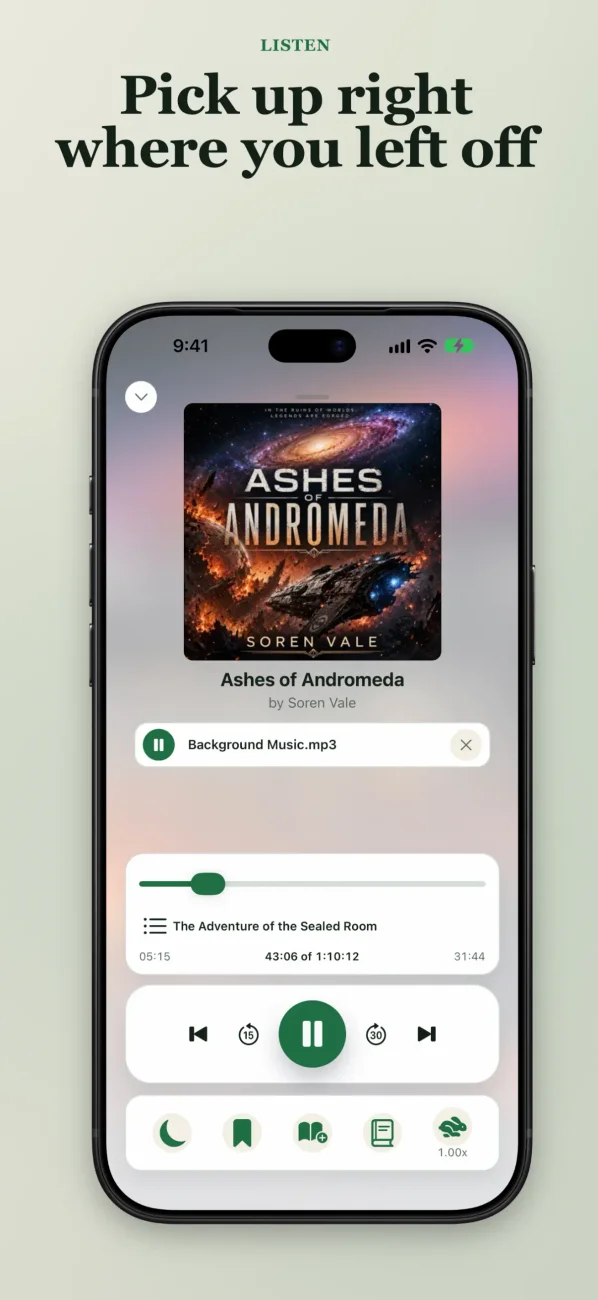
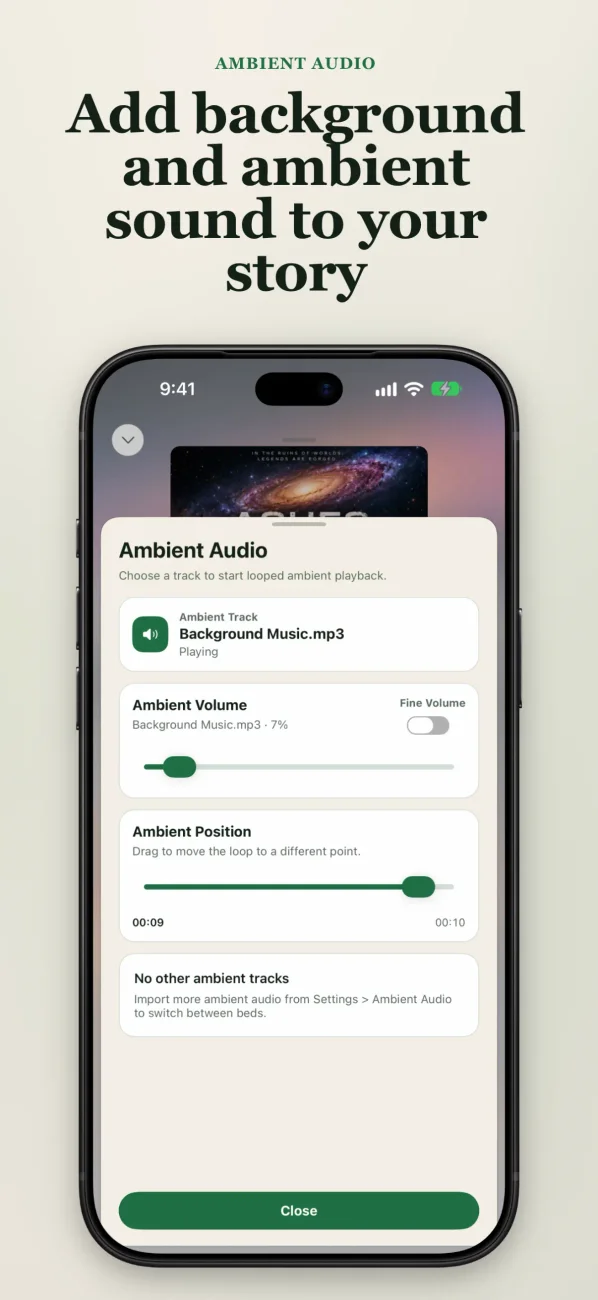
Make every book sound the way you like it. Layer rain, a crackling fire, brown noise, soft music, or any audio file of your own quietly beneath the narration.
- Import tracks from your iPhone or iCloud Drive
- Each book remembers its own ambient track, volume, and place in the loop
- See and scrub the ambient track's position while it plays
- Ambient sound pauses and resumes with your book automatically
AUDIO CLIPS
Turn a great line into something you can keep and share.
- Long-press a sentence in Read-Along and tap to grow your selection — that's a clip
- Or set an exact start and length to the second in the clip editor
- Preview a clip without losing your place in the book
- Add a title and notes
- Export clips as M4A audio files to share anywhere (downloaded books)
- Get the words of any clip as text, taken from the book's transcript when there is one
- Export every clip from a book as one tidy document, in book order, with your notes
- Bookmark and clip podcast episodes too
YOUR LIBRARY, YOUR SERVER
- Connect directly to your Audiobookshelf server and switch between accounts and libraries quickly
- Stream over Wi-Fi or cellular, or download for offline listening
- Progress syncs automatically, even after listening offline
- Audiobooks and podcasts, side by side
YOUR HOME, YOUR WAY
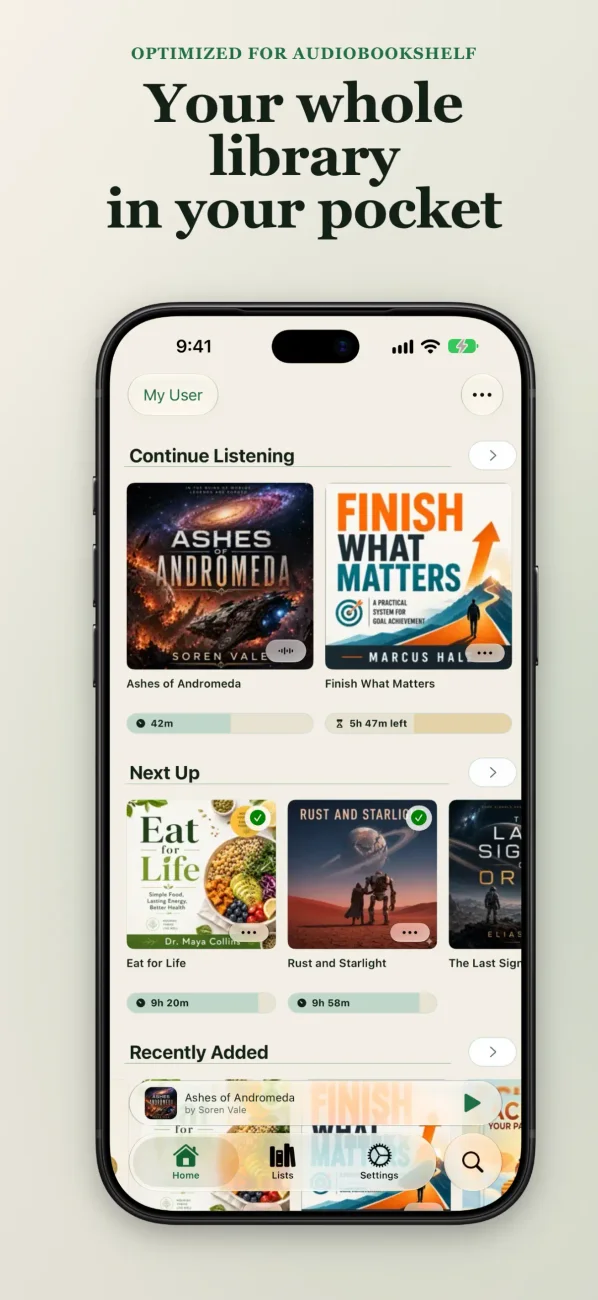
- Continue Listening, Recently Added, and Discover shelves
- Create your own shelves or turn Audiobookshelf playlists into Home shelves
- Reorder or hide any shelf
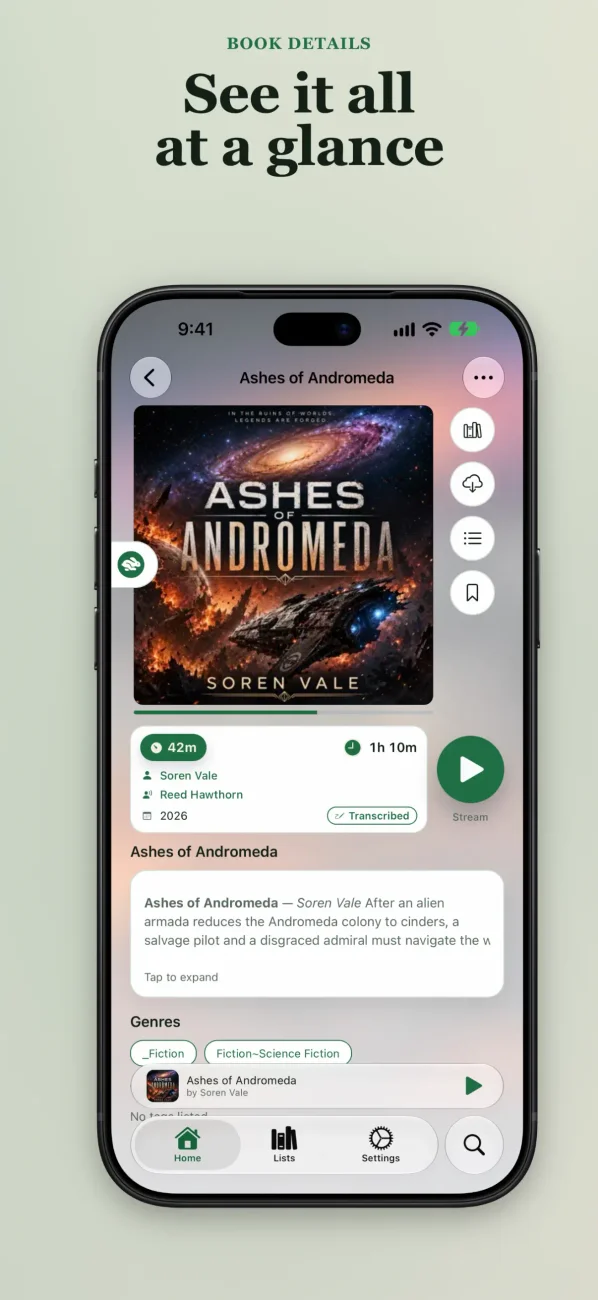
- Progress, favorites, and download status at a glance
FIND & ORGANIZE
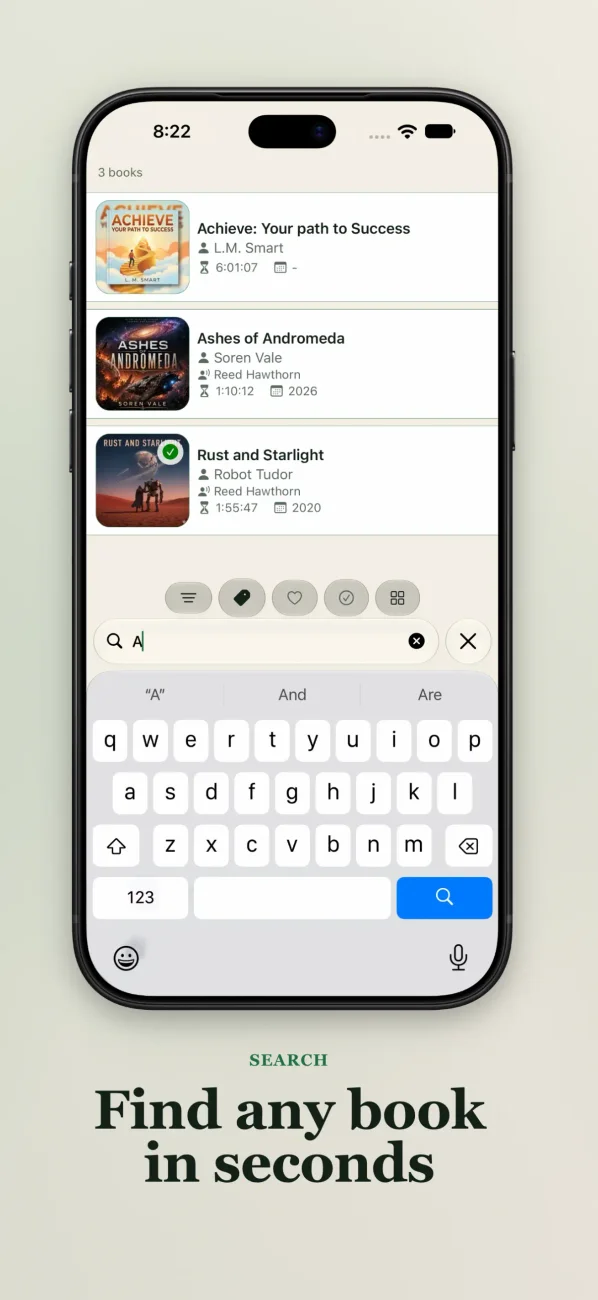
- Search by title or author; filter by genre, tag, favorite, finished, or ebook
- Sort by author, title, date added, duration, or publication date
- Browse Series, Collections, and Playlists, and edit Collections and Playlists
BOOKS BEYOND YOUR SERVER
Built for Audiobookshelf first, LAABS Audio also plays audiobooks that aren't in your Audiobookshelf library.
- Import m4b, m4a, mp3, aac, wav, or flac files from Files or iCloud Drive
- Imported books get their own Home shelf and Library section, and show up in Continue Listening, search, and CarPlay
- Bookmarks, clips, Ambient Audio, speed, and sleep timer all work the same
- Chapters, cover art, and details are read from the file, and you can edit them
- No server yet? Start with your own files and connect Audiobookshelf whenever you're ready
READ ALONG AS YOU LISTEN
- Follow the words as the narrator speaks them, with the current sentence and word highlighted
- The page scrolls itself; scroll away to look around and jump back with one tap
- Tap any sentence to hear it from there
- Choose text size, highlight style, and where the current line sits on screen
- Transcribe a whole audiobook right on your iPhone (iOS 26) — nothing leaves your device
- Export a finished transcript as an EPUB
LISTEN ANYWHERE
- CarPlay
- Siri and Shortcuts: play, pause, resume, search your library, bookmark, and set a sleep timer by voice
- Home Screen widget that starts your book even when the app is closed
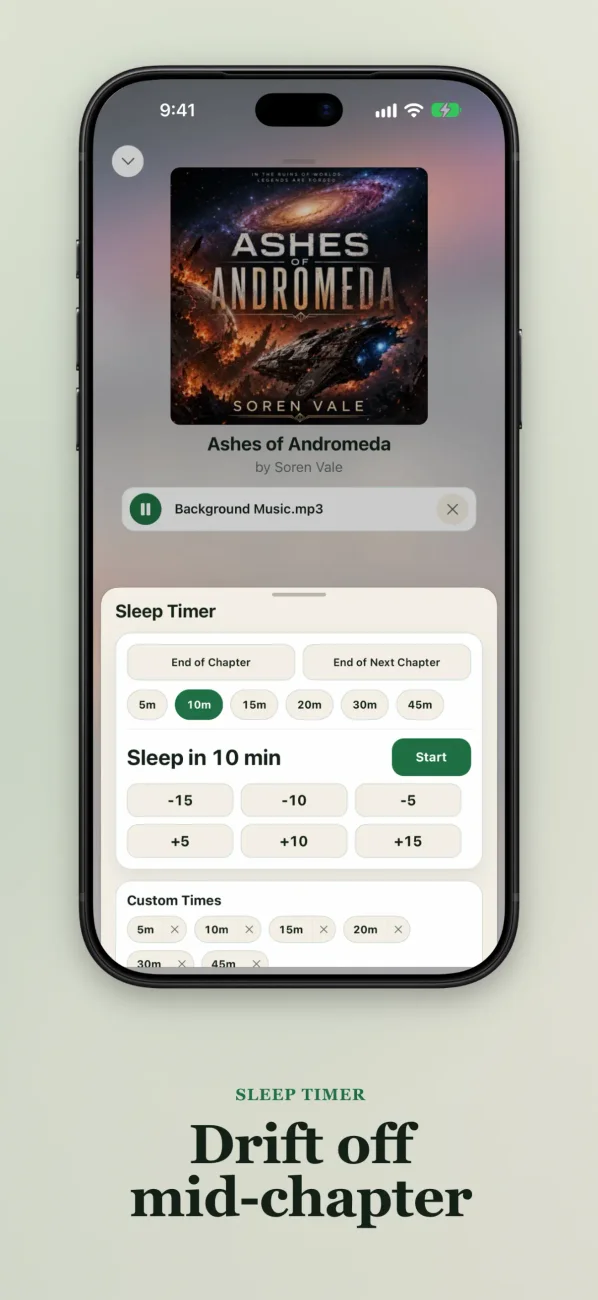
- Speeds up to 4×, automatic rewind after a pause, and a sleep timer that can stop at the end of a chapter
- Configurable lock-screen controls
No subscription and no data collected. Optional one-time tips help support development.
Requires iOS 17.4 or later. Library features require an Audiobookshelf server running version 2.3.0 or later; your own imported audiobooks work without one. On-device transcription requires iOS 26.
Neue Funktionen
Version 2.0 · 09.11.2026
This is our biggest update yet.
READ-ALONG
Follow the words as the narrator speaks them. The current sentence and word are highlighted, the page follows along, and you can tap any sentence to jump there. Pick your text size, highlight style, and where the current line sits on screen, and change speed without leaving the reader.
BOOK TRANSCRIPTS
Transcribe a whole audiobook on your iPhone (iOS 26). It runs fast, keeps going while you listen, picks up where it left off, and can continue while your phone charges. Export the result as an EPUB.
CLIPS FROM THE TEXT
Long-press a sentence in Read-Along, tap to extend it, and save it as a clip. Clip text now comes straight from the book's transcript, and you can export all of a book's clips as one document.
AMBIENT AUDIO
See where your ambient track is in its loop and scrub to any point.
PLAY YOUR OWN FILES
Import m4b, mp3, and other audiobooks from Files or iCloud Drive, and listen with or without an Audiobookshelf server.
SIRI, SHORTCUTS & SPOTLIGHT
Play, pause, resume, search your library, add a bookmark, or set a sleep timer by voice.
WIDGET
Press Play on the Home Screen widget even when the app is closed.
ALSO NEW
- The player opens when you start a book, with a clear way to close it
- Ebook badges and a new "has ebook" filter
- Much faster account and library switching
- More reliable streaming, file-to-file playback, and position saving
- Redesigned sign-in screens
LAABS Audio now requires iOS 17.4 or later.
App-Datenschutz
Was Mark Mccoid im App Store zum Umgang dieser App mit Daten angibt.
-
Keine Daten erfasst
Der Entwickler erfasst keine Daten von dieser App.
Die Datenschutzpraktiken können variieren, zum Beispiel je nach den von Ihnen verwendeten Funktionen oder Ihrem Alter.
Informationen
- Anbieter
- Mark Mccoid
- Kategorie
- Bücher
- Version
- 2.0
- Aktualisiert
- 09.11.2026
- Veröffentlicht
- 20.06.2026
- Größe
- 92,7 MB
- Erfordert
- iOS 17.4 oder neuer
- Altersfreigabe
- 4+
- Preis
- Kostenlos
- In-App-Käufe
- Ja
- Sprachen
- Englisch
- Copyright
- © 2026