
LapTopMining Wallet
LapTopMining's coin wallet app
Entwickelt für iPhone, iPad, iPod touch
Kostenlos
- Altersfreigabe17+
- KategorieDienstprogramme
- EntwicklerOtaverse
- SprachenEnglisch+ 2 weitere
- Größe52,1 MB
Verlinkt auf die offizielle App Store-Seite
Download.org hostet keine Datei von LapTopMining Wallet. Die Schaltfläche öffnet die App-Seite bei App Store, wo Otaverse die App veröffentlicht. Eintrag zuletzt geprüft am 17.11.2026.
Screenshots

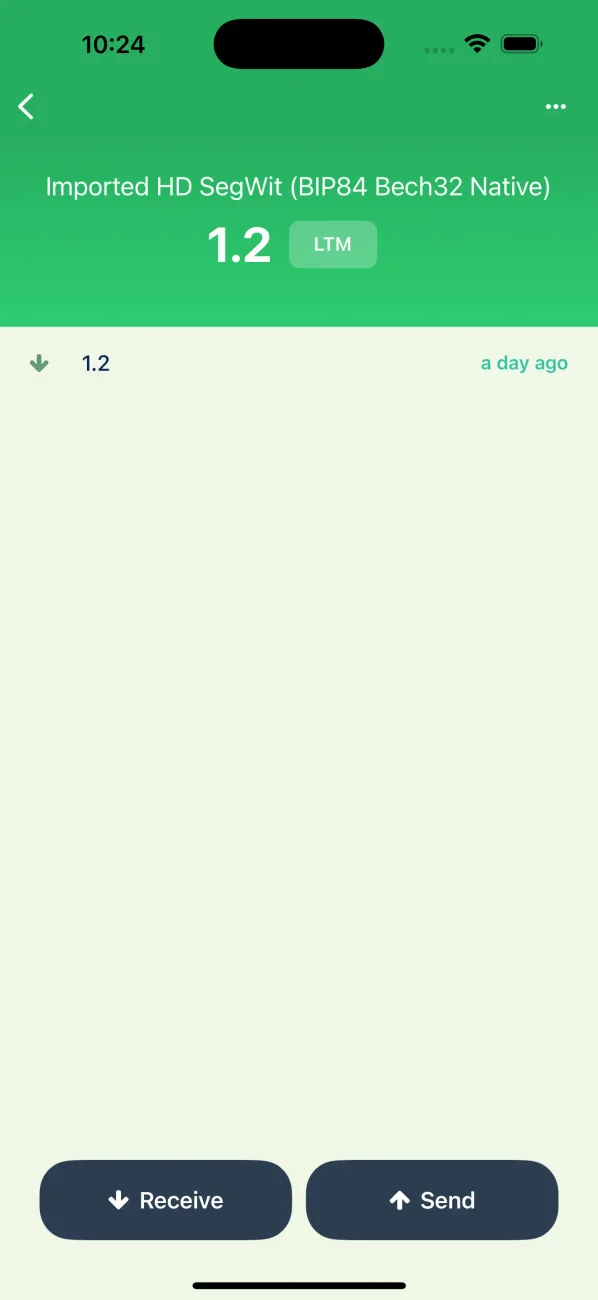
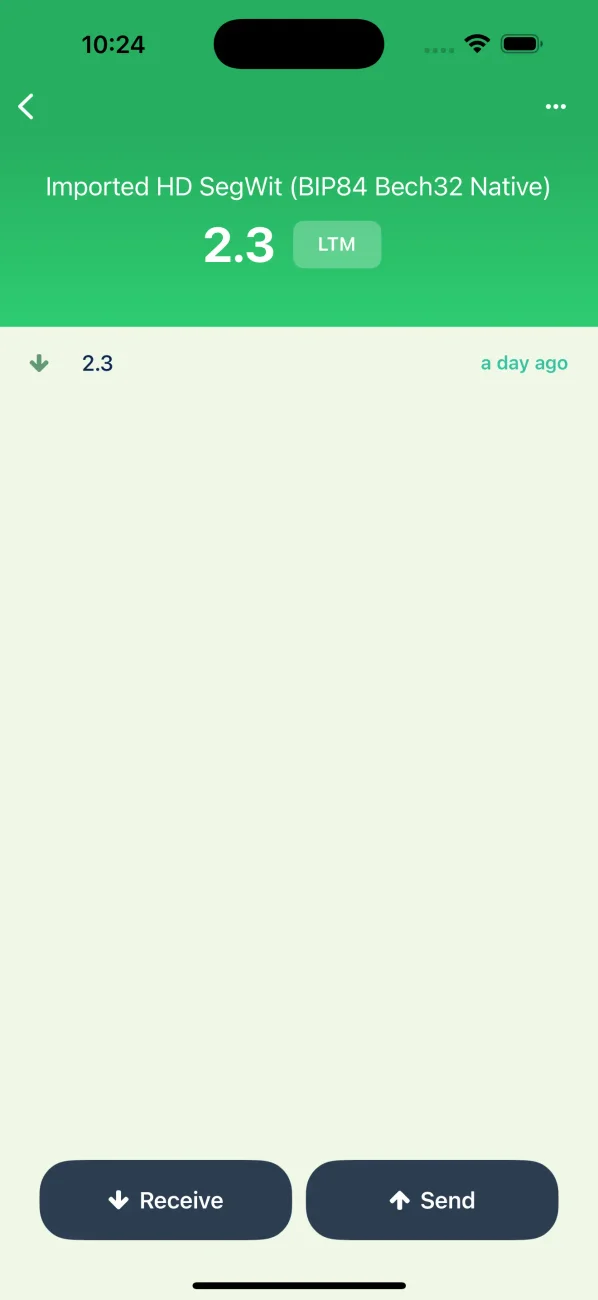
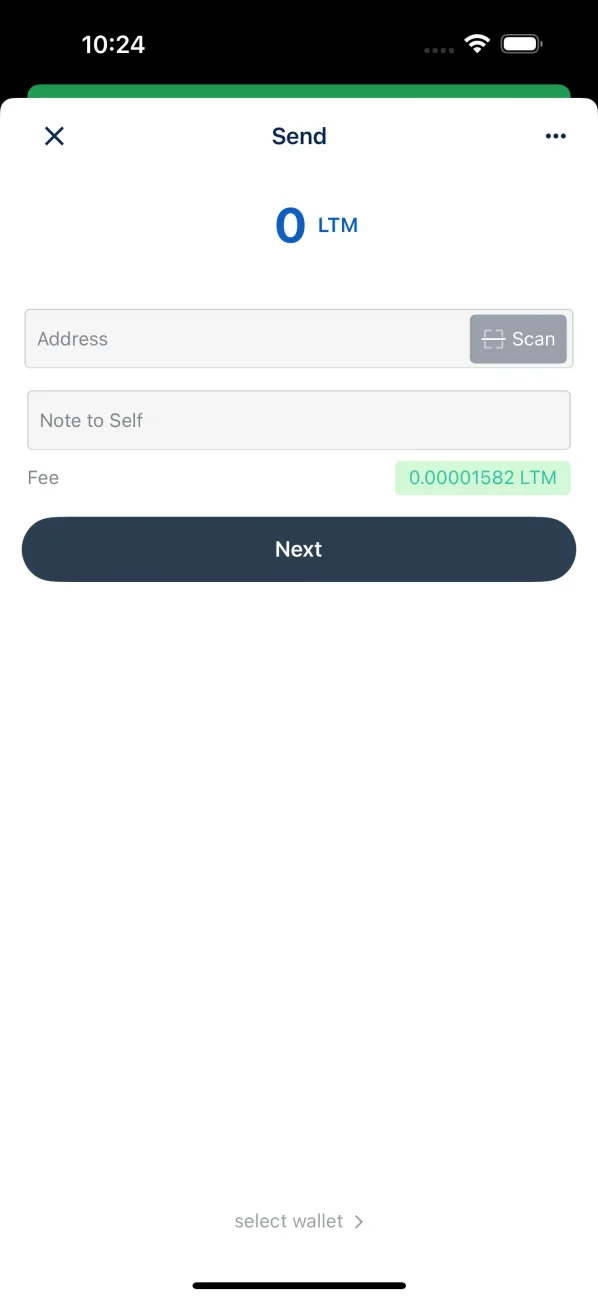

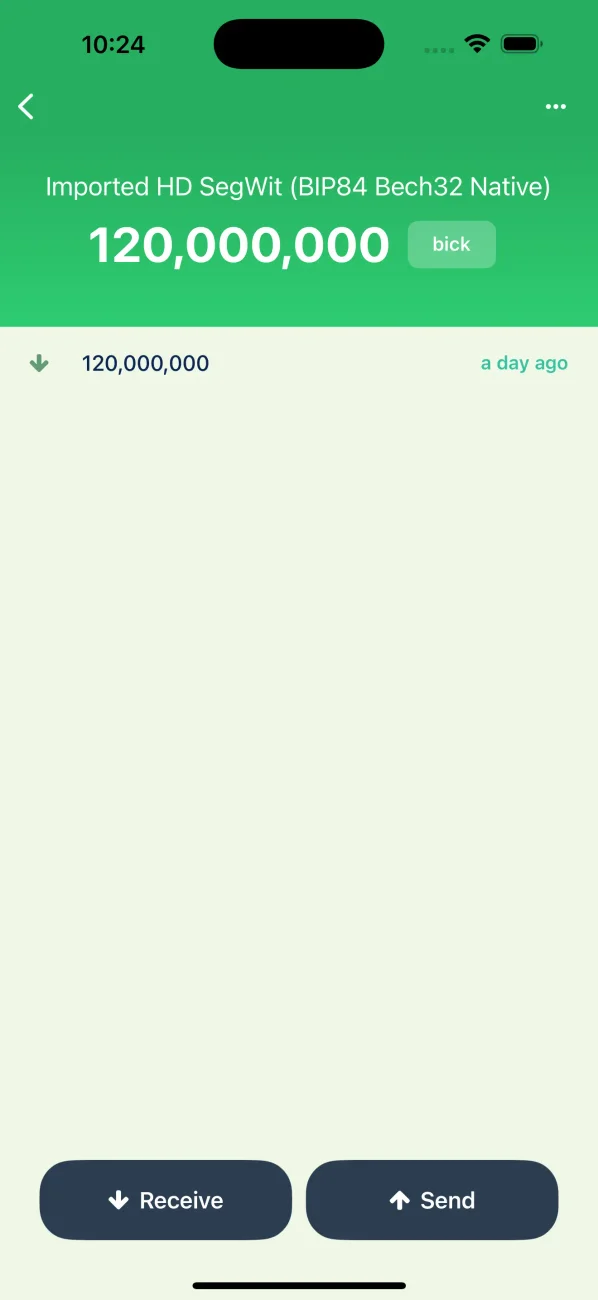

Info
Der Entwickler hat diesen Text nicht in Ihrer Sprache bereitgestellt.
LapTopMining Wallet
This is the dedicated wallet app for the LapTopMining coin project, provided by OtaverseCorp.
This app is designed to help users securely store coins they've mined on their laptops or desktops and check their mining status in real time. This app only provides features for storing and sending mined coins; it does not include any functionality for users to purchase or trade coins. It offers an easy and intuitive experience for everyone, from general users who want to learn about mining and blockchain to participants who have already started.
Key Features
Wallet Creation & Management: Securely store, send, and receive your mined coins.
Send: Safely transfer mined coins to other wallets.
Transaction History: Transparently view all your transaction records.
Enhanced Security: Supports PIN, pattern, and two-factor authentication.
Auto-Synchronization: Always reflects the latest status by syncing with the LapTopMining desktop app wallet.
Usage Examples
Start mining on your laptop at home and check the progress on the mobile app while you're out.
See when a new block is created directly in the app.
Store your mined coins in the in-app wallet and transfer them to another wallet when you need to.
Security Design
Your wallet keys are encrypted and stored in a local secure storage area.
All network communication is protected with HTTPS and token authentication.
You can recover your wallet with a backup key if it is lost.
Always back up your private key or seed in a safe place.
Neue Funktionen
Version 1.0.4 · 10.02.2026
Enhanced User Interface
App-Datenschutz
Was Otaverse im App Store zum Umgang dieser App mit Daten angibt.
-
Keine Daten erfasst
Der Entwickler erfasst keine Daten von dieser App.
Die Datenschutzpraktiken können variieren, zum Beispiel je nach den von Ihnen verwendeten Funktionen oder Ihrem Alter.
Informationen
- Anbieter
- Otaverse Corp.
- Kategorie
- Dienstprogramme
- Version
- 1.0.4
- Aktualisiert
- 10.02.2026
- Veröffentlicht
- 18.08.2025
- Größe
- 52,1 MB
- Erfordert
- iOS 13.4 oder neuer
- Altersfreigabe
- 17+
- Preis
- Kostenlos
- Sprachen
- Englisch, Französisch, Spanisch
- Copyright
- © COPYRIGHT(C) OTAVERSE. ALL RIGHTS RESERVED.
Das könnte Ihnen auch gefallen
-
 Upward WalletDienstprogramme
-
 Power Mine ETH MiningDienstprogramme
-
 Bitcoin Mining Master-CryptoDienstprogramme
-
 Thunder Mine:Cloud miningDienstprogramme
-
 HashWatcher-Mining DashboardDienstprogramme
-
 CloudMineProDienstprogramme
-
 HPRO Miner: Cloud ToolDienstprogramme
-
 MineKatva:Cloud MiningDienstprogramme
-
 Tapmining: Miner ToolDienstprogramme
-
 CT Pool: Krypto Mining AppKrypto minen auf jedem Gerät