
Latch : Focus & App Blocker
Block Apps, Limit Screen Time
Entwickelt für iPhone, iPad
Kostenlos · In-App-Käufe
- Altersfreigabe9+
- KategorieProduktivität
- EntwicklerMETE ERDAL KOROGLU
- SprachenEnglisch+ 3 weitere
- Größe4,1 MB
Verlinkt auf die offizielle App Store-Seite
Download.org hostet keine Datei von Latch : Focus & App Blocker. Die Schaltfläche öffnet die App-Seite bei App Store, wo METE ERDAL KOROGLU die App veröffentlicht. Eintrag zuletzt geprüft am 18.11.2026.
Screenshots


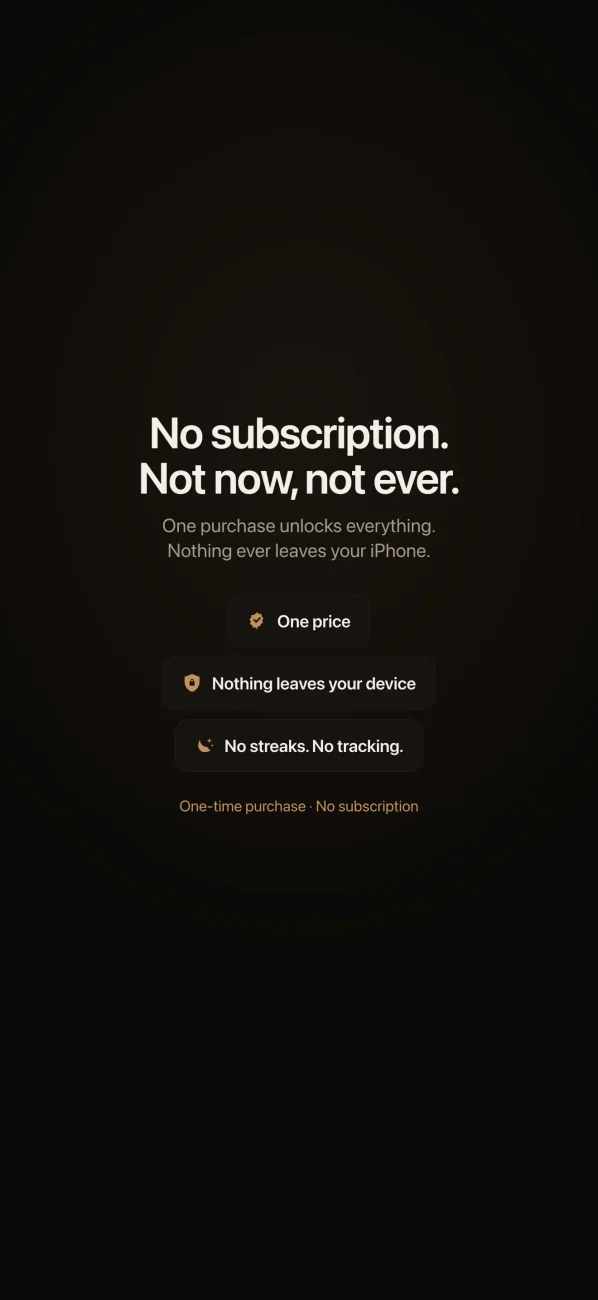
Info
Der Entwickler hat diesen Text nicht in Ihrer Sprache bereitgestellt.
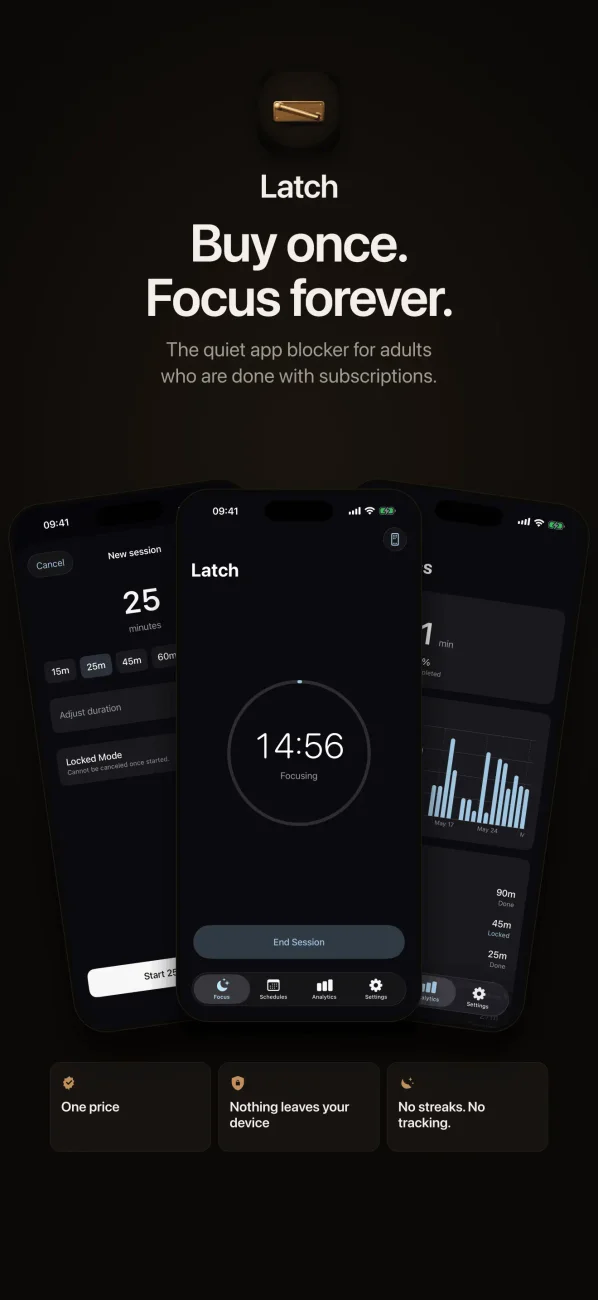
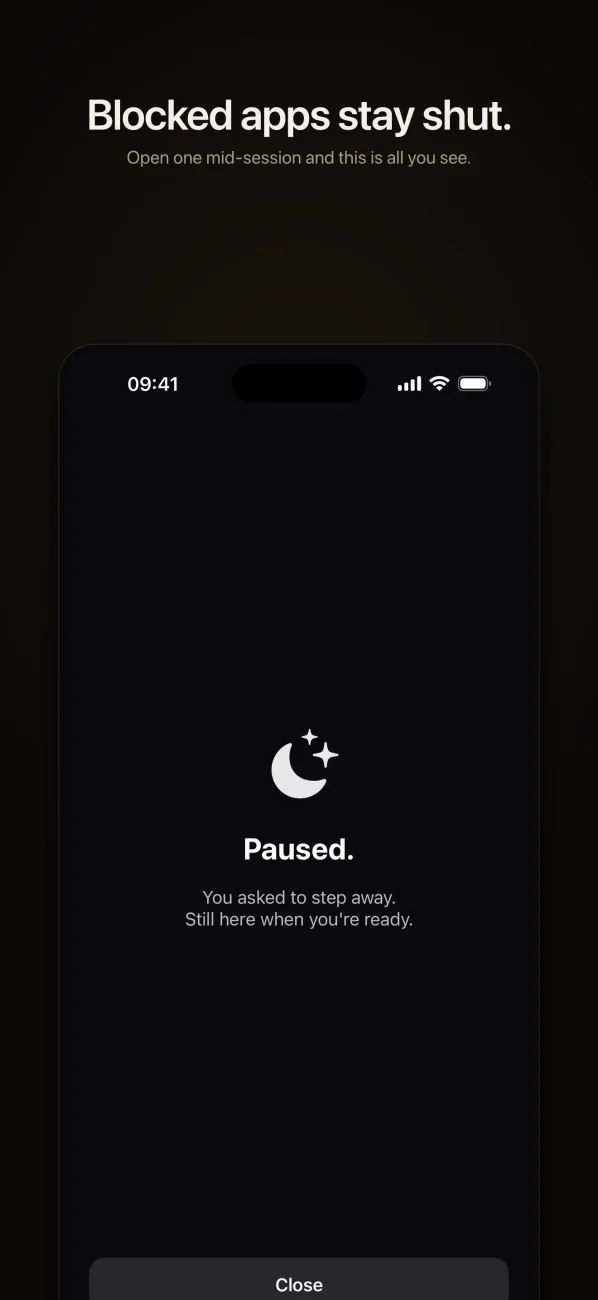
Block distracting apps and websites, limit screen time, and get your focus back, without another subscription. Latch shuts Instagram, TikTok, YouTube, Reddit, games, news or anything else you pick for as long as you choose. Start a session and they stay closed until the timer ends.
Free to start. Pay once if you want more.
Download Latch free and run as many focus sessions as you like. One optional Lifetime unlock adds Locked Mode, a second schedule and 30 days of history. You pay once and every future update is included. No subscription, no upsell, no upgrade fee.
What you can do
• Block apps, whole app categories and websites using Apple's Screen Time
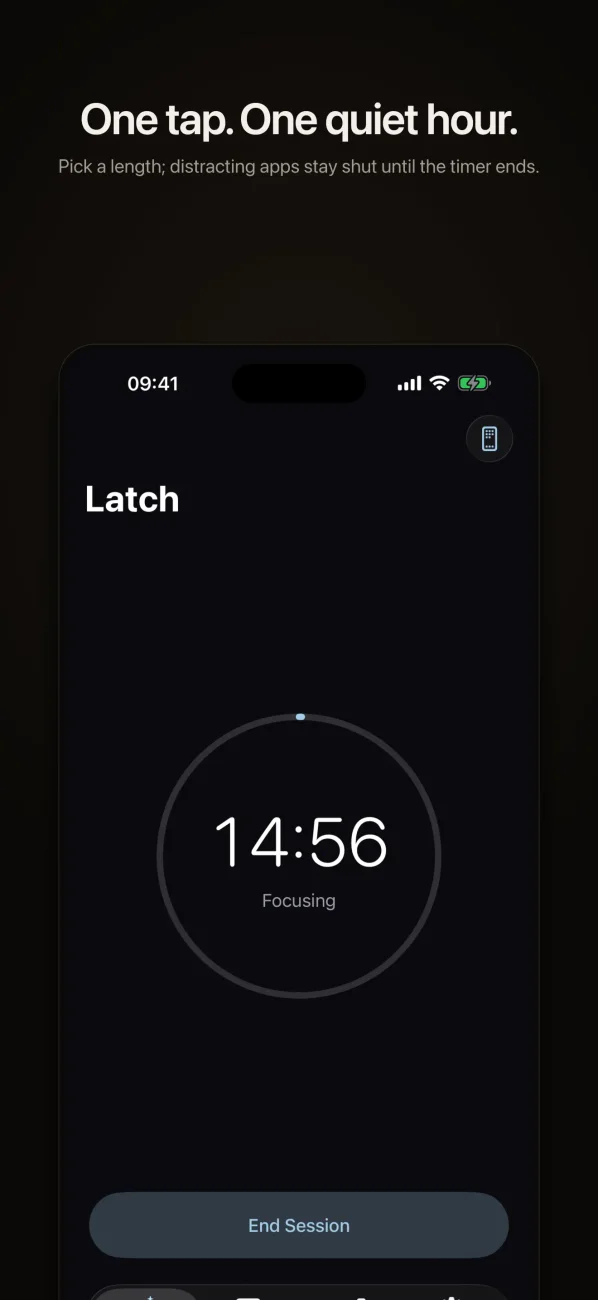
• Start a focus session in one tap: 15, 25, 45, 60, 90 or 120 minutes, or anything up to 8 hours
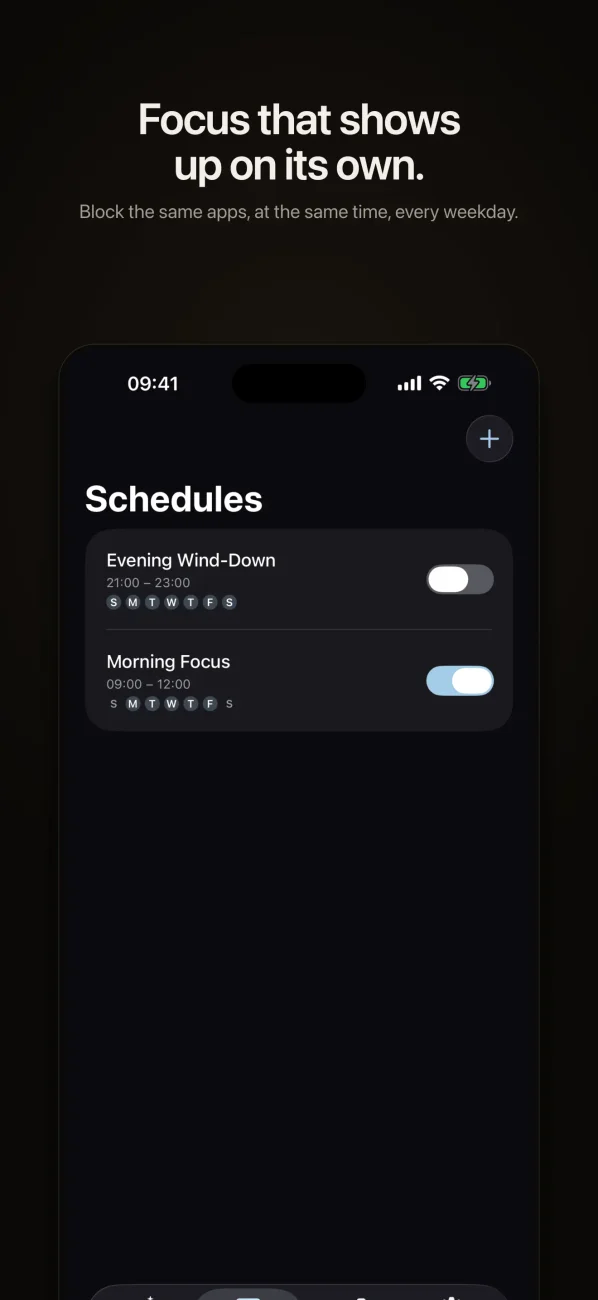
• Set a recurring schedule that blocks the same apps at the same times on the days you pick
• Locked Mode (Lifetime): commit to a session you can't cancel halfway
• Home Screen widgets (small and medium) to start a session without opening the app
• Control Center button to start from anywhere
• Live Activity on the Lock Screen and in the Dynamic Island, so the timer follows you
• Focus filter: when your Work Focus turns on, Latch can start a session for you
• Focus history in a simple weekly chart (7 days free, 30 days with Lifetime)
Quiet by design
• No streaks to break
• No points or badges to chase
• No leaderboards
• No coach messages or nagging reminders
• No email list, no account
A tool you use, then close.
Made for adults managing their own attention
Latch uses Apple's official Screen Time framework with individual authorization. It is not a parental control app. It is for students, writers, developers, designers and anyone tired of losing an hour to doomscrolling before lunch.
Private by design
Your data stays on your device. There is no account, no login and no cloud sync. Latch contains no analytics SDK, no crash reporter and no third-party tracking code. Your app selections, schedules and focus history stay on your iPhone, which is why the privacy label on this page says "Data Not Collected".
Works on iPhone and iPad with iOS 18 or later.
Latch is made by one independent developer, and a real person reads every support email: support@mkapplab.com
Privacy Policy: https://latch.mkapplab.com/privacy
Terms of Use: https://latch.mkapplab.com/terms
Neue Funktionen
Version 1.0.6 · 17.11.2026
A limited-time Black Friday offer and small improvements.
App-Datenschutz
Was METE ERDAL KOROGLU im App Store zum Umgang dieser App mit Daten angibt.
-
Keine Daten erfasst
Der Entwickler erfasst keine Daten von dieser App.
Die Datenschutzpraktiken können variieren, zum Beispiel je nach den von Ihnen verwendeten Funktionen oder Ihrem Alter.
Informationen
- Anbieter
- METE ERDAL KOROGLU
- Kategorie
- Produktivität
- Version
- 1.0.6
- Aktualisiert
- 17.11.2026
- Veröffentlicht
- 02.06.2026
- Größe
- 4,1 MB
- Erfordert
- iOS 18.0 oder neuer
- Altersfreigabe
- 9+
- Preis
- Kostenlos
- In-App-Käufe
- Ja
- Sprachen
- Englisch, Vereinf. Chinesisch, Spanisch, Türkisch
- Copyright
- © 2026 Mete Erdal Köroğlu
Das könnte Ihnen auch gefallen
-
 Orbin: Focus & App BlockerProduktivität
-
 Yalla Focus: Study & PomodoroProduktivität
-
 App Blocker & Focus: LimitlyProduktivität
-
 MinndMindProduktivität
-
 Focus: App & Web BlockerProduktivität
-
 Latch: App Blocker & FocusProduktivität
-
 Daily: Health, Tagebuch & TodoJournal, Notizen, Erinnerungen
-
 Upchin - App Zeitlimit SperreBildschirmzeit, Fokus Timer
-
 SmartFocus - Apps SperrenBildschirmzeit & Konzentration
-
 MindLogic: AI Workflow EngineProduktivität