Learn Basic Computer - Offline
Basic Computer For Beginners
Entwickelt für iPhone, iPad, iPod touch
1,99 €
- Altersfreigabe4+
- KategorieBildung
- EntwicklerSaqib Masood
- SprachenEnglisch
- Größe29,9 MB
Verlinkt auf die offizielle App Store-Seite
Download.org hostet keine Datei von Learn Basic Computer - Offline. Die Schaltfläche öffnet die App-Seite bei App Store, wo Saqib Masood die App veröffentlicht. Eintrag zuletzt geprüft am 12.11.2026.
Screenshots

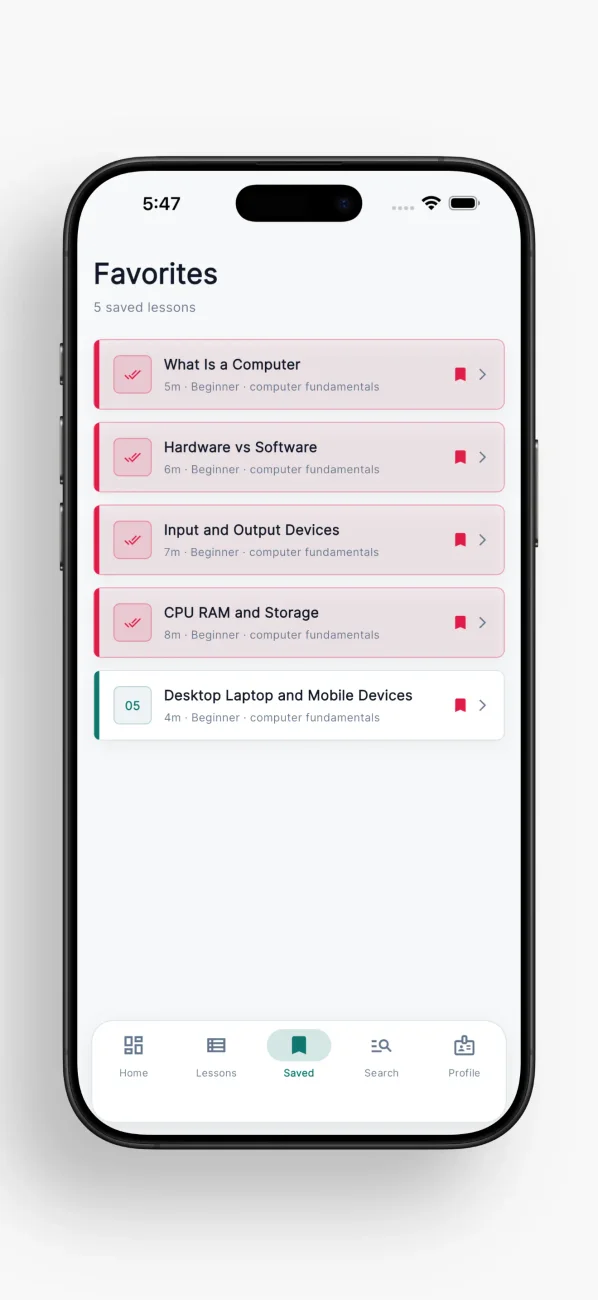
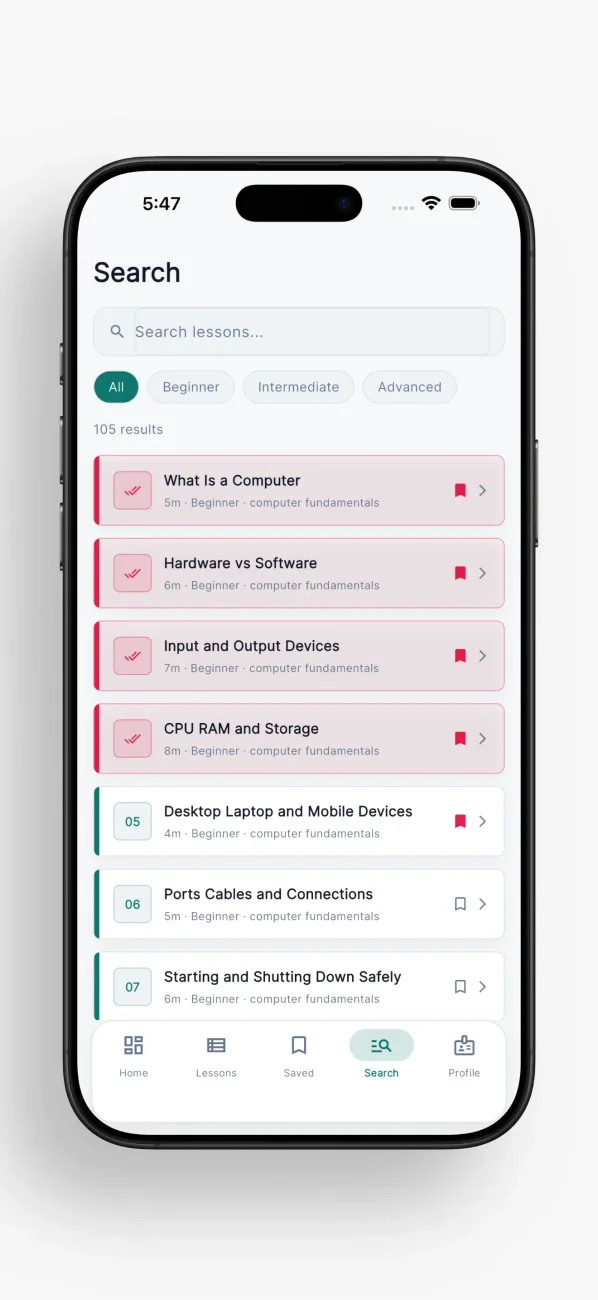
Info
Der Entwickler hat diesen Text nicht in Ihrer Sprache bereitgestellt.
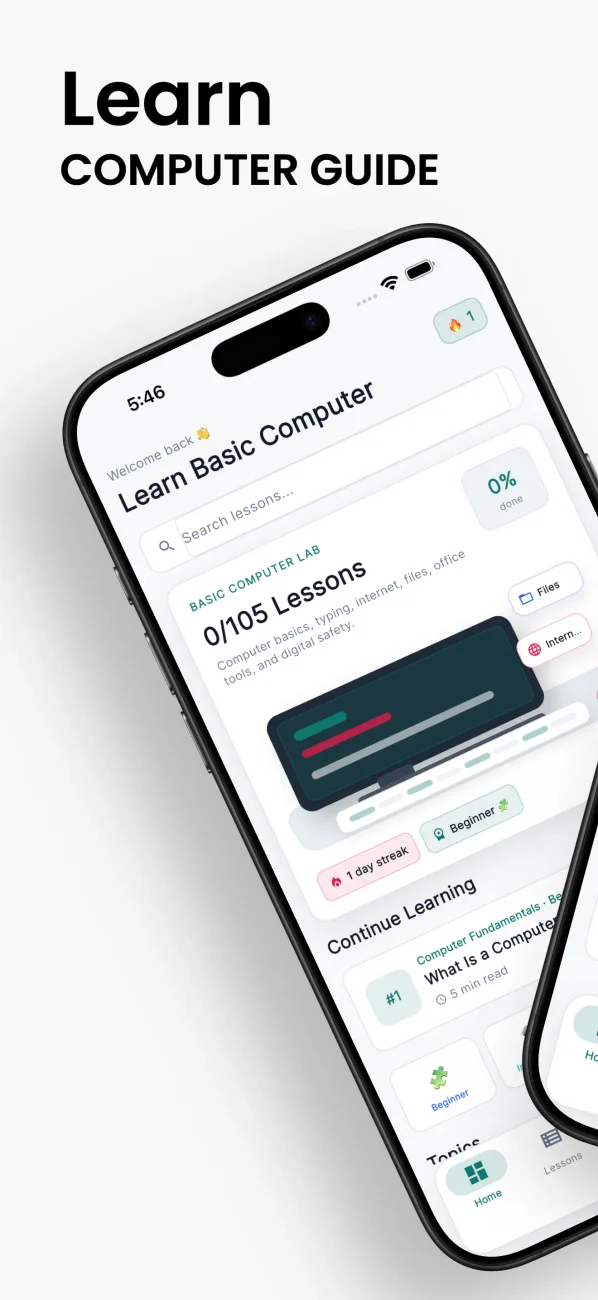
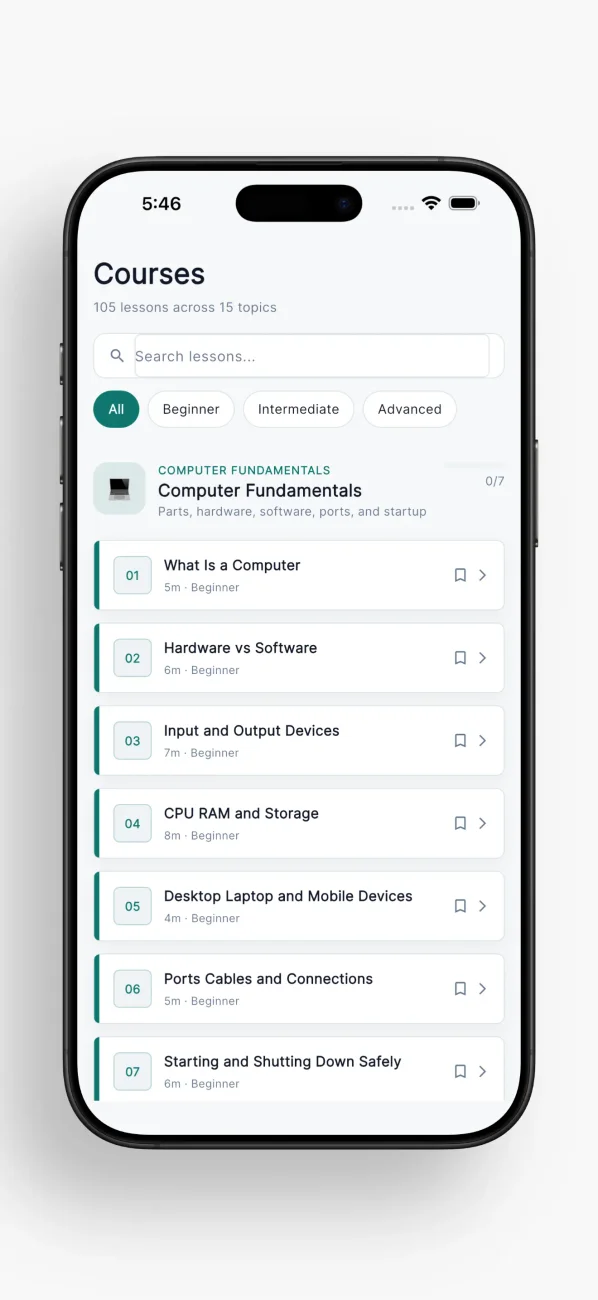
This app will help you understand how computers work and how to use them. We'll talk about how to set up a computer, the difference between hardware and software, and the types of computers you can use. We'll also explore operating systems, applications, the cloud, and a whole lot more.
Using a computer
Whether you're getting started with your first computer or are just looking to learn more about how they work, you'll find all of the information you need in our written lessons, videos, and interactives. When you're done, you'll have a fundamental understanding of how to use a computer. You'll also be ready to learn even more about computers with some of our other app.
What is a computer?
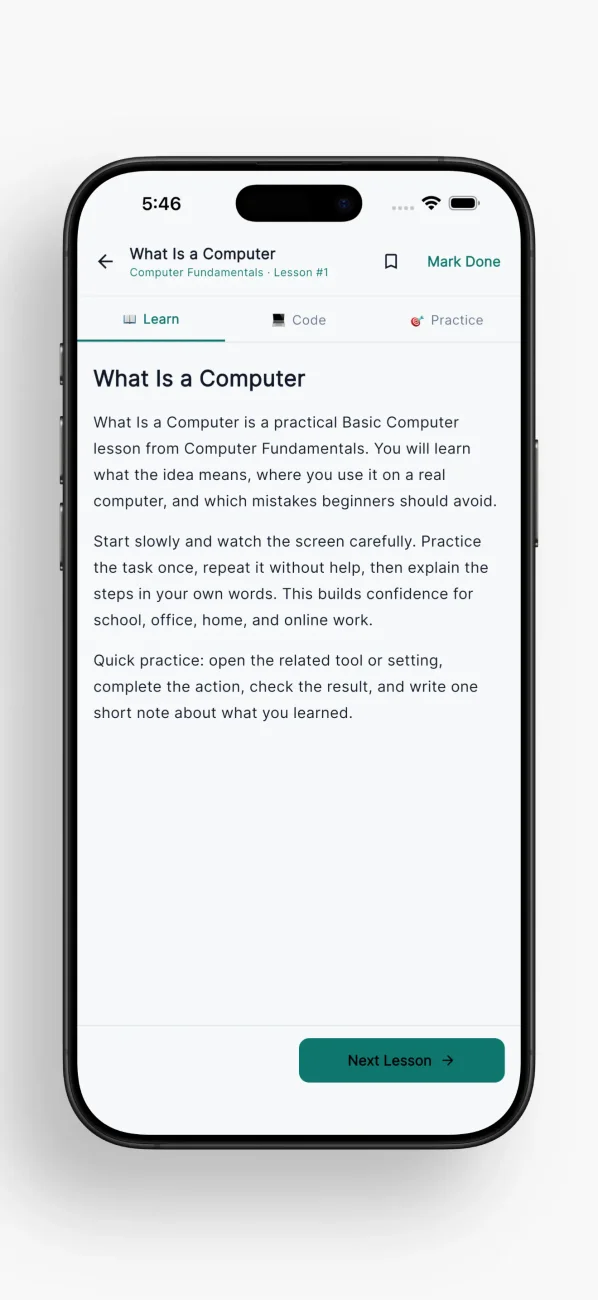
A computer is an electronic device that manipulates information, or data. It has the ability to store, retrieve, and process data. You may already know that you can use a computer to type documents, send email, play games, and browse the Web. You can also use it to edit or create spreadsheets, presentations, and even videos.
Hardware vs. Software
Hardware is any part of your computer that has a physical structure, such as the keyboard or mouse. It also includes all of the computer's internal parts, which you can see in the image below.
viewing hardware.
Software is any set of instructions that tells the hardware what to do and how to do it. Examples of software include web browsers, games, and word processors.
viewing software.
Everything you do on your computer will rely on both hardware and software. For example, right now you may be viewing this lesson in a web browser (software) and using your mouse (hardware) to click from page to page. As you learn about different types of computers, ask yourself about the differences in their hardware. As you progress through this tutorial, you'll see that different types of computers also often use different types of software.
Hardware and software
The main components of a computer, including input and output devices
The function of communication devices such as smartphones and tablets
The role of Operating Systems, programs and apps.
Windows
Turning on the computer and logging on
The Windows screen
Running programs from the Start Menu
Minimising, maximising, moving, resizing and closing windows
Logging off and shutting down your computer.
Working with programs
Running multiple programs
Desktop icons and creating a desktop shortcut
Managing programs from the taskbar
Closing programs.
File management
Managing Windows Explorer
Creating, moving, renaming and deleting folders and files
Understanding file extensions
Viewing storage devices and network connections
Managing USB flash drives.
Word processing
Creating documents in Microsoft Word
Typing text, numbers and dates into a document
Easy formatting
Checking the spelling in your document
Making and saving changes to your document.
Spreadsheets
Understanding spreadsheet functionality
Creating spreadsheets in Microsoft Excel
Typing text numbers and dates into a worksheet
Easy formulas
Easy formatting
Making and saving changes to your workbook
Printing a worksheet.
Printing
Print preview
Print settings
Managing the print queue.
Using email
The Outlook mail screen elements
Composing and sending an email message
Managing the Inbox.
Accessing the internet
Going to a specific website and bookmarking
Understanding how to search/Google effectively
Copy and paste Internet content into your documents and emails
Stopping and refreshing pages
Demystifying the Cloud
Computer security best practices
Neue Funktionen
Version 7.0.0 · 04.08.2026
- Fix Bugs
- Improve UI
- Add More Content
App-Datenschutz
Was Saqib Masood im App Store zum Umgang dieser App mit Daten angibt.
-
Keine Daten erfasst
Der Entwickler erfasst keine Daten von dieser App.
Die Datenschutzpraktiken können variieren, zum Beispiel je nach den von Ihnen verwendeten Funktionen oder Ihrem Alter.
Informationen
- Anbieter
- Saqib Masood
- Kategorie
- Bildung
- Version
- 7.0.0
- Aktualisiert
- 04.08.2026
- Veröffentlicht
- 15.12.2021
- Größe
- 29,9 MB
- Erfordert
- iOS 12.0 oder neuer
- Altersfreigabe
- 4+
- Preis
- 1,99 €
- Sprachen
- Englisch
- Copyright
- © Saqib Masood
Das könnte Ihnen auch gefallen
-
 Learn Computer FundamentalBildung
-
 CRCST Prep: Sterile ProcessingBildung
-
 ChessWorkBildung
-
 Deadlock ConceptsBildung
-
 Learn Thermal EngineeringBildung
-
 Learn Data Structures OfflineBildung
-
 Data Structures BasicsBildung
-
 Woodcarving MagazineNachschlagewerke
-
 Lets's Learn ComputersBildung
-
 Mahatma AK CBSEBildung