- Altersfreigabe4+
- KategorieUnterhaltung
- EntwicklerFANLIGHT Co., Ltd
- SprachenJapanisch+ 5 weitere
- Größe75,8 MB
Verlinkt auf die offizielle App Store-Seite
Download.org hostet keine Datei von LEECHANGSUB LIGHT STICK. Die Schaltfläche öffnet die App-Seite bei App Store, wo FANLIGHT Co., Ltd die App veröffentlicht. Eintrag zuletzt geprüft am 12.11.2026.
Screenshots
Info
Der Entwickler hat diesen Text nicht in Ihrer Sprache bereitgestellt.
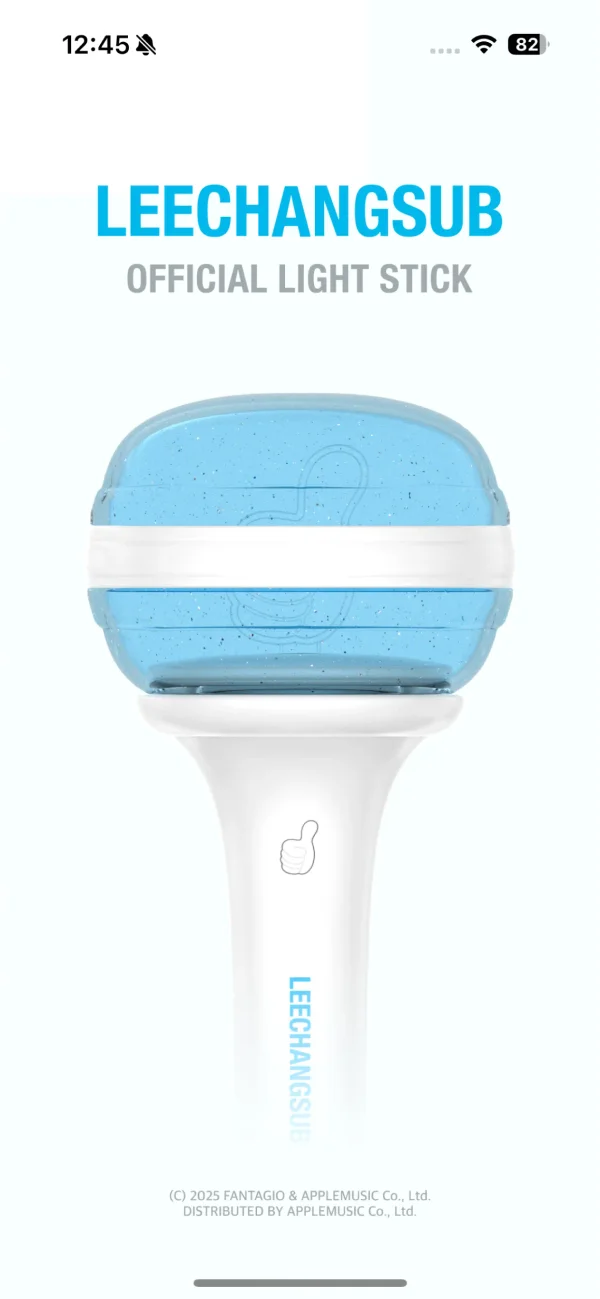
This is the mobile app for the LEECHANGSUB OFFICIAL LIGHT STICK.
The app supports LEECHANGSUB official light stick.
[MAIN FEATURES]
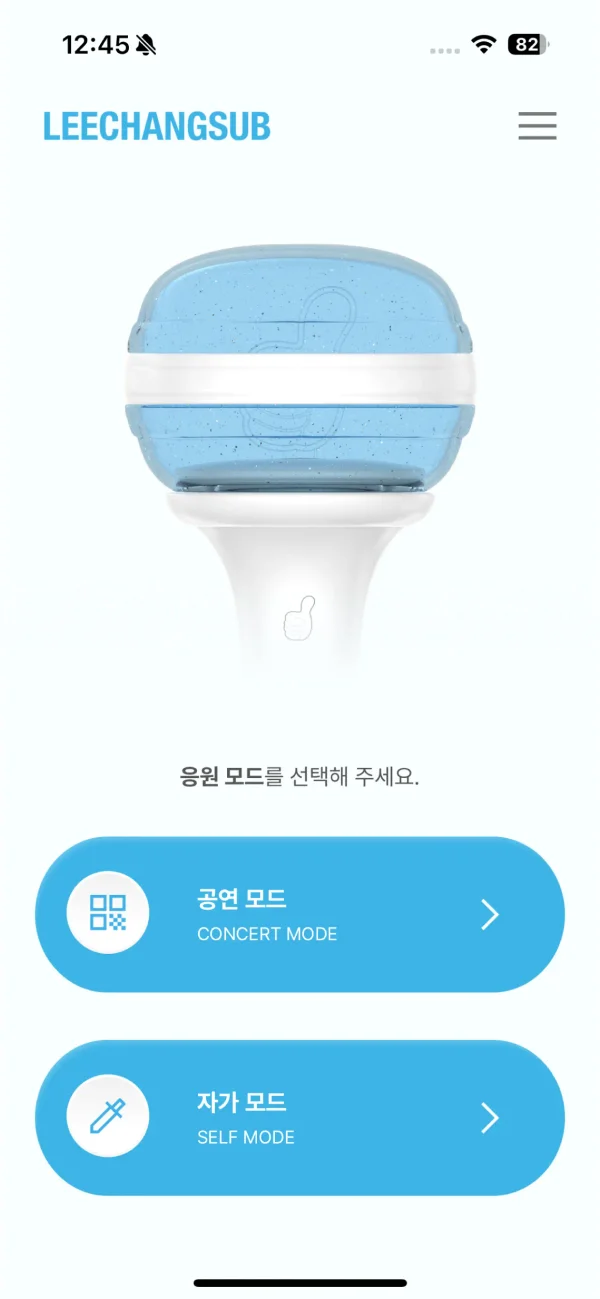
1. CONCERT MODE
Pair your light stick with your concert seat information to enjoy various light stick performance during the concert.
This menu will only be available during the concert period.
2. CONNECTING TO BLUETOOTH ON YOUR SMARTPHONE
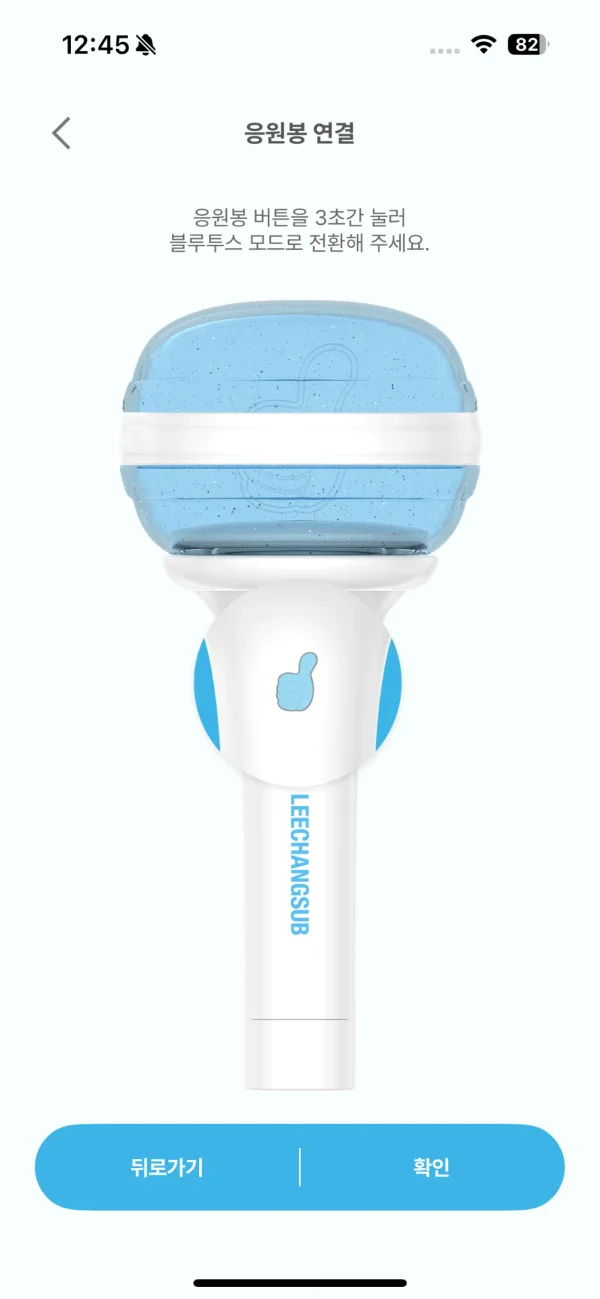
Press the button on the light stick for 3 seconds to set up the “Bluetooth mode”.
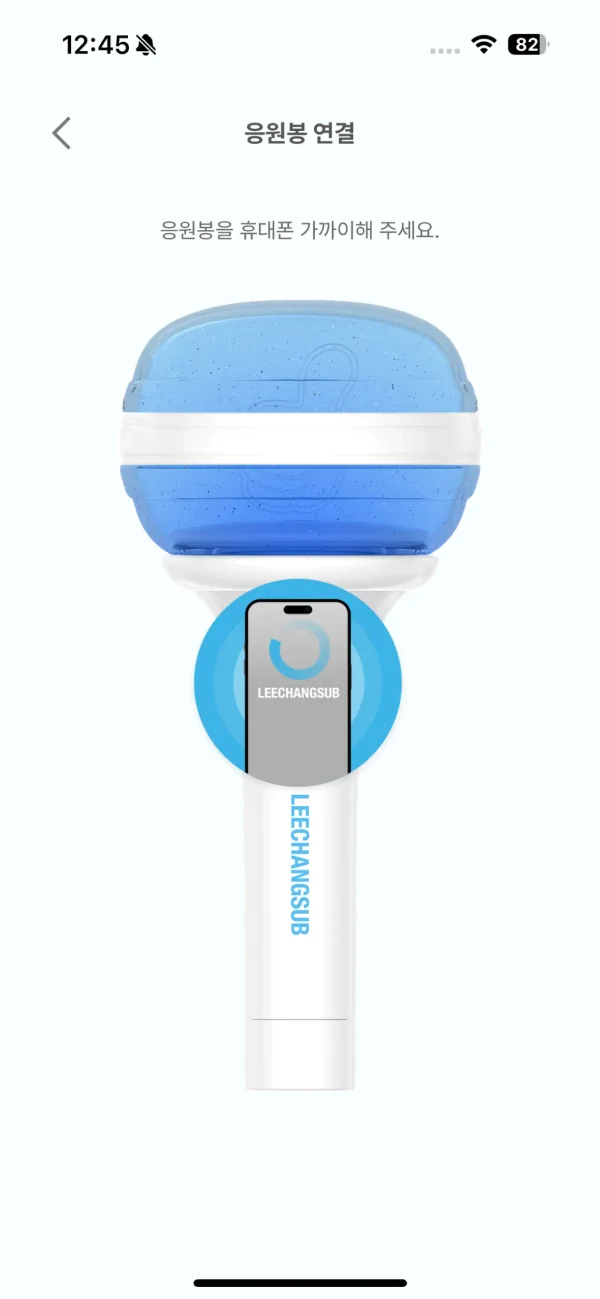
Turn on the Bluetooth function of your smartphone and hold your smartphone close to the light stick to sync them together.
Some smartphones require the GPS function to be turned on to enable Bluetooth connectivity.
If you cannot connect to Bluetooth, please turn on the GPS function.
3. SELF MODE
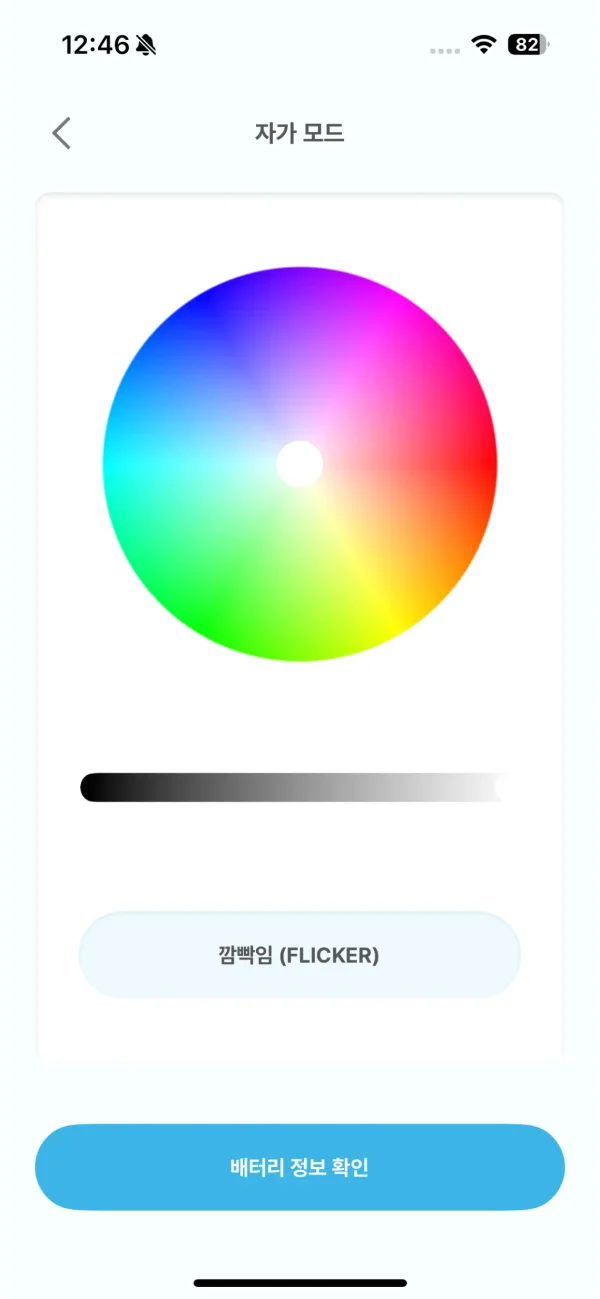
When your light stick is successfully connected to your smartphone, changing the color on the color wheel of the app will change your light stick color accordingly.
4. BATTERY LEVEL CHECK
In the “SELF MODE” page of the app, click the “Check Battery Status” button at the bottom of the screen to check the battery level of your light stick and replace the battery if needed.
※ This function may differ depending on battery performance and smartphone model.
[NOTICE BEFORE CONCERT]
- Check the seat information on your ticket before the concert and enter it into your light stick using the app.
- To take part in the light stick performance, be sure to set the light stick to “Concert mode” by pressing its button for 3 seconds after pairing it with your seat information on the app.
- If the light stick’s wireless performance does not work properly, it may be due to unsuccessful pairing or not completing the pairing process. Please complete the pairing process using the app.
- Please be seated in the same seat you registered for your light stick. Moving to another seat may result in different light stick performance.
- Check the battery level of your light stick in advance to ensure battery sufficiency during the concert.
- There will be a Wireless Control Fanlight Support Center located at the venue.
[REQUIRED ACCESS]
To use the app and the light stick, the following accesses are required.
※ To grant access, please tap the [Allow] button when the pop-up appears.
- DEVICE STORAGE: To store the QR/barcode, seat information, etc.
- PHONE: To read the phone status and its identity
- CAMERA: To read the QR/barcode
- GPS: To connect to Bluetooth
- BLUETOOTH: To connect the light stick
App-Datenschutz
Was FANLIGHT Co., Ltd im App Store zum Umgang dieser App mit Daten angibt.
-
Keine Daten erfasst
Der Entwickler erfasst keine Daten von dieser App.
Die Datenschutzpraktiken können variieren, zum Beispiel je nach den von Ihnen verwendeten Funktionen oder Ihrem Alter.
Informationen
- Anbieter
- FANLIGHT Co., Ltd
- Kategorie
- Unterhaltung
- Version
- 1.0.0
- Aktualisiert
- 03.11.2025
- Veröffentlicht
- 02.11.2025
- Größe
- 75,8 MB
- Erfordert
- iOS 15.0 oder neuer
- Altersfreigabe
- 4+
- Preis
- Kostenlos
- Sprachen
- Japanisch, Thai, Vereinf. Chinesisch, Tradit. Chinesisch, Englisch, Koreanisch
- Copyright
- © 2025 FANLIGHT Co.,Ltd.