
Lemur
Legendary MIDI/OSC Controller
Entwickelt für iPhone, iPad, iPod touch
Kostenlos · In-App-Käufe
- Altersfreigabe4+
- KategorieMusik
- EntwicklerMIDI Kinetics
- SprachenEnglisch
- Größe31,9 MB
Verlinkt auf die offizielle App Store-Seite
Download.org hostet keine Datei von Lemur. Die Schaltfläche öffnet die App-Seite bei App Store, wo MIDI Kinetics die App veröffentlicht. Eintrag zuletzt geprüft am 14.11.2026.
Screenshots




Info
Der Entwickler hat diesen Text nicht in Ihrer Sprache bereitgestellt.
For over 20 years, Lemur has been the world’s premier tool for creating custom MIDI and OSC controllers. Pioneering multitouch technology, Lemur has become synonymous with innovation in music performance and production. Its pivotal role in the evolution of music technology has made it the trusted choice of artists like Daft Punk, Björk, Plastikman, CHVRCHES, The Glitch Mob, Orbital, and many more.
In the film studio, Lemur has become a beloved tool for professional music composers, serving as the central hub for composing templates—managing sample libraries, keyswitches, mix automations, and DAW key commands.
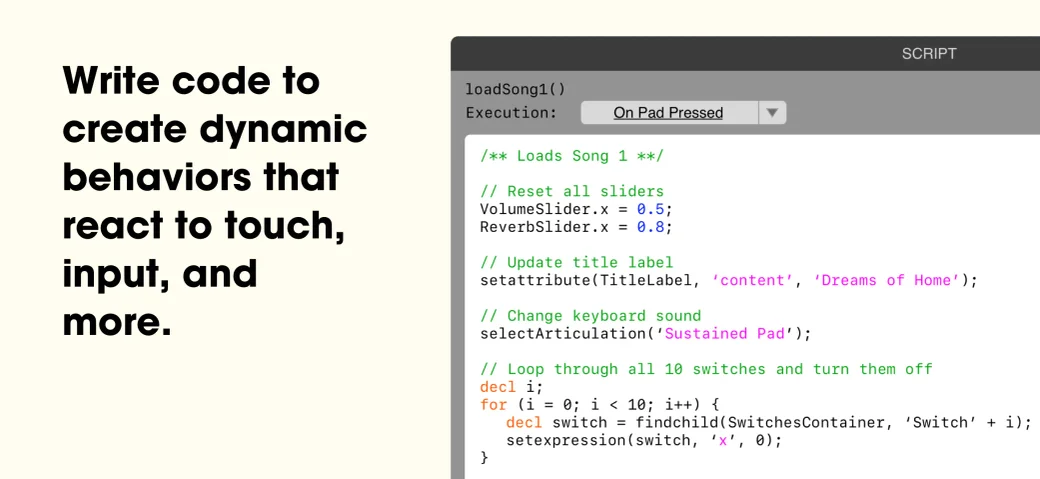
With its extensive collection of built-in widgets, and powerful programming language, if you can dream it, Lemur can build it. Lemur has even been used to make games!
----
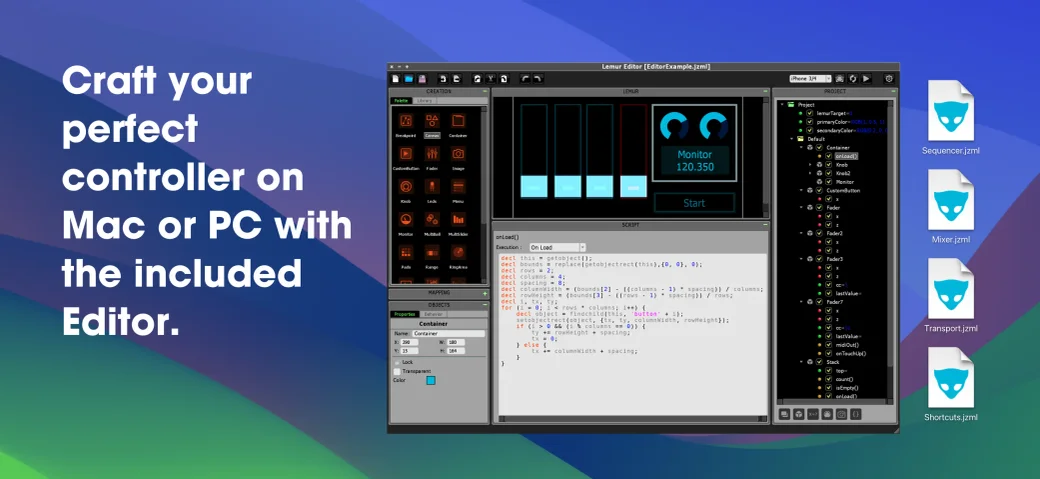
Creating Projects - The Lemur Desktop Software Suite (free) includes the Lemur Editor for macOS and Windows, providing a powerful editor for designing and scripting your controller, as well as the Lemur Daemon, enabling seamless MIDI and OSC connectivity across your entire setup via USB or WiFi.
Connectivity - Simply connect your iPad/iPhone to your computer via Wi-Fi or USB/Thunderbolt and make the connection! Lemur also supports CoreMIDI, allowing you to use any class-compliant hardware MIDI interface. With 8 ports of MIDI/OSC connectivity, you can even control up to 8 computers from one device!
----
Latest Features:
Version 5.0 introduces the incredible new Canvas, Image, and Sequencer family of features with rock solid timing.
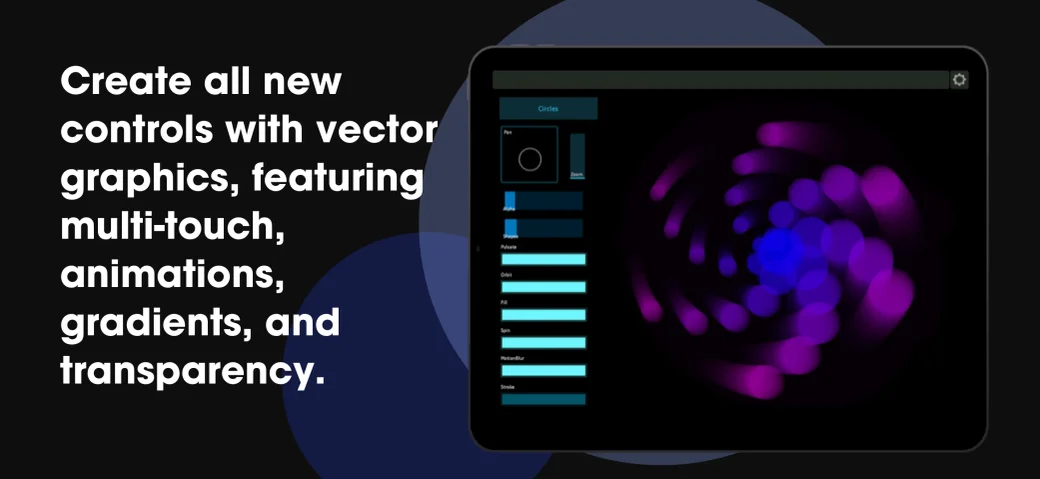
Canvas - A brand-new object that lets you script custom widgets with full multitouch support. Adapted from the HTML5 Canvas element, it allows you to design vector-based widgets featuring shapes, animations, shadows, and transparency. With Canvas, you are no longer limited to Lemur’s collection of built-in widgets—you can create entirely custom controls that precisely match the demands of your project. Polygons, waveforms, circular objects, and infinitely more are all possible with Canvas, opening the door to a completely new Lemur experience.
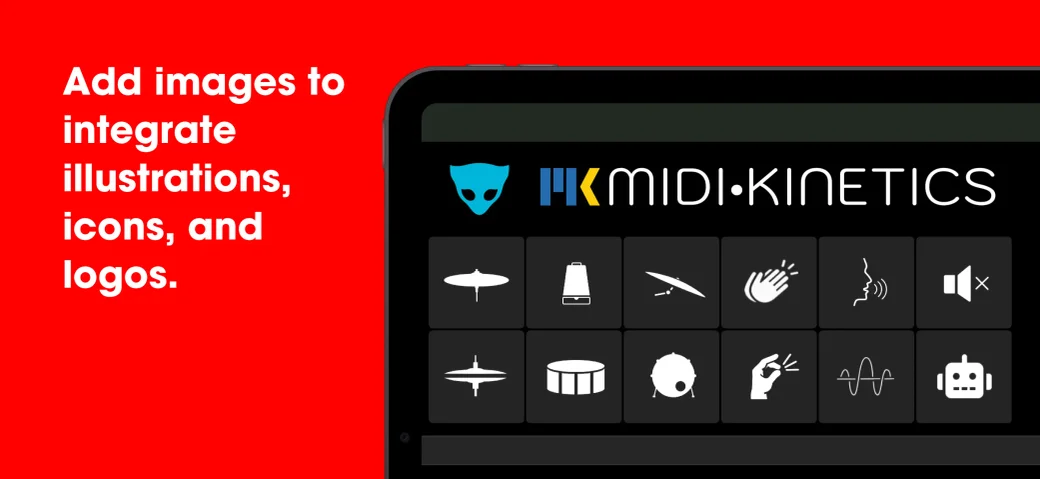
Image - The new Image widget allows you to add custom PNG images directly to your project, opening up possibilities for incorporating image assets that are too complex to create with vector code in the Canvas widget. Whether you’re designing detailed graphics, branding your project with logos, or adding custom button icons, the Image widget makes it easy to enhance your templates with rich visual elements.
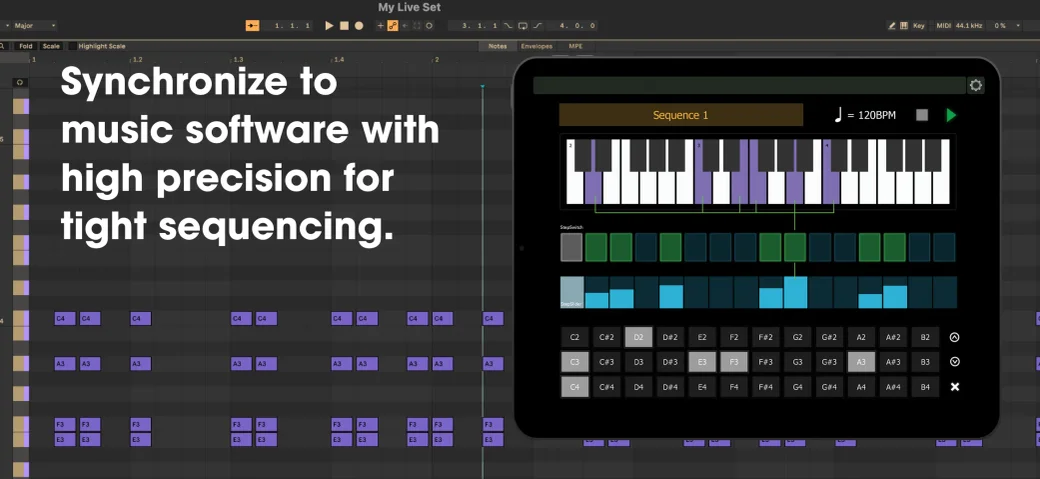
Sequencer - Lemur 5.0 introduces a family of new features for tight sequencing, including three new objects: StepNote, StepSwitch, and StepSlider. Each offers a unique style of sequencing, ready to use right out of the box. These objects utilize the new "On Clock" execution mode, enabling high-precision synchronization to external MIDI clock. Simply add them to your template, and they’ll handle the hard work of controlling your MIDI instruments with perfect timing.
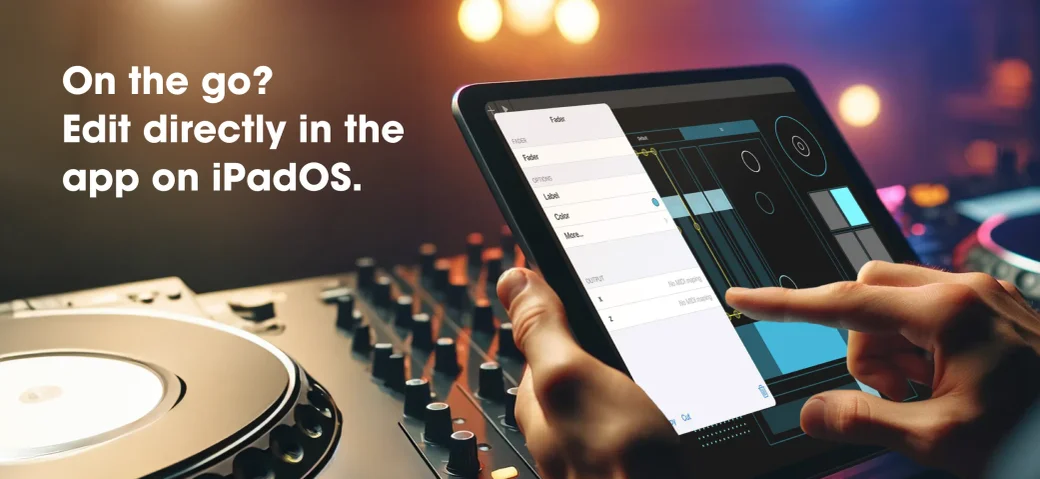
In-App Editor (iPad Only) - Lemur now supports editing projects directly in the app. Virtually every function of the desktop editor is now accessible through an intuitive system of iOS menus and widgets. Best of all – it’s easier to use than ever, offering a smaller learning curve and an immediate initial experience. Any basic configuration, such as a bank of faders, or modifying a script can now be created with familiar taps and gestures.
Skins - Lemur features three new skins, in addition to the classic look. Choose the look that fits your style and sparks your creativity.
----
Join the Lemur Community Forum!
Now in its 10th year! Connect with others to ask questions, troubleshoot, share solutions, and explore Lemur programming with a community tailored to your needs.
----
Purchase a Perpetual Lifetime License or Subscribe Today!
Access to Lemur requires a perpetual lifetime license or active paid subscription, available as an in-app purchase. Both give you full access to all features.
----
Neue Funktionen
Version 5.9.0 · 02.11.2026
Add documentation to your projects with the new LemurDocs. Lemur now brings you news right inside the app, so you never miss an important update. Plus many bug fixes, and improvements to the Lemur Desktop Software.
App-Datenschutz
Was MIDI Kinetics im App Store zum Umgang dieser App mit Daten angibt.
-
Keine Daten erfasst
Der Entwickler erfasst keine Daten von dieser App.
Die Datenschutzpraktiken können variieren, zum Beispiel je nach den von Ihnen verwendeten Funktionen oder Ihrem Alter.
Informationen
- Anbieter
- MIDI Kinetics Software Inc.
- Kategorie
- Musik
- Version
- 5.9.0
- Aktualisiert
- 02.11.2026
- Veröffentlicht
- 23.01.2025
- Größe
- 31,9 MB
- Erfordert
- iOS 13.6 oder neuer
- Altersfreigabe
- 4+
- Preis
- Kostenlos
- In-App-Käufe
- Ja
- Sprachen
- Englisch
- Copyright
- © 2024 MIDI Kinetics Software Inc.
Das könnte Ihnen auch gefallen
-
 MIDI Designer Pro XMusik
-
 7III Tap: Live MIDI-ControllerController für Ableton Live
-
 KnobblerMusik
-
 Protokol - MIDI/OSC MonitorMusik
-
 TouchOSCMusik
-
 Midi Controller - Remote & USBMusik
-
 MIDI Controller PRO Wifi, USBPads, Tasten & Bluetooth MIDI
-
 Bluetooth MIDI Controller ProMusik
-
 Soundbox - Instrument PlatformMusik
-
 Playbeat 4Musik