
Lightning Eyes
Lightning effect from eyes
Entwickelt für iPhone, iPad, iPod touch
1,99 €
- Altersfreigabe4+
- KategorieFoto und Video
- EntwicklerMasanori Katsuta
- SprachenEnglisch+ 1 weitere
- Größe16,5 MB
Verlinkt auf die offizielle App Store-Seite
Download.org hostet keine Datei von Lightning Eyes. Die Schaltfläche öffnet die App-Seite bei App Store, wo Masanori Katsuta die App veröffentlicht. Eintrag zuletzt geprüft am 17.11.2026.
Screenshots

Info
Der Entwickler hat diesen Text nicht in Ihrer Sprache bereitgestellt.
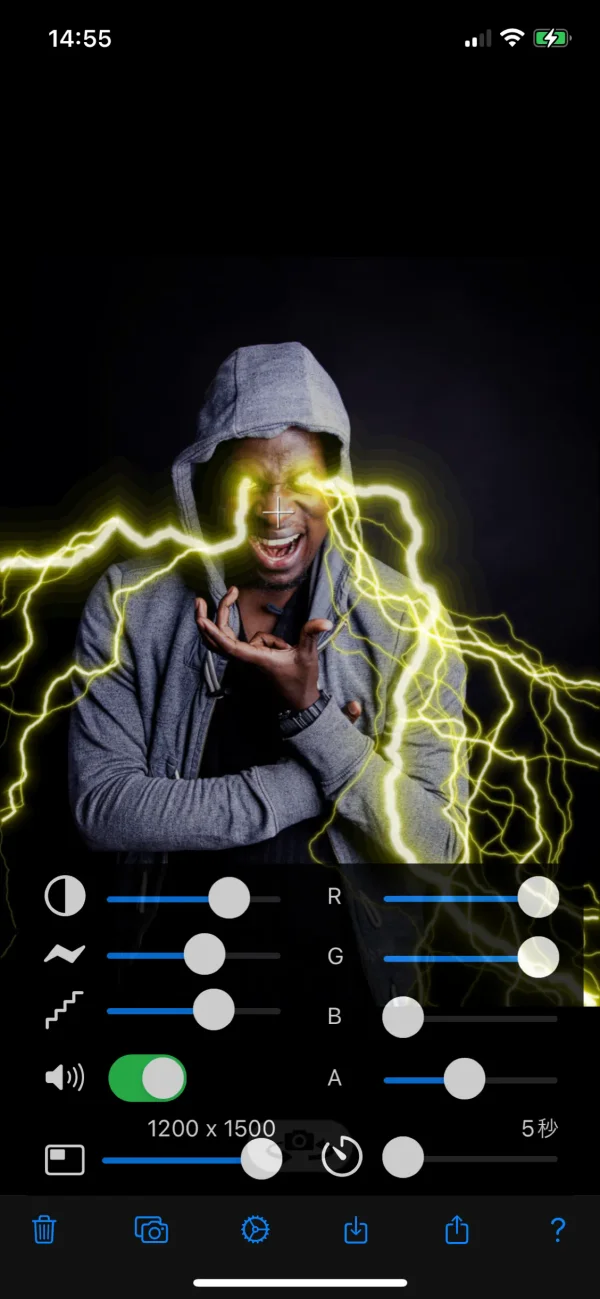
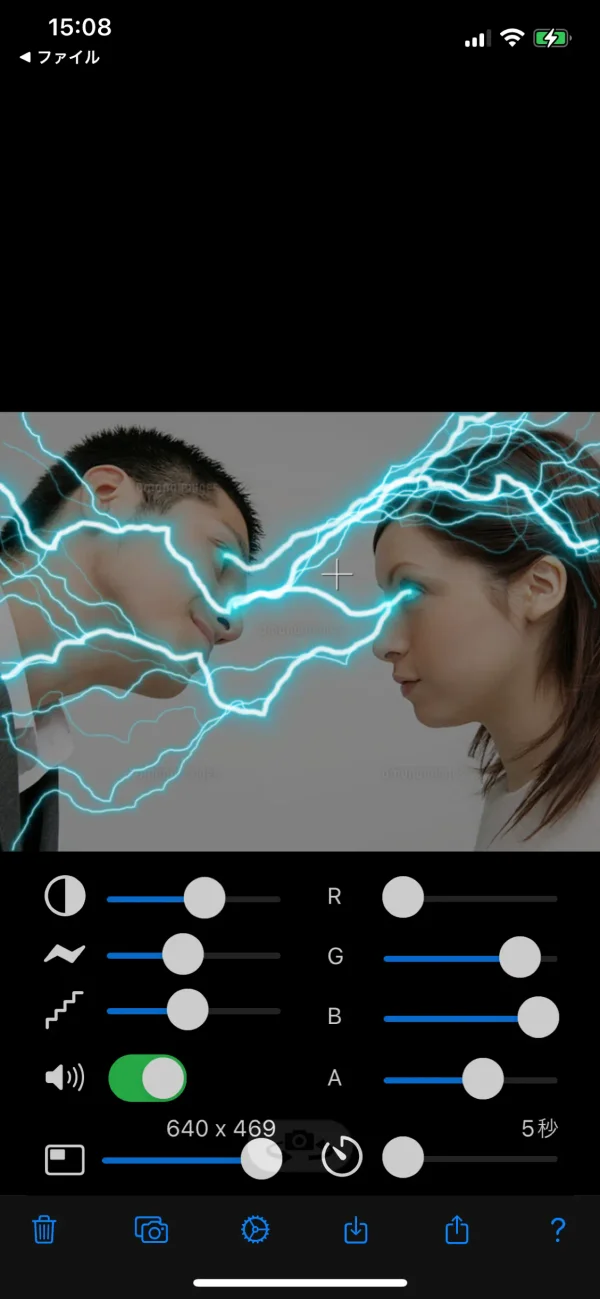
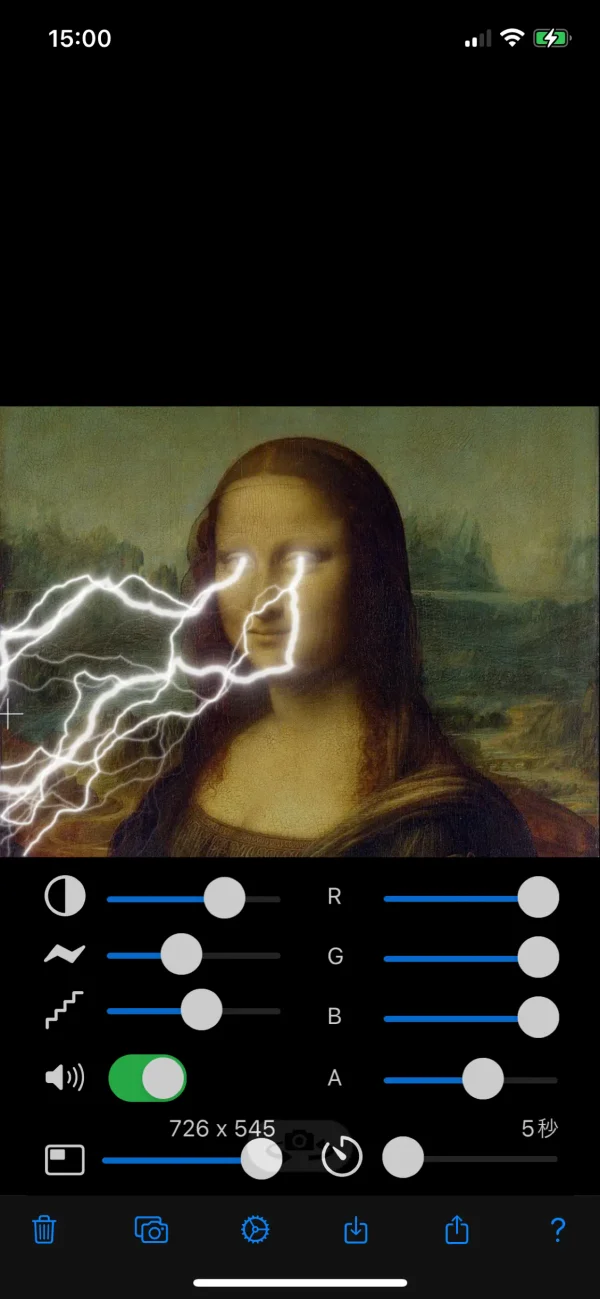
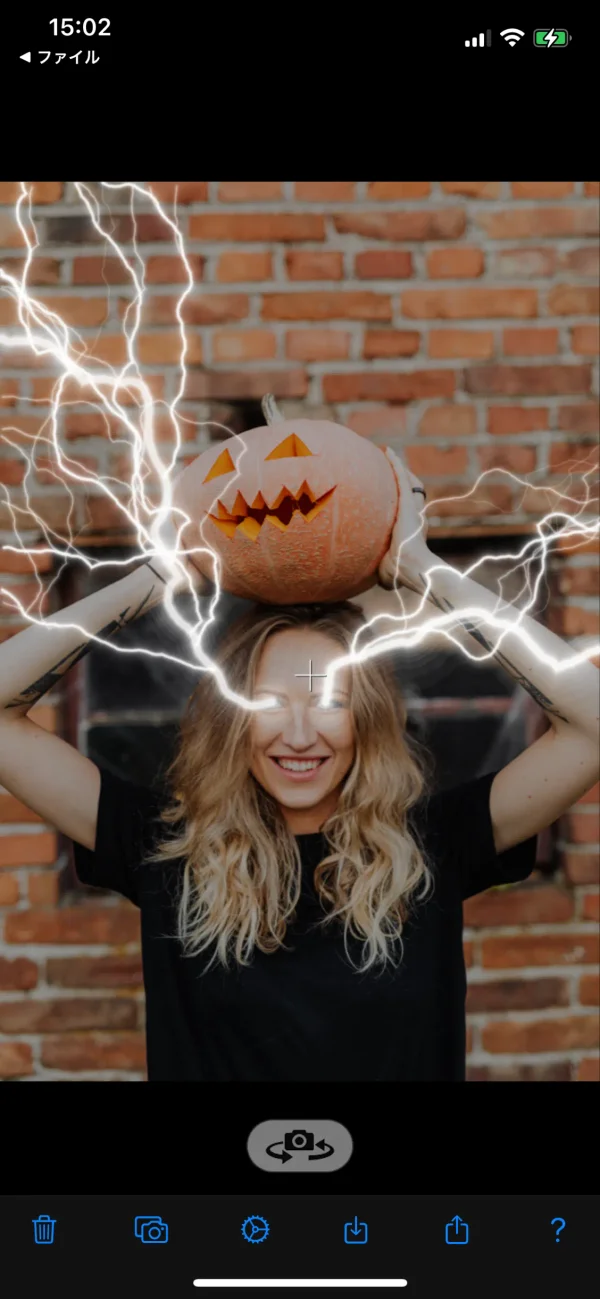
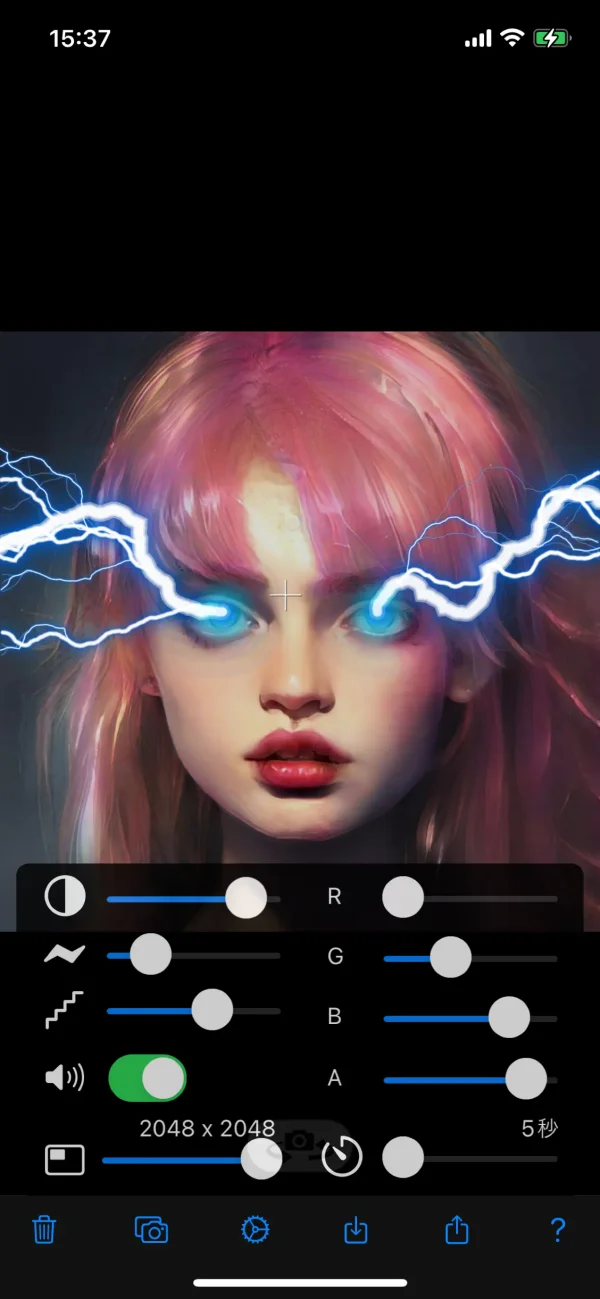
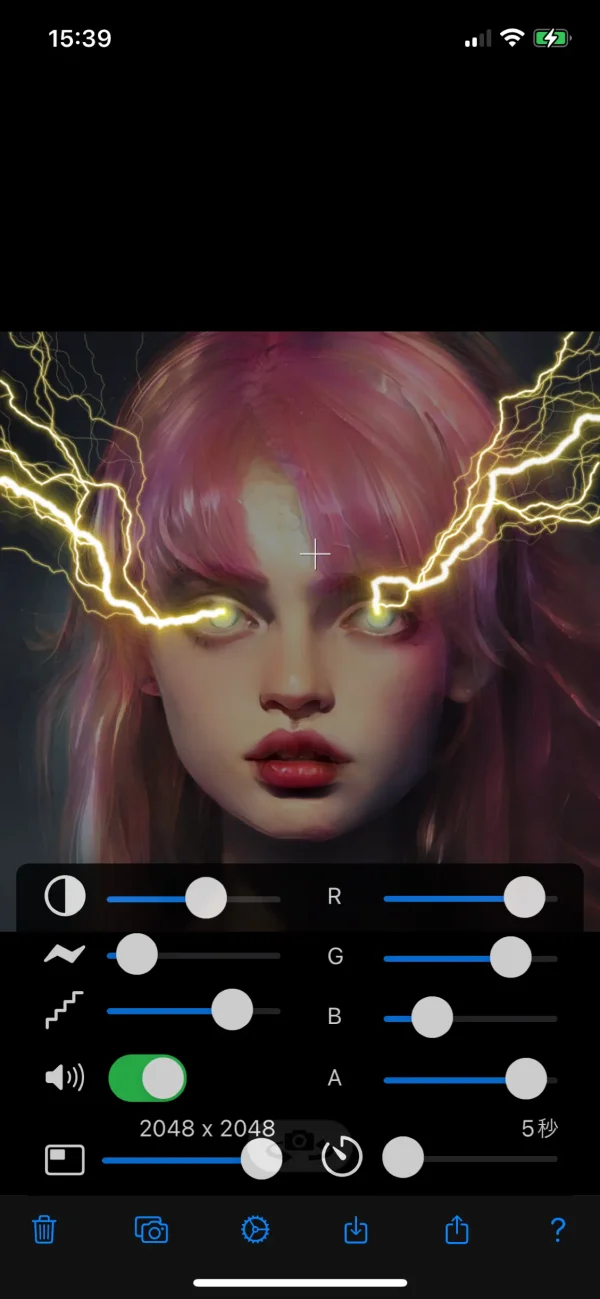
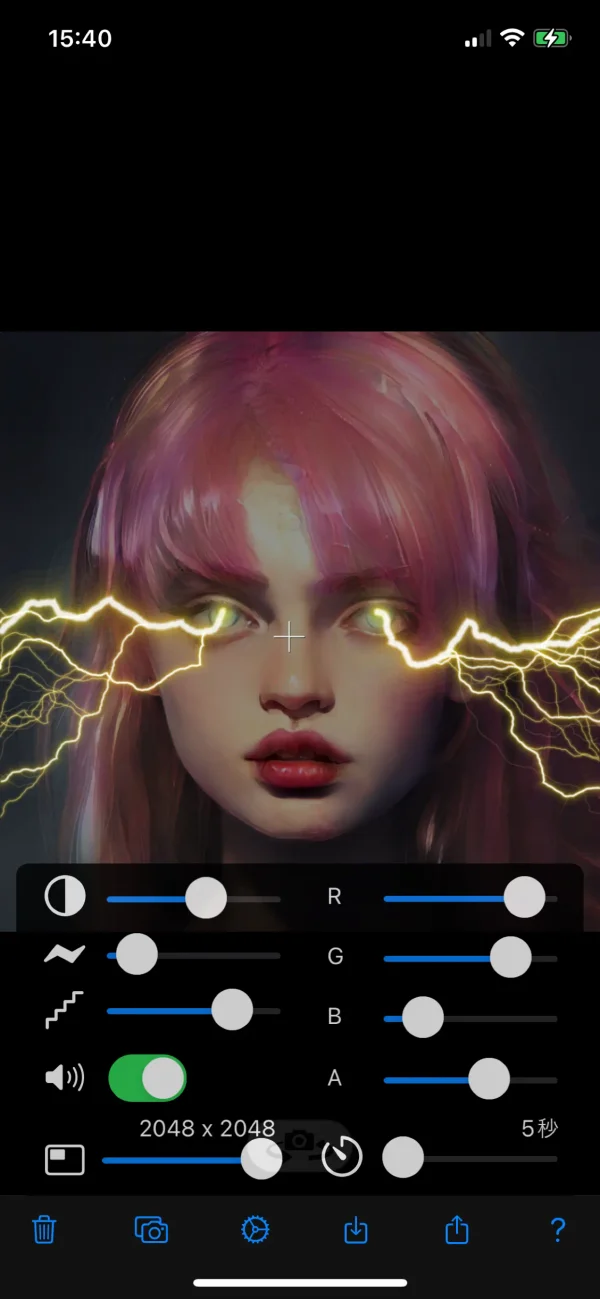
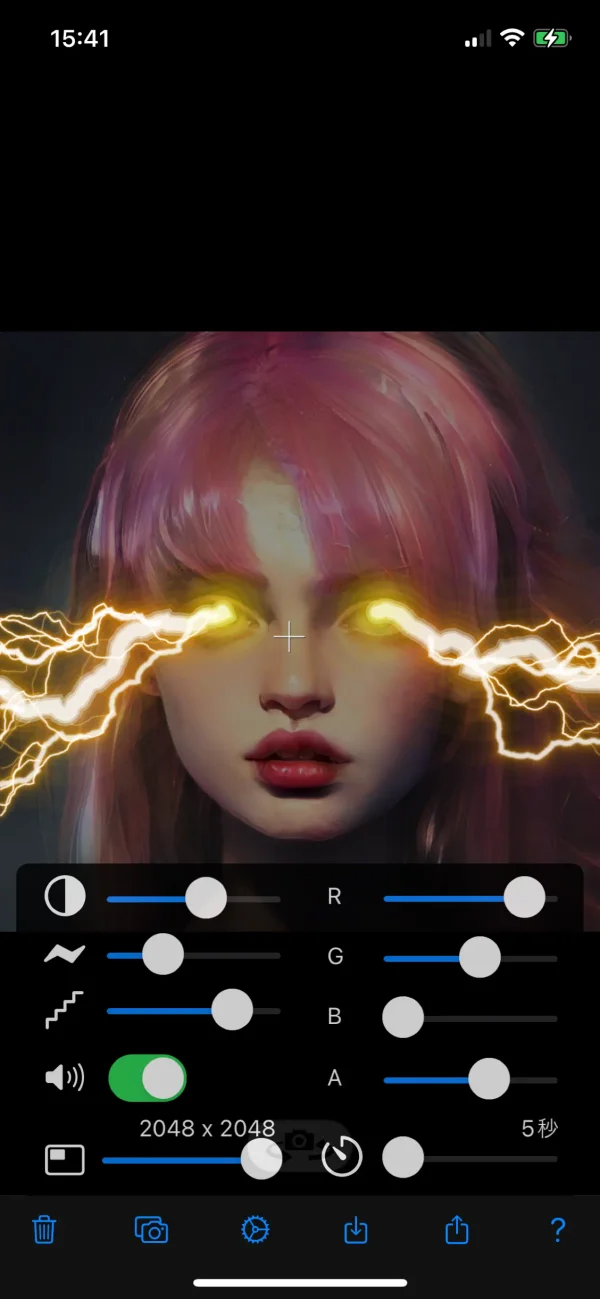
● Recognizes the eyeballs of both eyes captured by the AR camera, and emits a beam of lightning (force lightning) from the eyes.
● The direction of the beam can be changed in real time by touch operation (drag).
● A variety of effects are possible, such as the intensity and color of the light, and the brightness of the background.
You can enjoy this force lightning effect on the AR screen displayed in real time, and you can also save the powerful image as a video or photo, or share it on SNS.
You can also select and use photos saved in your camera roll, photos copied from a web browser, photos shared from other apps, etc.
The sight of lightning beams being emitted from the image-recognized eyes is impressive just by looking at it, and it's also very interesting and appealing.
In the popular movie "Star Wars", Sith's Dark Sidious and Count Dooku fought against Jedi knights with this Force Lightning as a weapon.
Enjoy the Star Wars experience to the fullest with this app.
[Background photo material]
・Camera shooting: You can take photos directly.
・Camera Roll: Import existing photos into the app.
・Paste images: You can easily add web images to the app by copying and pasting.
・File sharing: You can share photos from AirDrop, SNS, and other apps.
[Settings]
・Light color setting (RGBA slider)
・Background brightness
・Light ray power
・Light ray branching amount
・Sound effect switch
・Video length (5-30 seconds)
・Save resolution
[Touch operation]
・Light direction: Touch and drag on the screen to move the target (cross mark) that indicates the direction of the light beam.
- Pause animation: You can pause or unpause the lightning beam animation by tapping on the screen.
[Output]
・Save to camera roll: videos, photos
・Video/photo sharing: AirDrop, LINE, Facebook, Dropbox, Instagram,...
[Notes]
・The device must have adequate processing power, and we recommend using a device equipped with an Apple A11 or higher CPU.
・The output video does not include the audio track. (Update planned)
Neue Funktionen
Version 1.0.1 · 30.03.2024
・Added privacy manifests.
App-Datenschutz
Was Masanori Katsuta im App Store zum Umgang dieser App mit Daten angibt.
-
Keine Daten erfasst
Der Entwickler erfasst keine Daten von dieser App.
Die Datenschutzpraktiken können variieren, zum Beispiel je nach den von Ihnen verwendeten Funktionen oder Ihrem Alter.
Informationen
- Anbieter
- Masanori Katsuta
- Kategorie
- Foto und Video
- Version
- 1.0.1
- Aktualisiert
- 30.03.2024
- Veröffentlicht
- 08.09.2023
- Größe
- 16,5 MB
- Erfordert
- iOS 14.0 oder neuer
- Altersfreigabe
- 4+
- Preis
- 1,99 €
- Sprachen
- Englisch, Japanisch
- Copyright
- © KATS SOFT
Das könnte Ihnen auch gefallen
-
 1001 Fotoeffekte ProFoto und Video
-
 PixelCamera - Retro 8-bit CamFoto und Video
-
 Dark Preview CameraFoto und Video
-
 Desqueeze PRO - Batch ResizerFoto und Video
-
 pronoPointsScanFoto und Video
-
 Reverse Video Editor - ReVideoFoto und Video
-
 Vintage SceneFoto und Video
-
 Visage Lab PROHD photo retouchFoto und Video
-
 Glitch Face AI FiltersFoto und Video
-
 Videobearbeitung SuperkräfteCGI-Filmeditor Special Effects