- Altersfreigabe4+
- KategorieProduktivität
- EntwicklerMatias Villagran
- SprachenEnglisch
- Größe196,8 MB
Verlinkt auf die offizielle App Store-Seite
Download.org hostet keine Datei von Longhand Notes. Die Schaltfläche öffnet die App-Seite bei App Store, wo Matias Villagran die App veröffentlicht. Eintrag zuletzt geprüft am 13.11.2026.
Screenshots
Info
Der Entwickler hat diesen Text nicht in Ihrer Sprache bereitgestellt.
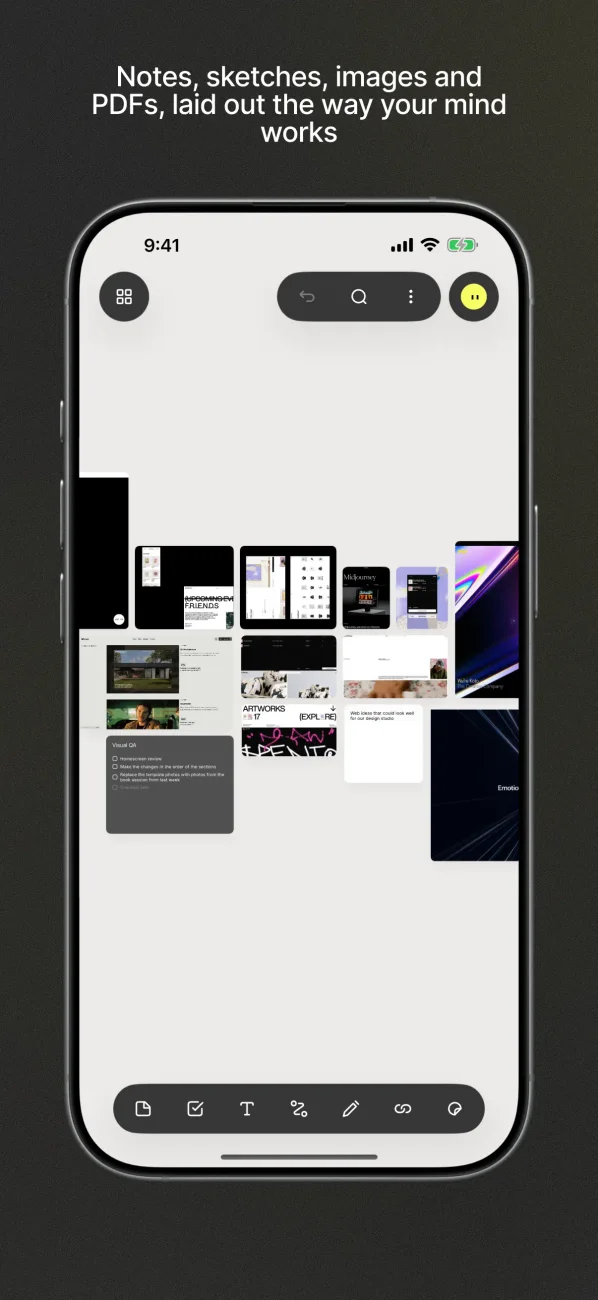
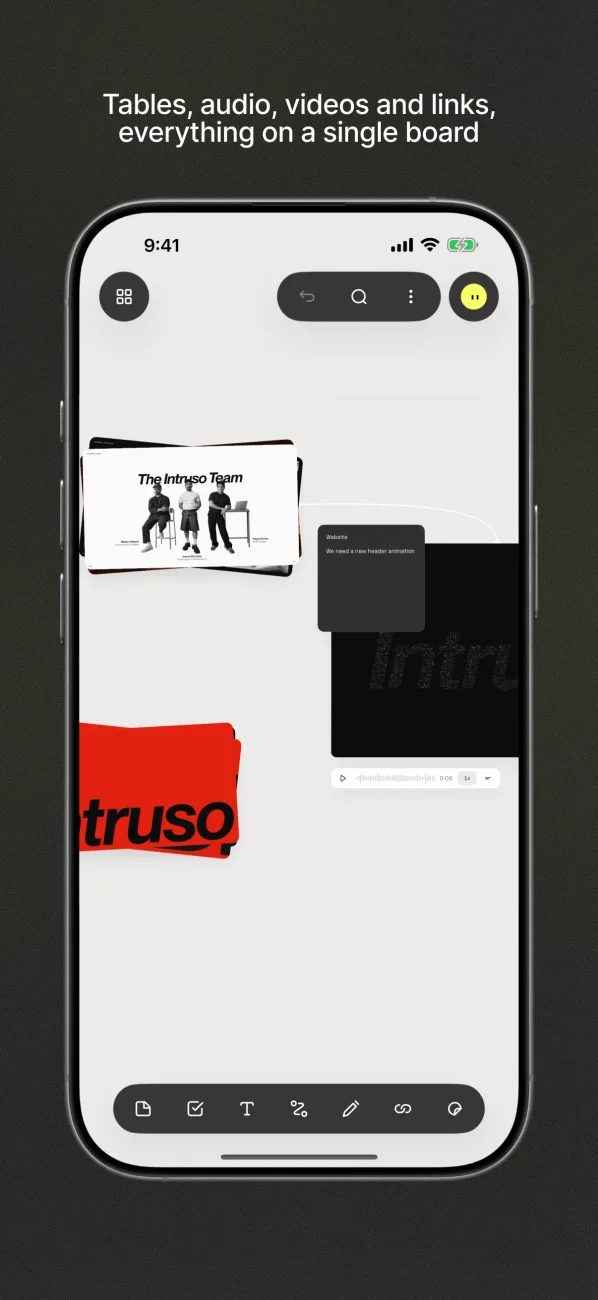
Longhand is an endless board for your ideas. Put notes, checklists, documents, images, videos, audio recordings, PDFs, links and handwriting on one canvas, and arrange them however you think.
Group what belongs together, connect related ideas, and zoom out to see the whole picture.
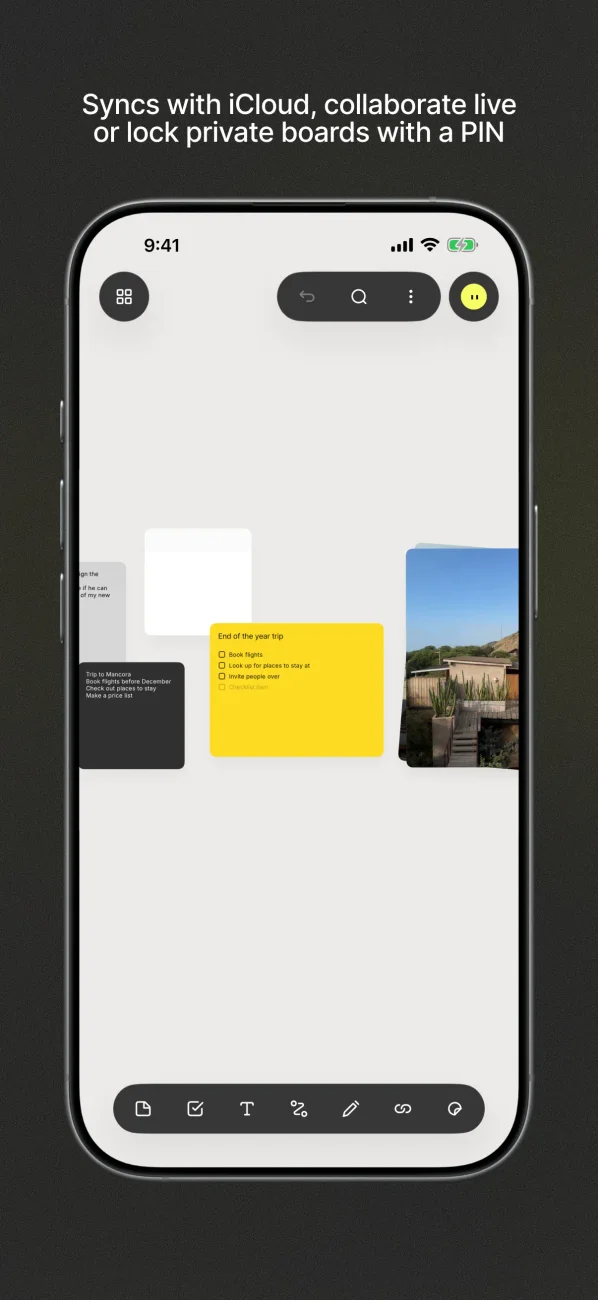
Share a board and work on it together in real time. Your boards sync instantly across your Mac, iPad and iPhone through iCloud. There's no account to create.
Make it yours with desk surfaces like wood, cork and dark grid, and pick your own fonts and colors.
Less clutter, more clarity.
LONGHAND PRO
Unlock every Pro feature with a monthly or yearly subscription, or a one-time lifetime purchase. Payment is charged to your Apple Account. Subscriptions renew automatically unless canceled at least 24 hours before the end of the current period. You can manage or cancel them in your Apple Account settings.
Terms of Use: https://www.apple.com/legal/internet-services/itunes/dev/stdeula/
Privacy Policy: https://app.notion.com/p/thematigran/Longhand-Notes-375aa51a882680d5864ac338e183aa44
Neue Funktionen
Version 4.5 · 06.11.2026
Longhand 4.5 adds a few handy tools and a round of fixes.
NEW
• Cut: cut elements from their menu or with ⌘X, then paste them anywhere.
• Audio notes: pick the Audio Note tool and click on the board to start recording right where you want it. (Pro)
• Press Esc to put down any tool and go back to the cursor.
FIXED
• Mac: fixed a crash that could close the app when opening a board.
• Fixed a crash when sticking a sticker onto a card.
• Tools no longer place elements behind the toolbar.
• Smoother cursor when switching tools, with no more flicker from the pencil.
• Connector ends look cleaner where lines curve.
• The Boards screen no longer shuffles while a board opens.
• The ambient sound player keeps clear of the fixed sidebar.
• Menus open right under their field, and color grids are centered.
• Plus many smaller fixes.
App-Datenschutz
Was Matias Villagran im App Store zum Umgang dieser App mit Daten angibt.
-
Keine Daten erfasst
Der Entwickler erfasst keine Daten von dieser App.
Die Datenschutzpraktiken können variieren, zum Beispiel je nach den von Ihnen verwendeten Funktionen oder Ihrem Alter.
Informationen
- Anbieter
- Matias Villagran
- Kategorie
- Produktivität
- Version
- 4.5
- Aktualisiert
- 06.11.2026
- Veröffentlicht
- 25.06.2026
- Größe
- 196,8 MB
- Erfordert
- iOS 18.0 oder neuer
- Altersfreigabe
- 4+
- Preis
- Kostenlos
- In-App-Käufe
- Ja
- Sprachen
- Englisch
- Copyright
- © 2026 Matias Villagran
Das könnte Ihnen auch gefallen
-
 Whiteboard StudioZeichnen, notieren, planen
-
 Check/InProduktivität
-
 MyslevichProduktivität
-
 tudo listsProduktivität
-
 Infinite Canvas Notes: CanvioProduktivität
-
 InfiniteNote - Endlose NotizenGedanken ohne Seitenumbrüche
-
 Noteora: Notizen & HandschriftNotizbuch & PDF annotieren
-
 Unbound Note: Infinite CanvasProduktivität
-
 Decision Logic - MichiProduktivität
-
 myNotes - WhiteboardNotizen, Zeichnungen, Mindmaps