
- Altersfreigabe4+
- KategorieFoto und Video
- EntwicklerJING JIE LIN
- SprachenEnglisch+ 2 weitere
- Größe4,8 MB
Verlinkt auf die offizielle App Store-Seite
Download.org hostet keine Datei von LoopSlide. Die Schaltfläche öffnet die App-Seite bei App Store, wo JING JIE LIN die App veröffentlicht. Eintrag zuletzt geprüft am 15.11.2026.
Screenshots
Info
Der Entwickler hat diesen Text nicht in Ihrer Sprache bereitgestellt.
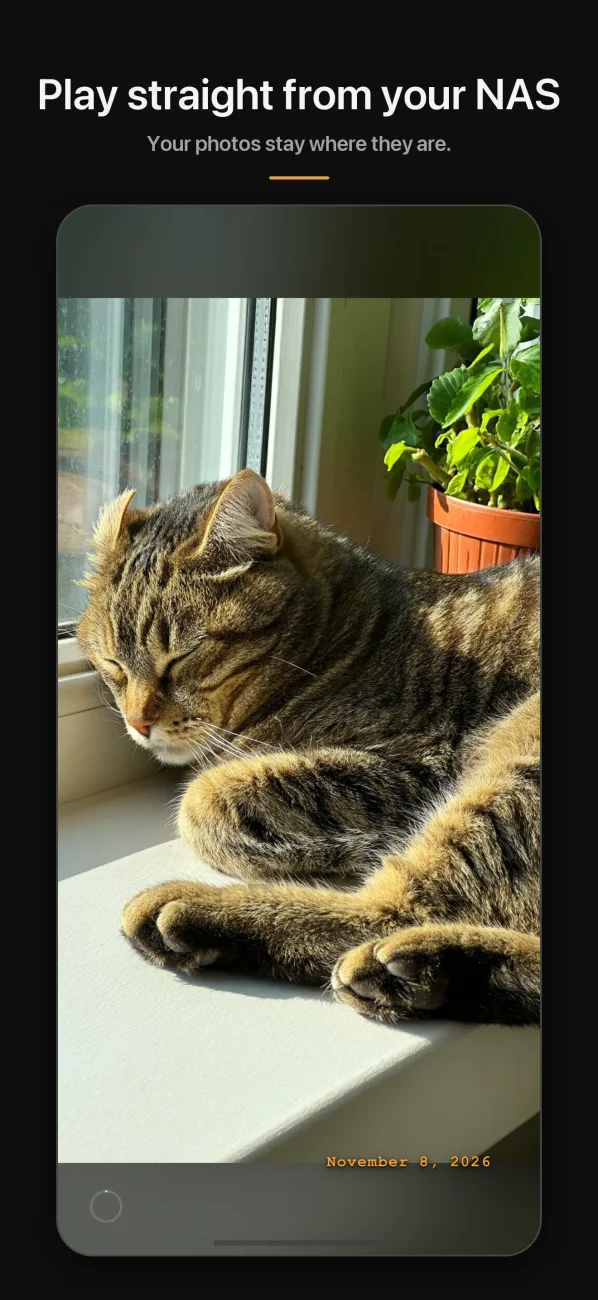
Give your memories a place at home. LoopSlide turns your iPhone or iPad into a photo and video frame, with no account, ads, or tracking.
YOUR PHOTOS, YOUR SOURCES
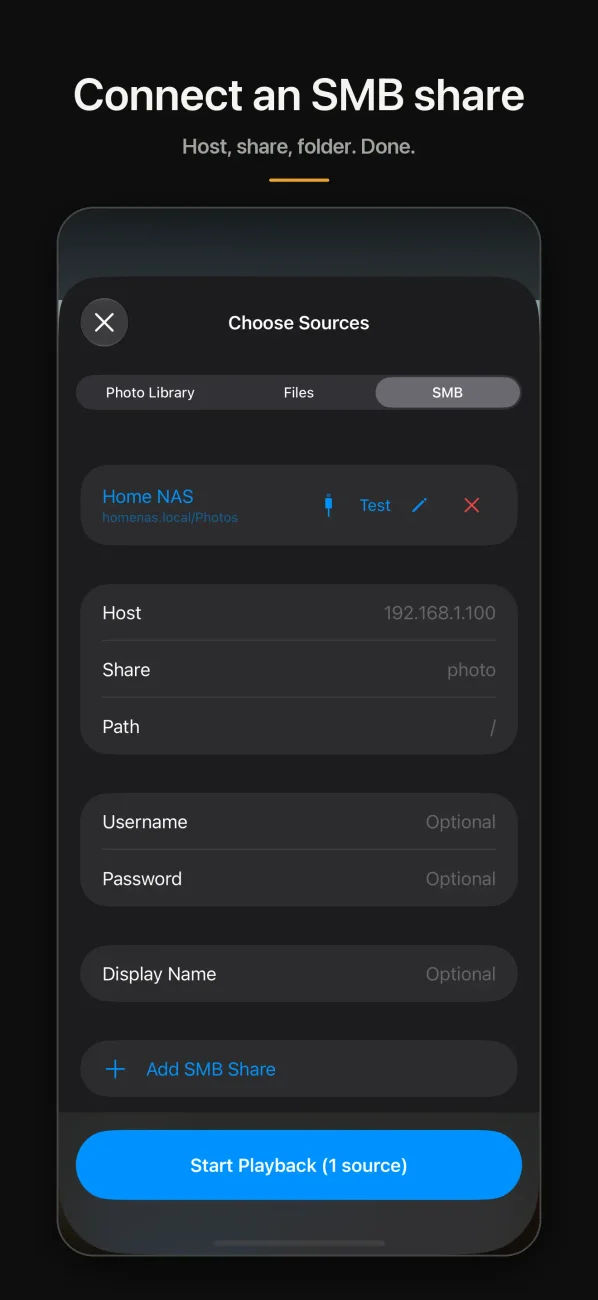
Choose albums from Photos, select a folder through Files, or connect to an SMB network share. Media already available on your device can play offline. SMB requires access to your server.
CONTROL YOUR FRAME FROM ANOTHER SCREEN
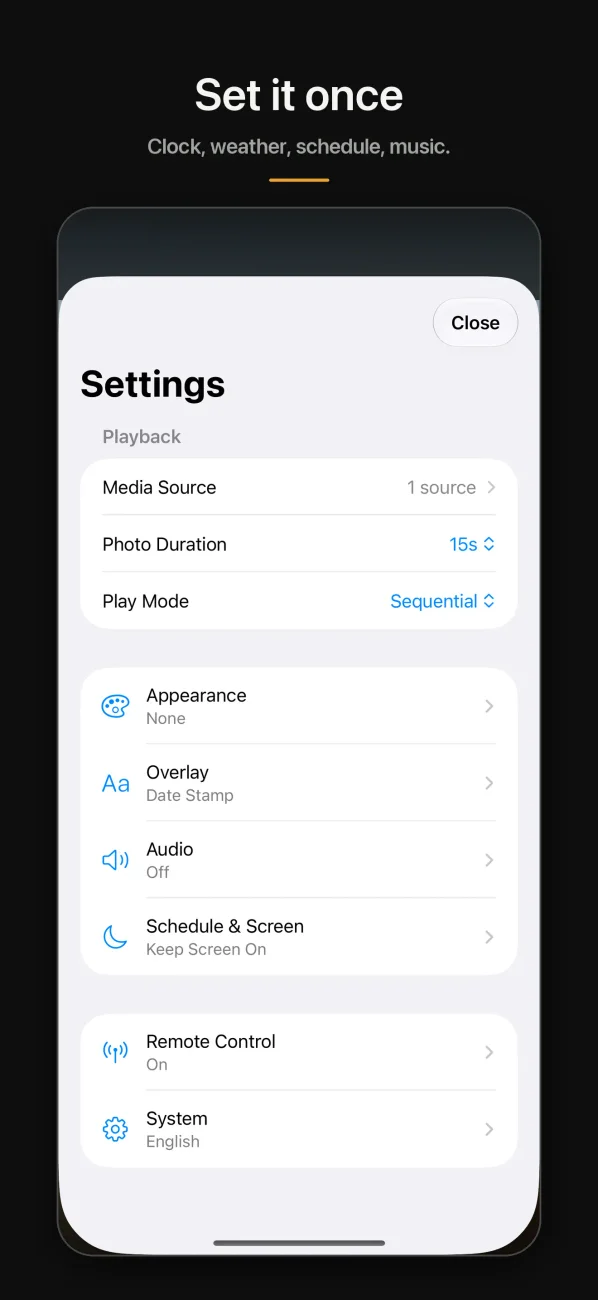
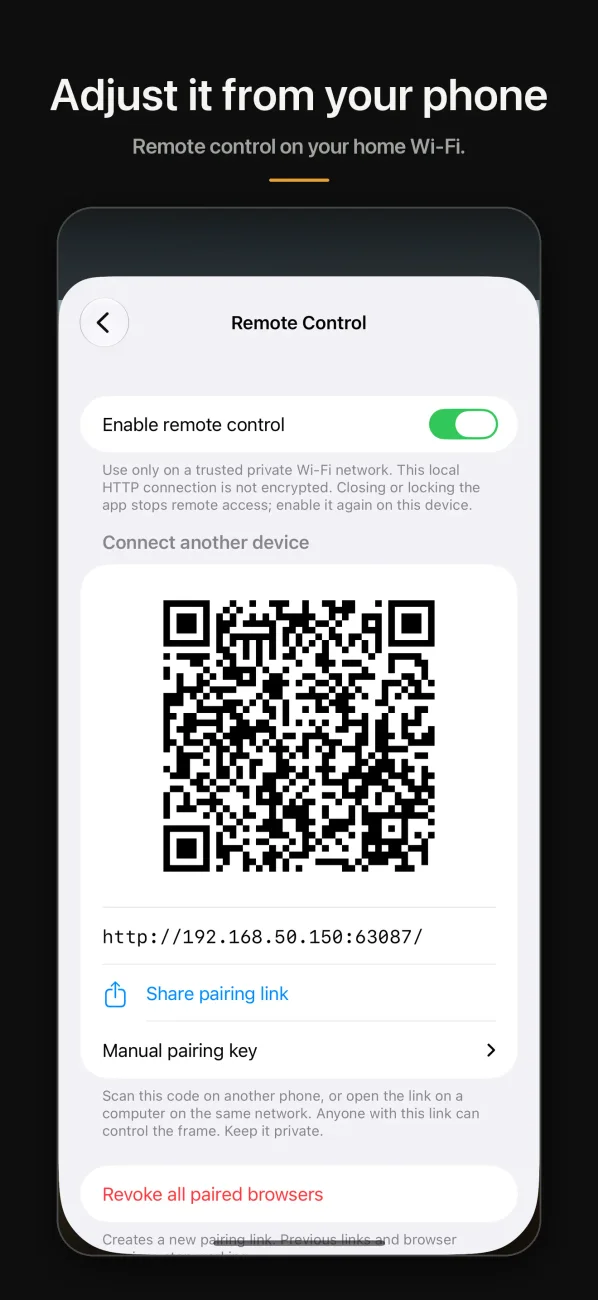
Turn on Remote Control in Settings on the frame, even before you add a source, then open its pairing link on another phone or computer. Use a browser to pause playback, move between items, adjust settings, and manage supported sources and your existing music playlist.
Remote Control is off by default and works only while LoopSlide stays in the foreground. Use it only on a trusted private network: the connection uses unencrypted HTTP. Anyone with the pairing link or key can control the frame until you revoke access. Permissions, new folder selection, and music imports remain on the frame device.
ENCRYPTED SMB BACKUP
Export your SMB connections, including saved passwords, to a backup file in Files. The file is encrypted with a password of at least 12 characters that you choose; a lost password cannot be recovered. Importing adds missing connections, skips duplicates, and keeps your existing connections. The backup covers SMB connections only, not other settings or media.
MAKE IT YOURS
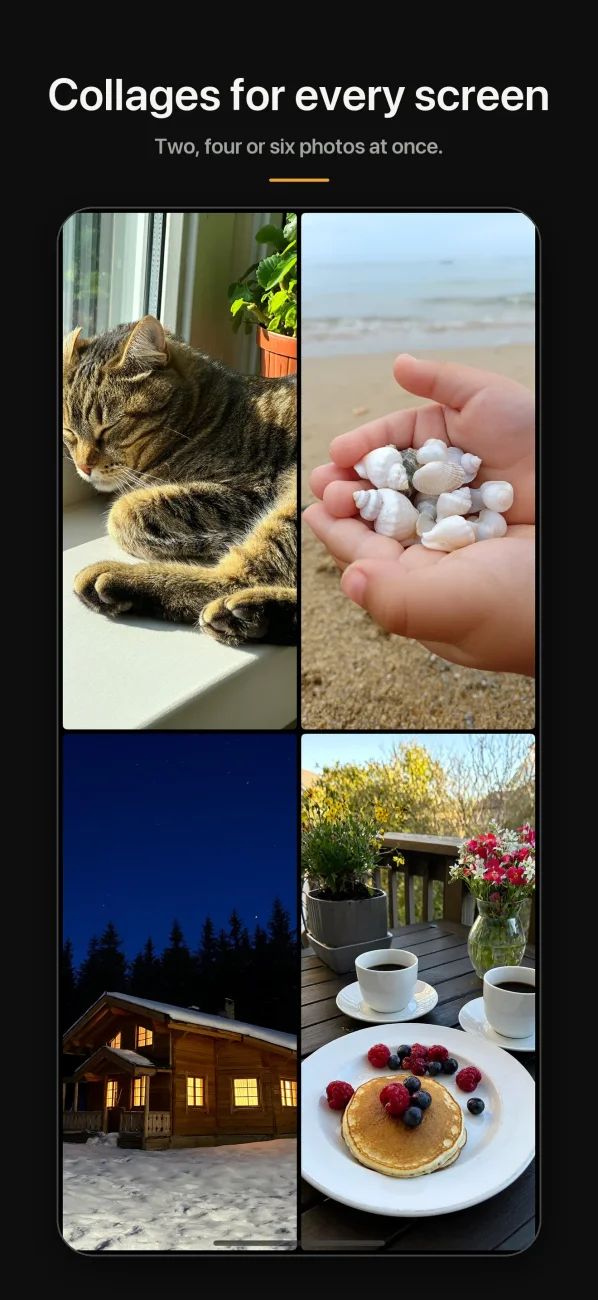
Enjoy transitions, Ken Burns motion, photo filters, and collage layouts. Add a clock, date stamp, or available photo metadata. Play imported audio files or supported music-library items while viewing your photos. Apple Music subscription playback is not supported. Use night mode and exhibition schedules to suit your routine.
OPTIONAL WEATHER
Show local weather from Open-Meteo. Weather requires location permission and internet access; coordinates rounded to two decimal places are sent to Open-Meteo to retrieve the forecast.
NATIVE ON IPHONE AND IPAD
Version 2.0 rebuilds LoopSlide with a native interface for iOS 16 or later. The app supports English, Traditional Chinese, and Japanese.
This native version supports Photos, Files folders, and SMB, and casts the slideshow, including videos with sound, to a TV over AirPlay. WebDAV and DLNA from the previous app are not available. After upgrading, reselect Files folders on the device to restore access.
Neue Funktionen
Version 2.0.0 · 08.11.2026
- Rebuilt for iPhone and iPad with a native interface.
- Added optional local-network remote control from a browser on another phone or computer. Turn it on in Settings, even before adding a source.
- Control playback, settings, supported sources, and your existing music playlist remotely.
- Pair with a link or key and revoke access from the frame. Remote access stops when the app enters the background.
- Added encrypted SMB backups: export connections with saved passwords using a password of at least 12 characters, then import them on another device. Import skips duplicates and keeps existing connections.
- Cast the slideshow to Apple TV or an AirPlay TV over AirPlay; videos keep their sound. Screen Mirroring shows the full layout with this device as the remote.
- Continue enjoying Photos, Files folders, and SMB sources. Reselect Files folders after upgrading.
Use Remote Control only on trusted private networks; it uses unencrypted HTTP. SMB backups do not include other settings or media. WebDAV and DLNA are not included in this native version.
App-Datenschutz
Was JING JIE LIN im App Store zum Umgang dieser App mit Daten angibt.
-
Nicht mit Ihnen verknüpfte Daten
Können erfasst werden, sind aber nicht mit Ihrer Identität verknüpft.
- Standort
Die Datenschutzpraktiken können variieren, zum Beispiel je nach den von Ihnen verwendeten Funktionen oder Ihrem Alter.
Informationen
- Anbieter
- JING JIE LIN
- Kategorie
- Foto und Video
- Version
- 2.0.0
- Aktualisiert
- 08.11.2026
- Veröffentlicht
- 24.03.2026
- Größe
- 4,8 MB
- Erfordert
- iOS 16.0 oder neuer
- Altersfreigabe
- 4+
- Preis
- Kostenlos
- Sprachen
- Englisch, Japanisch, Tradit. Chinesisch
- Copyright
- © 2026 jjlindev
Das könnte Ihnen auch gefallen
-
 EZ Photo FrameFoto und Video
-
 Digital Frame LiteFoto und Video
-
 Rando - Zufällige Foto-DiashowErinnerungen neu entdecken
-
 DigiFrame: Digital Photo FrameFoto und Video
-
 Pixette – Diashow für NASBilderrahmen: Immich, Synology
-
 Slidy – Foto-DiashowEinfach. Elegant. Diashow.
-
 Random GalleryErlebe deine Erinnerungen neu!
-
 File GalleryFoto und Video
-
 Diashow Maker SlideFlowFotos, Videos & Musik + TV
-
 Shuffle PhotosFoto und Video