
- Altersfreigabe4+
- KategorieProduktivität
- EntwicklerKN Soft LLC
- SprachenEnglisch
- Größe8,0 MB
Verlinkt auf die offizielle App Store-Seite
Download.org hostet keine Datei von Lumadia. Die Schaltfläche öffnet die App-Seite bei App Store, wo KN Soft LLC die App veröffentlicht. Eintrag zuletzt geprüft am 06.11.2026.
Screenshots

Info
Der Entwickler hat diesen Text nicht in Ihrer Sprache bereitgestellt.
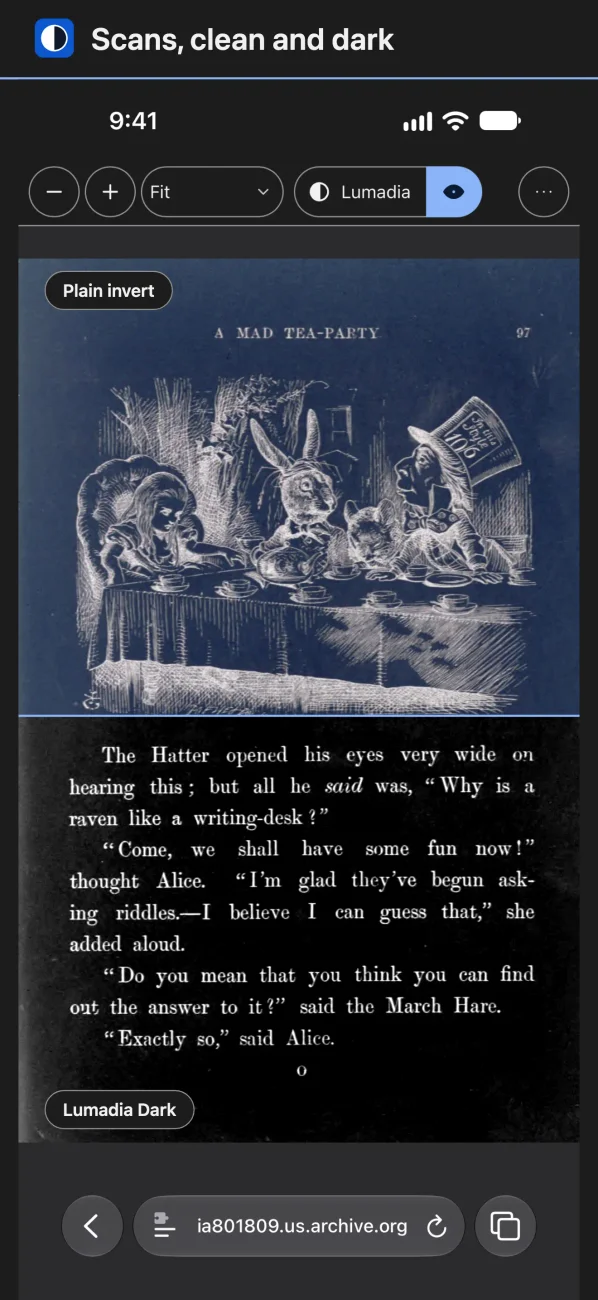
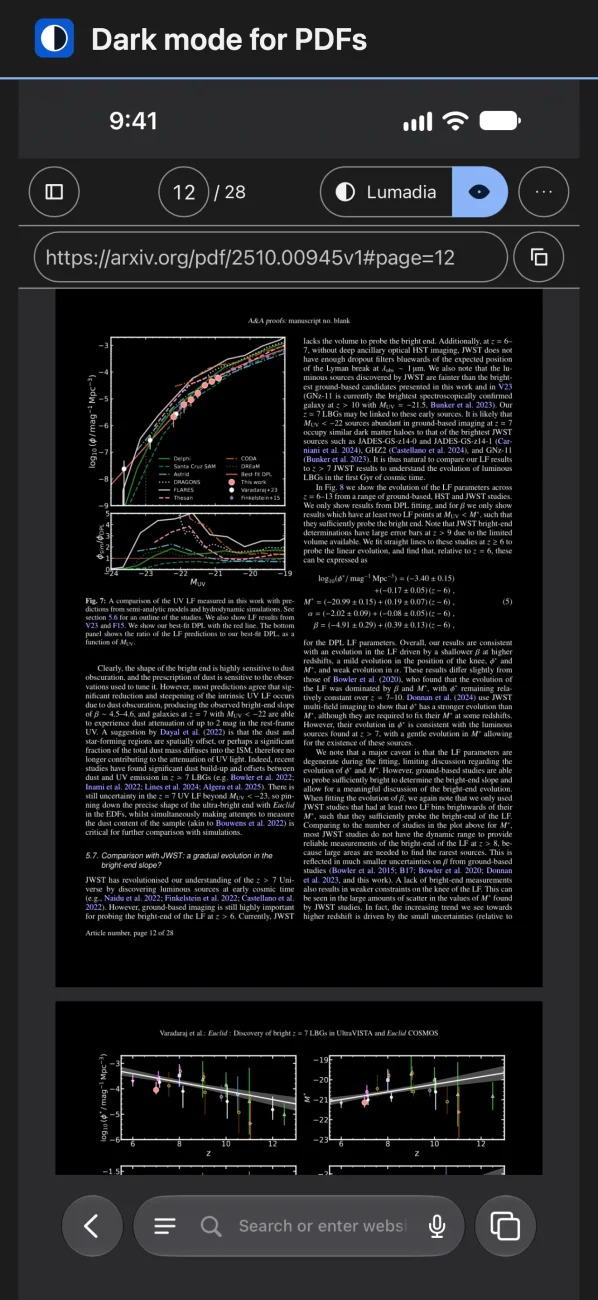
Dark mode for PDFs, even scanned ones. Read white PDF pages on a dark background at night, and make grey, faded scans clearer by day.
Choose Light, Dark, or Match your system. By day, Lumadia gives a grey scan more contrast, cleaner paper and sharper text. Lumadia works in Safari, and changes how a page looks on your screen. It never changes the file.
Most dark modes cannot touch a scanned book or an old printed page: a scan is a picture, so recolouring text does nothing, and a plain invert gives a murky negative. Lumadia filters the picture itself, so scans and photographed pages read cleanly.
WHAT YOU CAN DO
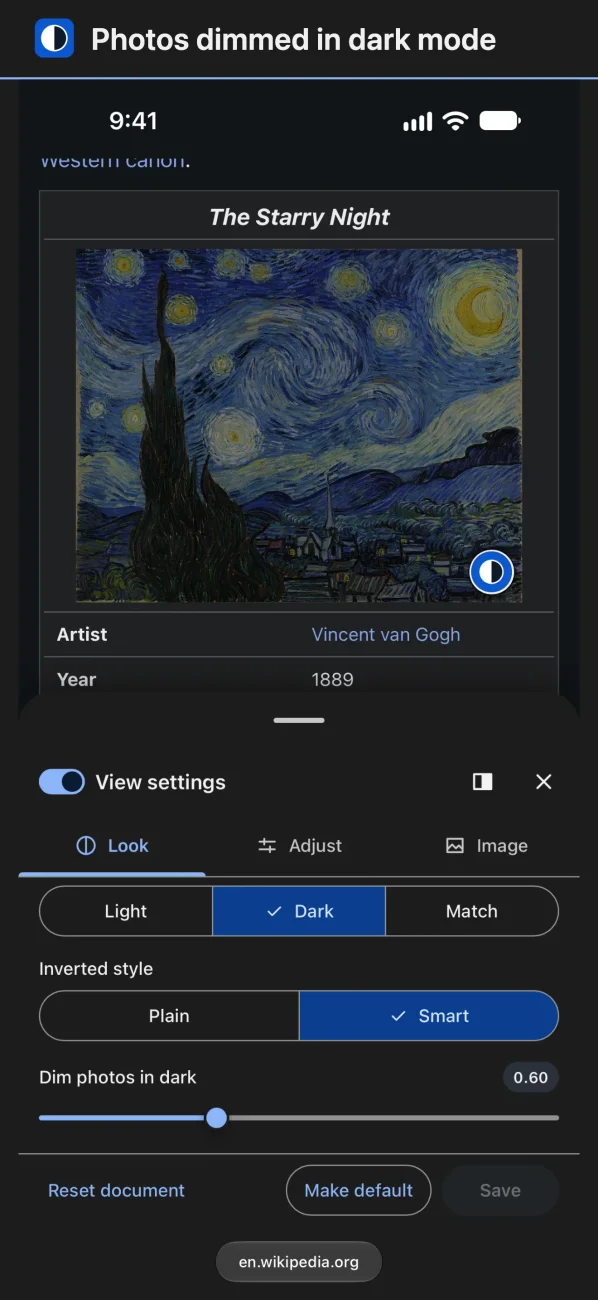
• Invert PDFs, images and scans, plainly or keeping colours' hue
• Adjust contrast, levels and grayscale
• Dim photos in dark mode, so they never glare
• Keep highlight marks visible when a page is inverted
• Filter images, PDF pages, canvases and video on the sites you choose
• Open PDFs in Lumadia's own viewer, so the filter works on PDFs too
• Lumadia remembers your adjustments for each document
WORKS WITH YOUR DARK MODE
Using a dark-mode extension? Keep it for web pages, and use Lumadia for documents and images. If a PDF turns light again, set that extension to leave PDFs alone.
ONE APP FOR IPHONE, IPAD AND MAC
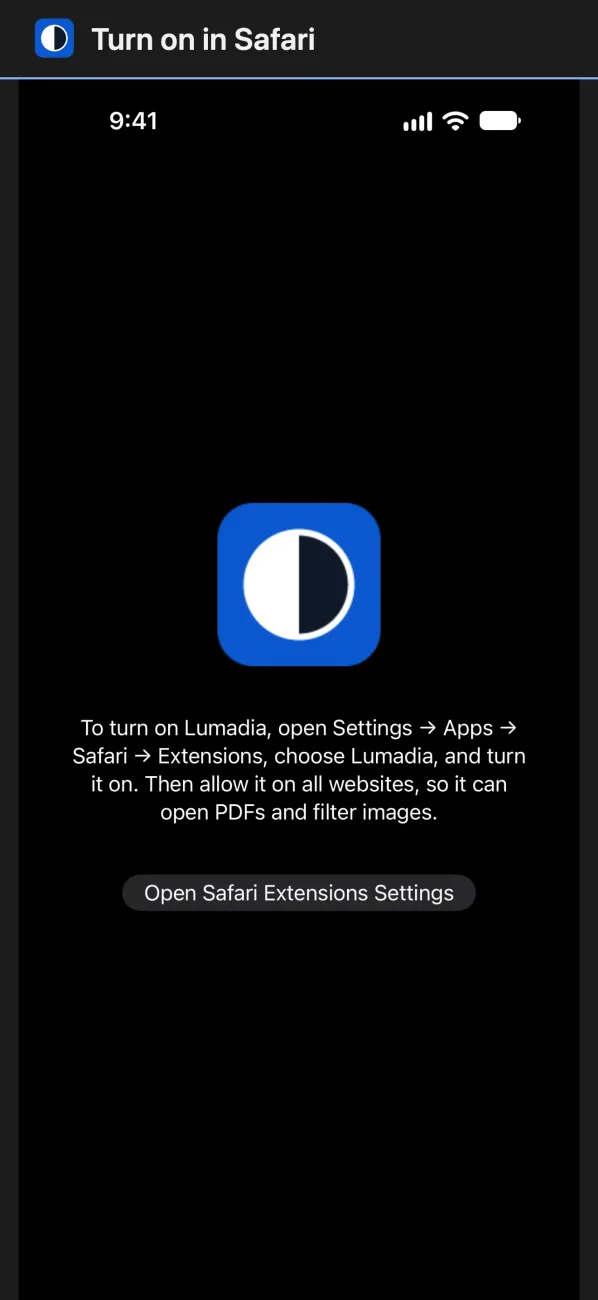
Install Lumadia, then turn on the Lumadia extension in Safari.
YOUR DATA STAYS YOURS
The developer collects no data from Lumadia, and has no way to see which documents you open.
No account. No sign-in. Nothing to set up. By default, everything stays on this device.
Private sync is optional. It keeps your settings the same on all your devices; your documents never go to iCloud. Your settings are encrypted on your device before they reach your own iCloud account. Neither Apple nor KN Soft can read them. You open them on another device with your recovery key, which you can keep in Passwords on iPhone and iPad, and you can delete them from iCloud whenever you like.
FREE
Lumadia is free. Every feature is included. No ads.
Screenshots show pages from arXiv:2510.00945 by Varadaraj et al. and arXiv:2610.39390 by Amrutha et al. (both CC BY 4.0), and from the Wikipedia article "The Starry Night" (CC BY-SA 4.0), shown through Lumadia's filters.
App-Datenschutz
Was KN Soft LLC im App Store zum Umgang dieser App mit Daten angibt.
-
Keine Daten erfasst
Der Entwickler erfasst keine Daten von dieser App.
Die Datenschutzpraktiken können variieren, zum Beispiel je nach den von Ihnen verwendeten Funktionen oder Ihrem Alter.
Informationen
- Anbieter
- KN Soft LLC
- Kategorie
- Produktivität
- Version
- 1.2.0
- Aktualisiert
- 02.11.2026
- Veröffentlicht
- 02.11.2026
- Größe
- 8,0 MB
- Erfordert
- iOS 17.0 oder neuer
- Altersfreigabe
- 4+
- Preis
- Kostenlos
- Sprachen
- Englisch
- Copyright
- © 2026 KN Soft LLC