LUX o'clock
Join a daily Mantram at Noon
Entwickelt für iPhone, iPad, iPod touch
Kostenlos
- Altersfreigabe17+
- KategorieBildung
- EntwicklerAdelante Dolmen
- SprachenEnglisch
- Größe30,4 MB
Verlinkt auf die offizielle App Store-Seite
Download.org hostet keine Datei von LUX o'clock. Die Schaltfläche öffnet die App-Seite bei App Store, wo Adelante Dolmen die App veröffentlicht. Eintrag zuletzt geprüft am 16.11.2026.
Screenshots



Info
Der Entwickler hat diesen Text nicht in Ihrer Sprache bereitgestellt.
A warm welcome to all!
The idea that shaped this project is the realization of a spiritual community on the web. The goal is to connect to the network of Light and Goodwill at 12:00 PM each day to recite together the Great Invocation aimed at Right Human Relations. No membership is necessary, and participation is free of charge. We refrain from advertising and adhere to current privacy regulations. This invitation is addressed to all men and women of good will, from the East and the West, who care about the destiny of humanity and who, against the prevailing materialism, want to bring their weight to bear in upholding the spiritual values of life, and they want to oppose all forms of warfare that continue to fuel the heresy of separateness in the 21st century!
Instructions
3D Map of the Earth:
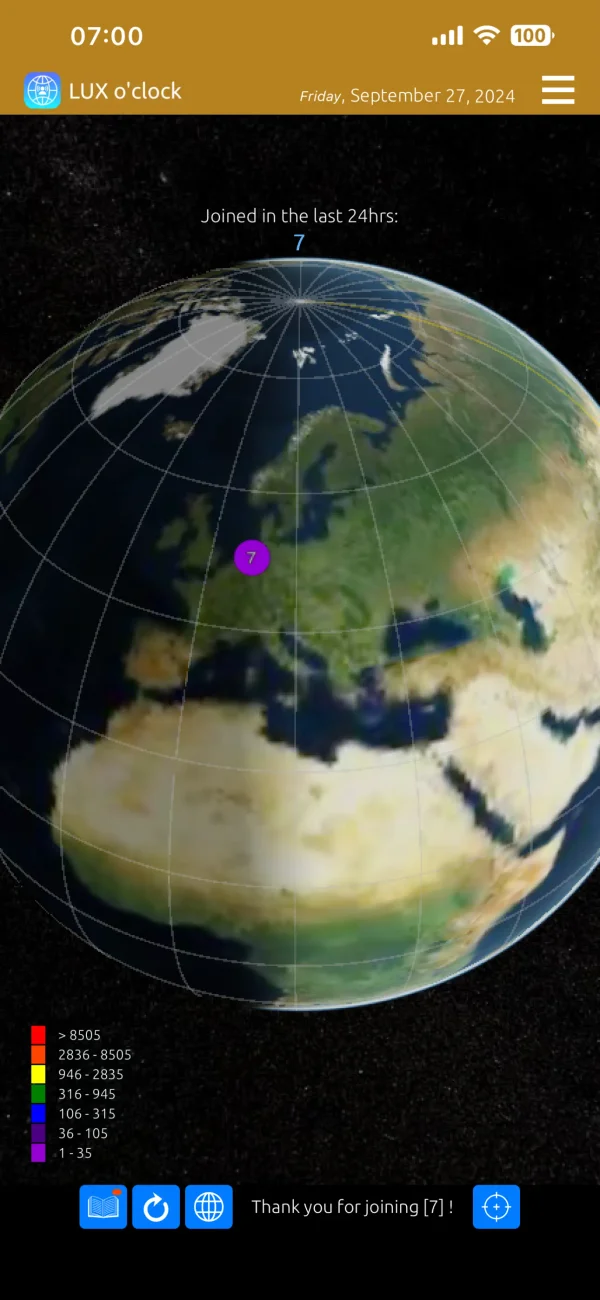
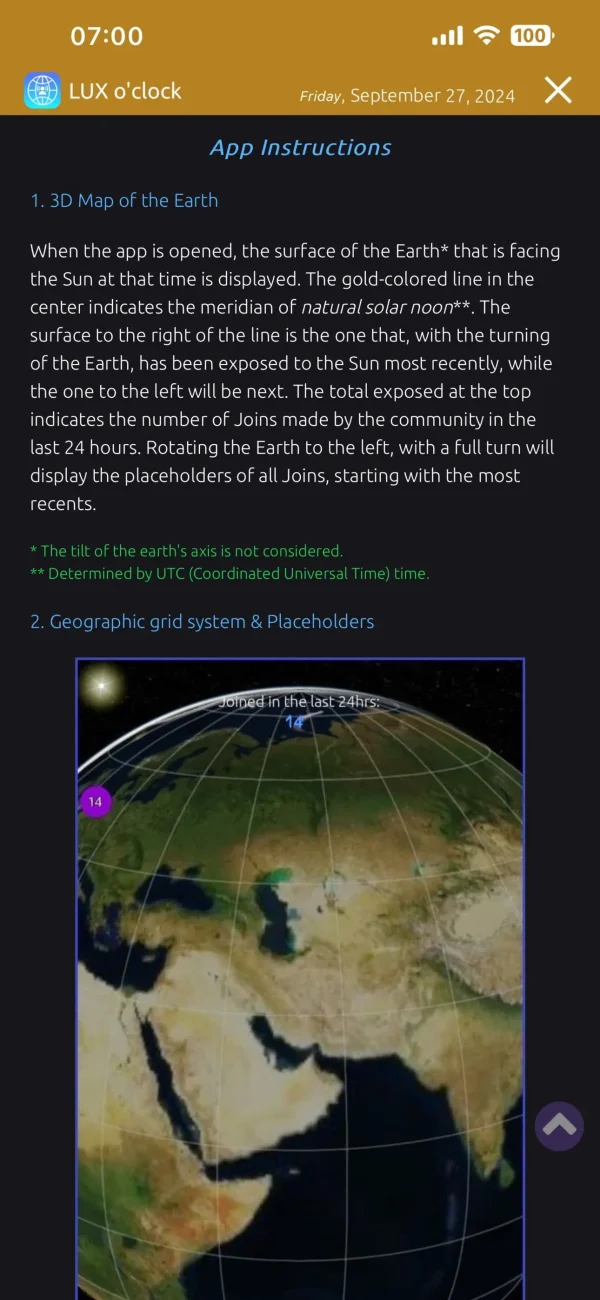
When the app is opened, the surface of the Earth that is facing the Sun at that time is displayed. The gold-colored line in the center indicates the meridian of natural solar noon. The surface to the right of the line is the one that, with the turning of the Earth, has been exposed to the Sun most recently, while the one to the left will be next. The total exposed at the top indicates the number of Joins made by the community in the last 24 hours. Rotating the Earth to the left, with a full turn will display the placeholders of all Joins, starting with the most recents.
Geographic grid system & Placeholders:
1st level: To visualize the partecipation of the community on the Earth's surface, is employ a geographical grid system composed of 288 cells,formed by intersection of 24 meridians and 12 parallels. Each cell's placeholder, situated at its center, displays the total number of Joins made within its geographical area. Depending on the total count, the placeholder may assume different colors. (A reference table is exposed in lower-left corner)
2nd level: To examine individual Joins in detail, zoom in on the specific area of interest until the cell placeholder disappears to be replaced by the individual placeholders indicating the precise geographic locations from which the Joins originated.
How to Make the Join:
To participate one must press "Join", the button located at the bottom of the Earth page. The button becomes active at 12:00 PM, and may be used within the next 12 hours (in case a network connection is not available after reciting the Great Invocation) To the right of the button is the option to select the number of participants (up to a maximum of 7) for a group. In this case, the placeholder's color displayed will be red to differentiate it from blue, the color assigned to the default Join for a single person.
Extracts from Spiritual Teachings:
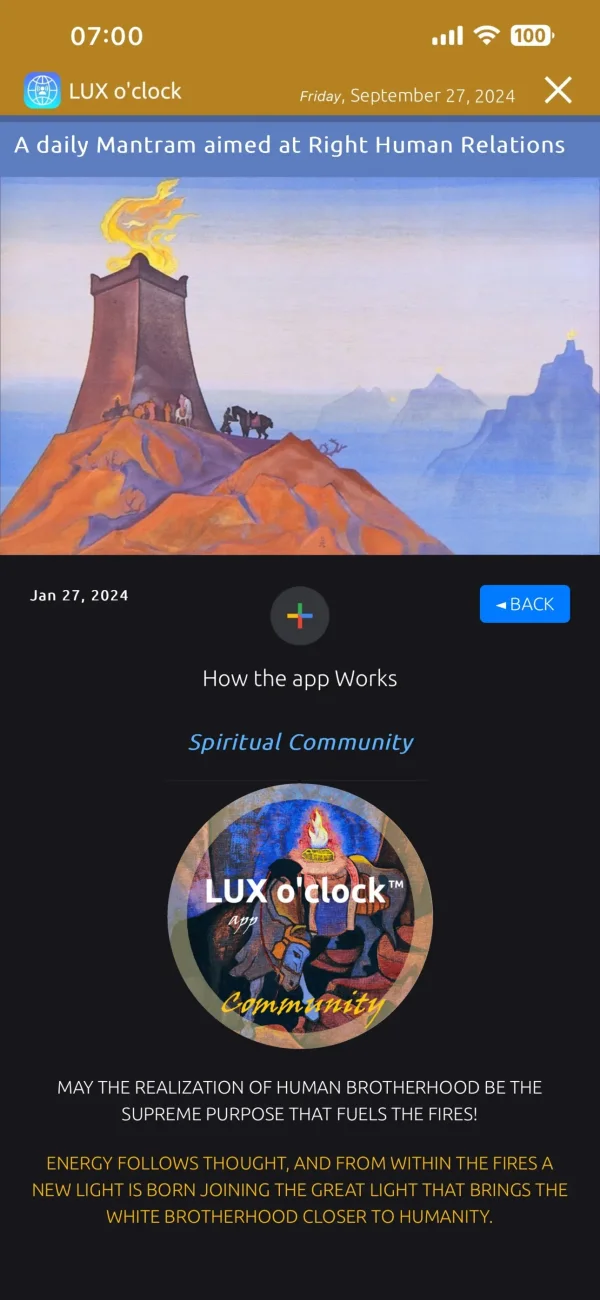
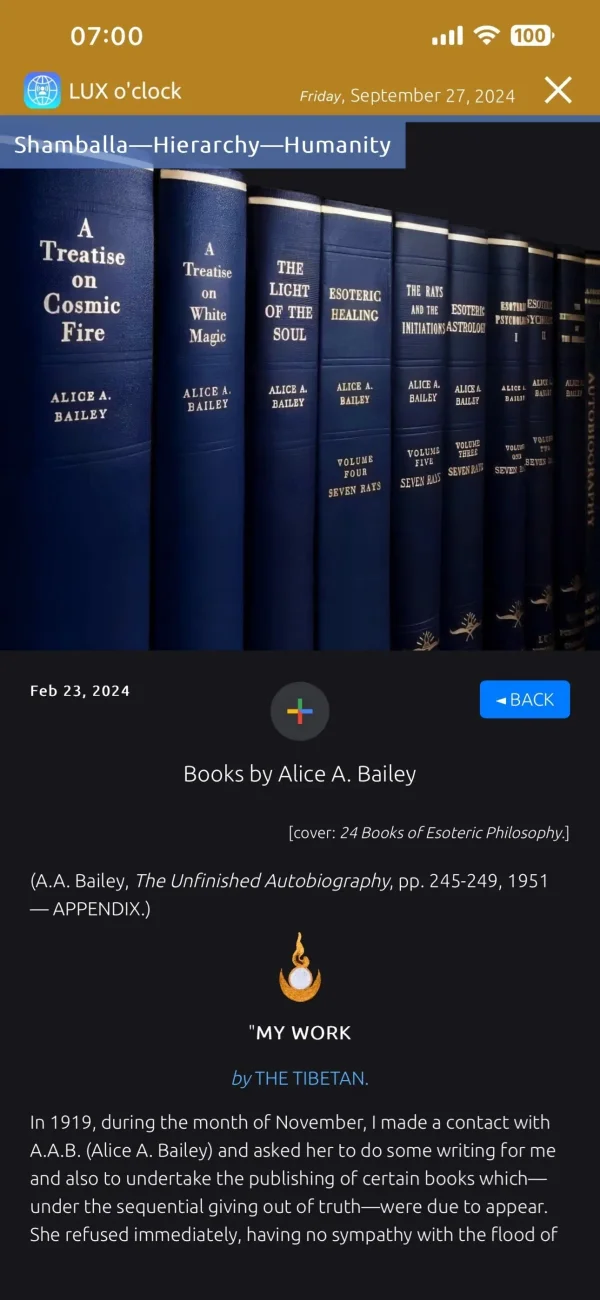
From Earth's page: This button provides access to articles in esoteric philosophy and yoga, sorted by publication date from the most recent. Each page can displays the covers of twelve articles. Beneath each cover image is a description of the topic followed by the title of the article. Clicking on the title directs you to the text. The number array at the top allows navigation through the cover pages. A red dot on the button indicates that a new article was published within the last week.
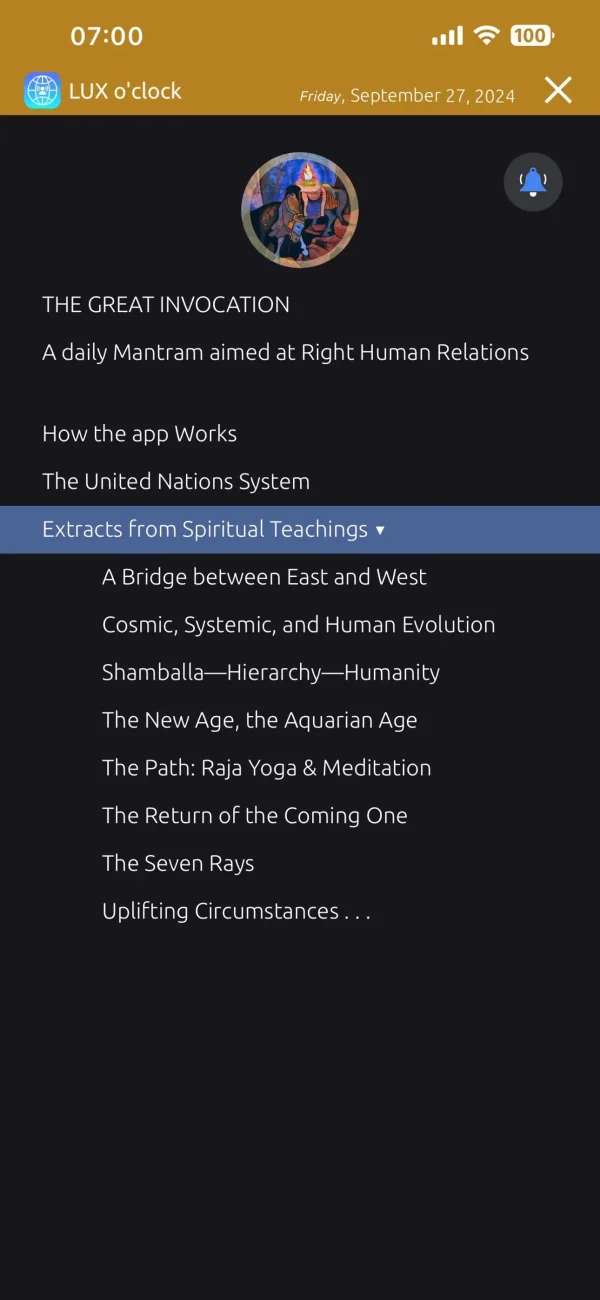
From Menu's page: On this page, however, you can browse articles divided by topic through the submenu Extracts from Spiritual Teachings. For each topic, the articles are sorted by publication date, starting with the most recent.
Translation:
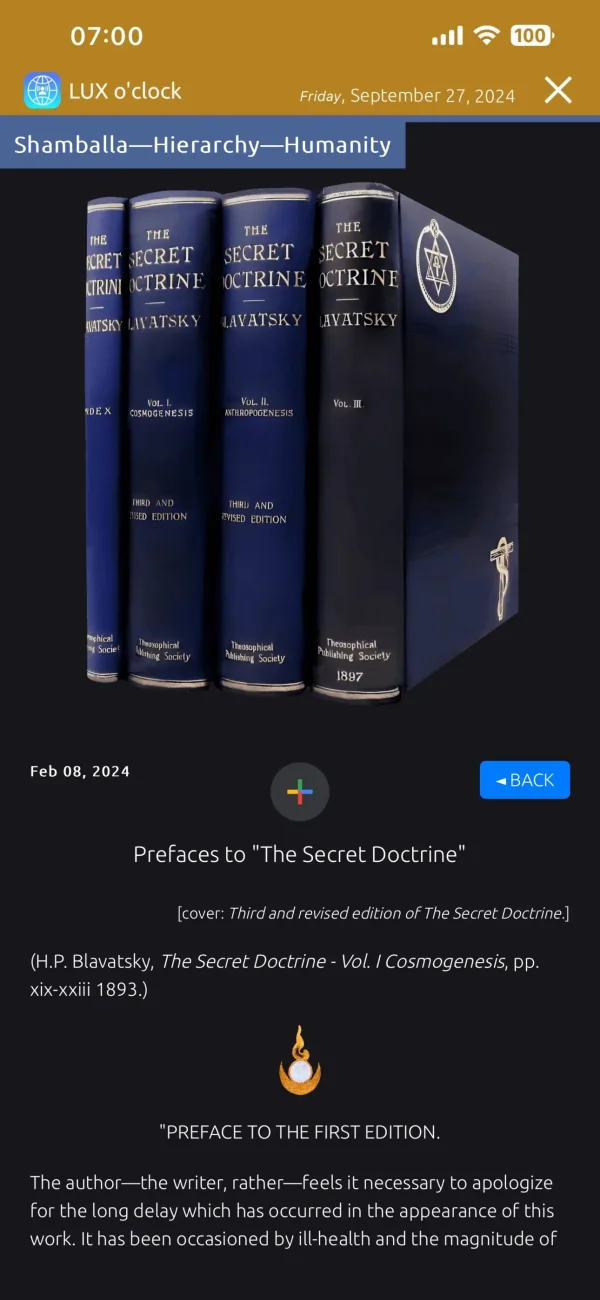
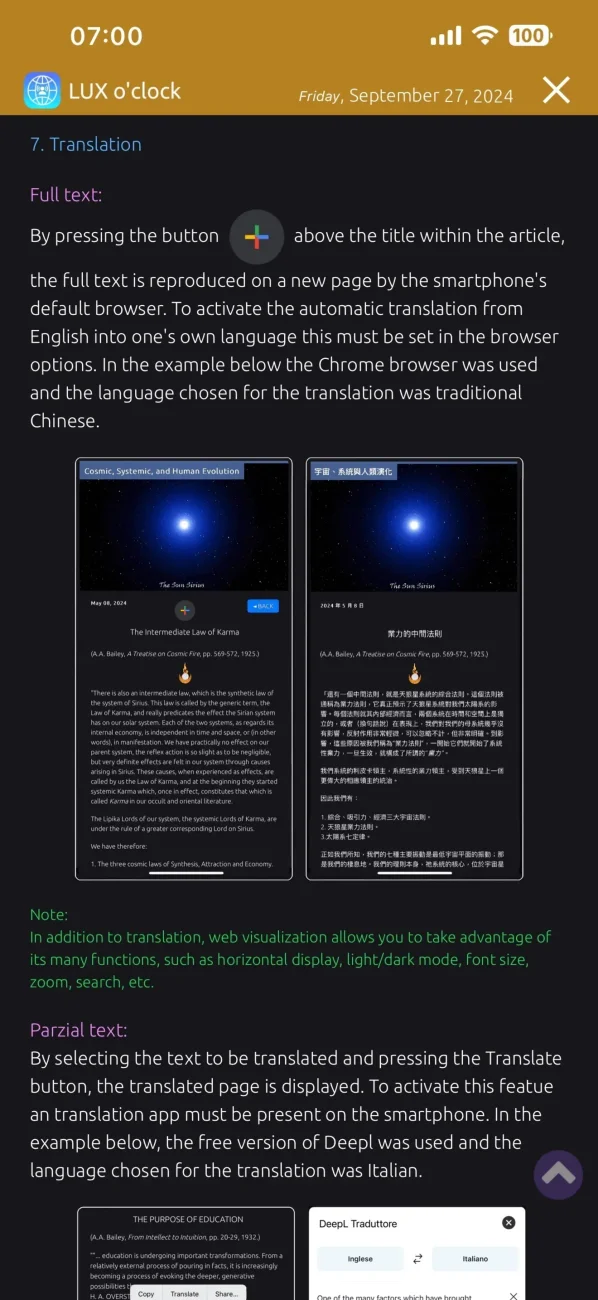
Full text: By pressing the button "+" above the title within the article, the full text is reproduced on a new page by the smartphone's default browser. To activate the automatic translation from English into one's own language this must be set in the browser options.
Parzial text: By selecting the text to be translated and pressing the Translate button, the translated page is displayed. To activate this feature a translation app must be present on the smartphone.
Neue Funktionen
Version 2.0.2 · 13.05.2026
UI fix.
App-Datenschutz
Was Adelante Dolmen im App Store zum Umgang dieser App mit Daten angibt.
-
Nicht mit Ihnen verknüpfte Daten
Können erfasst werden, sind aber nicht mit Ihrer Identität verknüpft.
- Standort
- Kennungen
- Diagnose
Die Datenschutzpraktiken können variieren, zum Beispiel je nach den von Ihnen verwendeten Funktionen oder Ihrem Alter.
Informationen
- Anbieter
- ADELANTE DOLMEN SOC COOP SOCIALE
- Kategorie
- Bildung
- Version
- 2.0.2
- Aktualisiert
- 13.05.2026
- Veröffentlicht
- 18.09.2024
- Größe
- 30,4 MB
- Erfordert
- iOS 13.0 oder neuer
- Altersfreigabe
- 17+
- Preis
- Kostenlos
- Sprachen
- Englisch
- Copyright
- © 2026 Wakiwi