
Mandrill - Markdown Editor
Fast, offline markdown editor
Entwickelt für iPhone, iPad
5,99 €
- Altersfreigabe4+
- KategorieProduktivität
- EntwicklerVandan Desai
- Größe3,0 MB
Verlinkt auf die offizielle App Store-Seite
Download.org hostet keine Datei von Mandrill - Markdown Editor. Die Schaltfläche öffnet die App-Seite bei App Store, wo Vandan Desai die App veröffentlicht. Eintrag zuletzt geprüft am 20.11.2026.
Screenshots


Info
Der Entwickler hat diesen Text nicht in Ihrer Sprache bereitgestellt.
Mandrill is a fast, native Markdown reader and editor for iPhone and iPad; beautifully designed.
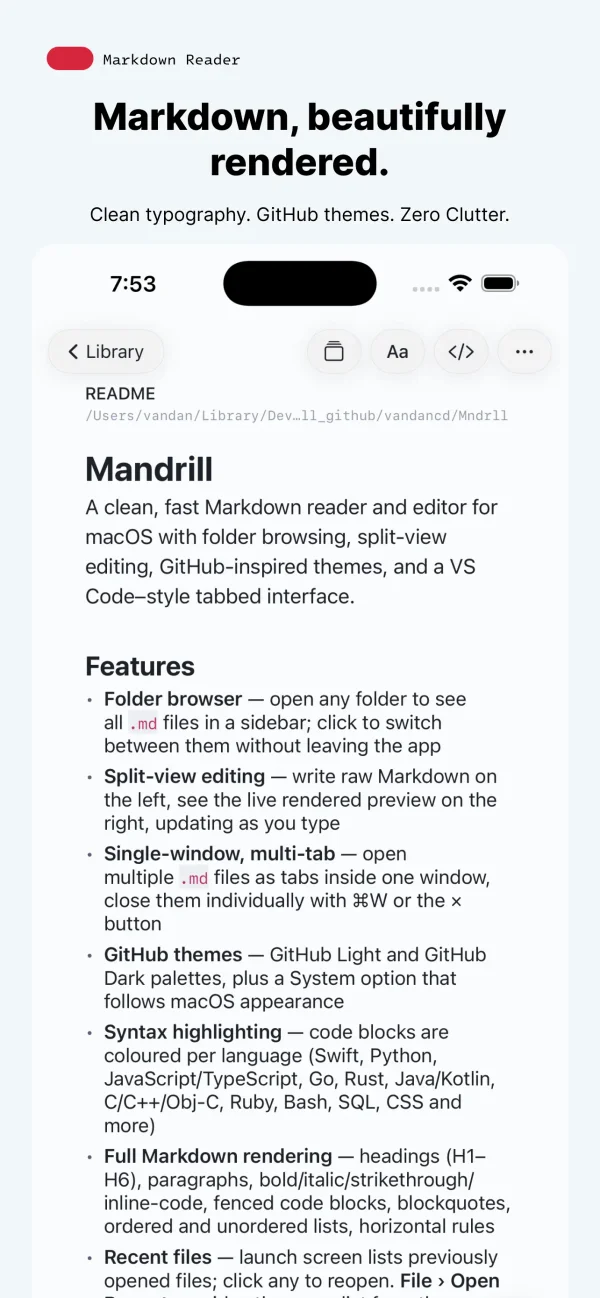
Whether you're reviewing a README on the go, editing notes in your GitHub repo, or reading documentation on your iPad, Mandrill renders Markdown the way it's meant to look. Clean typography. GitHub themes. Zero clutter.
GitHub integration: your repos in your pocket
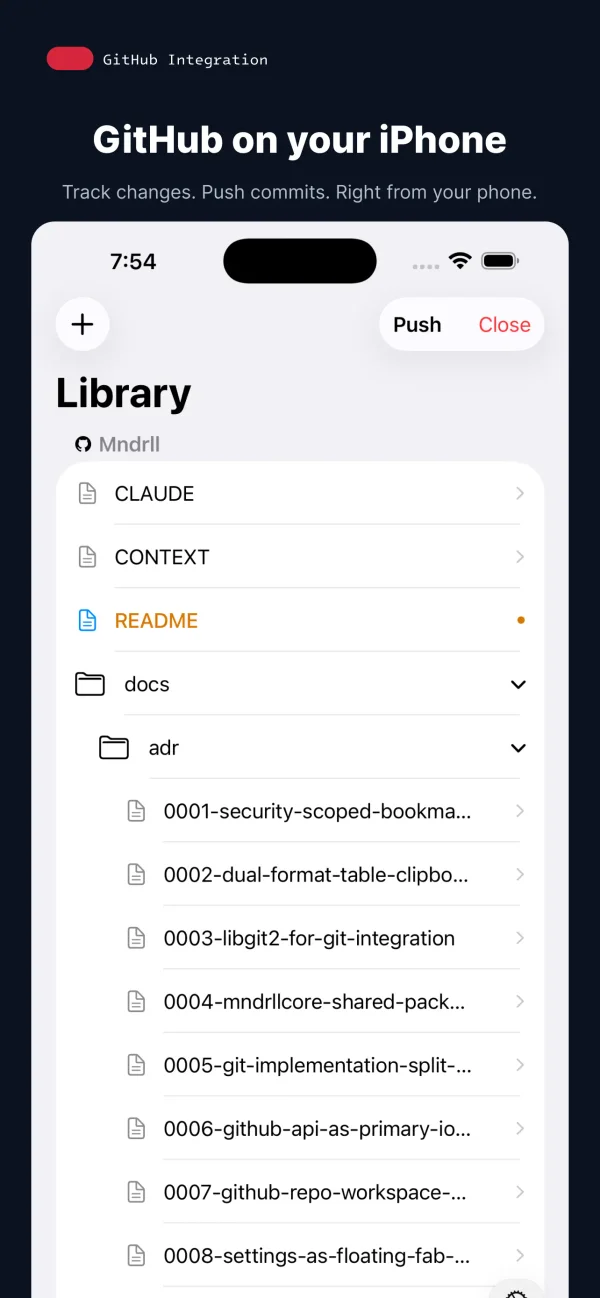
Sign in with GitHub and browse your repositories directly from the app. Open any repo, read and edit your Markdown files, and push changes back to GitHub when you're ready without ever touching a terminal or switching apps. Mandrill tracks which files have been modified and surfaces them clearly so you always know what's changed.
Open anything
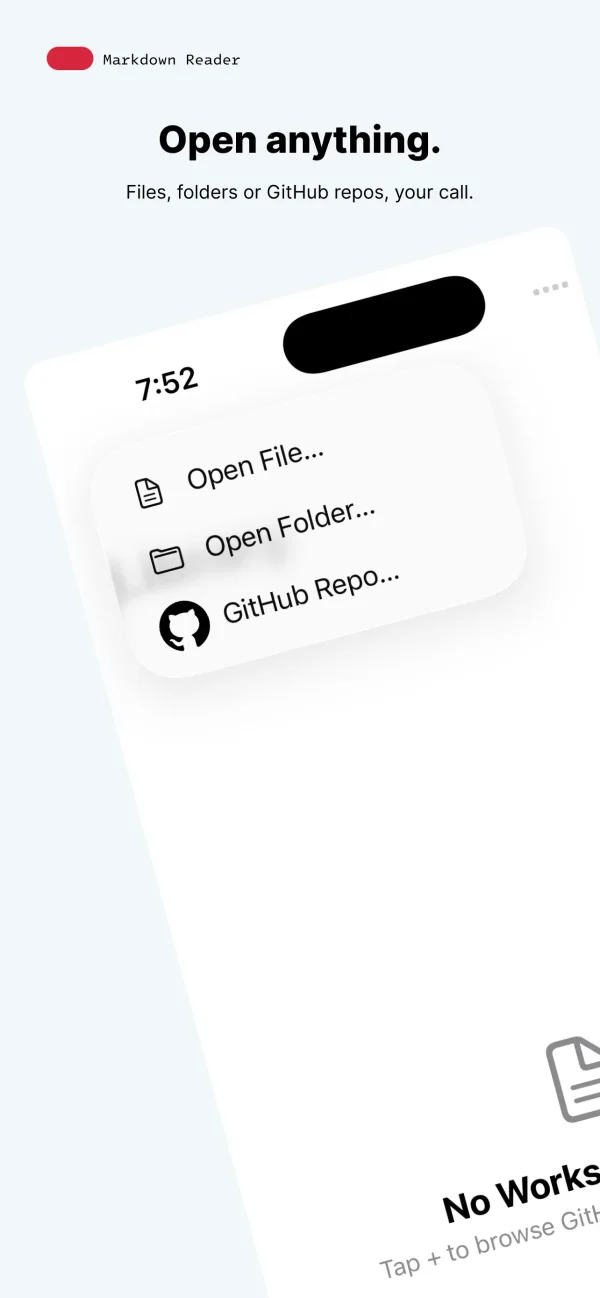
Tap + to open a file from your device, browse a local folder, or connect to a GitHub repository. Mandrill shows only your .md files; no noise, no clutter, just the documents you care about.
A reader you'll actually enjoy using
Mandrill turns plain .md files into clean, typographically polished pages. Headings, lists, blockquotes, fenced code blocks, tables, inline code, bold, italic, and strikethrough, all rendered with care, in the theme you love.
GitHub themes built in
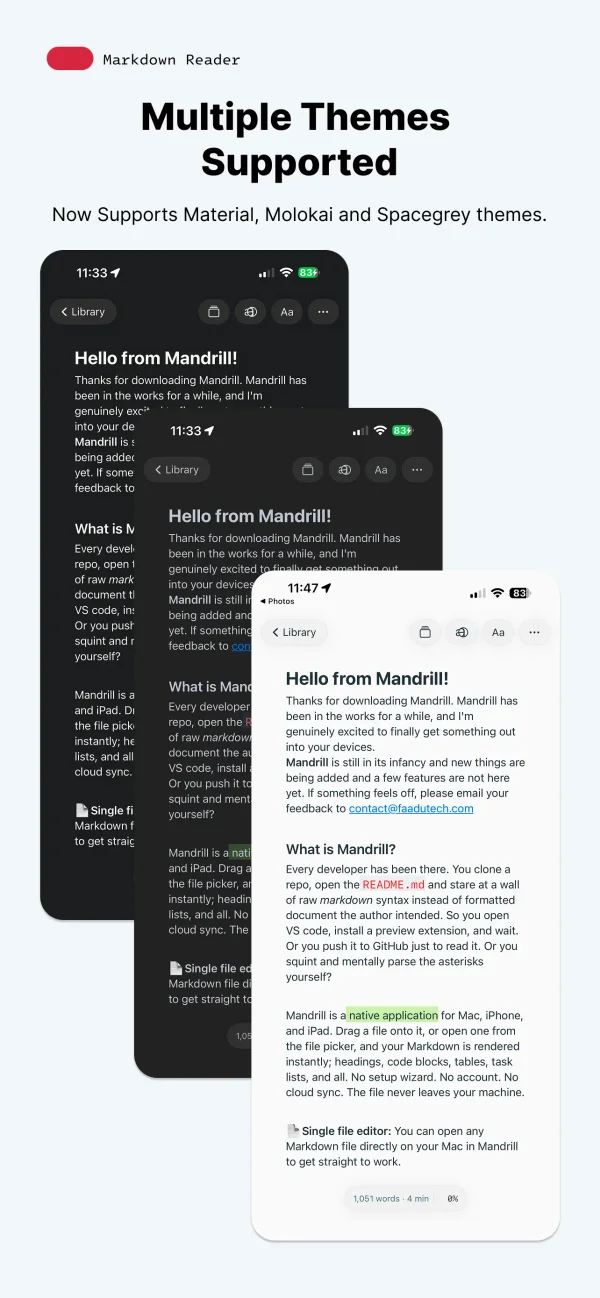
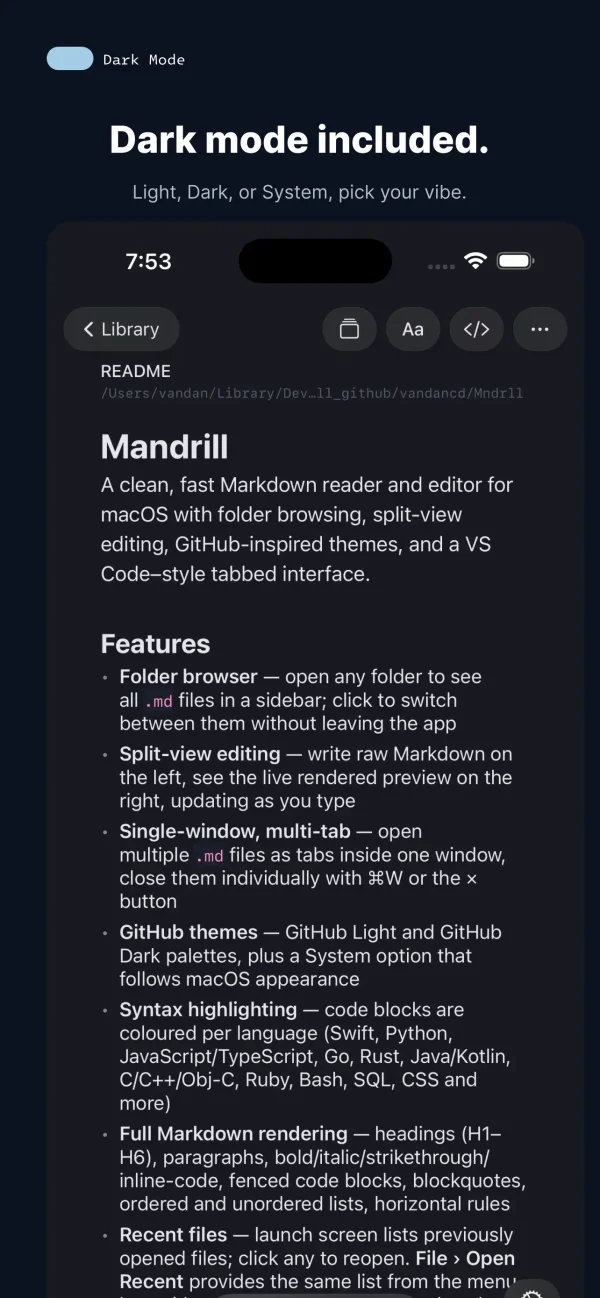
Choose GitHub Light, GitHub Dark, or System which follows your device's appearance automatically. Code blocks are highlighted per language like Swift, Python, JavaScript/TypeScript, Go, Rust, Java/Kotlin, C, C++, Objective-C, Ruby, Bash, SQL, CSS and more using authentic GitHub palettes.
Made for how you read
Mandrill gives you real control over your reading experience. Pick your typeface: Sans, Serif, or Mono. Adjust text size with a slider. Set your reading width to Narrow, Wide, or Full. Every setting is there because it matters.
Tables, done right
Markdown tables render properly with correct alignment, theming, and zero fuss.
One-click code copying
Every fenced code block ships with a copy button so you can grab snippets without selecting a single character.
Fast, even on large files
Markdown parsing and syntax highlighting run on a background thread, so the UI stays smooth and responsive on long documents.
Private by design
Mandrill requires no account to use and collects zero data. The optional GitHub integration connects only to GitHub's own servers we see nothing. No analytics. No third-party SDKs. Your files never leave your device.
Highlights
- GitHub integration: sign in, browse repos, track modified files, and push to GitHub from your iPhone or iPad
- Open files, folders, or GitHub repositories from a single tap
- Beautiful Markdown rendering: H1–H6, bold/italic/strikethrough, inline code, fenced code blocks, blockquotes, lists, tables, and horizontal rules
- GitHub Light, GitHub Dark, and System themes
- Per-language syntax highlighting like Swift, Python, JS/TS, Go, Rust, Java/Kotlin, C/C++/Obj-C, Ruby, Bash, SQL, CSS and more
- Typeface picker: Sans, Serif, or Mono
- Adjustable text size and reading width
- One-click copy on every code block
- Off-thread parsing for smooth performance on large files
- Works on iPhone and iPad
- Zero data collection. No account required to read and edit.
Built with love for iOS and iPadOS.
Neue Funktionen
Version 9.1 · 17.11.2026
Bug Fixes
- Underscores, asterisks and other markdown symbols inside inline code or a code block no longer turn text italic or bold in the editor (Mac, iPhone and iPad).
- Names joined by underscores, like snake_case_name, no longer show the middle word in italics while you edit. The editor now matches the reading view.
- == and ~~ inside inline code no longer add a highlight or strikethrough in the reading view.
- In the iPhone and iPad split editor, lines in a code block that start with #, > or - [ ] no longer look like headings, quotes or checklist items.
- In Single Editor, table columns stay lined up when a cell's code contains underscores or asterisks.
App-Datenschutz
Was Vandan Desai im App Store zum Umgang dieser App mit Daten angibt.
-
Keine Daten erfasst
Der Entwickler erfasst keine Daten von dieser App.
Die Datenschutzpraktiken können variieren, zum Beispiel je nach den von Ihnen verwendeten Funktionen oder Ihrem Alter.
Informationen
- Anbieter
- Vandan Desai
- Kategorie
- Produktivität
- Version
- 9.1
- Aktualisiert
- 17.11.2026
- Veröffentlicht
- 02.06.2026
- Größe
- 3,0 MB
- Erfordert
- iOS 26.0 oder neuer
- Altersfreigabe
- 4+
- Preis
- 5,99 €
- Copyright
- © 2026 Faadu Tech
Das könnte Ihnen auch gefallen
-
 Metis: Markdown NotesProduktivität
-
 Markup - MD ReaderProduktivität
-
 Markdown.md - Notes & PreviewProduktivität
-
 Reflect OpenProduktivität
-
 sitio networkProduktivität
-
 Notelane - Markdown EditorProduktivität
-
 QuickPlan, ProjektmanagementProjektplan im Gantt-Diagramm
-
 EasyMD - MD reader & editorProduktivität
-
 1Writer - Markdown Text EditorProduktivität
-
 BookendsProduktivität