Markdown My Words
Read Markdown thoughtfully
Entwickelt für iPhone, iPad
Kostenlos
- Altersfreigabe4+
- KategorieProduktivität
- EntwicklerYARON AMIR BENJAMIN DR. GOLDSTEIN
- Größe9,8 MB
Verlinkt auf die offizielle App Store-Seite
Download.org hostet keine Datei von Markdown My Words. Die Schaltfläche öffnet die App-Seite bei App Store, wo YARON AMIR BENJAMIN DR. GOLDSTEIN die App veröffentlicht. Eintrag zuletzt geprüft am 16.11.2026.
Screenshots


Info
Der Entwickler hat diesen Text nicht in Ihrer Sprache bereitgestellt.
Markdown is everywhere now.
It is in coding-agent plans, AI-generated research notes, README files, study guides, project specs, lecture material, technical drafts, and the surprisingly long “quick summary” an AI tool gave you at 1:13 a.m.
Markdown My Words gives those documents a calmer place to live than a chat window.
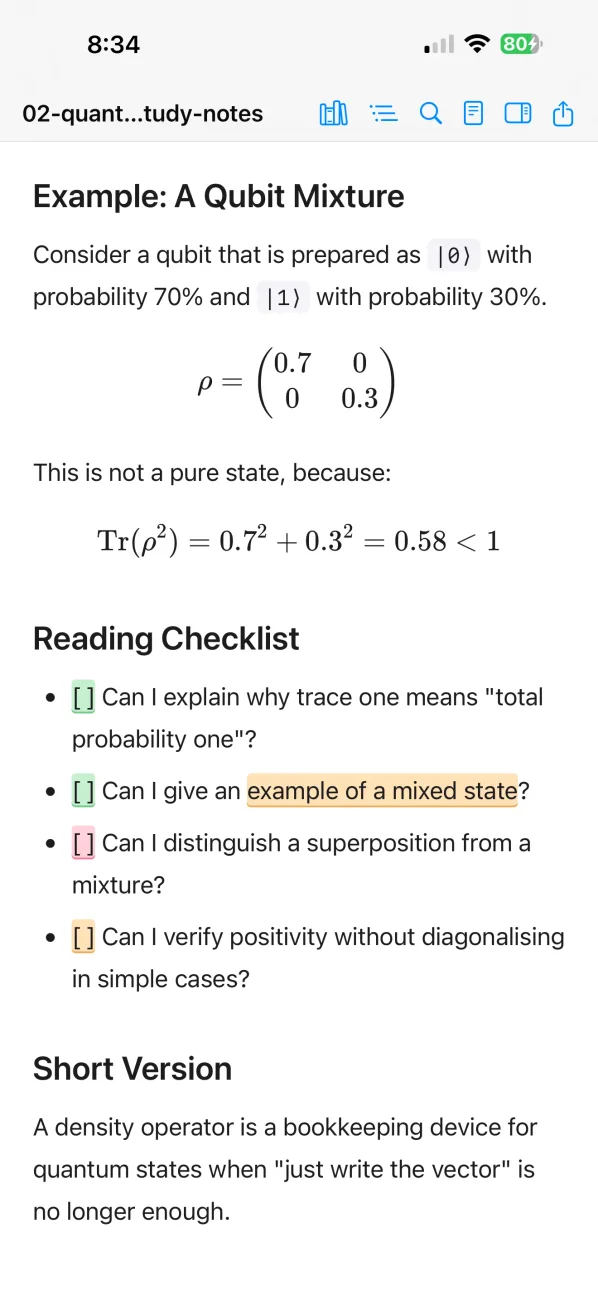
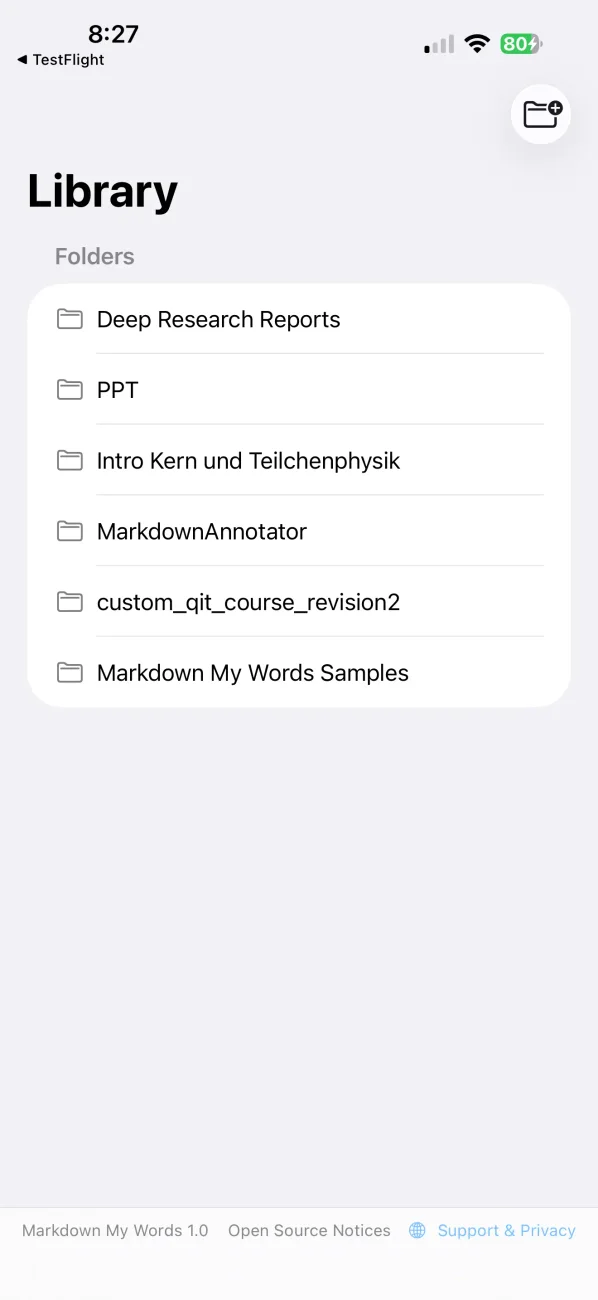
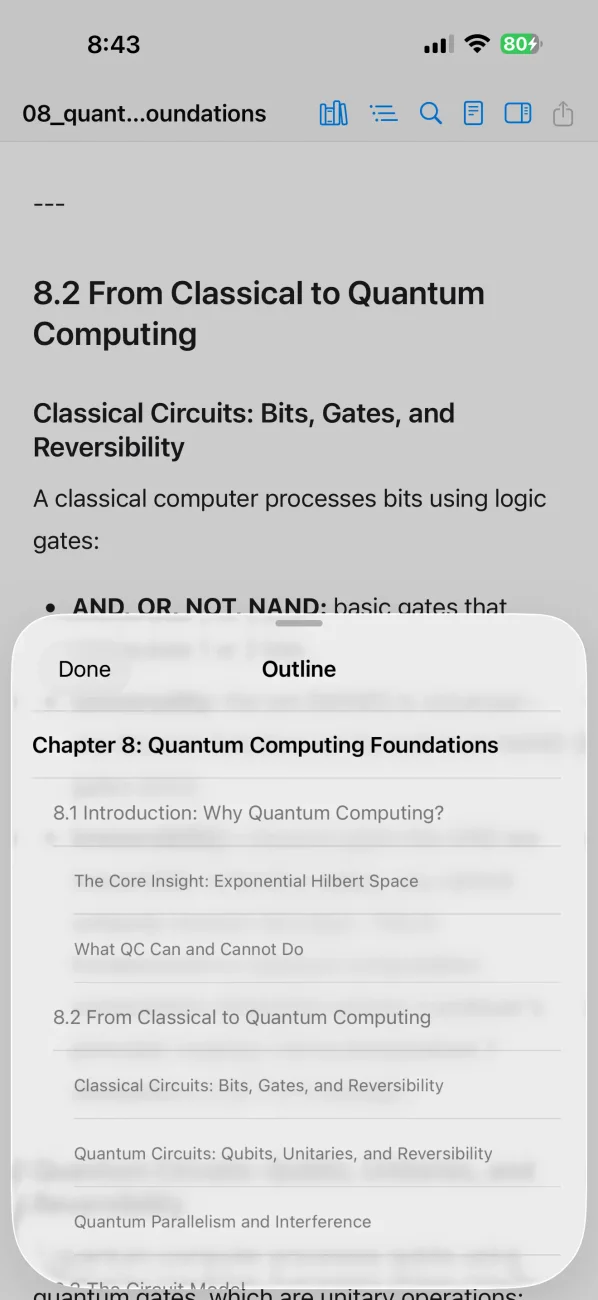
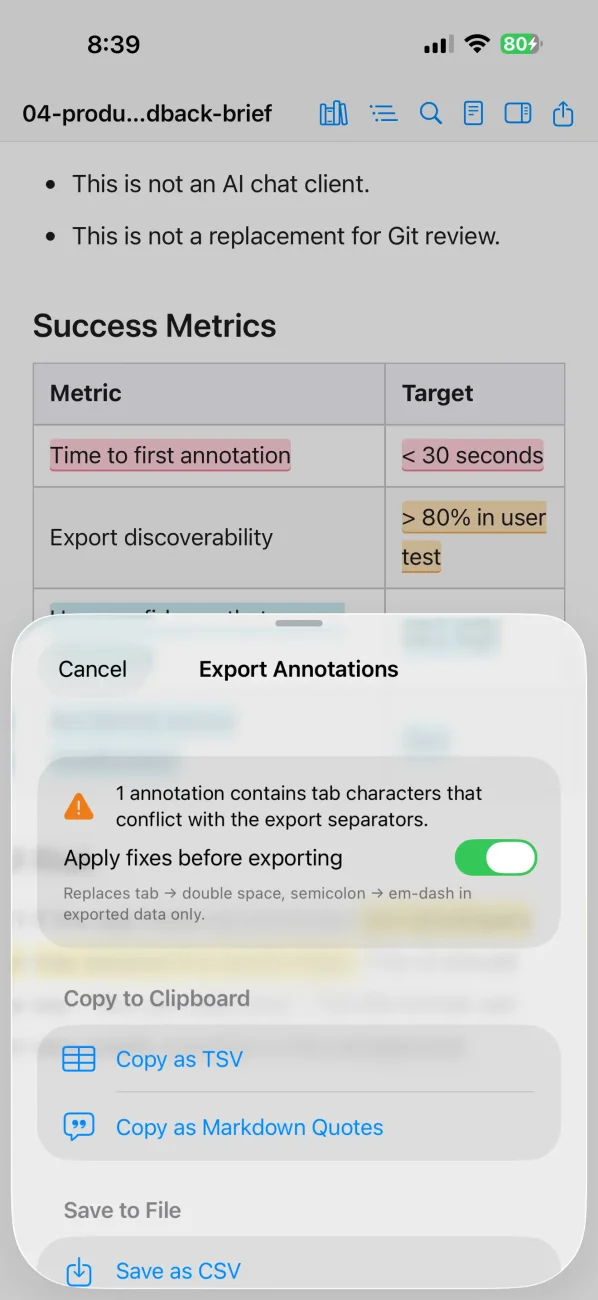
Open a folder of Markdown files, read them in a clean rendered view, highlight the passages that matter, and leave yourself precise notes. When you are done, export your comments as Markdown, TSV, CSV, or an annotated copy of the document.
Your original file stays clean. Your thoughts stay attached.
WHAT YOU CAN DO
• Read Markdown in a quiet, comfortable layout
• Navigate long documents with an automatic outline
• Highlight passages in seven colours
• Add notes to any highlight
• Search and filter your annotations
• Export feedback as Markdown, TSV, CSV, or annotated Markdown
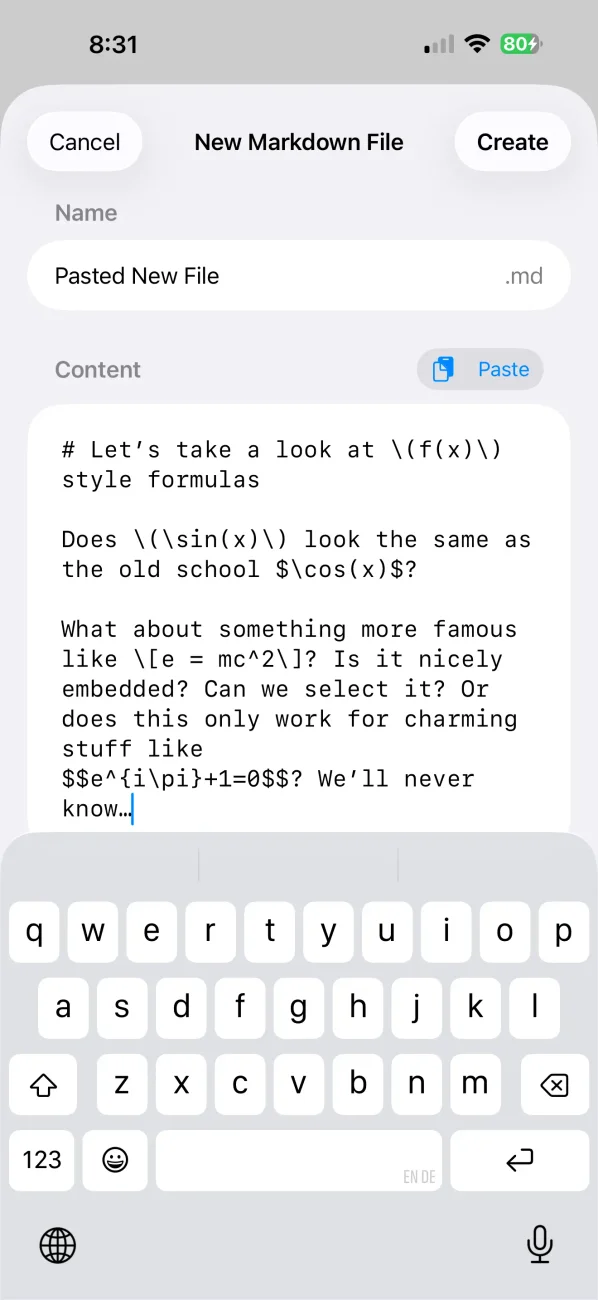
• Toggle source view when you want the raw text
• Keep annotations beside your files as lightweight sidecar data
WHY IT FEELS DIFFERENT
Markdown My Words is built for focused reading, not fiddling.
It works with ordinary .md files in folders you choose. Your annotations are stored separately, so the source document stays untouched and portable.
That makes it useful for reviewing AI-generated plans, coding-agent proposals, study notes, research reports, technical docs, and long drafts you actually need to think through.
PRIVATE BY DESIGN
No account.
No server.
No tracking.
No analytics.
No document upload.
Just your files, your notes, and a quieter way to think.
Markdown My Words is for the moment after something generates a serious document for you — when you need to stop skimming, sit with it, question it, mark it up, and decide what you actually think.
Neue Funktionen
Version 2.0 · 16.09.2026
What's New in Markdown My Words 2.0
- Redesigned library — Compact, responsive navigation with inline subdirectory browsing and smarter recent documents that no longer show duplicates.
- OKF v0.2 support — Full compatibility with the latest Open Knowledge Format specification, including trust and provenance metadata.
- Offline annotations — View and edit your annotations even when the source document isn't accessible. Your work is saved and synced back automatically when the file becomes available again.
- Sharing & export — Updated options for sharing annotated documents and exporting annotations.
- iPhone Duo & adaptive layout — The app now adapts to larger screen layouts on iPhone Duo (inner display) and iPhone Plus/Max in landscape, showing the library sidebar and annotation panel side by side.
- Reliability — Numerous improvements to file handling, document opening, and bookmark management for a smoother, more dependable experience.
App-Datenschutz
Was YARON AMIR BENJAMIN DR. GOLDSTEIN im App Store zum Umgang dieser App mit Daten angibt.
-
Keine Daten erfasst
Der Entwickler erfasst keine Daten von dieser App.
Die Datenschutzpraktiken können variieren, zum Beispiel je nach den von Ihnen verwendeten Funktionen oder Ihrem Alter.
Informationen
- Anbieter
- YARON AMIR BENJAMIN DR. GOLDSTEIN
- Kategorie
- Produktivität
- Version
- 2.0
- Aktualisiert
- 16.09.2026
- Veröffentlicht
- 01.05.2026
- Größe
- 9,8 MB
- Erfordert
- iOS 17.0 oder neuer
- Altersfreigabe
- 4+
- Preis
- Kostenlos
- Copyright
- © 2026 Yaron Goldstein
Das könnte Ihnen auch gefallen
-
 Wiki LLMProduktivität
-
 Wisen: AI Notes & KnowledgeProduktivität
-
 Plotted: Planner & To Do ListProduktivität
-
 NotePlus - Markdown EditorProduktivität
-
 PhantasmProduktivität
-
 Orbi: KI-TagesplanerTermine, Prioritäten & Fokus
-
 Edge Mind AiProduktivität
-
 Offprint: Web zu PDF & EPUBSafari Clipper: Offline Lesen
-
 Paperbox – Document ManagerProduktivität
-
 Maho NotesProduktivität