
MarKit Pro
Camera Report & Shot Organizer
Entwickelt für iPhone, iPad
Kostenlos · In-App-Käufe
- Altersfreigabe4+
- KategorieFoto und Video
- Entwickler良骏 查
- SprachenEnglisch
- Größe16,3 MB
Verlinkt auf die offizielle App Store-Seite
Download.org hostet keine Datei von MarKit Pro. Die Schaltfläche öffnet die App-Seite bei App Store, wo 良骏 查 die App veröffentlicht. Eintrag zuletzt geprüft am 24.11.2026.
Screenshots
Info
Der Entwickler hat diesen Text nicht in Ihrer Sprache bereitgestellt.
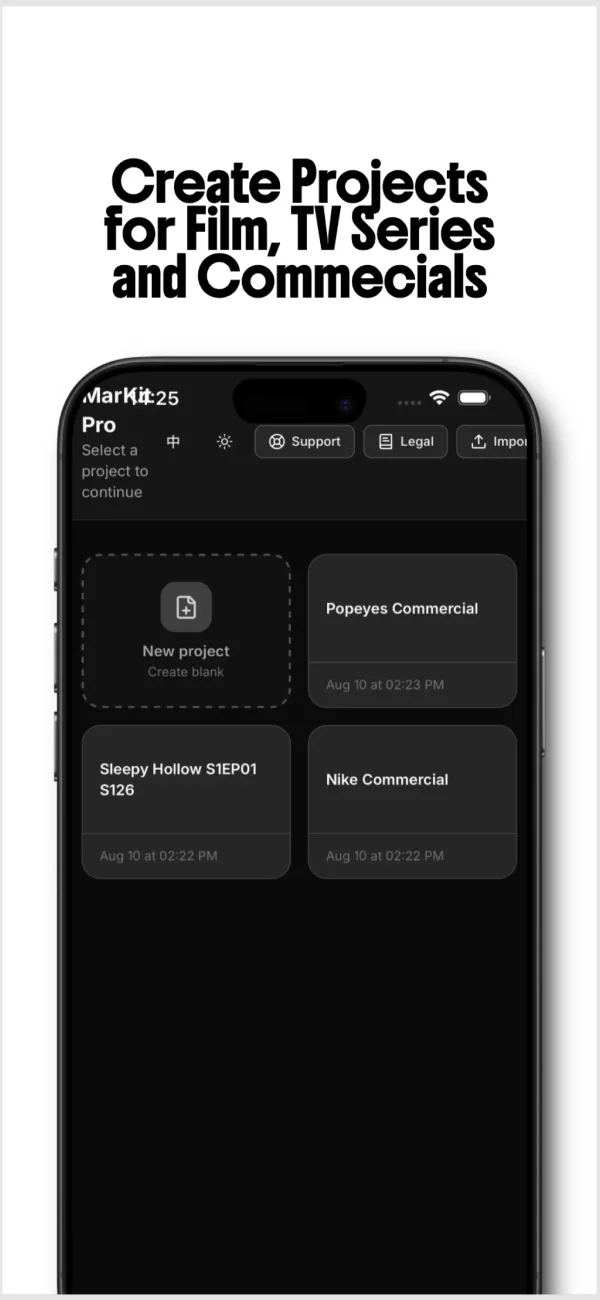
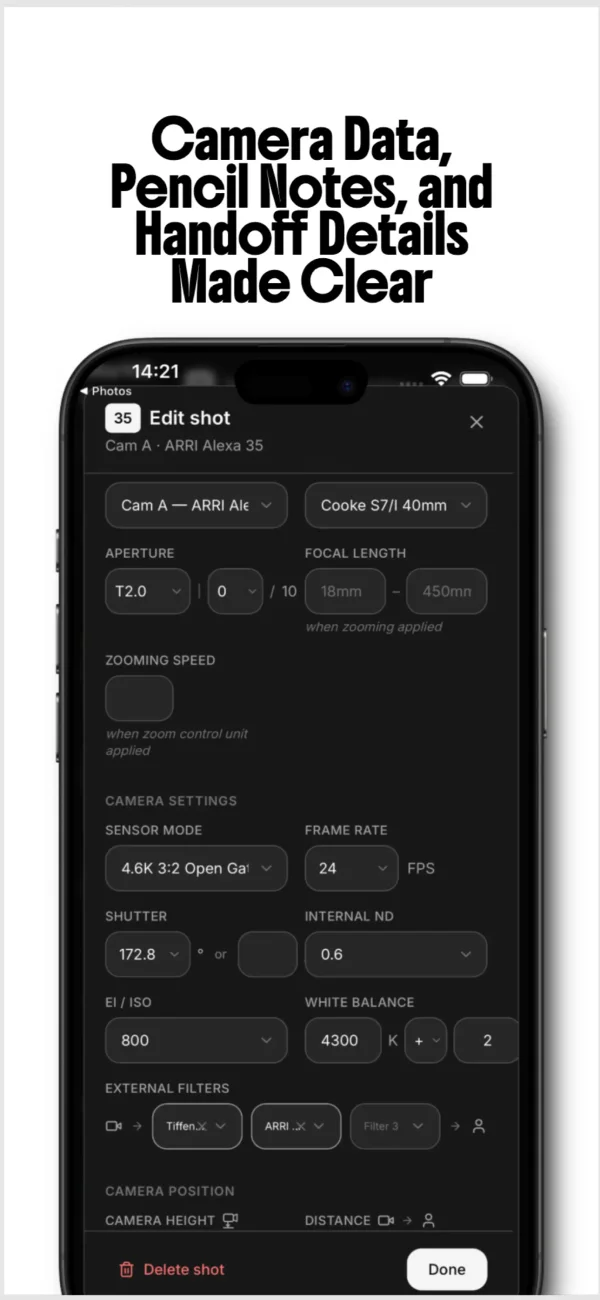
MarKit Pro is a camera report and shooting order management tool built for film and commercial production teams, especially for shoots that require pre-lighting, blocking, and rehearsal-based planning.
During pre-production and on-set preparation, camera departments need to record camera settings, lens choices, camera positions, movement notes, and blocking results for each shot. At the same time, directors, assistant directors, and camera teams need a clear way to align on the shooting order. MarKit Pro brings camera reports and shooting order planning into one iPad-based workflow, reducing the need to manage shot information across spreadsheets, chat threads, and temporary notes.
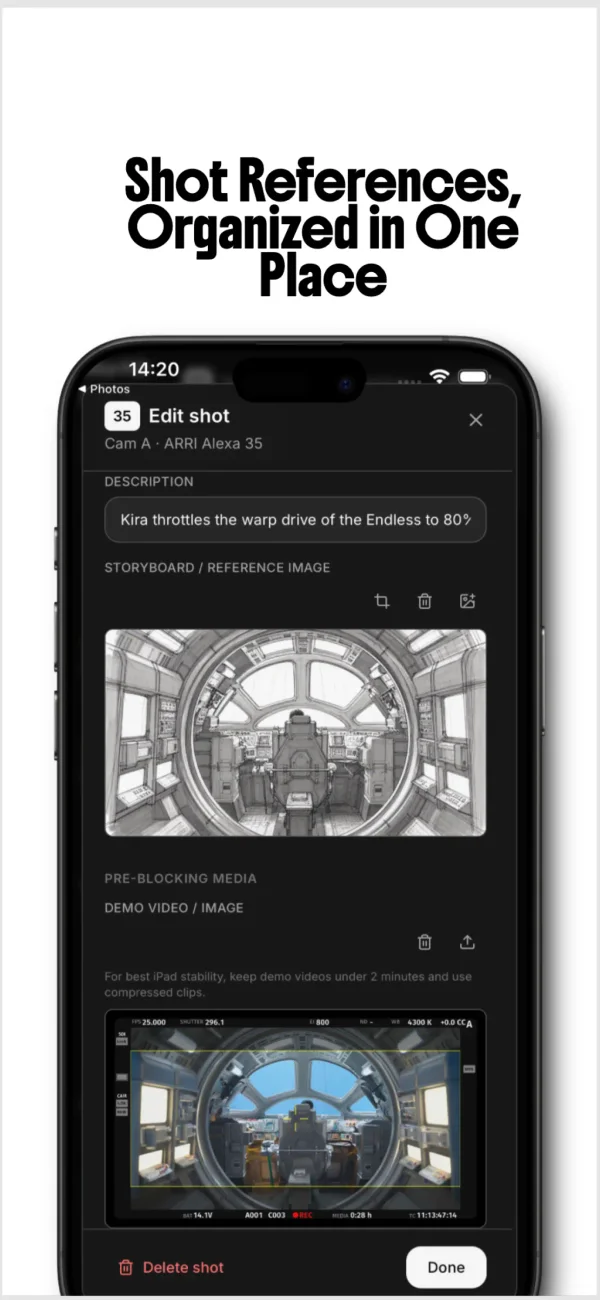
With MarKit Pro, camera teams can efficiently document camera parameters for every shot during blocking and pre-lighting, while also reviewing rehearsal media connected to each shot. This helps the team confirm camera placement, lens decisions, movement plans, and execution details before the actual shoot begins.
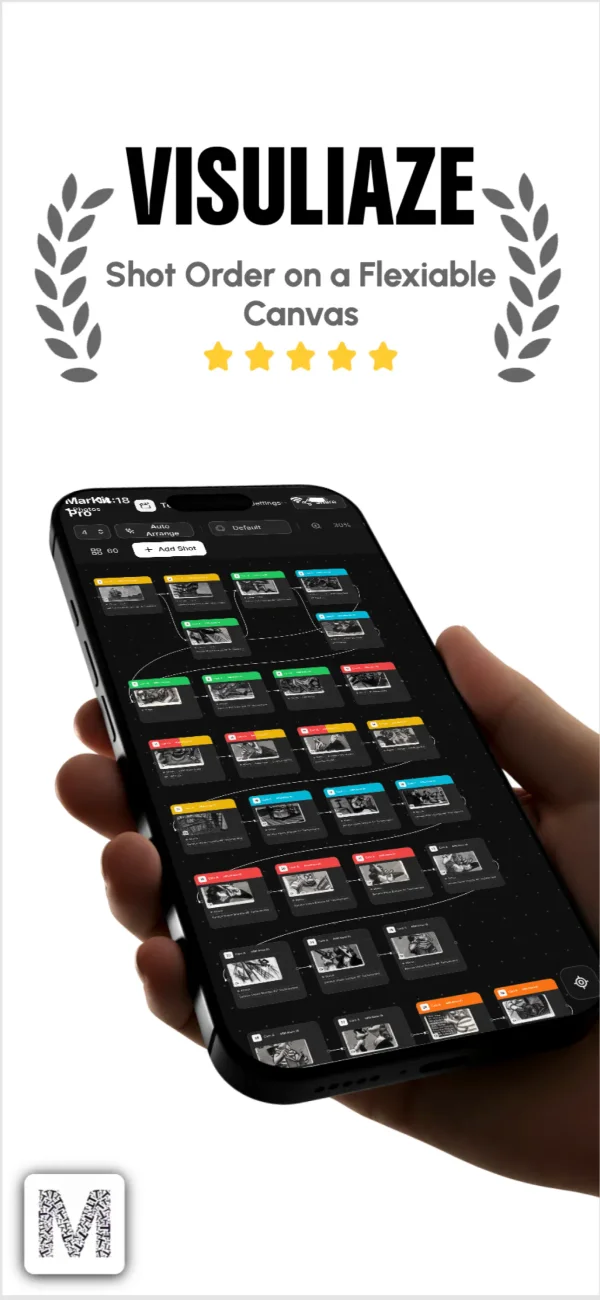
Each shot is displayed as a movable node on a visual canvas. Users can freely reposition shot nodes, connect multiple shots, and quickly rearrange the shooting order. Compared with traditional spreadsheets, this canvas-based workflow makes it easier to adapt to changing production needs and helps directors, cinematographers, and assistant directors understand the current shooting plan at a glance.
MarKit Pro serves as a communication bridge between the camera department, directors, and assistant directors on film and commercial sets. It helps teams organize shot information faster, clarify shooting order more effectively, and maintain a smoother workflow from pre-lighting and blocking through the final shoot.
Terms of Use (EULA): https://www.apple.com/legal/internet-services/itunes/dev/stdeula/
Privacy Policy: https://akimtoakimto.github.io/markit-legal/privacy.html
Neue Funktionen
Version 2.3 · 23.11.2026
**What’s New in MarKit Pro V2.3 Build 16**
- **Multiple main tracks** — Give each scene its own main track, with an independent shot count and shooting order. For multicamera setups, add a secondary track to the relevant main track and line up shots that will be filmed together.
- **Reorder whole track groups** — Press and hold a main track header for 0.3 seconds. Once the group highlights, drag it into position. Its secondary tracks move with it. When you move an individual shot to another main track, its linked shots follow. If the destination lacks the corresponding secondary tracks, an on-screen message explains why. Both track types can now be deleted, and their headers make the relationship easier to see in either layout.
- **Swipe to browse, hold to reorder** — On iPad, swipe directly from a shot card or custom node to browse the canvas. To change the shooting order, hold the item in place for 0.3 seconds, then drag once it highlights.
- **Reorganized shot cards** — The header now shows only the camera identifier, such as Cam A or Cam B. Expand the card to see the camera model and sensor mode first, followed by lens and exposure settings, filters, camera height, subject distance, tilt, and camera movement equipment. The shot description stays directly below the storyboard image.
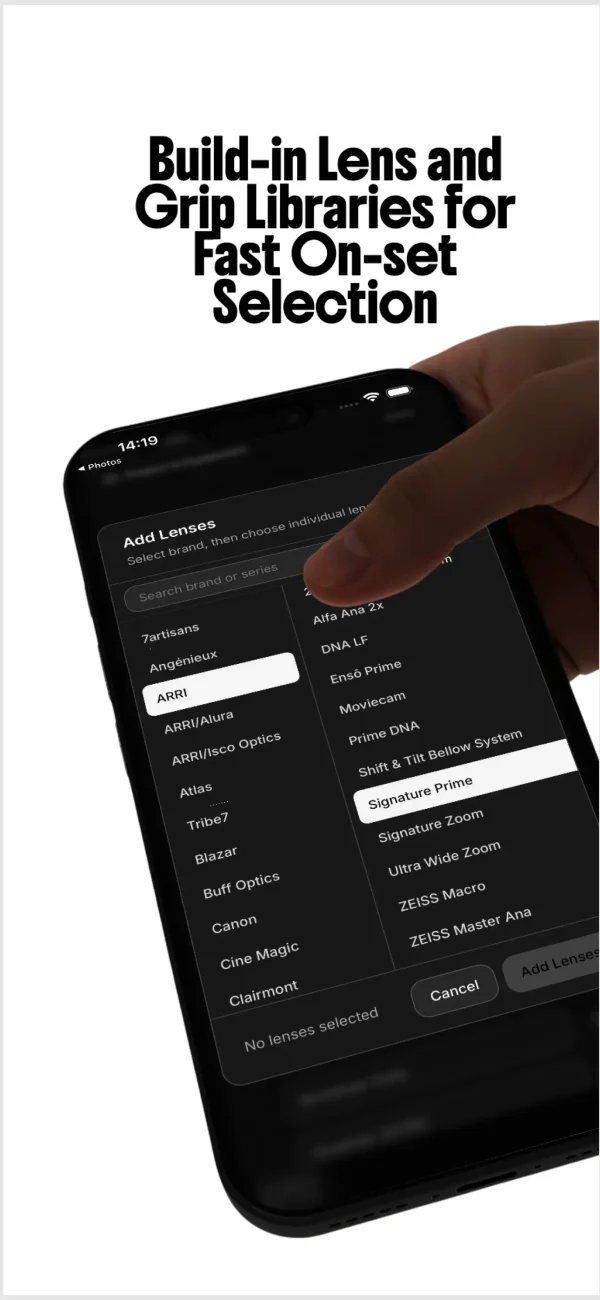
- **Lens library and camera presets** — Added the 100mm T1.9 to the Thypoch Simera-C Cine Prime series. The lens picker now identifies individual DZOFILM Xtract and Laowa probe variants, making models with the same focal range and aperture easier to tell apart. The Sony FX5 now has seven sensor mode presets.
- **11 interface languages** — Choose from Simplified Chinese, Traditional Chinese, English, Japanese, Korean, Vietnamese, Spanish, Portuguese, German, French, and Russian. Camera models retain their original names. The lens and camera movement equipment libraries use English names in all non-Chinese interfaces.
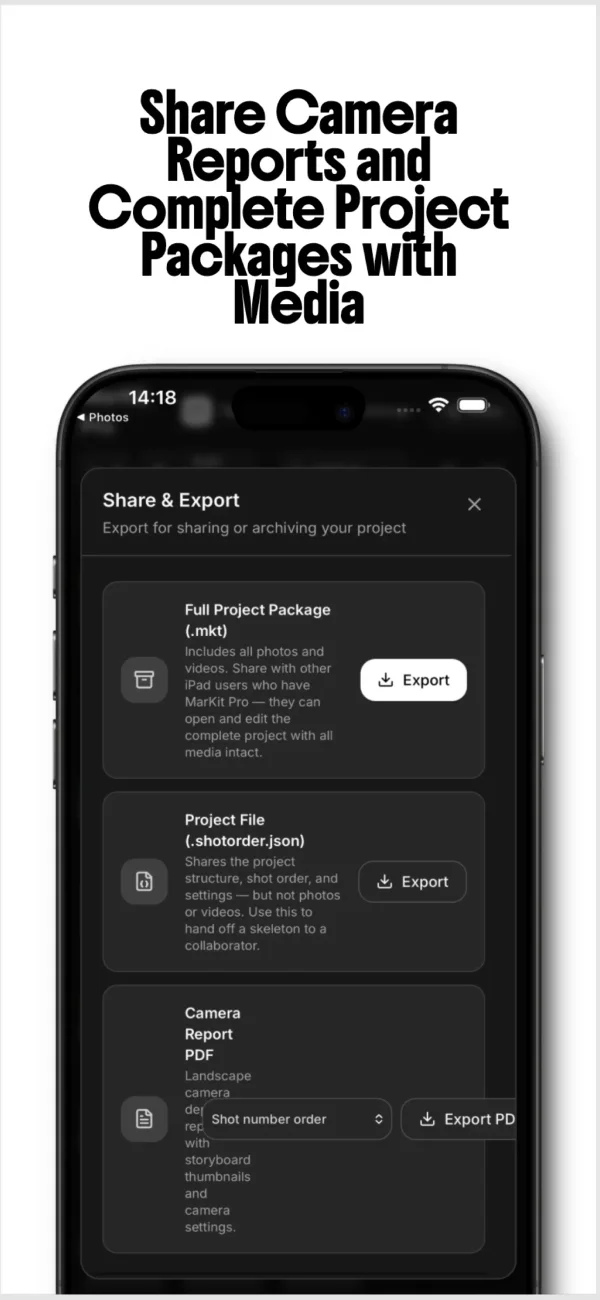
- **Project sharing** — The standalone `shotorder.json` export has been removed from the Share menu. For a complete project handoff, export the `.mkt` package.
App-Datenschutz
Was 良骏 查 im App Store zum Umgang dieser App mit Daten angibt.
-
Keine Daten erfasst
Der Entwickler erfasst keine Daten von dieser App.
Die Datenschutzpraktiken können variieren, zum Beispiel je nach den von Ihnen verwendeten Funktionen oder Ihrem Alter.
Informationen
- Anbieter
- 良骏 查
- Kategorie
- Foto und Video
- Version
- 2.3
- Aktualisiert
- 23.11.2026
- Veröffentlicht
- 02.11.2026
- Größe
- 16,3 MB
- Erfordert
- iOS 18.0 oder neuer
- Altersfreigabe
- 4+
- Preis
- Kostenlos
- In-App-Käufe
- Ja
- Sprachen
- Englisch
- Copyright
- © 2026 AKZHA. All rights reserved. MarKit Pro is developed and owned by AK LIANGJUN ZHA.
Das könnte Ihnen auch gefallen
-
 Vantage ScoutFoto und Video
-
 Scouter RegiesucherJedes Objektiv, jede Tageszeit
-
 Cutvey ViewfinderRegiesucher für Film und Foto
-
 SetScope: Filmmaker ToolsFoto und Video
-
 CamLog - Kamerareport & LogTake-Liste für Kameraassistenz
-
 SL-Frame Director's ViewfinderFoto und Video
-
 DOPro: Viewfinder & FilmklappeShotlist, Schärfentiefe & ND
-
 CinevisorFoto und Video
-
 Teleprompter - Video ShootingFoto und Video
-
 DualShot-HoriSnapFoto und Video