- Altersfreigabe4+
- KategorieLifestyle
- Entwickler金铃 梁
- SprachenEnglisch+ 11 weitere
- Größe70,8 MB
Verlinkt auf die offizielle App Store-Seite
Download.org hostet keine Datei von MeBackup. Die Schaltfläche öffnet die App-Seite bei App Store, wo 金铃 梁 die App veröffentlicht. Eintrag zuletzt geprüft am 17.11.2026.
Screenshots
Info
Der Entwickler hat diesen Text nicht in Ihrer Sprache bereitgestellt.
Back up your iPhone memories to a drive you can keep with you.
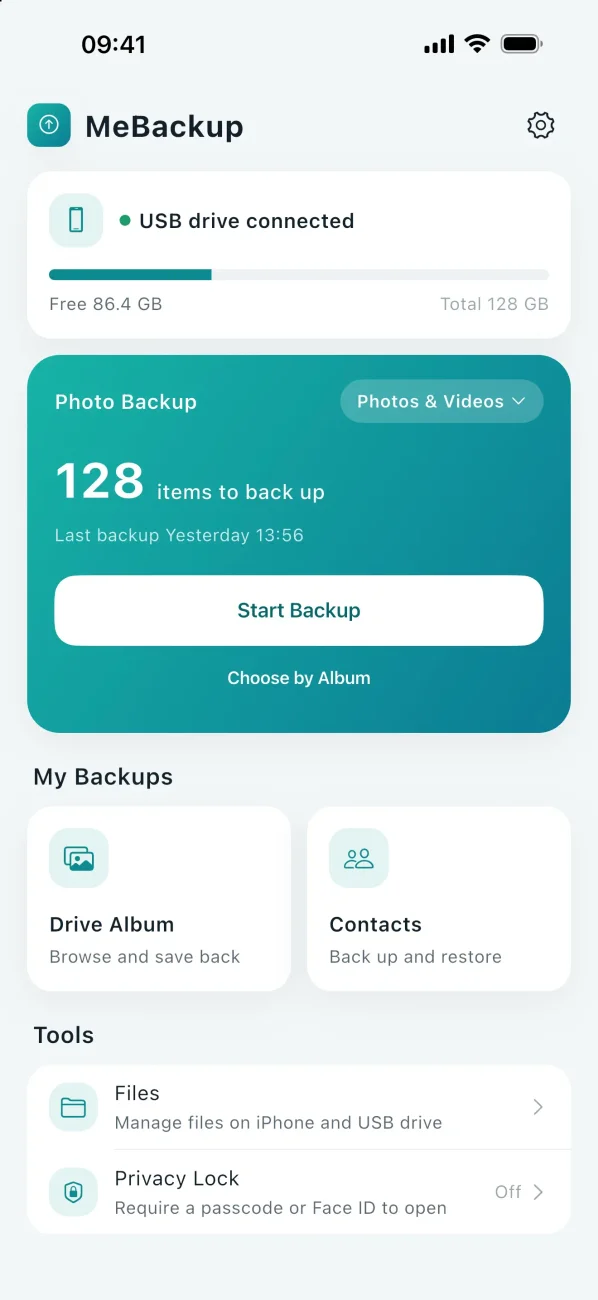
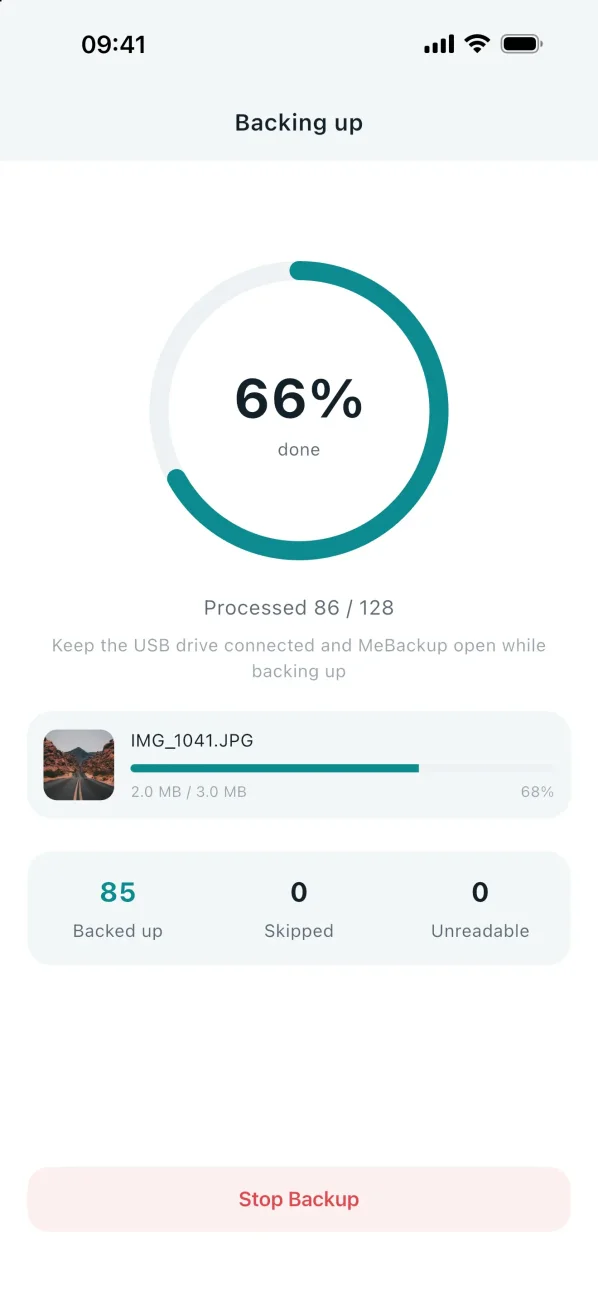
MeBackup helps you back up, browse and restore photos, videos, contacts and files using a compatible MeBackup USB drive. The Backup Center brings drive space, pending items and your main backup controls together in one place.
PHOTO AND VIDEO BACKUP
Back up photos and videos together, choose photos or videos only, or manually select the items you want to keep. Live Photos are backed up with their video component. Items already recorded as backed up are skipped on later backups.
BROWSE AND RESTORE
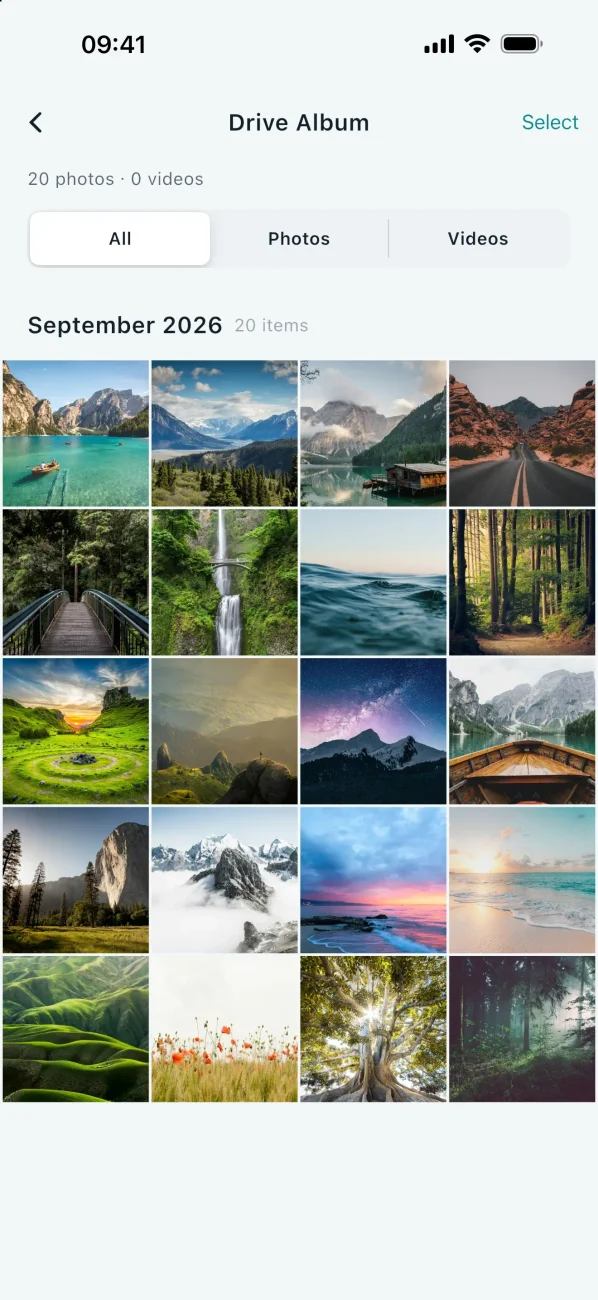
Browse photos and videos on your drive by month, view photos and play supported video formats. Select items from the drive album to save them back to your iPhone photo library.
PHOTO AND VIDEO CAPTURE
Take photos and record videos inside MeBackup, then save them directly to your compatible drive. Camera preview is available without a drive; saving requires a compatible connected accessory.
FILE MANAGEMENT
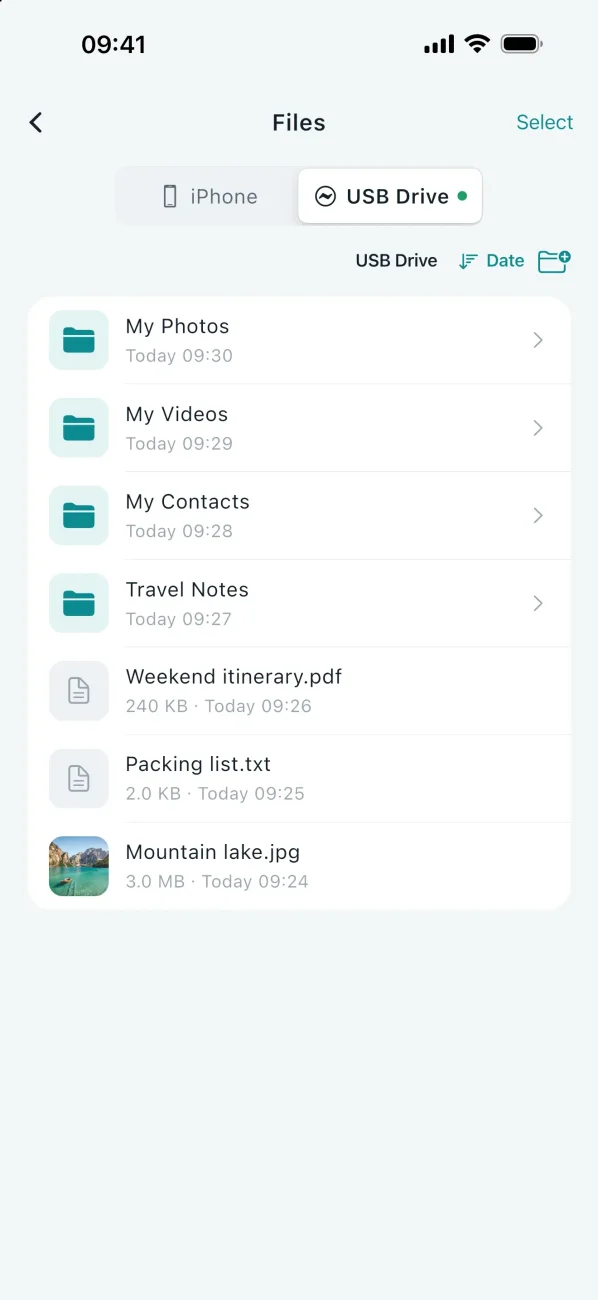
Organize files stored in MeBackup and on your compatible drive. Create folders, copy, move, rename, delete and share files. Receive photos, videos and files shared from other apps and choose where to save them.
CONTACTS BACKUP
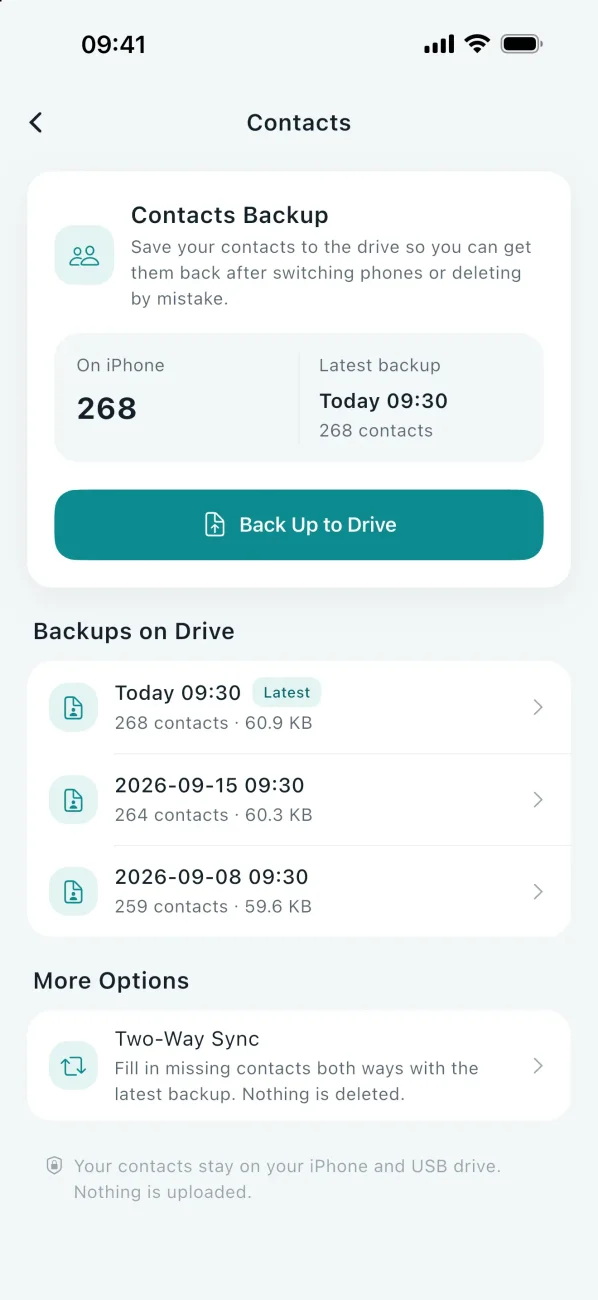
Save contact backups to your drive, preview saved backups and restore contacts to your iPhone. Two-way sync helps fill in missing contacts between your iPhone and the latest backup. Review the on-screen details before restoring or syncing.
PRIVACY LOCK
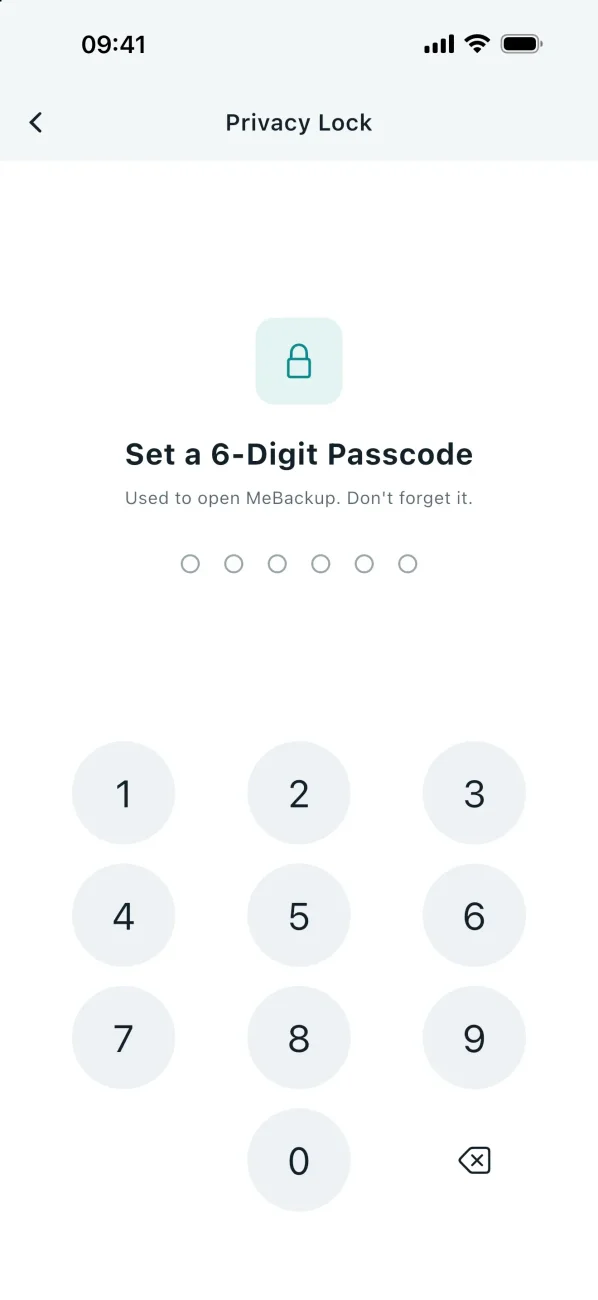
Control access to MeBackup with a six-digit passcode and optional Face ID or Touch ID on supported devices. Privacy Lock controls access to the app; it does not encrypt the contents of your drive.
YOUR BACKUPS, ON YOUR DEVICES
Backup content is stored on your own devices. MeBackup does not provide cloud hosting for your photos, videos, contacts or files. See the privacy policy for information about accessory verification, crash reports and diagnostic logs.
BEFORE YOU START
- Drive features require a compatible MeBackup external storage accessory. Compatibility depends on the accessory model, connector and iOS version; not all USB drives are supported.
- Allow access to Photos or Contacts when prompted to use the corresponding features.
- Keep the drive connected and MeBackup in the foreground during backups and transfers.
- Check your saved files before removing the originals.
Available in Simplified Chinese, English, Traditional Chinese, Japanese, Korean, German, French, Italian, Spanish, Portuguese, Russian and Arabic.
Neue Funktionen
Version 2.0.2 · 27.10.2026
Maintenance update.
App-Datenschutz
Was 金铃 梁 im App Store zum Umgang dieser App mit Daten angibt.
-
Keine Daten erfasst
Der Entwickler erfasst keine Daten von dieser App.
Die Datenschutzpraktiken können variieren, zum Beispiel je nach den von Ihnen verwendeten Funktionen oder Ihrem Alter.
Informationen
- Anbieter
- 金铃 梁
- Kategorie
- Lifestyle
- Version
- 2.0.2
- Aktualisiert
- 27.10.2026
- Veröffentlicht
- 01.10.2026
- Größe
- 70,8 MB
- Erfordert
- iOS 15.0 oder neuer
- Altersfreigabe
- 4+
- Preis
- Kostenlos
- Sprachen
- Englisch, Arabisch, Französisch, Deutsch, Italienisch, Japanisch, Koreanisch, Portugiesisch, Russisch, Vereinf. Chinesisch, Spanisch, Tradit. Chinesisch
- Copyright
- © 2026 MeBackup