MediaSwitcher for iOS
HD/IP Control System
Entwickelt für iPhone, iPad, iPod touch
Kostenlos
- Altersfreigabe4+
- KategorieLifestyle
- EntwicklerJust Add Software
- SprachenEnglisch
- Größe17,5 MB
Verlinkt auf die offizielle App Store-Seite
Download.org hostet keine Datei von MediaSwitcher for iOS. Die Schaltfläche öffnet die App-Seite bei App Store, wo Just Add Software die App veröffentlicht. Eintrag zuletzt geprüft am 14.11.2026.
Screenshots

Info
Der Entwickler hat diesen Text nicht in Ihrer Sprache bereitgestellt.
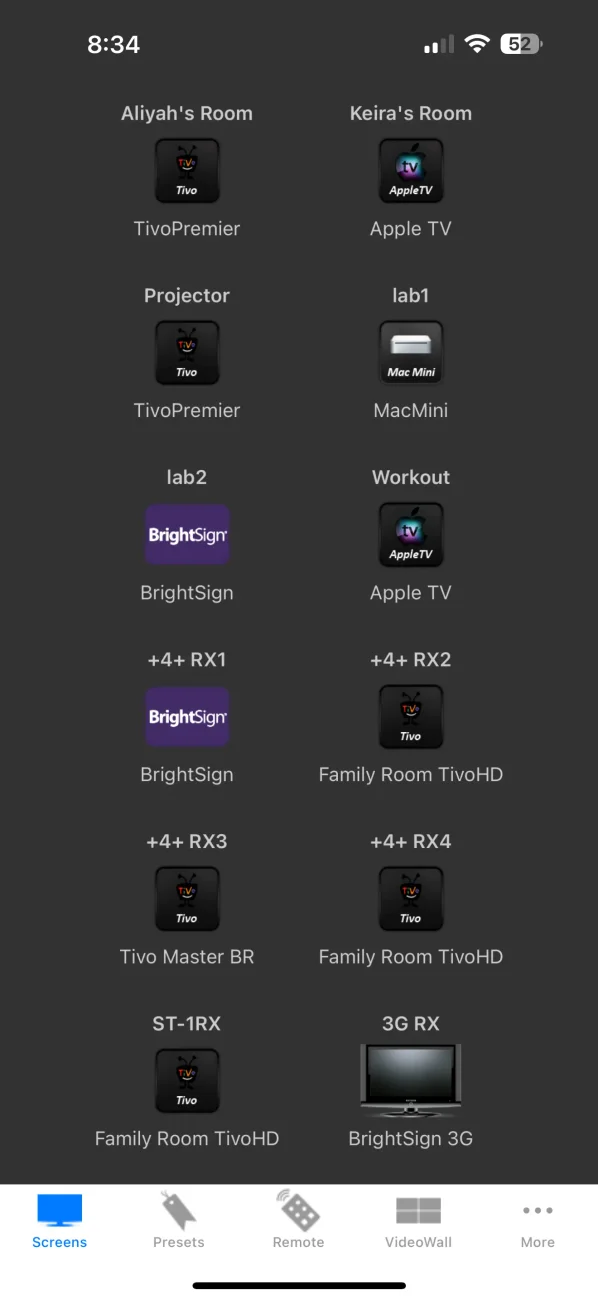
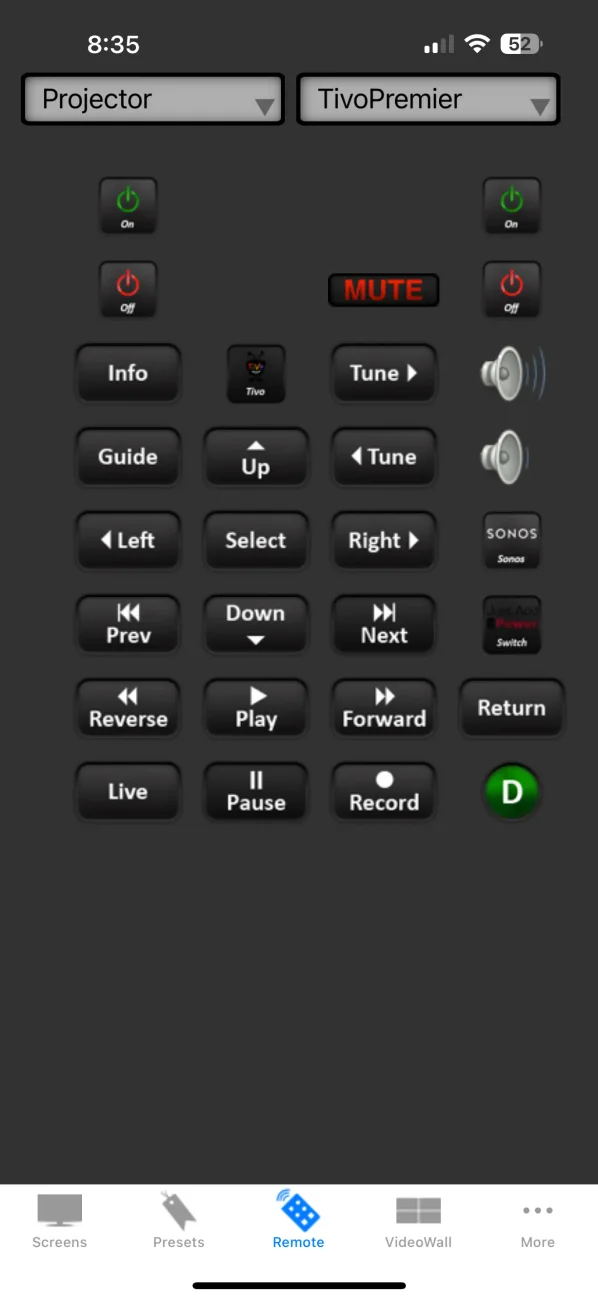
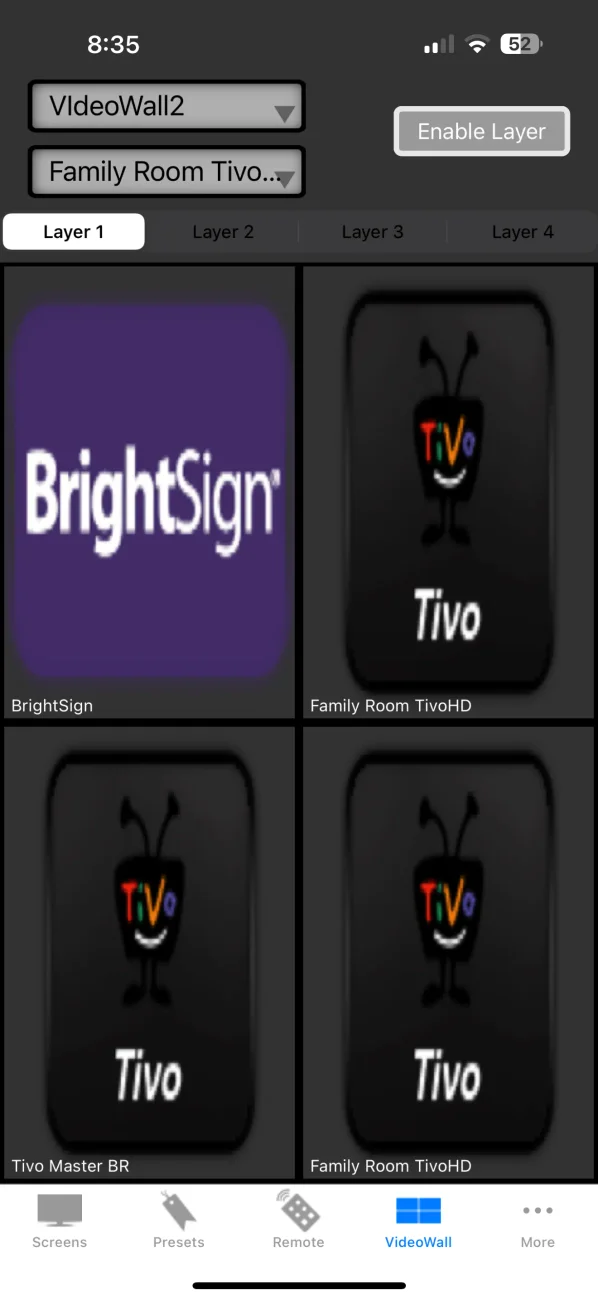
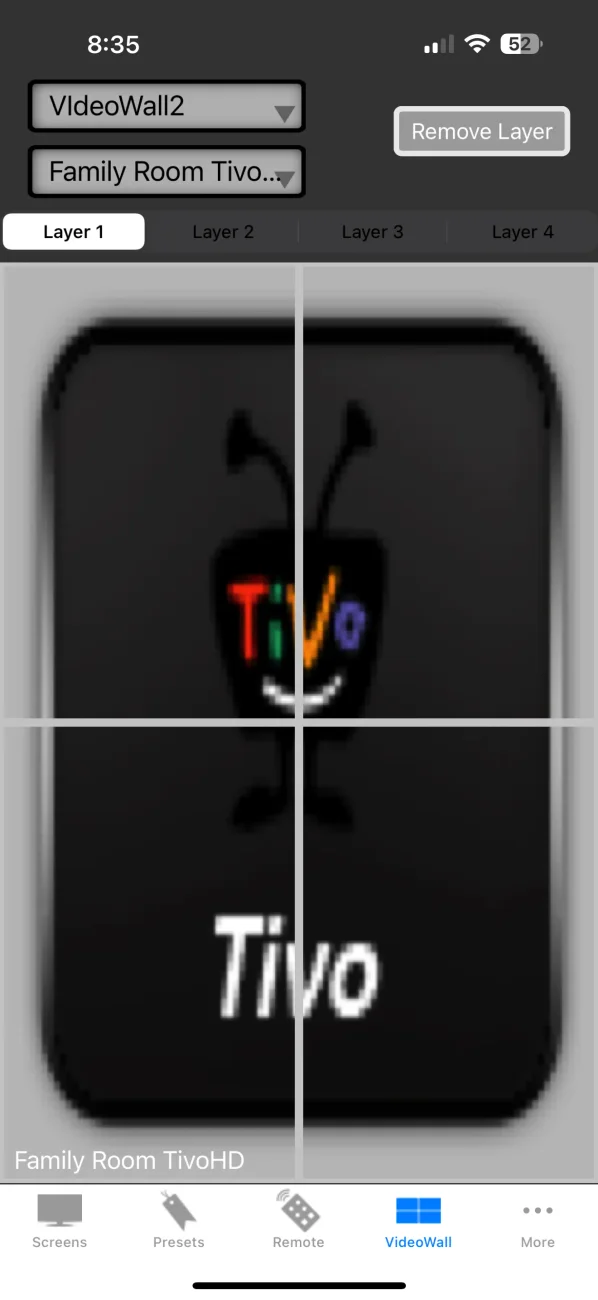
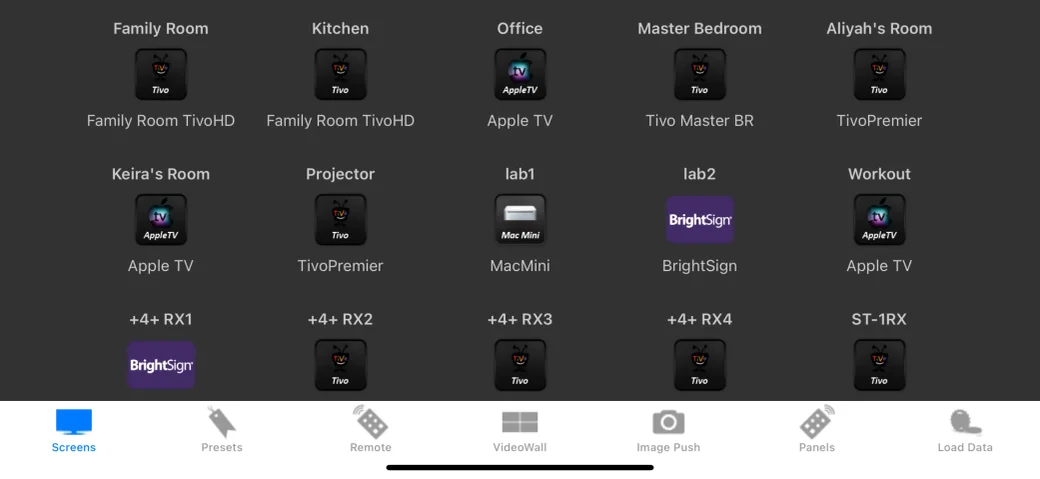
Control your Just Add Power HD over IP video system using MediaSwitcher's familiar interface - now on iOS. Tap a screen icon and select your video source from the menu that shows up. It couldn't be much simpler. Control your AV devices using IR panels. Access your presets, groups and sequences. Control your video walls simply by dragging your finger across the screen!
Unlike competing products we don't charge subscriptions to use our iOS app. MediaSwitcher for iOS also controls more than DirecTV - we work with and can control any device via IR, RS-232, HTTP, TCP/IP or CEC (some external hardware may be required)! Have unique remote control panels for each screen and source combination! Up to 122 buttons per remote panel!
Custom control layout and with system drawings are available just like on desktop (see pictures). MediaSwitcher for iOS will use the same background image and control layout just like the desktop app. If the image/layout is larger than the screen, the screen scrolls.
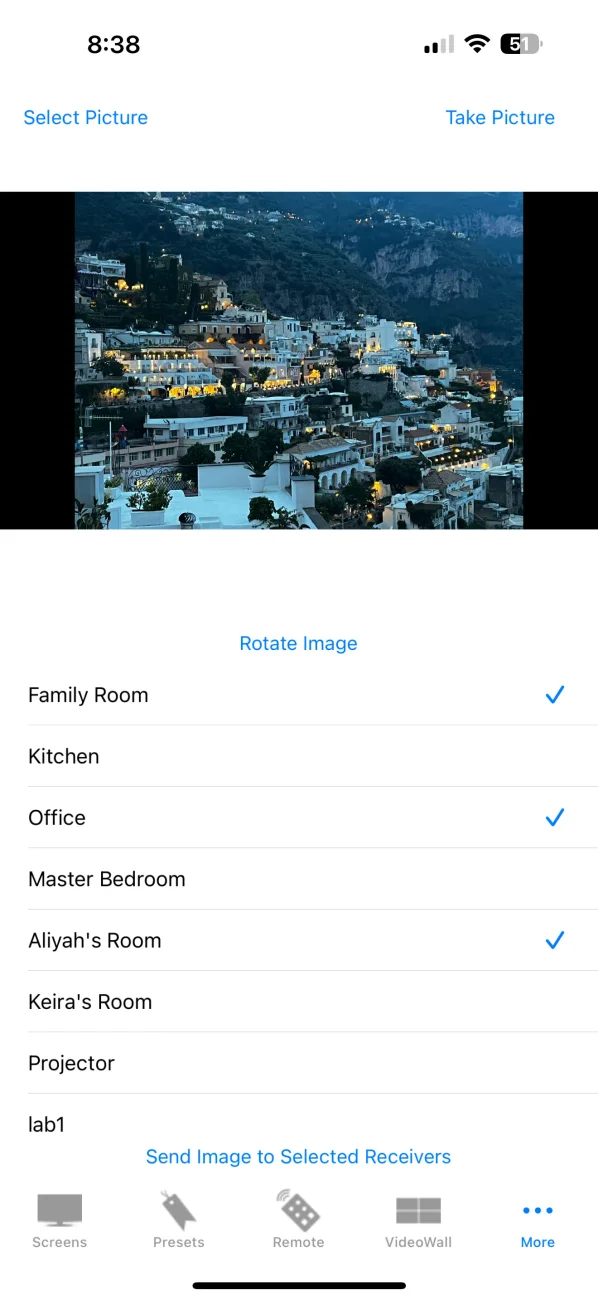
If you have a layer 3 compatible Just Add Power system, you can take images from your photo library or your camera and send them to any display in the system using our Image Push technology! Given instant recognition to your family, friends or customers!
All configuration is done via MediaSwitcher Desktop (available for OS X, Windows and Linux from our website). A fully licensed copy of MediaSwitcher Desktop (standard license or higher) is required to use MediaSwitcher for iOS. Desktop version 4.3 or later required.
Changes made in MediaSwitcher for iOS are automatically synchronized with our desktop and web software applications. Changes made in desktop or web are synchronized to IOS as well!
We give you flexibility and convenience in a control system for a cost that is far less than anything else available.
Limitations of iOS app compared to Desktop:
- All configuration changes need to be performed on the desktop. This includes saving presets, groups, etc.
- No image pull or MoreVue™ in version 1.0. This will be coming in future release
- MediaSwitcher for iOS does not have a maintenance window like desktop
- For Enterprise users, version 1 does not support user logins - all users currently have access to the full system. This will be addressed in a future release.
- +4+ Control is not available yet. This will be added to a future release
- Audio control for "plus" and "AVPro" devices not available in version 1.0 - will be added in a future release
- TwoWay AV Devices have limited functionality compared to desktop. Our desktop app allows for use of a robust scripting language that is not allowed in iOS.
- All scheduled automations still will require desktop or web to run (MediaSwitcher for iOS can run any automation that is programmed to a remote panel button.
Questions, comments, feature requests and bug reports are all welcomed via our support email - support@justaddsoftware.net
Please note: By using this software, you continue to accept the license terms granted you when you began using our desktop software.
MediaSwitcher for iOS is sold as-is without any express or implied warranties.
Neue Funktionen
Version 1.3.6 · 22.10.2026
Fixed an issue that prevented Video Wall Controls using API commands from things like remote panel buttons, automations, etc.
App-Datenschutz
Was Just Add Software im App Store zum Umgang dieser App mit Daten angibt.
-
Keine Daten erfasst
Der Entwickler erfasst keine Daten von dieser App.
Die Datenschutzpraktiken können variieren, zum Beispiel je nach den von Ihnen verwendeten Funktionen oder Ihrem Alter.
Informationen
- Anbieter
- Just Add Software, LLC
- Kategorie
- Lifestyle
- Version
- 1.3.6
- Aktualisiert
- 22.10.2026
- Veröffentlicht
- 07.12.2020
- Größe
- 17,5 MB
- Erfordert
- iOS 15.0 oder neuer
- Altersfreigabe
- 4+
- Preis
- Kostenlos
- Sprachen
- Englisch
- Copyright
- © 2026 Just Add Software, LLC