meh.md - Markdown & nice sync
Boringly good note-taking
Entwickelt für iPhone, iPad
Kostenlos
- Altersfreigabe4+
- KategorieProduktivität
- EntwicklerAndreas Skorczyk
- SprachenEnglisch
- Größe28,8 MB
Verlinkt auf die offizielle App Store-Seite
Download.org hostet keine Datei von meh.md - Markdown & nice sync. Die Schaltfläche öffnet die App-Seite bei App Store, wo Andreas Skorczyk die App veröffentlicht. Eintrag zuletzt geprüft am 23.11.2026.
Screenshots
Info
Der Entwickler hat diesen Text nicht in Ihrer Sprache bereitgestellt.
The note-taking app of my dreams - that was the goal of this app.
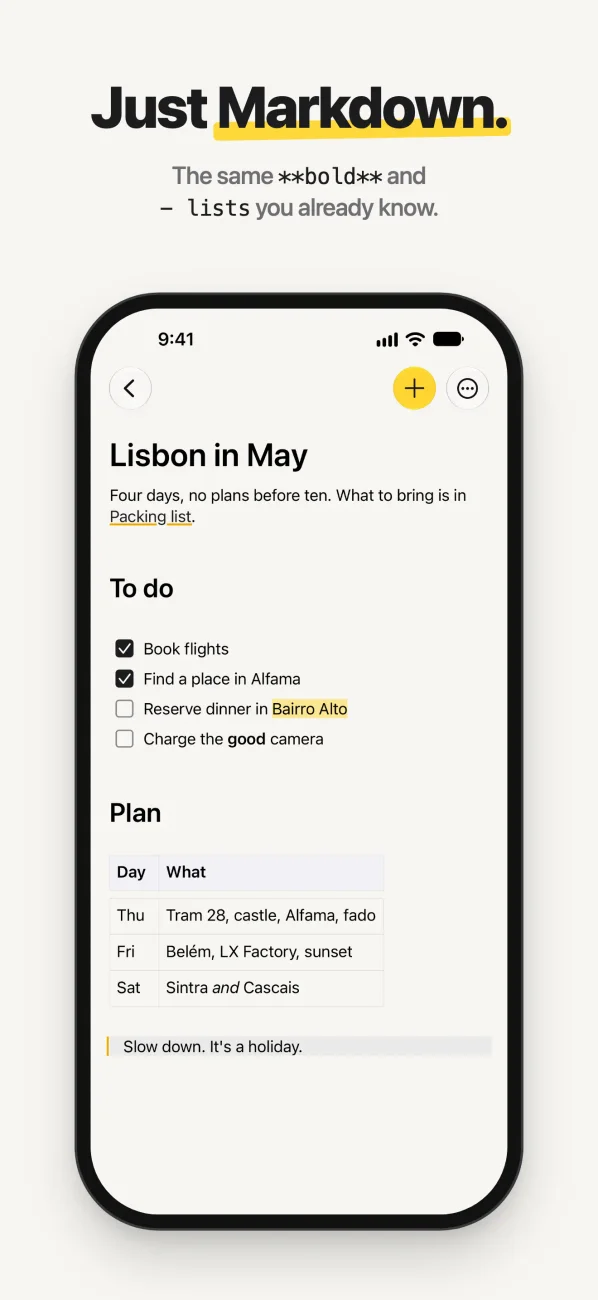
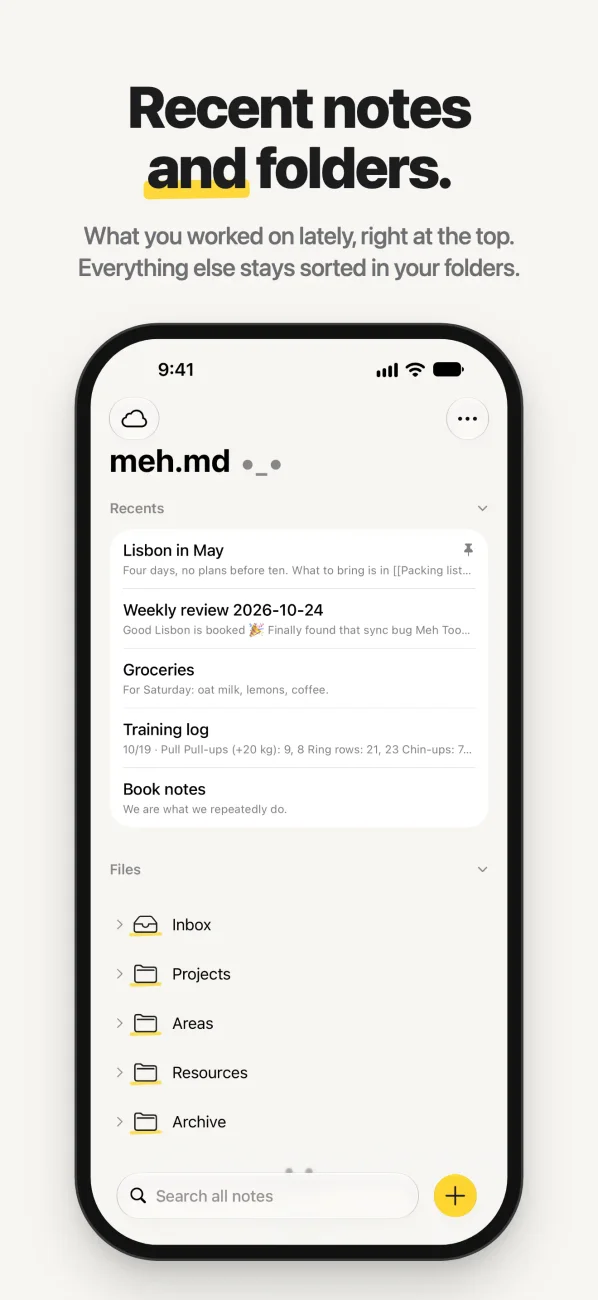
Markdown first, minimalistic, and having a great sync. It’s not meant as an Obsidian replacement, but borrows some of its (and other plugins') features that were most useful to me, including:
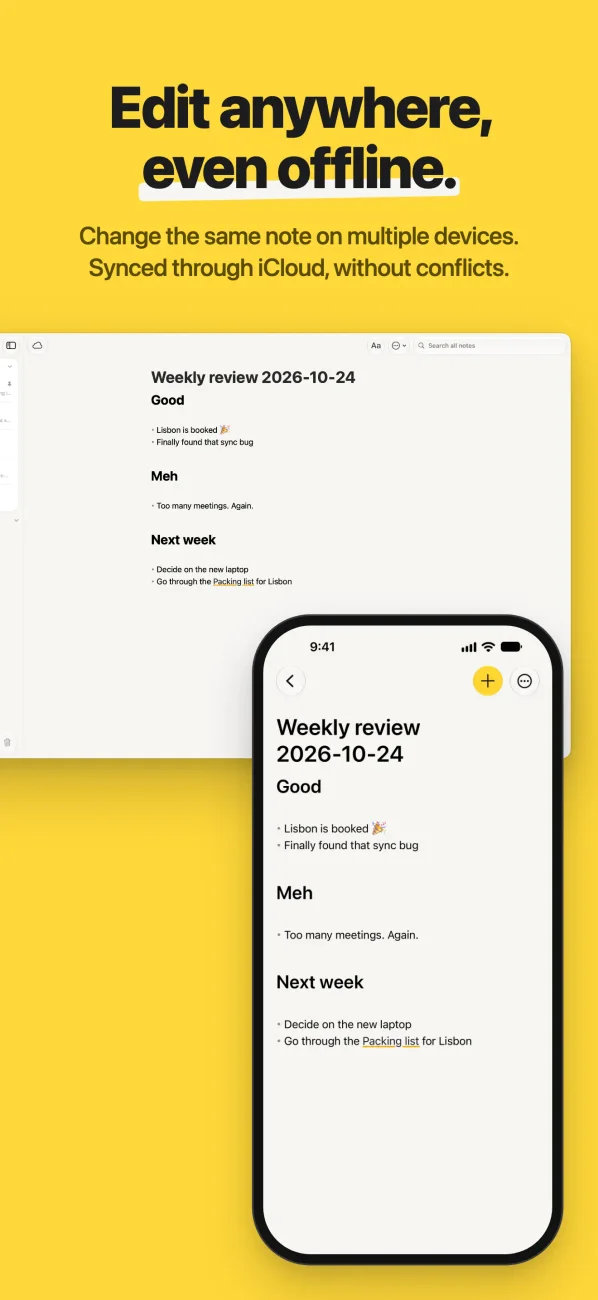
- Pretty nice iCloud* sync: You can edit the same note on multiple devices, and don't need to worry about conflicts
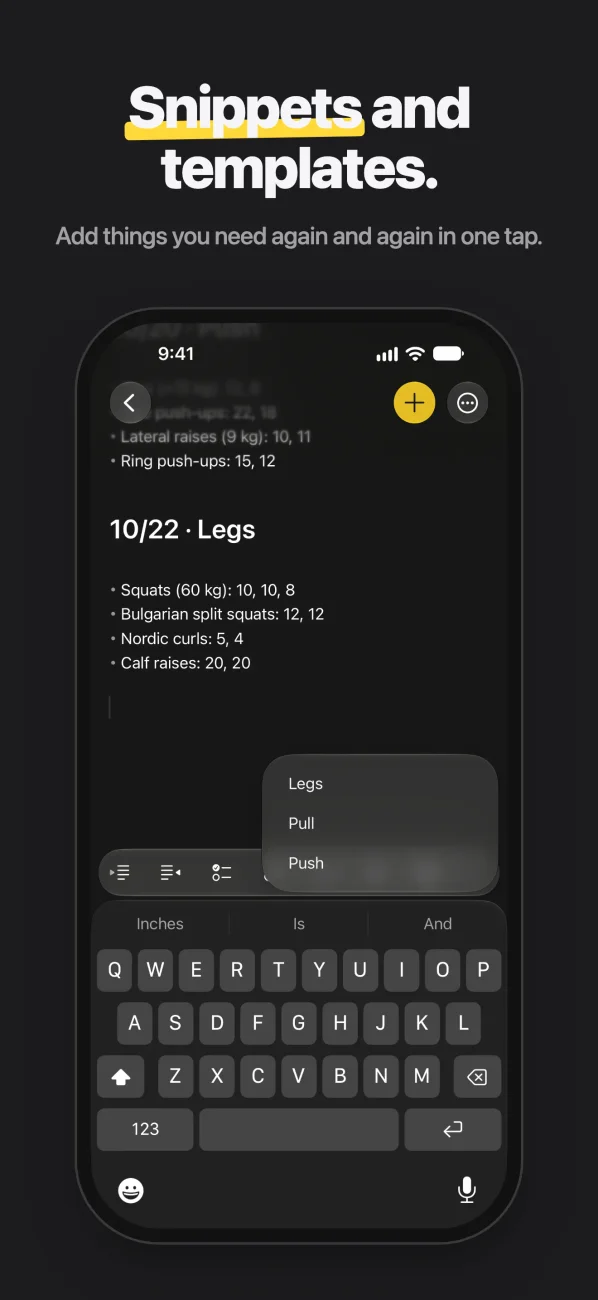
- Snippets and templates
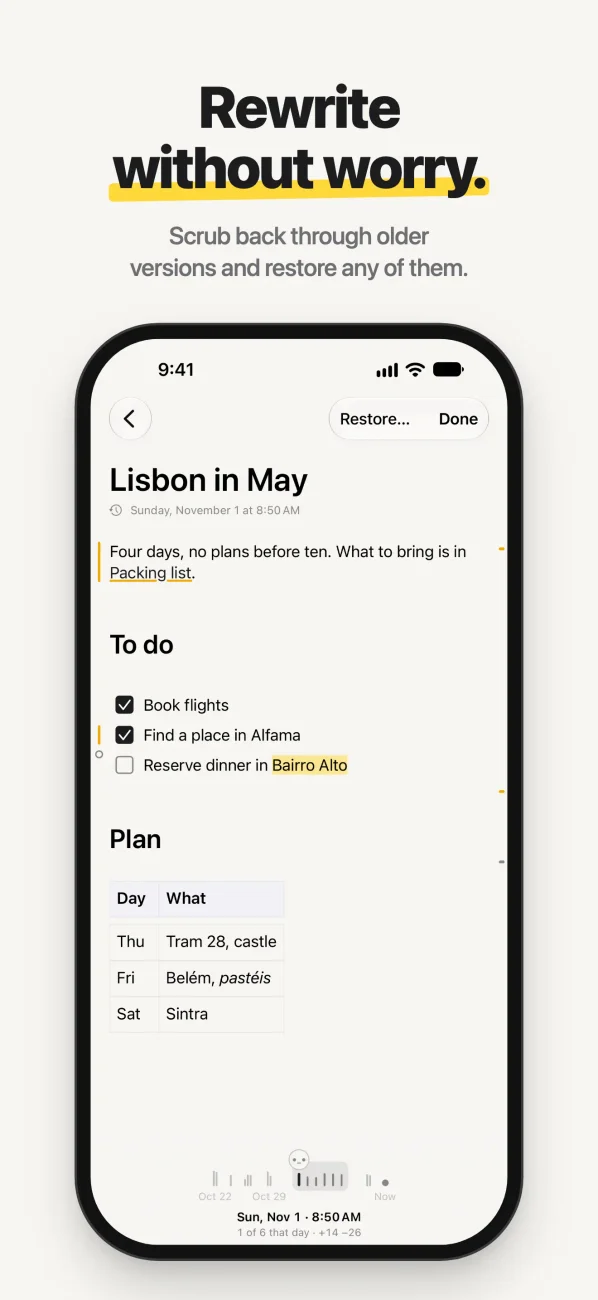
- Version history (which gives me peace of mind when rewriting notes)
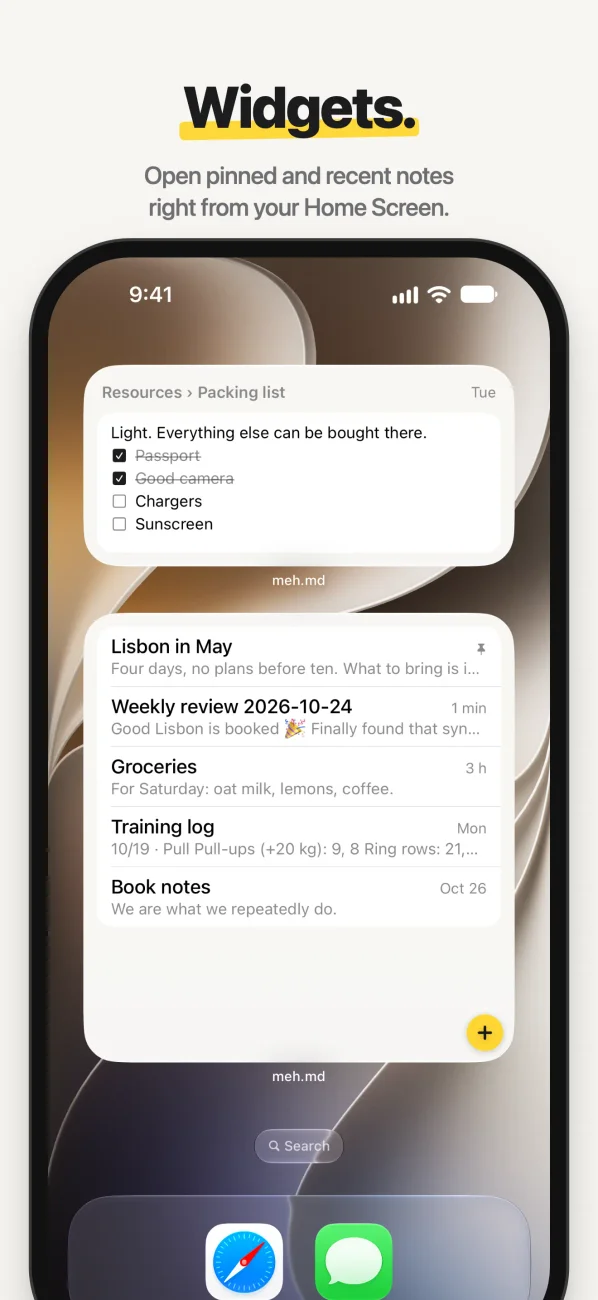
- Widgets, so you can open pinned and recent notes directly from your Home Screen
- (Back)links
- iPhone, iPad, and Mac support
- ..and: no need for yet another account or subscription!
But why is it called meh? Well.. First of all I found it funny. It also sounded like “my” (because it’s MY Markdown app), and it should be a bit.. Meh. Nothing too fancy; an app that Just. Works.
Maybe it works for you too? :)
*there is also support for S3-compatible storage for the nerds, but it is still “in beta”
Neue Funktionen
Version 0.33.0 · 20.11.2026
New:
• Folders now have their own page that shows their notes in more detail, as a list or as cards, while the sidebar keeps the overview. Tap a folder's name to open it.
• Create notes quickly from Control Center, the Lock Screen, the Action button, Shortcuts or Siri.
• The sidebar can show a preview of each note (Settings › Appearance).
• Easier table editing.
• Undo moving a note with ⌘Z or by shaking the device.
Improvements and fixes:
• Improved sync, which now also runs in the background on iPhone and iPad.
• Clearer menus, search and Settings, and many smaller design improvements on all devices.
• Lots of smaller bug fixes.
App-Datenschutz
Was Andreas Skorczyk im App Store zum Umgang dieser App mit Daten angibt.
-
Keine Daten erfasst
Der Entwickler erfasst keine Daten von dieser App.
Die Datenschutzpraktiken können variieren, zum Beispiel je nach den von Ihnen verwendeten Funktionen oder Ihrem Alter.
Informationen
- Anbieter
- Andreas Skorczyk
- Kategorie
- Produktivität
- Version
- 0.33.0
- Aktualisiert
- 20.11.2026
- Veröffentlicht
- 06.11.2026
- Größe
- 28,8 MB
- Erfordert
- iOS 27.0 oder neuer
- Altersfreigabe
- 4+
- Preis
- Kostenlos
- Sprachen
- Englisch
- Copyright
- © 2026 Andreas Skorczyk
Das könnte Ihnen auch gefallen
-
 TheoTimerProduktivität
-
 Meekspace Door2DoorProduktivität
-
 Outline ManagerProduktivität
-
 TheoPad: Notizbuch zur BibelNotizen für Studium & Vorträge
-
 Proaneer: Field Service HelperProduktivität
-
 Shepherd - FSGOsProduktivität
-
 JW Event NotesProduktivität
-
 Zeal - Congregation AssistantProduktivität
-
 Life and Ministry ChairmanProduktivität
-
 House-to-HouseProduktivität